 Tristan Muzzu
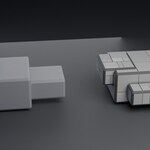
Cut panel lines into an existing mesh
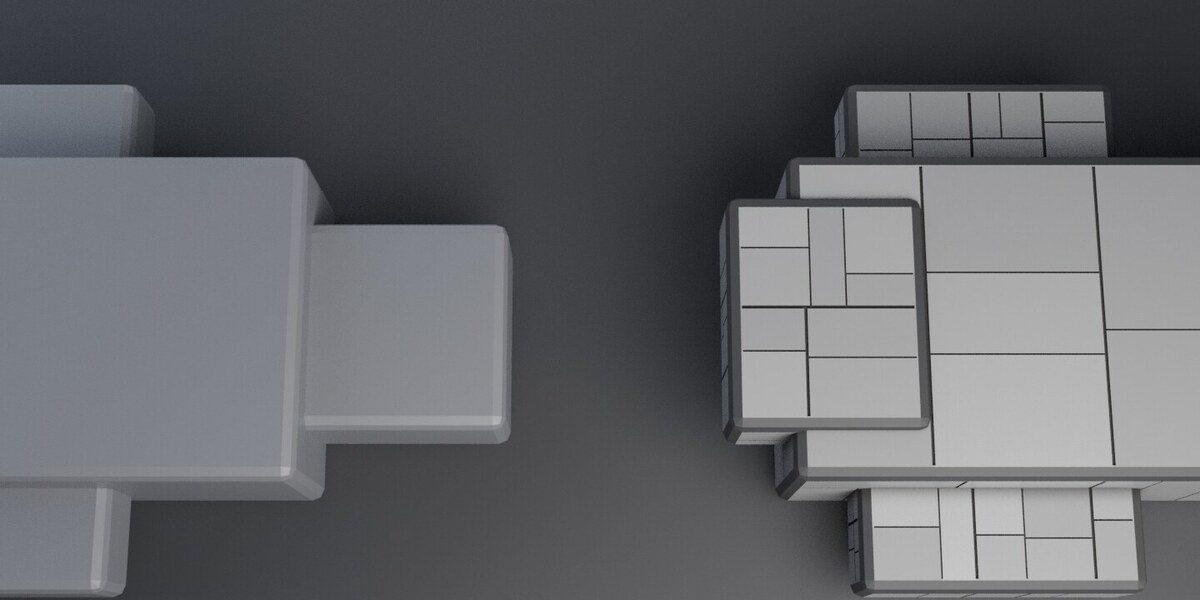
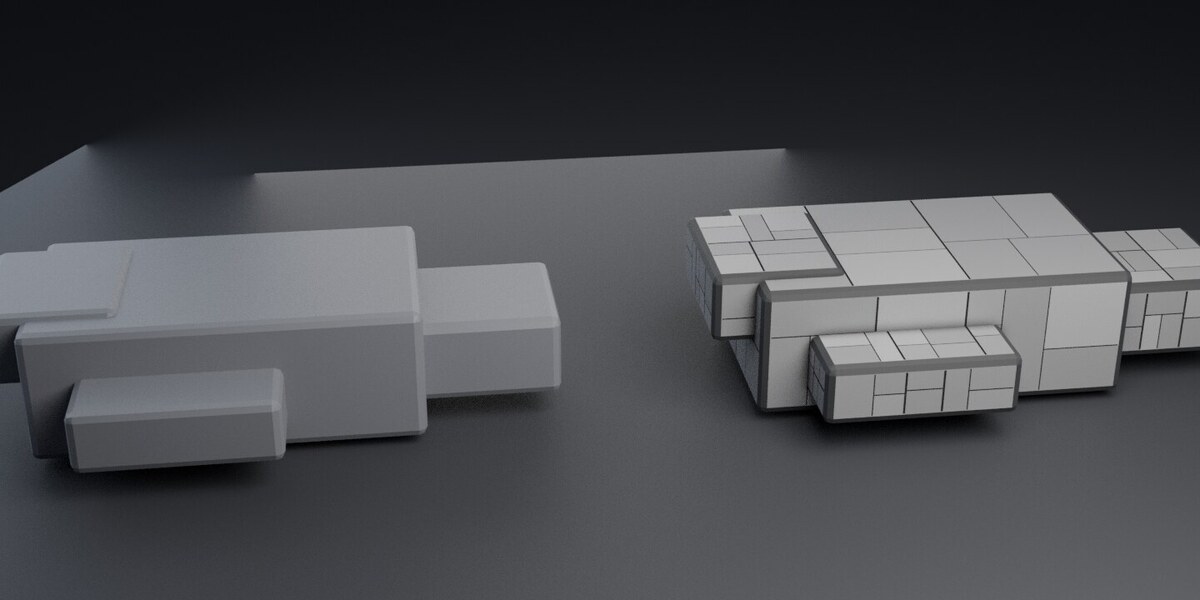
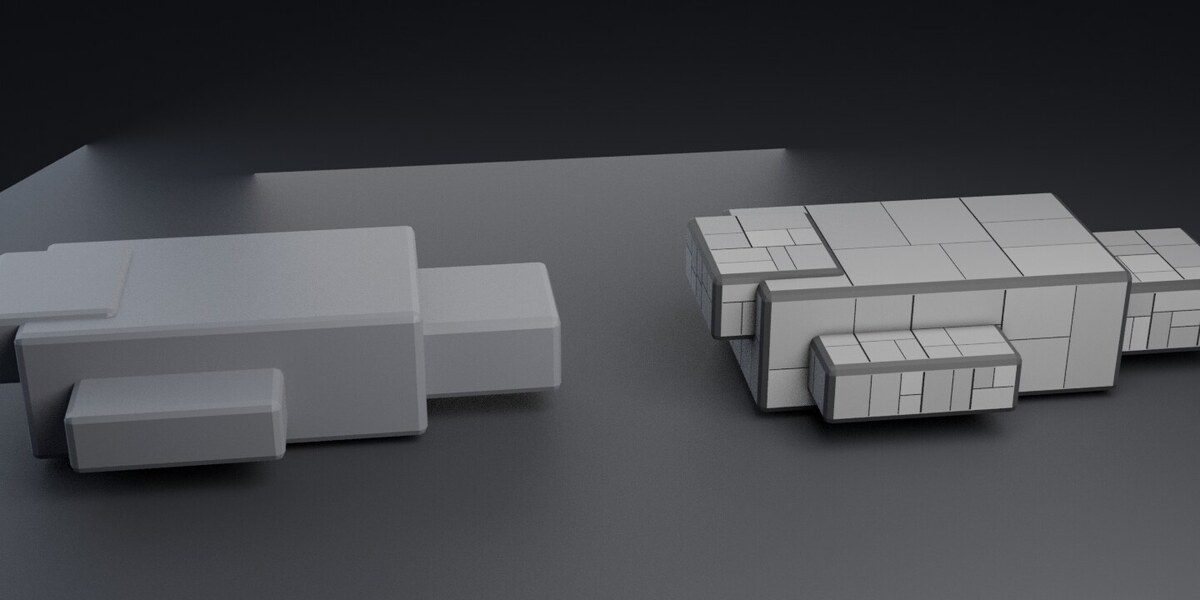
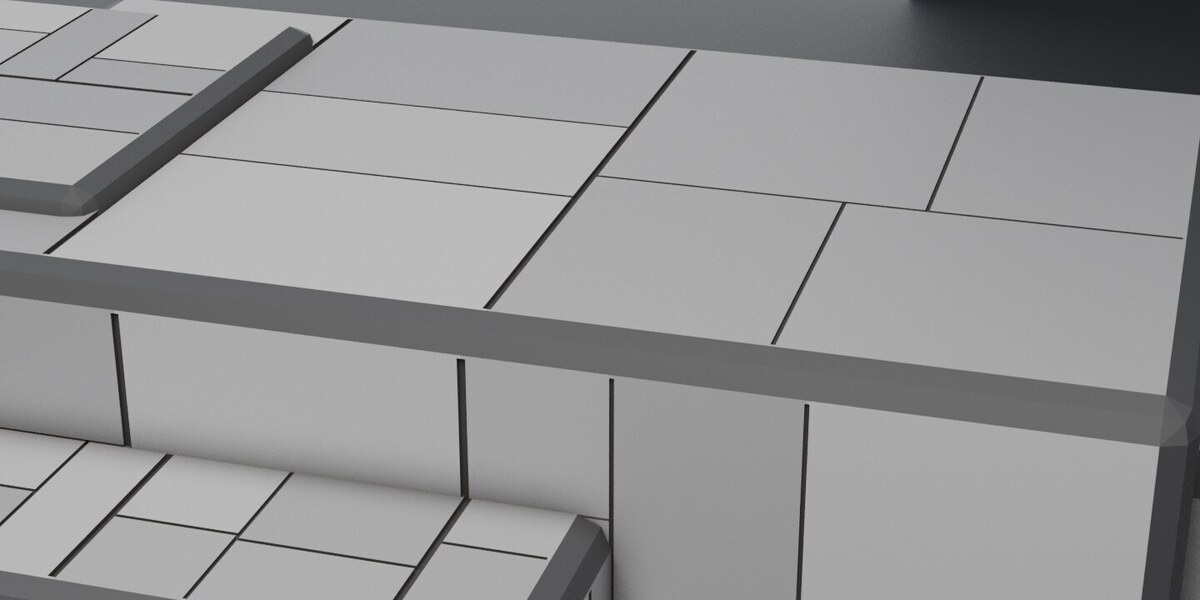
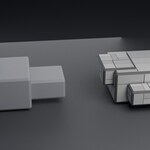
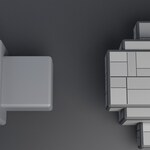
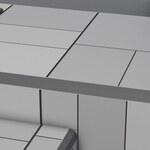
LineForge divides flat surfaces into panels with recessed grooves. Use it on hulls, walls and other hard-surface models where you want the seams to have depth, including in close-up renders and exported meshes.
Coplanar faces are treated as one area, so subdividing a wall does not turn it into a grid of tiny panels. The layout varies panel sizes, follows existing cuts where possible and lines up seams where neighbouring areas meet. Change the seed for a different layout.
Control the width and depth
The main seams can be wider and deeper than the smaller cuts. Adjust both to suit the scale of your model, or turn off heavy seams for an even width throughout.
An optional bevel softens the groove edges. Objects without materials can also receive a panel material with slight tonal variation and darker seams. If you prefer your own shader, the panel face attribute gives each panel a separate value and marks seams with zero.
Works on flat areas
Curved surfaces are left unchanged. Grooves line up across neighbouring flat areas, but each cut stops at its area's edge. LineForge can follow an existing edge in the mesh; it cannot follow a separate plate that simply rests on top.
Download and installation
Includes LineForge 0.5.0 and its manual. Supports Blender 3.6 through 5.2. On Blender 4.2 and newer, drag the ZIP into the Blender window or use Install from Disk. On older versions, install it through Preferences > Add-ons. Licensed under GPL v3.
For help or bug reports, use the contact link on this page. Include your Blender version and the steps that led to the problem.
Also available in the Sci-Fi Hard Surface Bundle: PanelForge, LineForge, WearForge and the six-piece Sci-Fi Corridor Kit for $9.99. The three add-ons alone cost $14.97 bought separately; the corridor kit is included at no extra cost.
