Lion - 3D Cartoon Mascot in Blender
 ThreeDee One


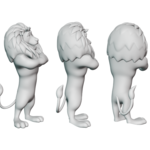
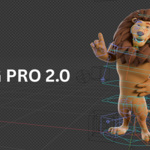
ThreeDee One · Cartoon Lion Mascot Guide
Open your character
Extract your downloads, open the Blender project, and save a working copy. Keep the accompanying textures with the project.
Pose and customize
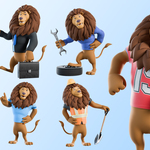
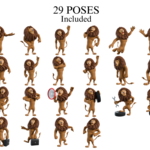
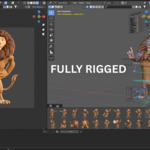
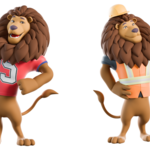
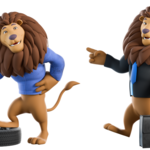
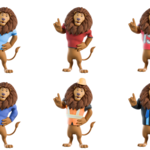
Choose a supplied pose or select the rig and use Pose Mode to adjust the body and facial controls. Switch between red and blue shirts, a construction outfit, jersey, mechanic outfit, and suit. Customize outfit colors and materials in Blender.
Facial animation
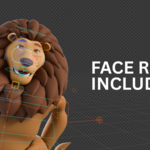
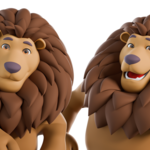
Use the ARKit blendshapes, lipsync mouth shapes, and prepared facial expressions for dialogue and reactions.
Use the included formats
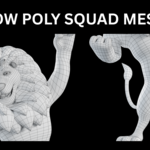
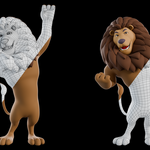
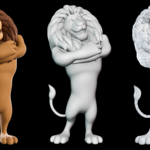
The download includes Blender files and FBX, GLB, and OBJ models. Open the Blender project for native controls, or import the supplied exports into your 3D application.
Help and custom work
For product help or custom 3D modeling and animation, contact Samuel at [email protected]. Custom services are quoted separately. Discover ThreeDee's work and services.
 Included
Includes 12 months of
- Support from ThreeDee One
- Product updates
Extend this product’s Support Period +12 months: 50% of product price
Have questions before purchasing?
Login to message
| Dev Fund Contributor | |
| Published | about 1 year ago |
| Blender Version | 4.0 - 5.2 |
| Render Engine Used | Cycles, Eevee |
| Misc Data | Uvs-Unwrapped, Rigged, Low-High-Resolution, Textured |
| License | Royalty Free |