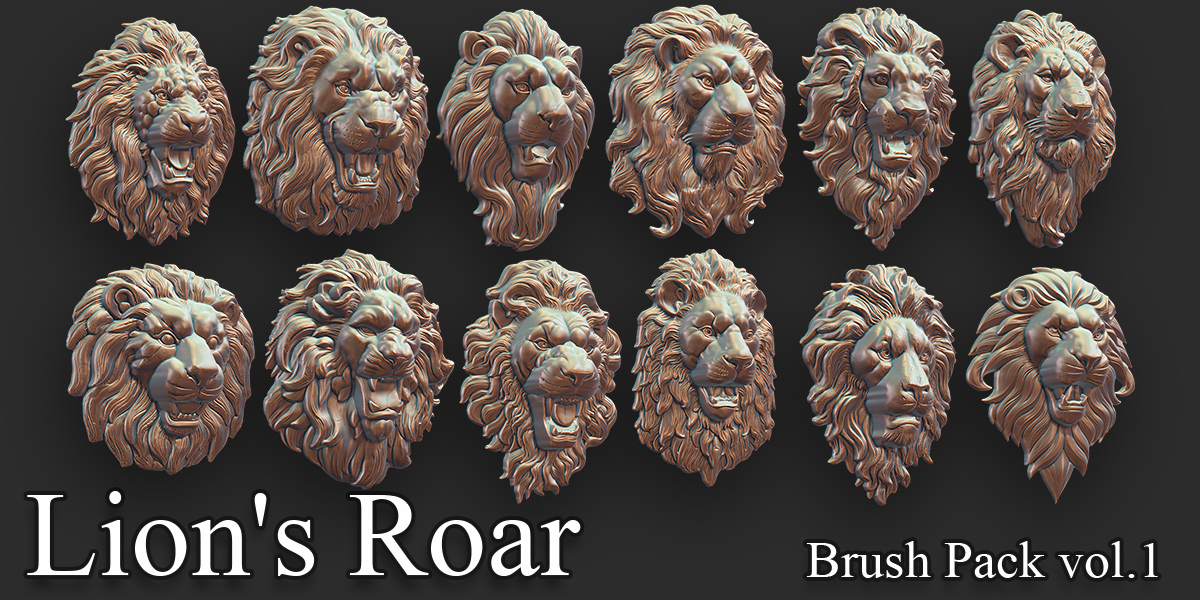
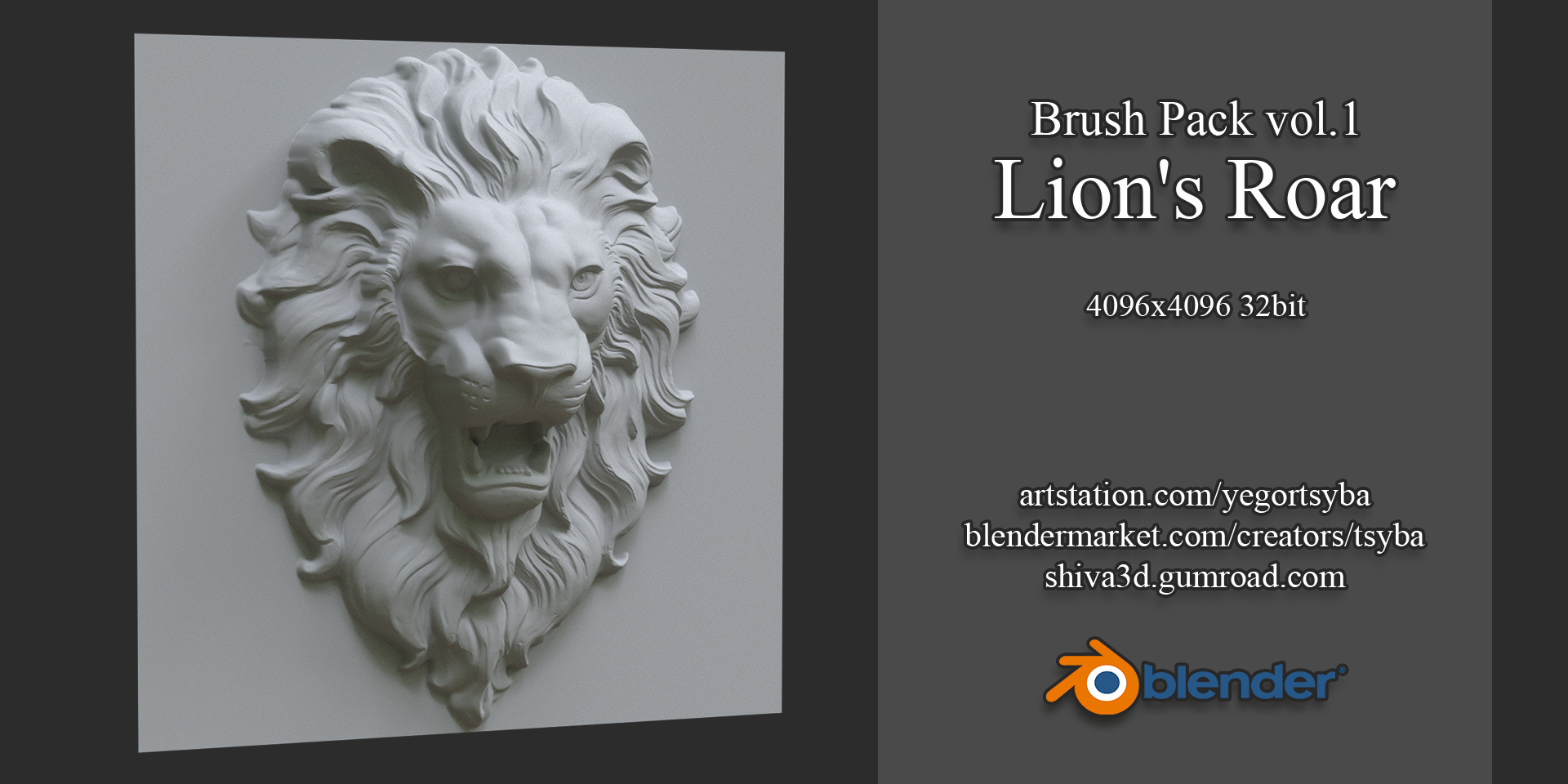
Sculpting Displacement (Alphas) and Brush Pack 1 - Lion's Roar
 Yegor Tsyba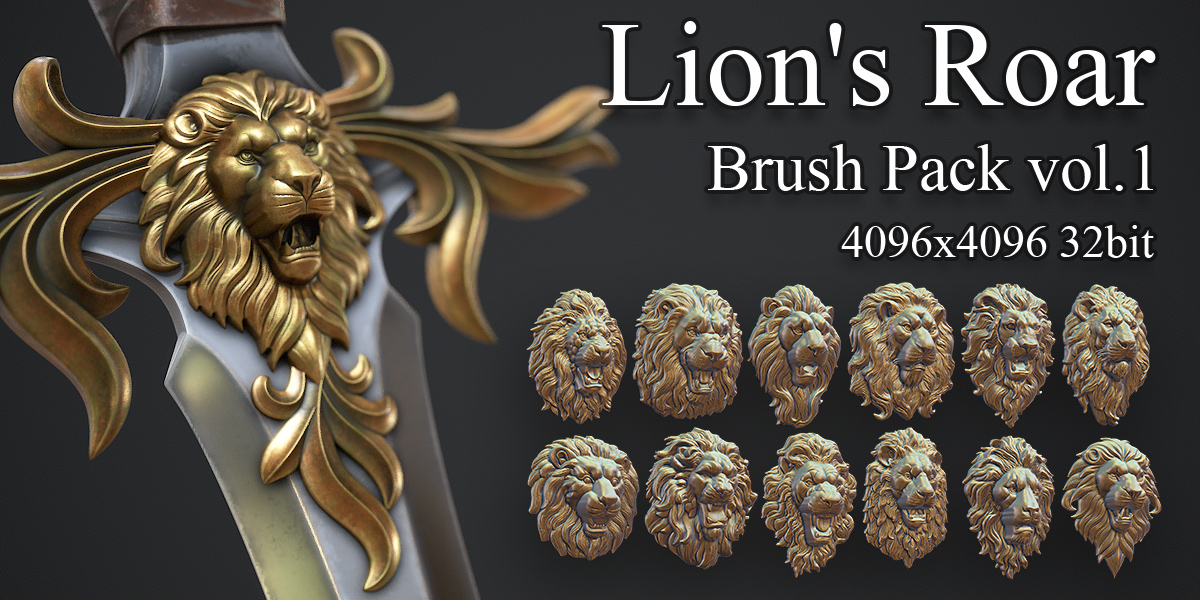
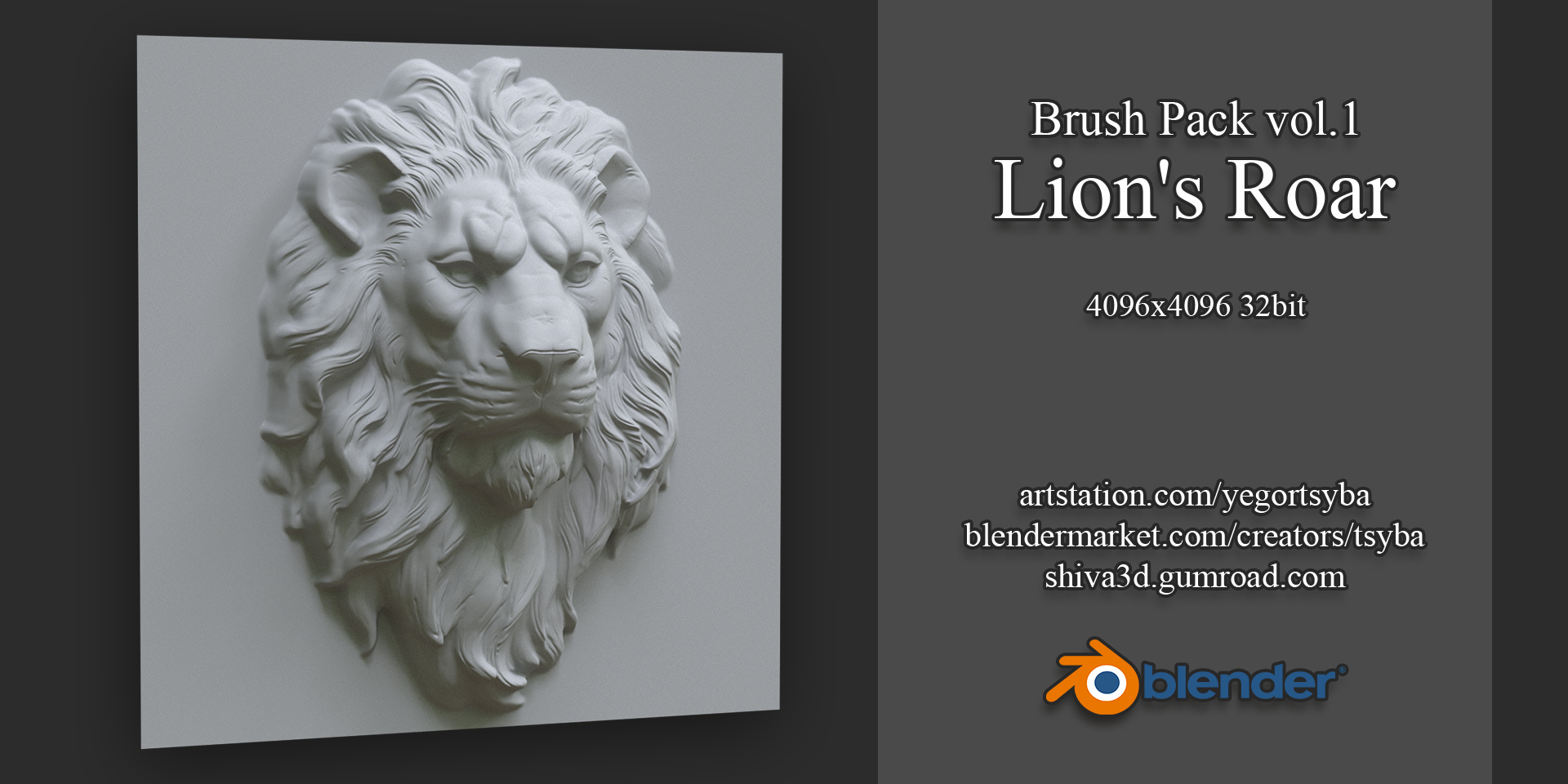
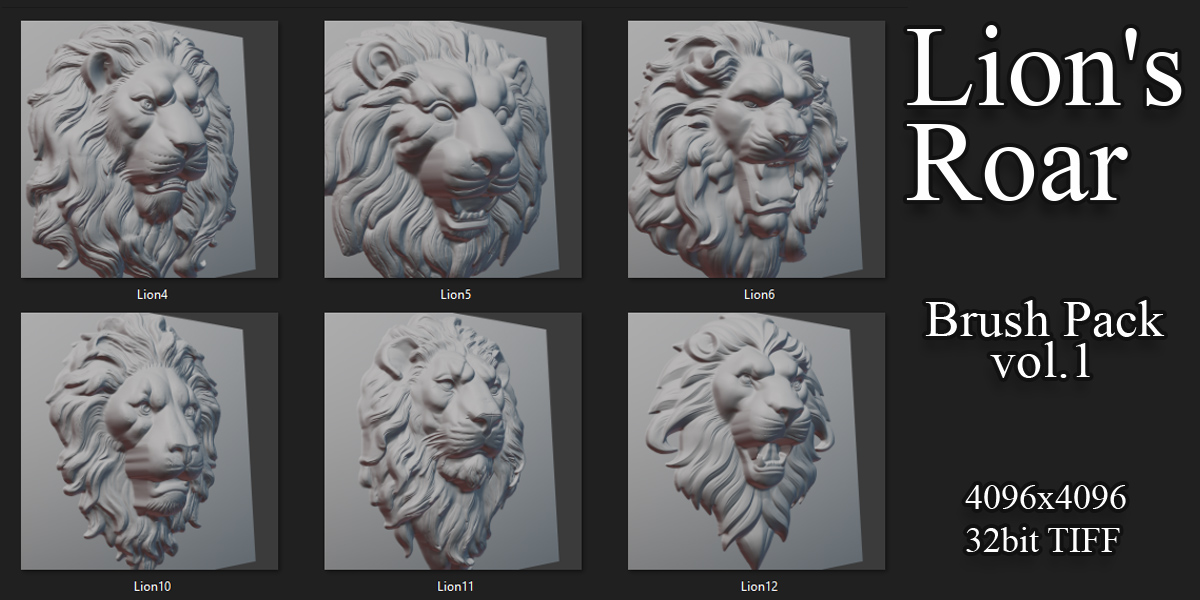
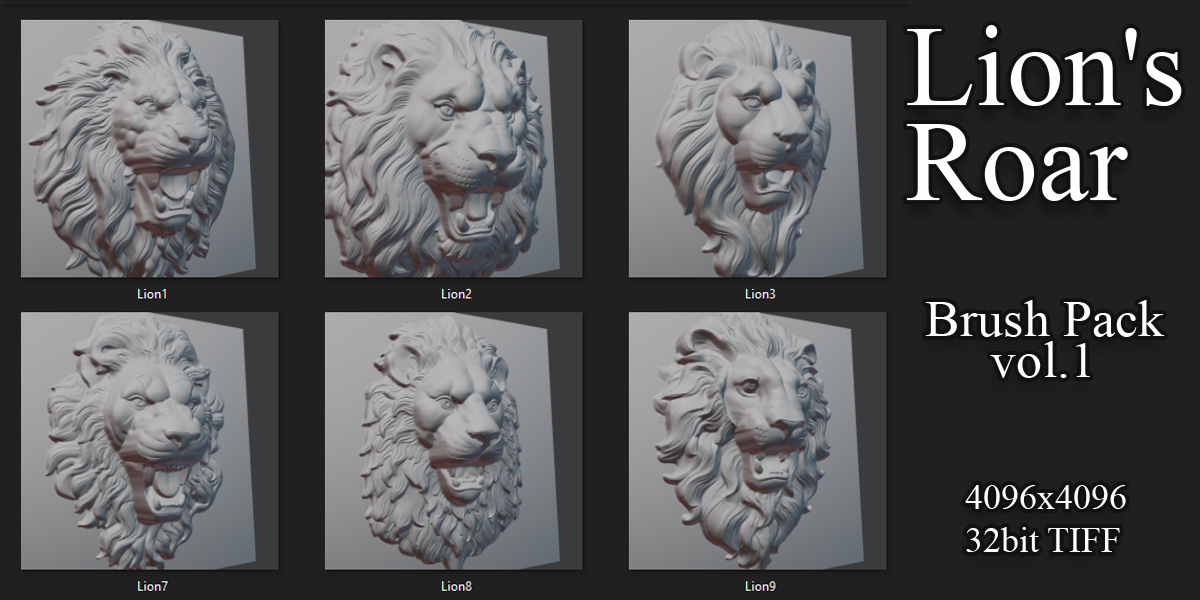
- Download and unpack the ZIP file containing the Blender file and additional folders.
- In Blender, go to File > Append, and choose the unpacked Blender file.
- Inside the Blender file structure, open the Brush folder and select all the provided brushes to append.
- Append! Your brushes will appear in the Sculpting workspace under Tools > Brushes.
- Start creating some art!
Have questions about this product?
Login to message
| Sales | 10+ |
| Published | over 2 years ago |
| Blender Version | 4.2, 4.1, 4.0, 3.6 |
| License | Royalty Free |
Discover more products like this
animal sculpture coat-of-arms medieval Bas Relief Brush zbrush decor architectural fantasy Sculpt relief armor alpha mascaron low-relief displacement Lion Head lion