Lithophane Maker
 Sonneblom Digitaal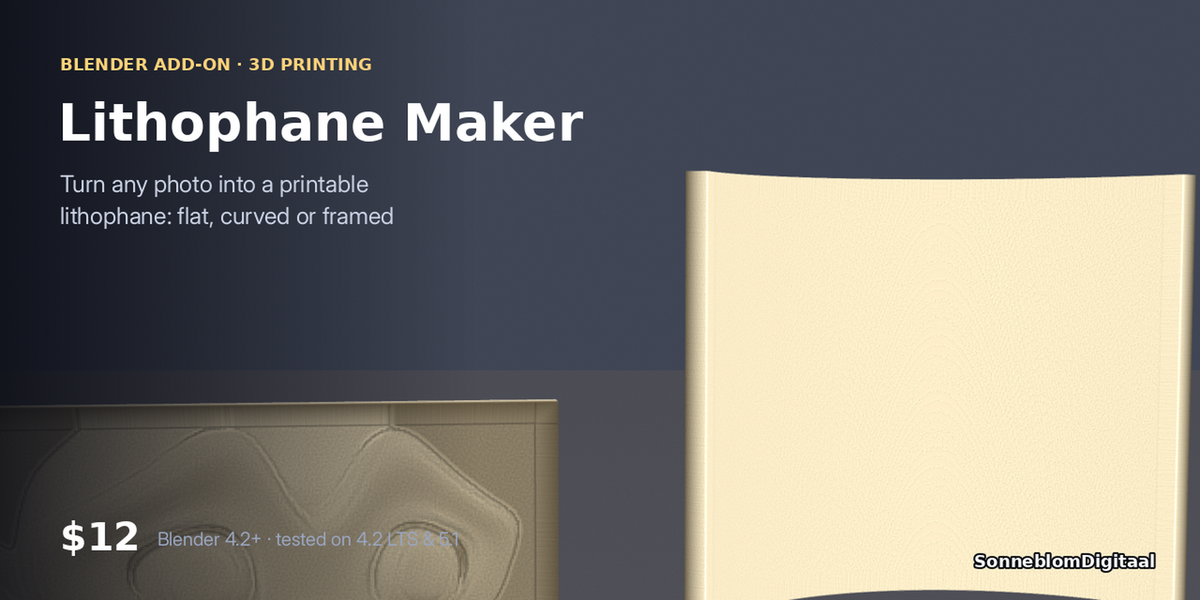
Version 1.0.1 · Blender 4.2 or newer · tested on 4.2 LTS and 5.1
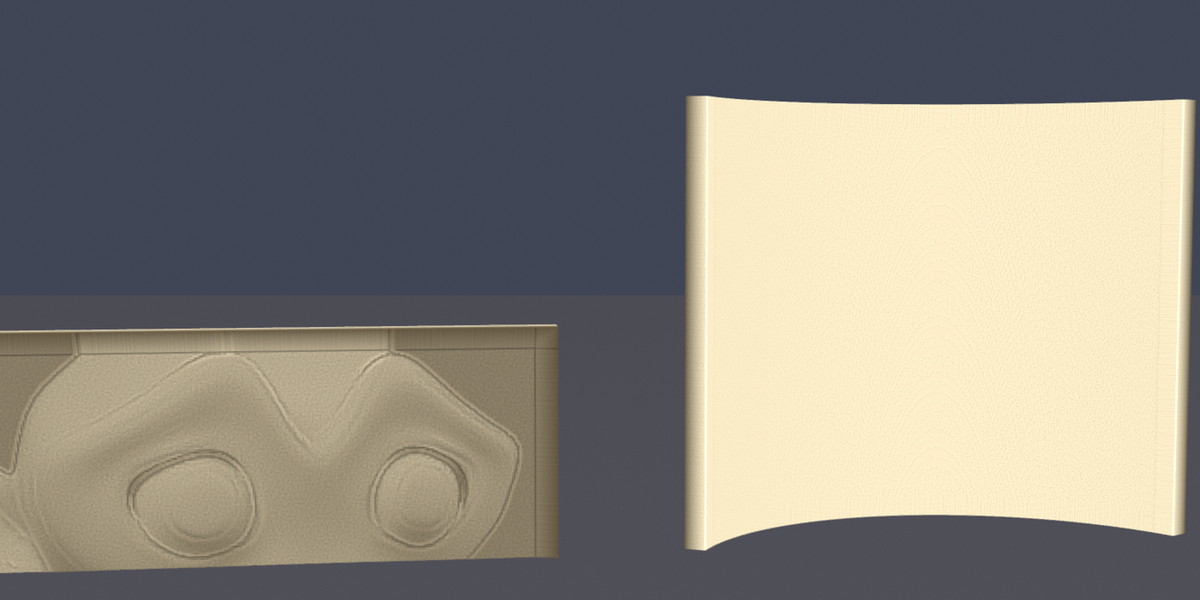
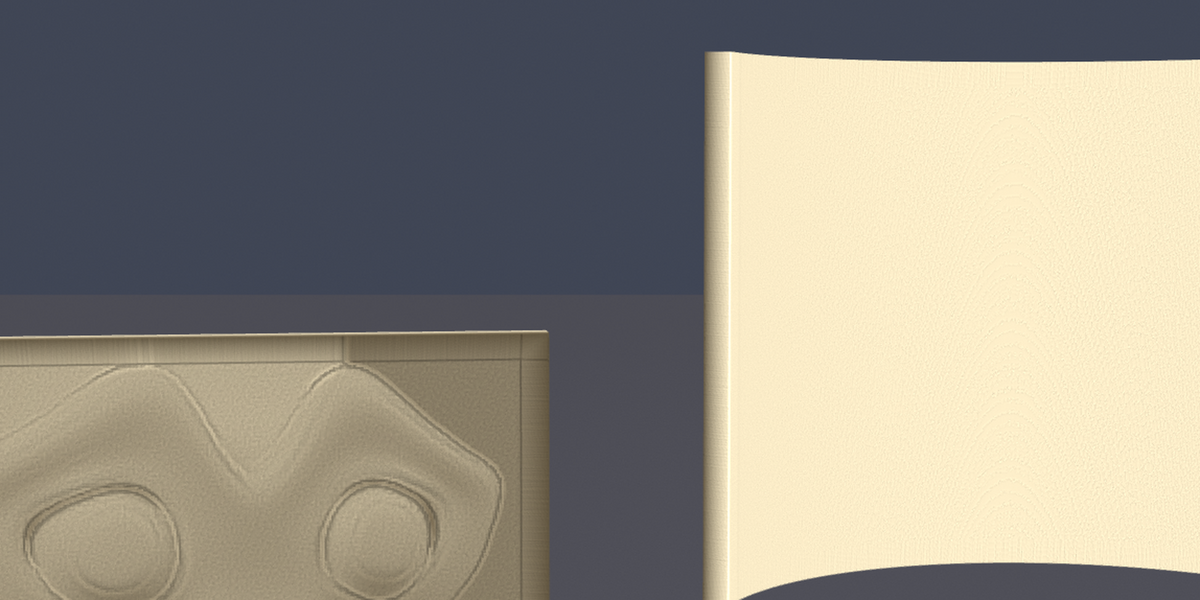
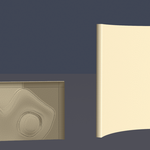
Hold it to the light and the photo appears. Pick a photo, set the size and thickness range, add a frame or a curve so it stands on its own, and get a watertight mesh to slice. A favourite for gifts, night lights and Etsy shops.
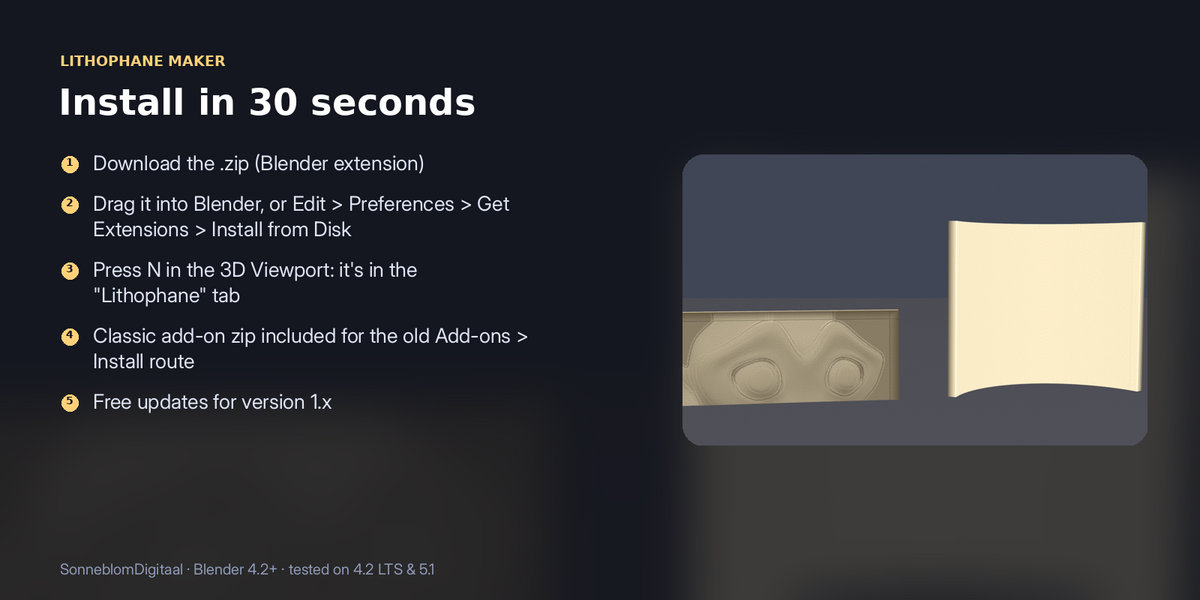
1. Install
The download contains two files. Use the one that matches how you install add-ons:
- lithophane_maker-1.0.1.zip (Blender extension, recommended): in Blender go to Edit > Preferences > Get Extensions, open the drop-down arrow at the top right, choose Install from Disk… and pick the zip. Do not unzip it.
- lithophane_maker-1.0.1-legacy.zip (classic add-on folder): Edit > Preferences > Add-ons, drop-down arrow, Install from Disk…. Use this one if you manage add-ons as folders.
Make sure it is enabled, then in the 3D Viewport press N and open the Lithophane tab. It has no extra dependencies.
2. How to use it
- Pick a Photo (any image Blender can open).
- Set the width in mm. Height follows the photo's aspect ratio.
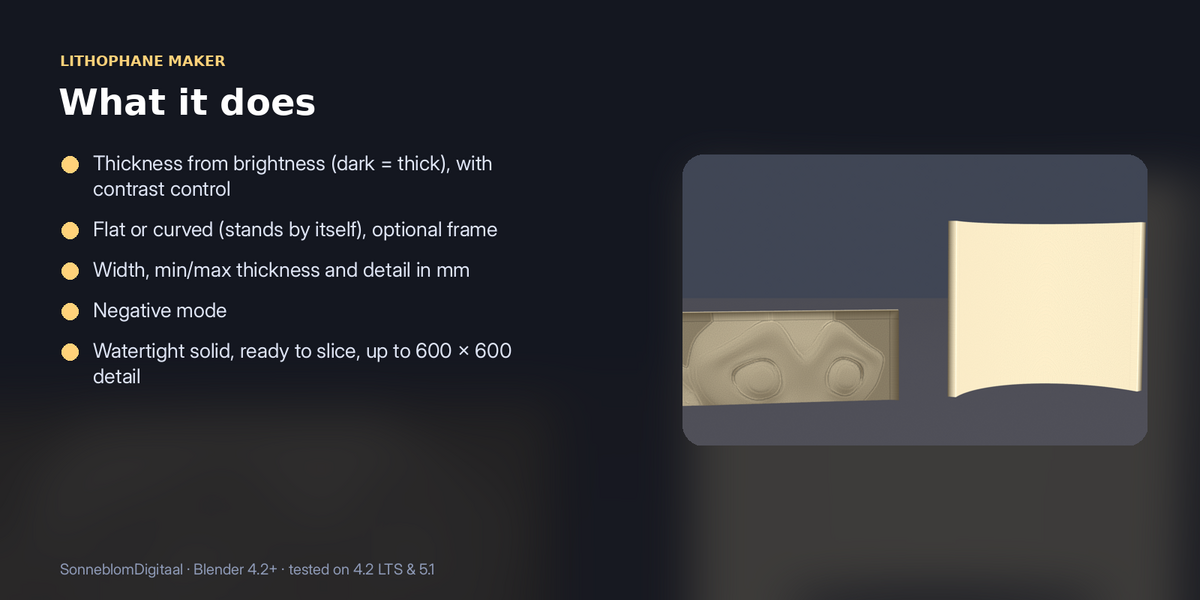
- Set minimum and maximum thickness (dark areas become thick, light areas thin), and contrast if needed.
- Optionally add a frame, or set Curve ° (for example 120) for a free-standing curved lithophane.
- Click Make lithophane, export, and print it standing up at 100% infill.
3. Settings
| Setting | Default | What it does |
|---|---|---|
| Model units | 1 unit = 1 mm | |
| Width mm | 100 | |
| Detail (px per mm) | 4 | 4 px/mm suits a 0.4 mm nozzle; the grid is capped at 600 × 600. |
| Min / Max thickness mm | 0.8 / 3.0 | Thickness for the lightest and darkest areas. Max must be greater than min: if not, the panel shows a warning and the Make button stays off until you fix it. |
| Contrast (gamma) | 1.0 | |
| Negative | Off | Inverts light and dark. |
| Frame width / thickness mm | 4 / 4 | Set width to 0 for no frame. |
| Curve ° | 0 | 0 = flat. |
Model units: slicers read STL, OBJ and 3MF numbers as millimetres. Keep Model units on 1 unit = 1 mm (the default) and the exported file is true size. If you pick another setting, the panel shows how much to scale by on export, and after each make the add-on reports the size in mm.
4. Limits
Print at 100% infill, standing up, in white or natural PLA for the best result.
5. Support and licence
Message us through Superhive with what happened (and the model, if you can) and we will help.
Lithophane Maker is released under the GNU General Public License v3 or later (GPL-3.0-or-later), like other Blender add-ons. You may use it commercially.
Have questions about this product?
Login to message
| Blender Extension Compatible | Yes |
| Published | 1 day ago |
| Blender Version | 4.2 - 5.1 |
| Extension Type | Add-on |
| License | GPL |