 Milad_Kambari



BLENDER ADDON
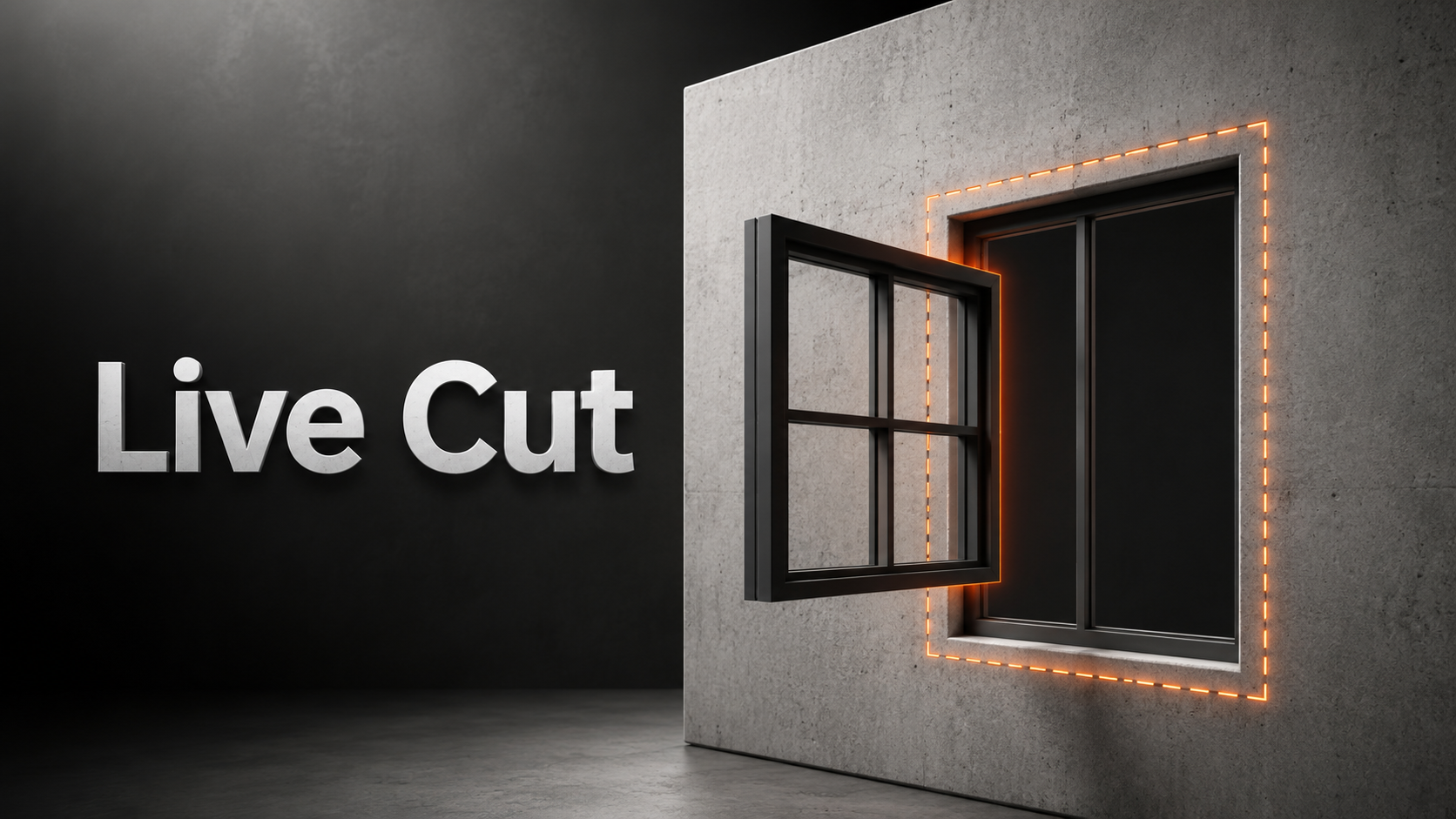
Live Cut
Cut wall openings that exactly match your window and door models — and watch the hole follow them live as you move or rotate. No manual booleans, no re-cutting.
| Exact Silhouette | Live Tracking | Non-Destructive |
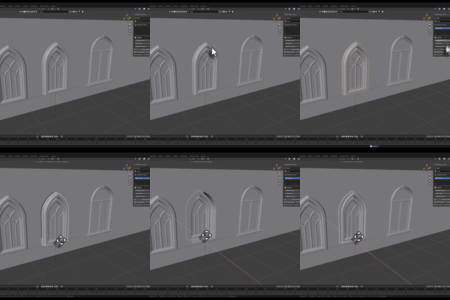
MOVE THE MODEL — THE HOLE FOLLOWS
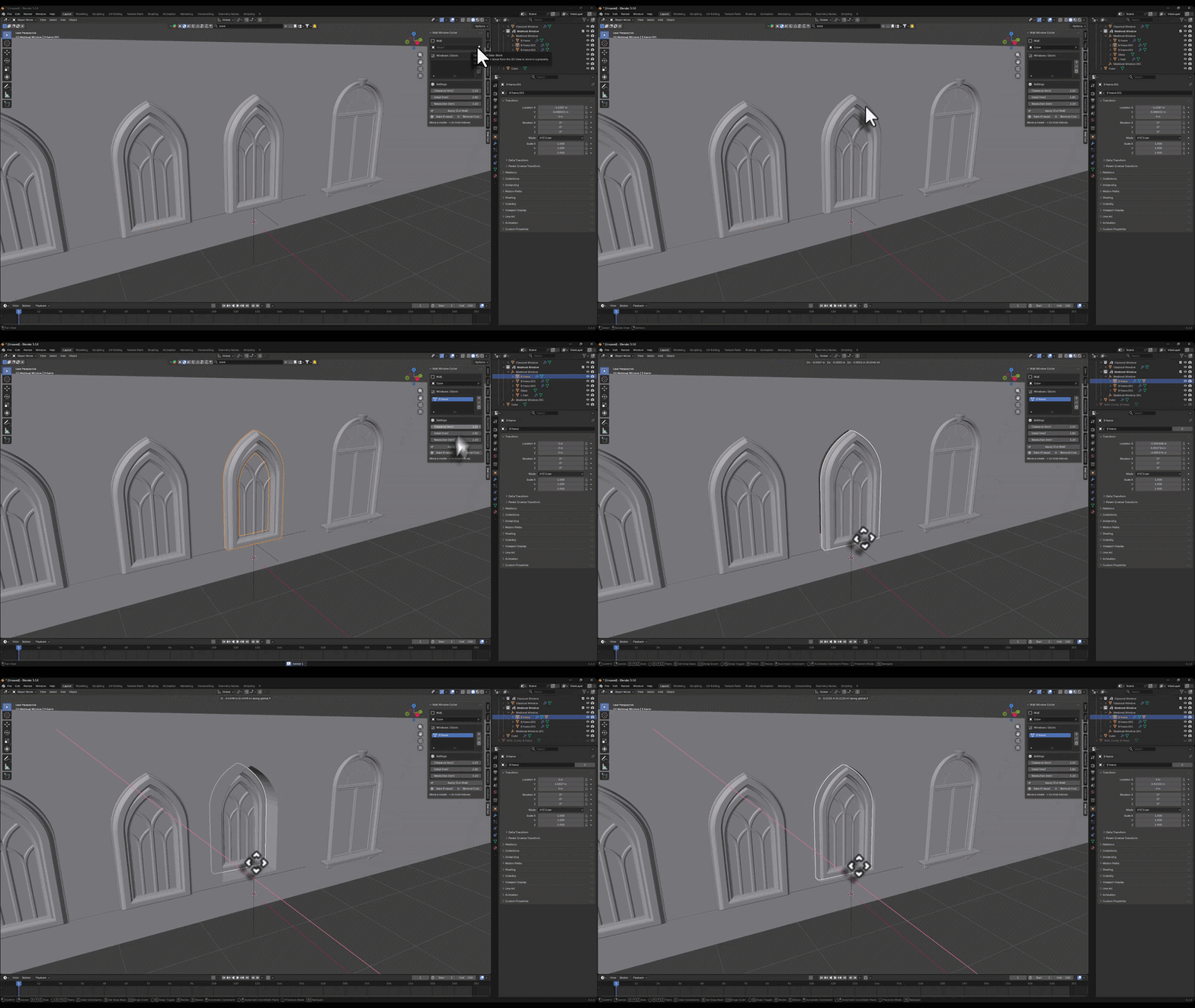
| THE OLD WAY Manually model the opening, line it up by hand, apply a boolean, and re-do the whole thing every time the window moves or the design changes. | WITH MK LIVECUT Pick the wall, add your window/door, press Apply. The opening matches the exact outer shape — and tracks the model live wherever you move it. |
Everything It Does
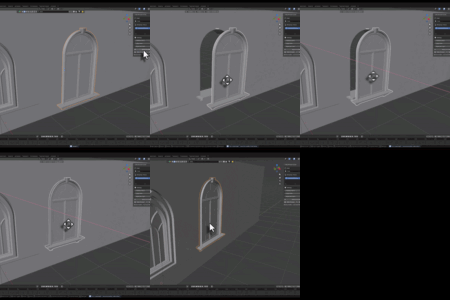
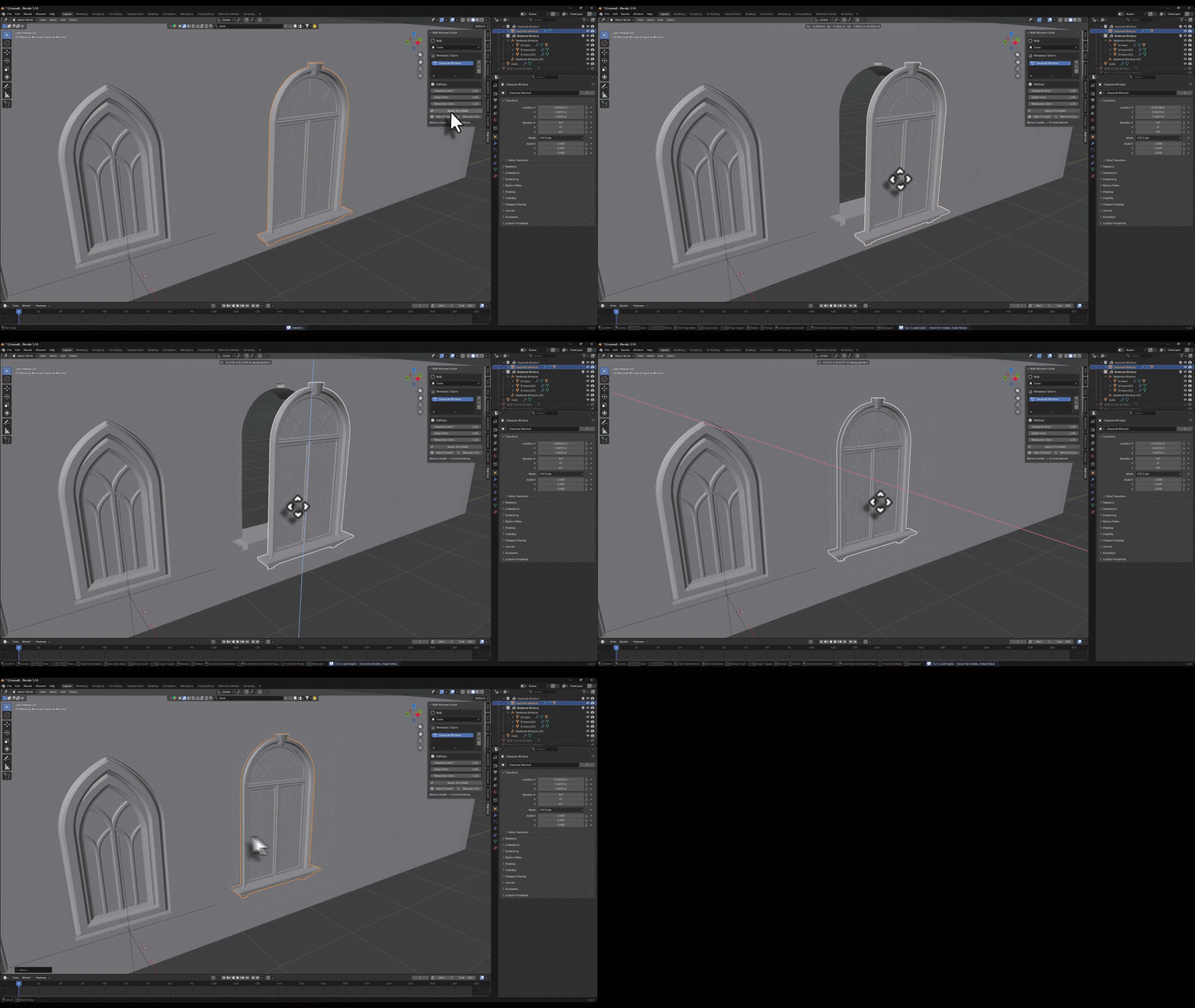
| Exact Silhouette Match The opening follows the true outer contour of any window or door — arches, ornaments and all — not just a rough rectangle. | Live Tracking Move or rotate the model and the hole in the wall follows automatically. The boolean stays live — nothing to re-cut. |
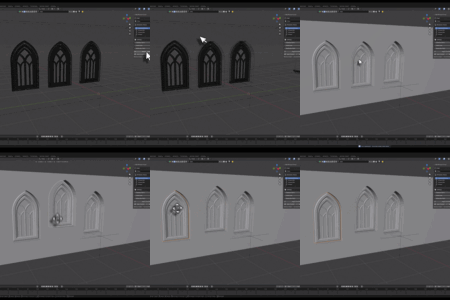
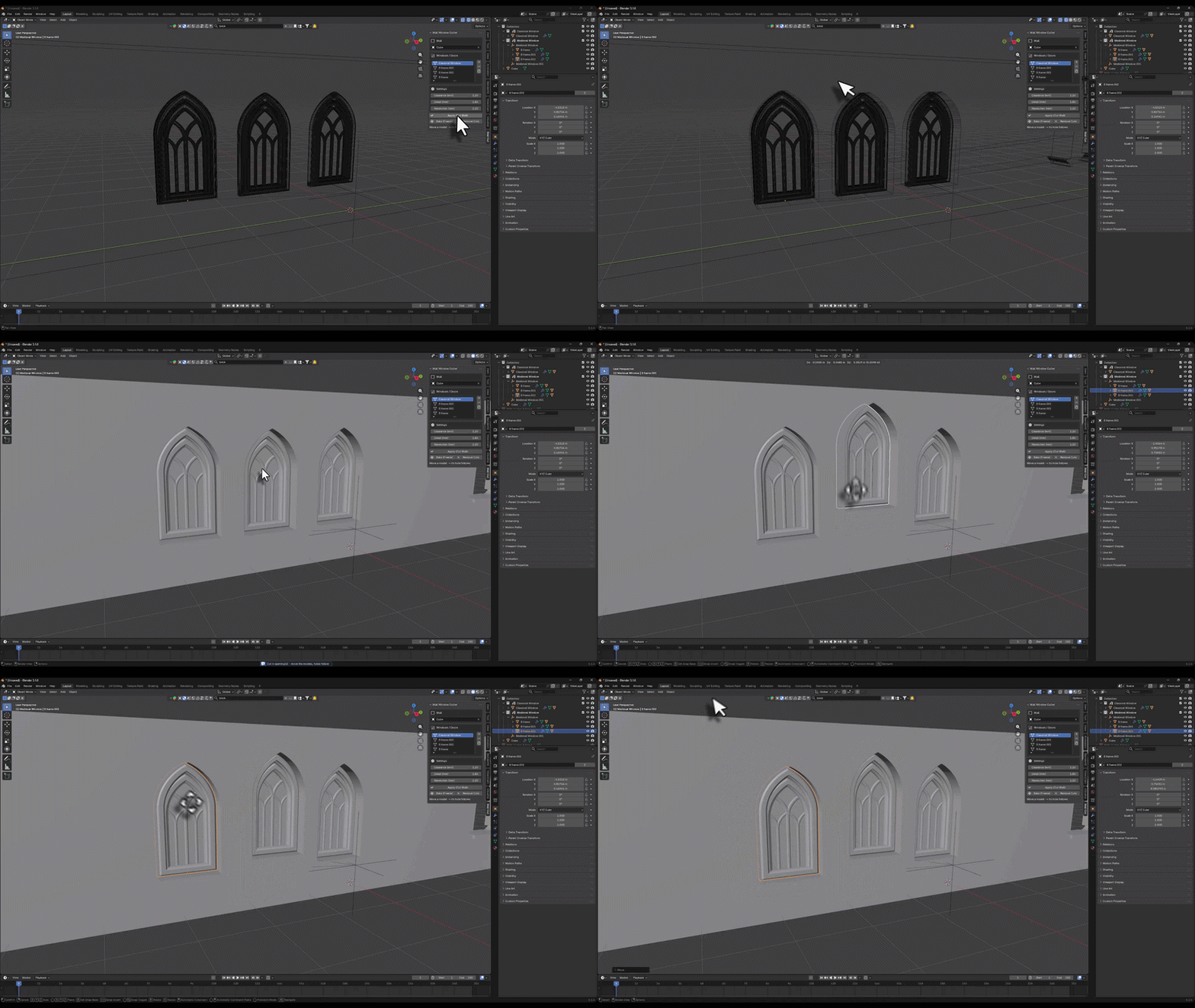
| Multiple Openings Add as many windows and doors as you need to a simple list and cut them all into one wall at once. | Auto Depth Detection Detects the wall's thin axis automatically and pierces all the way through, no matter where the model sits. |
| Non-Destructive + Bake Work live while you design, then hit Bake to freeze the opening into clean geometry when you're done. | Simple N-Panel Everything lives in one tidy sidebar tab: wall picker, object list, and clearance / detail / resolution controls in mm. |
EXACT OUTER CONTOUR — ARCHES & ORNAMENTS
Three Steps
1 | Set the Wall Pick your wall mesh in the Live Cut panel. |
2 | Add Windows & Doors Select your models and press + to add them to the list. |
3 | Press Apply The openings are cut instantly — then just move the models and the holes follow. |
MULTIPLE OPENINGS IN ONE WALL
Perfect For
| ✓ Archviz artists building facades, interiors and exteriors |
| ✓ Environment artists placing many windows and doors fast |
| ✓ Anyone tired of re-cutting walls every time a design changes |