 Armin



Why I built it
of nodes
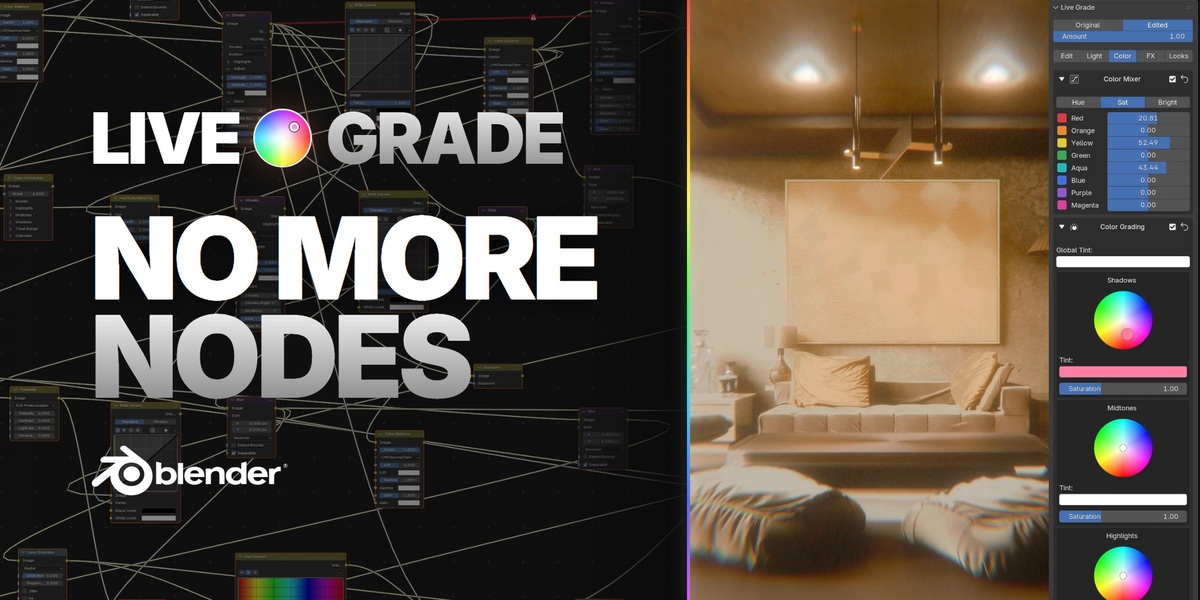
Every time I wanted to grade a render in Blender, it was the same loop. Render. Open the compositor. Wire up nodes. Render again. Wait. Change one value. Render again.
One simple film look for one shot ended up like this:
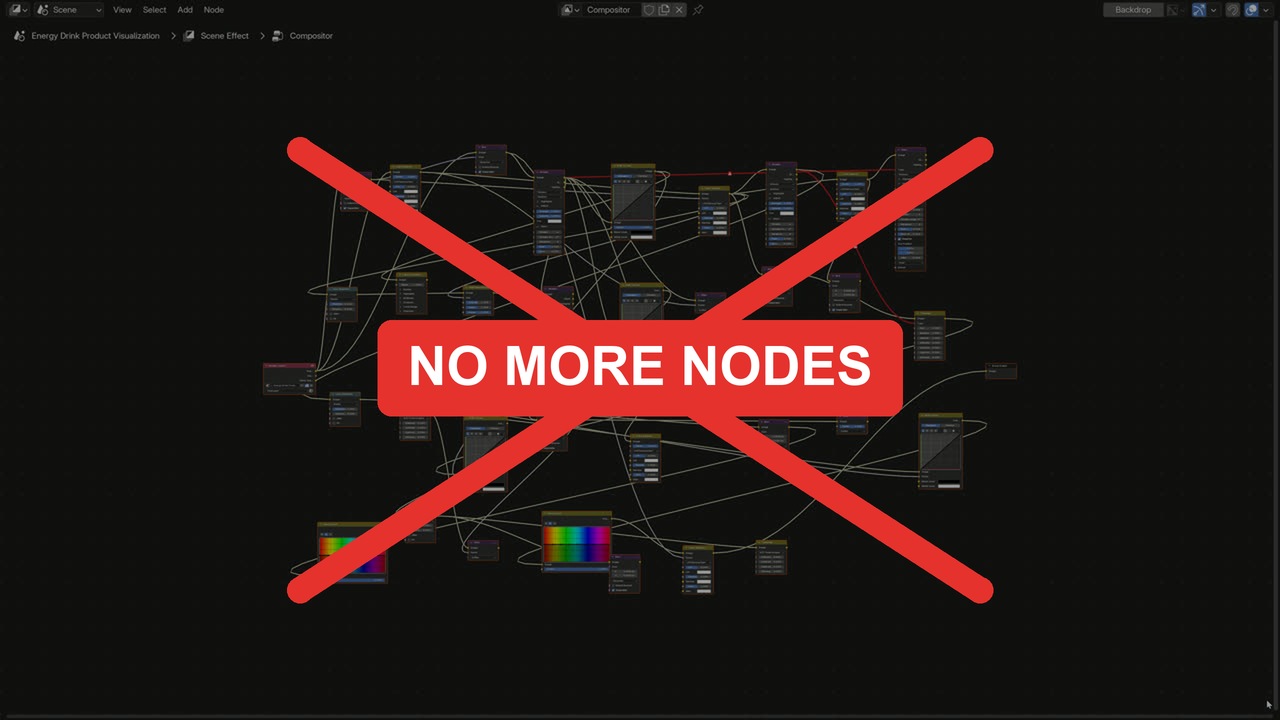
The old way: one look, a wall of nodes. Not anymore.
So I made one panel
Render it graded
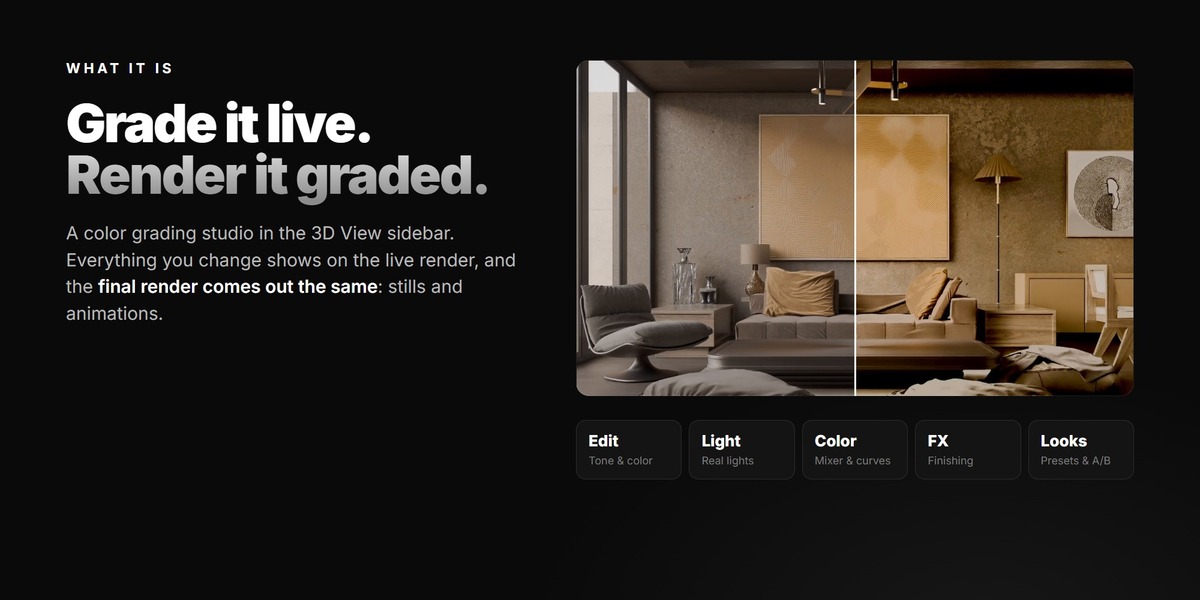
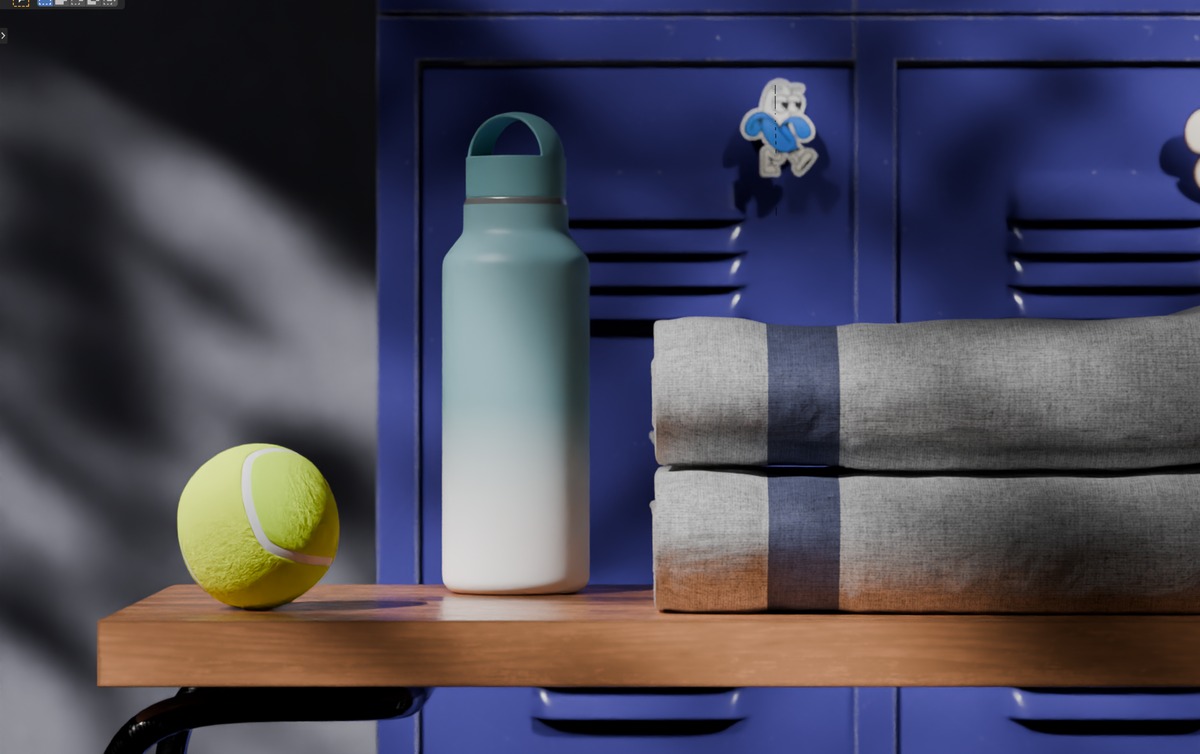
Live Grade puts a color grading studio in the 3D View sidebar. Move a slider and the live render changes right away. Press F12 and the final render comes out exactly the same: stills and animations. No node editor. No render-and-check loop.
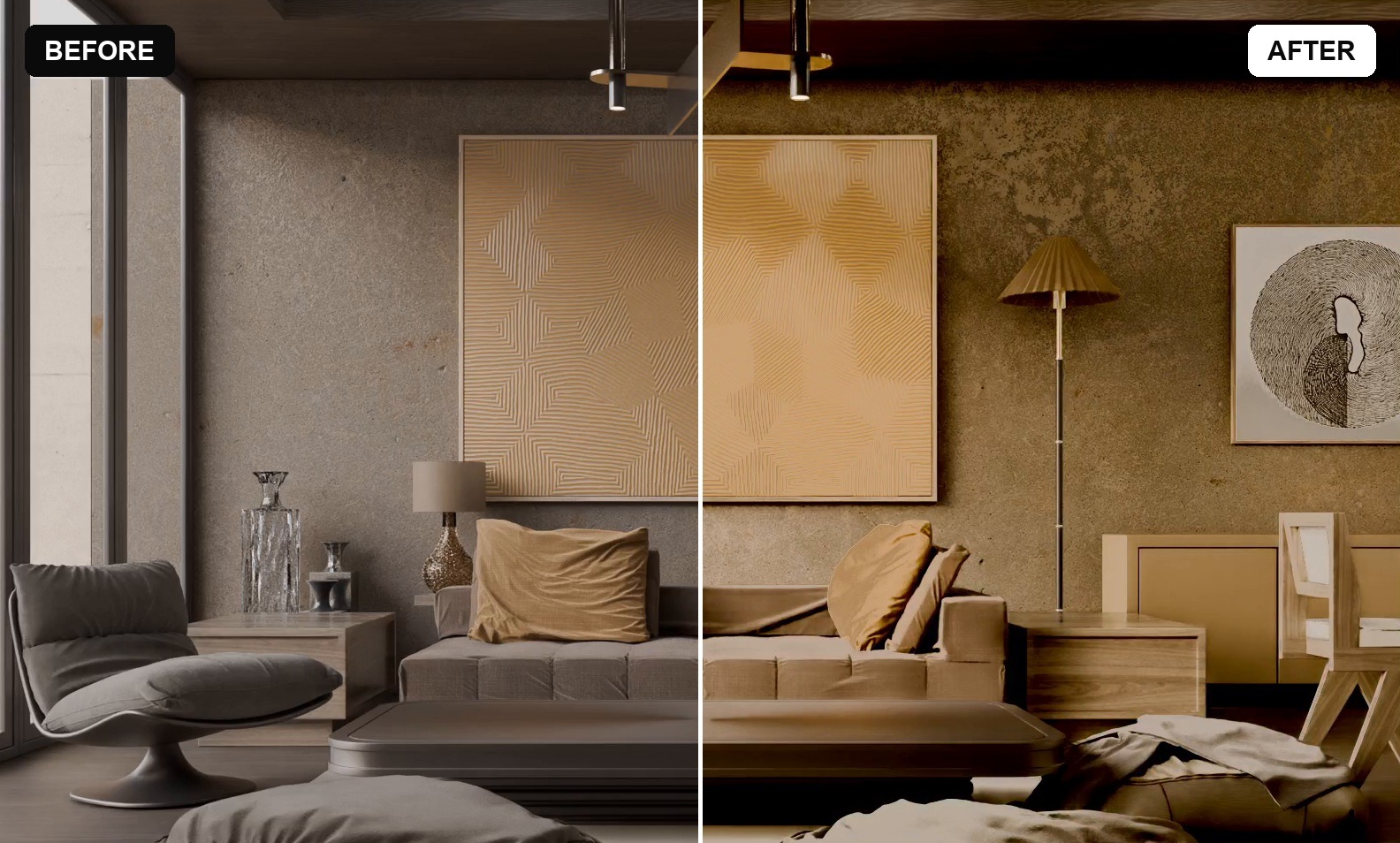
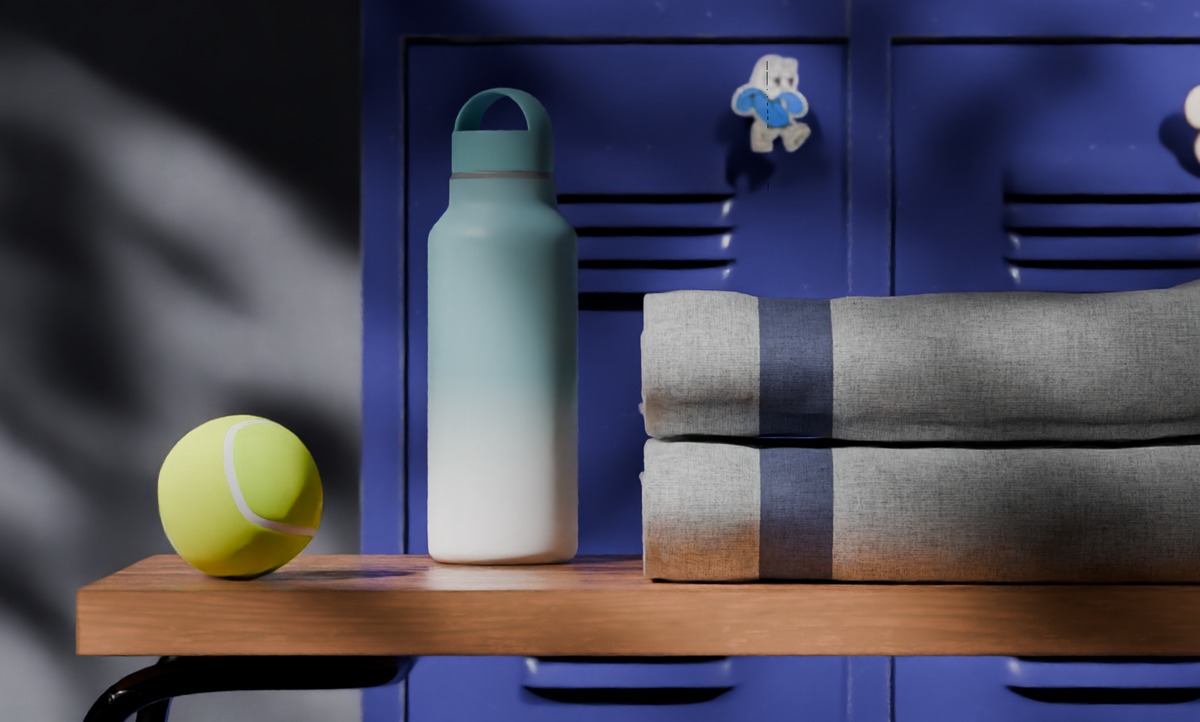
Same scene, before and after. Graded live in the viewport.
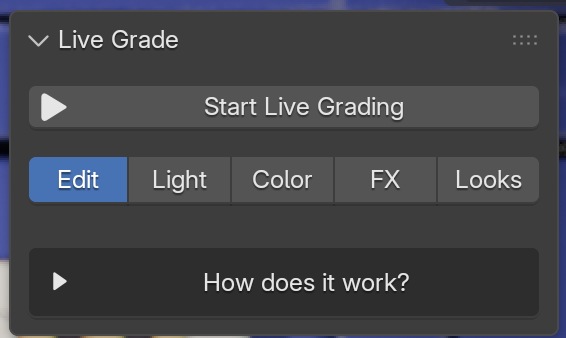
You press Start Live Grading once. Live Grade builds the whole compositor setup for you and switches the viewport to the live render with your real lights. You never have to look at a node.
|
One button |
One click later: the live render, with your real lights |
At a glance
|
0 nodes to wire |
5 tabs, one panel |
16 ready looks |
F12 renders it graded |
Edit
inside Blender
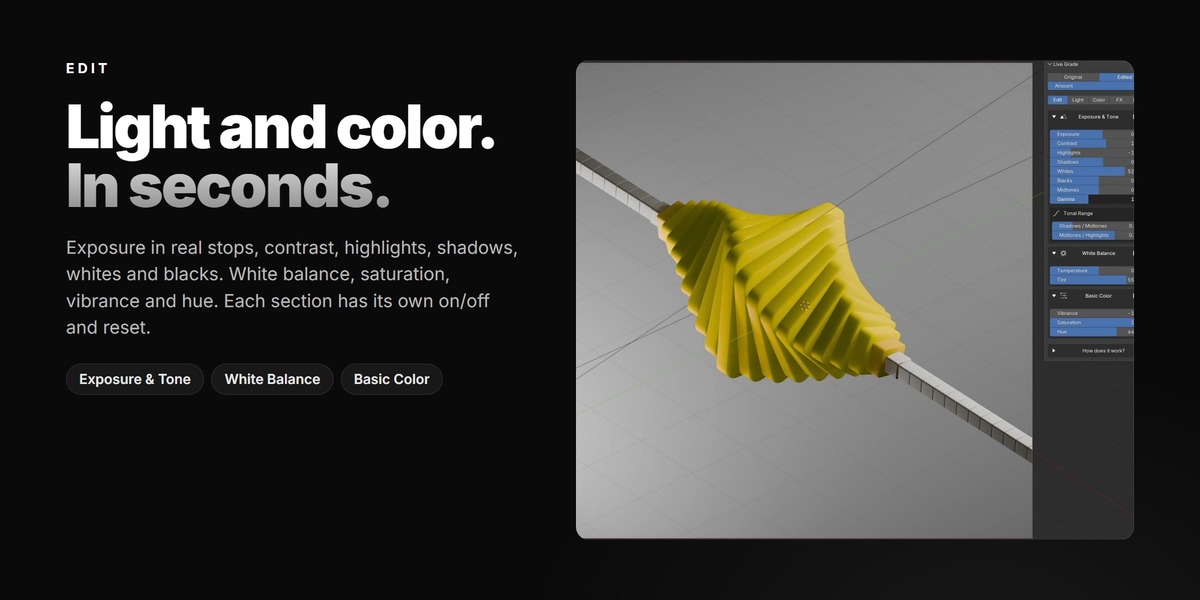
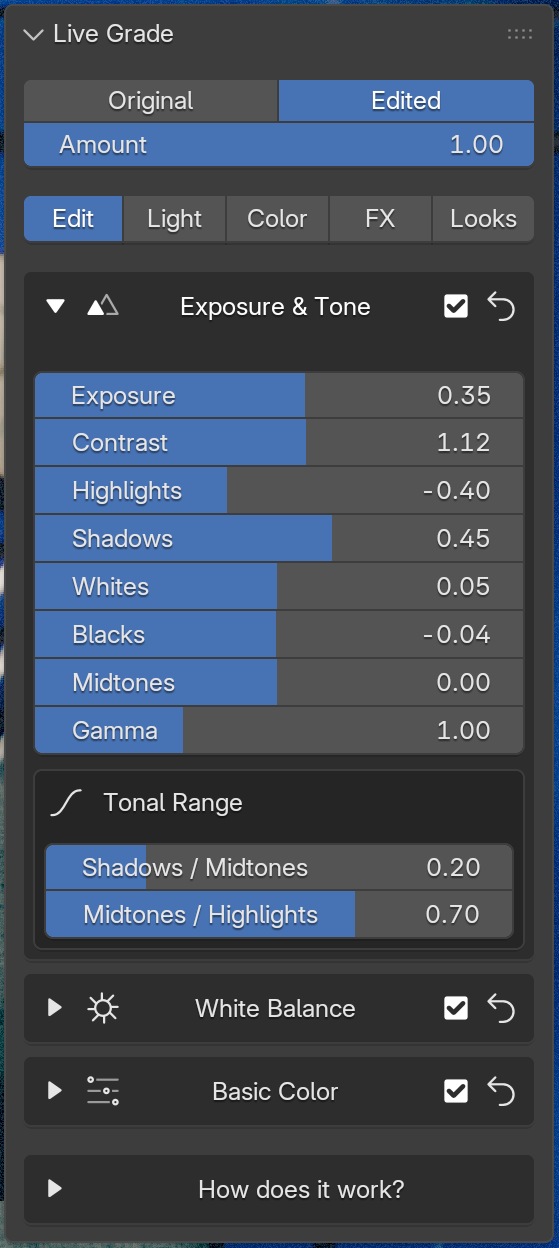
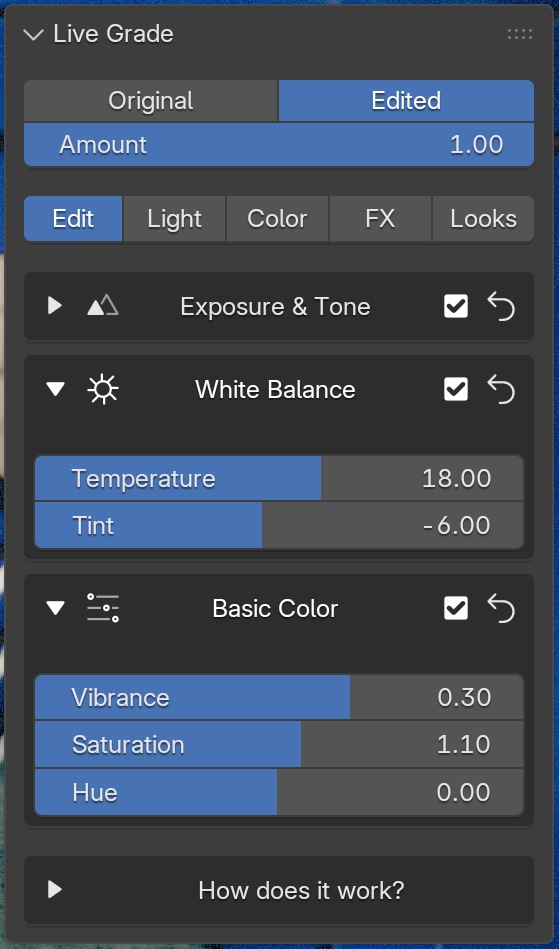
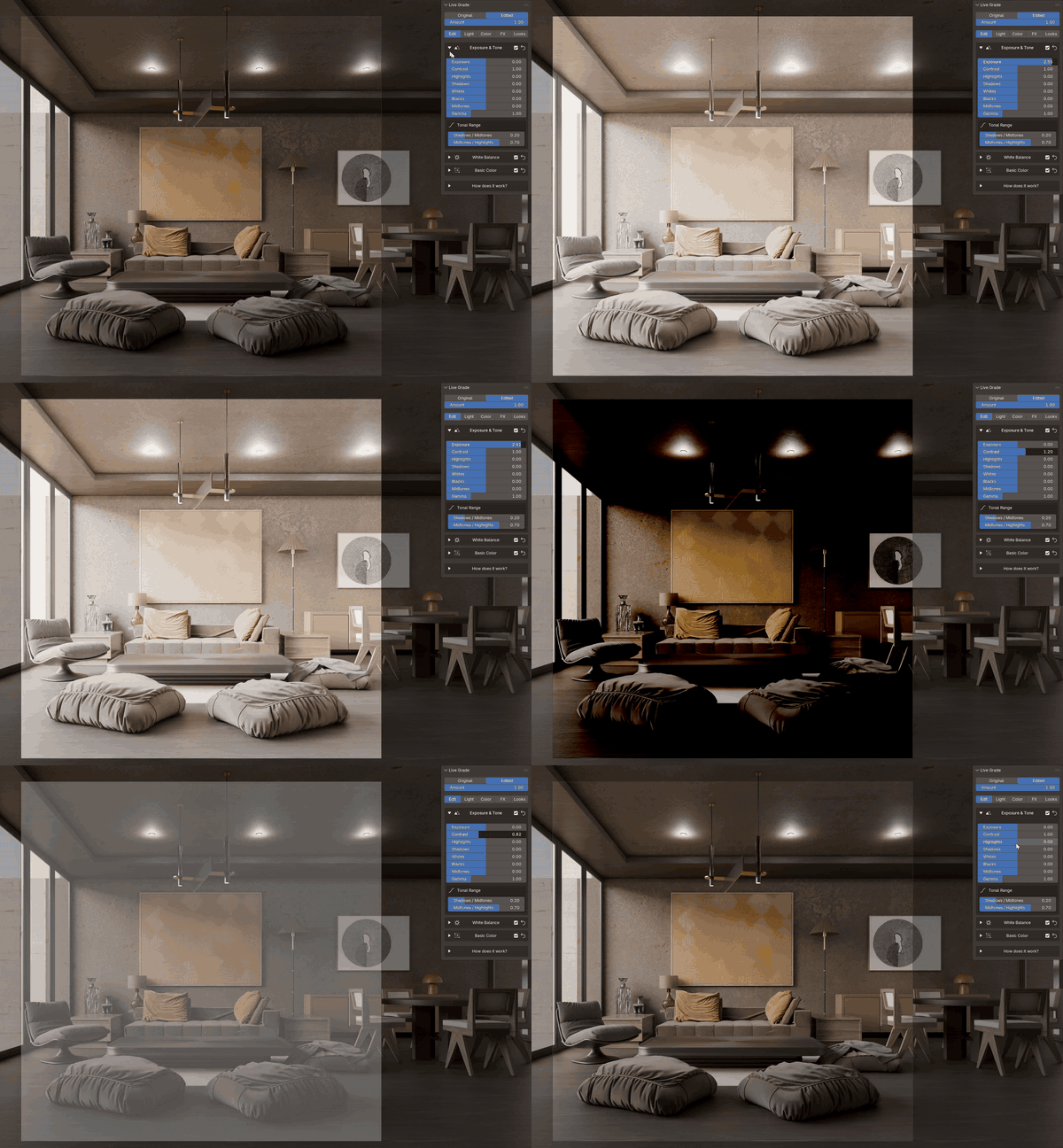
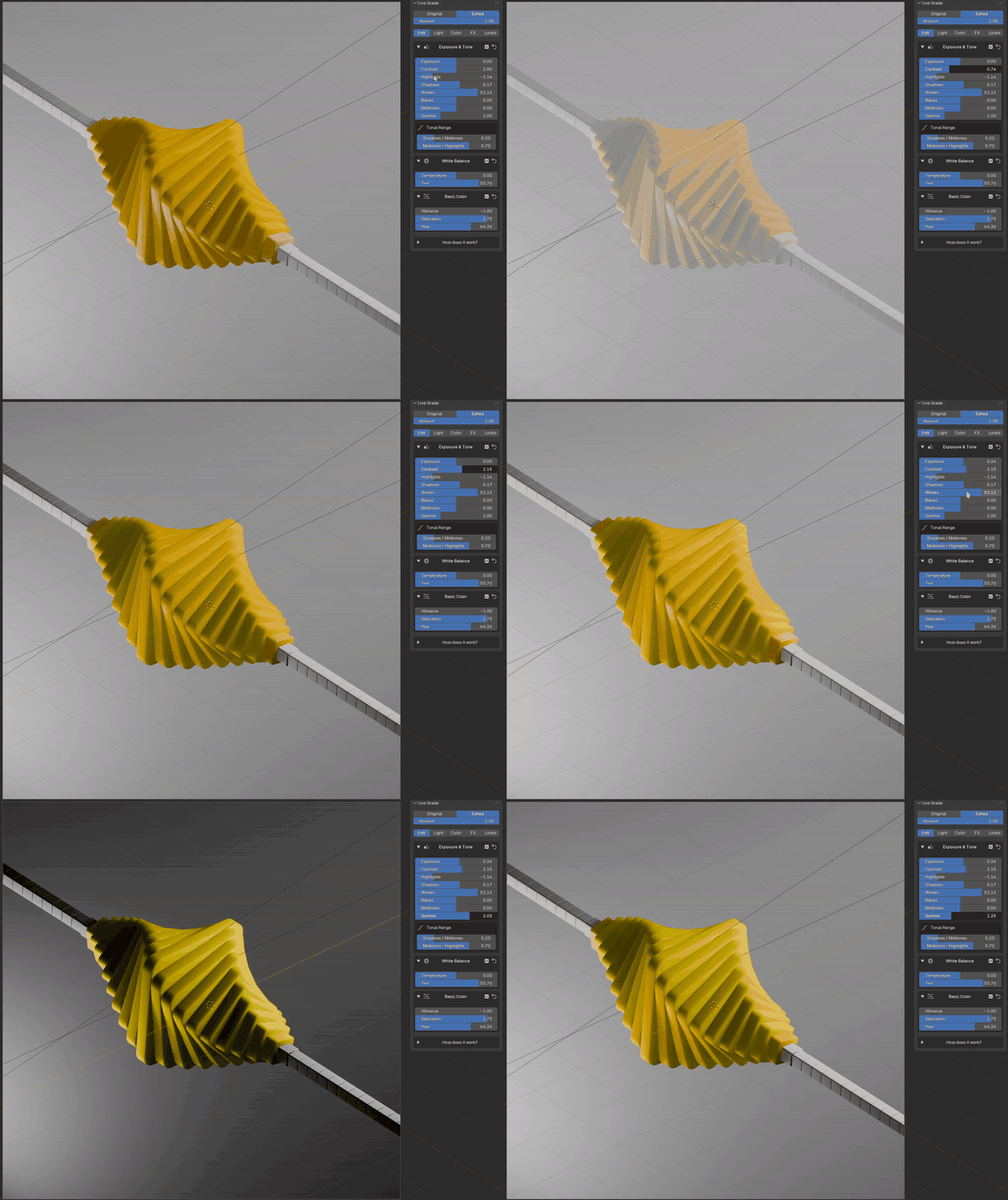
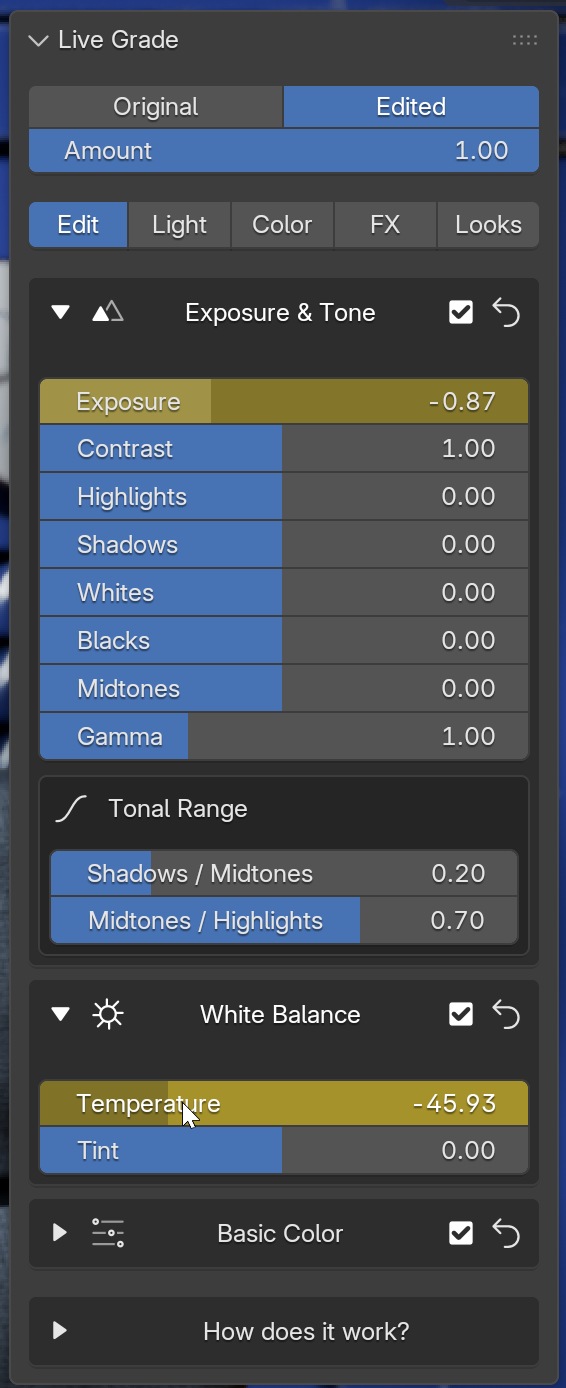
Exposure works in real stops, like a camera. Too dark? Fix it here instead of cranking up every light. Pull the highlights down to save a blown-out window, lift the shadows to show a dark corner, and set your own tonal range. White balance and tint fix that green or orange cast from an HDRI. Every section has its own on/off and reset, so you can try something wild and undo just that part.
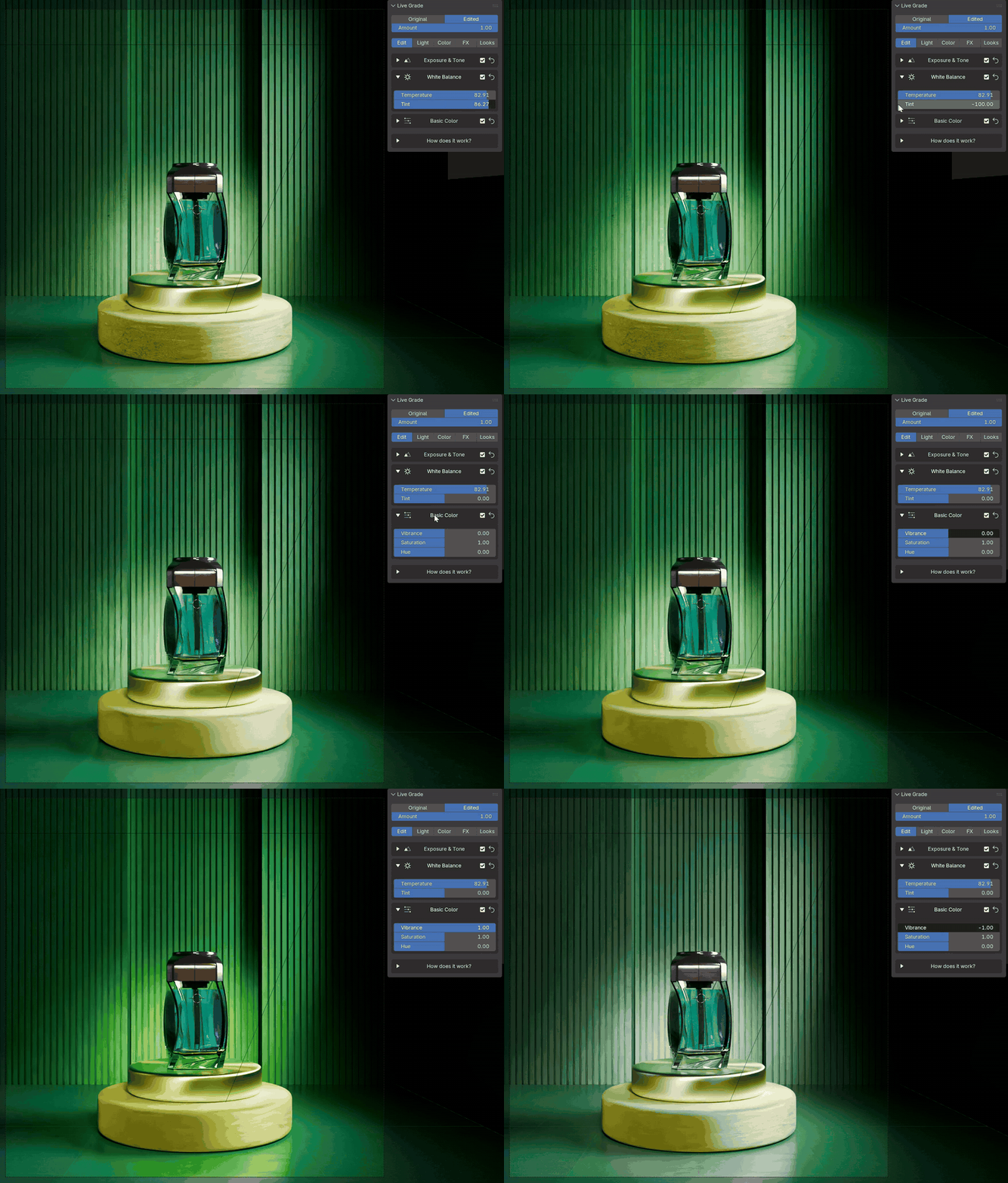
Tint, live on a product shot
Inside the Edit tab
|
Exposure and tone |
White balance and basic color |
|
Exposure in stops |
Contrast & gamma |
Color
On its own
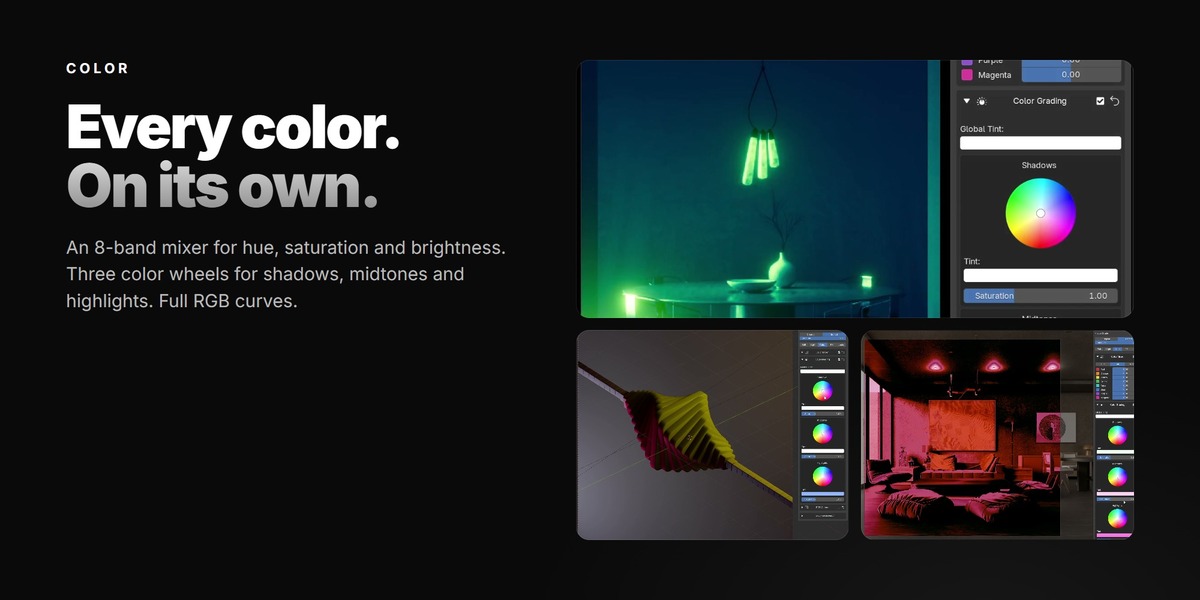
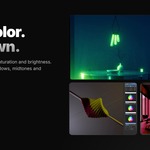
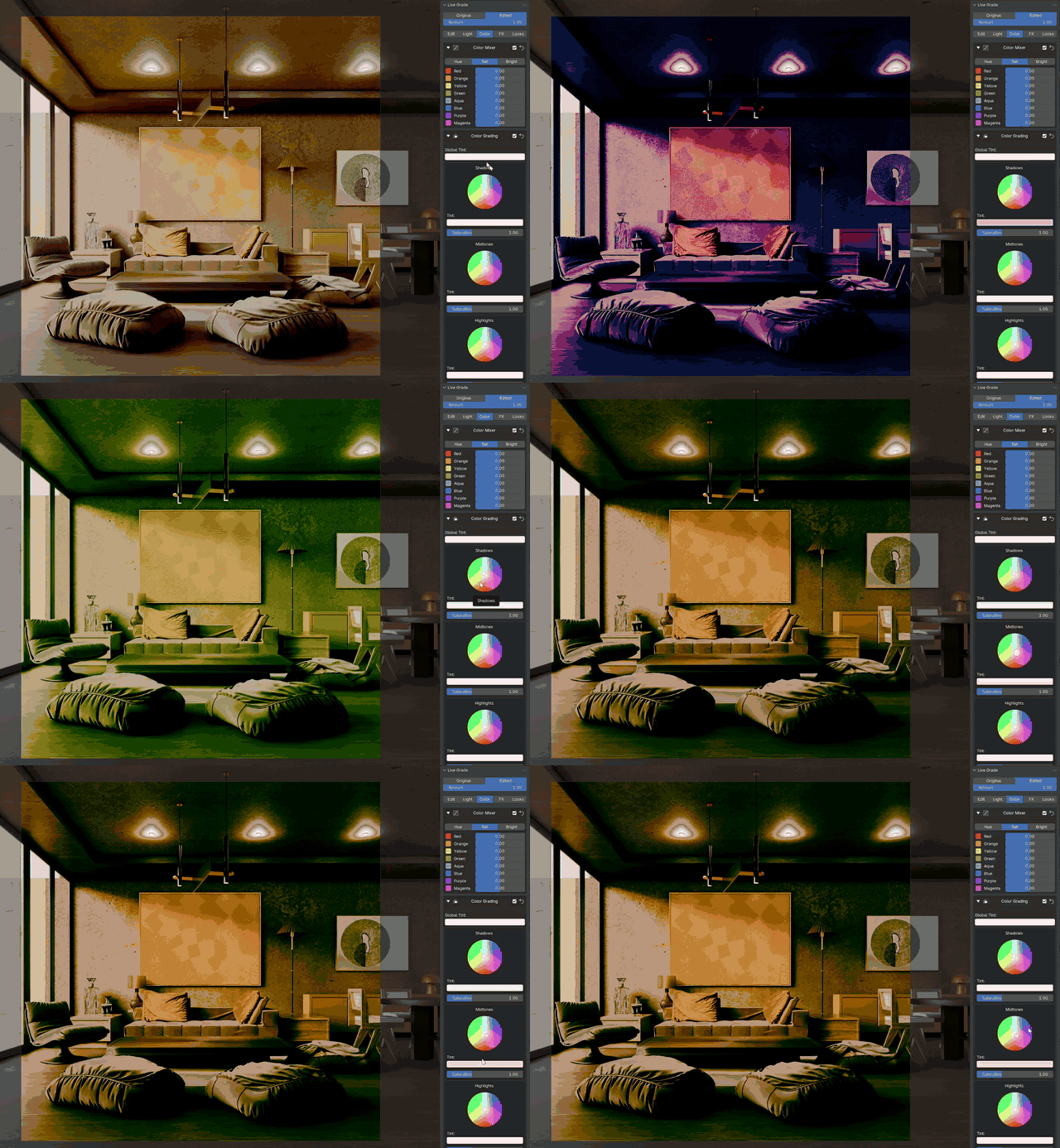
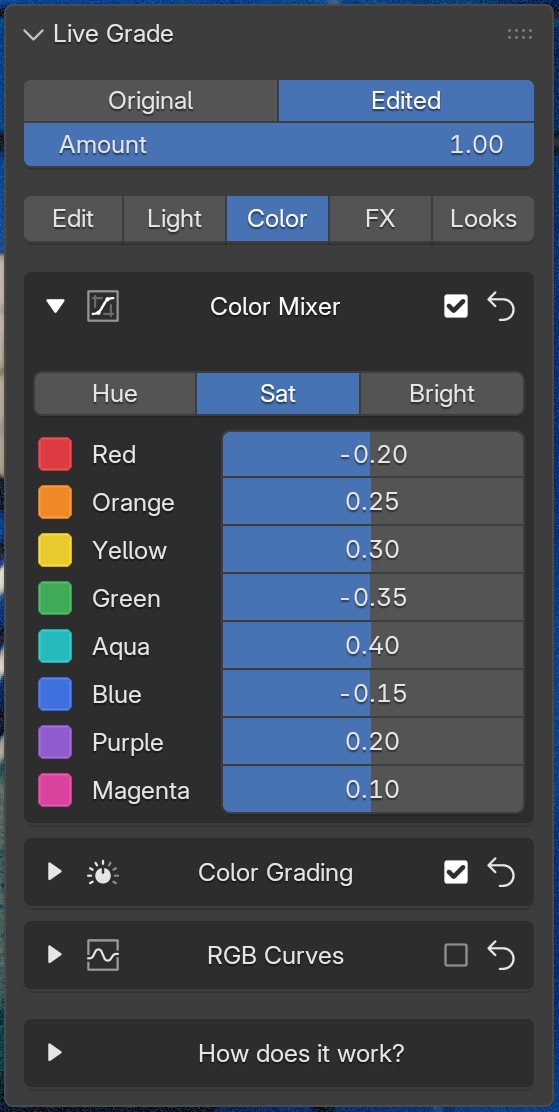
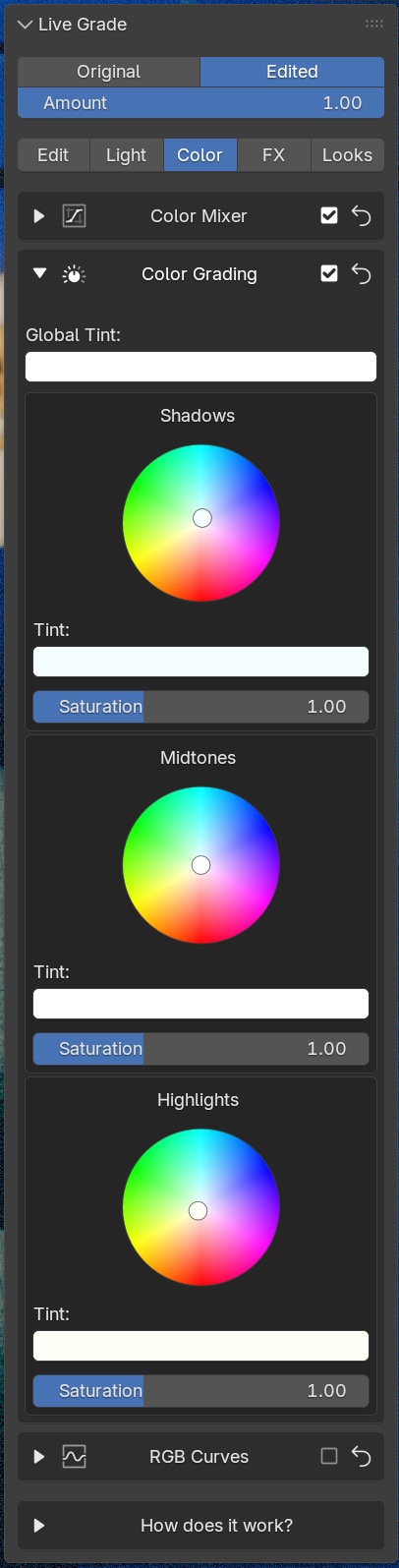
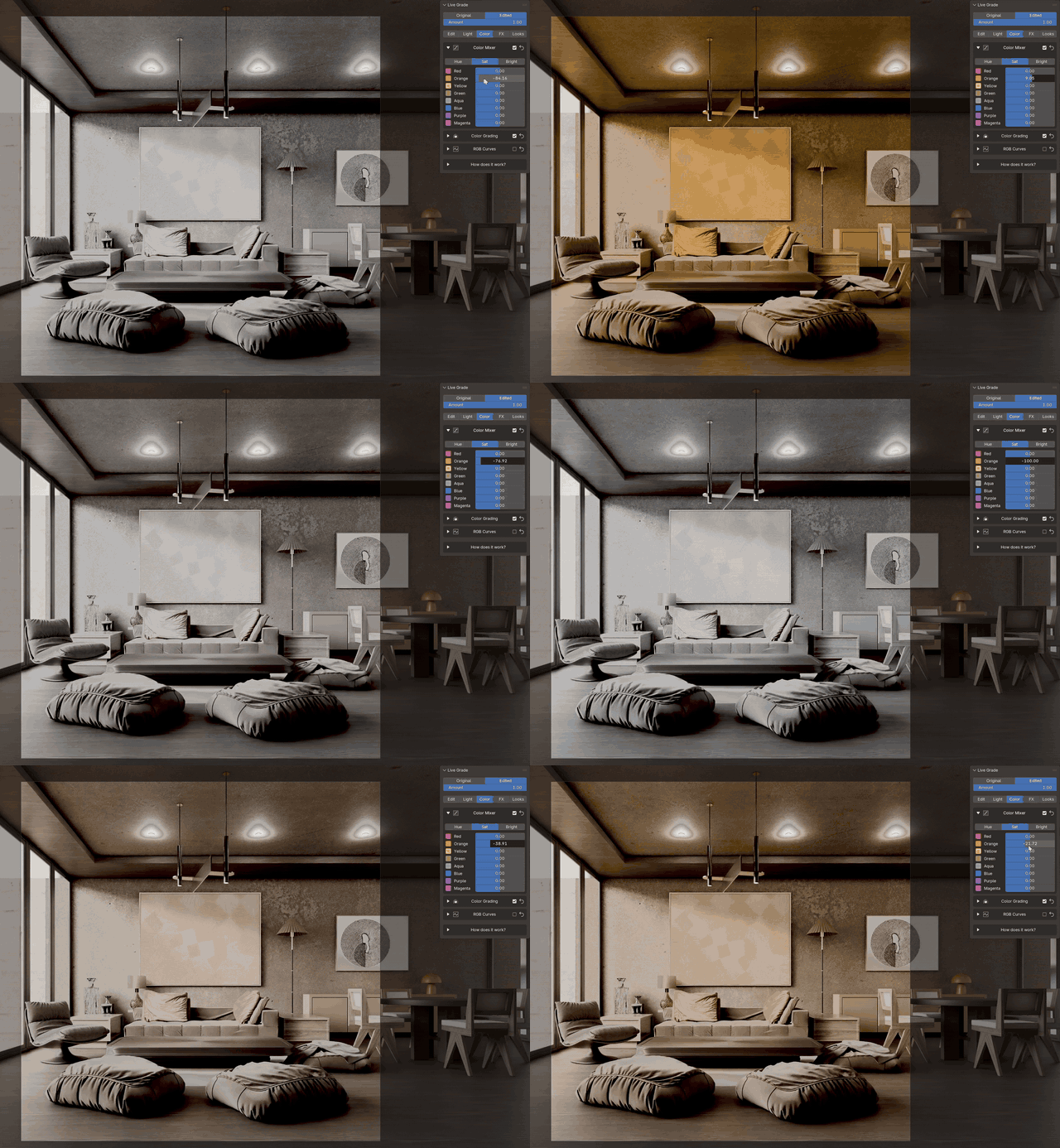
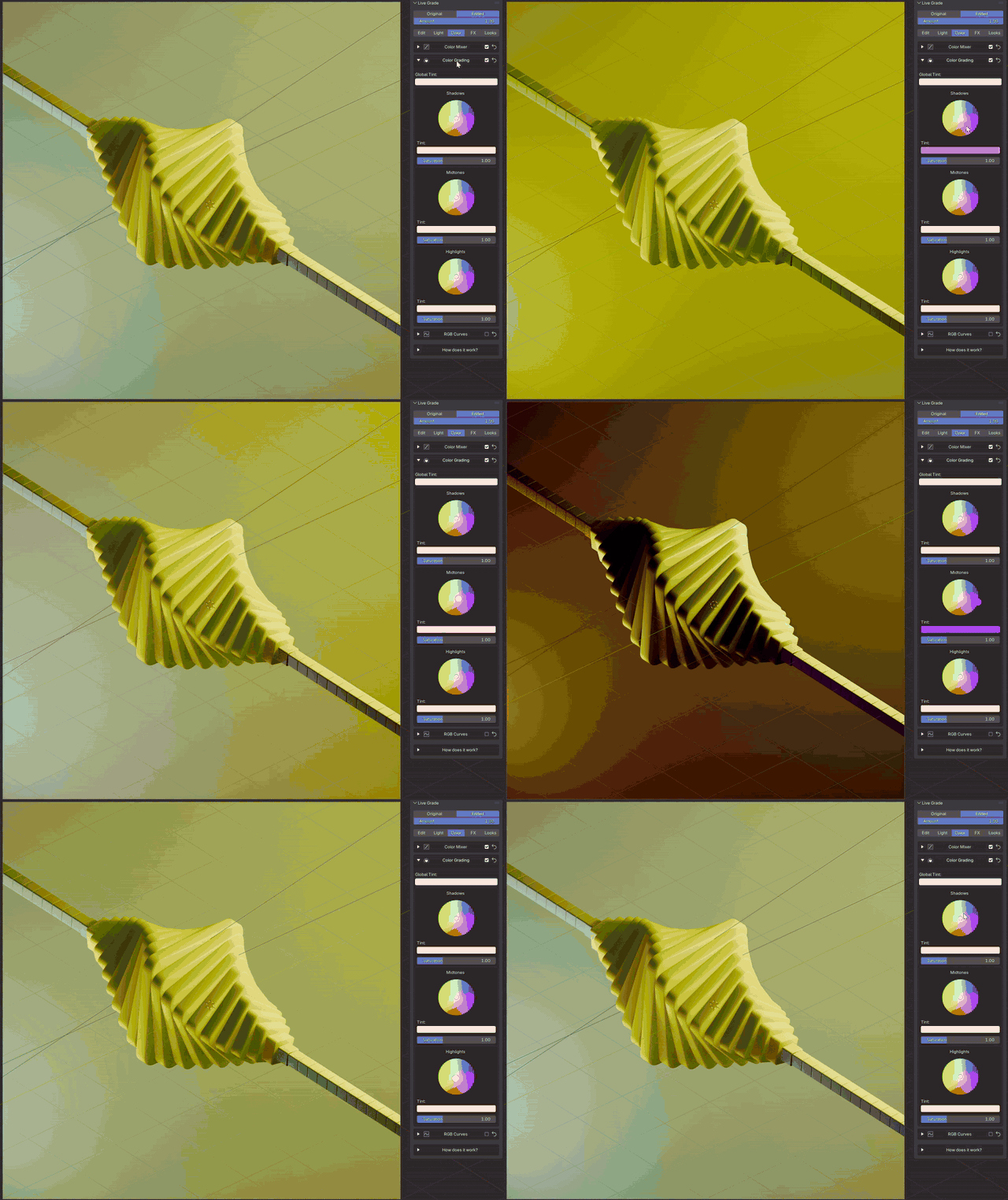
The 8-band color mixer changes one color, say the greens, and leaves everything else alone. No masks, no new textures. Three color wheels for shadows, midtones and highlights: teal shadows, warm highlights, film look in two moves. And full RGB curves when you want them.
Color wheels
Inside the Color tab
|
8-band color mixer |
Three color wheels |
|
One color band |
Shadows wheel |
Effects
like a film
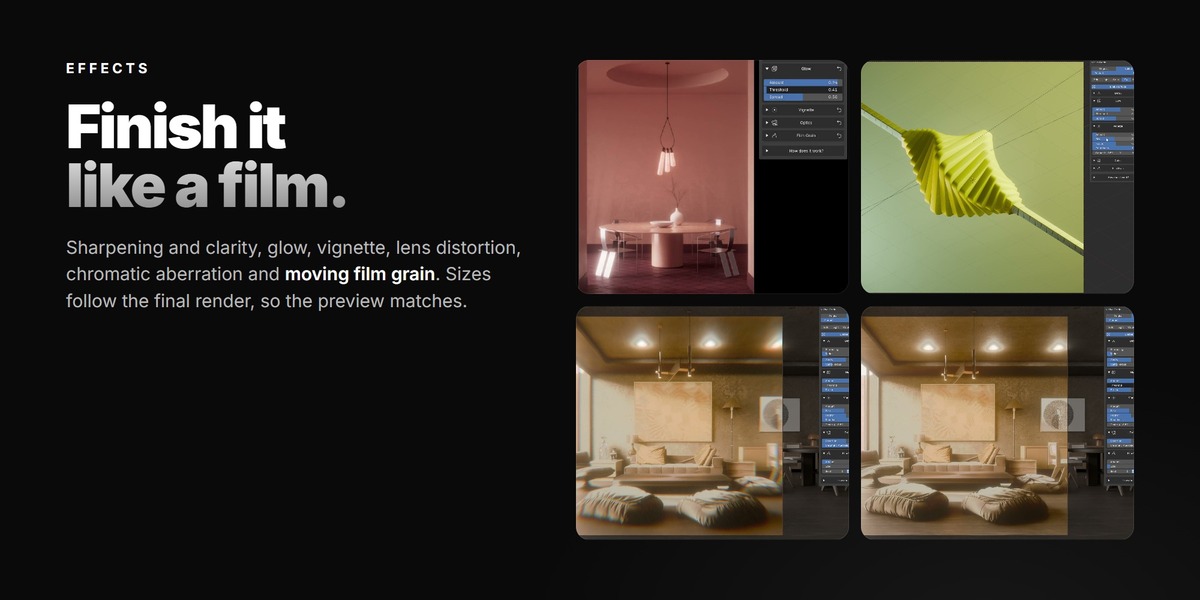
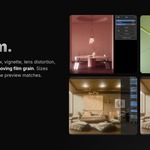
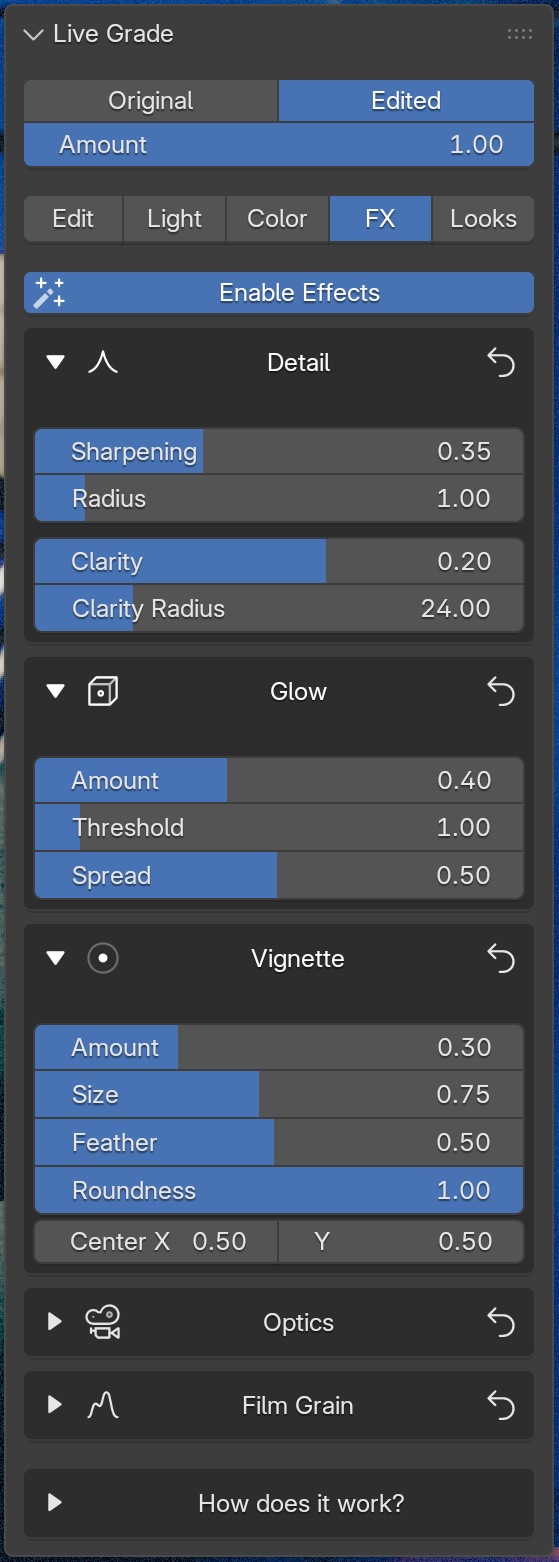
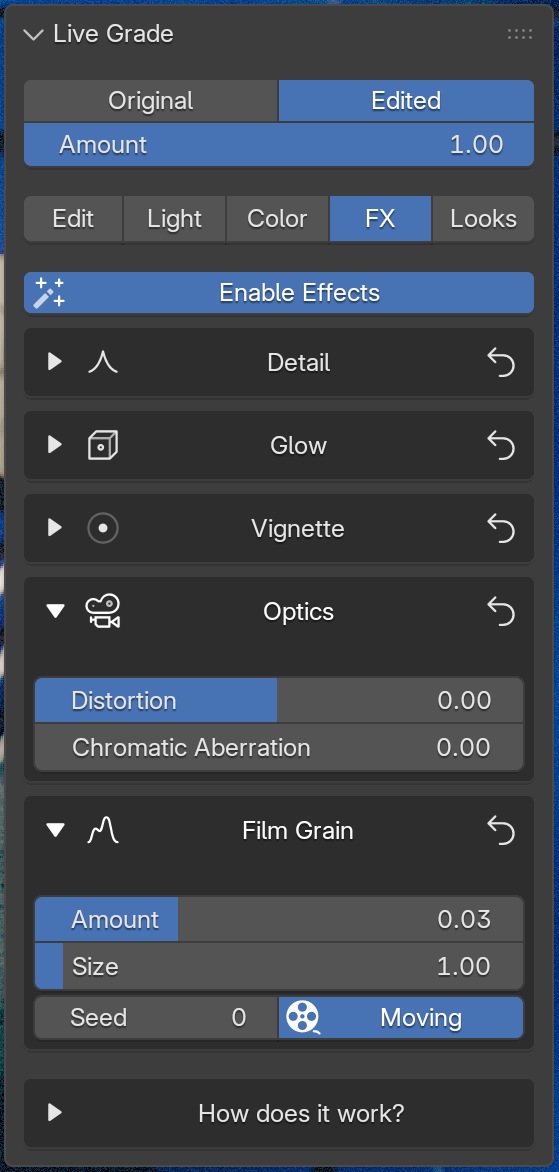
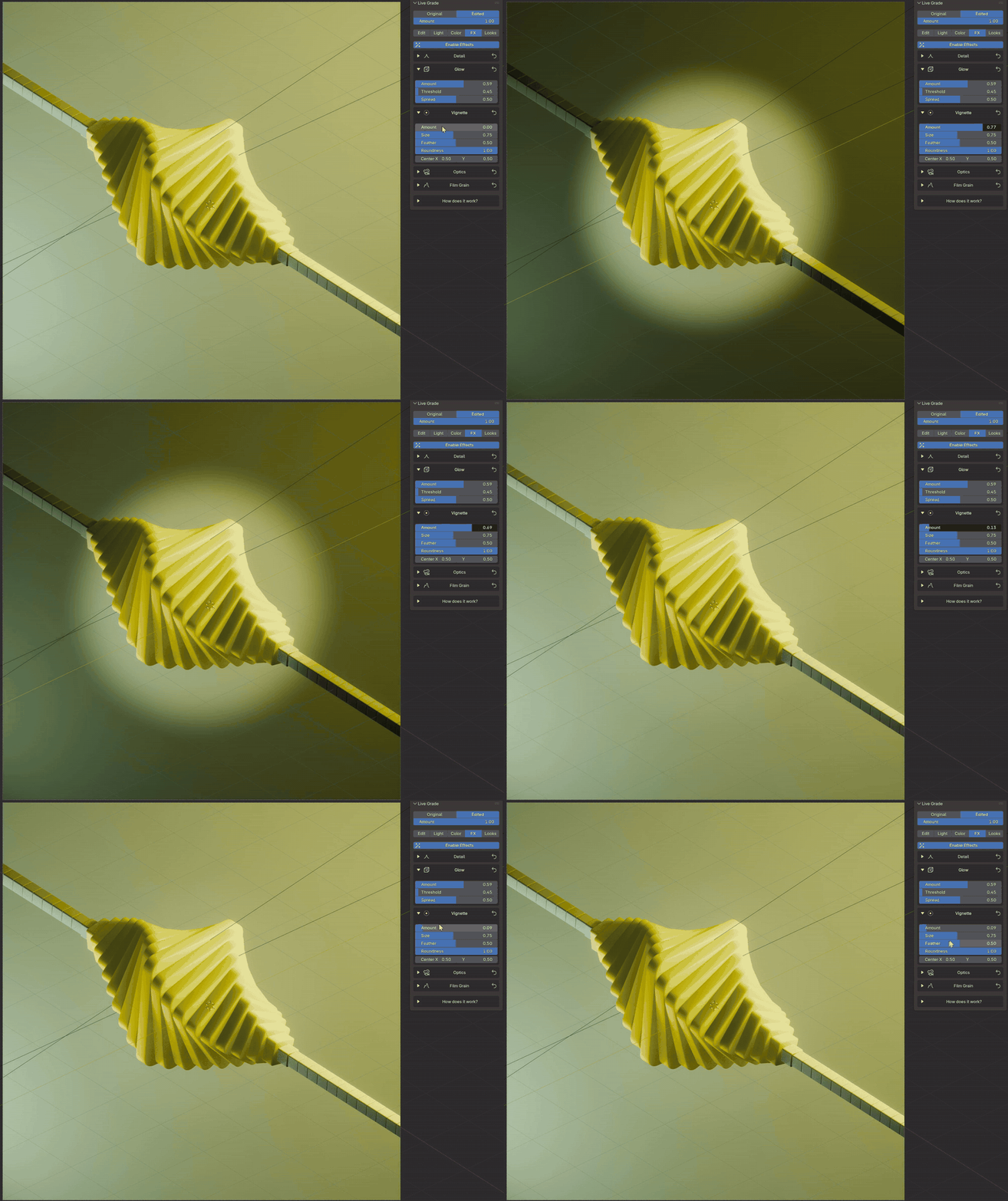
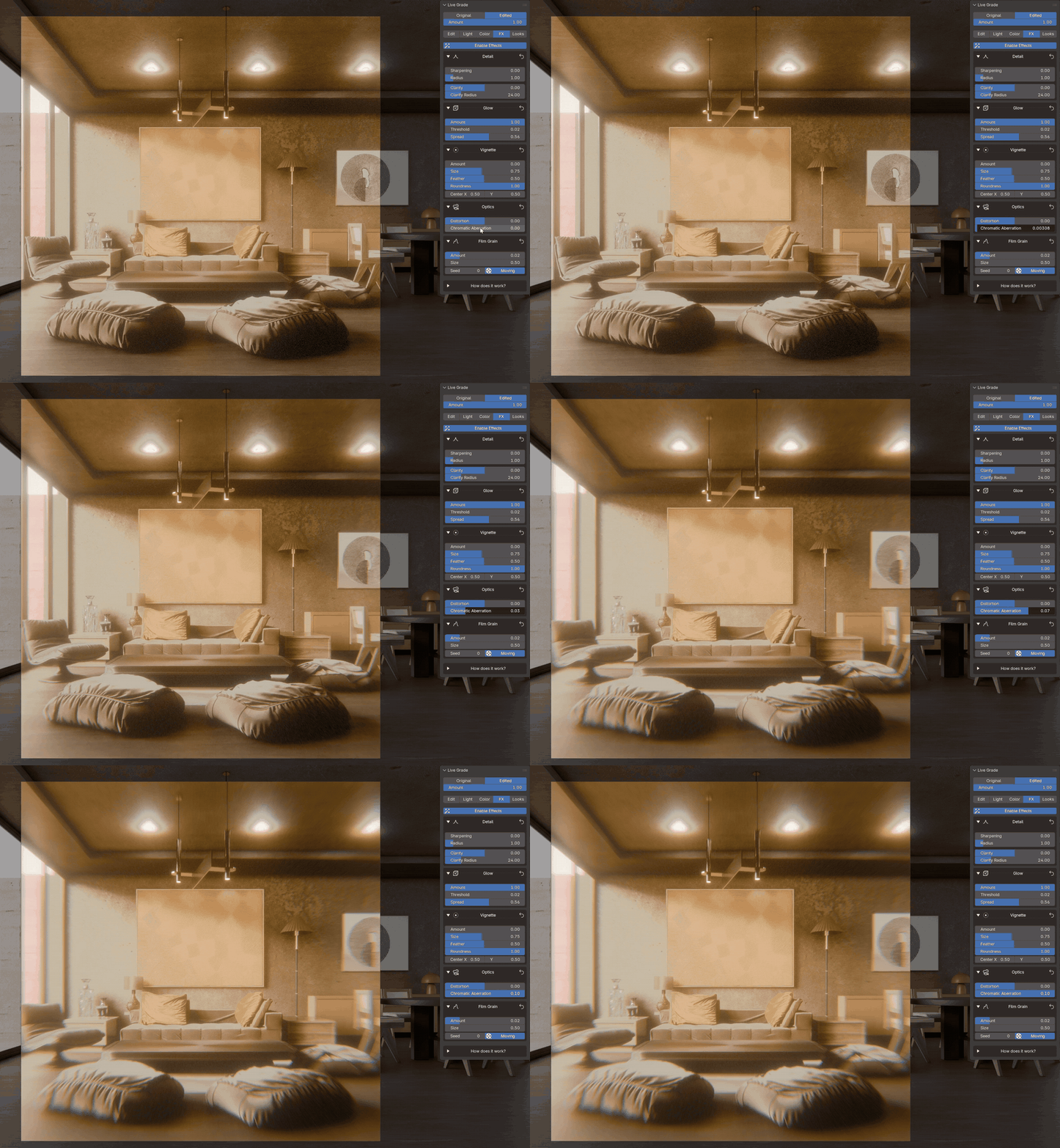
Glow for bright lights, a vignette to pull the eye in, lens distortion and chromatic aberration for a real-lens edge, and film grain that moves from frame to frame. Every size follows your final render size, so the viewport matches the render.
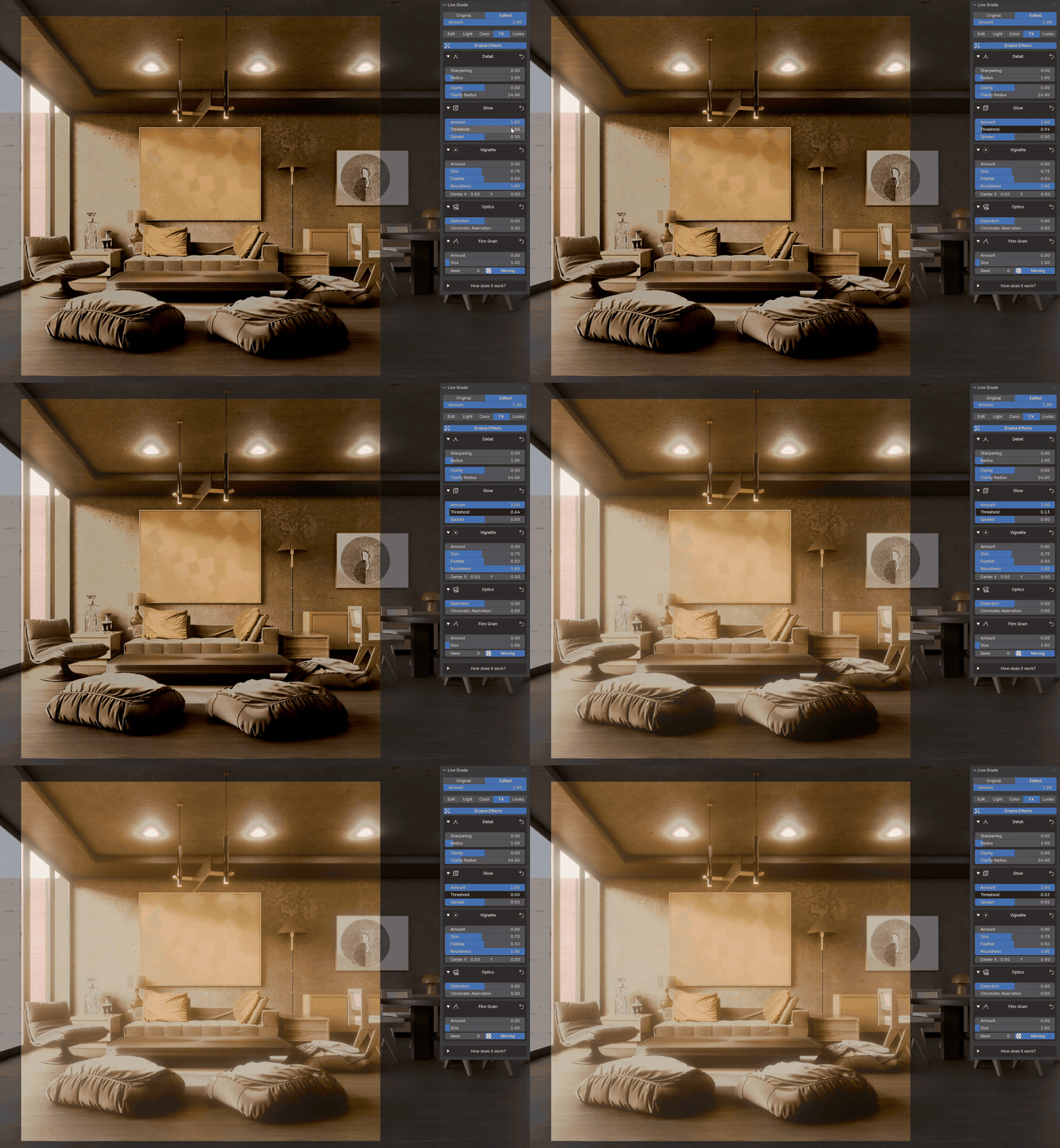
Glow
Inside the Effects tab
|
Detail, glow and vignette |
Lens and film grain |
|
Vignette |
Chromatic aberration |
Light
One panel
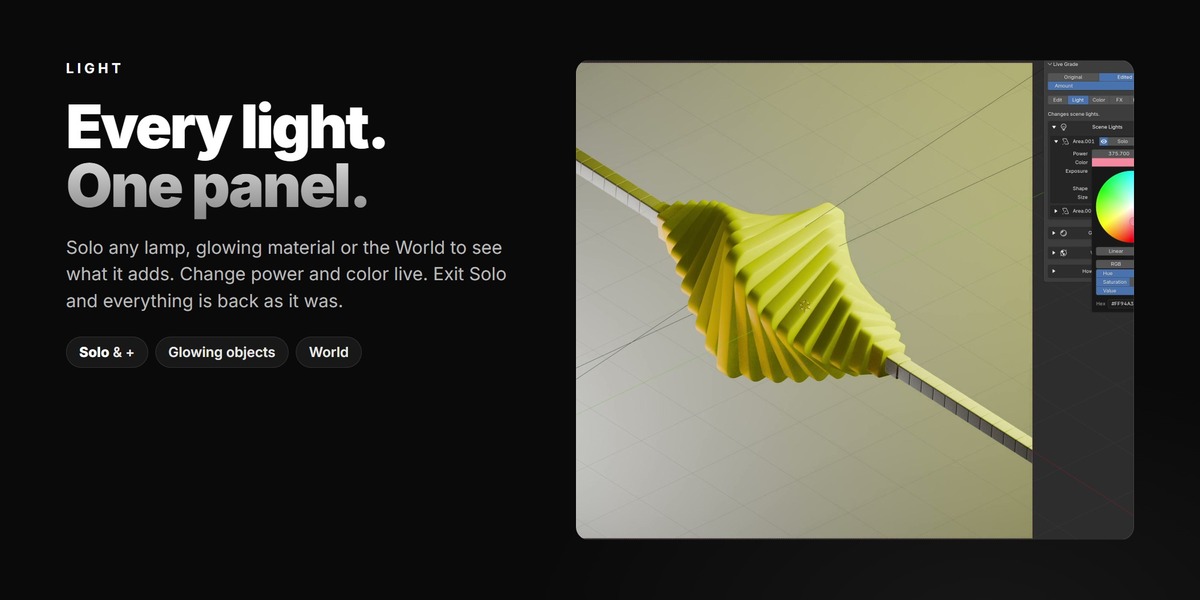
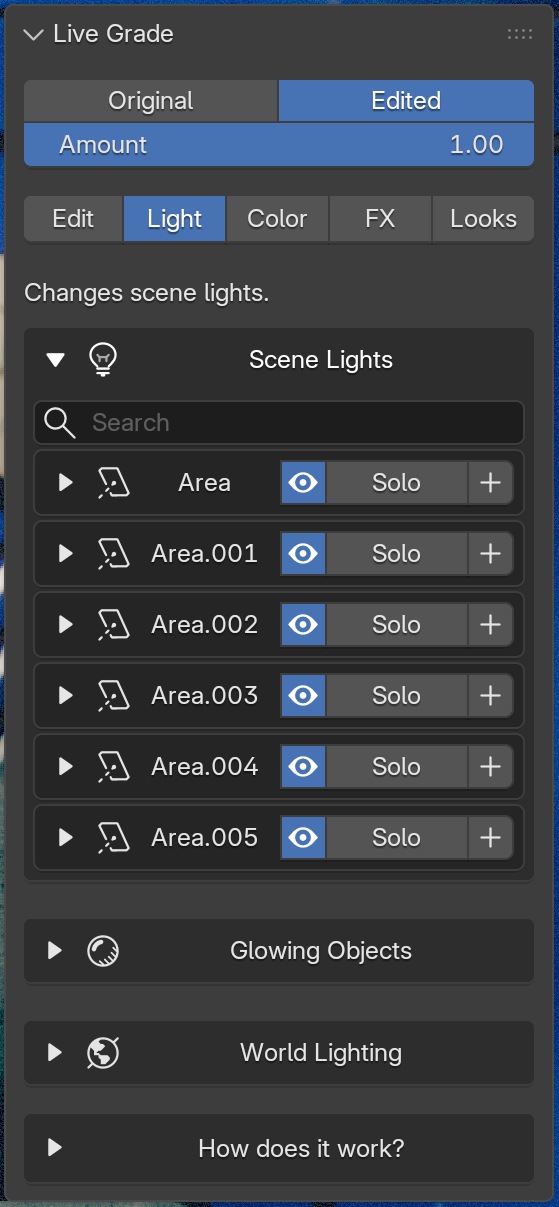
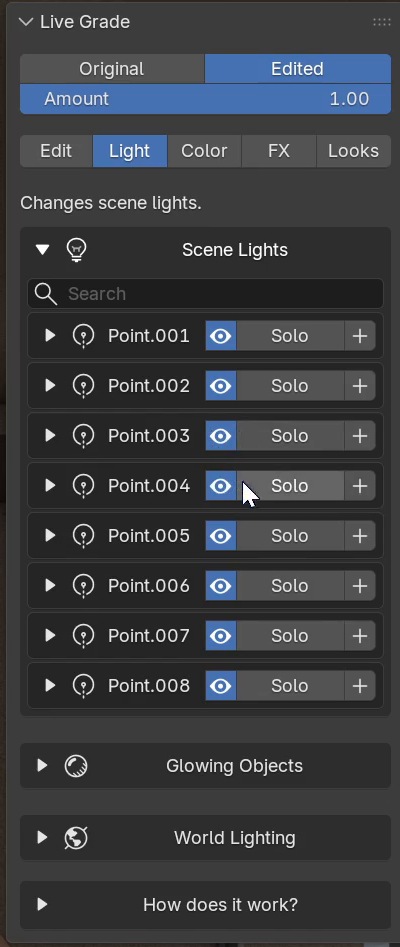
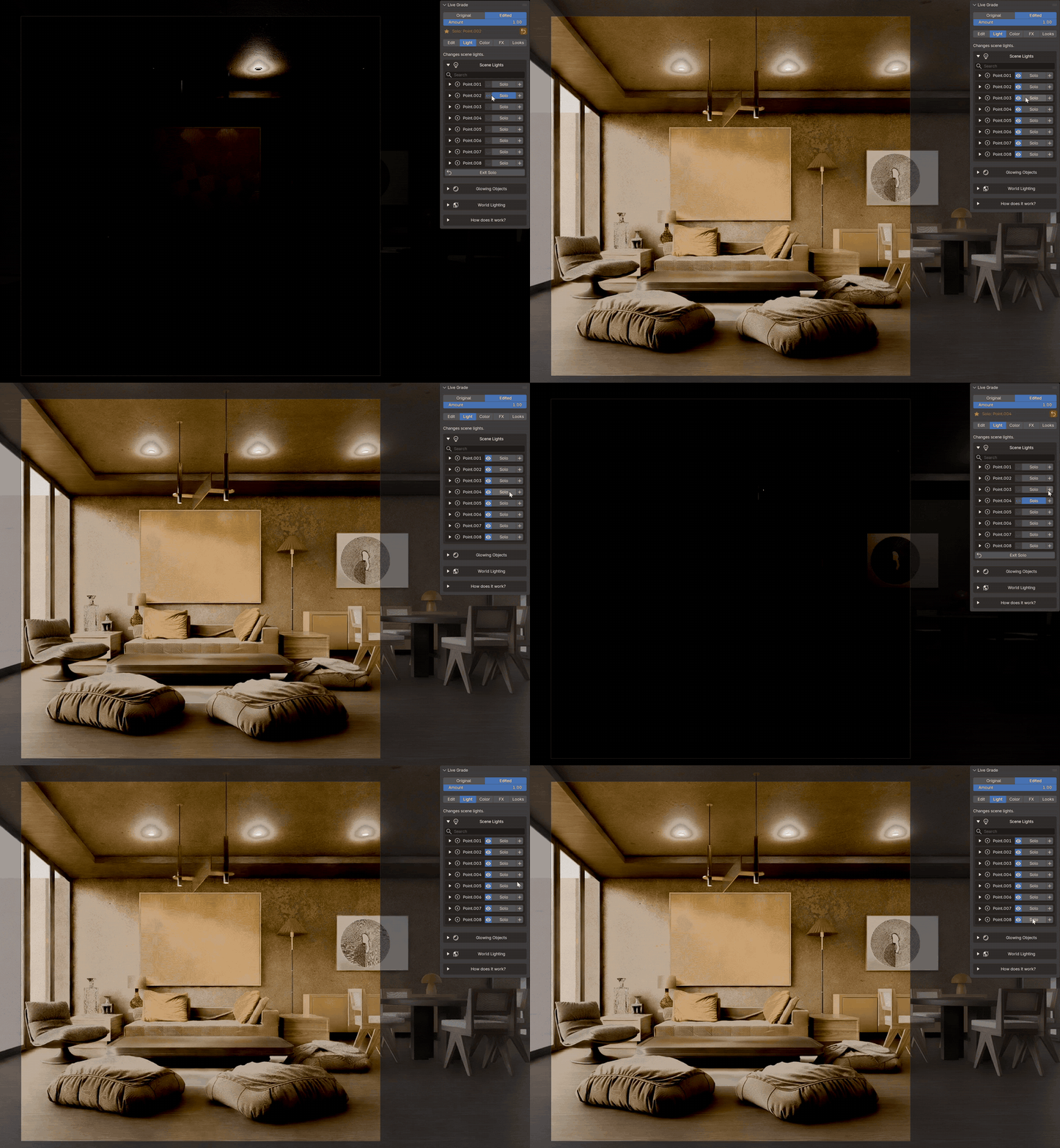
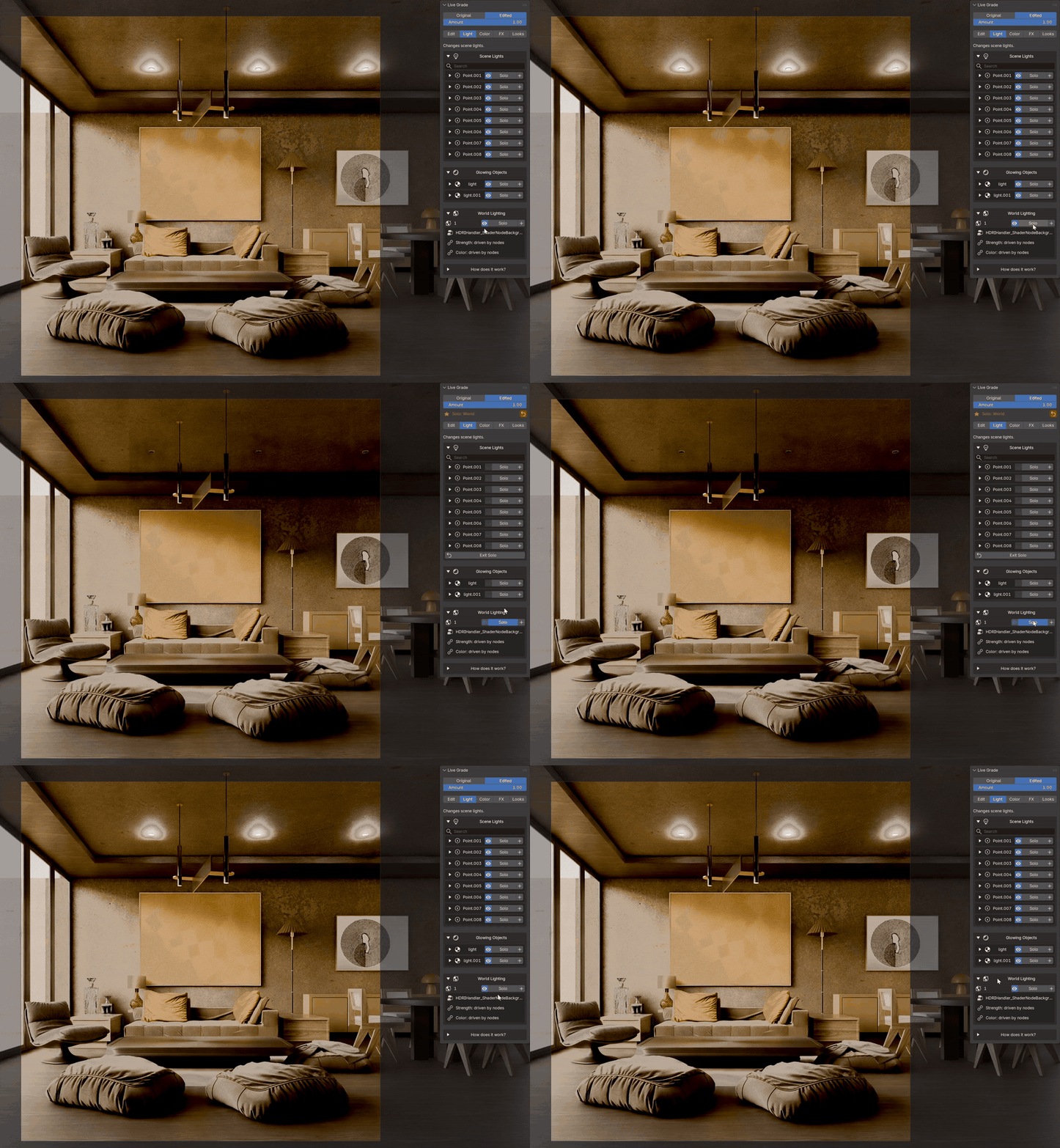
Sometimes the problem isn't the grade, it's the lighting. Every lamp is listed here: turn it on or off, change its power and color, live. Solo a light to see only what it adds, and find the one causing that strange bright spot in seconds. Glowing materials and the World have the same controls. Exit Solo and every light is back as it was.
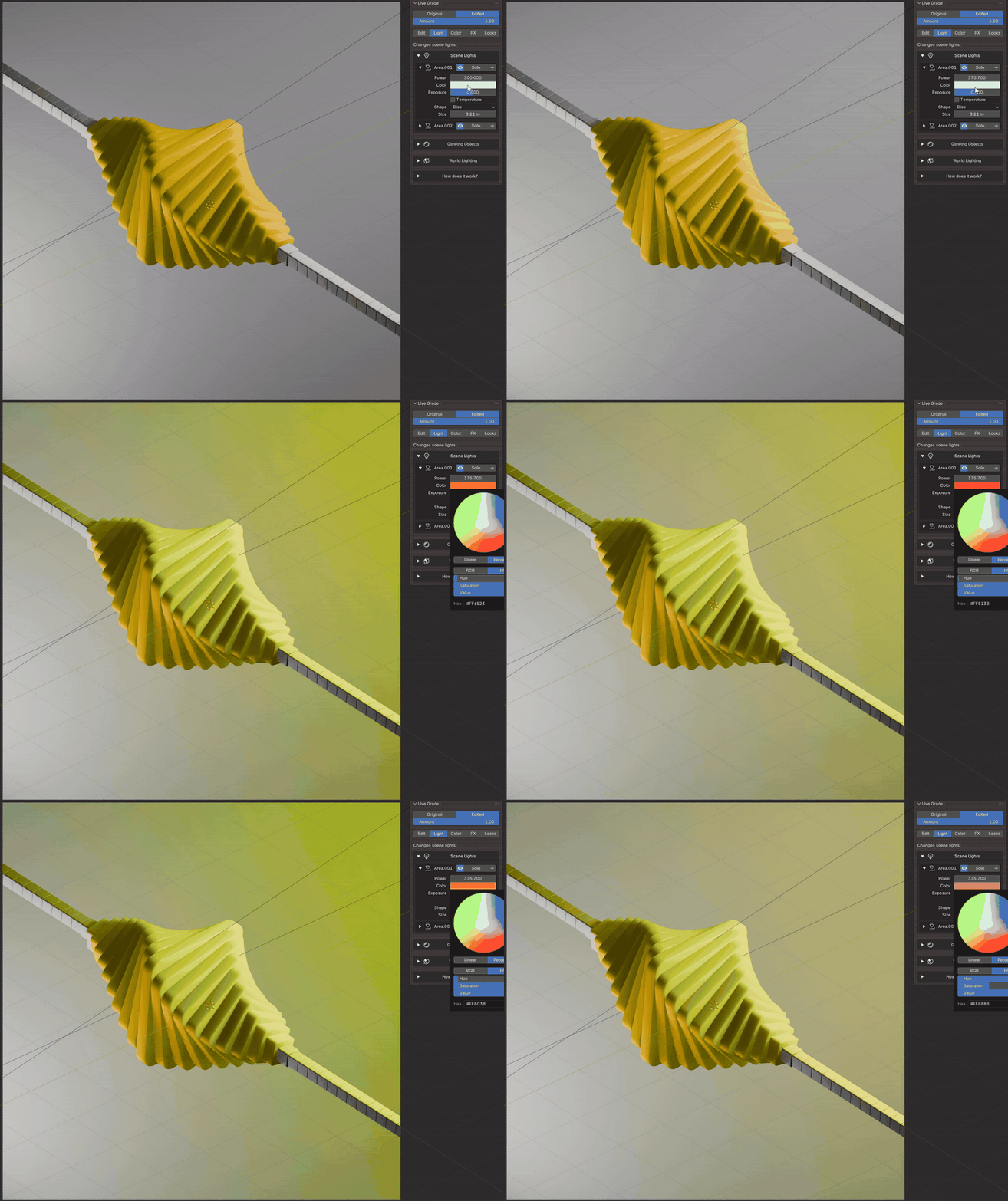
Power & color, live
Inside the Light tab
|
Every lamp: on/off, Solo, + |
Glowing objects and the World |
|
Solo a light |
Glowing objects |
Looks
One click
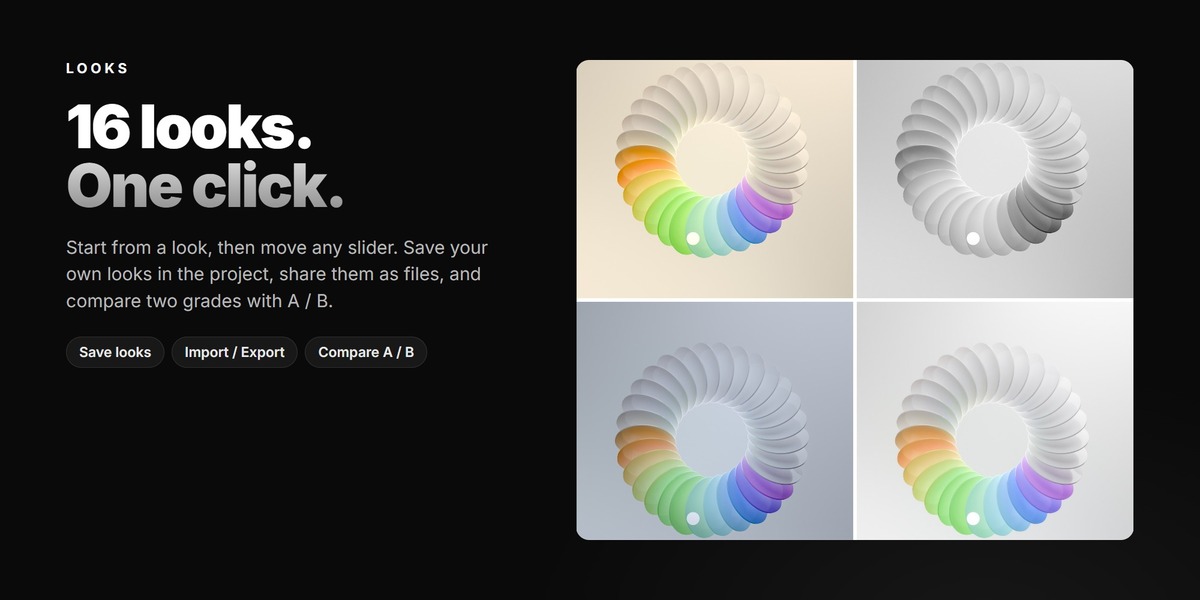
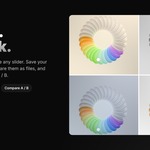
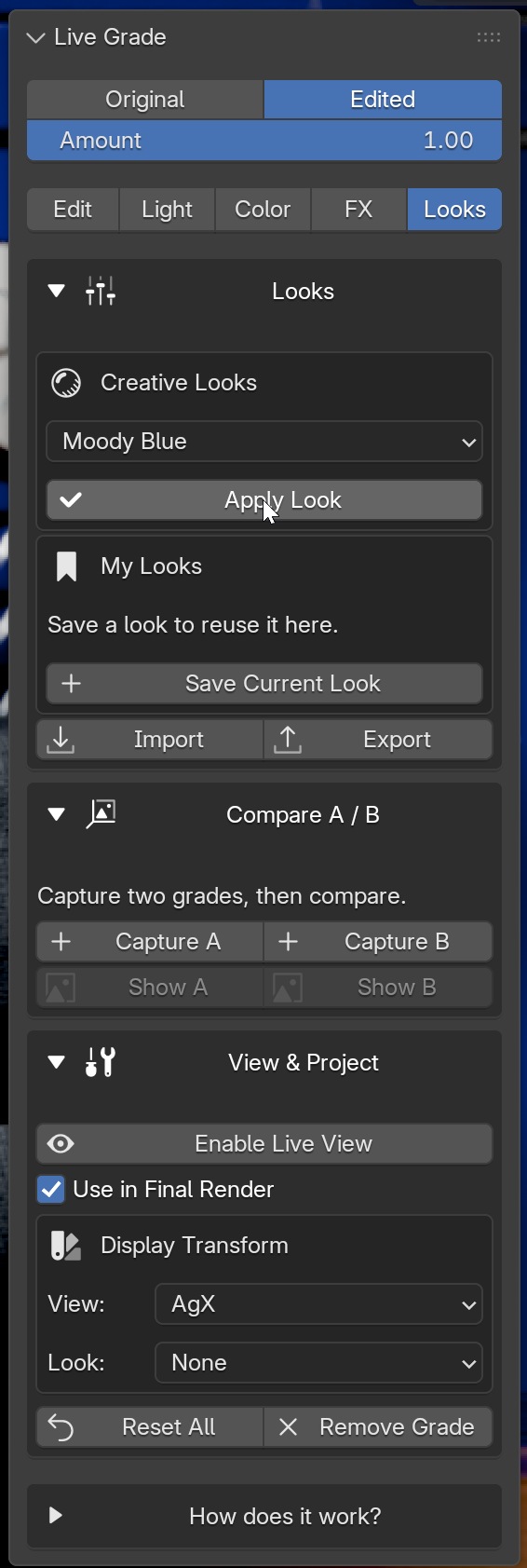
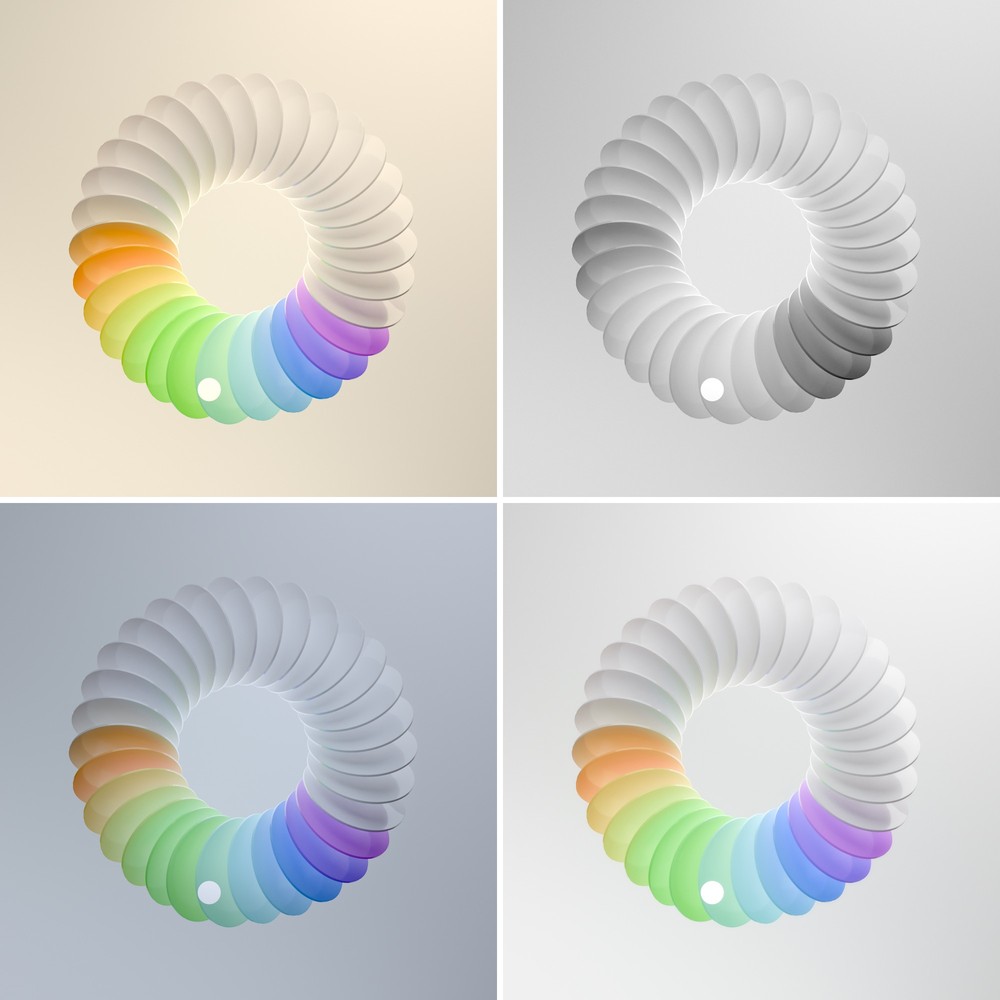
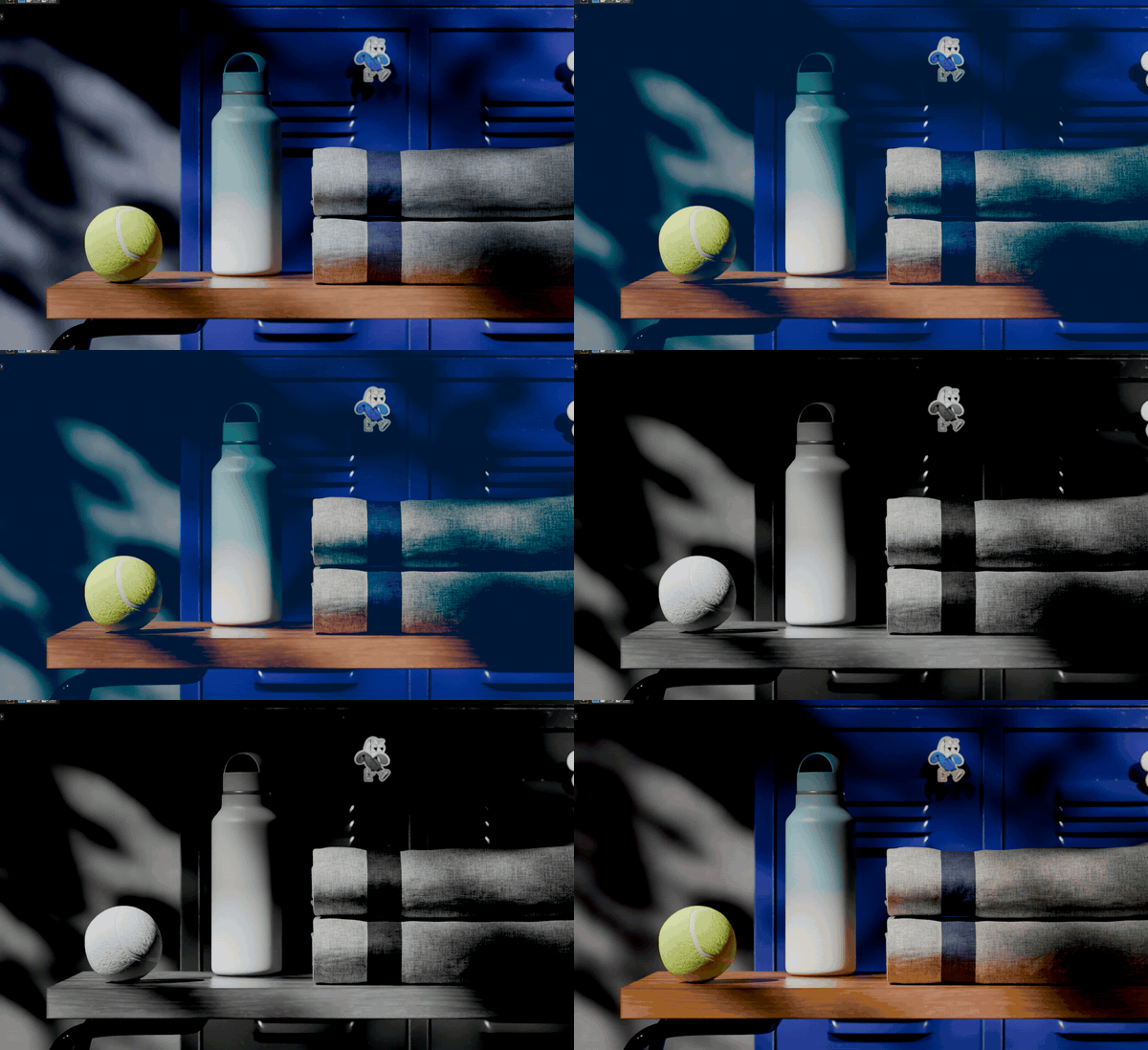
Don't want to start from zero? Pick a look, then move any slider. Save your own looks in the project or export them as files for the next one. Can't decide? Capture A and B and flip between them. Original / Edited and the Amount slider show your grade against the untouched image, so you never go too far.
|
The real panel |
One frame, four of the looks Click a look: the viewport changes right away |
Animate
every slider
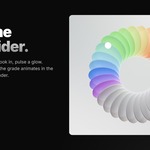
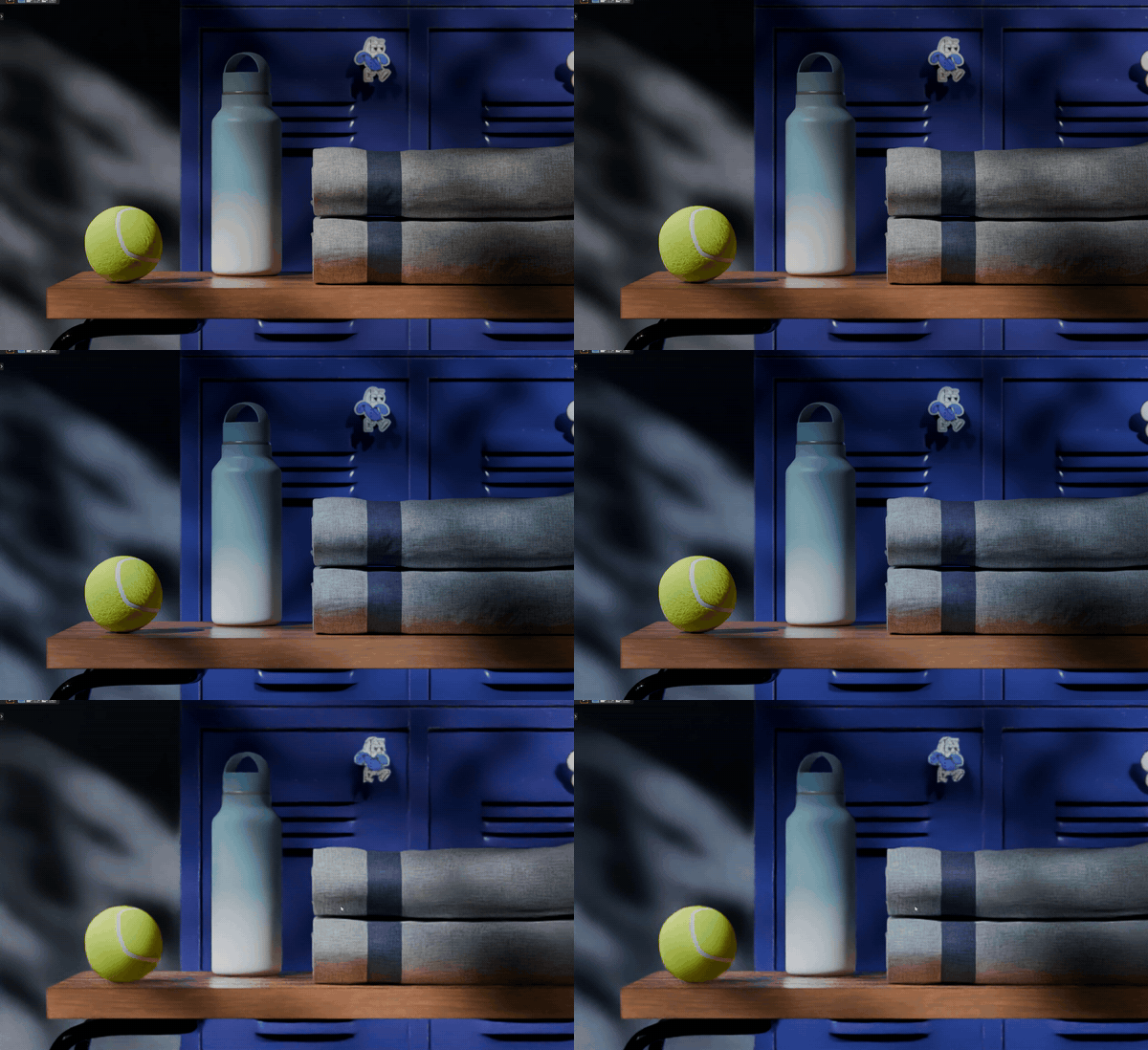
Hover a slider, press I, and the grade animates in the viewport and in the final render. Turn day into night, fade a look in at the end of a shot, pulse a glow to the music. Keyed sliders turn yellow, just like everywhere else in Blender.
|
Exposure and temperature, keyframed |
Press play: day turns into night The same shot at the first key: bright day |
Why it's worth it
More looks
| THE OLD WAY | LIVE GRADE | |
| See the result | Render, wait, check | Live, in the viewport |
| Make a look | Wire a wall of nodes | Move a few sliders |
| Fix one light | Change it, render again | Solo it, change it live |
| Reuse a look | Rebuild the node tree | Save it once, use it anywhere |
| Animate a grade | Key values node by node | Hover, press I |
| Undo | Hunt for the right node | Reset one section, or Remove Grade |
Ready to go
Grade and render
✓Blender 5.2 and 5.3
✓Cycles and EEVEE
✓Stills and animations
✓Works with scenes that already have their own compositor
✓Remove Grade puts your original setup back
✓Nothing else to install
✓All future updates included
Try it on your own scenes, and if something doesn't work the way you expect, message me. I update it fast.