 Armin



Install
- Download the zip. Do not unzip it.
- In Blender 5.2 or 5.3: Edit > Preferences > Get Extensions, open the menu at the top right, choose Install from Disk and pick the zip.
- Open the 3D View sidebar (press N) and click the Live Grade tab.
Start
Click Start Live Grading. Live Grade adds its grade to the scene compositor and switches the viewport to Rendered view with compositing on, so every change shows on the live render. If your scene already has its own compositor setup, Live Grade connects after it and keeps it working.
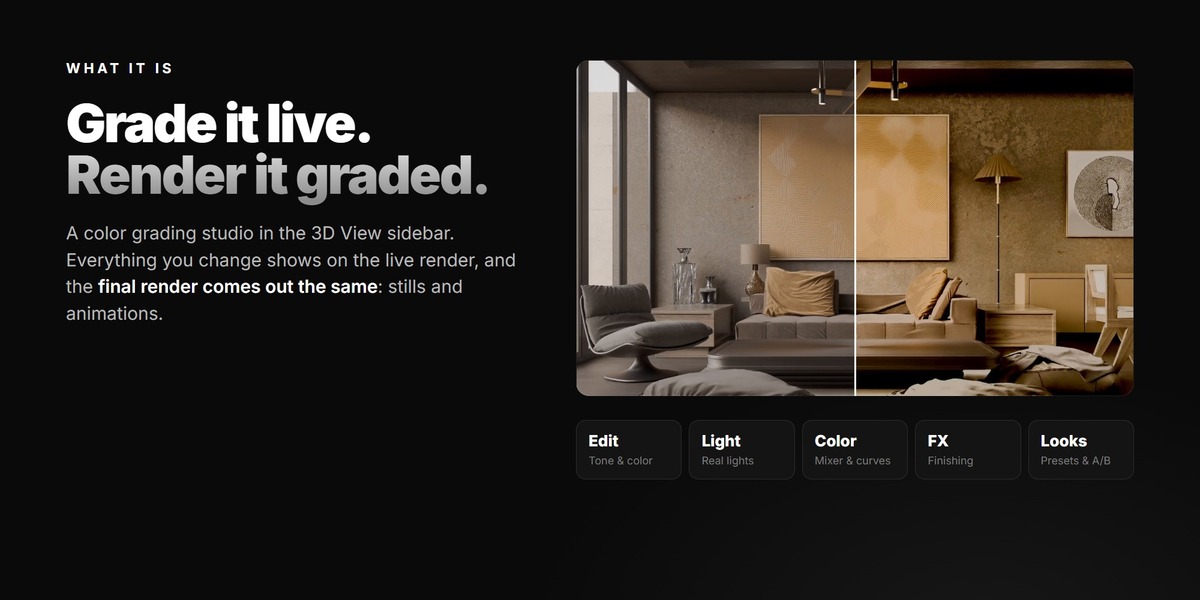
Use Original / Edited to see the untouched image, and the Amount slider to blend the whole grade in or out.
The tabs
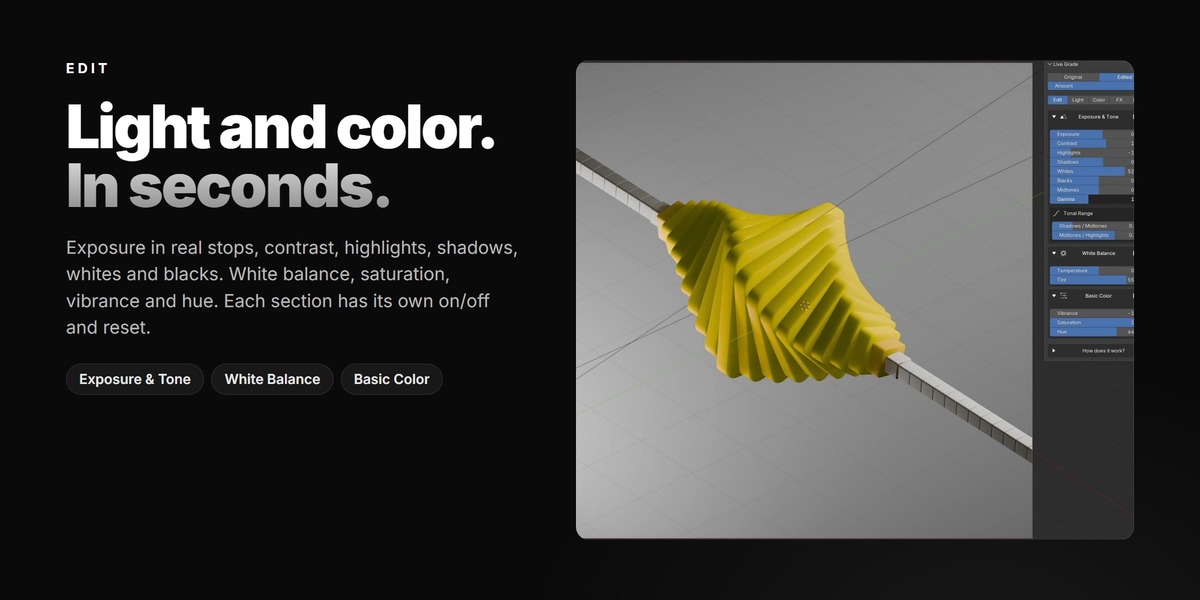
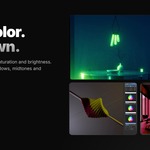
- Edit: exposure in stops, contrast, gamma, highlights, shadows, whites, blacks, tonal range, white balance, vibrance, saturation and hue.
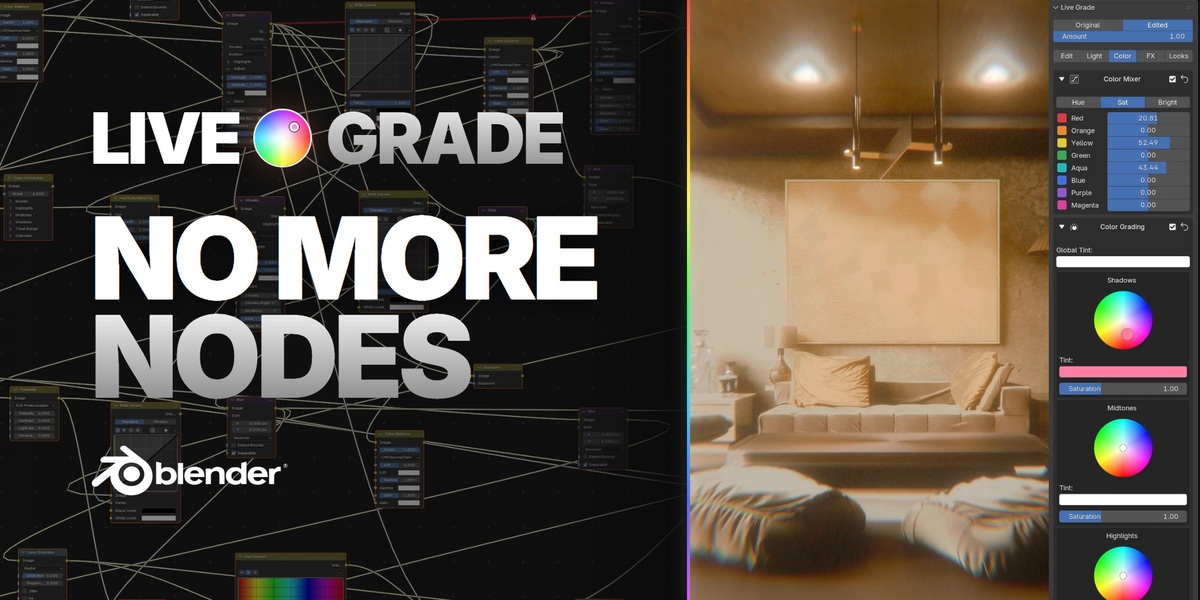
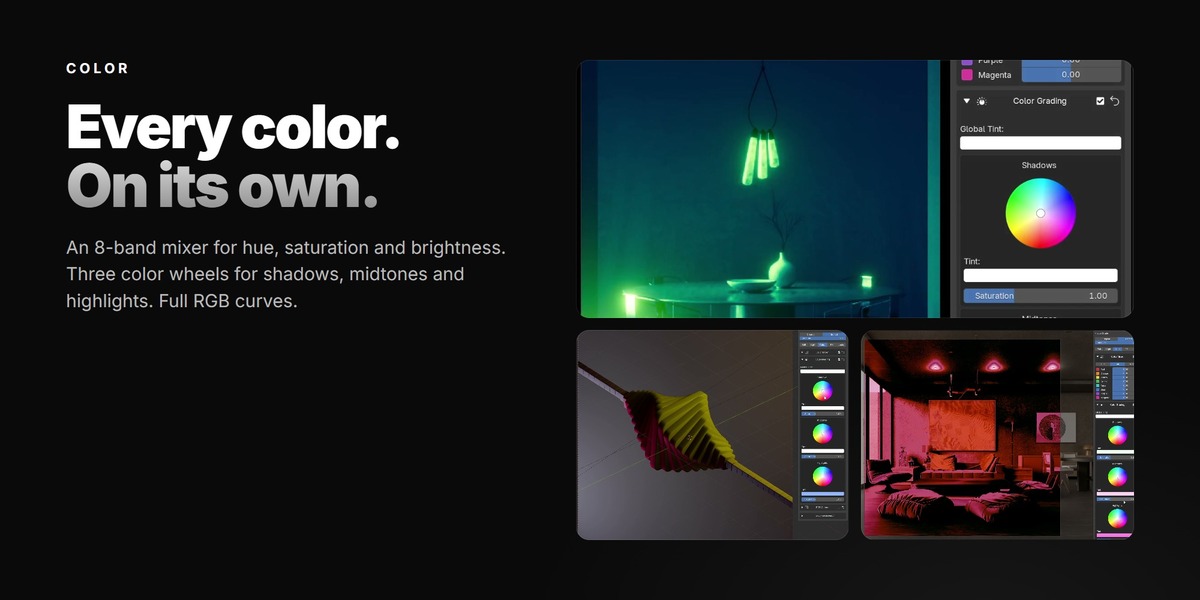
- Color: 8-band color mixer (hue, saturation, brightness per band), color wheels for shadows, midtones and highlights, global tint and RGB curves.
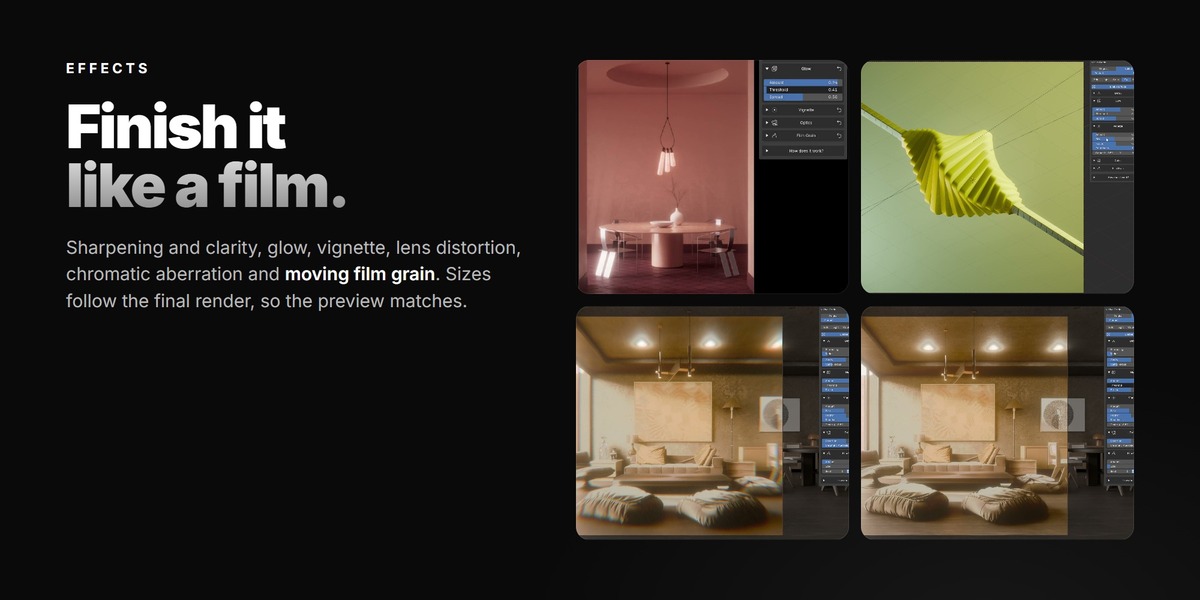
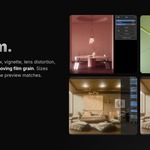
- Effects: sharpen and clarity, glow, vignette, lens distortion, chromatic aberration and film grain (the grain moves in animations). Sizes follow the render resolution, so the viewport matches the final render.
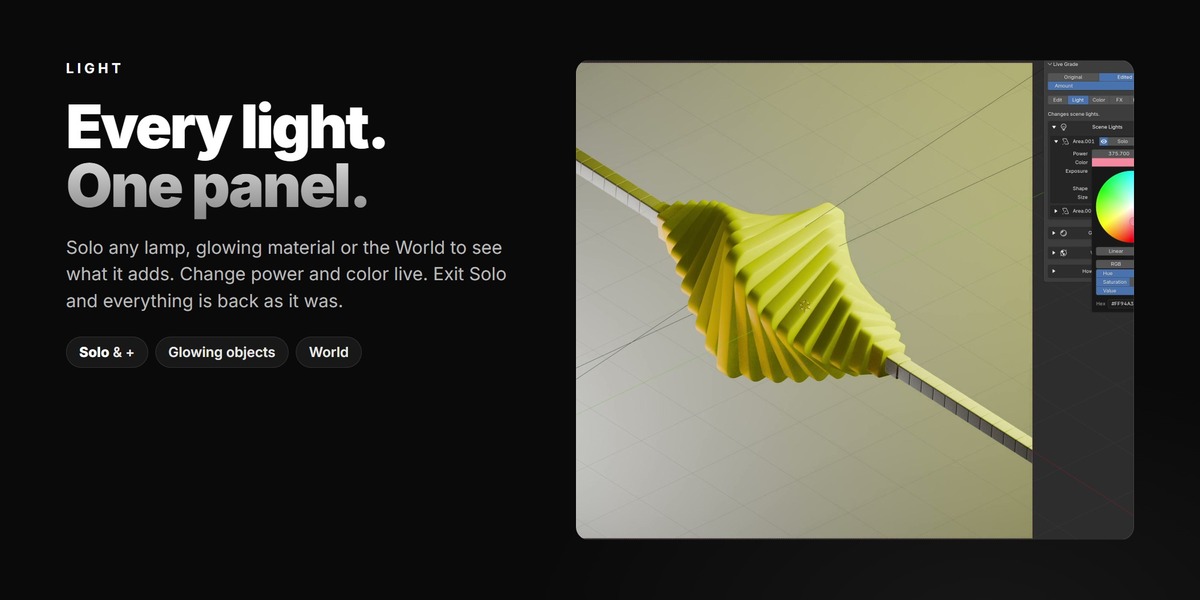
- Light: every lamp, glowing material and the World in one list. Turn them on or off, change power and color, Solo one light or add more to the solo group with +. Exit Solo and everything goes back as it was.
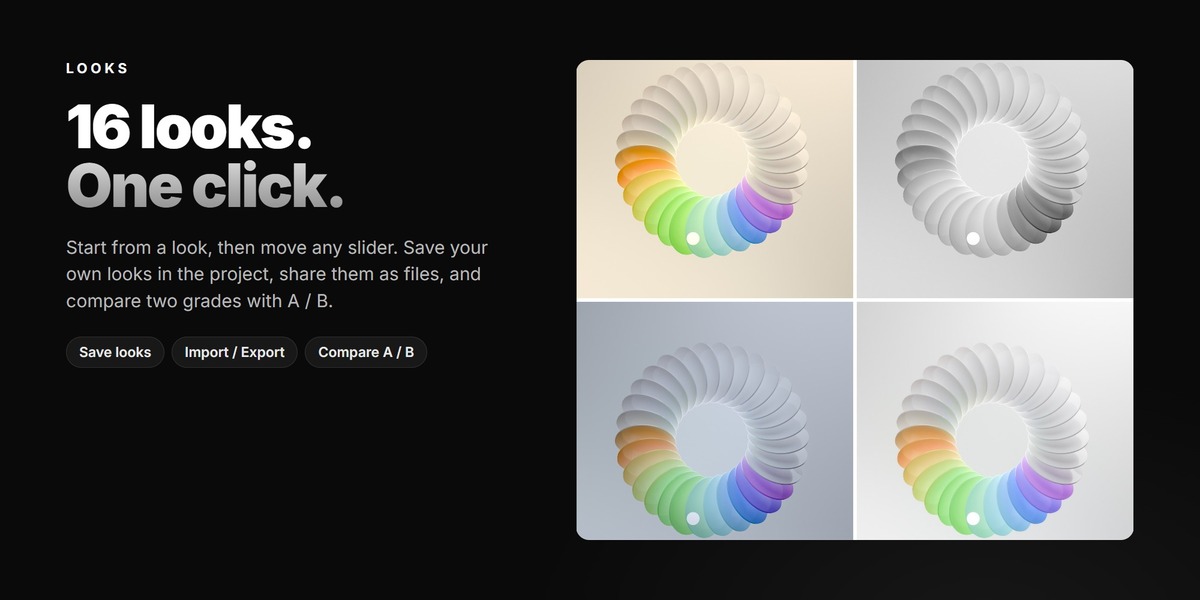
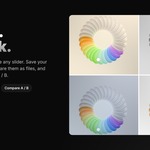
- Looks: 16 ready looks. Apply one, then change any slider. Save your own looks in the project, export or import them as files, and compare two grades with A / B.
Every section has its own on/off switch and reset. Reset All sets everything back to neutral.
Animate
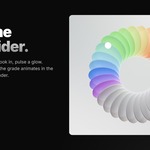
Hover any slider and press I to keyframe it. The grade animates in the viewport and in the final render.
Render
Render as usual (F12 or Render Animation). The grade is part of the compositor, so the final image is the same as the viewport.
Remove
Remove Grade takes Live Grade out of the scene and reconnects your original compositor output.
Have questions about this product?
Login to message
| Blender Extension Compatible | Yes |
| Published | 3 days ago |
| Blender Version | 5.2 |
| Extension Type | Add-on |
| Render Engine Used | Cycles, Eevee |
| License | GPL |
Discover more products like this
color grading look film grain Lighting grading Post-Processing viewport compositor color correction presets vignette Glow