Live Guitar Fretboard – Midi Guitar Visualizer For Blender
 Egon Castle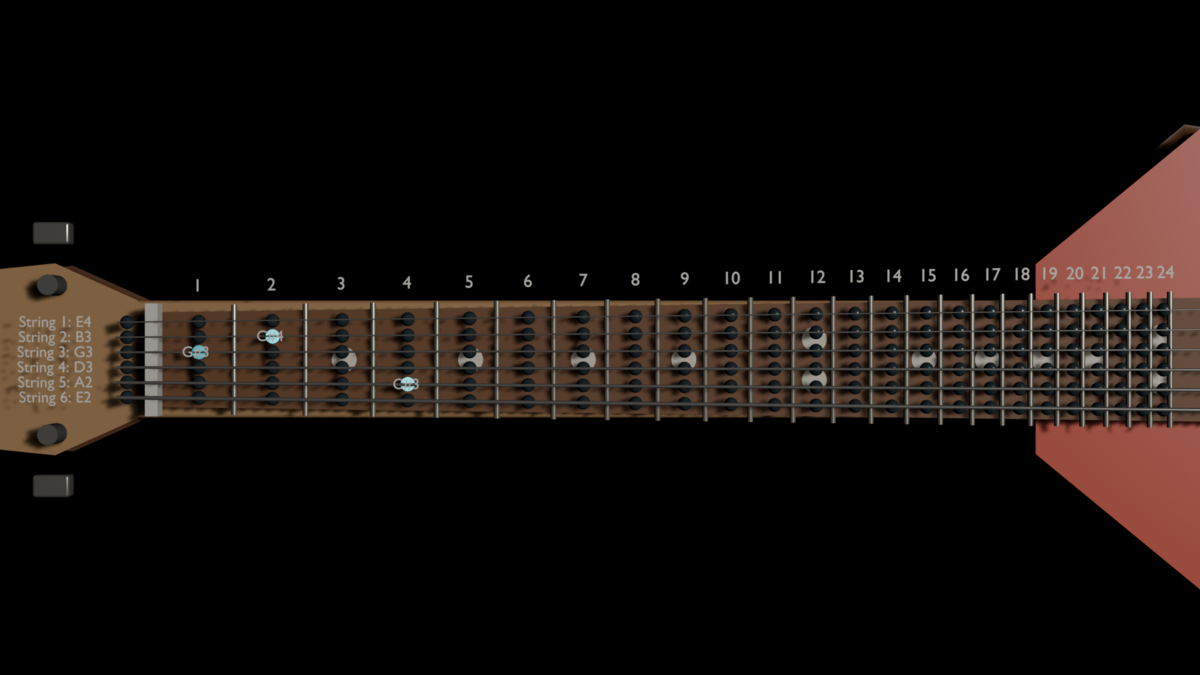
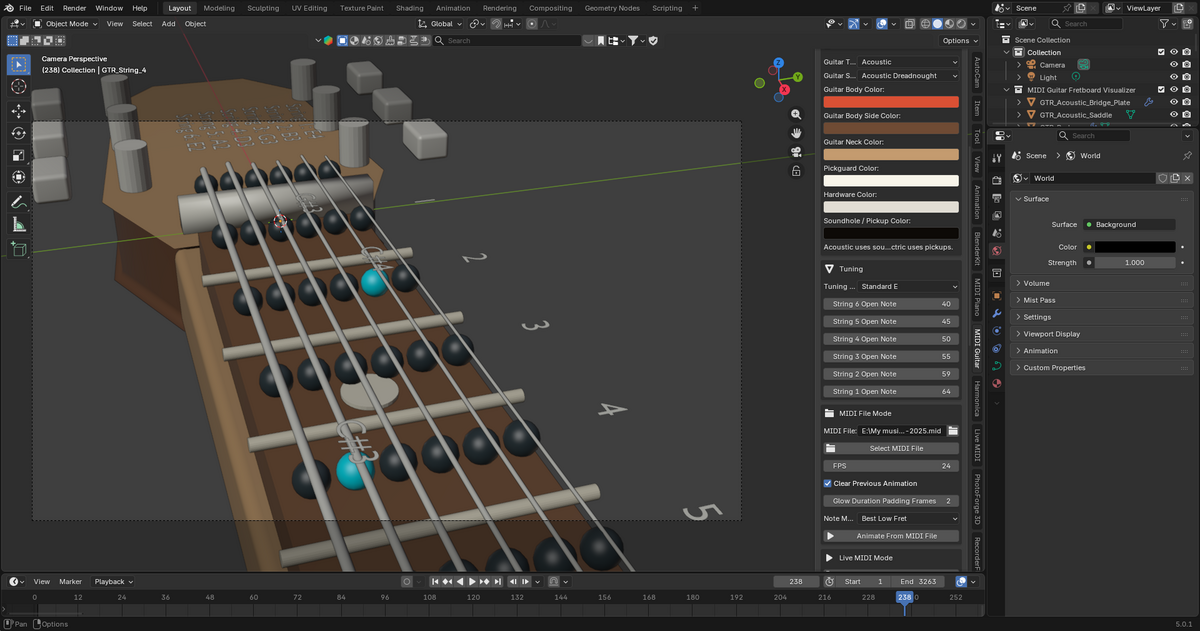
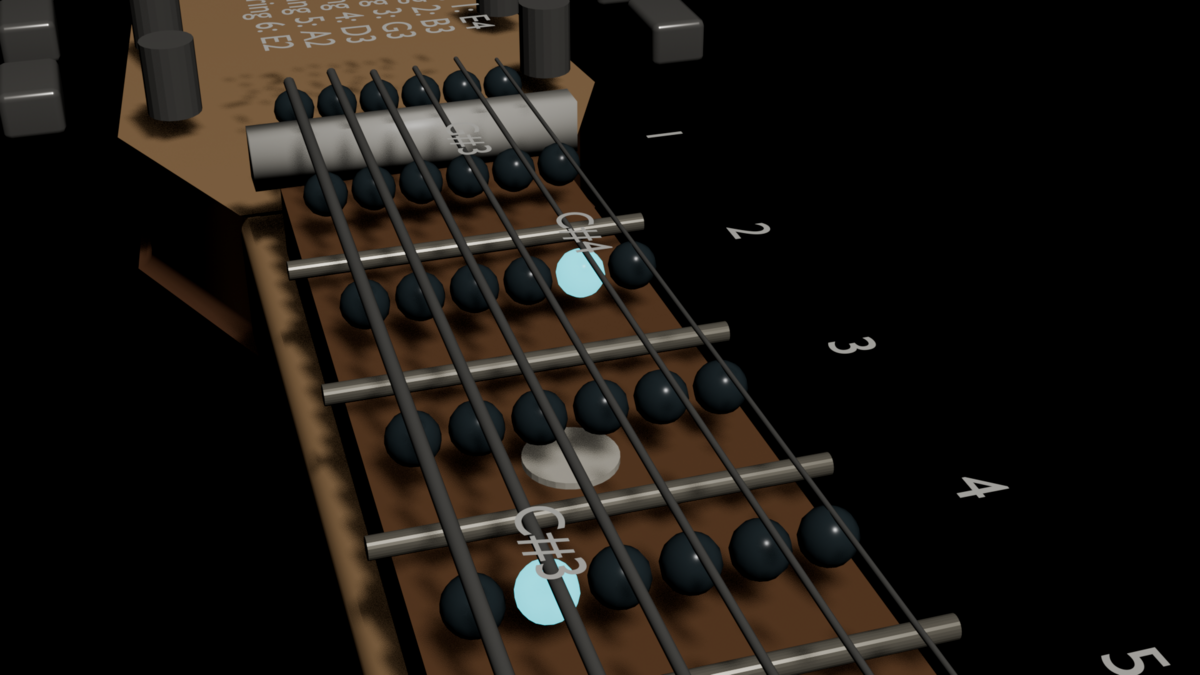
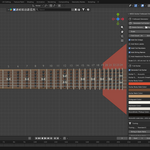
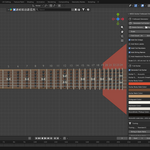
Live Guitar Fretboard – MIDI Guitar Visualizer for Blender
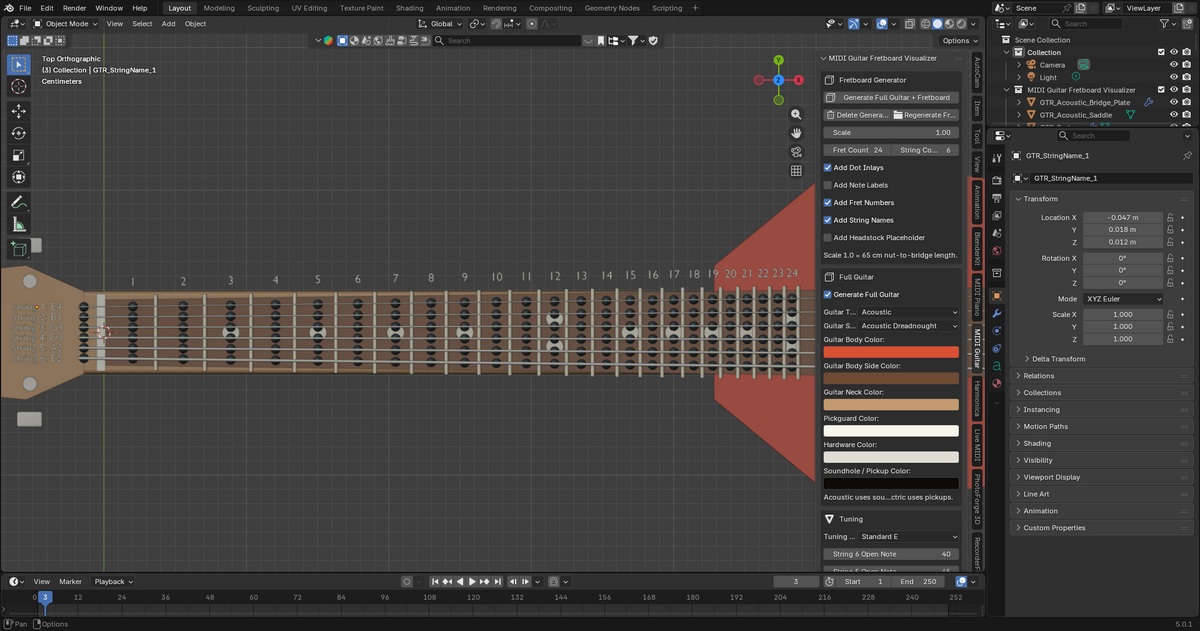
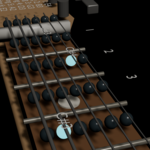
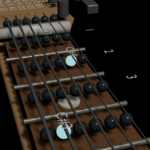
Live Guitar Fretboard is a Blender add-on that generates a 6-string, 24-fret guitar fretboard and visualizes MIDI notes on it. It is designed for music creators, educators, guitar visualizer artists, and Blender users who want to create guitar-based MIDI animations.
This add-on can be used to show notes on a guitar fretboard from MIDI data. It is useful for music videos, guitar tutorials, MIDI demonstrations, educational animations, and creative visual projects.
Main Features
- Generate a procedural 6-string guitar fretboard
- Generate up to 24 frets
- Visualize MIDI notes on the fretboard
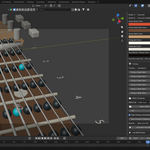
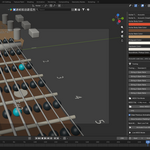
- Highlight matching string and fret positions
- Support standard guitar tuning
- Show note positions clearly for animation and teaching
- Useful for guitar visualizers, MIDI demos, and music education
- Designed for Blender animation workflows
How It Works
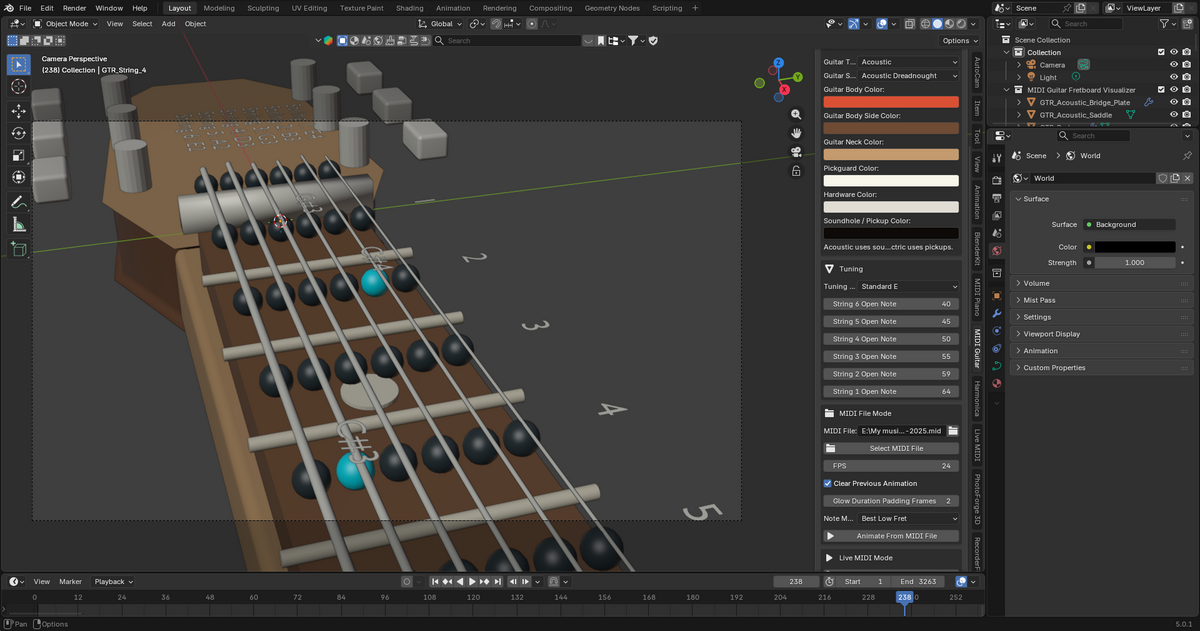
The add-on creates a guitar fretboard inside Blender. Each string and fret position can respond to MIDI note data. When a MIDI note is played, the add-on finds the matching guitar fret position and highlights it visually.
A guitar note can often exist in more than one position on the fretboard. For example, the same note may be playable on different strings. This add-on is designed to help visualize those notes clearly.
Basic Usage
1. Install the add-on in Blender.
2. Open Blender and enable the add-on.
3. Open the sidebar in the 3D Viewport by pressing N.
4. Go to the Live Guitar Fretboard panel.
5. Generate the 6-string, 24-fret guitar fretboard.
6. Load or connect your MIDI source, depending on the version you are using.
7. Play or process the MIDI notes.
8. The fretboard will highlight the matching notes.
Recommended Workflow
For best results, first generate the fretboard and test the note highlighting with simple MIDI notes. After confirming that the notes are working correctly, you can adjust materials, camera angles, lighting, and animation settings for your final render.
Default Guitar Tuning
The default tuning is standard guitar tuning:
String 6: E2
String 5: A2
String 4: D3
String 3: G3
String 2: B3
String 1: E4
This matches a normal 6-string guitar setup.
Use Cases
This add-on is useful for:
- Guitar tutorial videos
- MIDI guitar visualizations
- Music theory demonstrations
- YouTube music content
- Blender motion graphics
- Guitar note mapping animations
- Educational fretboard videos
- Creative music visual effects
Requirements
- Blender
- A MIDI file or MIDI input source, depending on your workflow
- Basic knowledge of Blender add-on installation
Important Notes
This add-on works with MIDI note data. It does not automatically detect notes from normal audio files such as MP3 or WAV. For best accuracy, use MIDI data.
This product is designed for visualization and animation purposes. It is not a full digital audio workstation or guitar recording software.
Troubleshooting
If the fretboard does not react to MIDI notes:
- Make sure the add-on is enabled
- Make sure the fretboard has been generated
- Check that your MIDI file or MIDI input is valid
- Confirm that the notes are inside the guitar fretboard range
- Restart Blender after installing any required MIDI dependencies
- Test with a simple MIDI file first
If notes appear on unexpected fret positions, remember that the same guitar note can exist in multiple places on the fretboard. This is normal guitar behavior.
Support
If you need help, please provide:
- Your Blender version
- A short description of the issue
- Screenshots if possible
- The steps you followed before the issue happened
Have questions about this product?
Login to message
| Blender Extension Compatible | Yes |
| Dev Fund Contributor | |
| Published | 3 months ago |
| Blender Version | 3.6 - 5.1 |
| Extension Type | Add-on |
| Render Engine Used | Blender-Internal, Cycles, Eevee |
| License | GPL |
Discover more products like this
Live MIDI Guitar Visualizer education music visualizer Visualizer midi-animation Music Fretboard animation procedural