 Lewiskratos



v1.1.0 - Standard Edition
v2.0 Coming This July ( Improved Security and New UI + Tutorial )
Blender Asset Lock Protection for Creators who Need it
🎯 Why Get This Addon?
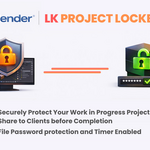
For Creators and Blender Artists that want to share Work in Progress Projects, Models, Assets or Textures for First Look or Testing before Final Delivery.
Are You Worried About Piracy/Security for your work?
Then this Addon is For You.
| ❌ Someone buys once, shares with everyone | ✅ Password-protected encryption |
| ❌ Can't offer "try before you buy" demos to clients | ✅ Share Time-limited preview sessions to clients |
| ❌ Reverse engineering threats | ✅ Active Defense anti-tampering system |
| ❌ Lost sales from uncertainty | ✅ Let customers try before they buy |
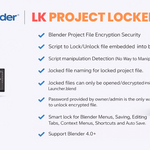
🔒 Robust Security✓ SHA-256 password encryption ✓ Time-limited demo sessions ✓ Read-only mode protection ✓ Menus LK blocking System ✓ Tampering detection ✓ Version validation |
⚙️ Easy to Use✓ One-click Locking ✓ Auto version detection ✓ Modern overlay UI ✓ Instant password unlock ✓ No customer addon needed ✓ Contact Creator button |
💼 Business Ready✓ Market ready ✓ Demo → Purchase workflow ✓ 7 Blender versions supported ✓ Professional output ✓ Launcher templates included ✓ Full documentation |
🛡️ LK Active Defense System v1.0
Prevents code manipulation/tampering attempts and protects your locked file
Important Information to Know
- The Client or the Receiver doesn’t need the addon installed to open.- Client Side runs on hardcoded script
- This is not a military-grade encryption tool, its one of a kind locking system for artists who need extra step of protection from clients.
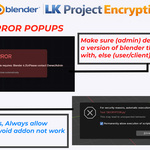
- The tool has real-time code manipulation detections and memory check inside blender, so its safe to run. If it detects any attempts to edit the script or ripper tools to get data(models) from memory while blender is open, it will auto detect and close the blender session automatically, hence protecting your data.
- Blender Menus will be locked by the user/artist at will, only unlock if password is entered.
🎯 How It Works
| 1
|
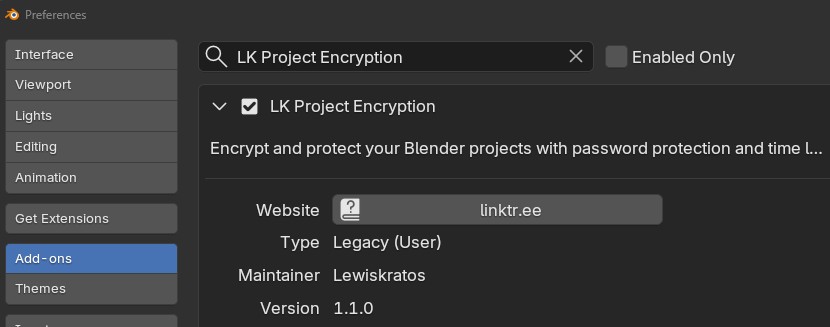
Install the AddonAdd LK_Project_Encryption_Addon.zip to Blender via Drag N Drop or Preferences → Add-ons |
| 2
|
Click [🔒 LK Encrypt]Find the button in the 3D Viewport header, next to the menus |

| 3
|
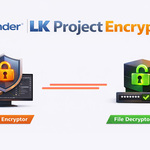
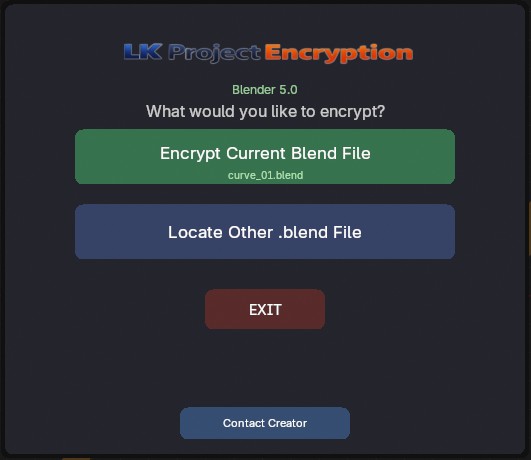
LK Encryption UIClick [🔒 LK Encrypt] to launch this UI in viewport and choose the options available |
| 4
|
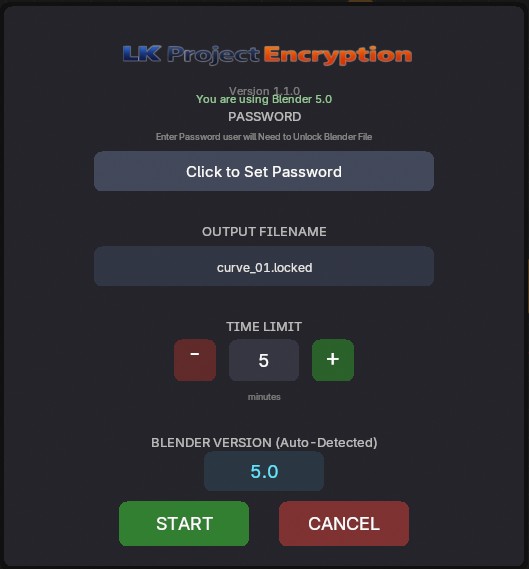
Set Password & Time LimitChoose a secure password, rename the output, set demo duration (in minutes) and proceed |
| 5
|
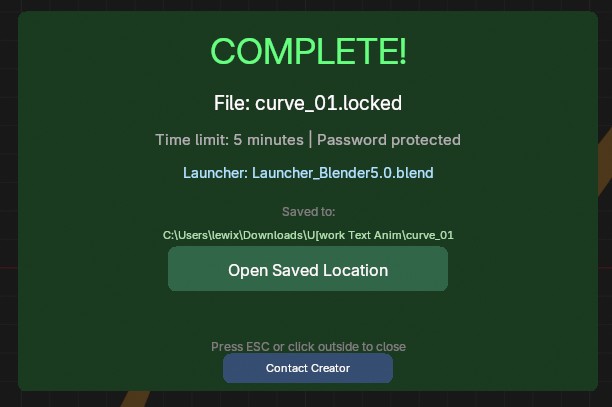
Click STARTAfter encryption, creates a .locked file and password file in a new folder |
| 6
|
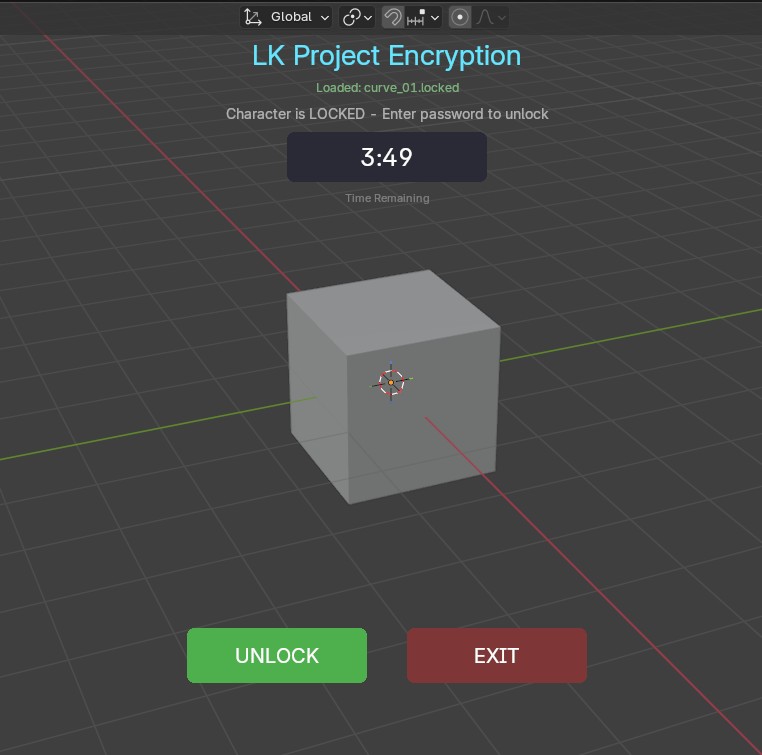
Distribute to CustomersUser launches the Launcher file, sees the UI. Timer runs out and Blender auto-closes unless password is entered |
| 7
|
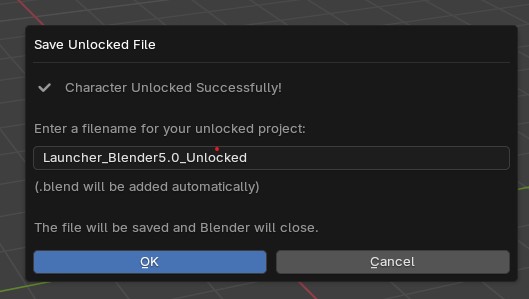
Customer Unlocks FileAfter purchase, share the password. Customer enters it to permanently unlock the file with full access |
Supported Blender Versions
LK Project Encryption v1.1.0
Created by Lewiskratos
Copyright © 2026 Lewis Kratos. All Rights Reserved.
