LK Viewport Splitter
 Lewiskratos
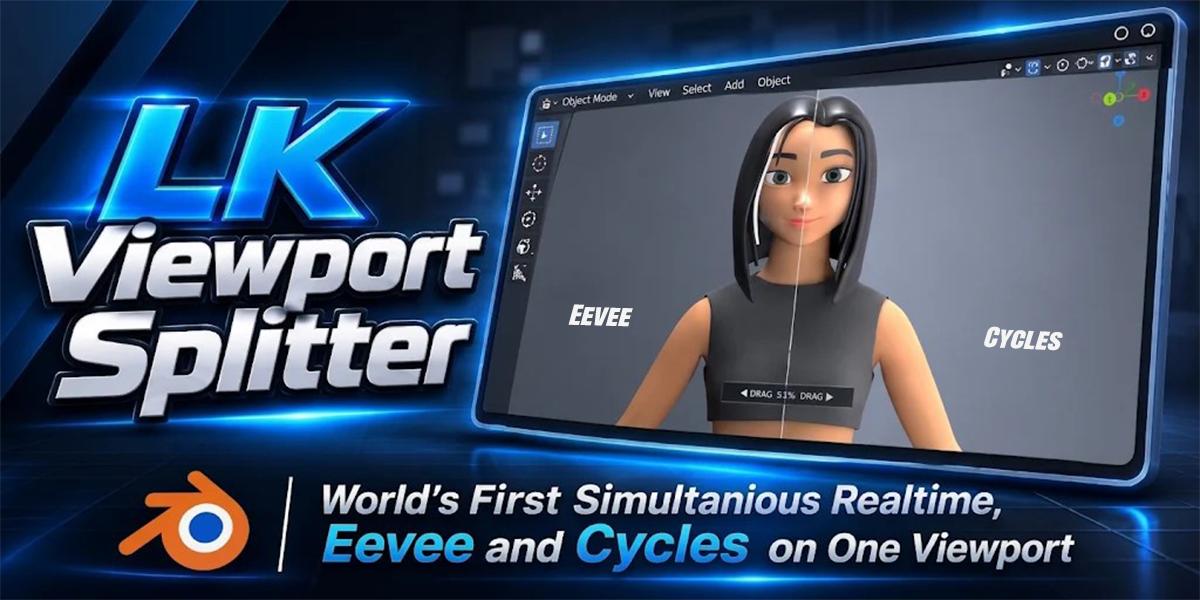
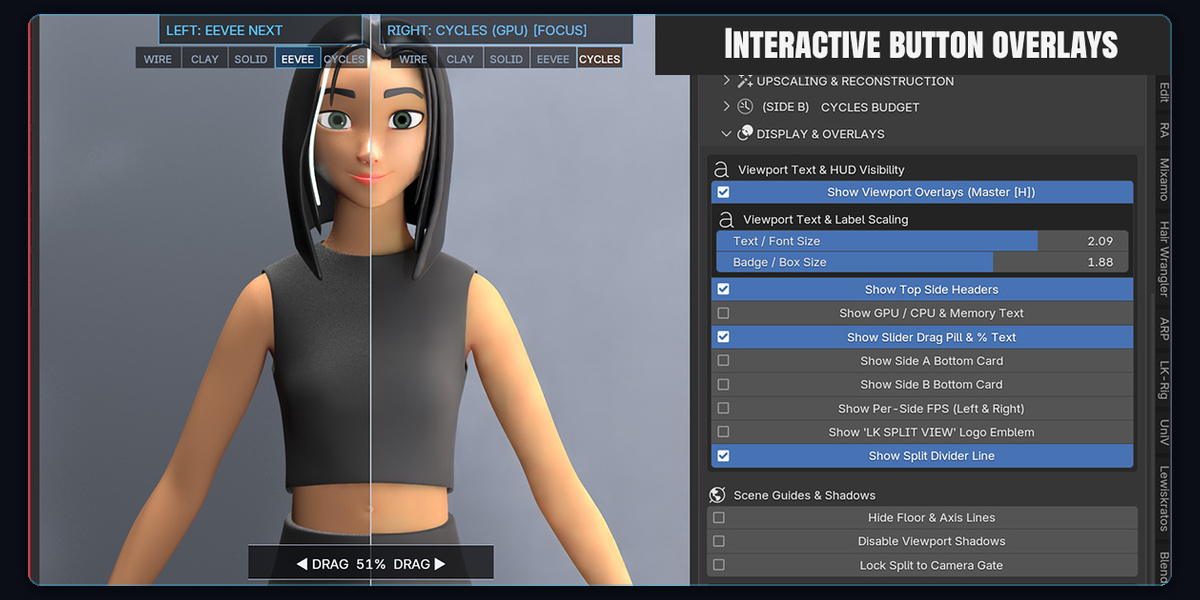
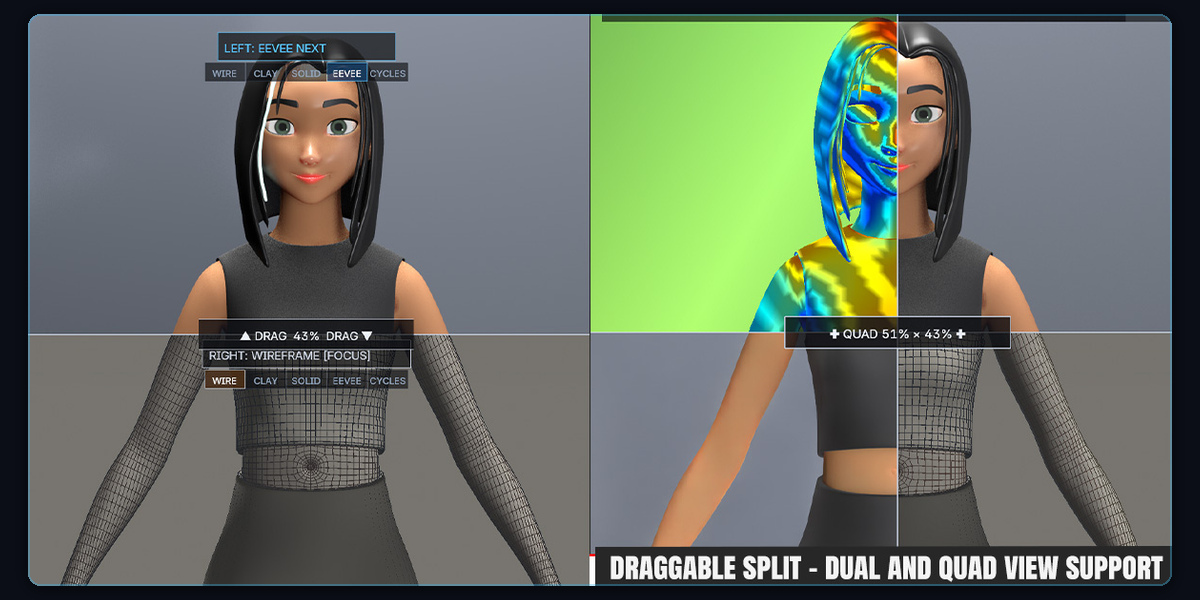
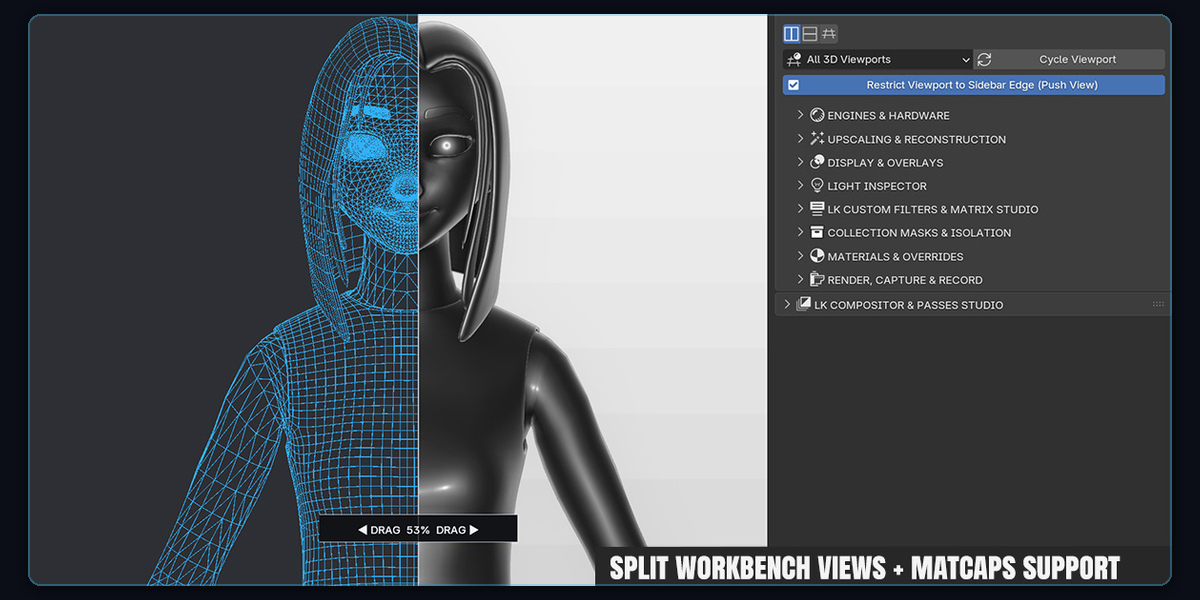
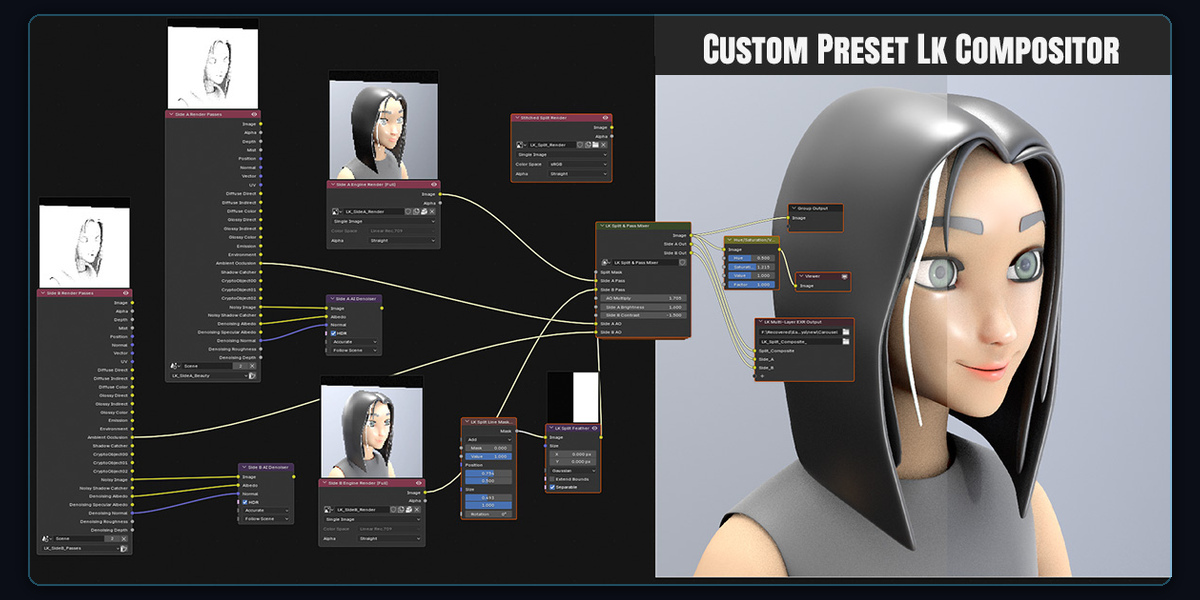
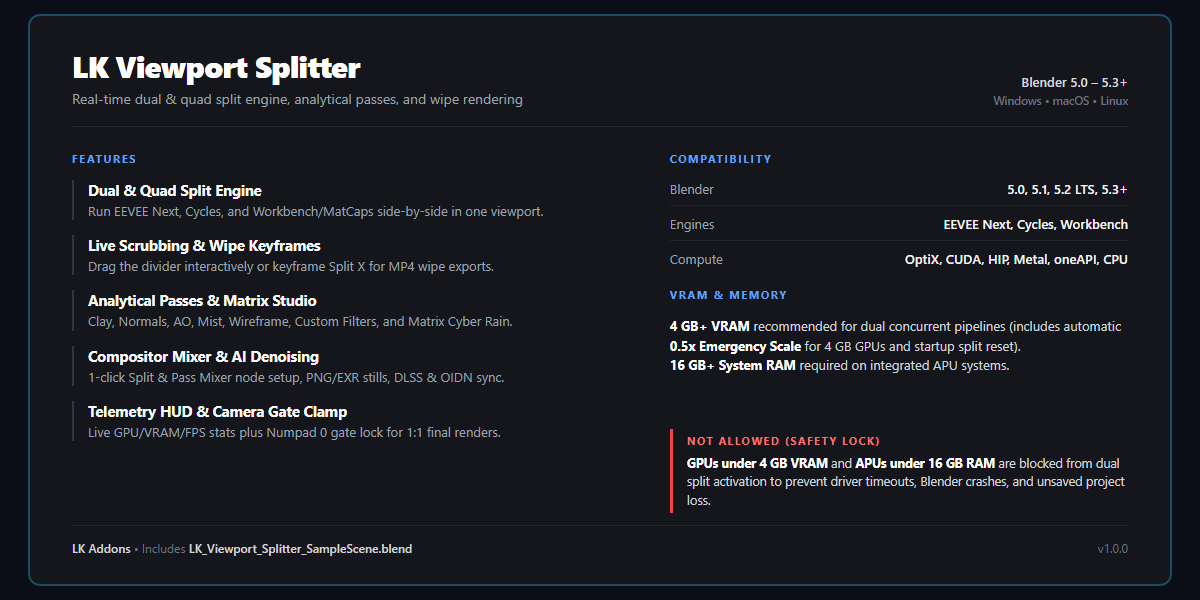
LK Viewport Splitter • Knowledge Base & FAQ
Everything you need to know about setting up, configuring, and mastering real-time dual-engine split views, animatable wipes, AI upscaling, and multi-pass rendering in Blender.
Installation & Quick Start
Q: How do I install LK Viewport Splitter in Blender?
Installation follows the standard Blender add-on workflow:
- In Blender, open Edit > Preferences > Add-ons (or Get Extensions in Blender 4.2+ / 5.0+).
- Click the top-right arrow icon and select Install from Disk...
- Select the provided
LK_Viewport_Splitter_v1.0.0.zipfile and click Install Add-on. - Enable the checkbox next to 3D View: LK Viewport Splitter.
- Press N in any 3D Viewport to open the sidebar, click the LK Splitter tab, and press Activate Split View.
Q: Which versions of Blender and operating systems are supported?
LK Viewport Splitter is natively built for Blender 5.0, 5.1, 5.2, and 5.3+ on Windows 10/11 (64-bit), macOS (Apple Silicon M1/M2/M3/M4 with Metal), and Linux (64-bit). It requires zero external binary dependencies or C++ compilers.
Engines, Shading Passes & Split Modes
Q: Can I compare any two render engines simultaneously?
Yes! LK Viewport Splitter allows you to assign any supported engine to Side A (Left/Top) and Side B (Right/Bottom):
- EEVEE Next ⇄ Cycles: Verify real-time screen-space reflections, raytraced shadows, and specular bounces directly against full path-traced ground truth.
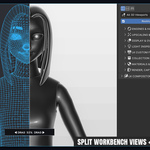
- EEVEE Next ⇄ Workbench / Solid: Compare final shaded PBR materials against clean geometry, form, and silhouette.
- Cycles ⇄ Clay / Normals: Check high-density surface details, micro-curvature, and normals while keeping raytracing active.
Q: What shading passes and analytical filters are included?
You can switch passes in real time on either side via the Filters & Clay menu:
Neutral grey studio matcap for pure form and lighting check.
RGB world/camera normals for diagnosing inverted or broken faces.
Highlights geometric crevices, ridges, and contact shadows.
Visual distance gradient for atmospheric scale and depth grading.
Topology edge density over solid/shaded geometry.
Futuristic green telemetry shader ideal for portfolio reels.
Q: How do the split divider line and scrub controls work?
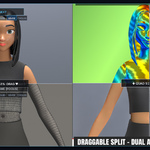
Hover your mouse over the split divider line or central pill handle and click-drag horizontally or vertically. The active percentage displays live on-screen (e.g. DRAG 50% DRAG). You can switch between Vertical Split (Left / Right), Horizontal Split (Top / Bottom), or Quad Split (4-Quadrant) inside the sidebar controls.
Wipe Animations, Reels & Exporting
Q: How do I animate the split divider for social media reels?
Creating an animated before/after wipe takes less than 30 seconds:
- Set the timeline playhead to Frame 1, move the split line to
0.0(fully hidden), and click Insert Keyframe. - Move the timeline playhead to Frame 60 (or your desired length), set the split line to
1.0(fully swept across), and click Insert Keyframe. - Press Spacebar to play: the split divider sweeps smoothly across your viewport in real time.
- Under Split-Wipe Video & Still Renderer, click Record Split Wipe Animation to export directly to MP4 or PNG sequence.
Q: How does the Camera Sensor Gate Clamp work?
When in Camera View (Numpad 0), enabling Camera Sensor Gate Clamp locks the split divider strictly within the camera's resolution borders (e.g. 1920×1080 or 1080×1920 vertical reel). This guarantees that what you preview in the viewport matches your final render output with 100% pixel parity.
Hardware Optimization & VRAM Safety
Q: What are the minimum and recommended hardware requirements?
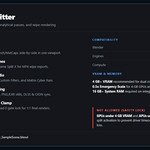
- Recommended: Dedicated NVIDIA RTX (2060, 3060, 4060 or higher) or AMD Radeon (RX 6600+) with 6GB–8GB+ VRAM.
- Minimum: Dedicated GPU with 4GB VRAM (e.g. GTX 1650 / RTX 3050 mobile) or modern APU system (Ryzen 5000/6000/7000/8000 / Intel Core Ultra) with at least 16GB shared system RAM.
- Crash Prevention Guard: To prevent GPU driver timeouts (TDR) and protect unsaved scenes, systems with less than 4GB VRAM or APUs with under 16GB RAM are automatically safeguarded.
Q: What is "Emergency 0.5x Scale Mode" and when should I use it?
When working on large production scenes with high-resolution 4K/8K textures on tighter 4GB/6GB VRAM hardware, enabling Emergency 0.5x Scale Mode renders the offscreen mirror buffer at half-resolution and upscales it back using hardware bilinear filtering. This cuts VRAM consumption in half and doubles interactive viewport frame rates.
Q: How do NVIDIA DLSS 4.5 and AI Ray Reconstruction work in the addon?
Under Upscaling & Reconstruction, you can enable native hardware acceleration. On RTX GPUs, DLSS 4.5 and OptiX AI Ray Reconstruction resolve noisy Cycles path-tracing bounces in real time, delivering clean, noise-free previews at low sample counts. AMD FSR CAS, Intel XeSS, and Intel OIDN are also natively supported.
Troubleshooting & Common Questions
Q: Why did the loading bar display "Step 1/3: Linking Mirror Depsgraph"?
When you first click Activate Split View or switch primary engines, LK Viewport Splitter allocates a clean virtual offscreen GPU buffer and synchronizes Blender's evaluated scene dependency graph. The loading bar provides visual feedback during this brief initialization phase and automatically fades away once rendering is 100% active.
Q: Does split view work during Edit Mode, Sculpting, and Weight Painting?
Yes! LK Viewport Splitter includes live evaluated mesh guards that extract dynamic geometry in real time. You can sculpt brush strokes or manipulate vertices in Edit Mode on one half while observing rendered materials, lighting, and surface normals live on the other half.
Q: How do I completely deactivate the split view and return to standard Blender?
Simply click Deactivate Split View in the sidebar header or press your configured hotkey. The add-on immediately unbinds GPU draw handlers, releases offscreen texture memory back to your graphics card, and restores standard Blender viewport shading with zero residual memory overhead.
Need Additional Help or Feature Requests?
Fast support and continuous updates are guaranteed. If you encounter any unexpected behavior or have ideas for future updates, reach out via the Superhive product support tab.
 Included
Includes 12 months of
- Support from Lewiskratos
- Product updates
Extend this product’s Support Period +12 months: 75% of product price
Have questions before purchasing?
Login to message
| Blender Extension Compatible | Yes |
| Published | about 10 hours ago |
| Blender Version | 5.0 - 5.3 |
| Extension Type | Add-on |
| Render Engine Used | Blender-Internal, Cycles, Eevee |
| License | GPL |
