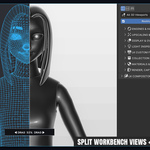
World's First Real-Time Simultaneous Dual-Engine & Multi-Pass Split View Inside a Single 3D Viewport
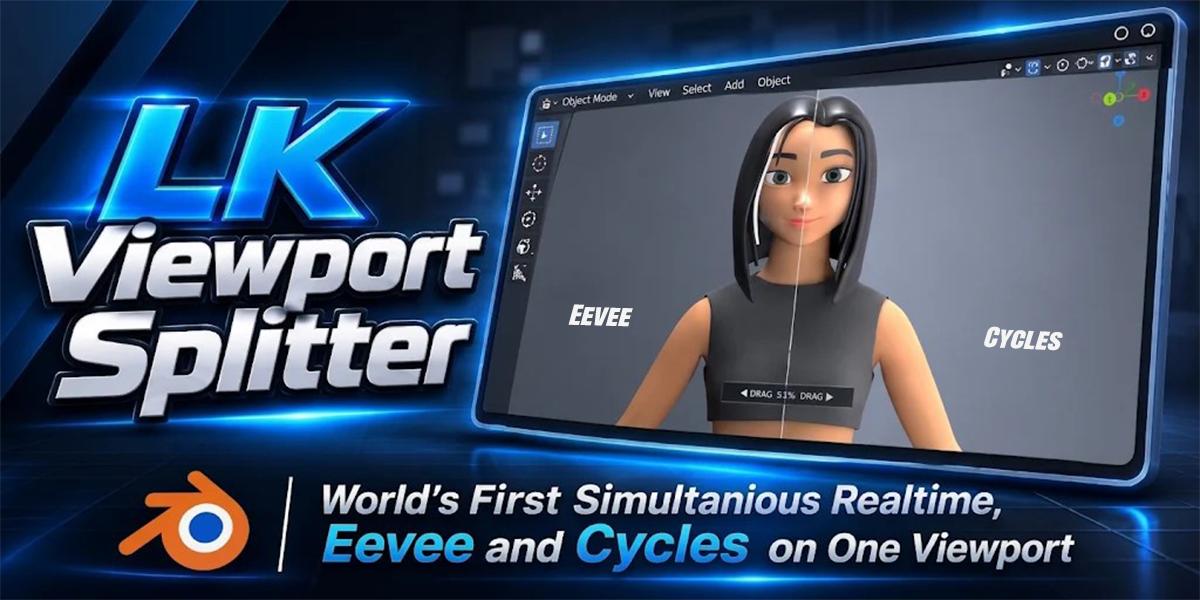
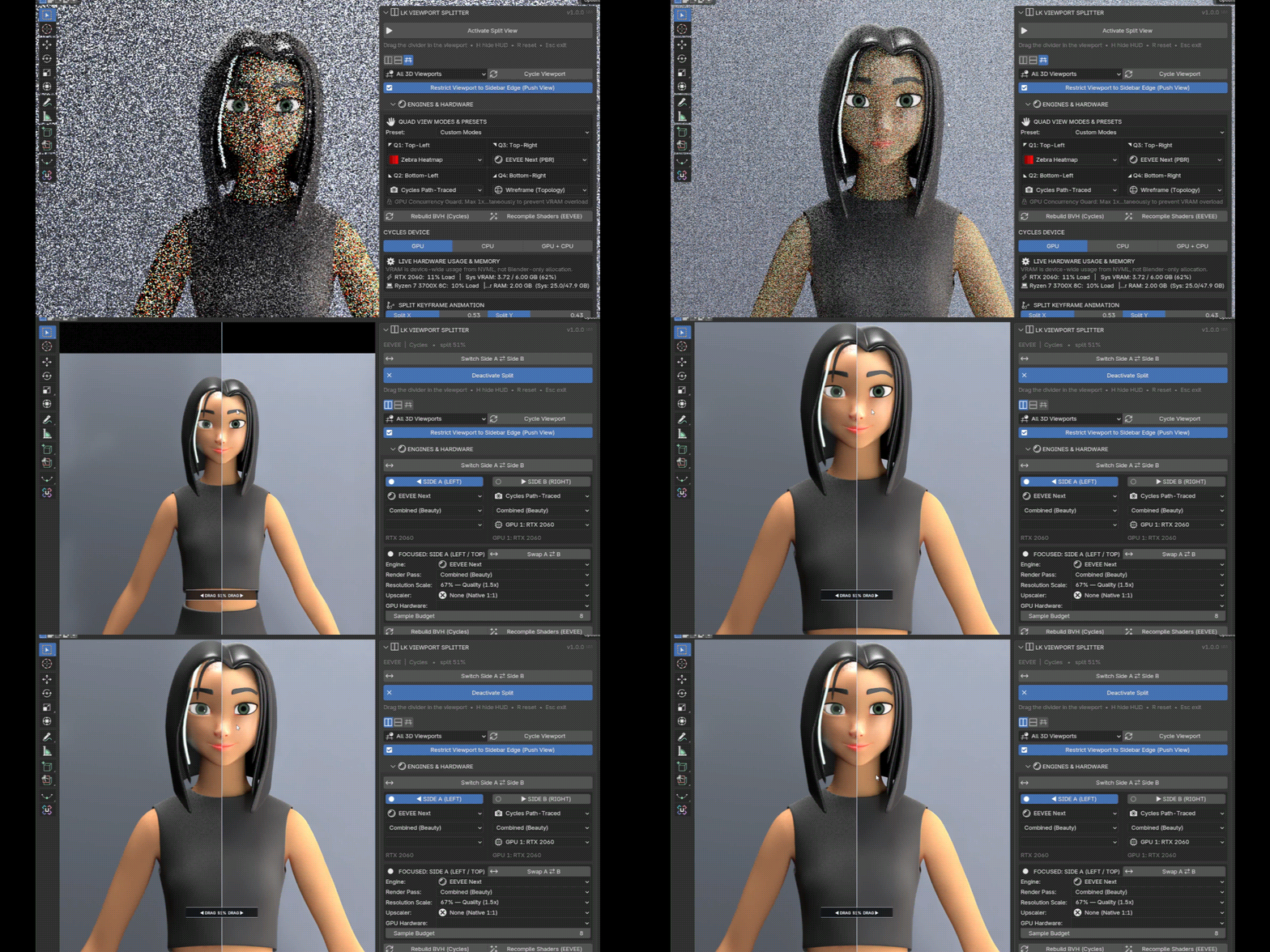
LK Viewport Splitter is a dual real-time split engine that lets you compare any two render engines (EEVEE Next, Cycles, Workbench) or analytical passes (Clay, Normals, AO, Mist, Wireframe, Custom Filters) side-by-side inside one live 3D Viewport. Stop toggling shading modes or waiting on test renders—built for responsive interactive performance on 4 GB+ VRAM GPUs and modern APUs.
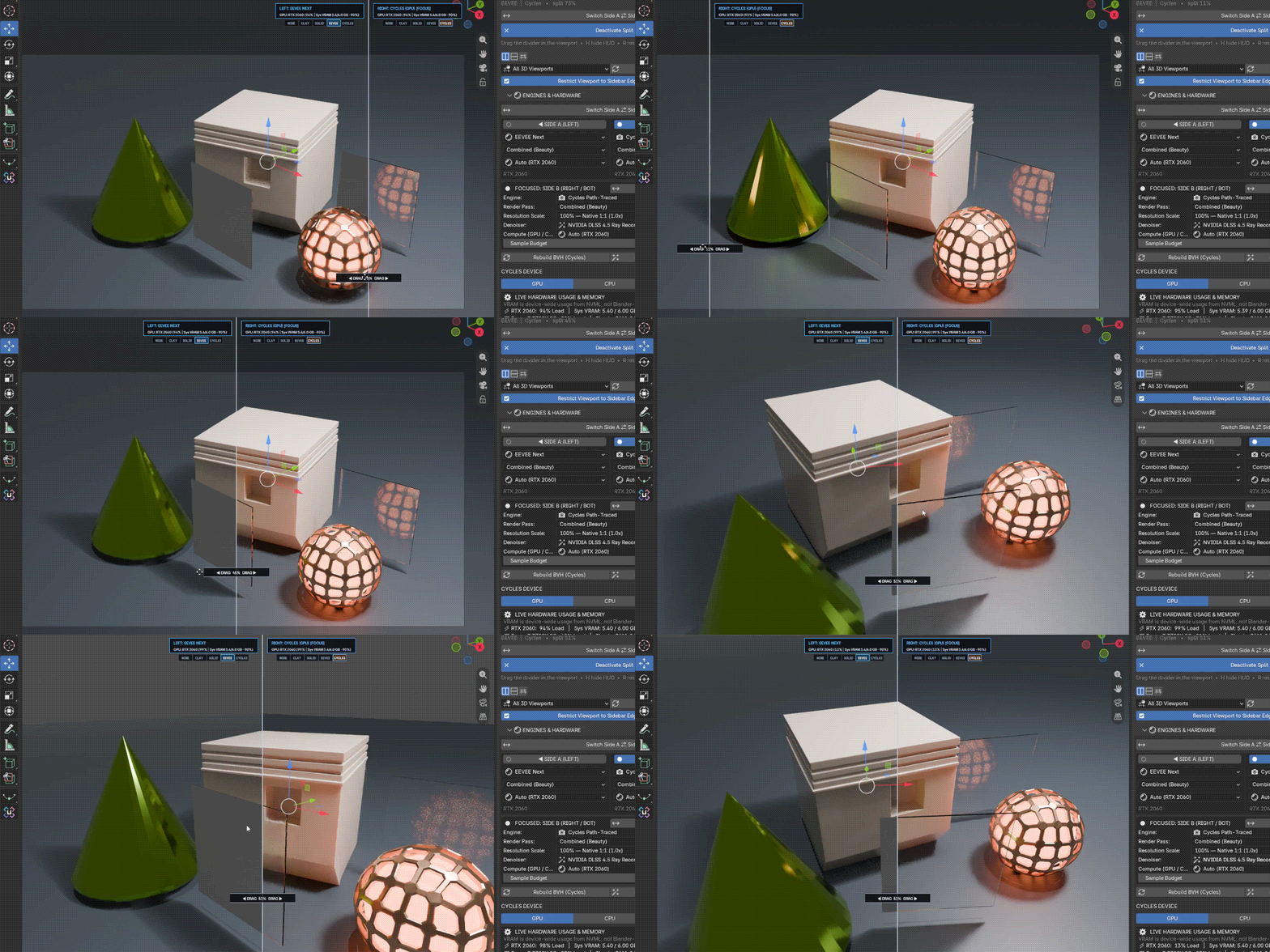
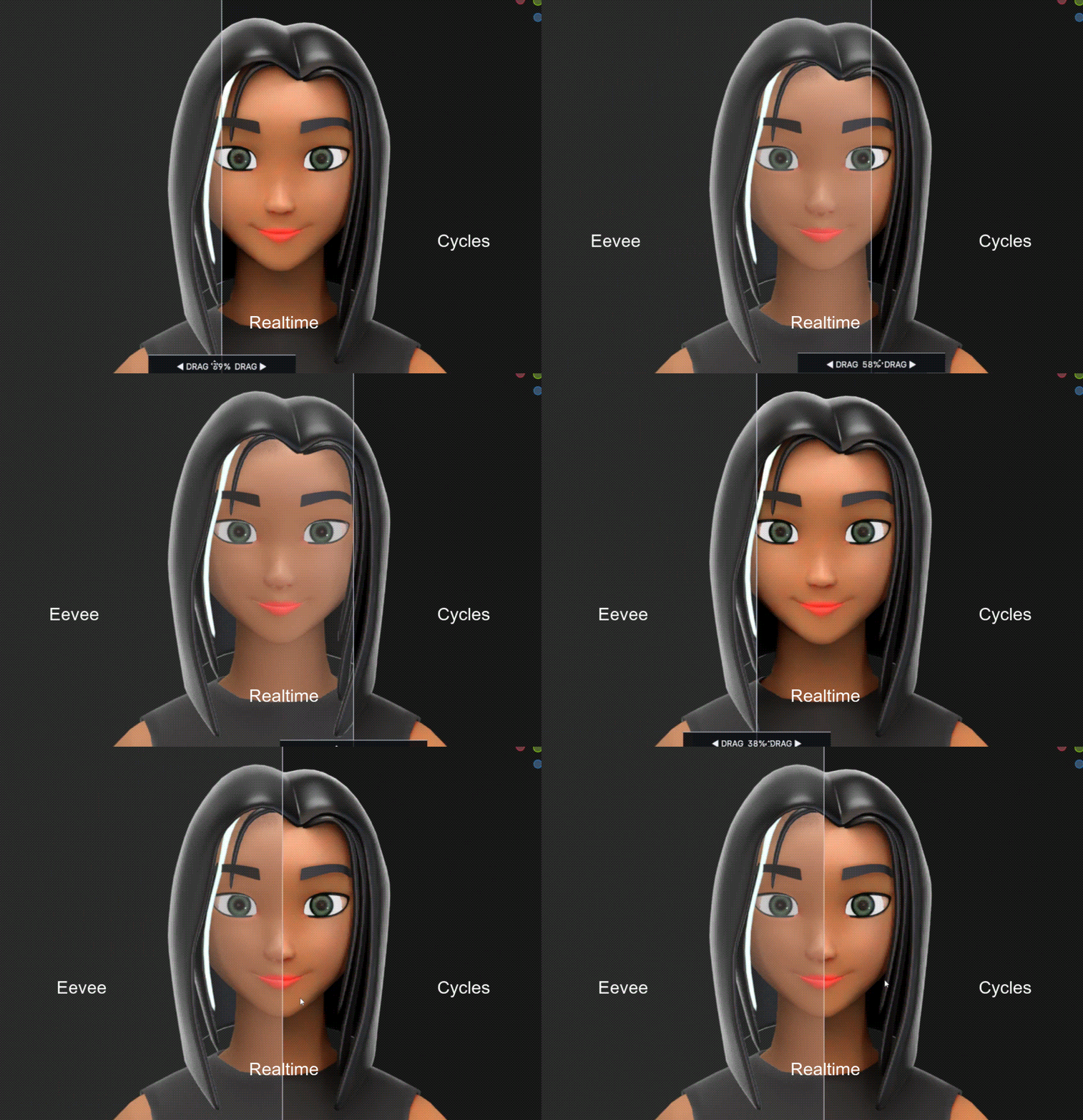
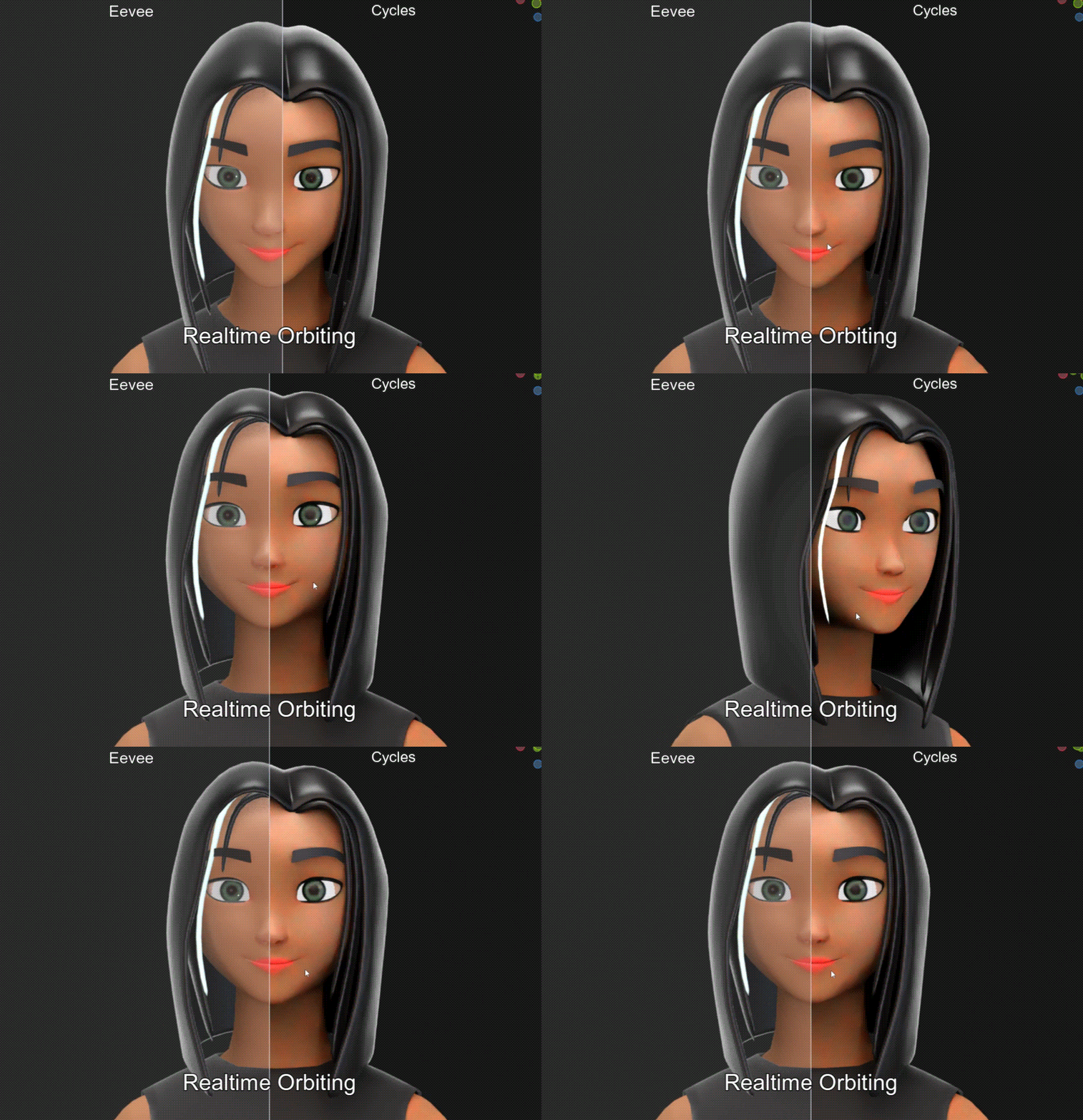
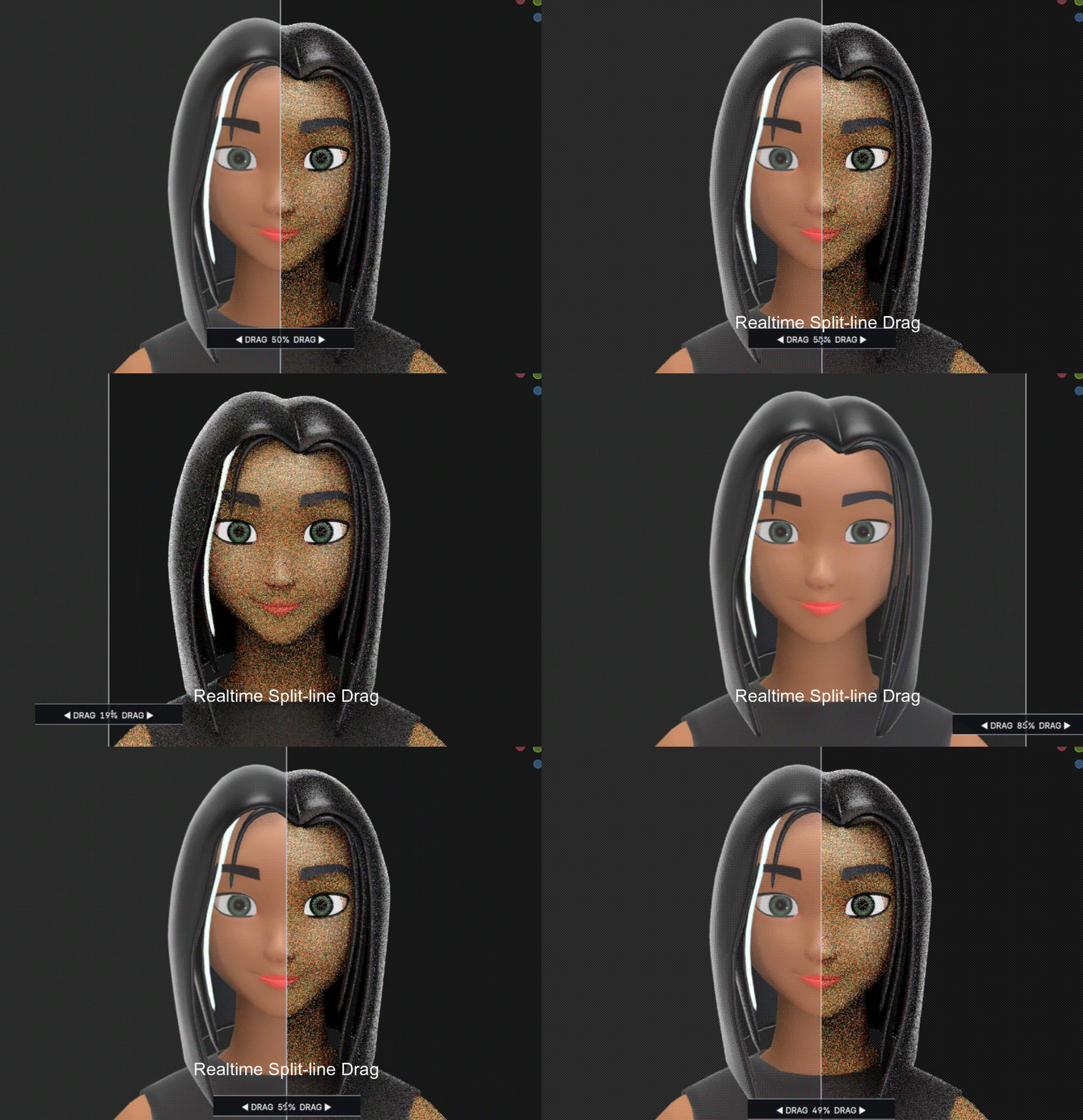
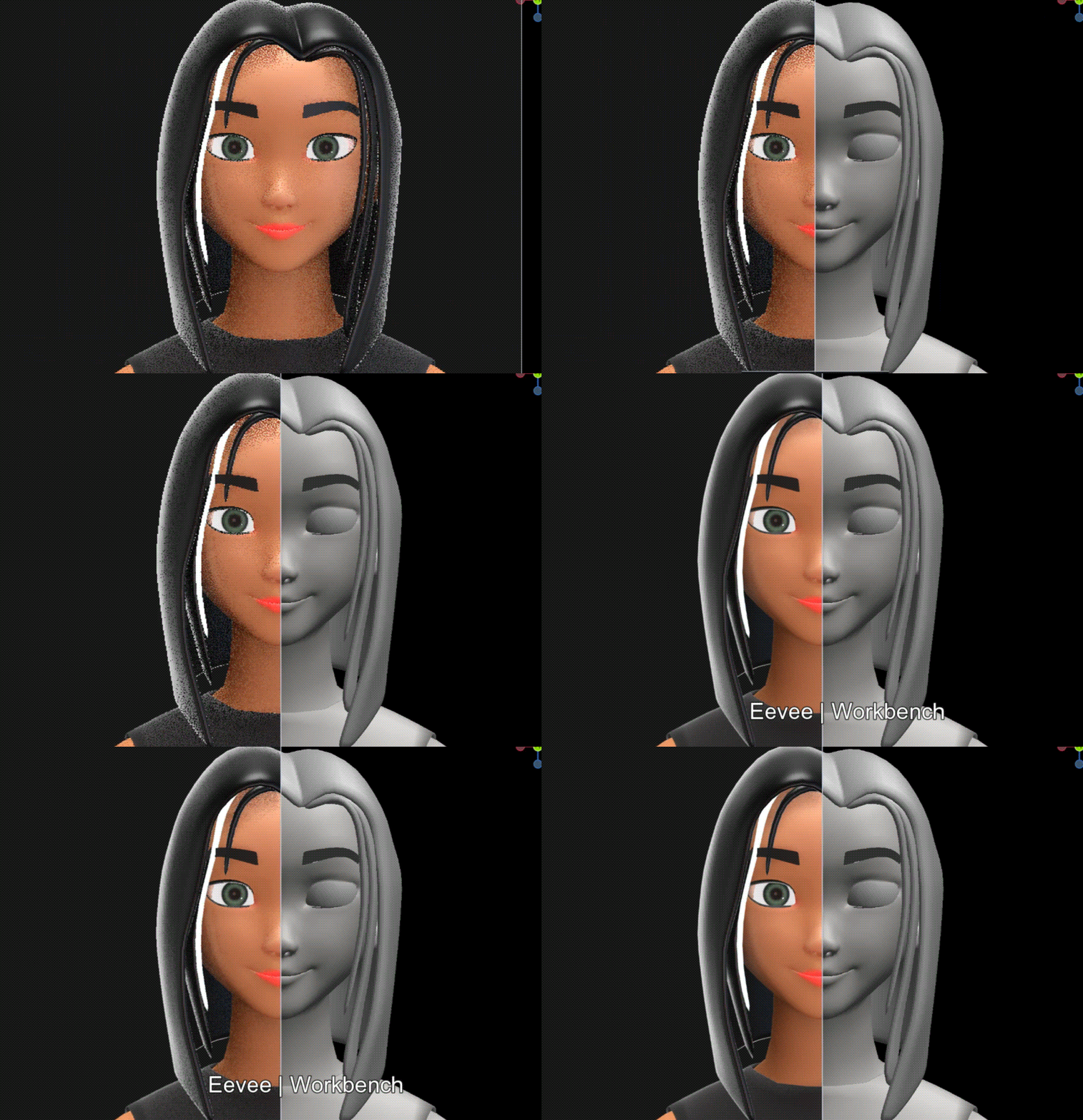
One active 3D Viewport running two independent render pipelines simultaneously inside your camera view with real-time divider scrubbing.
What you can Do with LK Viewport Splitter
1. Split View
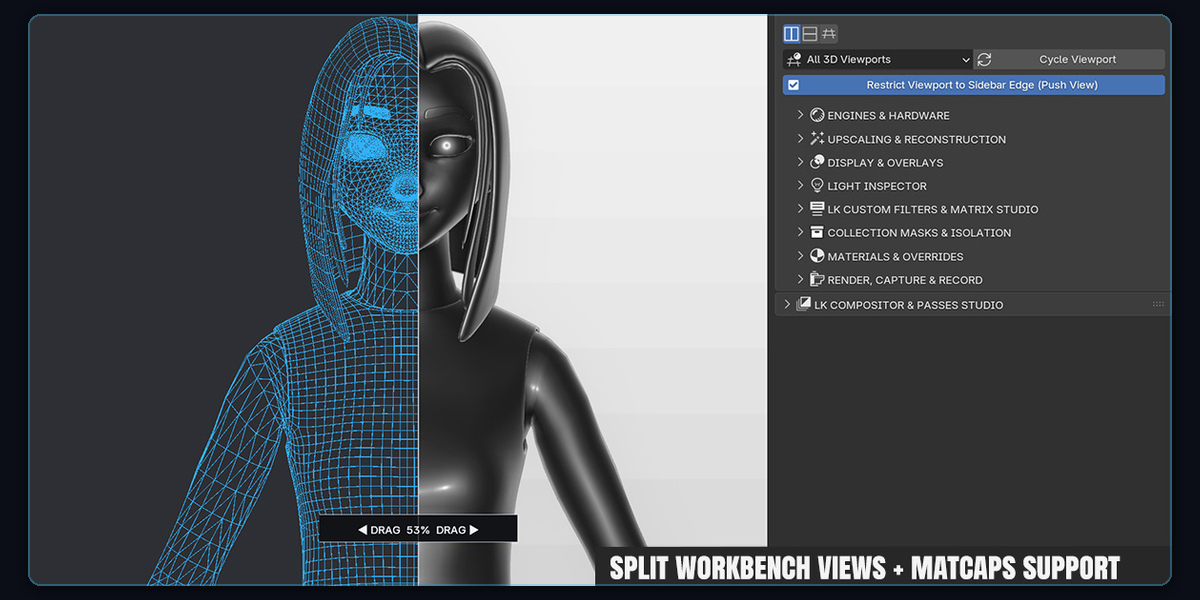
Compare raytraced Cycles path-tracing against real-time EEVEE Next PBR or Studio Clay with Matcaps side-by-side inside your active camera view or within viewport.
2. Interactive Scrub
Grab and scrub the interactive divider line in real time. Insert keyframes directly on Split X to create automated wipe sweeps across timeline playback.
3. Composite and Render
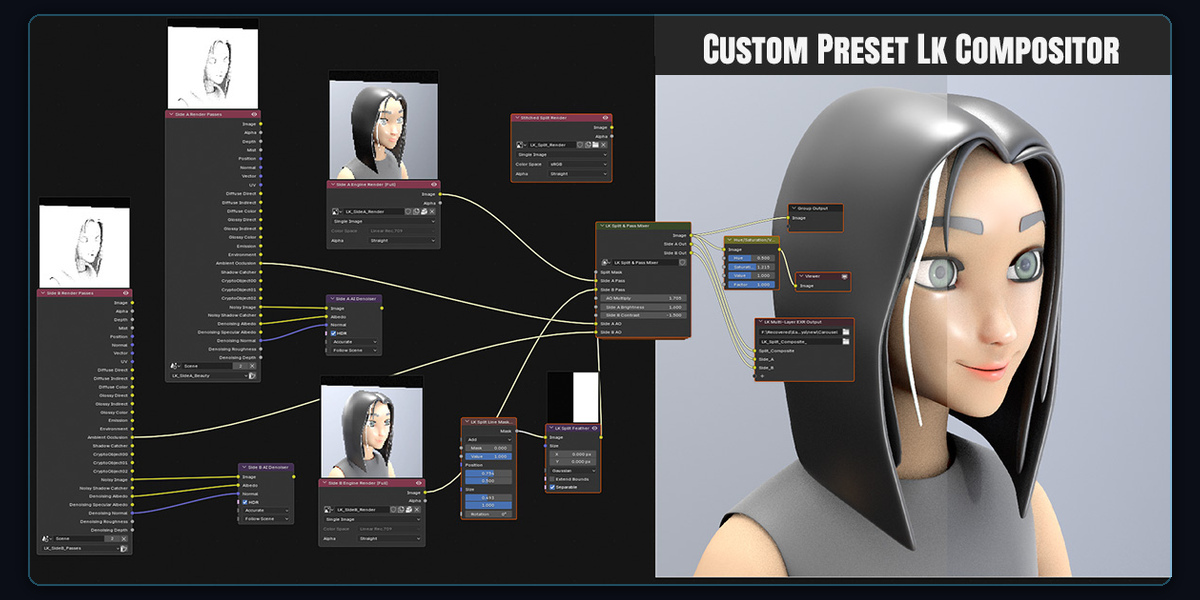
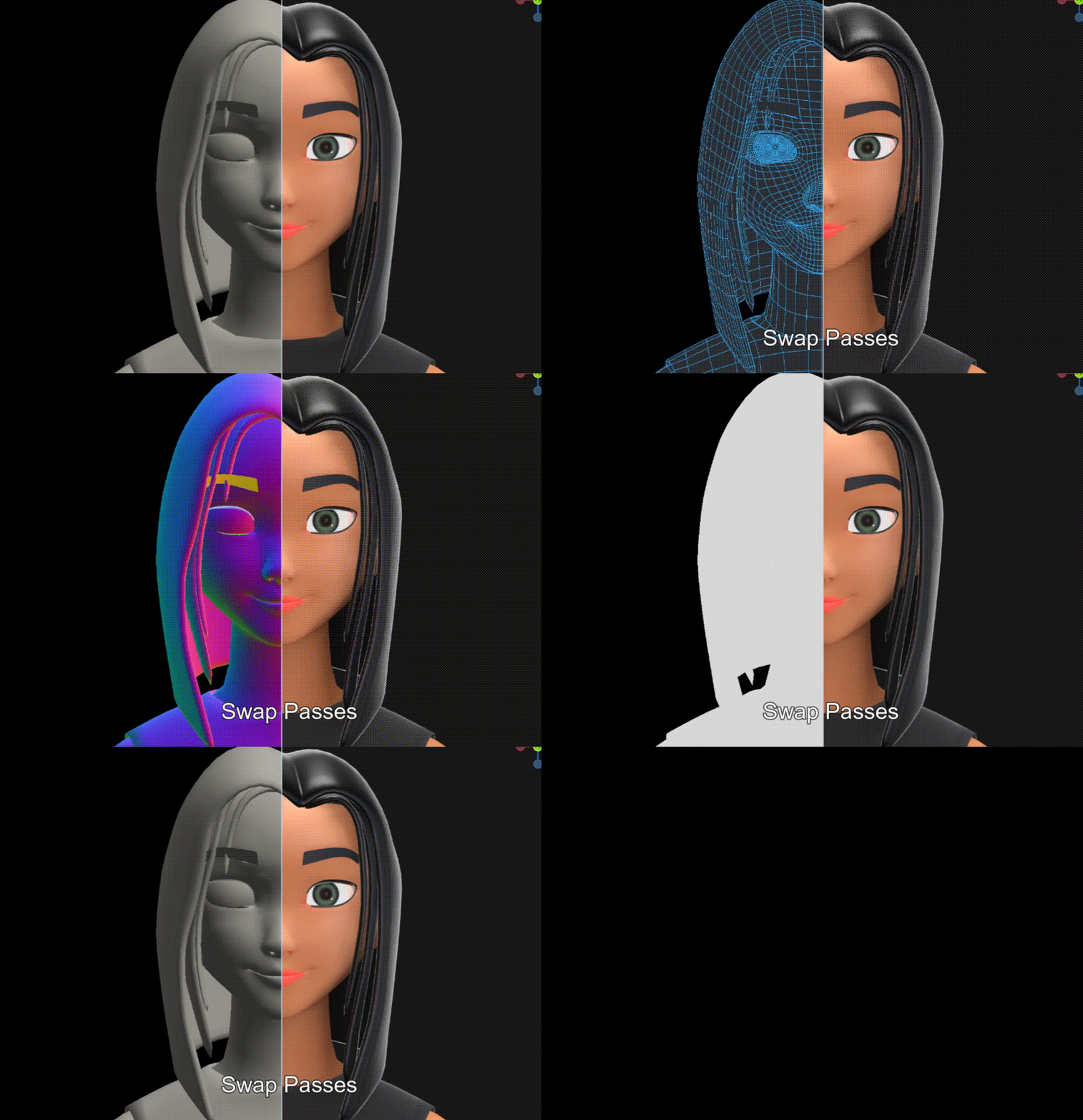
Composite the image passes then Export stitched high-resolution split stills and MP4 wipe video reels. Automated Compositor nodes blend passes and AI denoising with zero external software.
We have INCLUDED SAMPLE SCENE FILE for testing
Ready-to-Test Studio Sample Scene Included
Included alongside the add-on download and open LK_Viewport_Splitter_SampleScene.blend to start testing immediately.Pre-configured with a framed camera, studio Point & Sun lights, separated scene collections, reflective Metallic and refractive Glass shaders—ready for instant EEVEE Next vs. Cycles, Studio Clay, Wireframe, and Matrix pass comparisons.
Included Sample Scene: Open the LK_Viewport_Splitter_SampleScene.blend to Test Before you attempt on your scenes.
LIVE VIEWPORT CAPTURES
Real-Time Feature Breakdown
Every core workflow running live inside Blender—from 1-click split activation and multi-pass inspection to Custom Filters and Matrix Cyber Rain overrides.
1-Click Split Activation in Blender (N-Panel & Ctrl+Shift+S)
Same view rendered in Cycles & EEVEE Next simultaneously
Why Every Blender Artist Needs LK Viewport Splitter
LookDev & Lighting
Instantly calibrate EEVEE Next lighting and specular bounces against Cycles ground-truth path tracing.
Reels & Showcase Wipes
Create before/after split wipe animations and portfolio breakdown MP4 reels with 1-click recording.
Sculpting & Modeling
Inspect Studio Clay matcaps, wireframe density, and surface normals side-by-side against finished PBR materials.
Smart Hardware Routing
Accelerated GPU offscreen buffers with NVIDIA DLSS 4.5 support (Blender 5.3+) and 4 GB low-VRAM crash guards.
Everything You Get with LK Viewport Splitter
Real-Time Dual Engine Execution
Run EEVEE Next | Cycles, EEVEE Next | Workbench, Cycles | Wireframe, and more simultaneously inside one viewport with millisecond synchronization (performance scales with system specs).
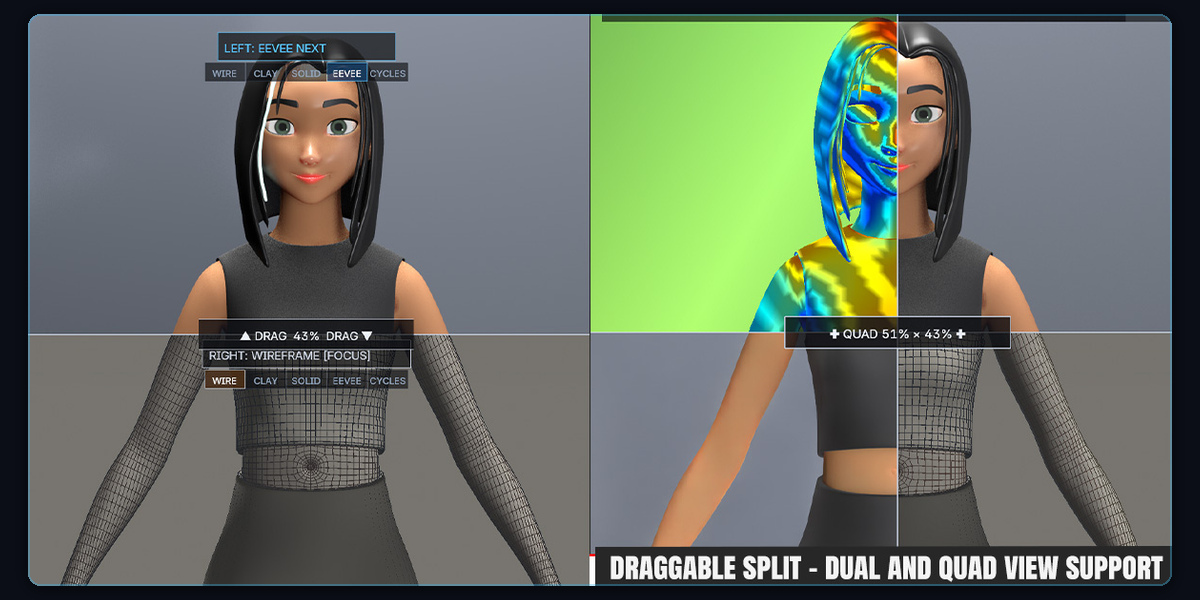
Vertical, Horizontal & Quad 4-Way Splits
Choose vertical left/right, horizontal top/bottom, or simultaneous 4-quadrant inspection with built-in concurrency safeguards.
AI Reconstruction & Viewport Denoising
Native per-side support for NVIDIA DLSS 4.5 (Blender 5.3+ RTX), OptiX AI Denoising, Intel OpenImageDenoise (OIDN GPU & CPU), and EEVEE Next TAA.
Smart Settings Switch on Side Panel
Clicking Side A or Side B automatically exposes that side's engine, sample budget, and denoiser settings with two-way sync to Blender's Render tab.
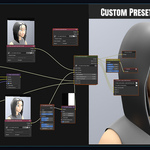
LK Custom Filters, Matrix Studio & Collection Masks
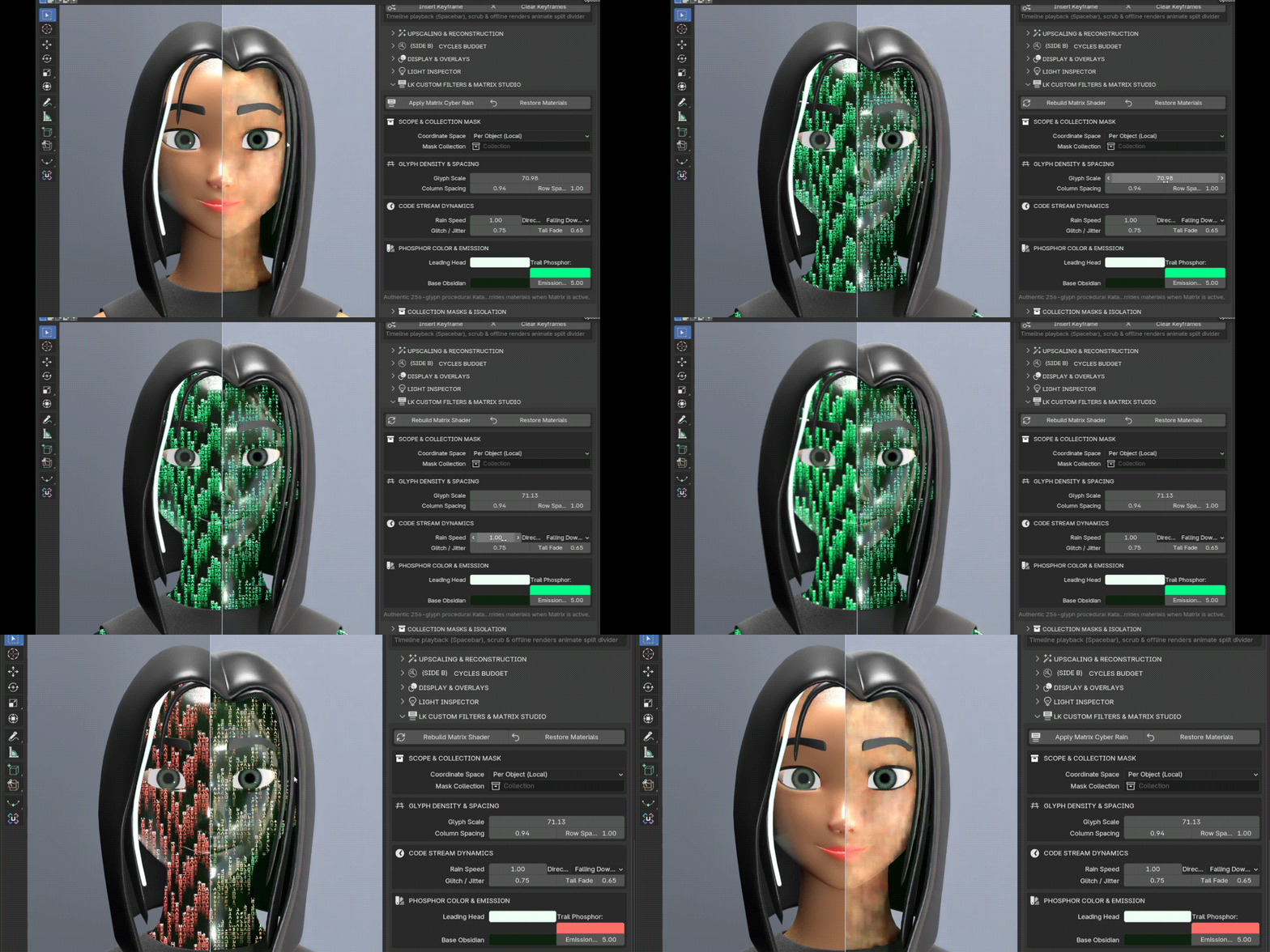
Apply authentic procedural 256-glyph Katakana Matrix Cyber Rain with full coordinate space, flow speed, phosphor emission, and per-side collection isolation controls.
Split-Wipe Video & Still Renderer
Export high-resolution stitched split stills (PNG / EXR), dual full-frame compositor layers, or keyframed wipe breakdown reels directly to MP4.
Automated Compositor Node Graph
1-click setup of Side A, Side B, and the LK Split & Pass Mixer node group in Blender's Compositor for clean multi-pass OpenEXR workflows.
Real-Time Hardware Telemetry HUD
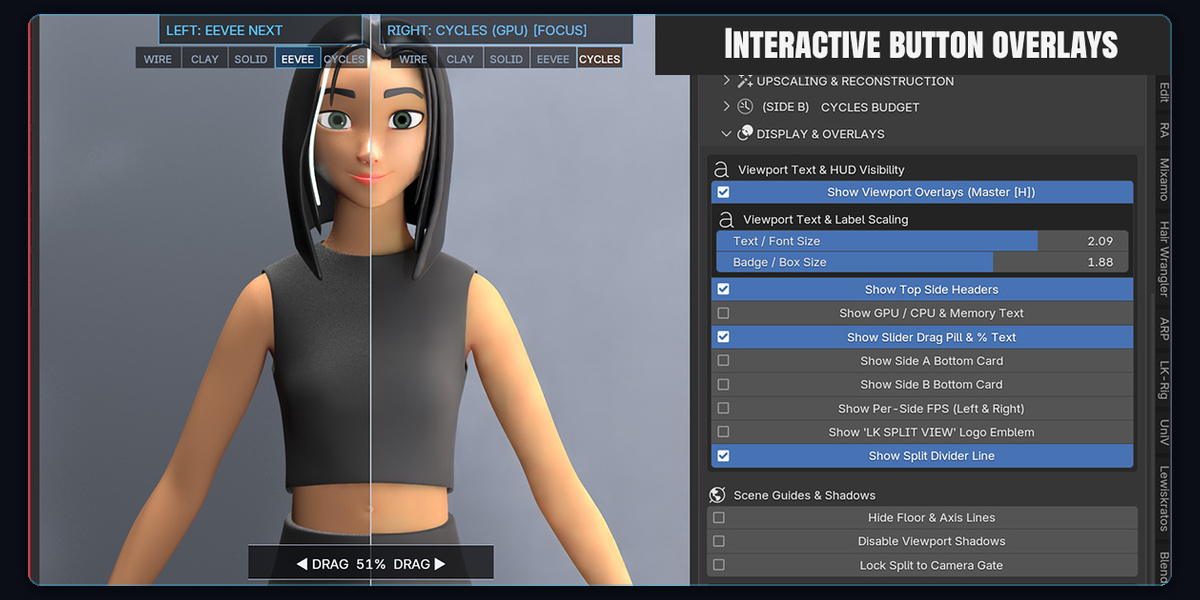
Live GPU model, load %, VRAM usage, CPU utilization, sample budget, and per-side FPS indicators rendered cleanly inside the viewport.
Camera Sensor Gate Clamp
Lock the split divider precisely within the active camera sensor frame (Numpad 0) so exported renders match viewport composition 1:1.
4 GB Low-Memory Emergency & GPU Routing
Independent per-side compute routing paired with automatic VRAM budget guards and 0.5x scale emergency mode to help prevent driver TDR timeouts.
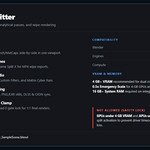
Compatibility & System Requirements for LK Splitter to run properly
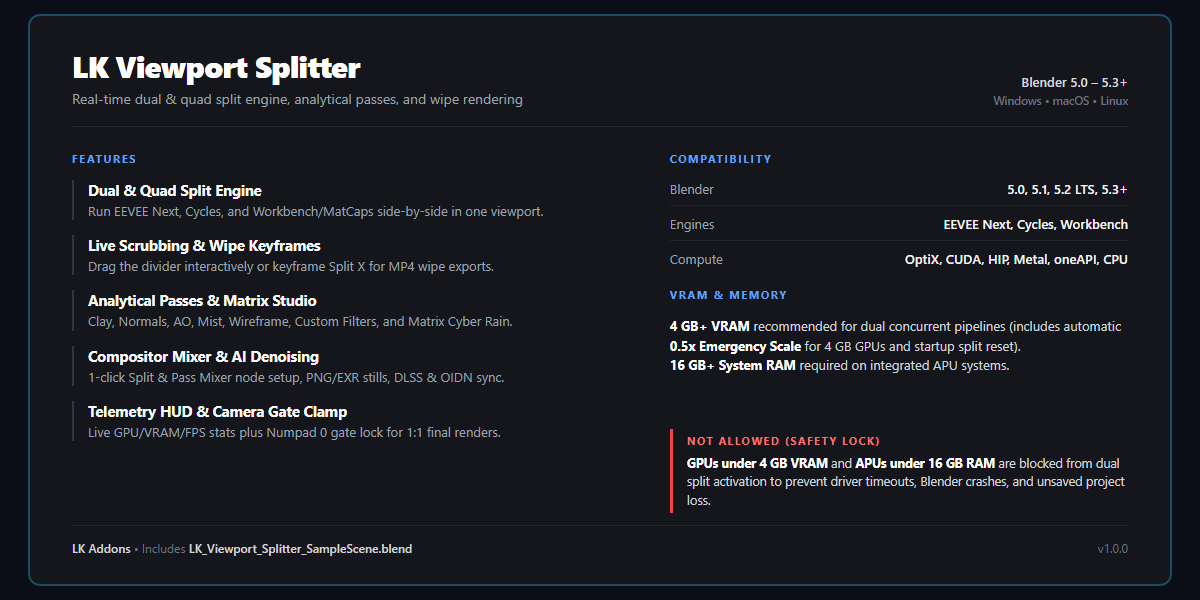
Blender Versions: Blender 5.0, 5.1, 5.2 LTS, and 5.3+
Operating Systems: Windows 10/11 , macOS (Apple Silicon / Metal), Linux
Hardware: Minimum 4 GB VRAM recommended for dual concurrent pipelines (Emergency 0.5x Scale Mode included for 4 GB vram systems) Note: GPUs with less than 4 GB VRAM or APU systems with less than 16 GB system RAM trigger a safety lock to protect against Blender crashes and unsaved project loss. Split mode resets automatically on startup so heavy scenes load completely before activation, and 4 GB VRAM GPUs auto-adjust scale to avoid viewport freezes. Refer to Documentation and FAQ for more questions about this.
LK ADDONS FAMILY
Part of the LK Addons Ecosystem for Blender
LK Viewport Splitter belongs to a growing family of focused Blender production tools by LK Addons , pair it with LK Driver Master and LK Project Locker to supercharge your entire rigging, look-dev, and asset pipeline.
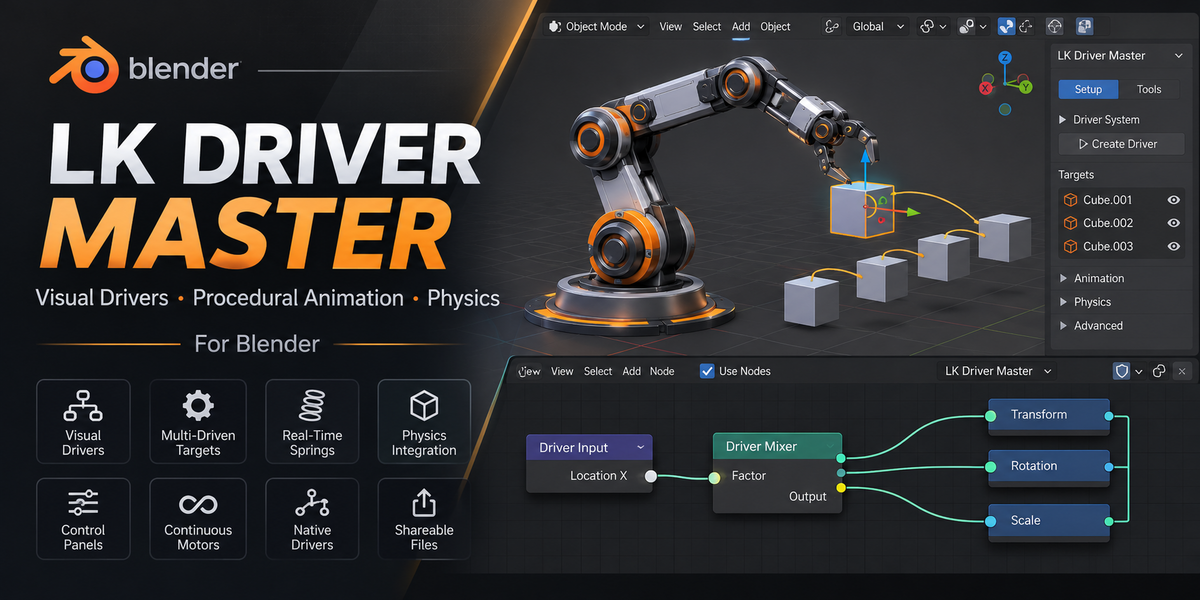
LK Driver Master
Visual node-based driver workflow, automated multi-driver setup, and clean expression & baking tools for faster Blender rigging.
 Lewiskratos