 JB FX
JB FX
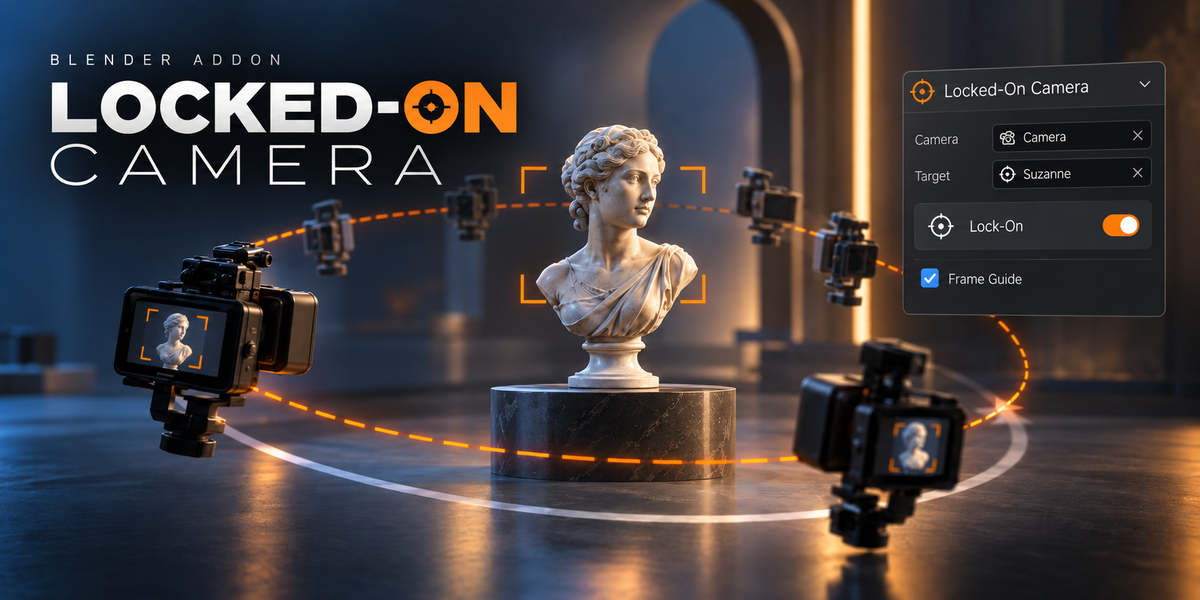
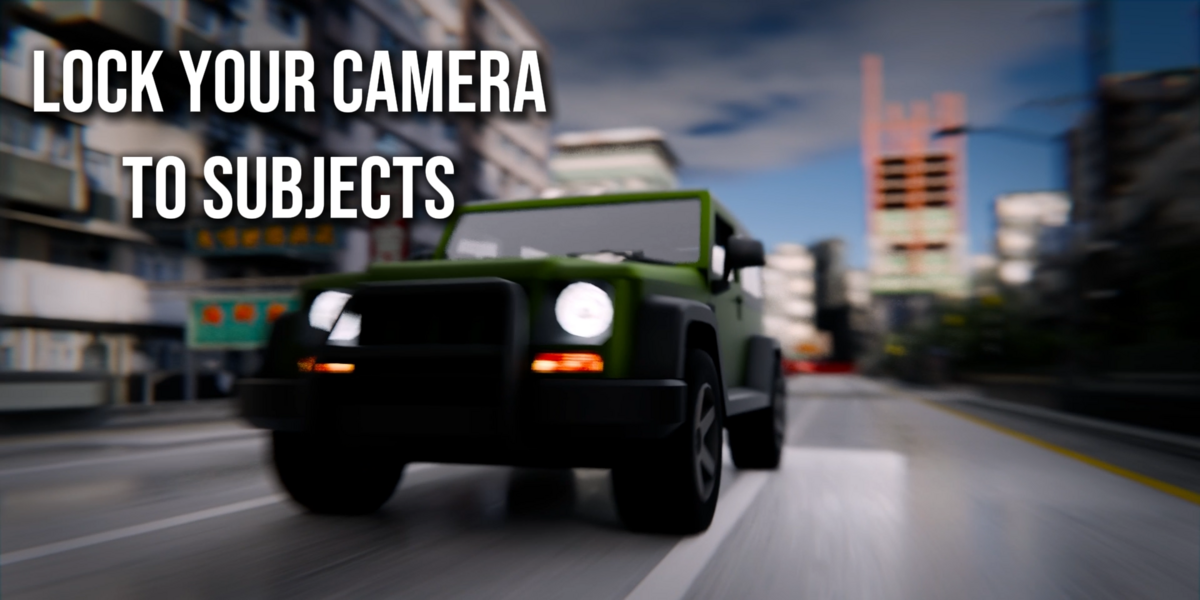

Keep Any Subject Locked in Frame
While Your Camera Keeps Moving.
Select a camera and a target. Locked-On Camera keeps that object, pose bone or mesh region fixed in the frame while preserving the camera animation you already created.
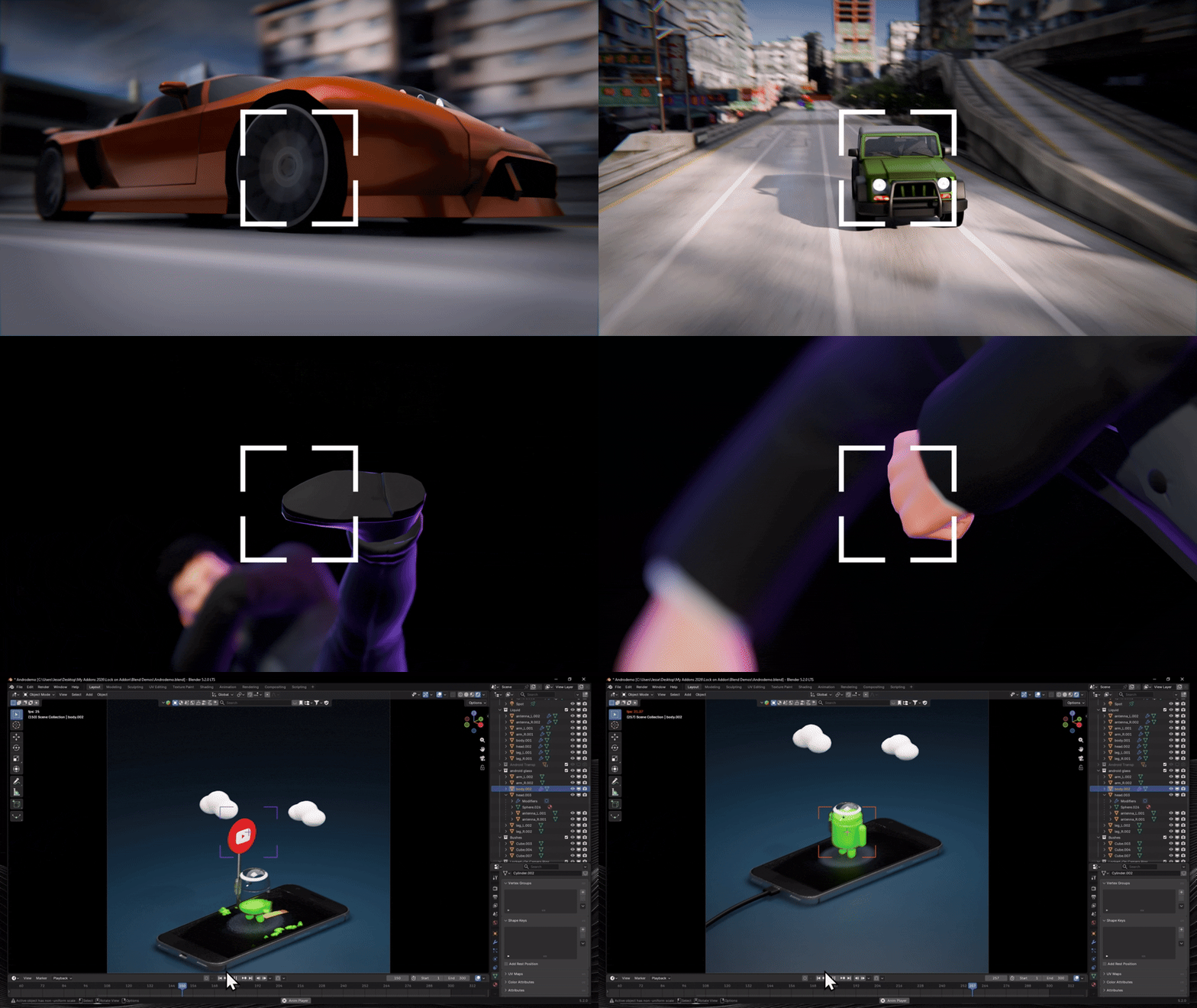
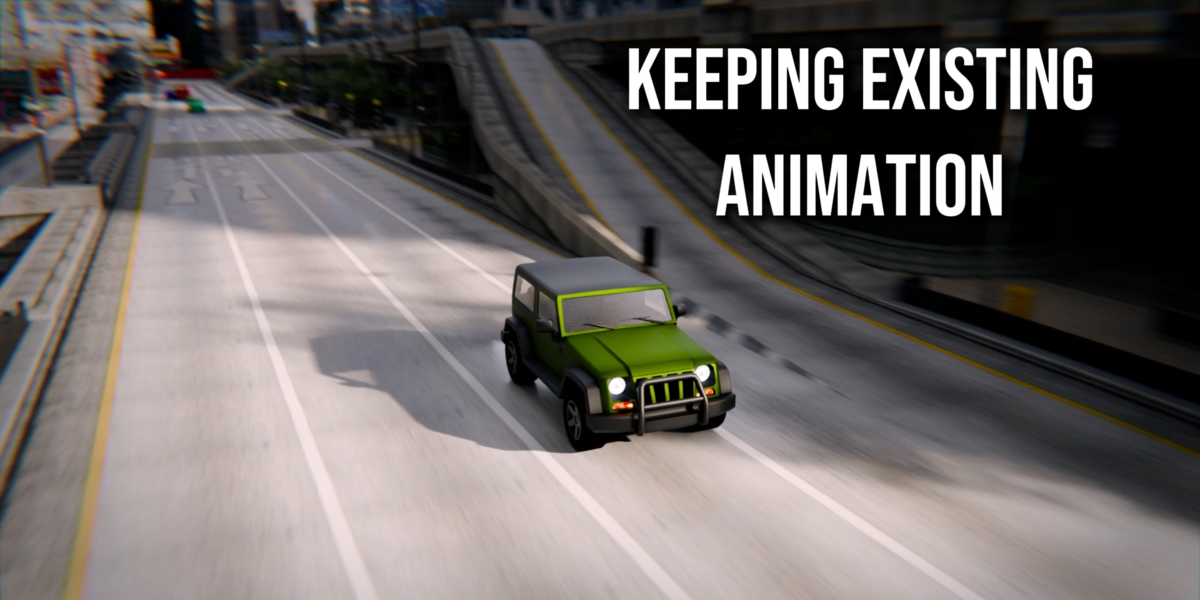
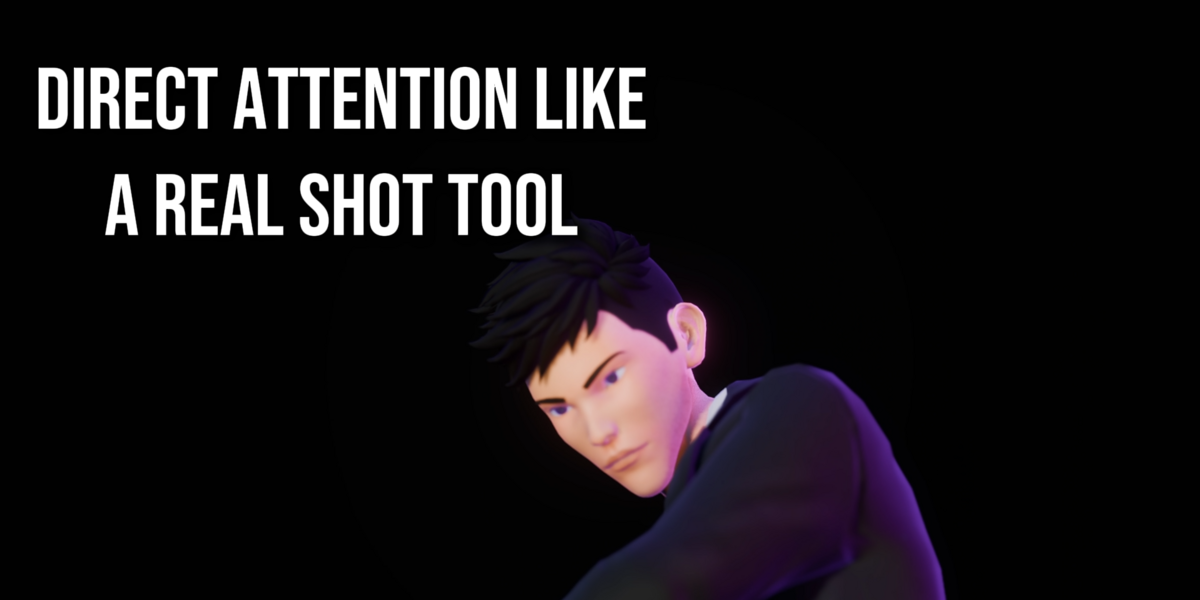
| 01 Save manual camera-correction timeStop nudging the camera frame by frame just to keep the subject where it should be. | 02 Preserve the movement you already animatedKeep the energy of your dolly, orbit, handheld move or lens change — then layer the lock on top. | 03 Direct attention like a real shot toolMove between multiple targets, refine composition, and add controlled shake without losing the lock. |
A shot-direction tool that keeps the important subject exactly where the shot needs it.
Locked-On Camera is not just a tracking utility. It helps you maintain intentional framing while keeping the style and movement of the camera animation you already like.
From camera to finished locked shot
Clear enough for a first use. Powerful enough for real production shots.
| 1 Choose Camera + target | 2 Create Set the frame range | 3 Preview Live where supported | 4 Direct Targets, composition, shake | 5 Bake Clean final camera |
| LIVE PREVIEW See the lock while you animate.Object, Empty and Pose Bone targets can enter Live Preview immediately. Move the target, scrub the timeline or adjust the shot and see the Locked-On camera react as you work. Best for: interactive shot design, character blocking, products, vehicles and motion graphics. | 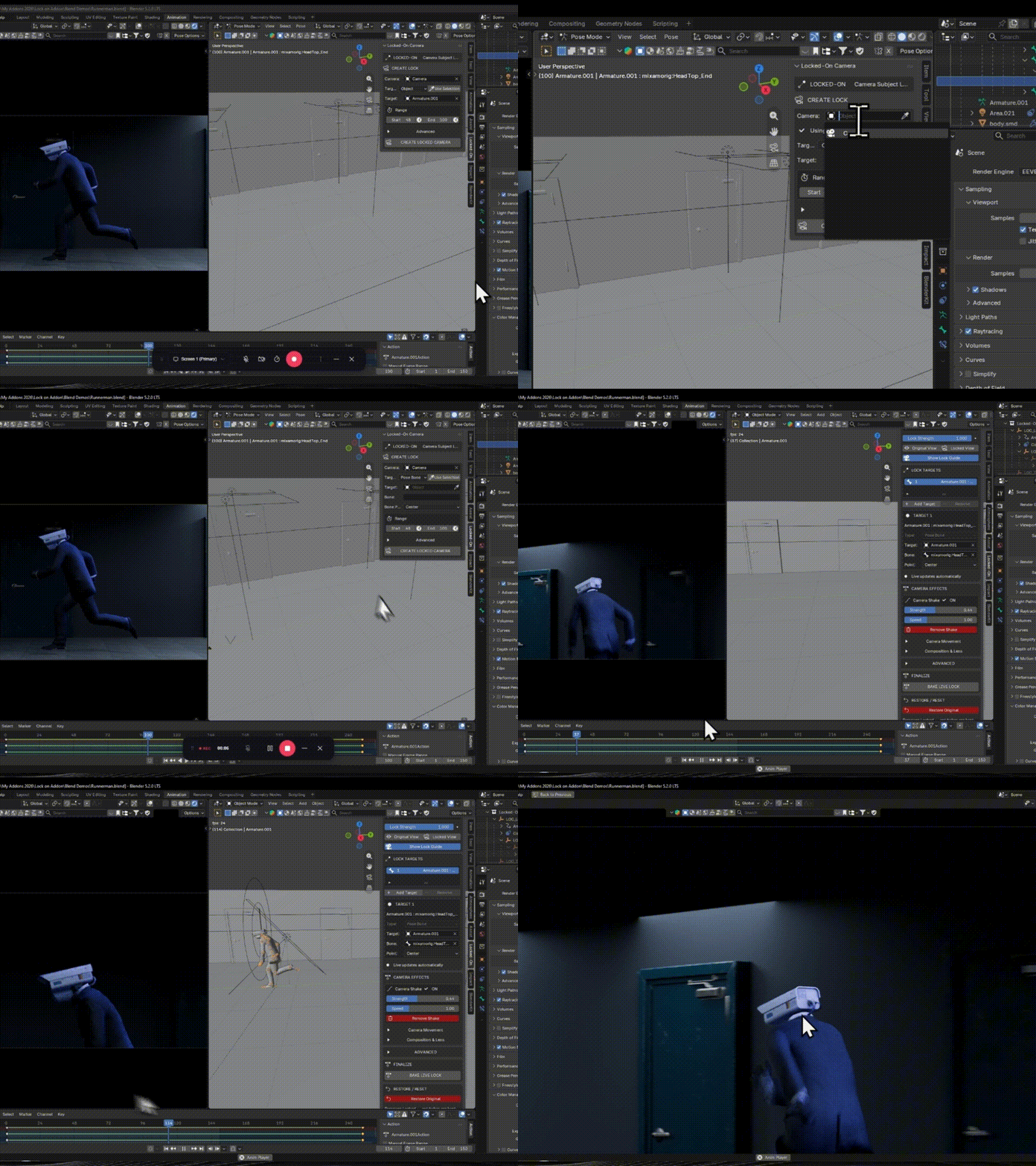 |
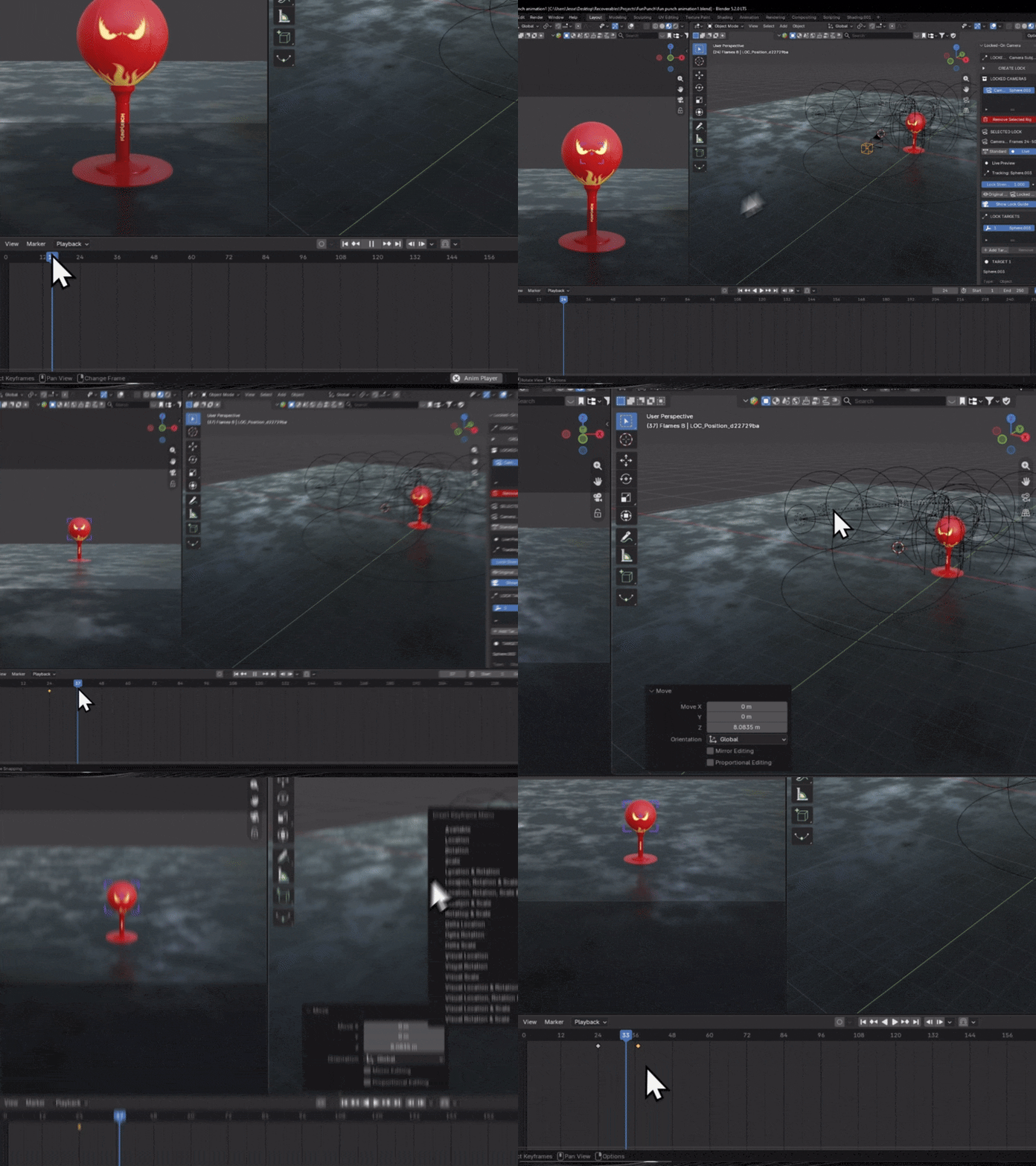 | PRESERVE THE SHOT Add the lock on top of the camera move you already like.Already animated a dolly, orbit, handheld move or zoom? Locked-On duplicates the camera and layers its correction over that base shot. |
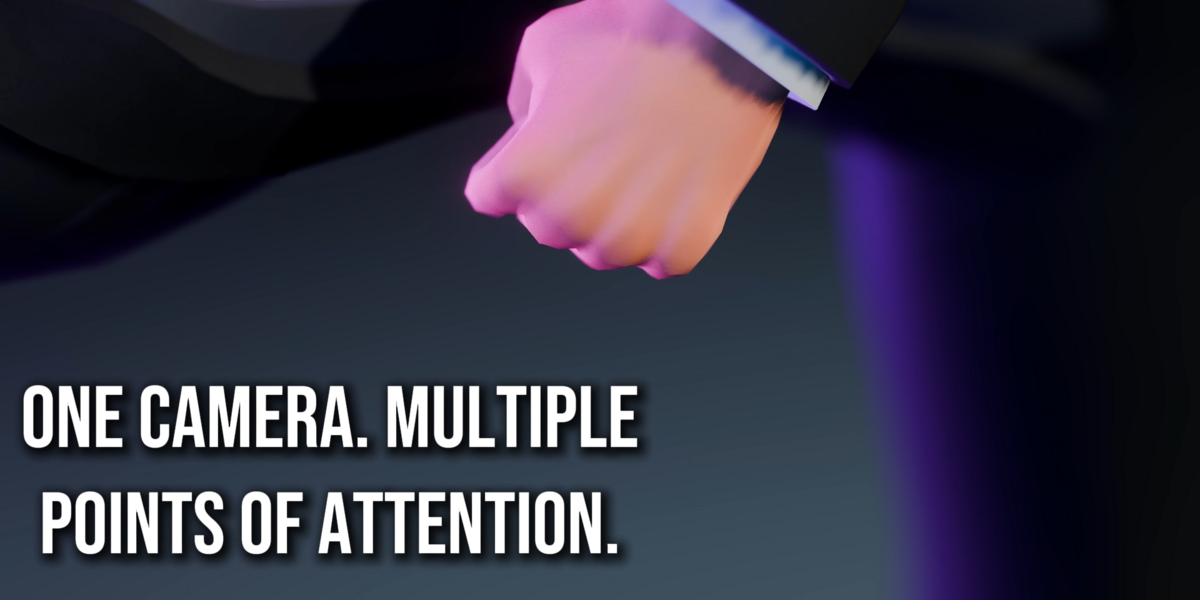
| MULTI-TARGET One camera. Multiple points of attention.Create smooth target handoffs such as Bottle → Cap → Label or Face → Hand → Product, all within a single Locked-On camera instance. | 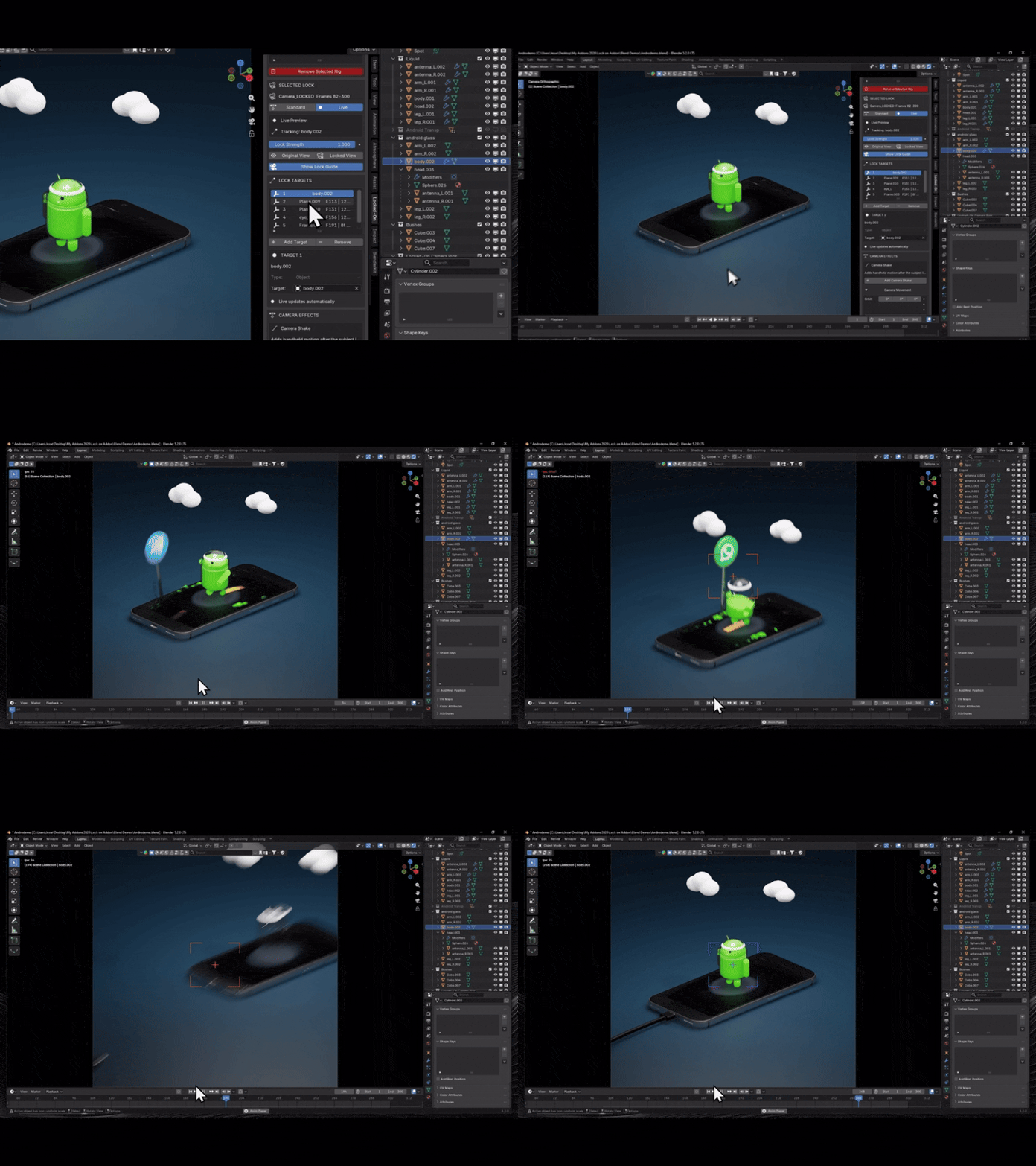 |
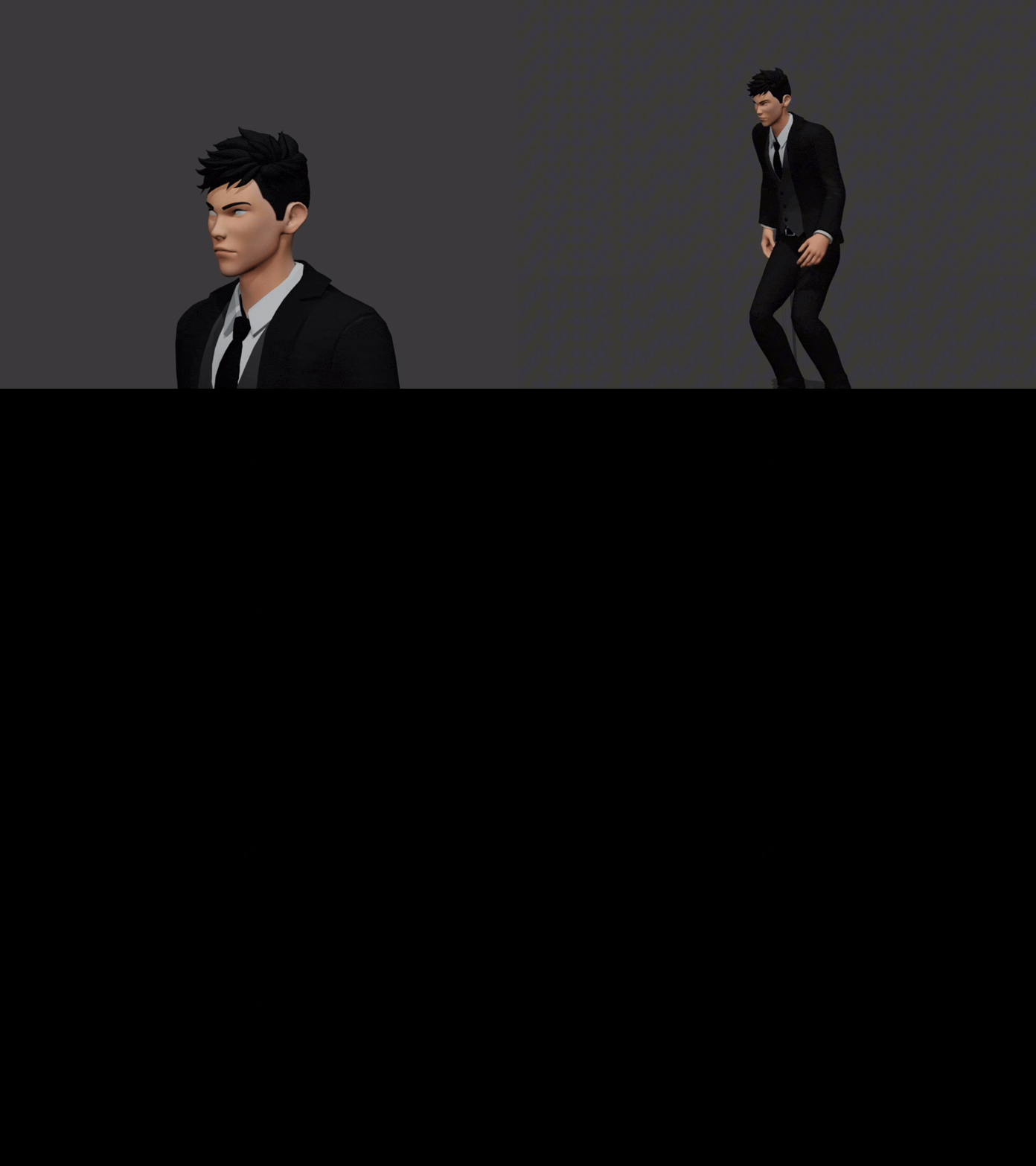 | POSE BONE Track the rig, not just the object origin.Select a specific bone and lock to its Head, Centre or Tail for character-friendly camera behavior. |
| LOCK REGION / DEFORMATION Follow visible deformation in Standard mode.Track a weighted surface region or deformed mesh center when the object origin does not represent the visible motion. | 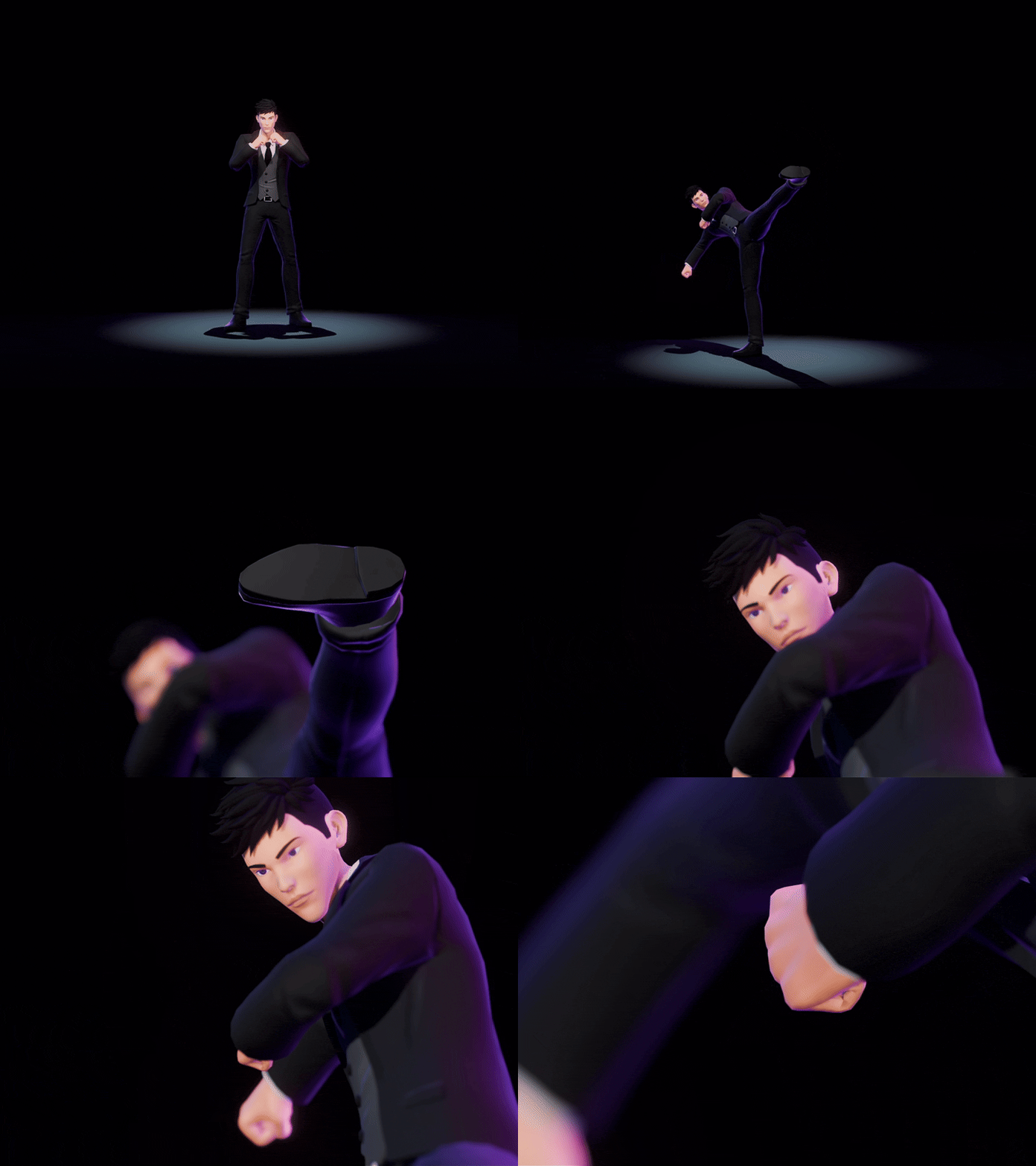 |
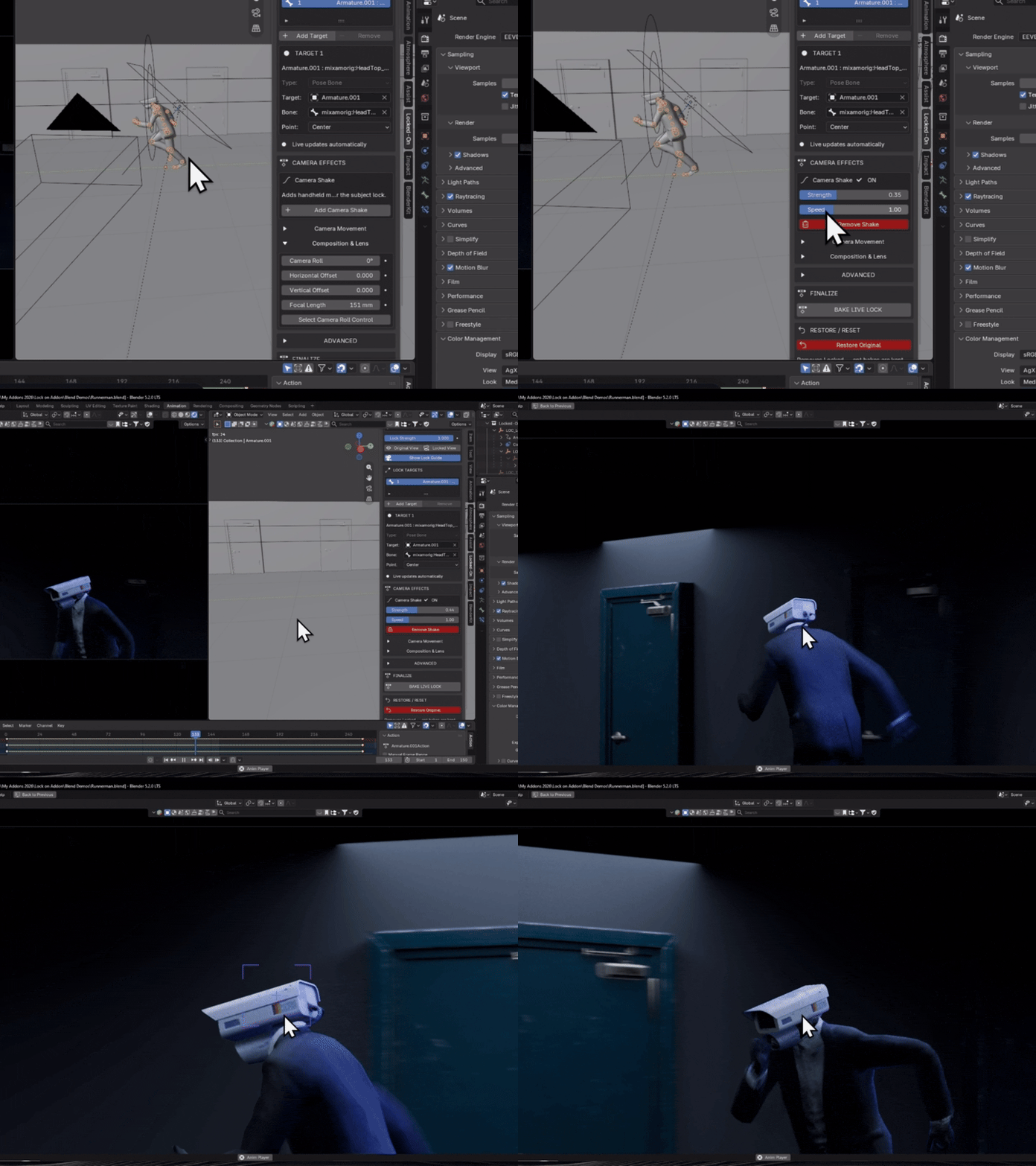 | CAMERA SHAKE Keep the subject locked. Put life back into the shot.Add a dedicated shake layer after the Locked-On correction and tune the feel with Strength and Speed. |
| COMPOSITION CONTROLS Animate framing directly from the panel.Keyframe Lock Strength, Orbit, Offset, Camera Roll, Horizontal Offset, Vertical Offset and Focal Length for shot-specific control. | 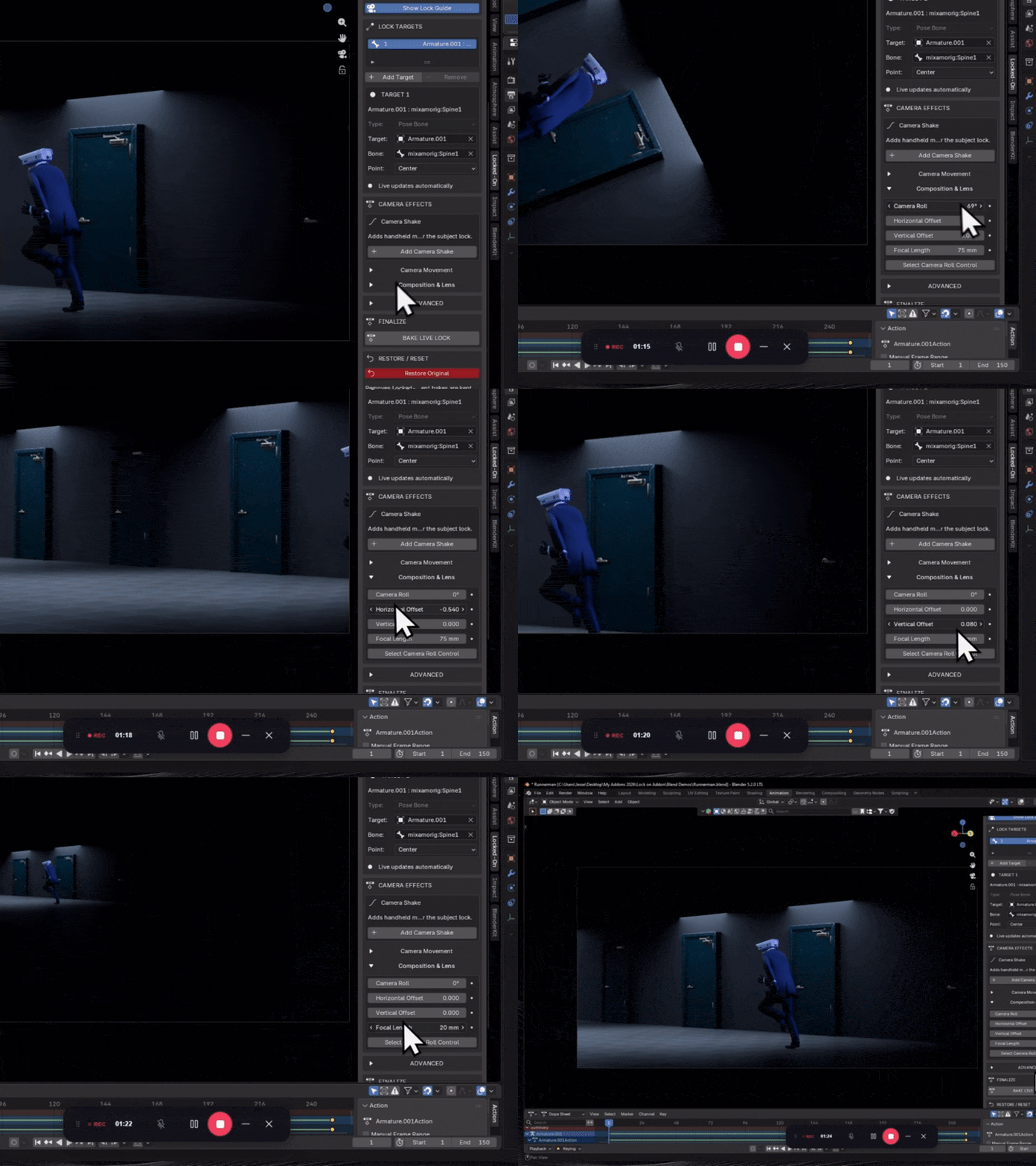 |
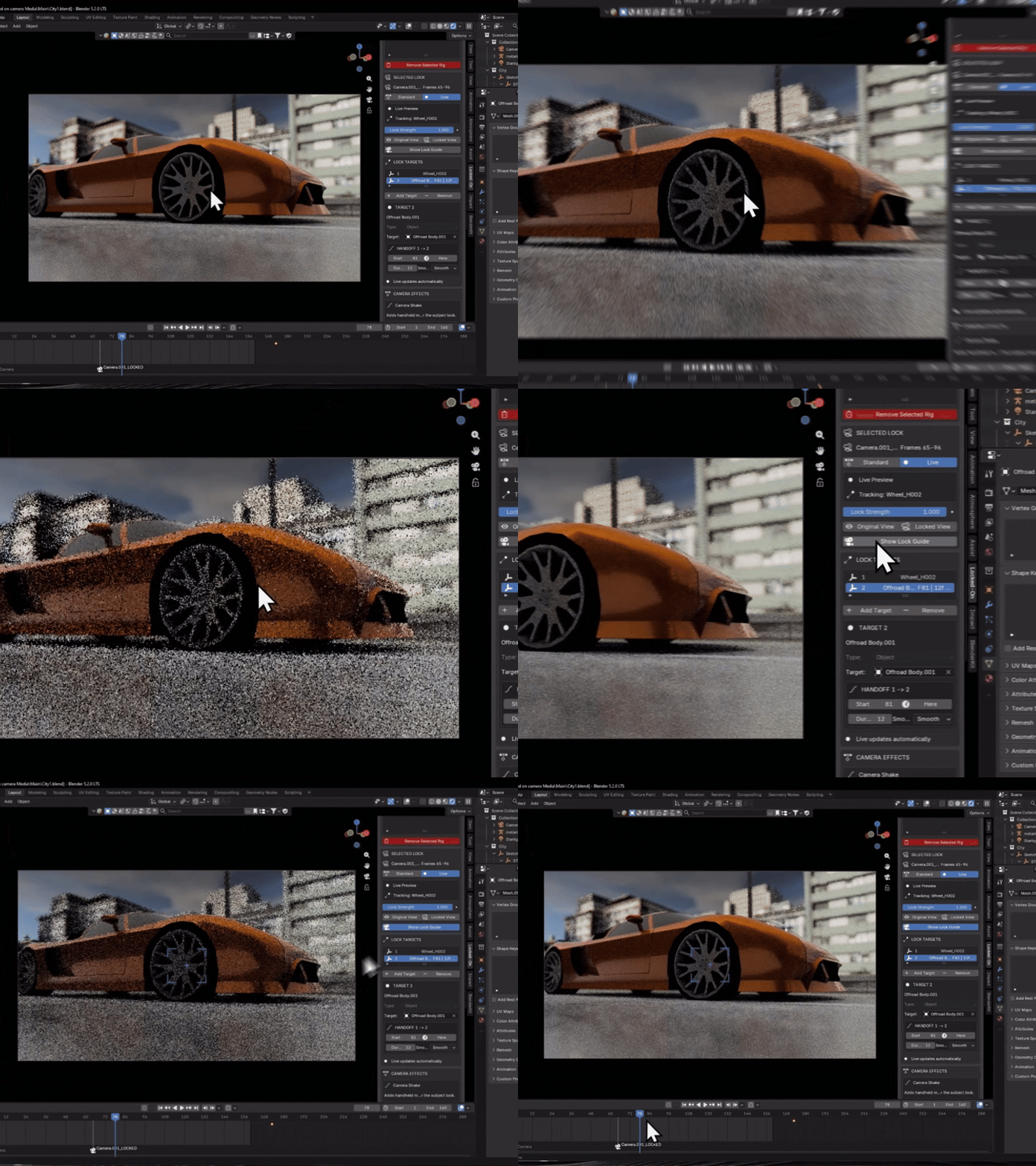 | VIEWPORT LOCK GUIDE See exactly where the camera is holding the lock.Toggle a clean viewport-only reticle while working through the Locked camera. Purple shows a normal lock and orange highlights an active target handoff. Viewport only: the guide never appears in the final render and adds no scene geometry. |
| | NON-DESTRUCTIVE Experiment safely, then bake a clean final camera.Switch between Original and Locked views, keep the source camera untouched, and bake the final evaluated result when the shot is ready. |
| QUICK SETUP Simple enough to grasp at a glance.Create Lock → adjust the shot → preview live → bake. The workflow is fast to learn and easy to show in product previews. | 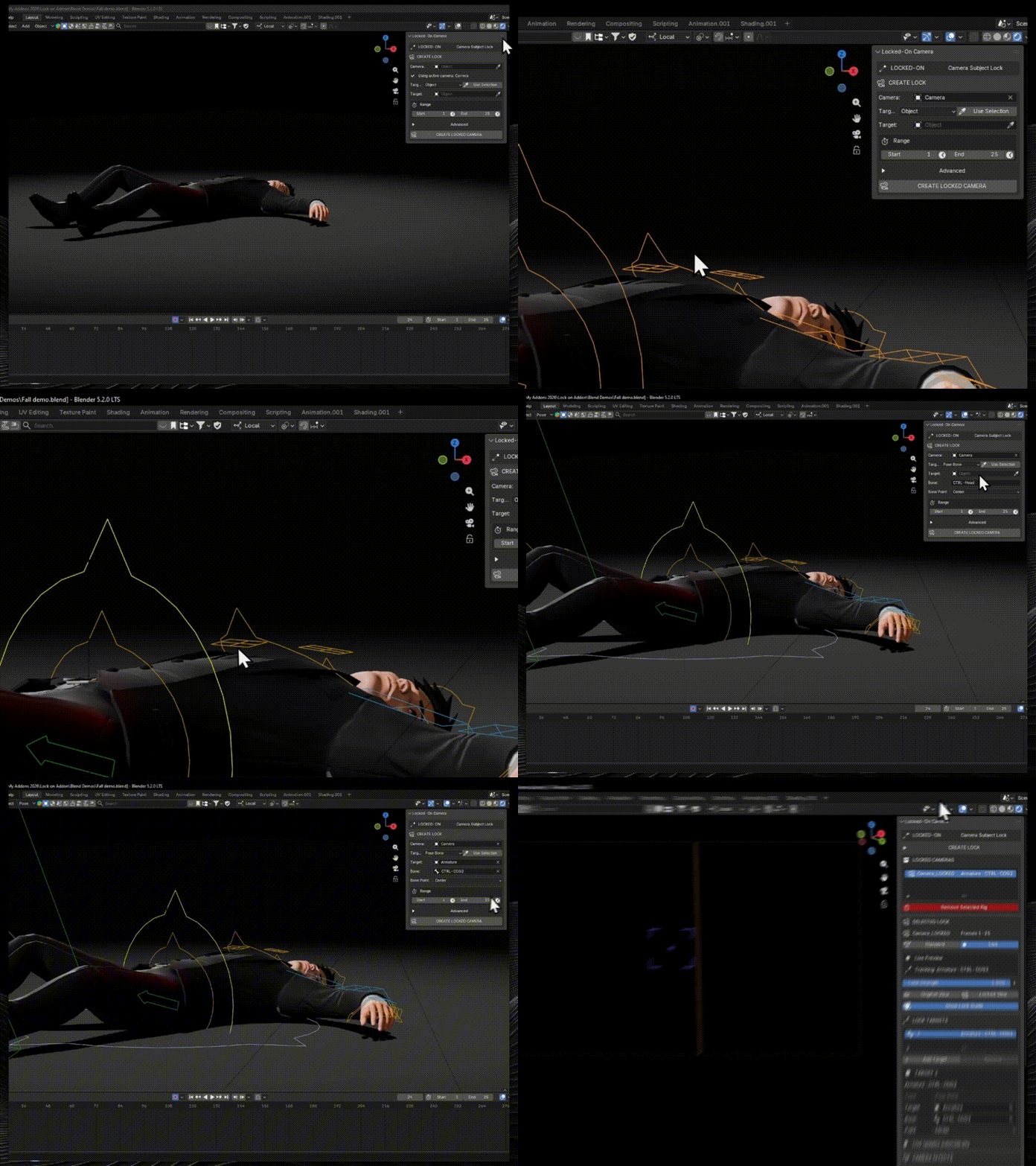 |
Fast when you need speed. Reliable when you need depth.
| ● LIVE PREVIEW Design the shot interactivelyFor Object, Empty and Pose Bone targets. Great for blocking, experimentation, scrubbing and fast iteration. | STANDARD MODE Sample the result for reliabilityRequired for Deformed Mesh and Lock Region tracking, and useful when you want a generated result without live evaluation. |
Useful anywhere the viewer needs a clear point of focus
| Product animation | Character action | Vehicles & chase shots | Ads & motion design | Stylized cinematics |
Everything in Locked-On Camera 1.0.2
| ✓ Object / Empty tracking ✓ Pose Bone tracking ✓ Deformed Mesh tracking ✓ Lock Region tracking ✓ Live Preview ✓ Standard sampled workflow ✓ Existing animated-camera preservation ✓ Viewport Lock Guide | ✓ Multi-target handoffs ✓ Camera Shake ✓ Animatable Lock Strength ✓ Orbit / position controls ✓ Camera Roll ✓ Direct Lens + Shift animation ✓ Clean Bake / Remove / Restore workflow |
| VERSION Locked-On Camera 1.0.2 | BLENDER Blender 4.2+ | DISTRIBUTION Blender Extension compatible |
Before you buy
No. Locked-On works with a generated camera setup and keeps the original camera available for comparison and restoration.
Yes. Existing camera motion is preserved as the base shot and the Locked-On correction is layered on top.
Yes. Add multiple lock targets and define smooth handoffs between them inside the same instance.
Yes. Deformed Mesh and Lock Region tracking are available in Standard mode for geometry that moves independently of the object origin.
Yes. Bake Camera produces a clean evaluated camera for the finished shot.
Stop fighting the frame.
Keep attention where it belongs, preserve the camera move you already love, and finish the shot with controlled motion instead of endless manual correction.
Choose your license from the Superhive purchase panel.

