 ZEG
ZEG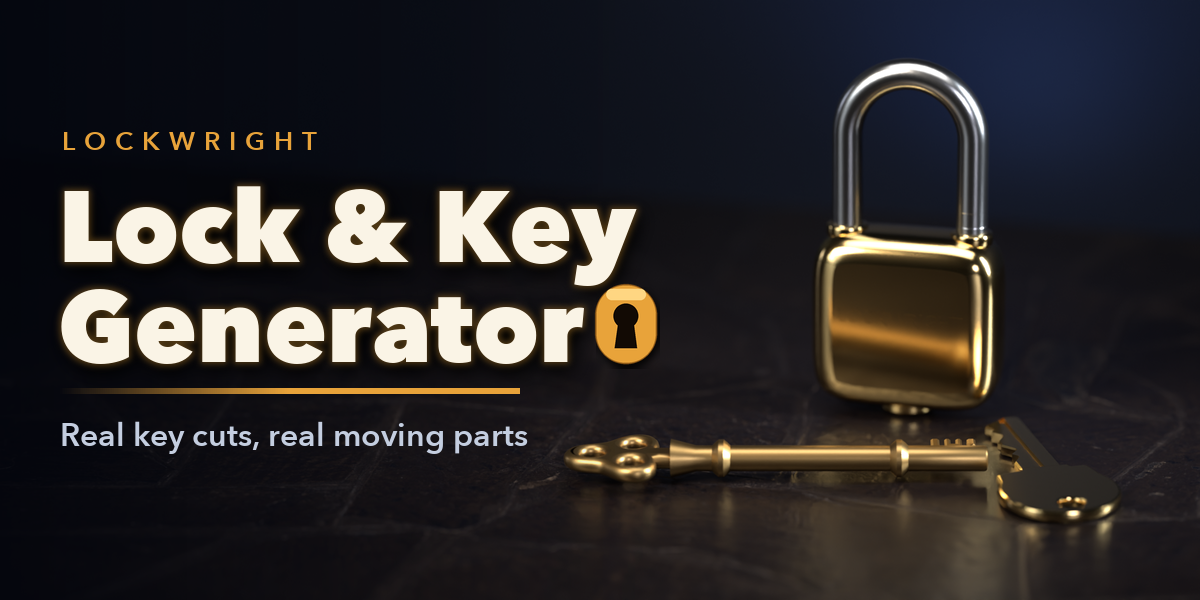
Installation
In Blender open Edit, Preferences, Get Extensions, then use Install from Disk and pick the key_lock_generator zip.
Usage
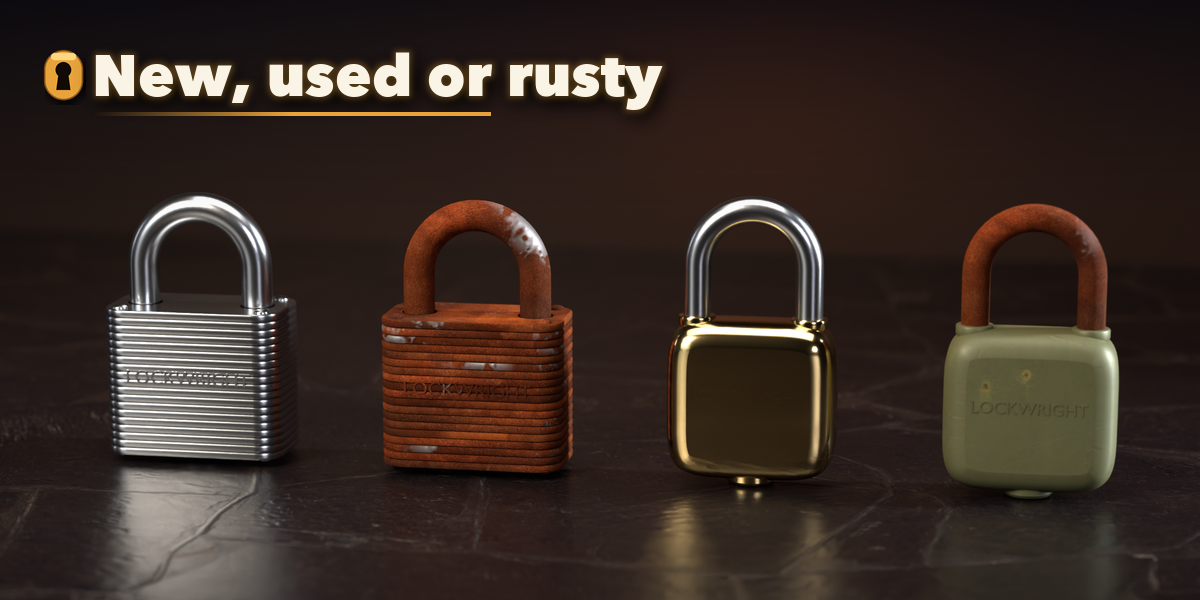
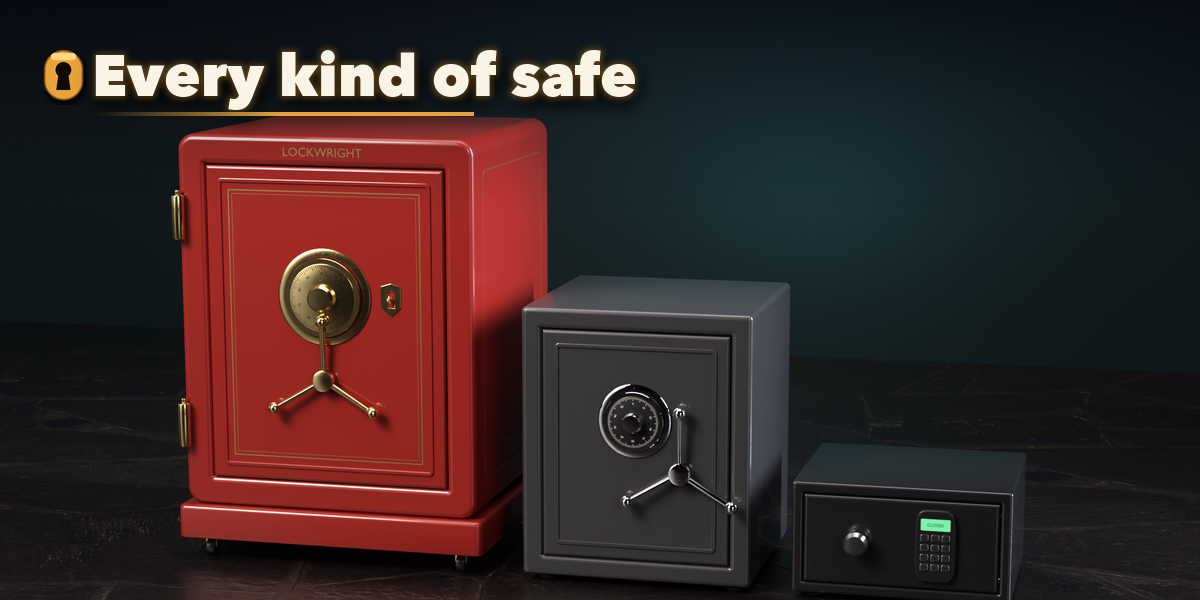
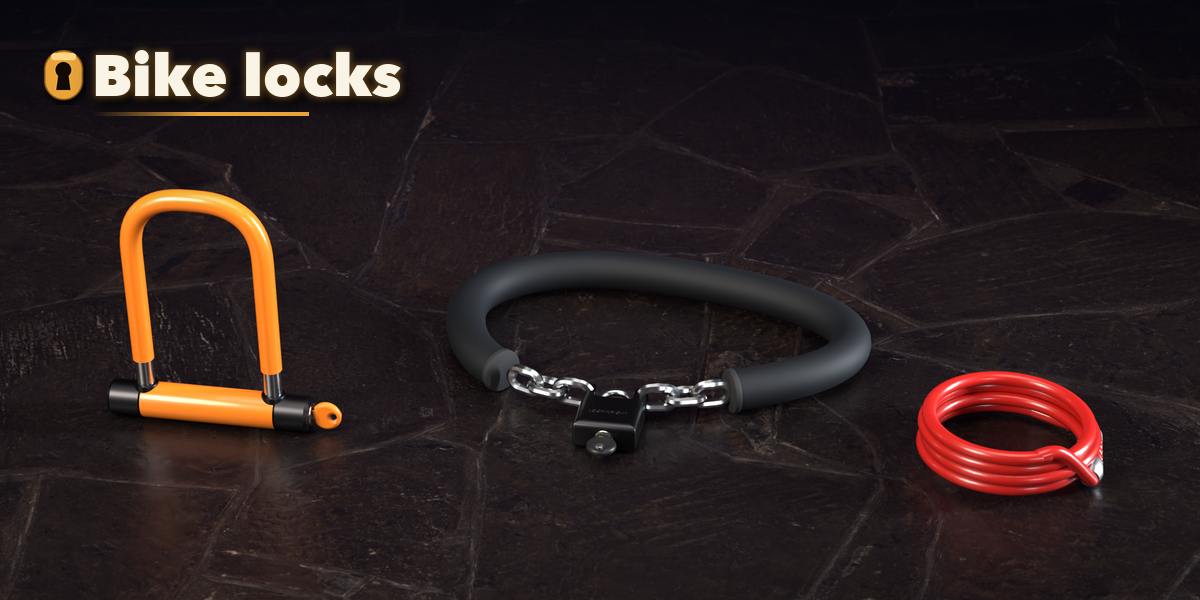
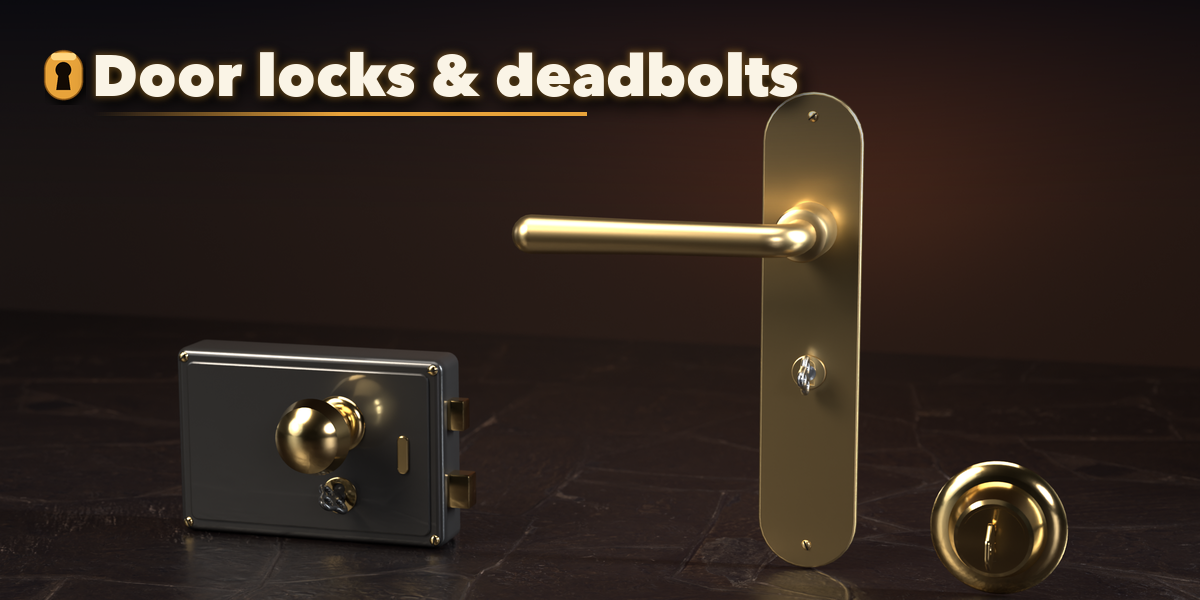
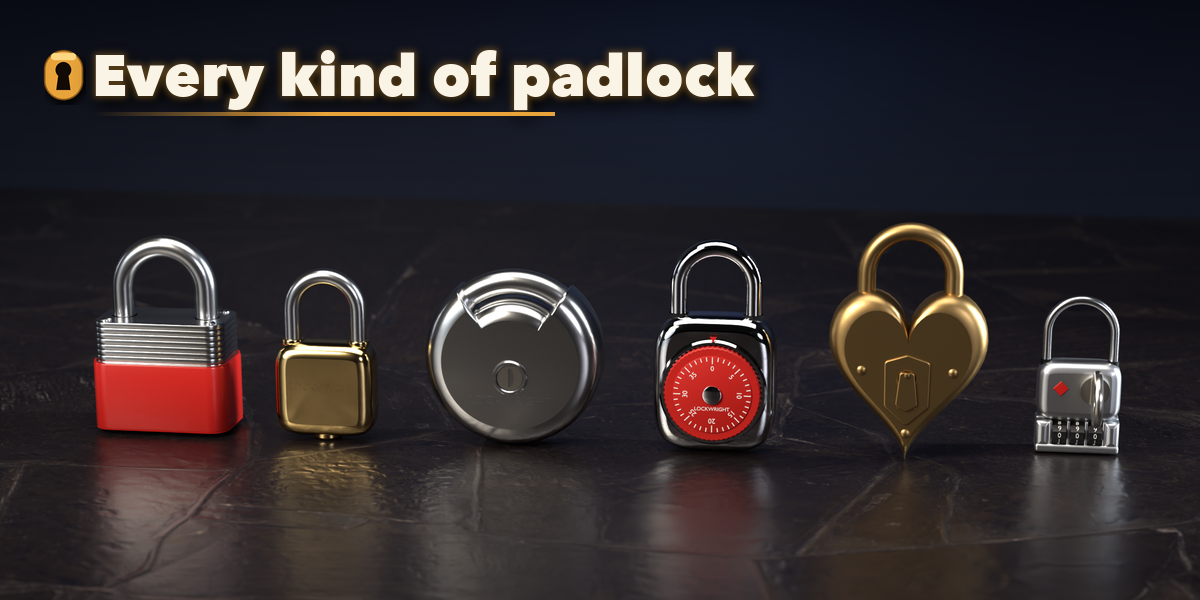
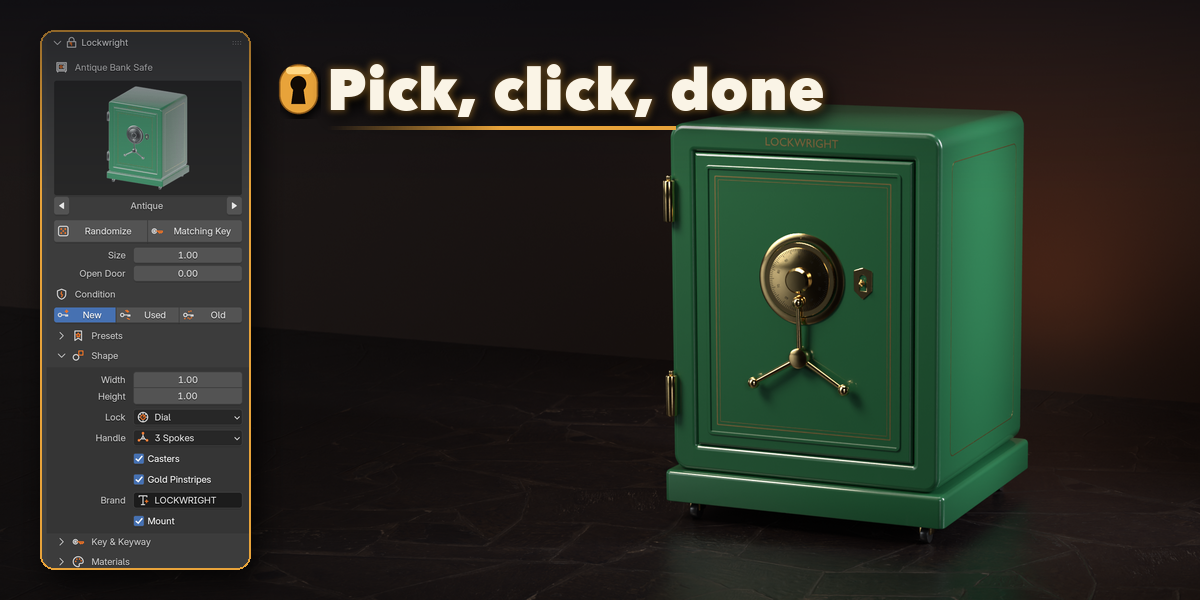
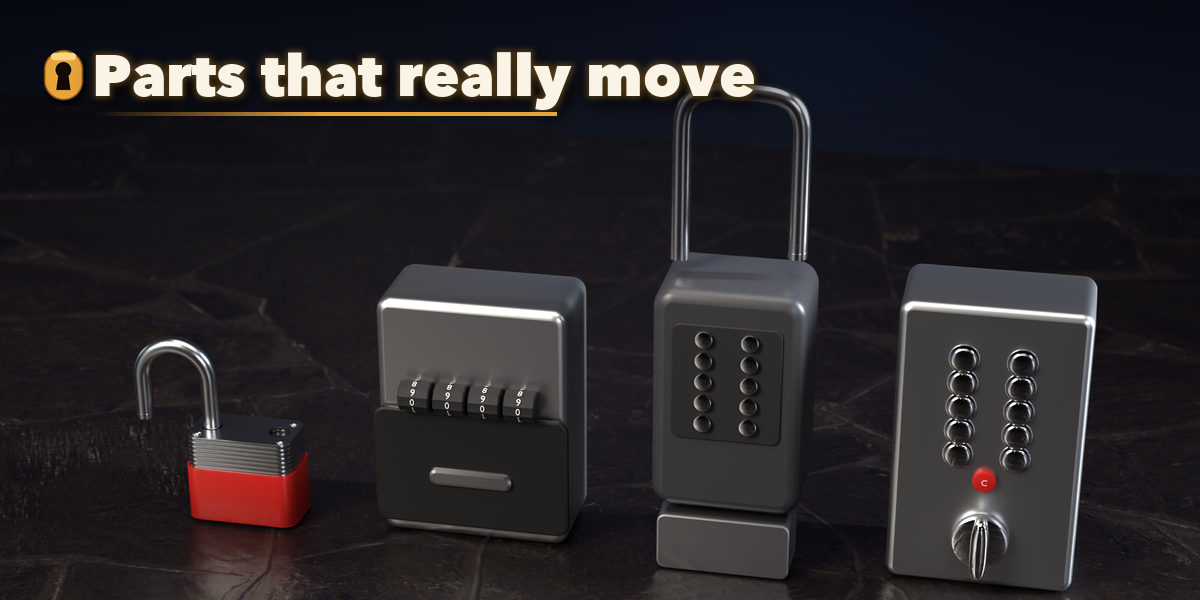
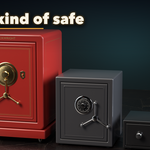
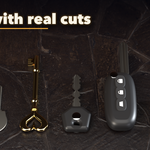
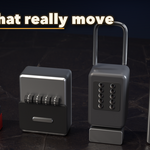
- Open the Lockwright tab in the 3D viewport sidebar (N). With nothing selected you see the add screen: pick a kind (Key, Padlock, Door Lock, Bike Lock, Safe, Lock Box, Hardware or Key Ring), click the picture to choose a preset, then press Add. Shift+A, Lock & Key works too.
- Select a design to edit it. Click its picture to change the type, press Randomize for a new variation, or Matching Key to add the key that opens it.
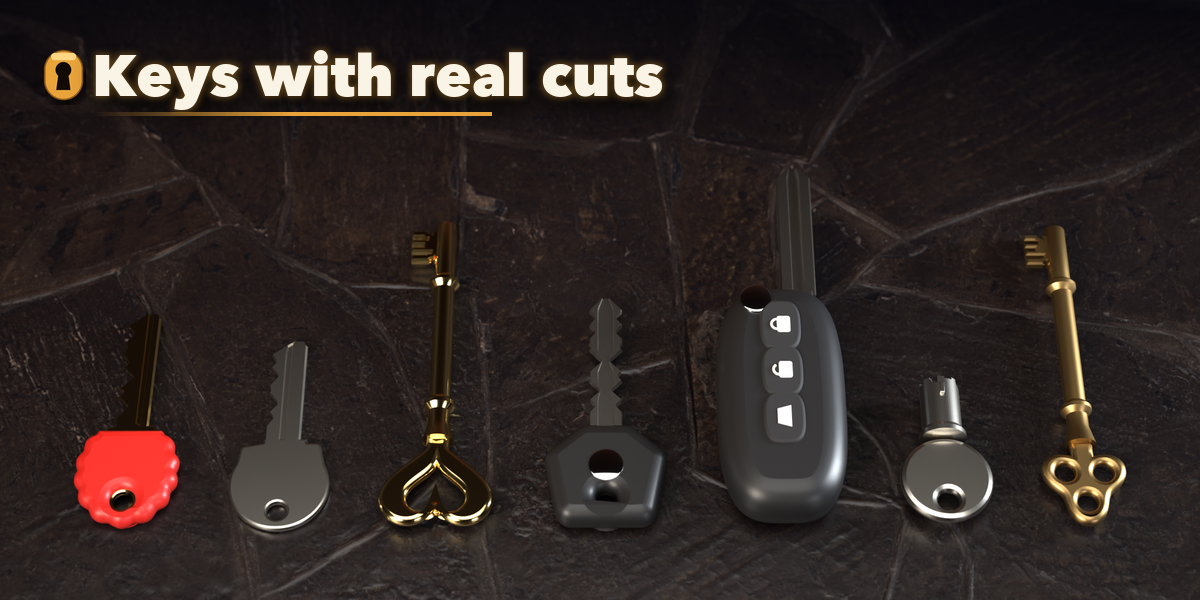
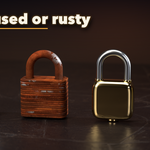
- Set the Size and the New, Used or Old condition. The sections below hold Shape, Key (key code, blank, bow), Materials, Animation and Detail & Export.
- To animate, hover the Open, Key Turn or Dial slider and press I to set a keyframe, change the frame and the value, and press I again.
- Make Static keeps the meshes as plain objects; Delete removes the design with all its parts.
Have questions about this product?
Login to message
| Blender Extension Compatible | Yes |
| Published | about 12 hours ago |
| Blender Version | 4.2 - 5.2 |
| Extension Type | Add-on |
| Render Engine Used | Cycles, Eevee |
| License | GPL |

Discover more products like this
Game asset Generator padlock door-lock props key bike-lock lock hardware skeleton key safe procedural