 colosyn


LOD Architect
Professional LOD generation for Blender - built for game pipelines.
Batch-generate engine-ready LOD chains with smart decimation, normal transfer, UV preservation, and one-click export for Unreal Engine, Unity, and Godot.
v1.0.1 - Panel Order Fix
- Added
bl_orderto ensure panels appear in the correct order in the N-panel - Fixed handler persistence to survive scene reloads and undo operations
Installation
1. Download `lod_architect.zip` from Superhive
2. In Blender: `Edit > Preferences > Add-ons > Install`
3. Select the `.zip` - do not extract it
4. Enable **LOD Architect** in the addon list
5. Find the panel in the 3D Viewport > Sidebar (N) > LOD Arch
Requirements
| Blender | 3.6 - 5.1 |
| OS | Windows / macOS / Linux |
| Python | 3.10+ (bundled with Blender) |
| Engines | Unreal Engine 5 / Unity / Godot |
| Tested | 3.6 LTS / 4.2 LTS / 4.4 / 4.5 LTS / 5.1 |
Features
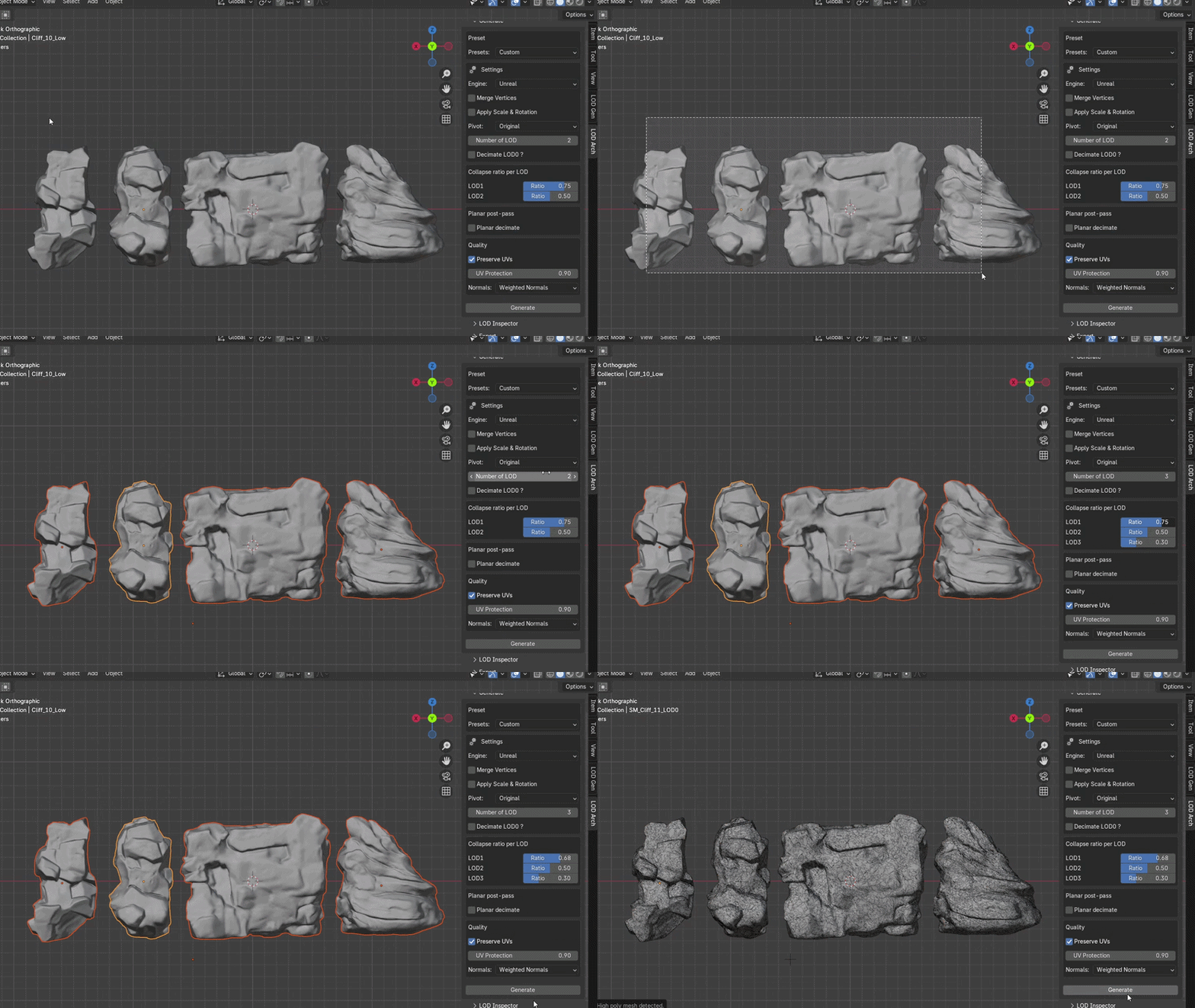
LOD Generation
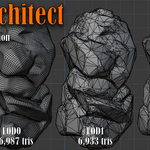
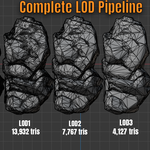
Select one or more meshes and generate a full LOD chain in one click. Each LOD is decimated progressively from the source mesh.
- Up to LOD4
- Per-LOD ratio control or vertex count target
- Merge-by - distance pre-pass for clean input geometry
- Batch process multiple meshes simultaneously
- Non-destructive - source mesh always preserved
- Live modifiers - tweak ratios directly on the modifier after generation
- Option to keep LOD0 at full resolution or decimate it
Presets
Built-in industry profiles:
| Preset | Use case |
| Custom | Manual configuration |
| Prop | Small/medium props |
| Hero Asset | Detailed hero meshes |
| Large Prop | Large environment pieces |
| Architecture | Buildings and structures |
Mesh Cleanup
Toggle before LOD generation to ensure clean input geometry.
- Merge Vertices - removes duplicate/overlapping verts at configurable distance
- Apply Scale & Rotation - auto-applies transforms to prevent broken meshes on export
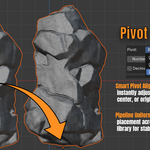
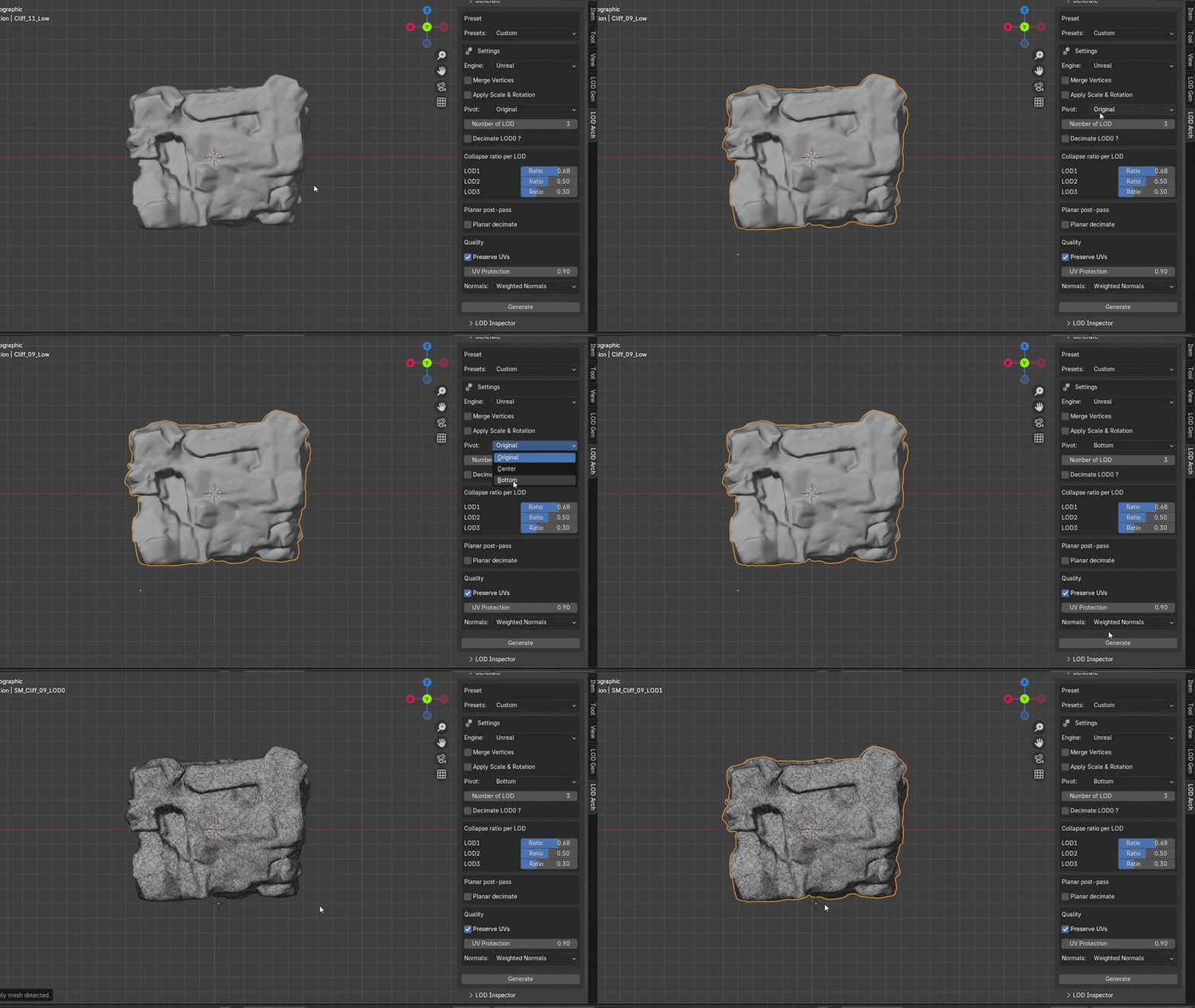
Pivot Alignment
Set origin point for all generated LODs automatically.
- `Original` - keeps existing pivot
- `Center` - centers to bounding box
- `Bottom` - snaps to bottom of bounding box (recommended for props)
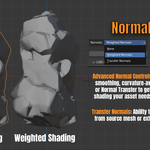
Normals Control
Three shading modes across the LOD chain.
- `None` - Blender default smoothing
- `Weighted Normals` - curvature-aware smoothing, better silhouette on reduced LODs
- `Transfer Normals` - transfers normals from source or external high-poly mesh
UV Preservation
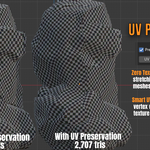
Prevents texture distortion on decimated LODs using vertex weighting to lock UV seam edges.
- UV Protection slider (0.0 - 1.0)
- Higher values = less distortion, slightly less decimation freedom
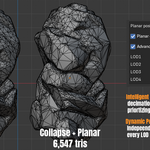
Planar Post-Pass
Secondary decimation pass targeting flat surfaces, leaving curved areas intact.
- Planar Decimate - basic flat-face collapse
- Advanced Planar - independent angle control per LOD level
- Best combined with standard collapse for maximum savings without silhouette loss
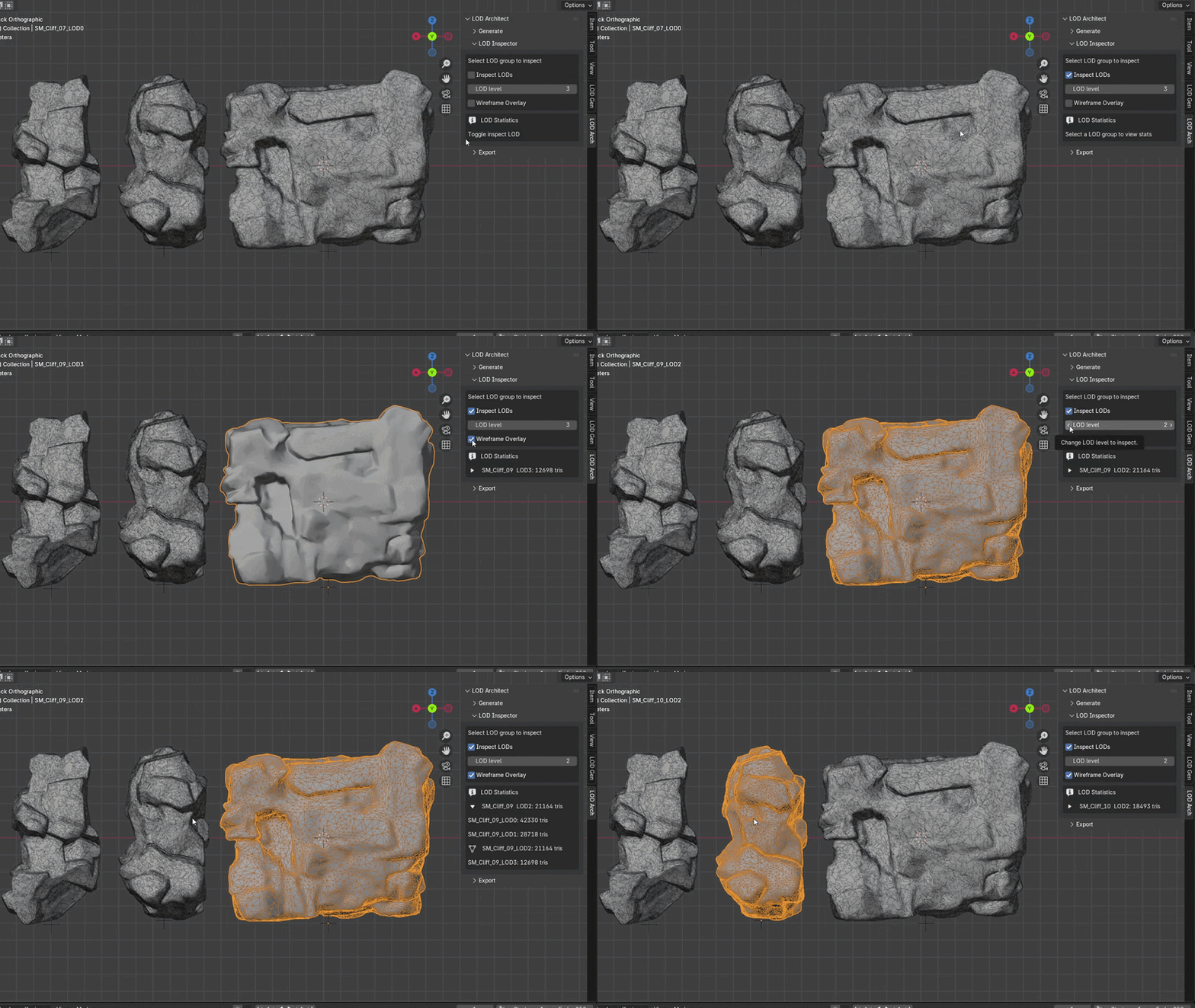
LOD Inspector
Real-time per-LOD statistics inside the panel.
- Triangle count per LOD
- Wireframe overlay
- Real-time LOD switching
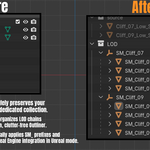
Automated Hierarchy
Outliner stays clean and engine-ready automatically.
- Source meshes preserved in a `source` collection
- LODs parented under named empties per asset
- Auto-naming: `SM_AssetName_LOD0`, `SM_AssetName_LOD1`, etc.
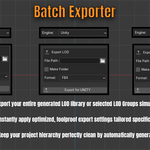
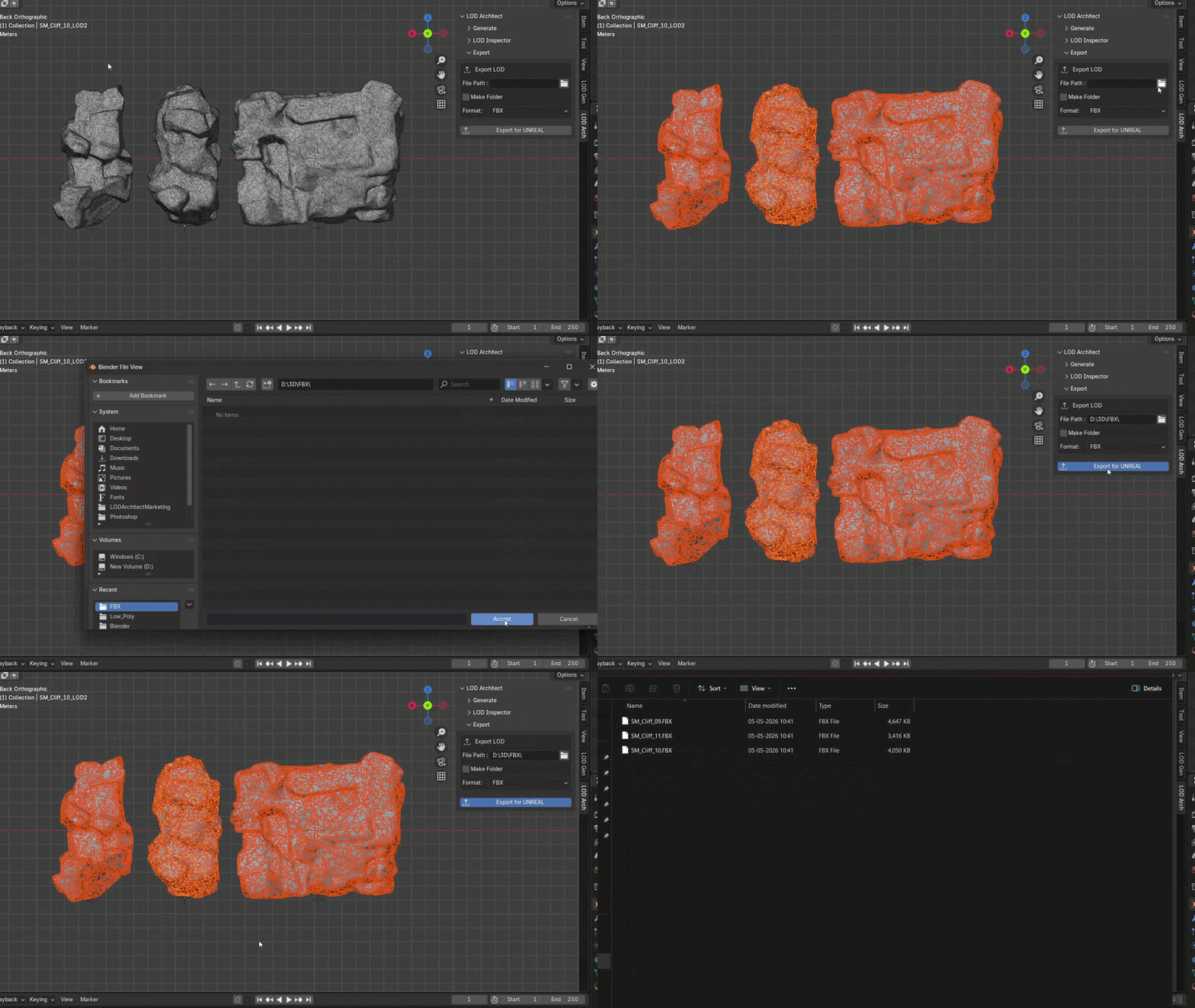
Batch Exporter
Export all LOD groups in one operation.
- Engine presets: Unreal (FBX), Unity (FBX), Godot (GLB)
- Formats: FBX, OBJ, GLB
- Optional auto-folder creation per LOD group
- Export selected groups or entire LOD collection
Known Limitations
- LOD Collection require - LOD groups must be inside the LOD collection for the Inspector and Exporter to function correctly
- Transfer Normals requires clean high-poly - overlapping geometry or flipped normals on the source will produce incorrect results
- UV Preservation reduces decimation freedom - at high protection values, heavy UV seams may prevent expected tri reduction. Lower the slider if counts are higher than expected
- Planar post-pass is most effective on hard-surface meshes - organic meshes have few flat regions, gains will be minimal
- FBX & GLB export requires Blender's built-in FBX & GLB exporter - ensure it is enabled in preferences if export fails
- Large batches - 10+ meshes may cause slowdowns depending on poly count and machine specs. Process in smaller groups if needed
---
Changelog
v1.0.1 - Panel Order Fix
- Added
bl_orderto ensure panels appear in the correct order in the N-panel - Fixed handler persistence to survive scene reloads and undo operations
v1.0.0 - Initial Release
- Full LOD generation pipeline
- Presets
- Normals Control (Weighted + Transfer)
- UV Preservation with seam weighting
- Planar post-pass with per-LOD angle control
- Pivot Alignment
- LOD Inspector with real-time stats
- Batch Exporter with engine presets
- Non-destructive workflow
- Engine-ready auto-naming and Outliner hierarchy
- GPL v3
---
License
LOD Architect is licensed under GPL 3
Support
Email - [email protected]
Github issues -Open an issue on our Documentation Repository
made by colosyn