 Mark Kingsnorth




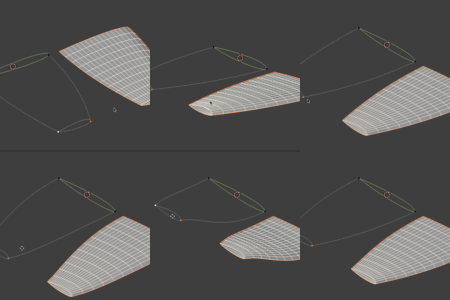

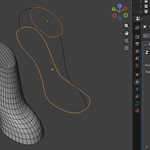

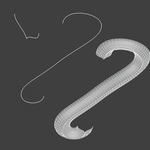
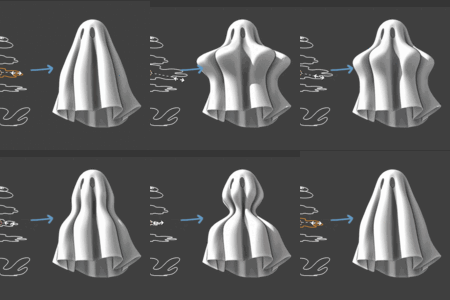



For Blender 4.5 and above.
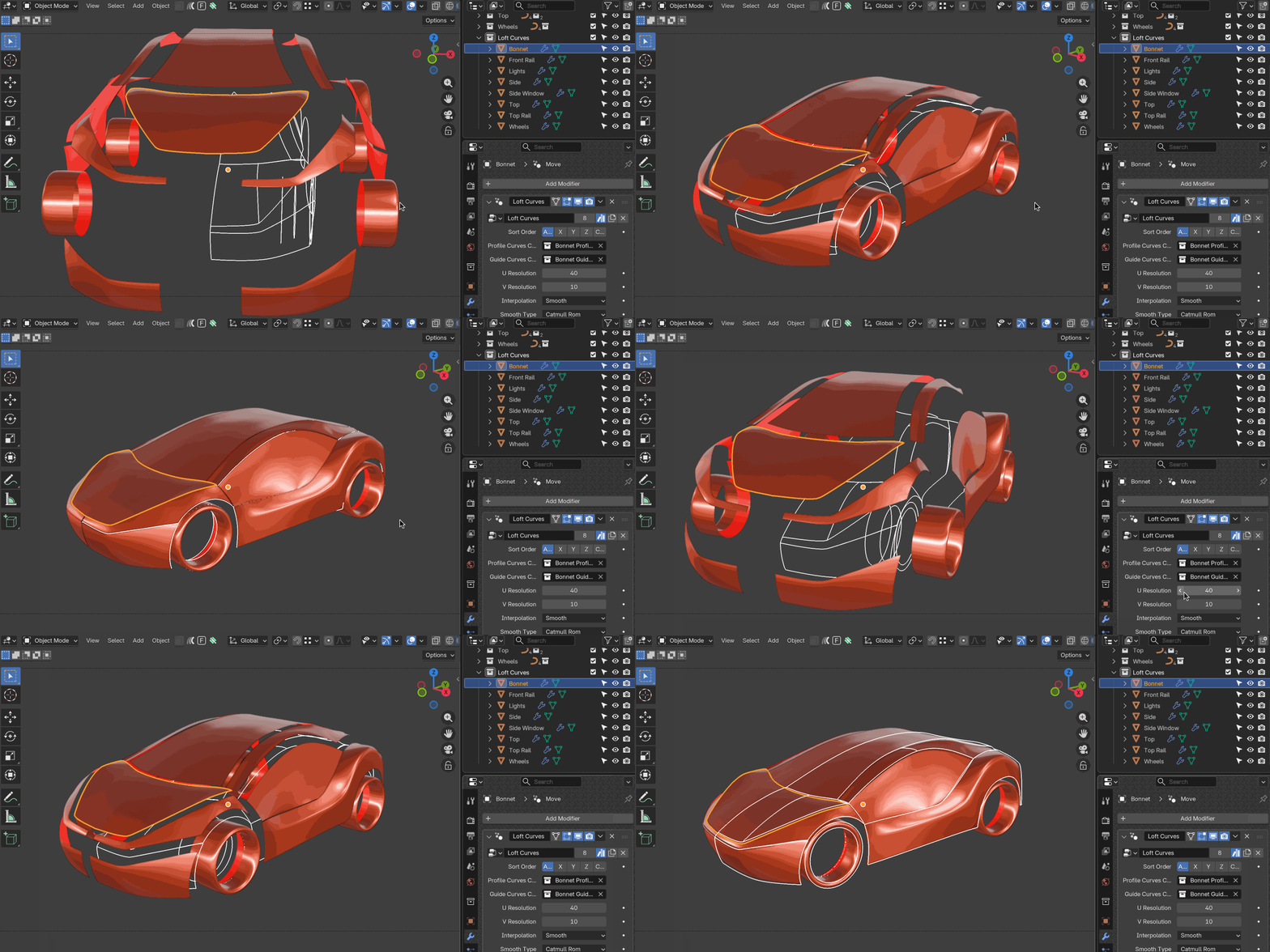
What is Loft Curves?
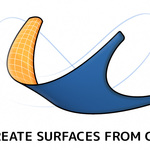
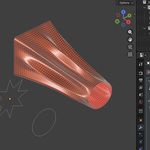
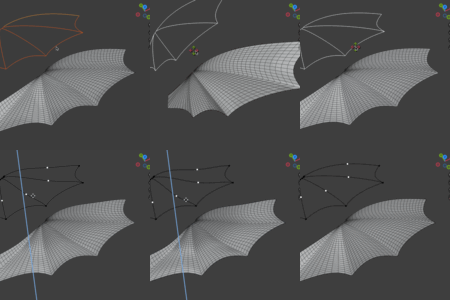
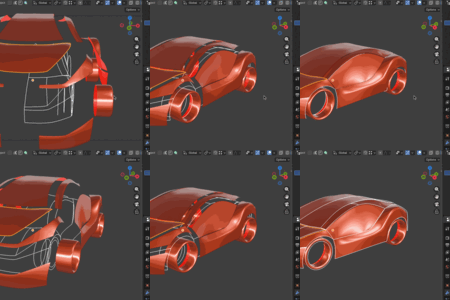
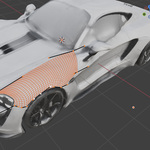
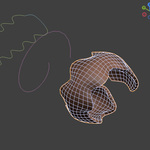
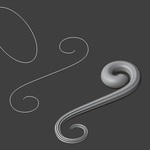
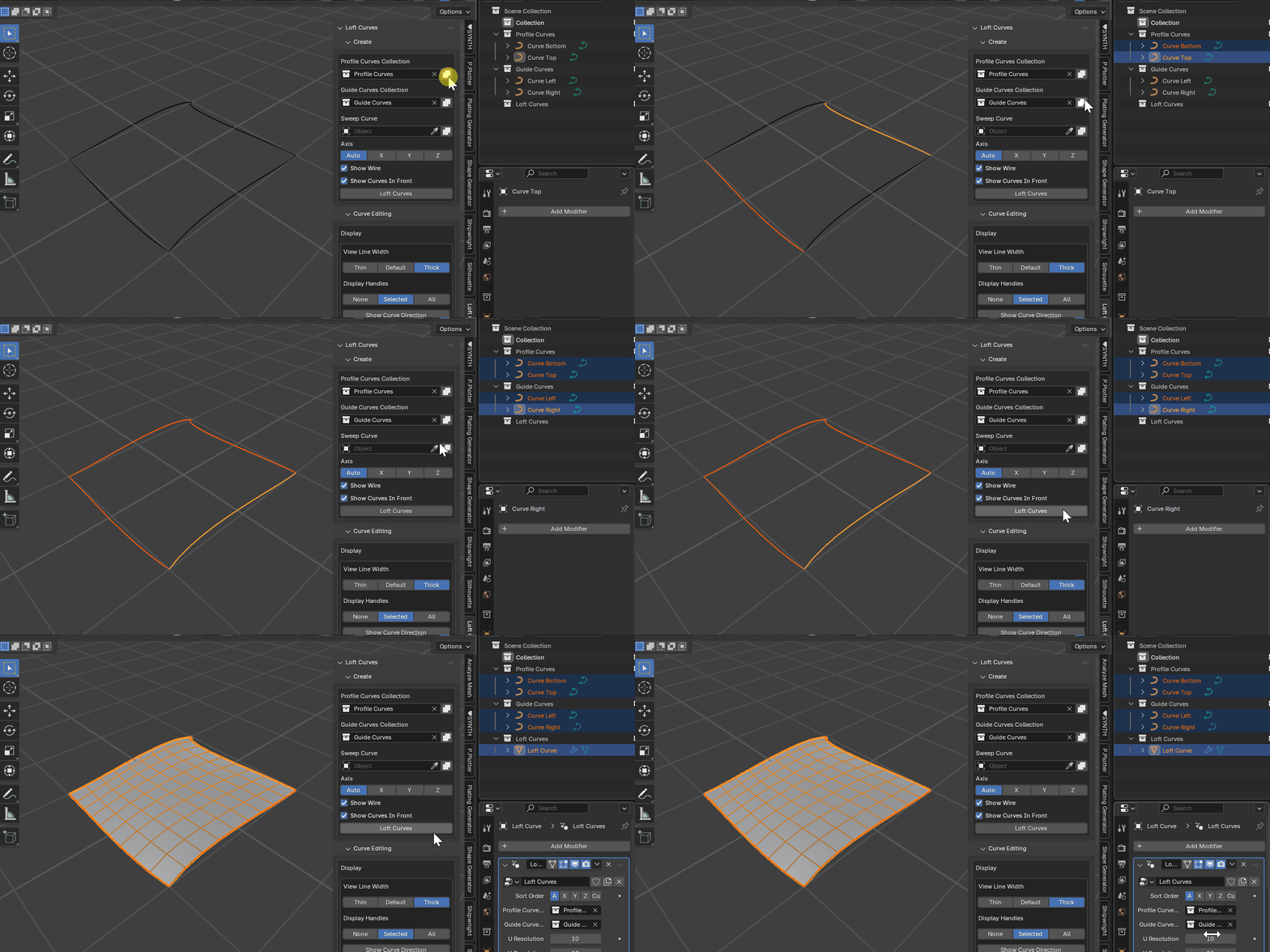
Create a surface using two or more profile curves in Blender with the Loft Curves Add-on. The shape can be controlled by Guide curves and/or a sweep curve.
Note for Curves to Mesh users:
Use code c2mloft at checkout for 50% off Loft Curves: remember to type code in manually.
Please note: this coupon cannot be used during site-wide sale periods, including the Cyber Sale.
It wraps a robust Geometry Nodes core inside a modifier with a toolset for curve‑driven modelling, so you can block out forms with guides and profiles, tweak interactively, and apply the modifier to export or continue editing.
With live updates, guide curves, and sweep controls, it gives you an intuitive way to design complex forms directly from your curves, without leaving Blender.
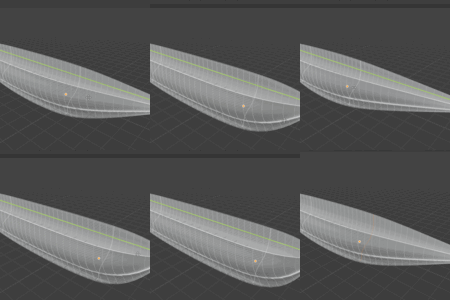
- Use cases: product shells, hulls, wings, footwear lasts, concept surfaces, architectural pieces, sci‑fi paneling, hard‑surface panels, and more.
- Designed for: modelers, concept artists, tech artists, and anyone who prefers shaping with curves.
Why Loft Curves?
Stay in Blender – No need to jump to other software for lofting; everything happens right inside your Blender workflow.
Add other modifiers – As the surface is a regular Blender object, you can add other modififiers on top (e.g. Solidify, Subdivide) to create interesting effects.
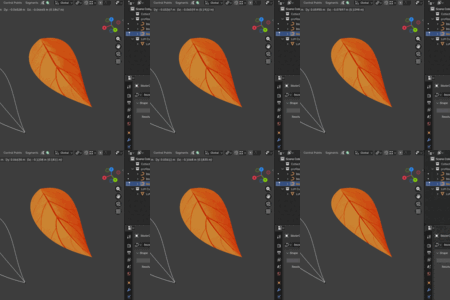
Update in Realtime – Update your profiles and guides at any time and see the loft instantly adapt.
Keep Things Simple – Shape complex organic forms, architectural details, or design surfaces with just a few curves.
Clean Results – Generates Blender-native objects ready for modifiers, sculpting, or further modeling.
Perfect for Artists & Designers – Whether you’re modeling product designs, environments or concept art, Loft Curves gives you tools to shape surfaces the way you imagine them.
Comparison: Loft Curves vs Curves to Mesh
Remember existing Curves to Mesh users can use code c2mloft to get 50% off Loft Curves (Please note: this coupon cannot be used during site-wide sale periods, including the Cyber Sale.).
Here is a comparison table:
| Feature/Workflow | Curves to Mesh (C2M) | Loft Curves (LC) |
| Core Focus | Patch based mesh generation (rectangular patches) | Loft/extrusion between 2+ curves |
| Modifier based | No | Yes |
| Creation Process | Preview -> Apply | Add Modifier through Loft Curves Panel |
| Guide Curves | No: Patch based | Yes: between profiles |
| Sweep/Profile Tools | Yes | Yes |
| Smoothing / interpolation | More advanced smoothing options | Basic Smoothing Options |
| Side-panel UI | Yes | Yes (for initial set up) |
| Best use case | Quad based surfaces from split curve patches | Organic, flowing shapes and flexible lofting |
| UV Map | Partial | Yes |
| Architecture | Python | Python + Geometry Nodes |
Key Features
Turn Curves into Surfaces
Instantly transform sets of profile curves into clean, editable Blender objects.Live Editing
Adjust curves in Edit Mode and see your loft update in real time.Guide Curve Control
Add guide curves snapped to profiles to fine-tune the surface flow.Supports Open & Closed Curves
Works with both cyclic (closed) and non-cyclic (open) curves for maximum flexibility.Sweep Along Curves
Deform lofted surfaces along a separate curve for advanced shapes.One-Click Presets
Quick helpers for common setups: Loft Patch, Loft Circular, Loft Sweep, and more.Organized Workflow
Automatically manages Profiles, Guides, and Sweep Curves in collections.Blender-Native Output
The generated surface behaves like any other Blender object — add modifiers, edit geometry, and make it part of your scene seamlessly.-
Built-in Tooltips
Helpful hints right inside the UI keep you moving quickly.
Get Started

Documentation: https://loft-curves.readthedocs.io/en/latest/
Quick Start Guide: https://loft-curves.readthedocs.io/en/latest/get_started.html
Quickstart Video: https://youtu.be/zkeV69lPZoA
Questions?
If you have any questions or issues do not hesitate to get in touch by clicking the 'Ask a Question' button on this page or by emailing [email protected].Documentation & Support
Email: [email protected]
FAQ
Does it work with NURBS curves?
Loft Curves is designed around Blender’s standard Bezier curves. NURBS/Poly will work for simple cases, but Bezier is recommended for best results.
Can I keep editing after converting to mesh?
Once applied, you’ll edit the mesh like any other object. Keep a copy of the live version if you anticipate further curve tweaks.
Is UV mapping supported?
A UV Map is automatically generated.
Does it require external libraries?
No. It’s all Blender + Geometry Nodes.
Related Products
 Conform Object
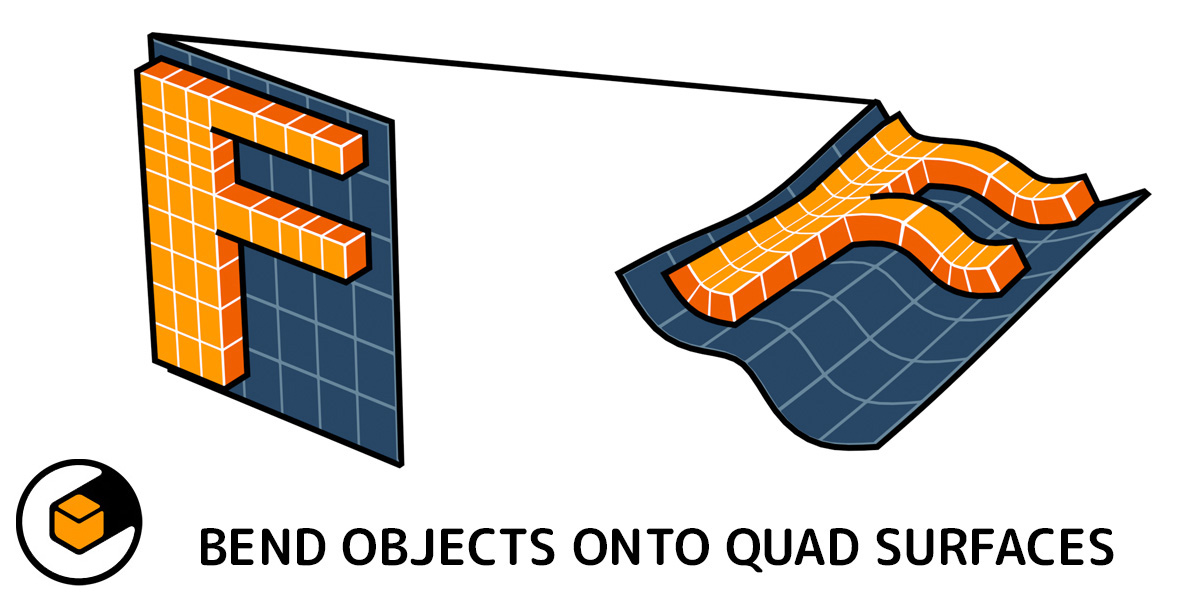 Flowify
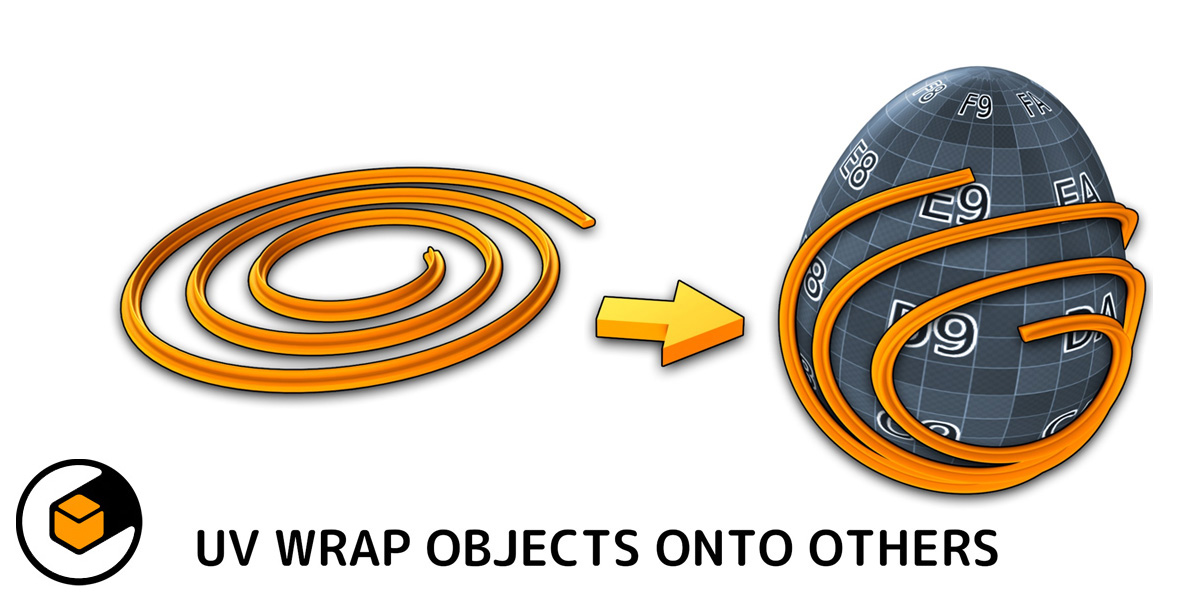 Mesh Materializer
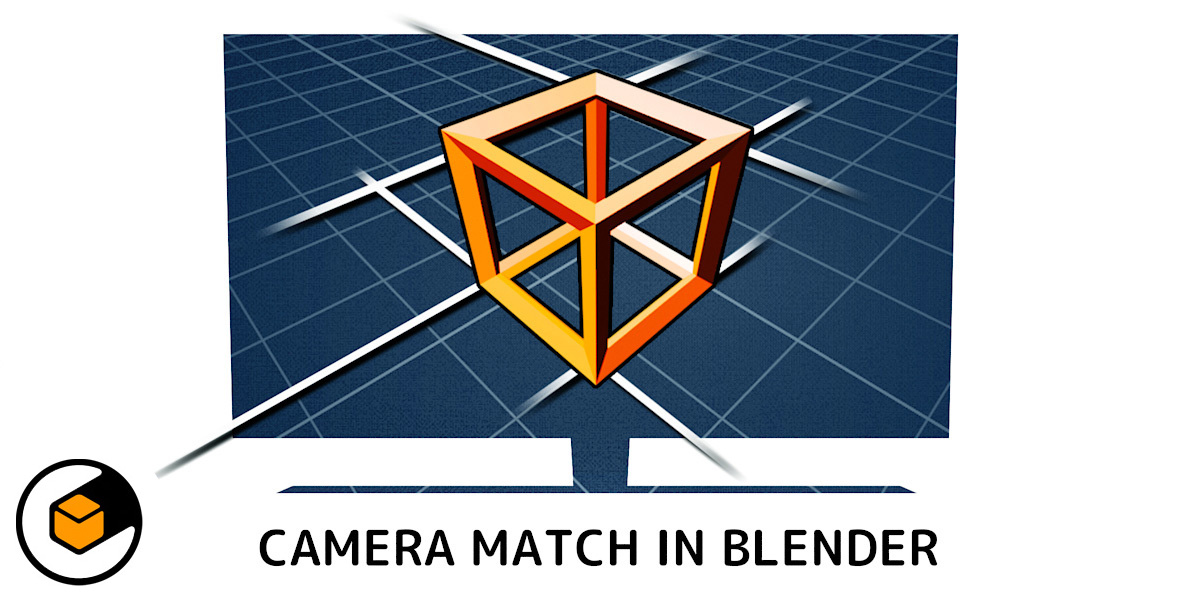 Perspective Plotter
 Quad Maker
 Fit Curve
 Fit Lattice
...or any of my other add-ons.
