 Nodex3D
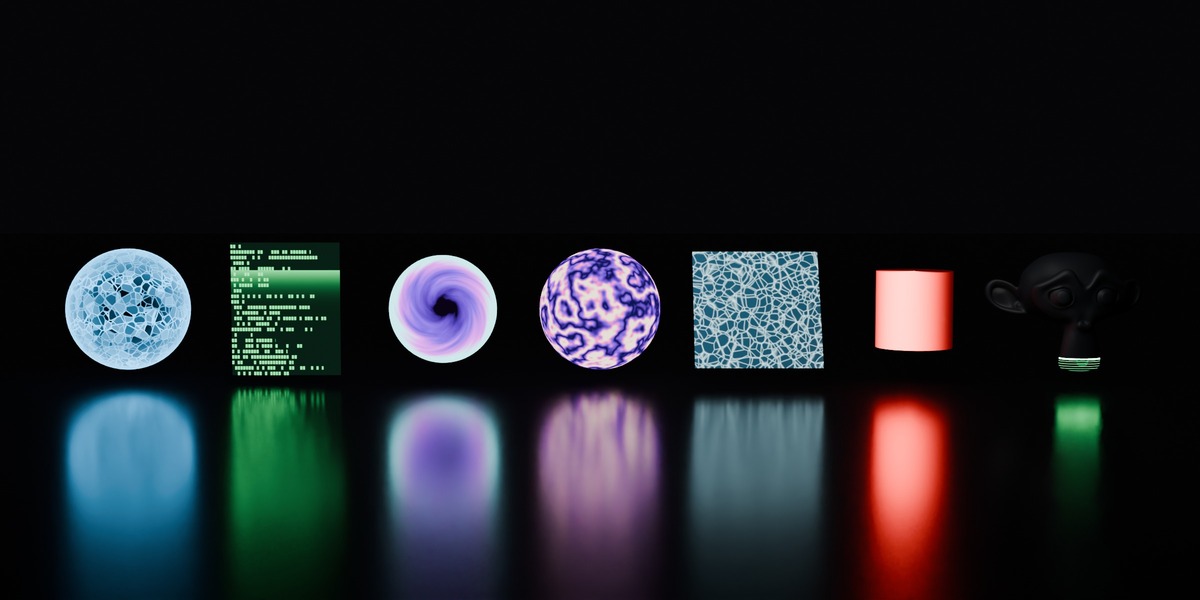
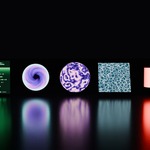
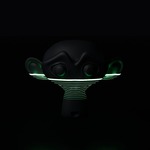
Seven animated sci-fi materials for Blender that loop perfectly, for sci-fi scenes, motion graphics and looping backgrounds, without a single keyframe.
Documentation: see the Documentation tab · Support: Superhive inbox or [email protected]
Why Loop FX
- Perfect loops, checked frame by frame. Every material was rendered and compared: frame 121 (or 241) is identical to frame 1. Set your scene to the loop length and export a seamless loop for a game menu, a website or stream background, a VJ set or a social video. For a fixed shot, render the loop once and repeat it for any length.
- No keyframes, no drivers to set up. Time is built into each material. Nothing to install or enable in Preferences.
- Fully procedural. No image textures, so they stay sharp at any resolution and the file is tiny.
- No black box. Every material is a regular node tree you can open and change: colors, speed and intensity are plain values.
The 7 effects
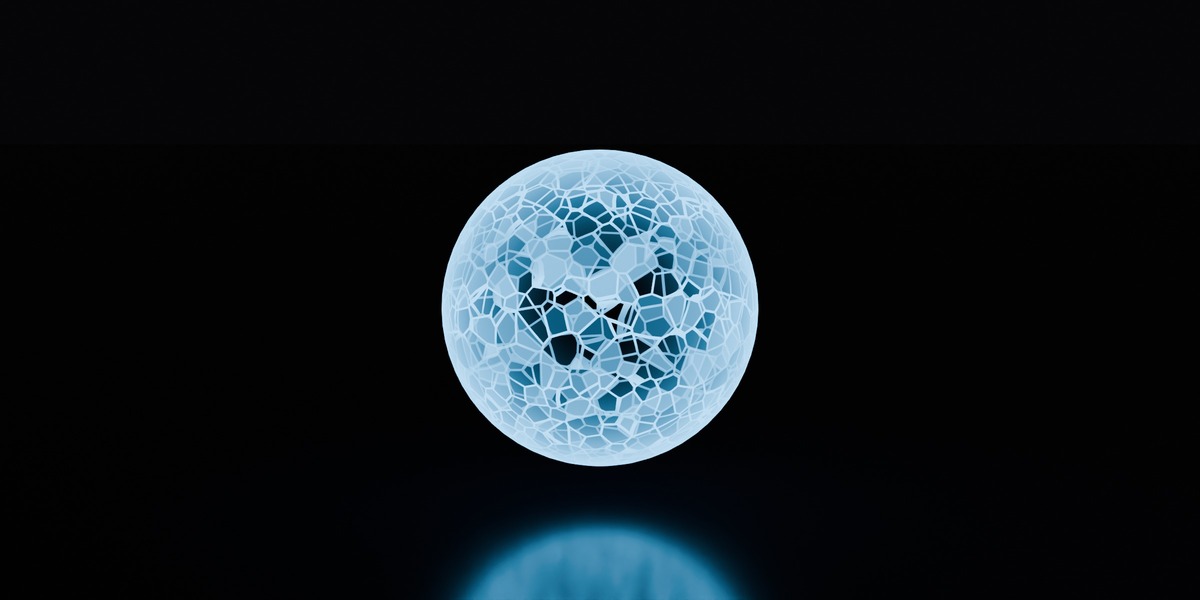
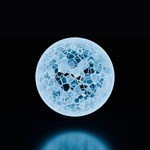
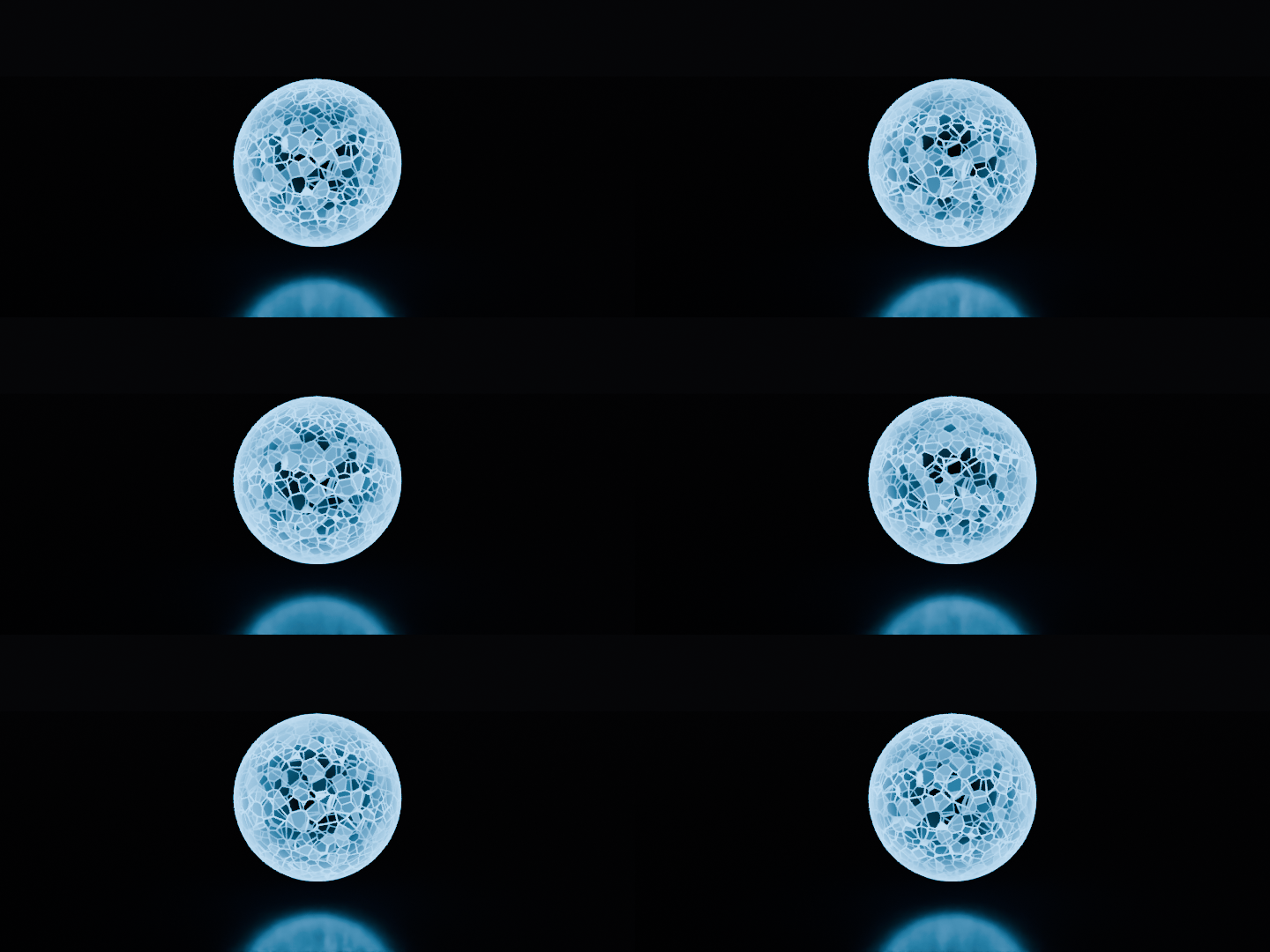
Energy Shield — 120-frame loop
A transparent sphere made of glowing cells. A wave of energy climbs the shield while cells flicker on and off at random. Edges glow brighter (Fresnel).
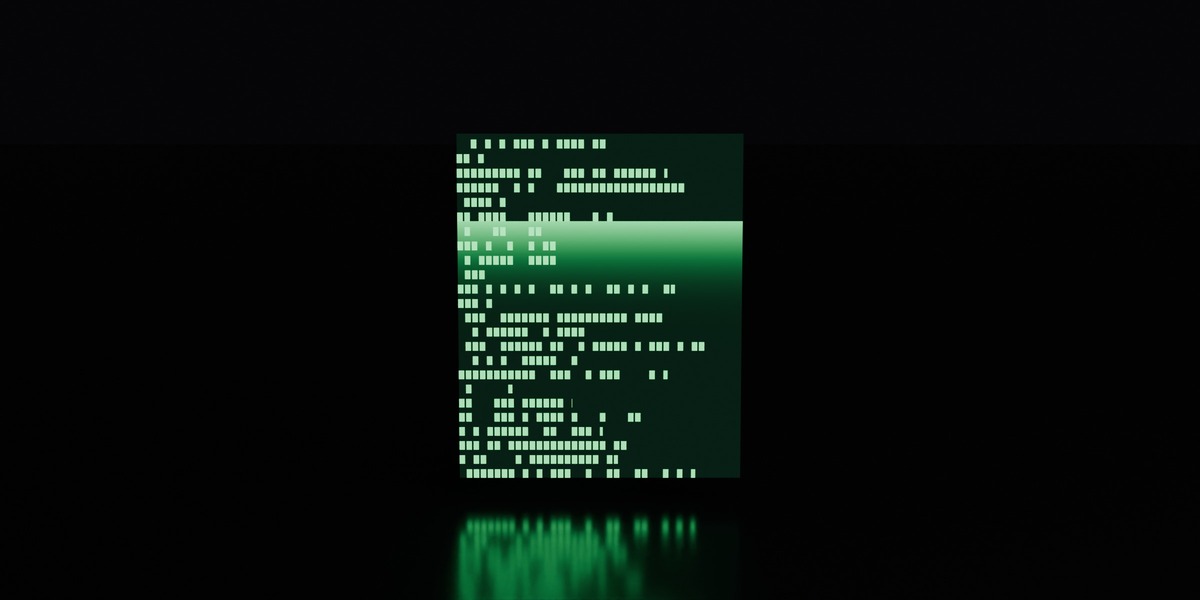
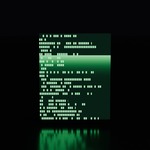
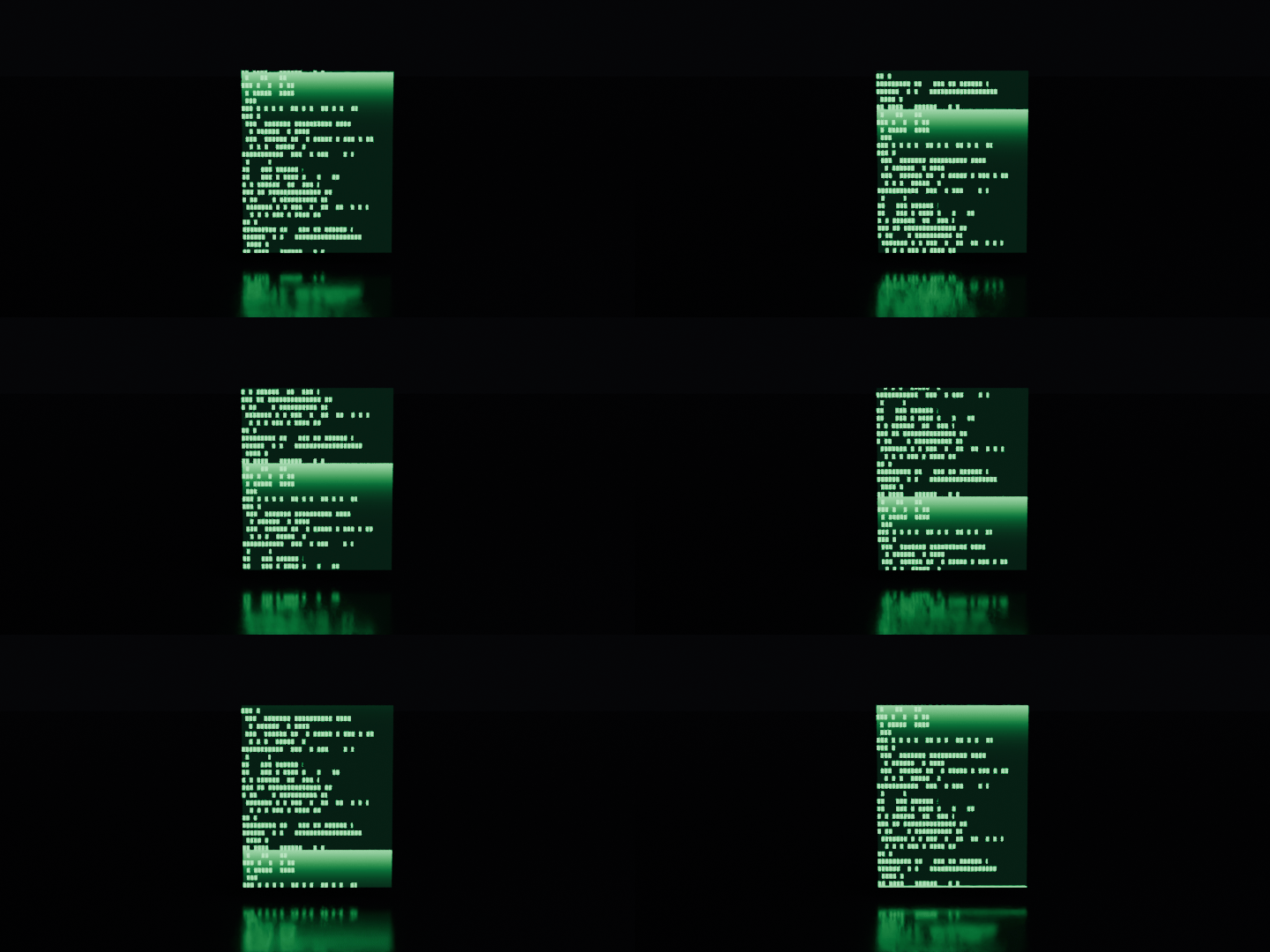
Sci-Fi Screen — 120-frame loop
Lines of green "code" scroll up endlessly, with a light band sweeping the screen and a subtle flicker. The text repeats every screen height, so the loop is seamless.
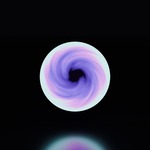
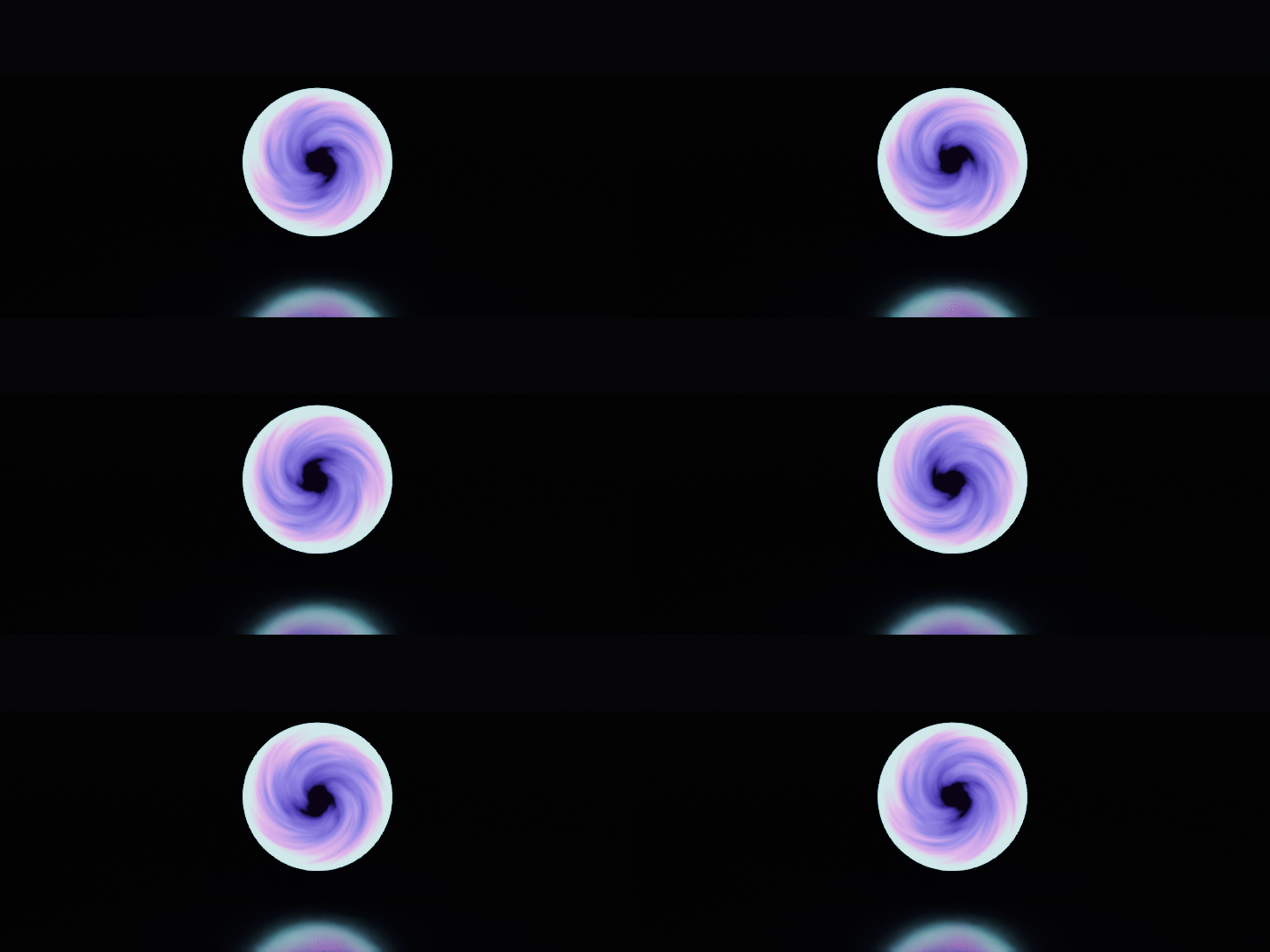
Portal — 240-frame loop
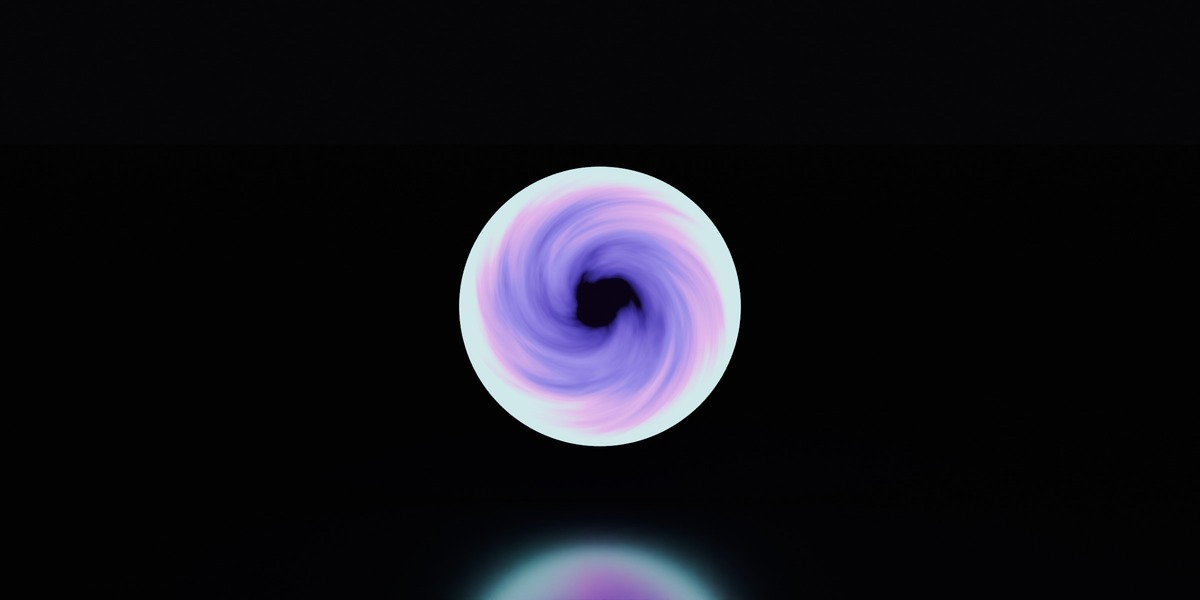
A violet-to-cyan vortex turning around a black center, with a bright rim. Everything outside the circle is transparent: put it on any plane.
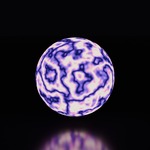
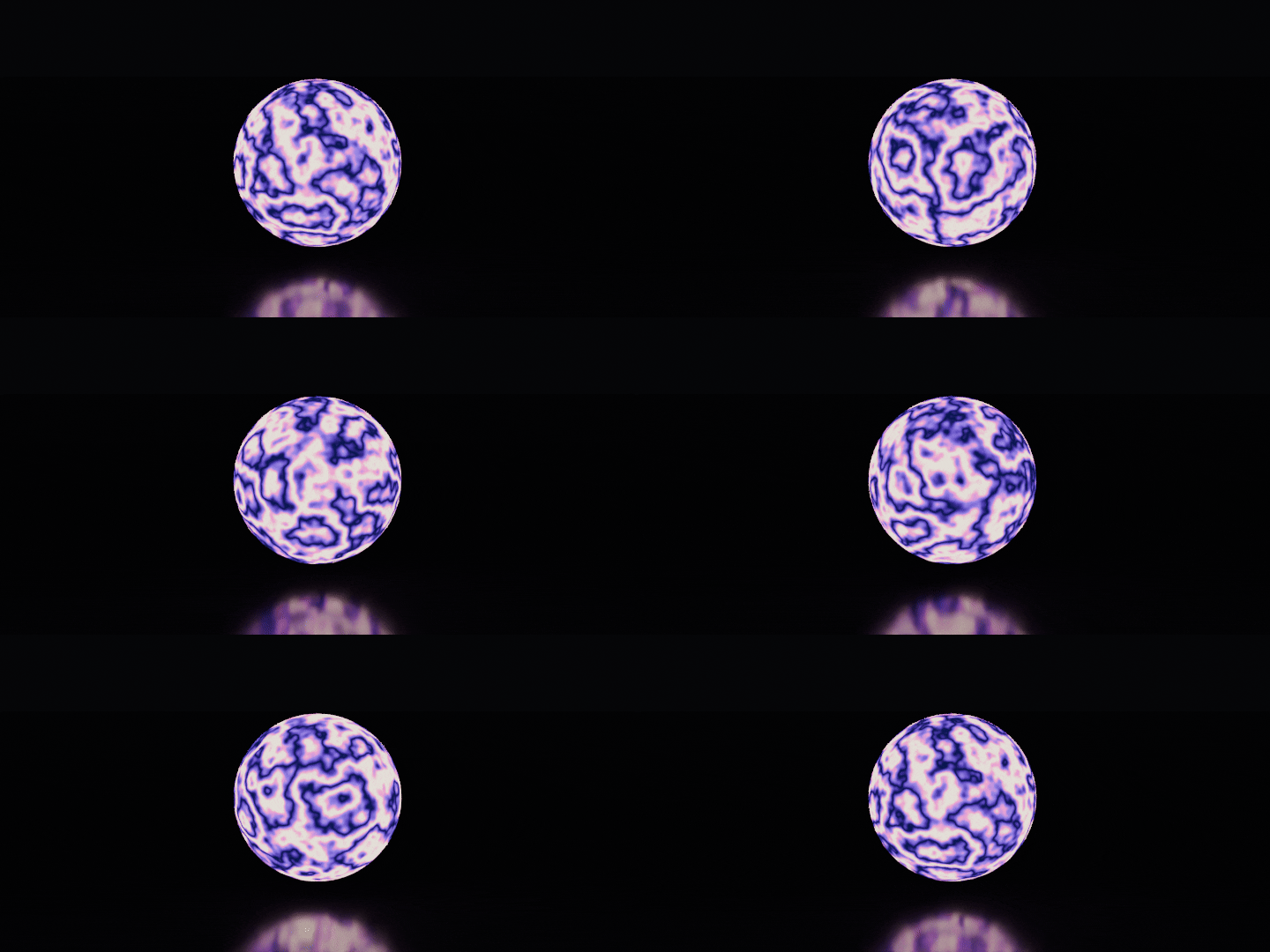
Plasma — 240-frame loop
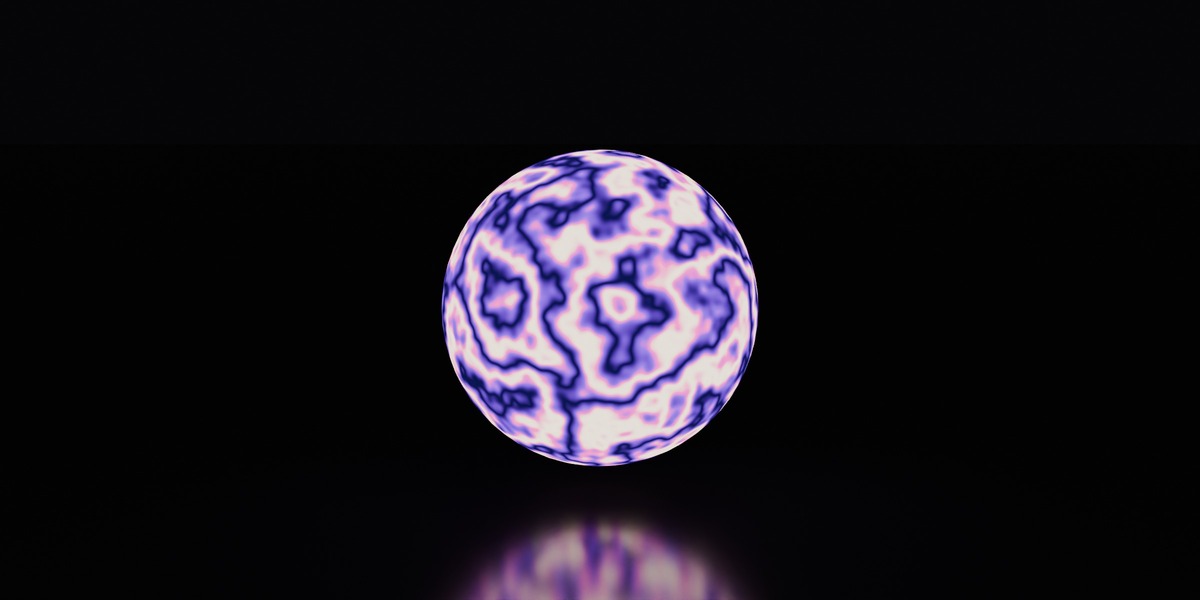
Bands of color that ripple and boil, from deep blue to warm white. Uses a 4D-noise crossfade with contrast correction, so it never fades out in the middle of the loop.
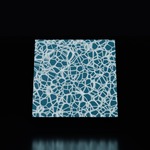
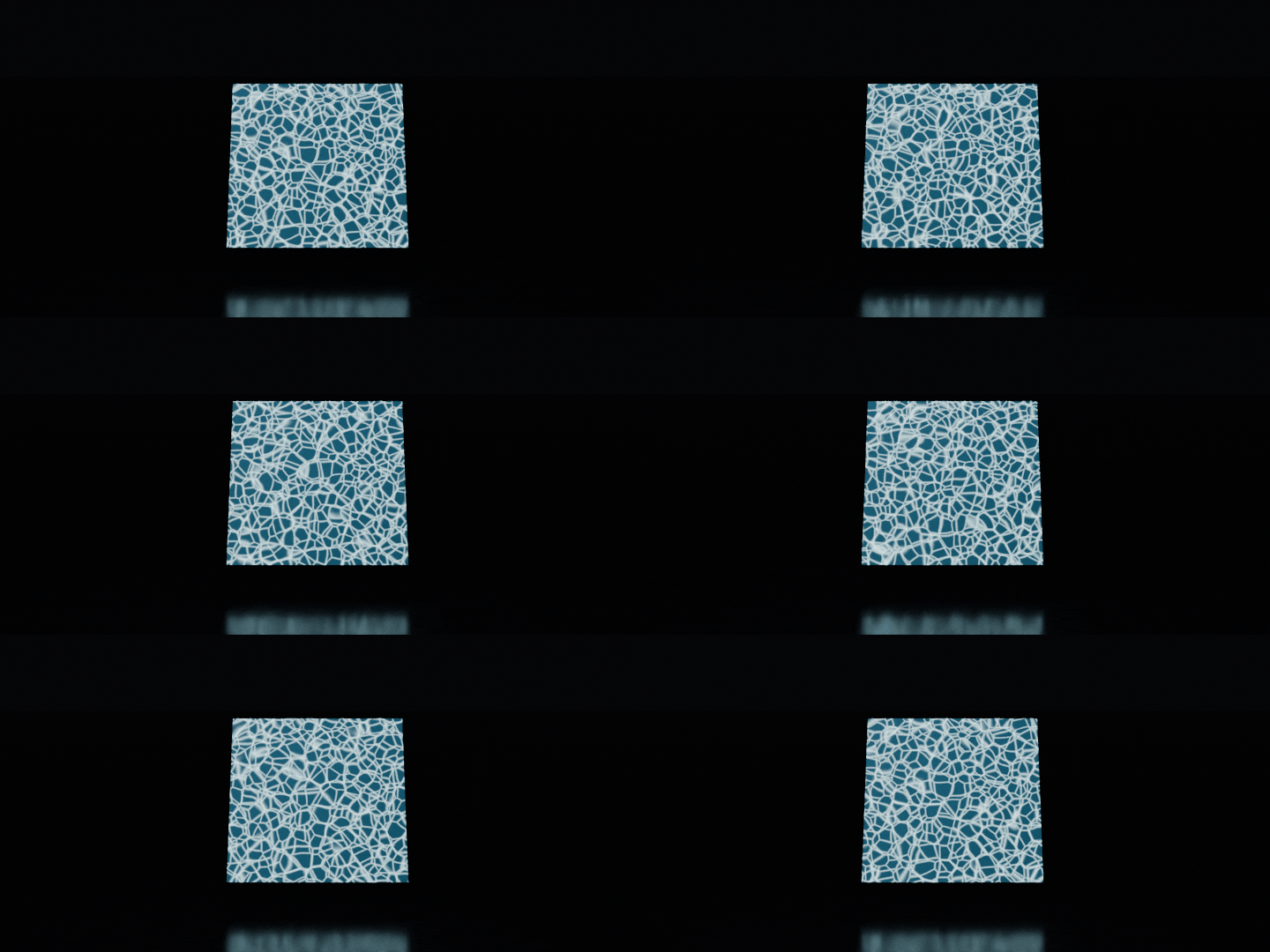
Pool Caustics — 240-frame loop
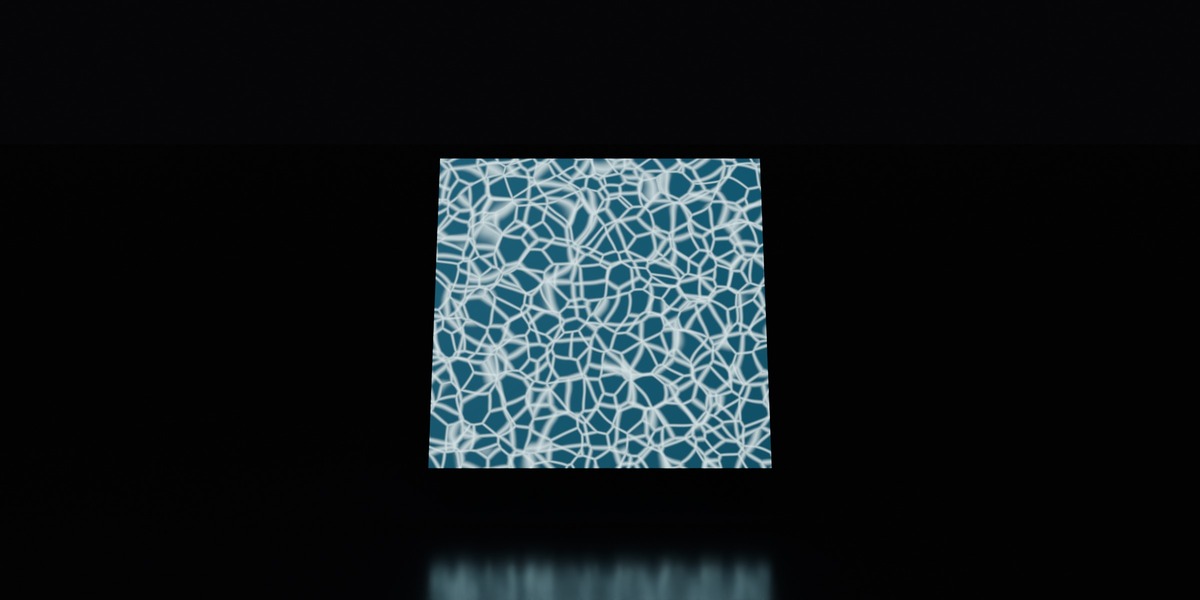
The dancing light lines you see at the bottom of a swimming pool, on a water-blue base. Two layers turn in opposite directions to create the shimmer.
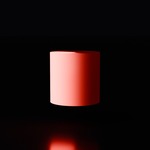
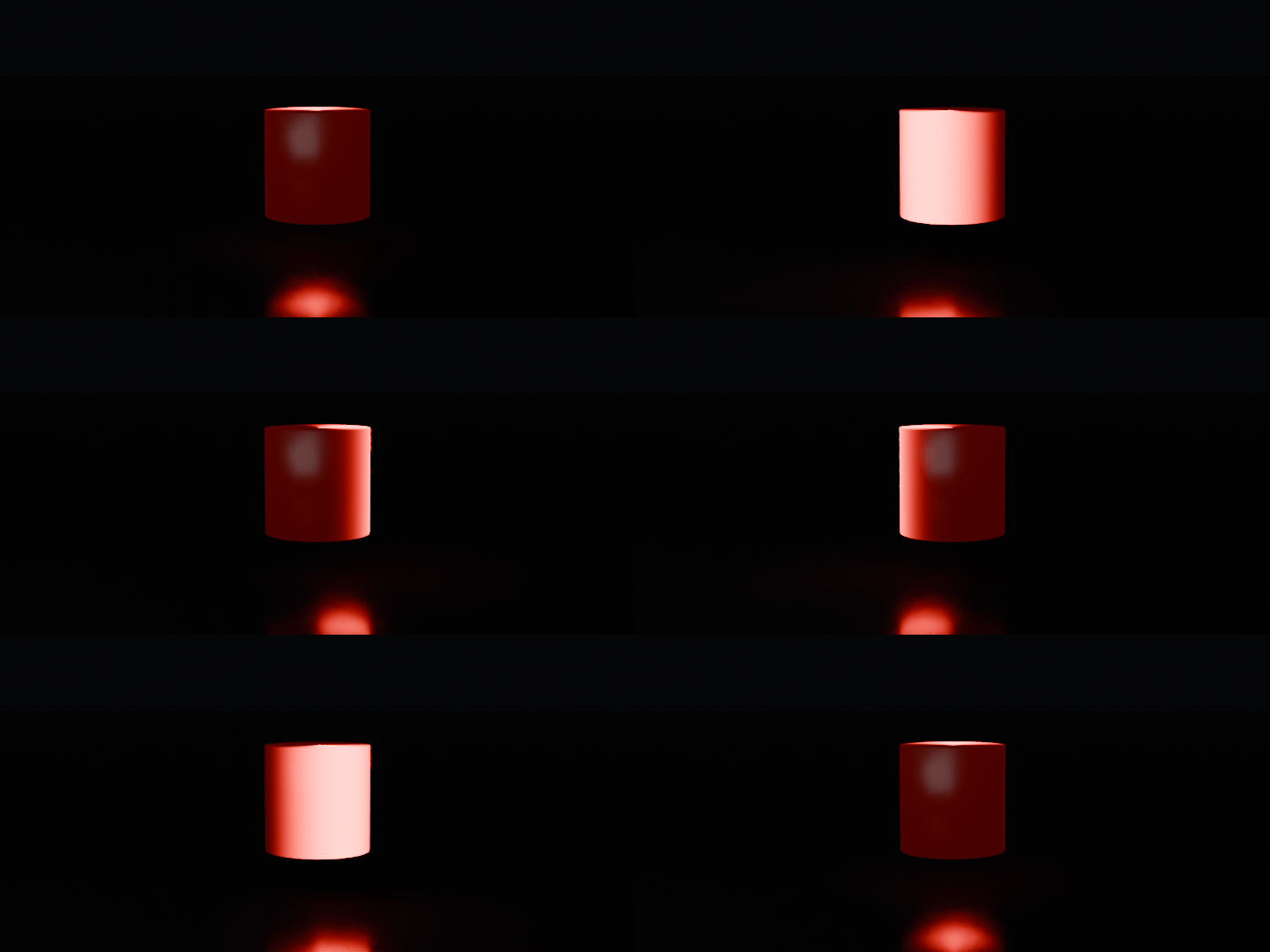
Alarm Beacon — 120-frame loop
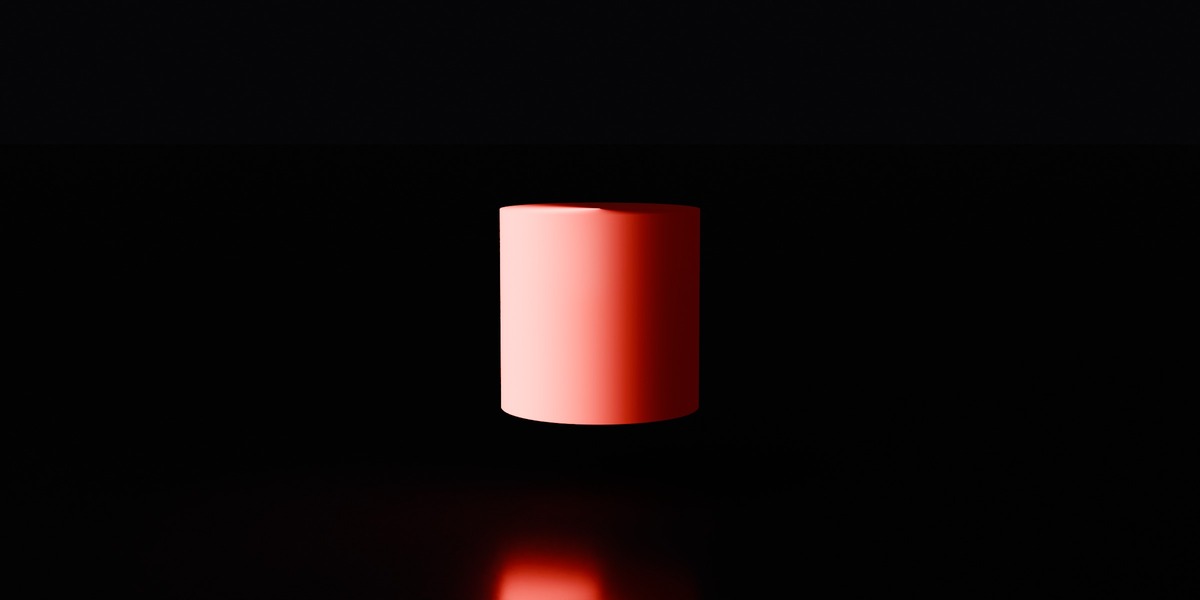
A red beam sweeps around a cylinder twice per loop, like a rotating warning light.
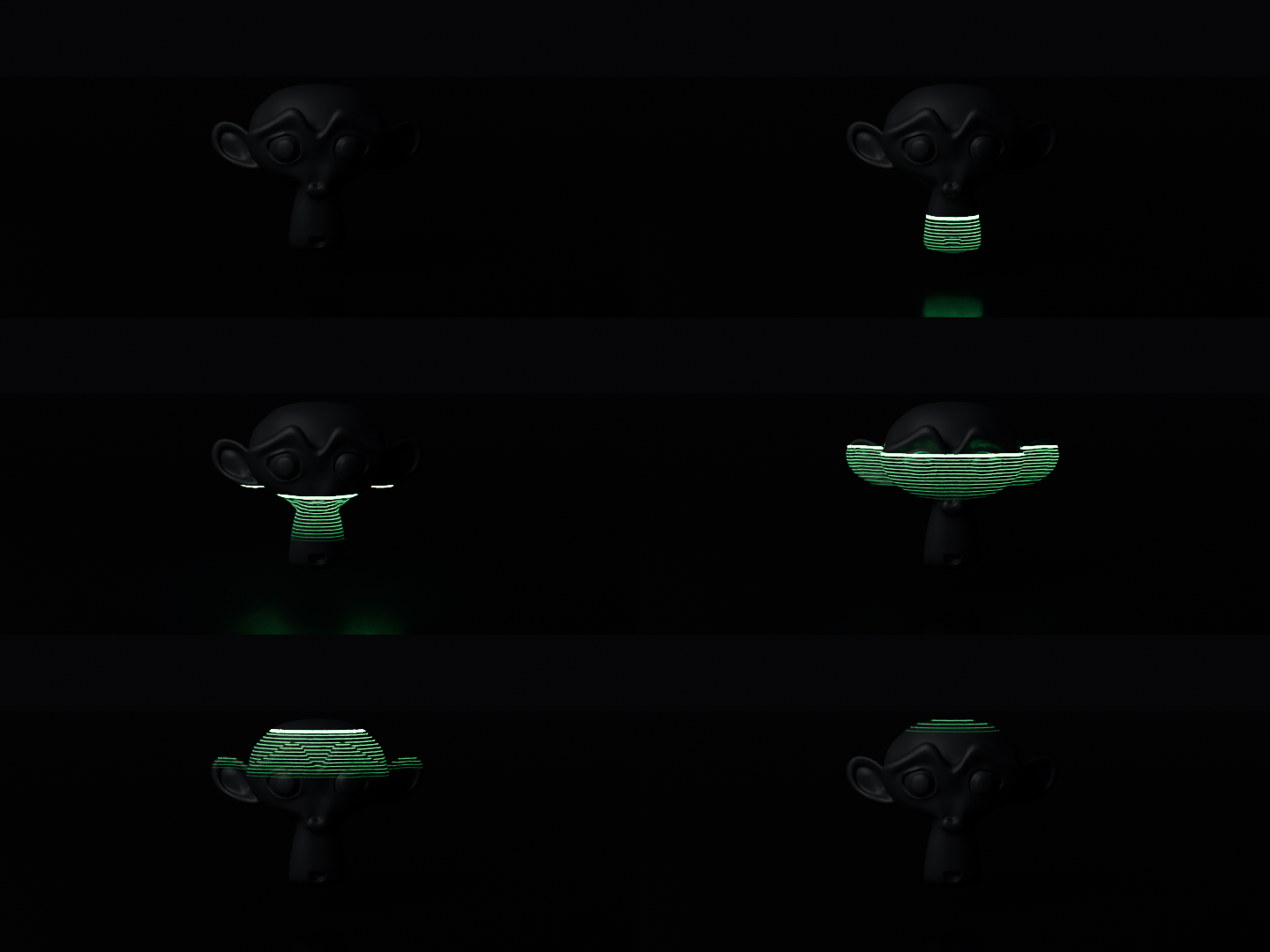
Laser Scan — 120-frame loop
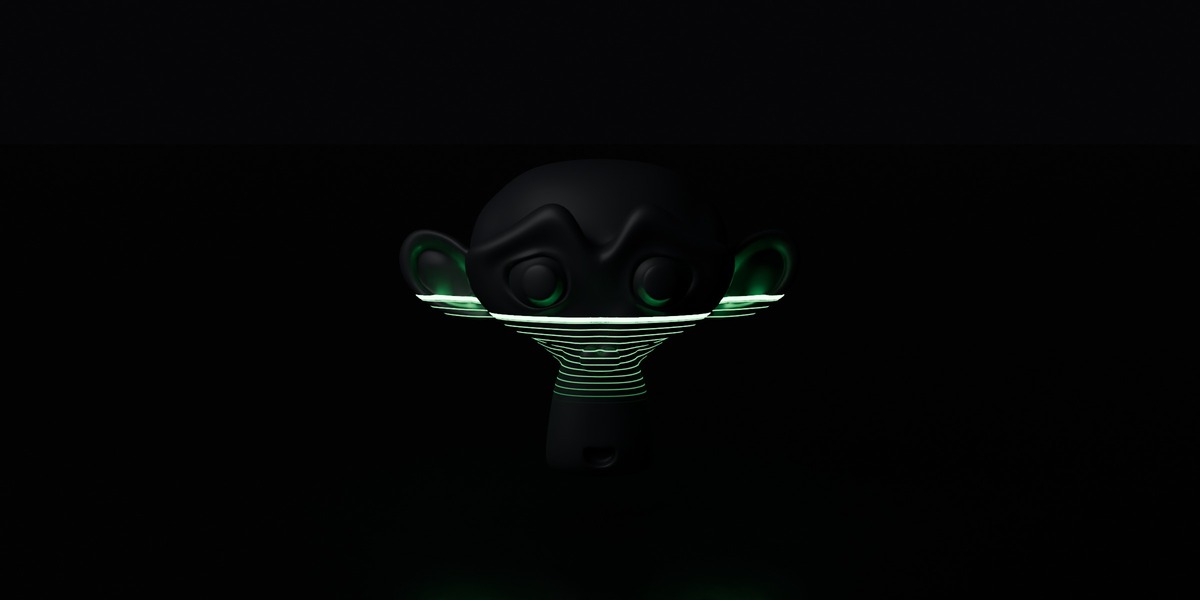
A green laser line scans the object from bottom to top and leaves a fading grid behind it. The line starts below the object and ends above it, so the loop point is invisible.
What's inside
-
Loop_FX_Materials.blend: the 7 materials, marked as assets in a Loop FX catalog, each shown on a demo object -
blender_assets.cats.txt: the catalog file (keep it next to the .blend) - A README with install steps and the settings of each material
How to use
- As an asset library (recommended): unzip the folder, then Edit > Preferences > File Paths > Asset Libraries > + and choose the folder. Open an Asset Browser, pick the library, open the Loop FX catalog.
- Drag a material onto your object.
- Set the scene to the loop length: Frame Start 1, Frame End 120 (Shield, Screen, Beacon, Scan) or 240 (Portal, Plasma, Pool Caustics). Any multiple also loops.
- Press play or render. Without the asset library, use File > Append > Material.
Settings you can change
Each material reads time from a Value node labeled Temps (time). The first Divide after it sets the loop length.
| Material | Change the color | Change the speed | Keep the loop |
|---|---|---|---|
| Energy Shield | Emission color | Multipliers of t (× 3 for cells, × 2 for the wave) | Use whole numbers |
| Sci-Fi Screen | Color B of the Mix Color | Divide value (loop length) | Text scroll is tied to the loop length |
| Portal | Color Ramp | Multiplier of t (−6.2832 = one turn) | Use whole turns (−6.2832, −12.5664…) |
| Plasma | Color Ramp | Divide value (loop length) | Keep both noises on the same multiplier |
| Pool Caustics | Base Color / Emission Color | Divide value (loop length) | Keep the circle radius small for calm water |
| Alarm Beacon | Emission Color | Multiplier of t (× 2 = two turns) | Use whole numbers |
| Laser Scan | Emission Color | Divide value (loop length) | Widen the start and end heights for big objects |
Compatibility
- Blender 5.1 or later, tested in Blender 5.1 and 5.2 LTS (the file is saved in Blender 5.1 and does not open in 4.x).
- Cycles and EEVEE. Energy Shield and Portal are already set to Render Method Blended for clean transparency in EEVEE.
- Sci-Fi Screen and Portal use UV coordinates: use them on a plane or any UV-unwrapped mesh. The other materials use object coordinates and need no UVs.
- Patterns follow the object (object coordinates). Scale the object, not the mesh, to keep the look.
License
Standard Royalty Free: use the materials in personal and commercial renders, animations, videos and games. You may not resell or share the materials themselves.
Changelog
- 1.0 (2026-11-09) — First release: 7 looping materials.
Roadmap
- More looping effects are in progress. All 1.x updates are free for existing buyers, even after the 12-month support period.
Support
Questions before or after buying: Superhive inbox or [email protected].
Reply within 72 hours.
12 months of support included (renewable).
All 1.x updates free, even after the support period.