 Nodex3D
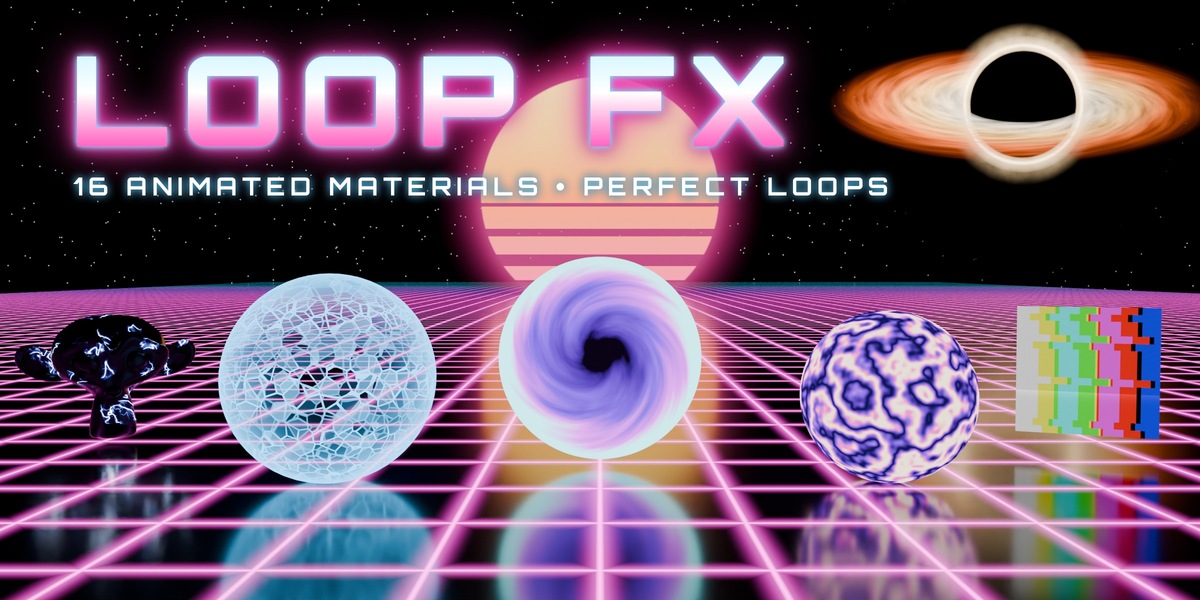
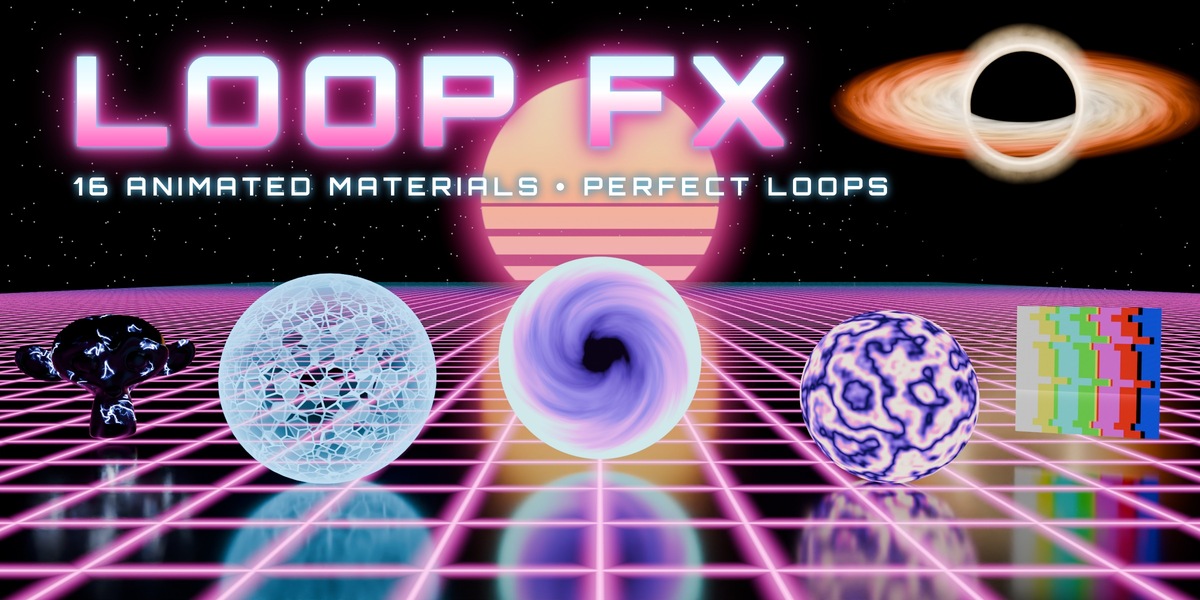
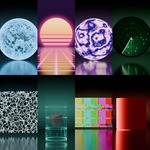
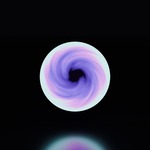
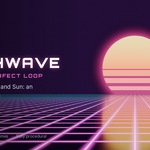
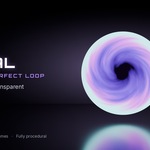
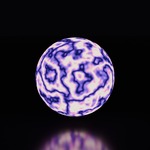
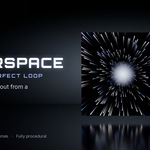
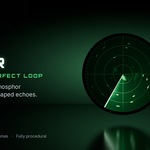
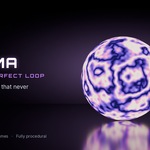
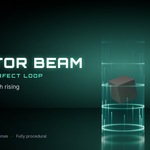

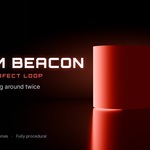
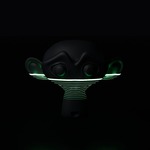
16 animated materials for Blender that loop perfectly: a black hole, a synthwave horizon, portals, energy shields, sci-fi screens and more, for motion graphics, looping backgrounds and sci-fi scenes, without a single keyframe. Drag a material onto an object, press play: the animation runs on its own and the last frame flows back into the first.
- 16 materials, 120- or 240-frame perfect loops
- New in 1.1: Black Hole, Synthwave Floor and Sun, Tractor Beam, Electric Arcs, Glitch Screen, Hyperspace, Radar, Rain Puddle
- Fully procedural, no image textures
- Blender 5.1+ · Cycles and EEVEE
- Asset Browser catalog, drag and drop
- 12 months of support included (renewable)
- All 1.x updates free, even after the support period
Documentation: see the Documentation tab · Support: Superhive inbox or [email protected]
Why Loop FX
- Perfect loops, checked. Each material was rendered and compared: the frame after the loop is identical to frame 1. Use them for game menus, website or stream backgrounds, VJ loops and social videos. For a fixed shot, render the loop once and repeat it for any length.
- No keyframes. Time is built into each material. Nothing to install or enable.
- Fully procedural. No image textures: sharp at any resolution, and a tiny file (1.6 MB for all 16).
- No black box. Regular node trees: colors, speed and intensity are plain values. Radar, Rain Puddle and Black Hole have labeled node frames that explain each part.
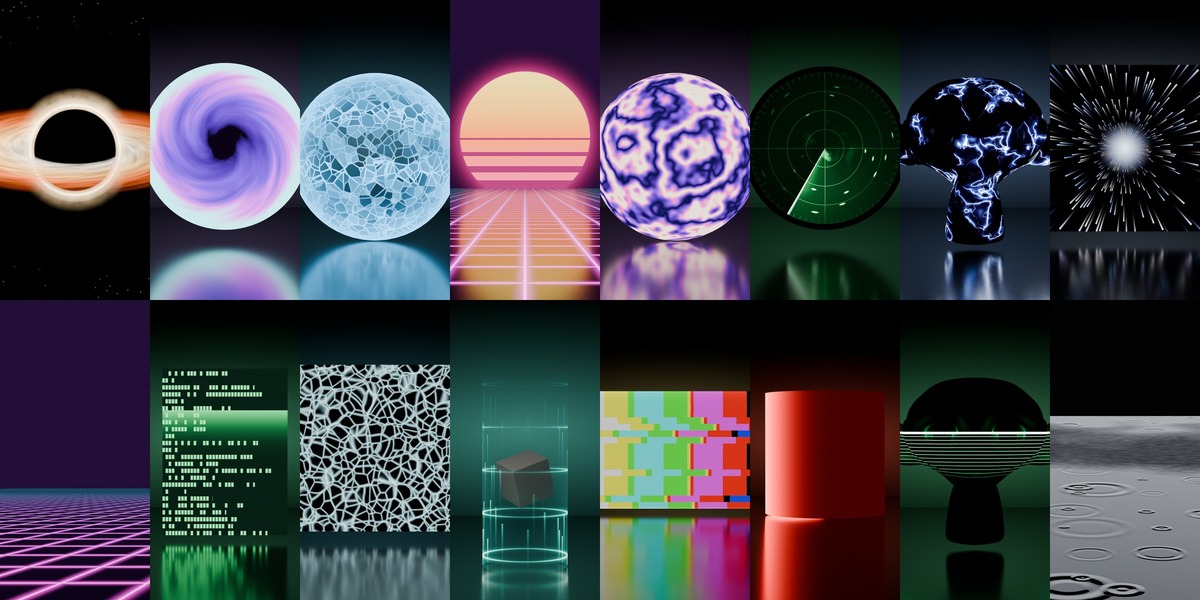
The 16 effects
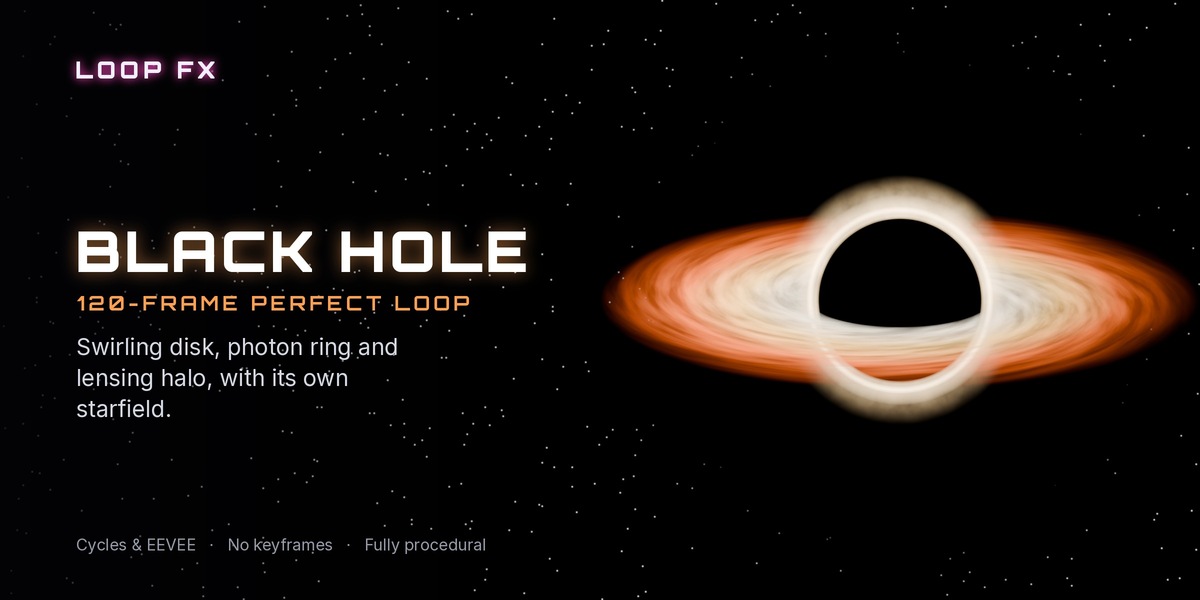
Black Hole · 120-frame loop · new
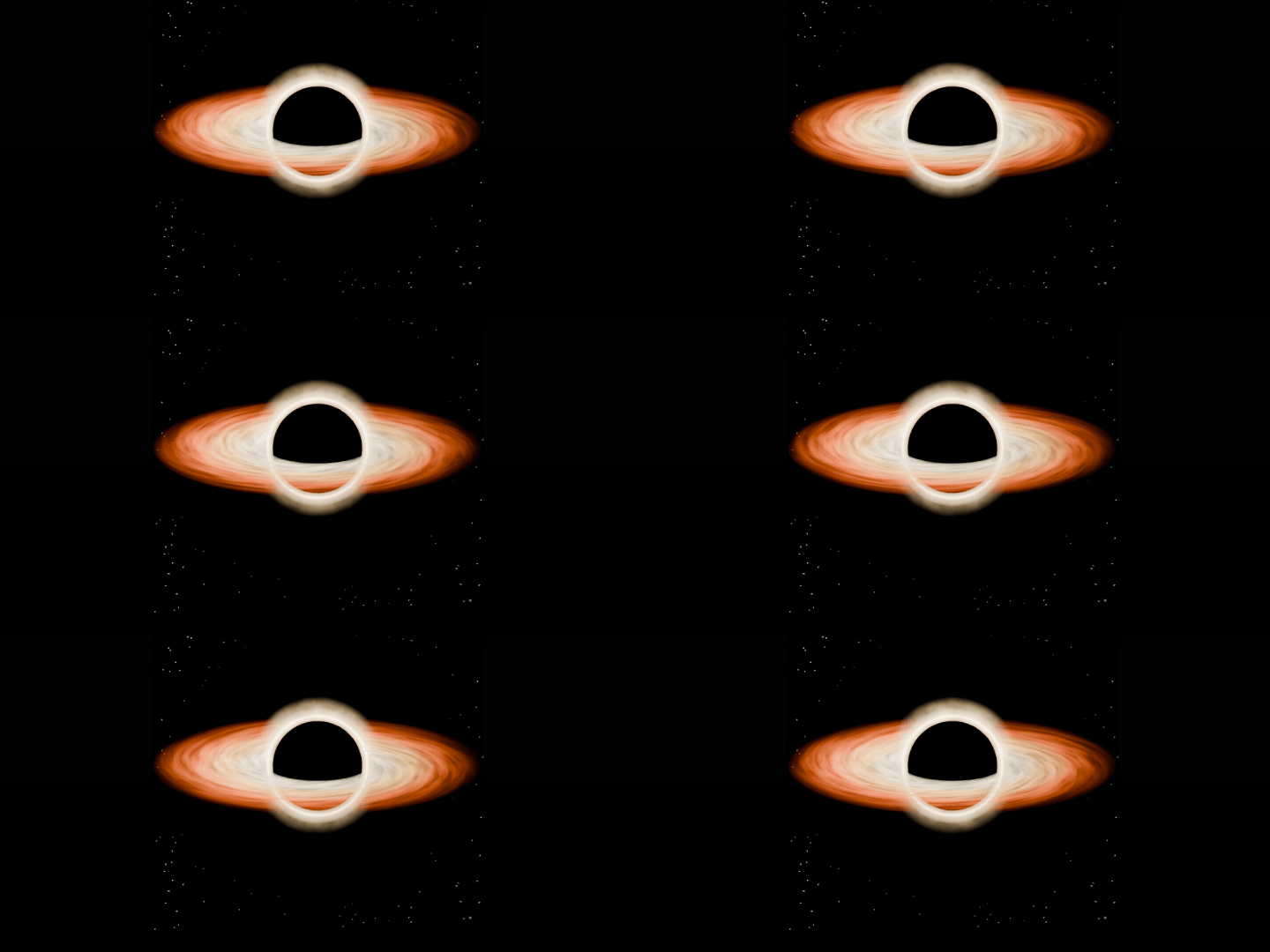
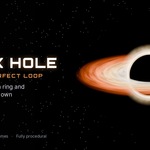
A swirling accretion disk with Doppler brightening, a photon ring, a lensing halo and a starfield.
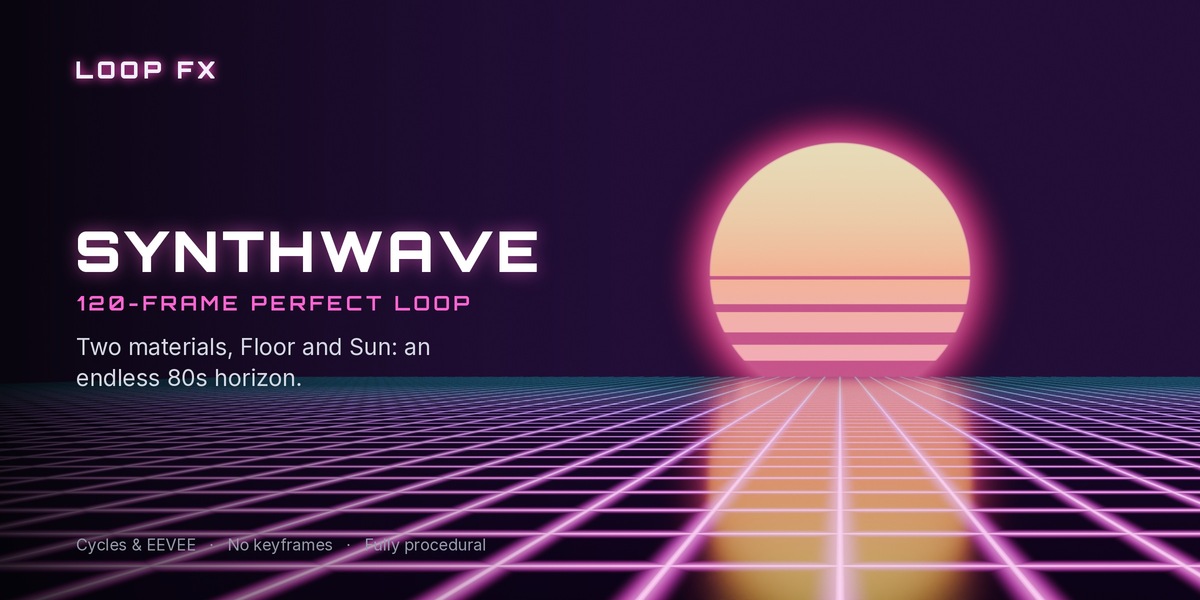
Synthwave Floor and Synthwave Sun · 120-frame loops · new
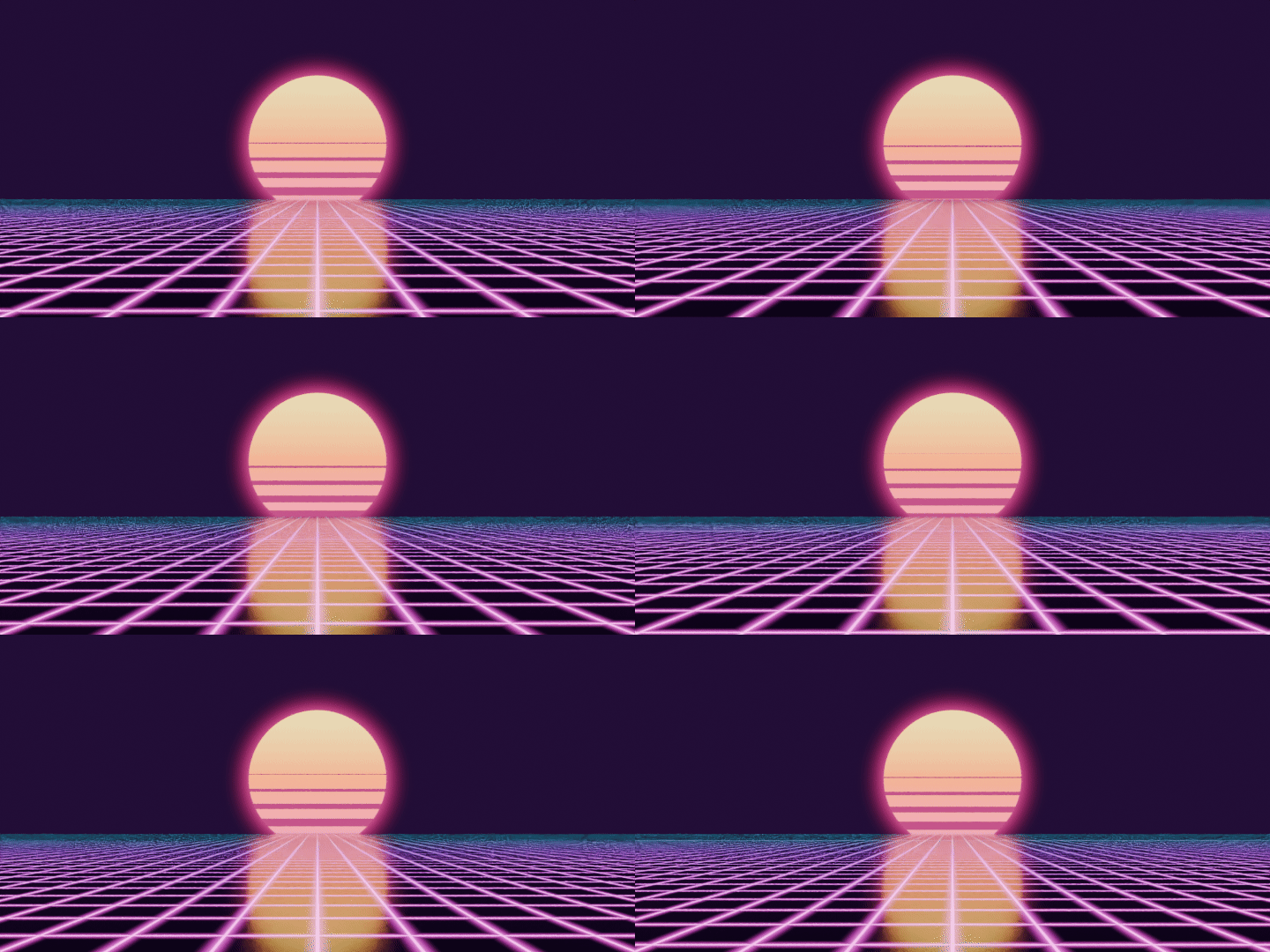
The retro grid scrolls endlessly while the sun's stripes slide across the disc. Two materials: use them together for an endless 80s horizon, or on their own.
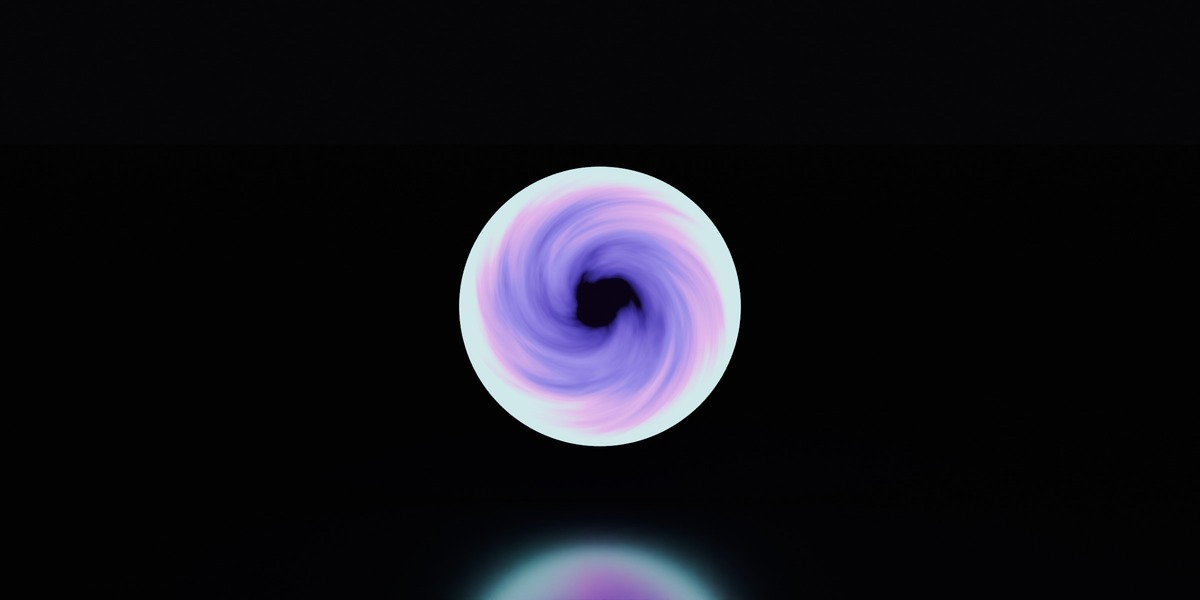
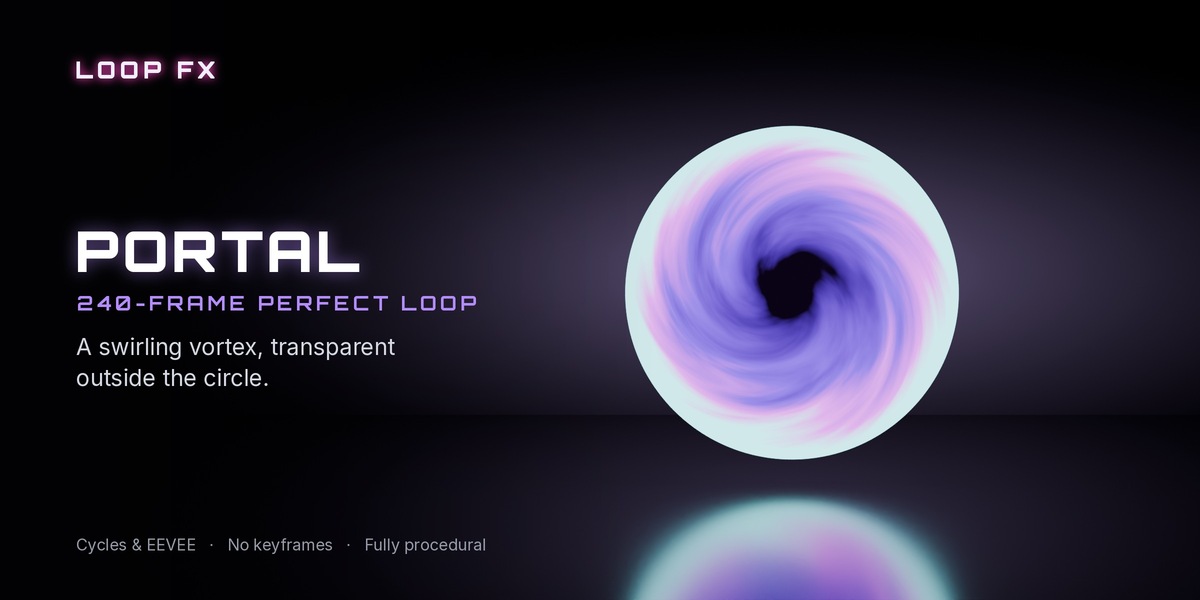
Portal · 240-frame loop
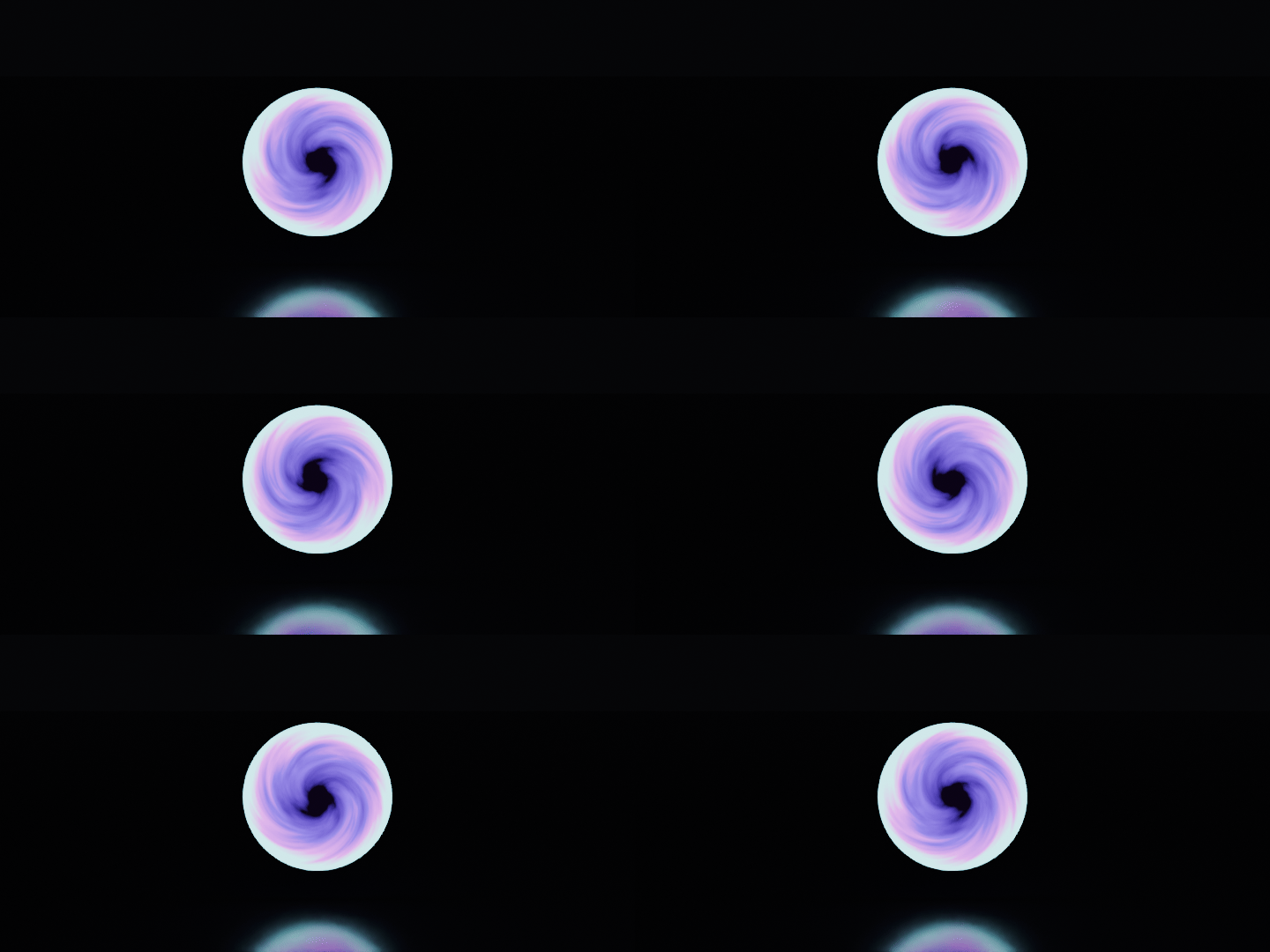
A violet-to-cyan vortex, transparent outside the circle.
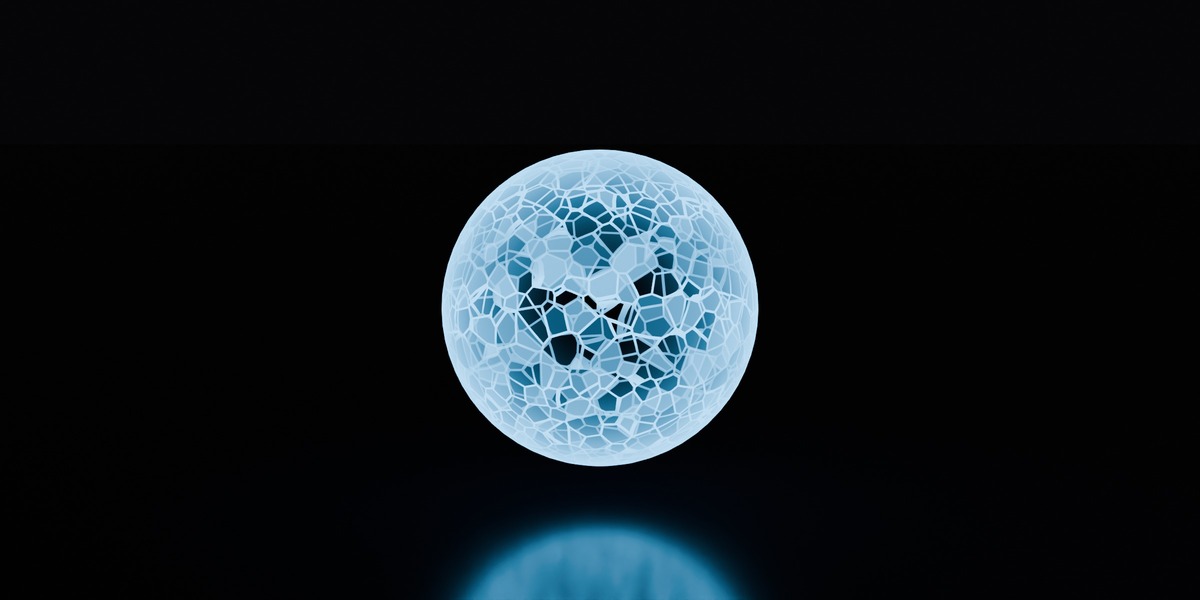
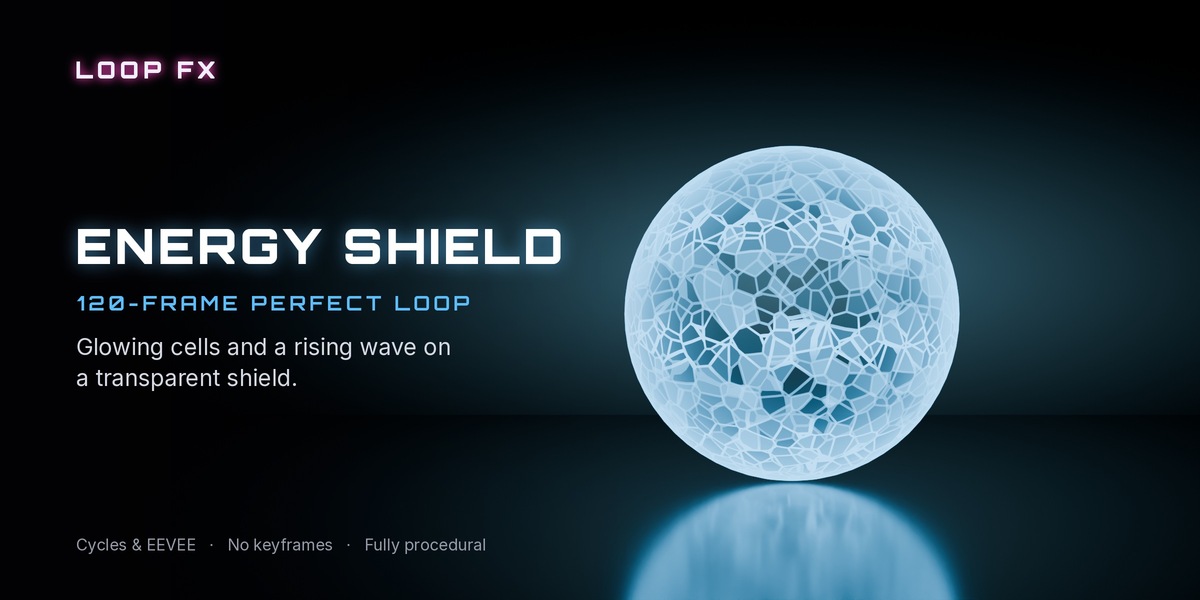
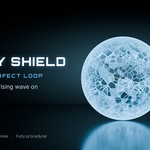
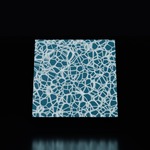
Energy Shield · 120-frame loop
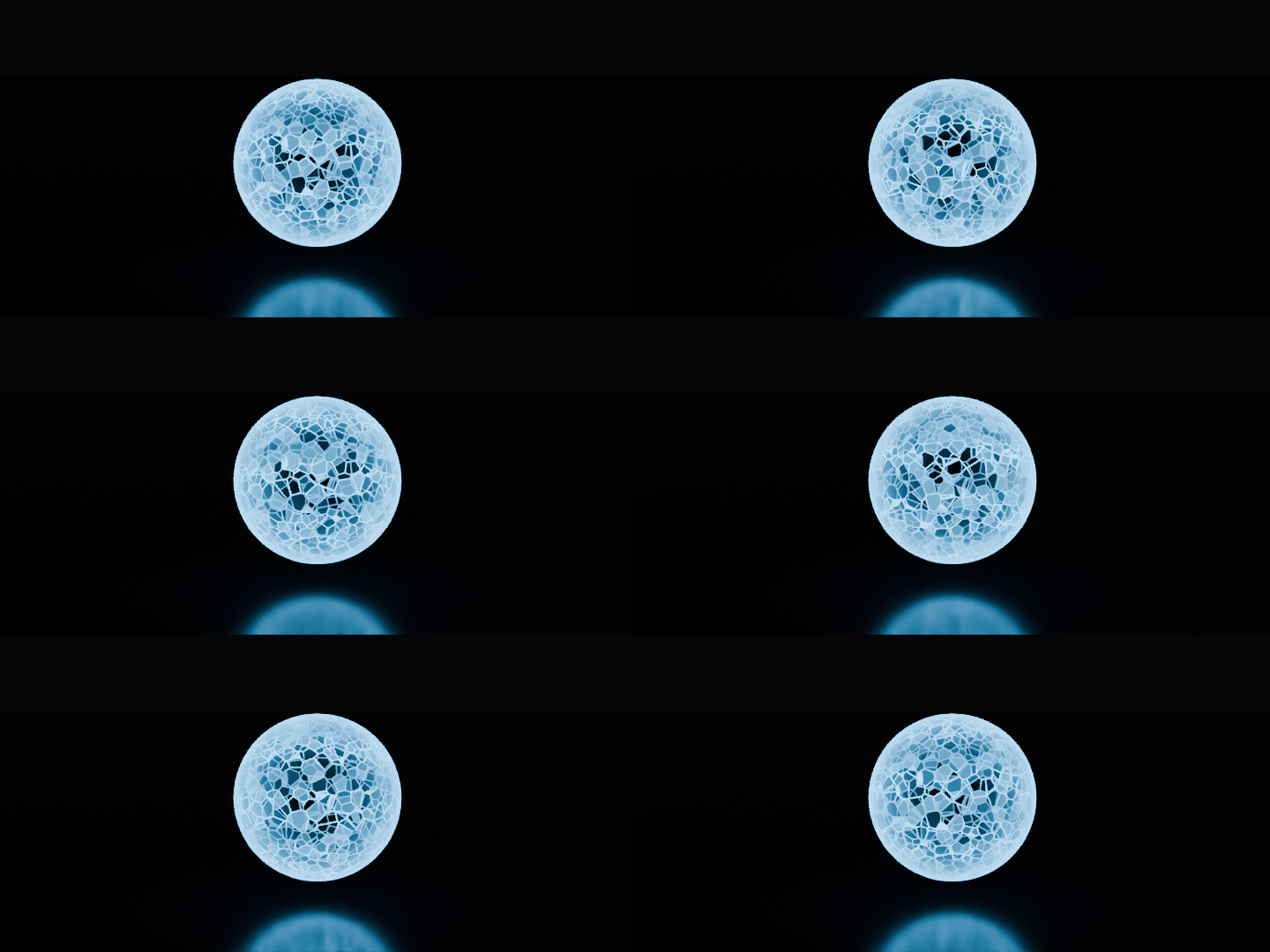
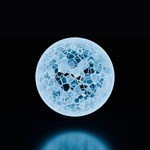
Glowing cells and a rising wave on a transparent sphere.
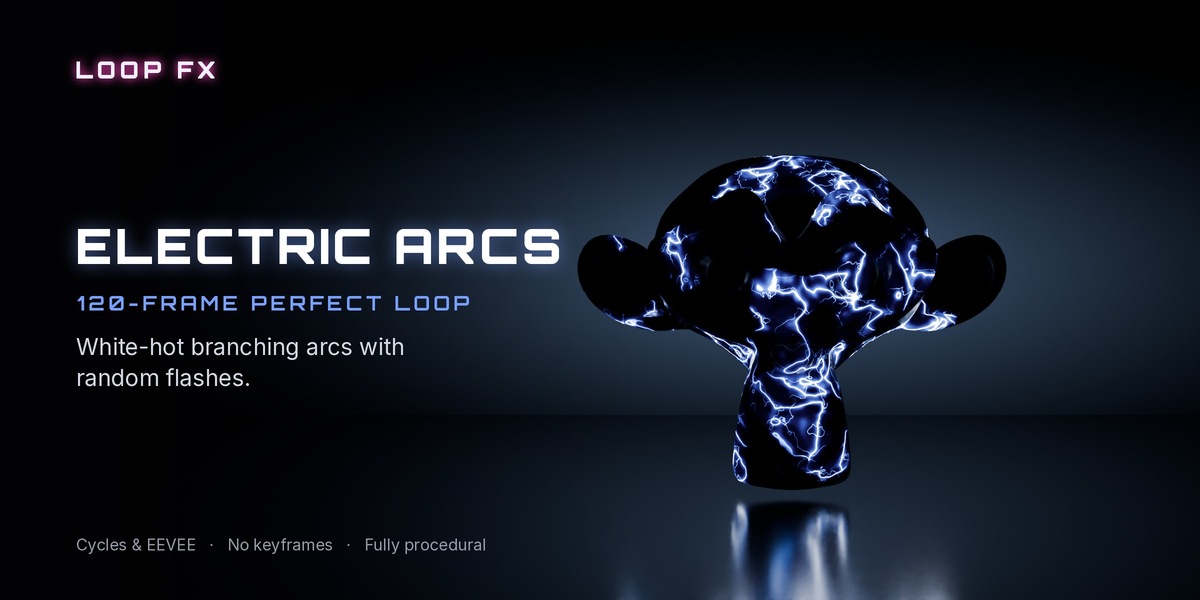
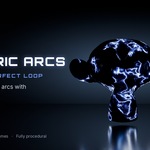
Electric Arcs · 120-frame loop · new
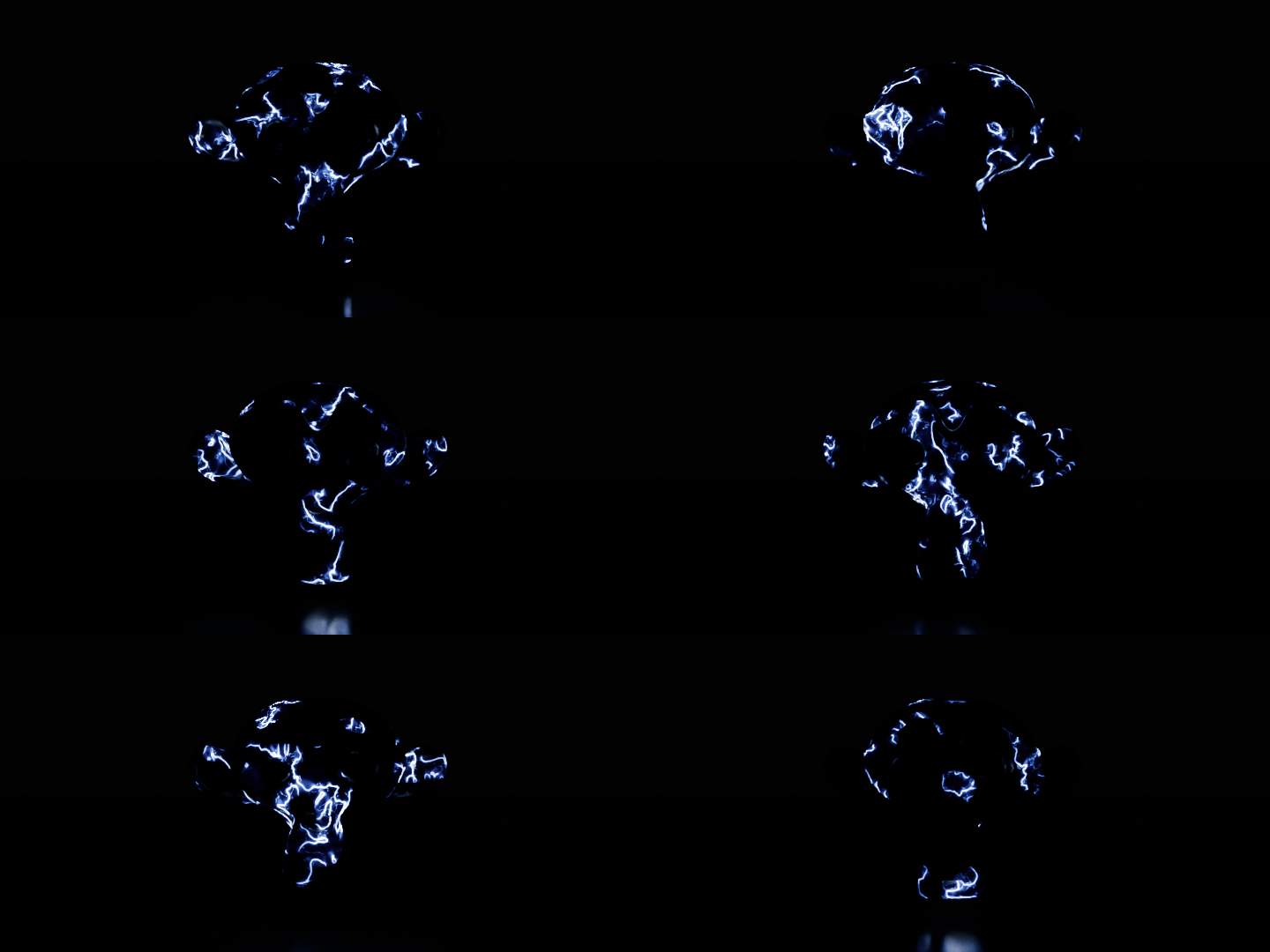
White-hot arcs with a blue glow crawling over a dark metal surface: branching, broken arcs, random flashes, and a new shape 24 times per loop.
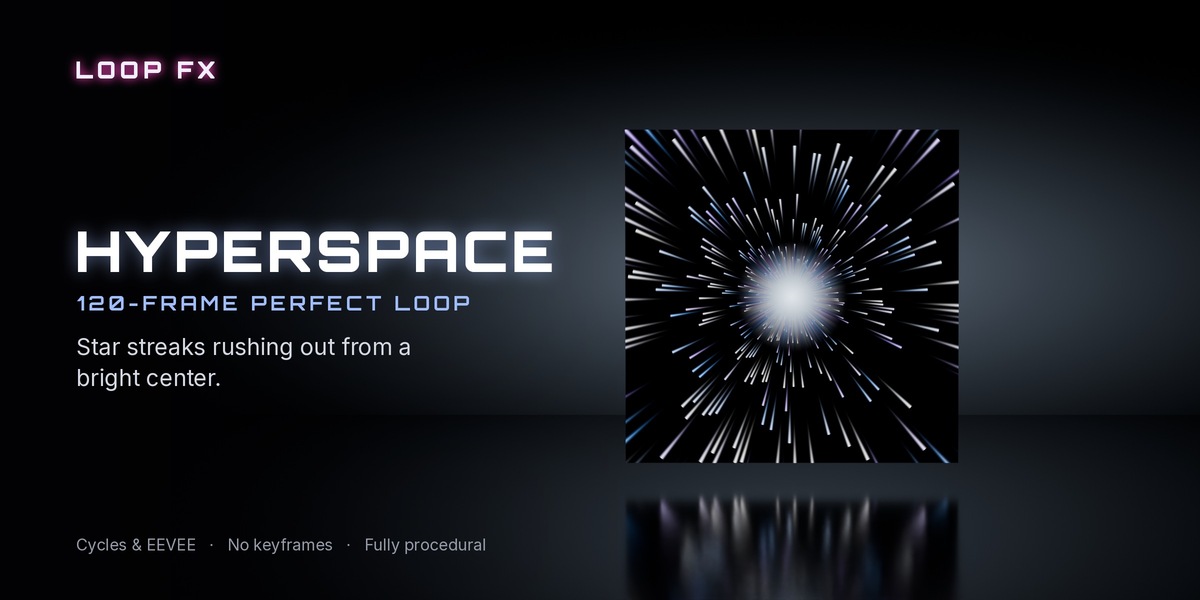
Hyperspace · 120-frame loop · new
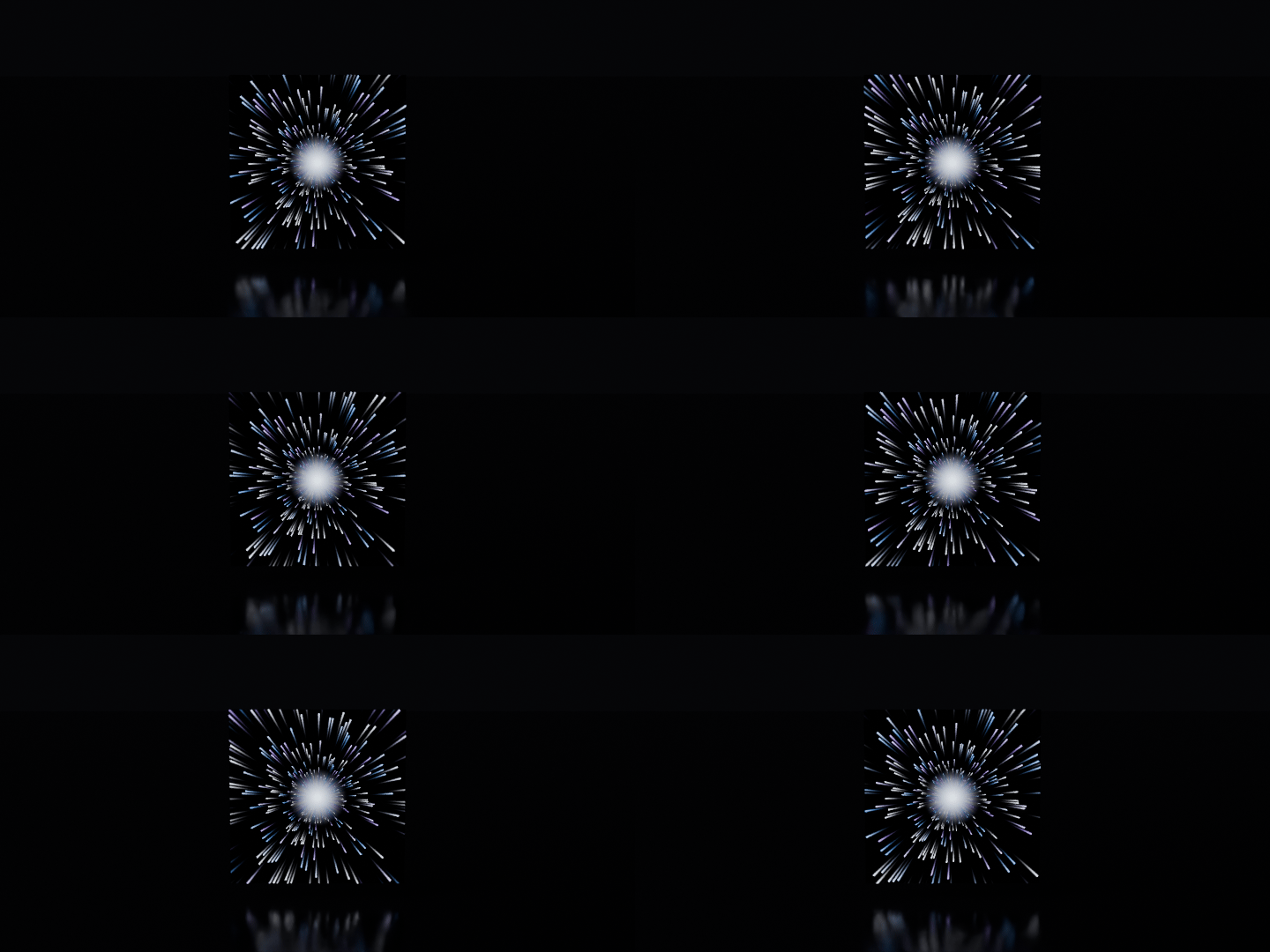
Star streaks rushing out from a bright center, like a jump to light speed.
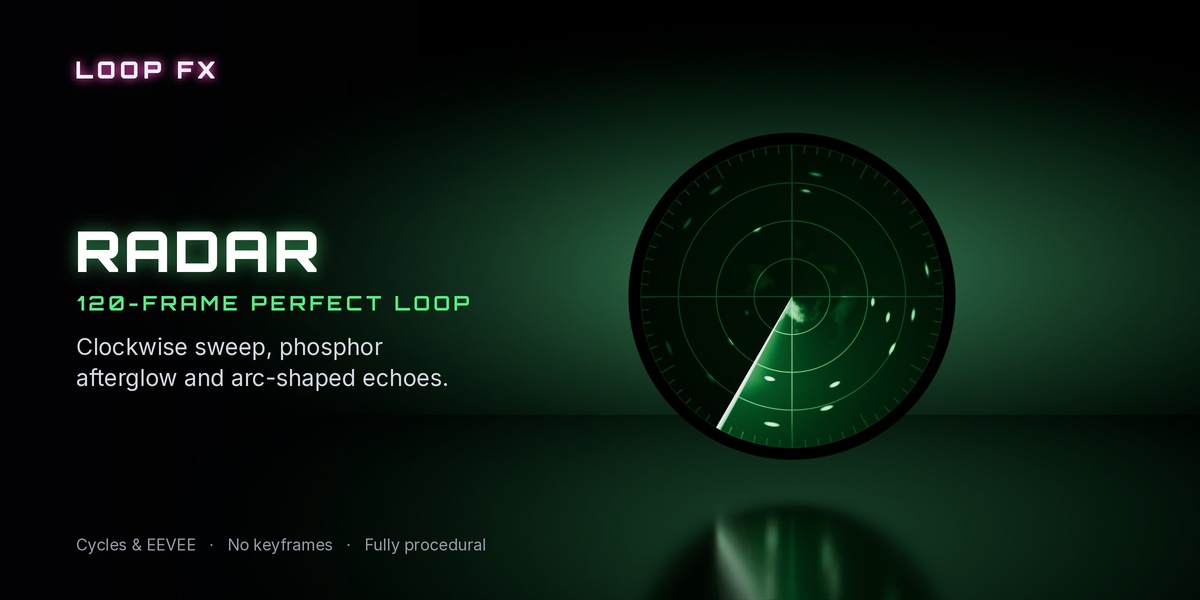
Radar · 120-frame loop · new
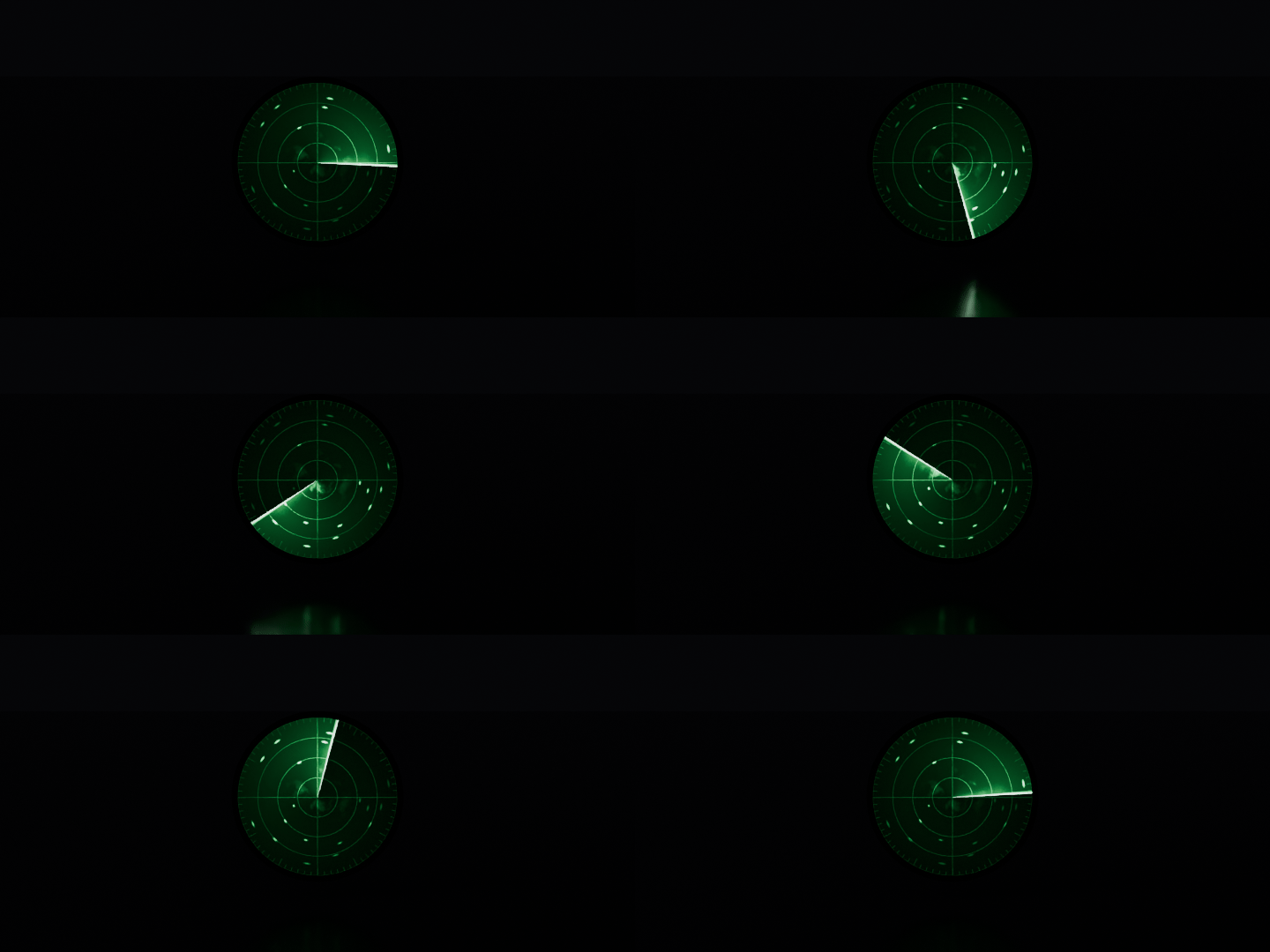
A realistic radar screen: clockwise sweep, phosphor afterglow, arc-shaped echoes, glass and metal bezel.
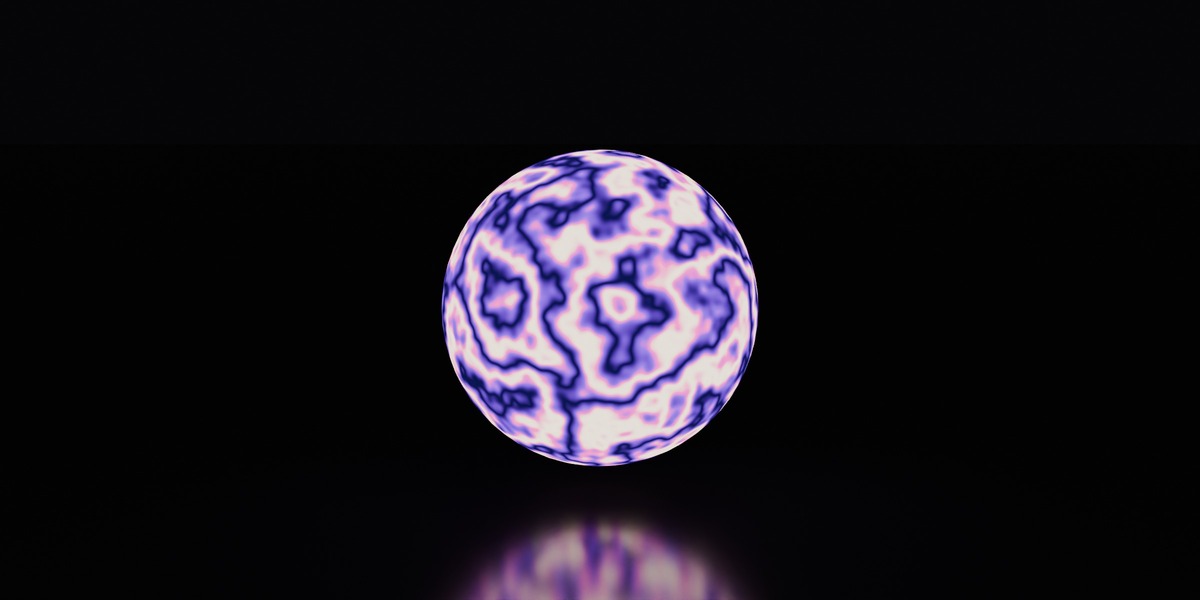
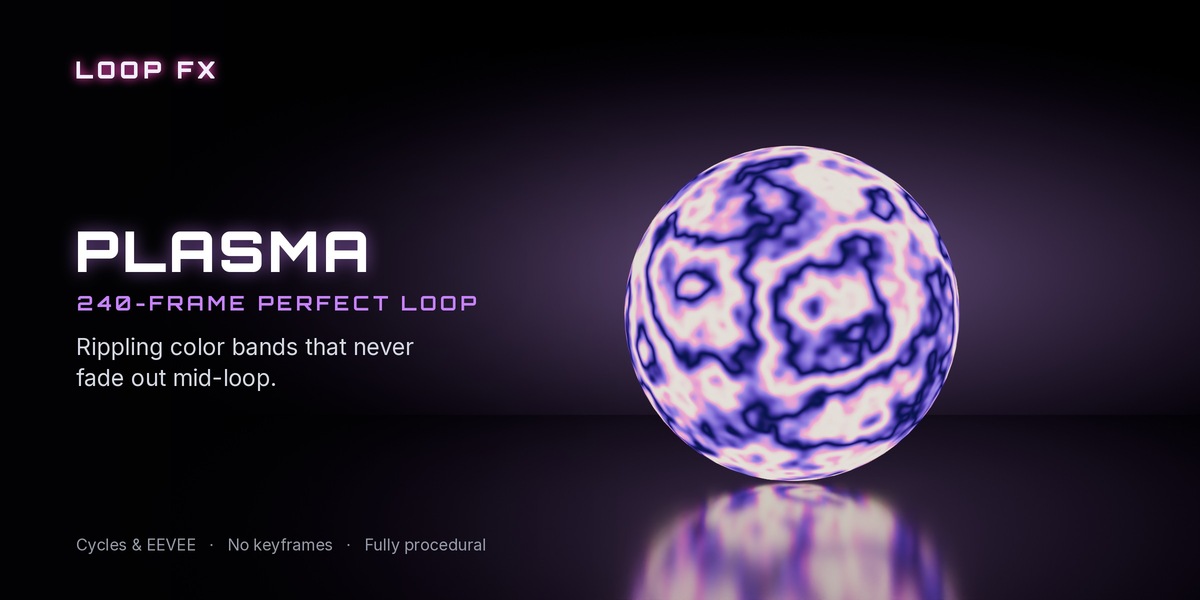
Plasma · 240-frame loop
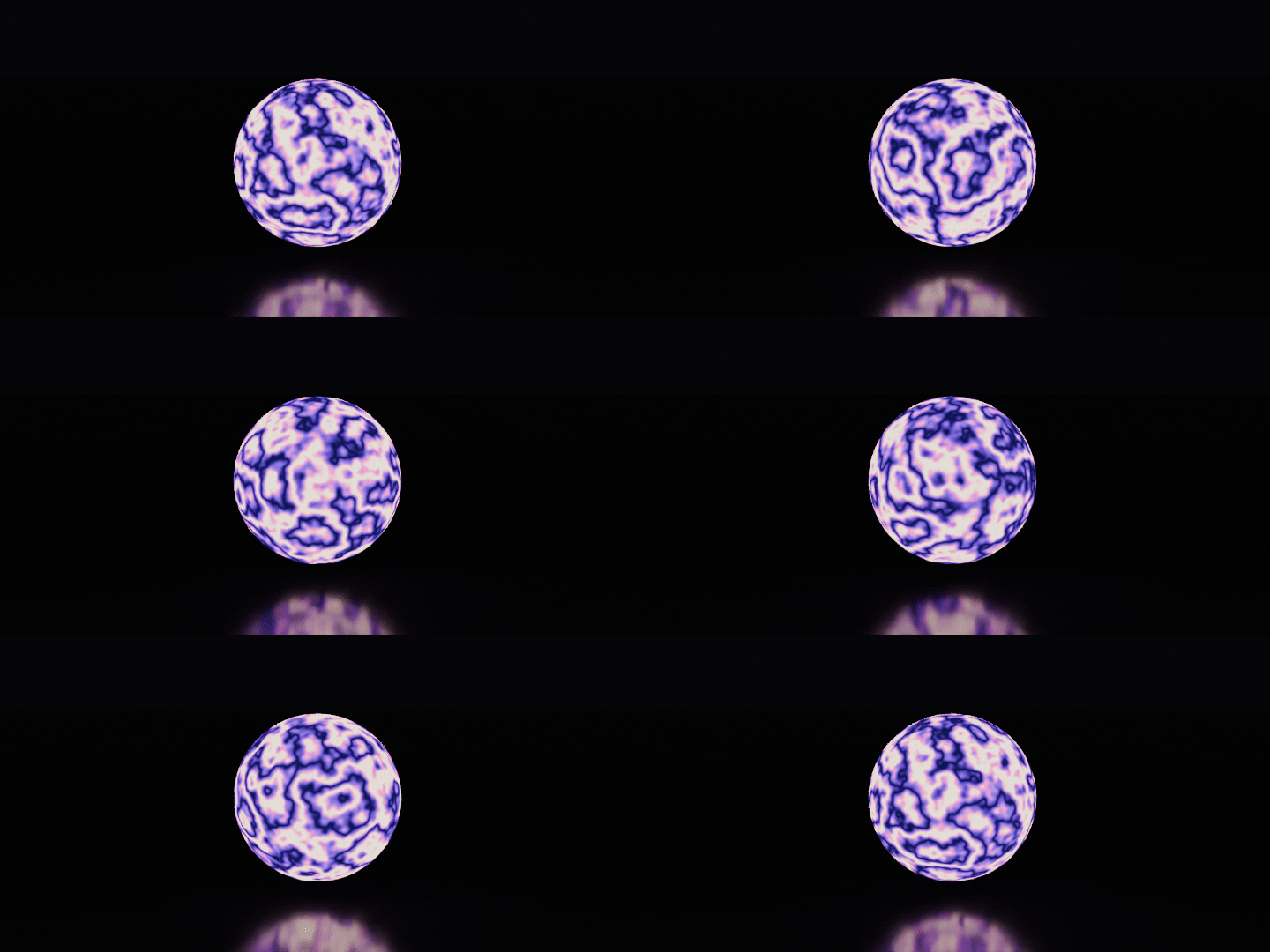
Rippling color bands that never fade out mid-loop.
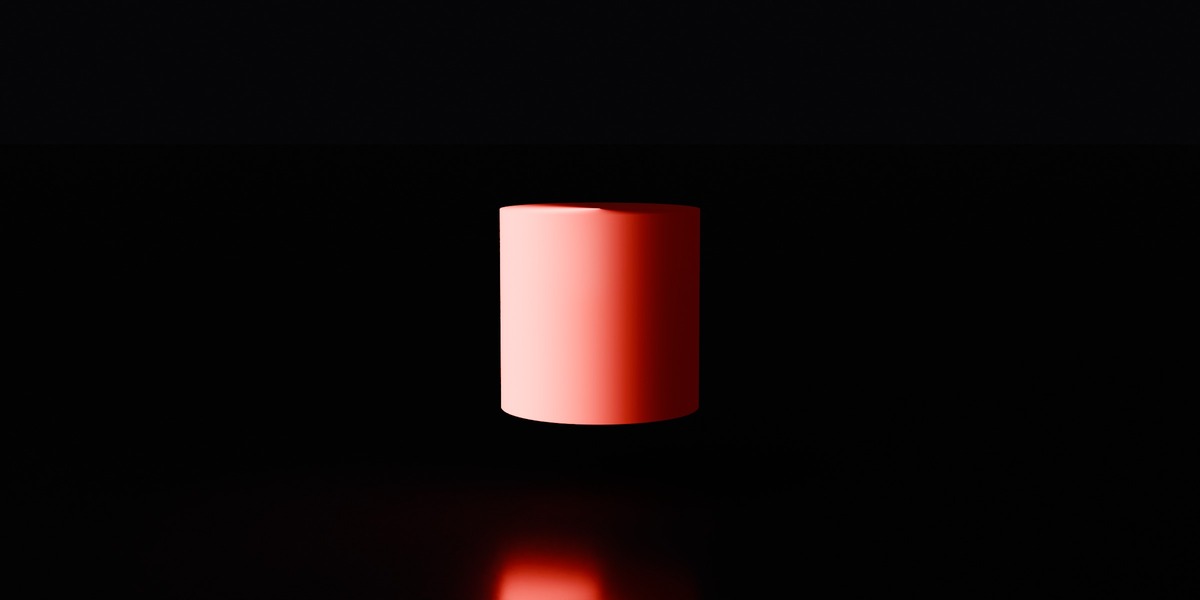
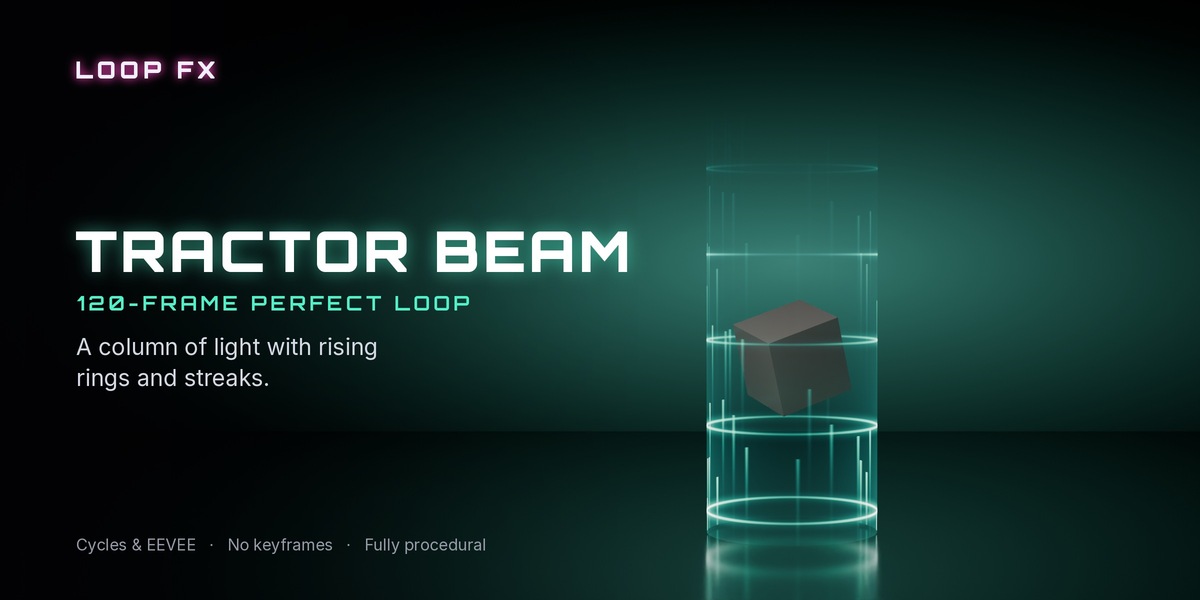
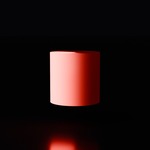
Tractor Beam · 120-frame loop · new
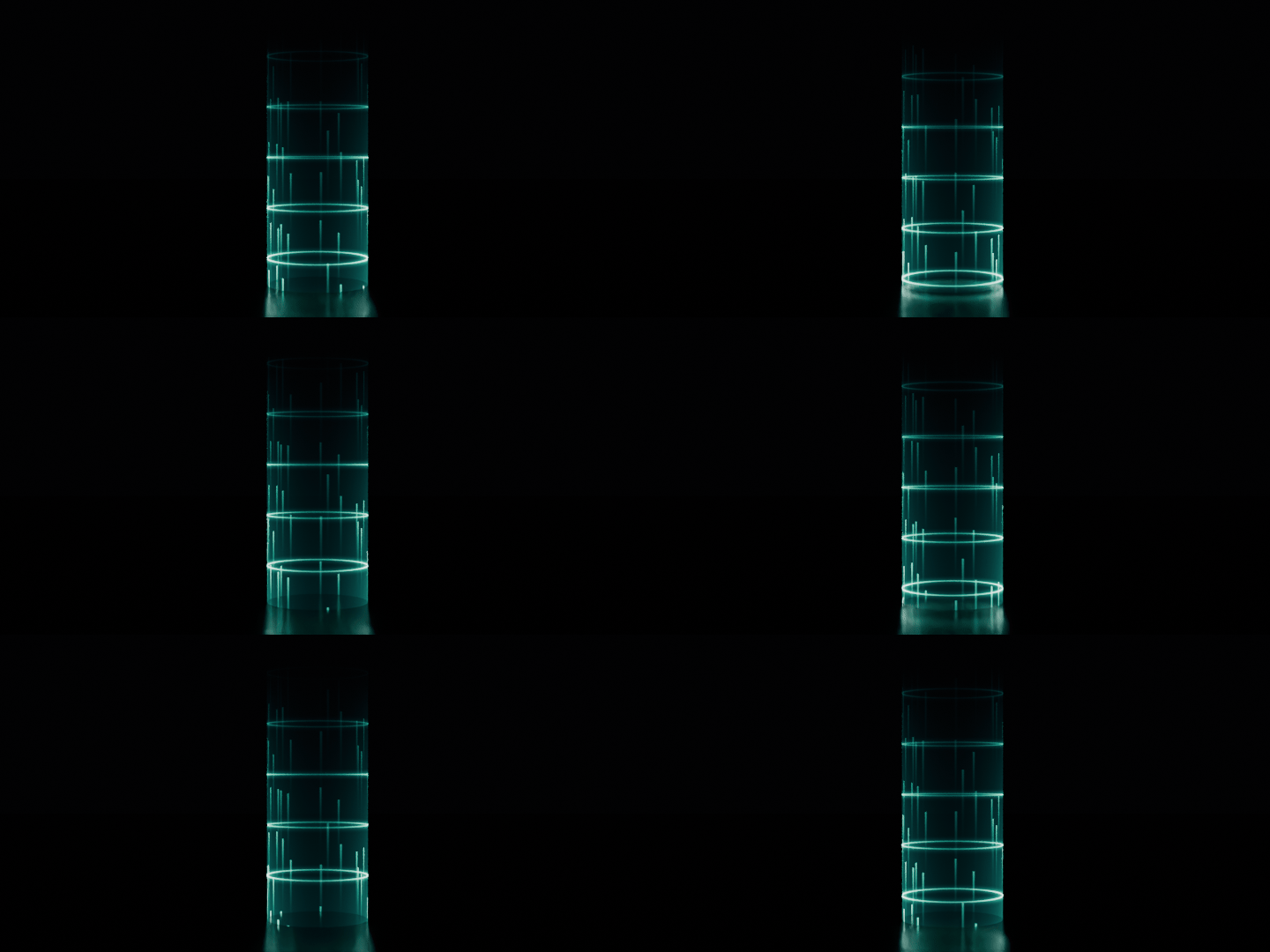
A transparent column of light with rising rings and streaks, made for a cylinder.
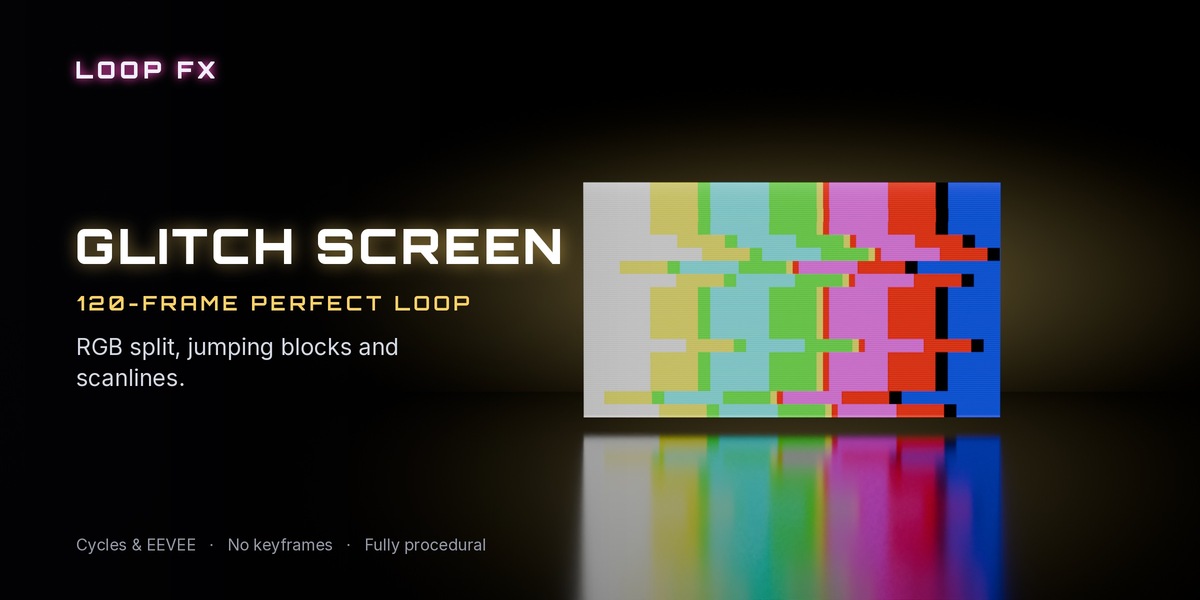
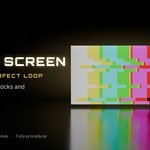
Glitch Screen · 120-frame loop · new
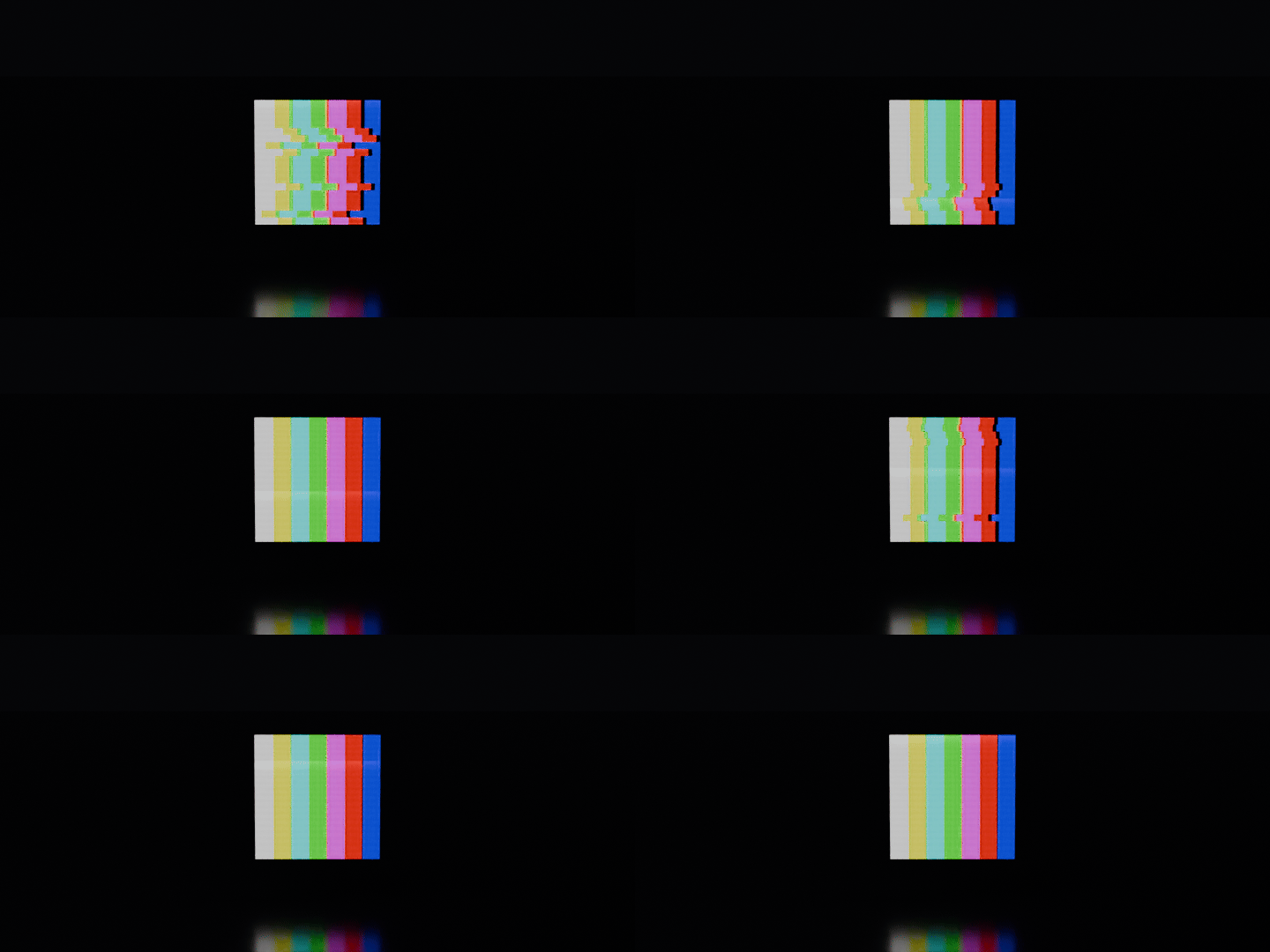
A test-card screen that glitches: RGB split, jumping blocks, scanlines and a rolling bright band.
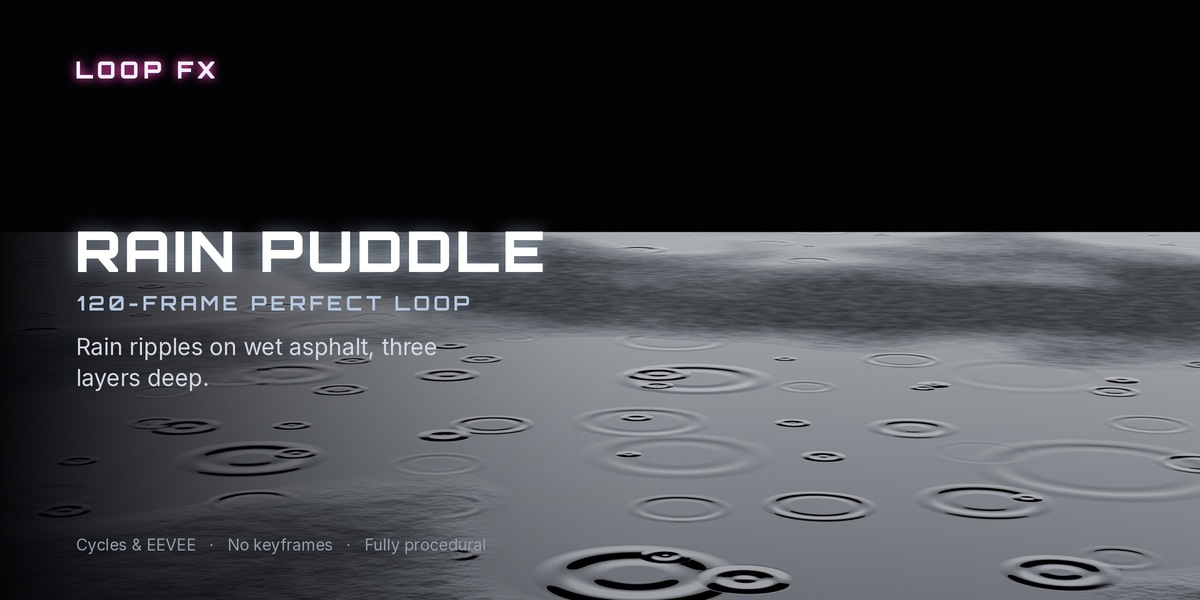
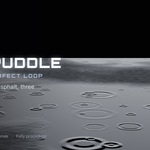
Rain Puddle · 120-frame loop · new
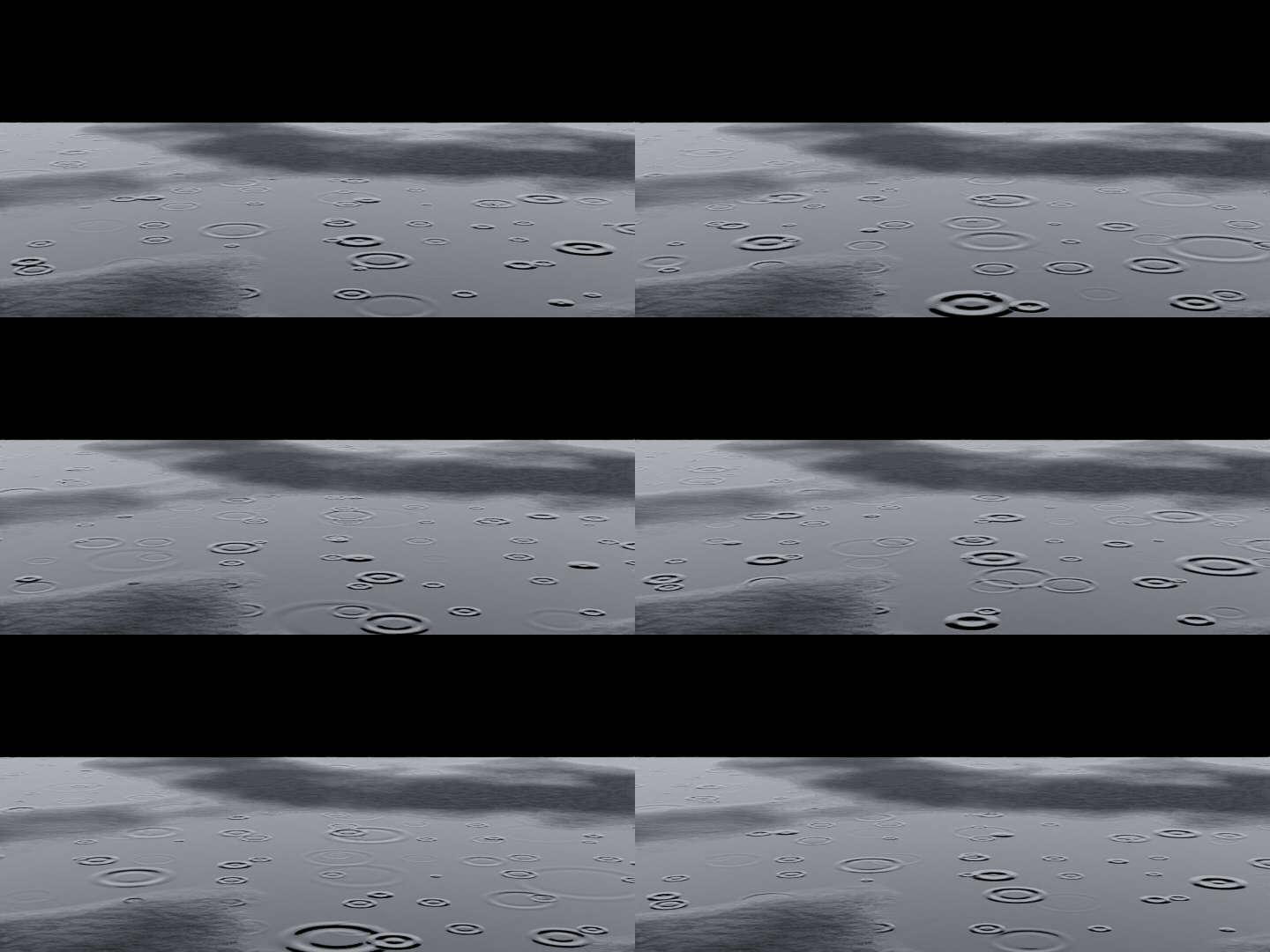
Rain on wet asphalt: a puddle mask, a wet band around it and three layers of drop ripples, so the pattern never looks repeated.
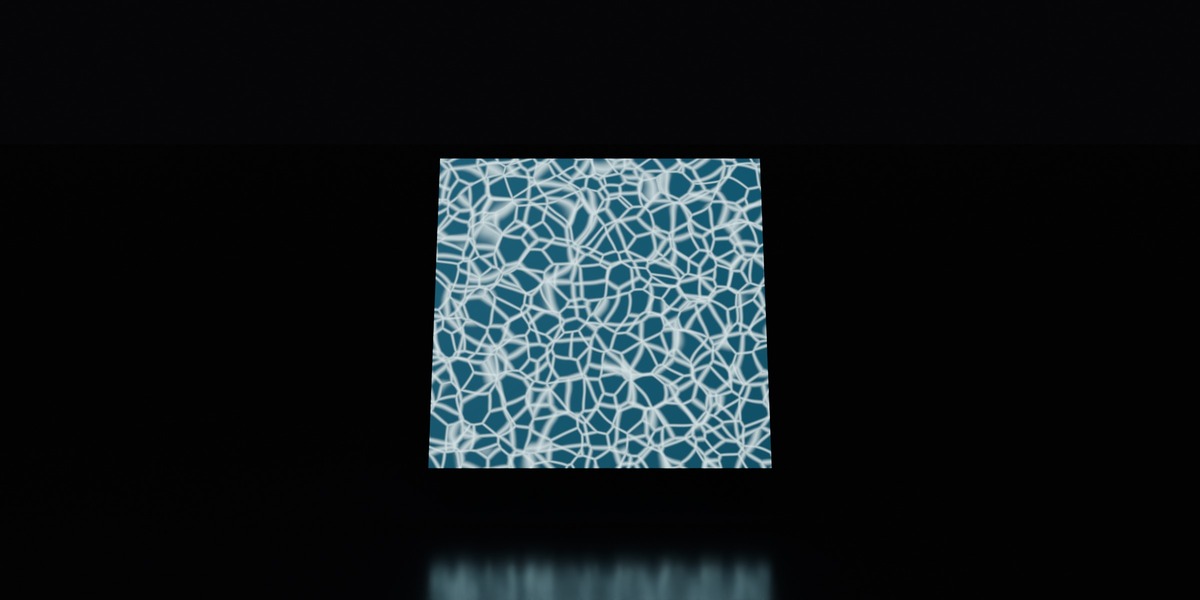
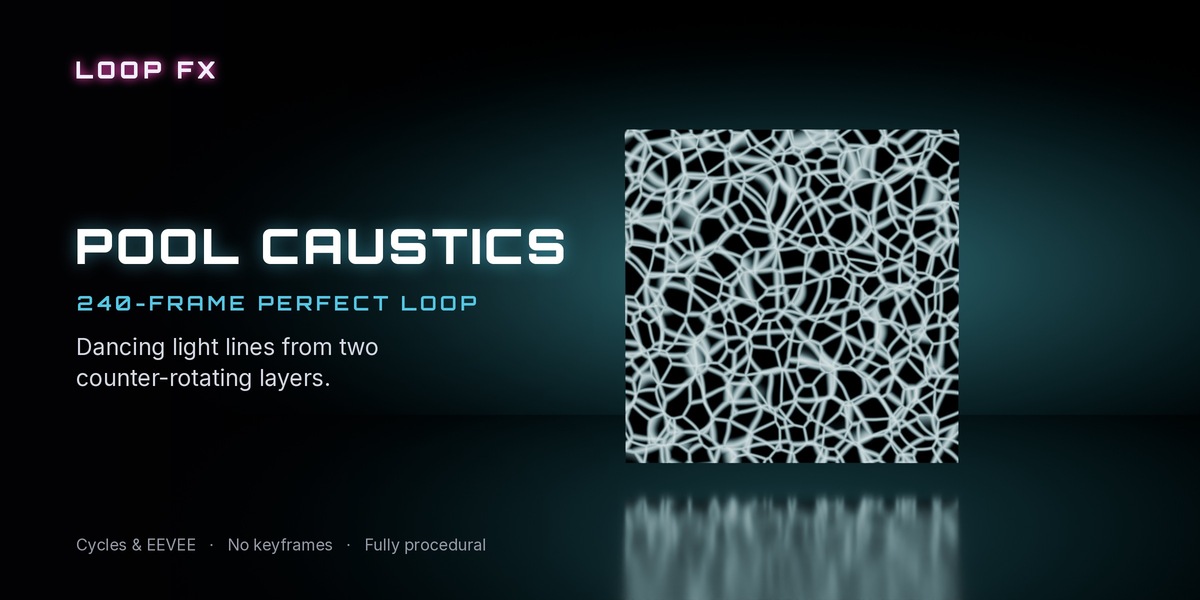
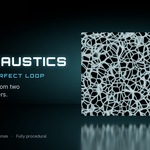
Pool Caustics · 240-frame loop
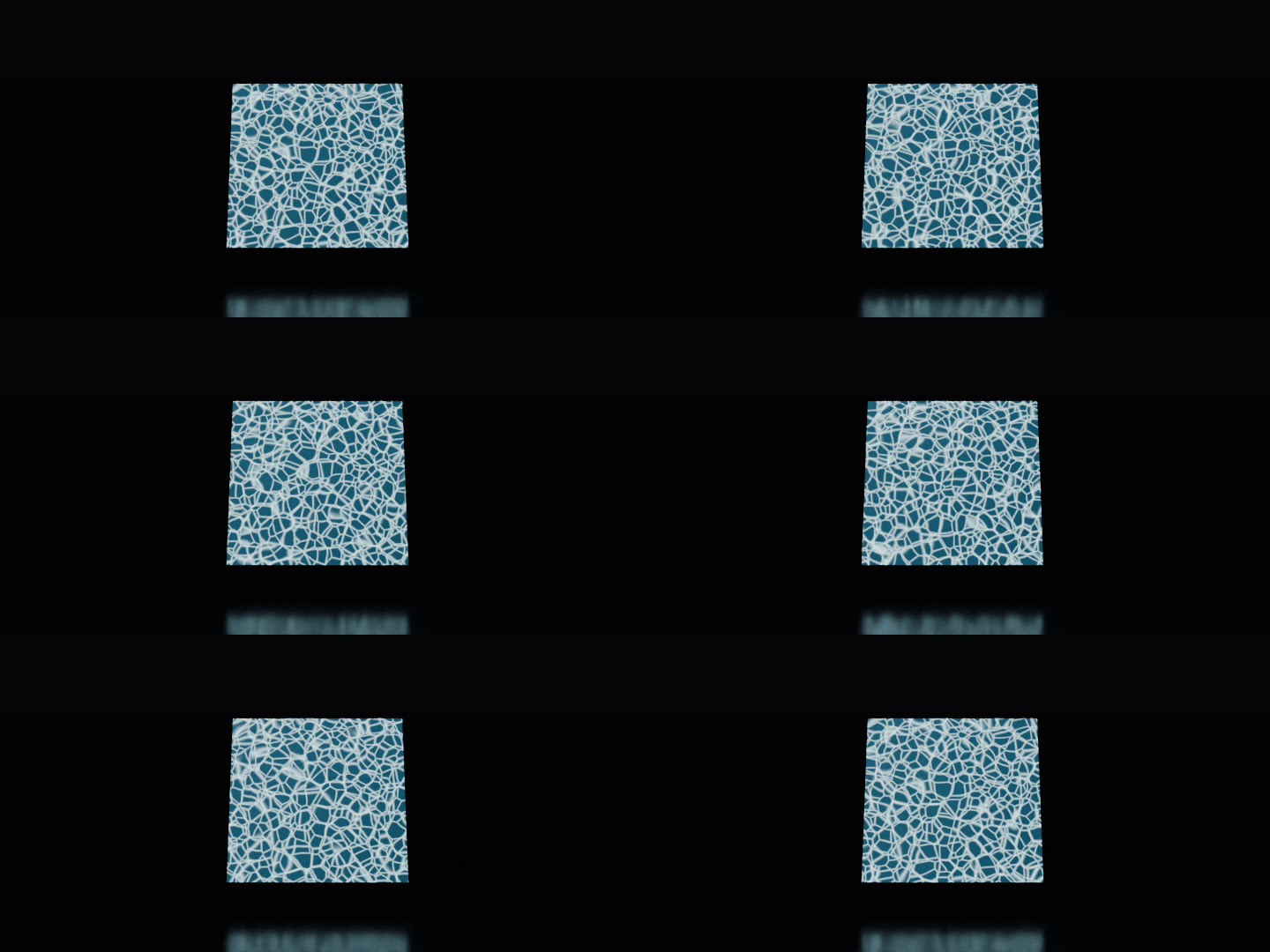
Dancing light lines from two layers turning in opposite directions.
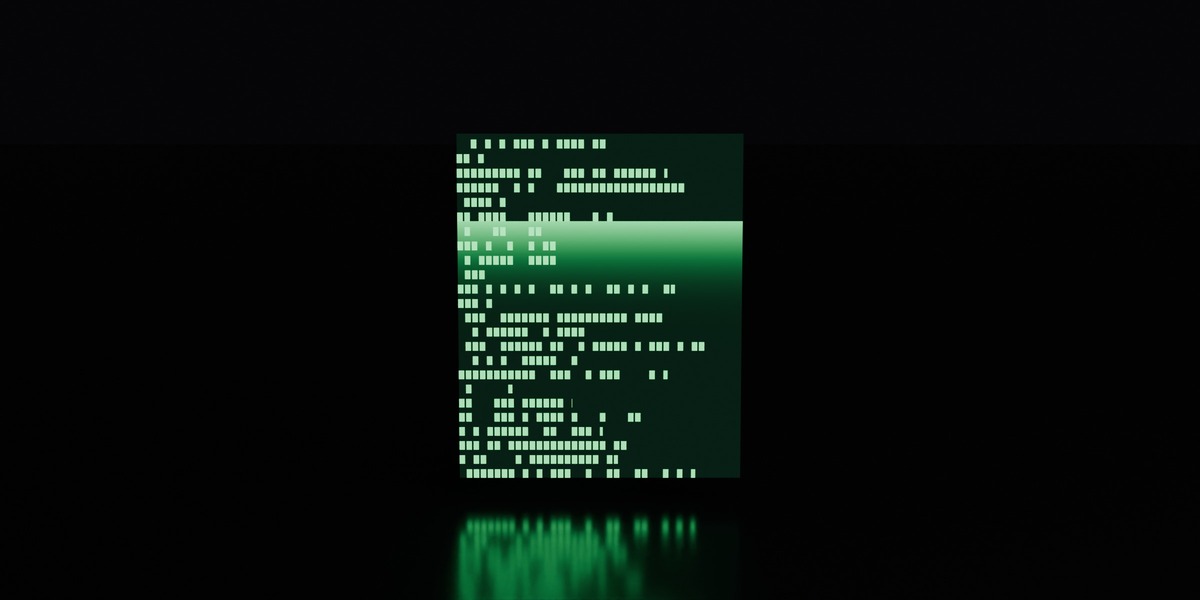
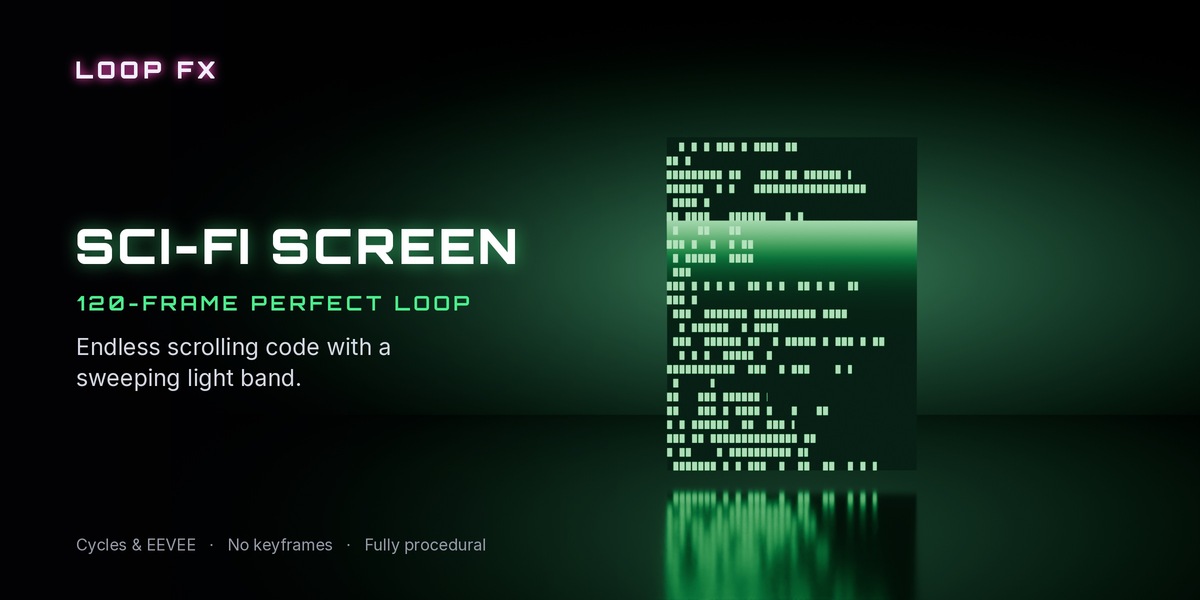
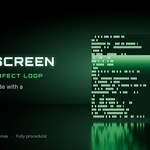
Sci-Fi Screen · 120-frame loop
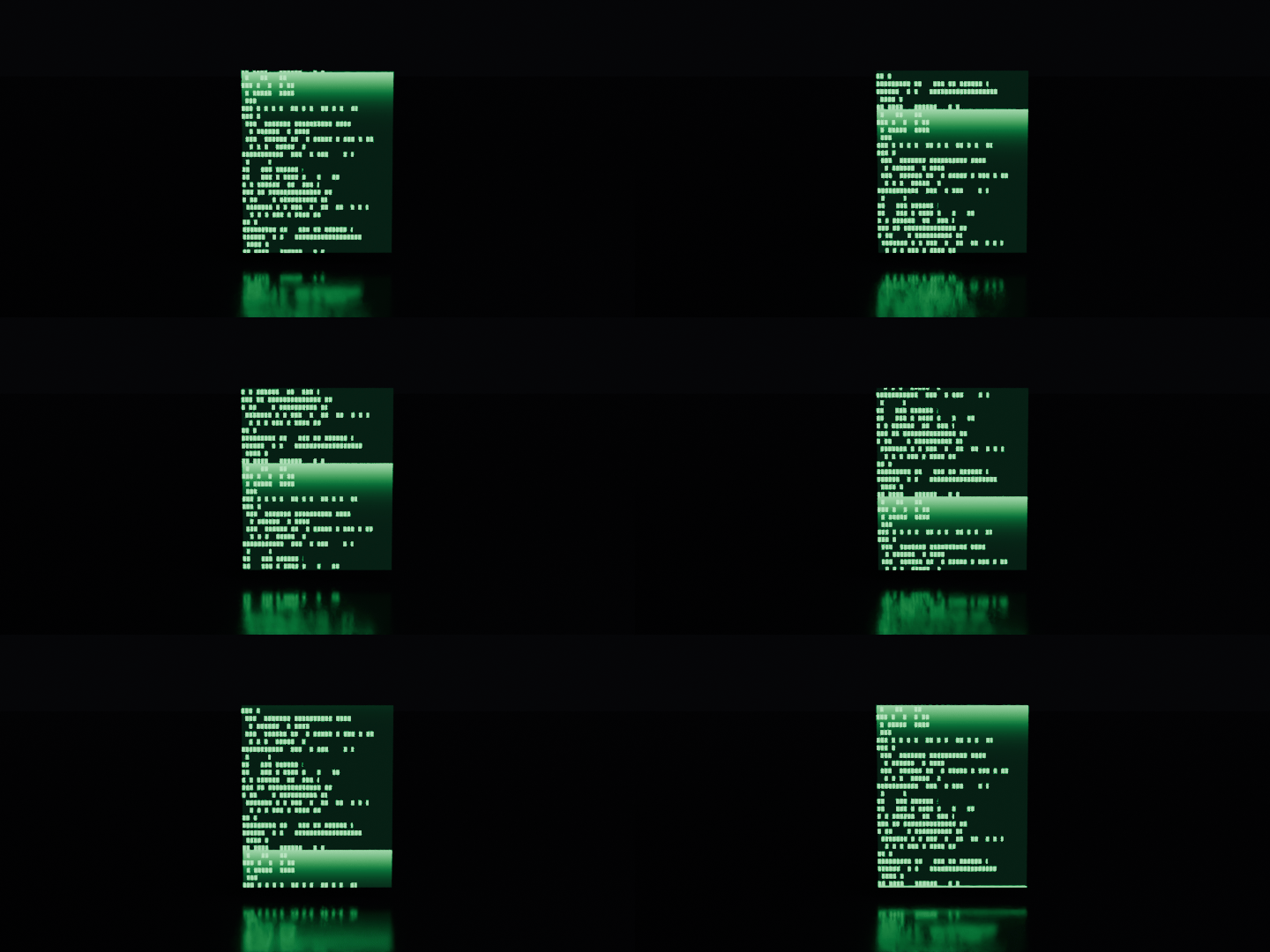
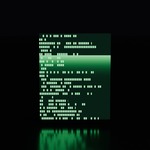
Endless scrolling code with a sweeping light band.
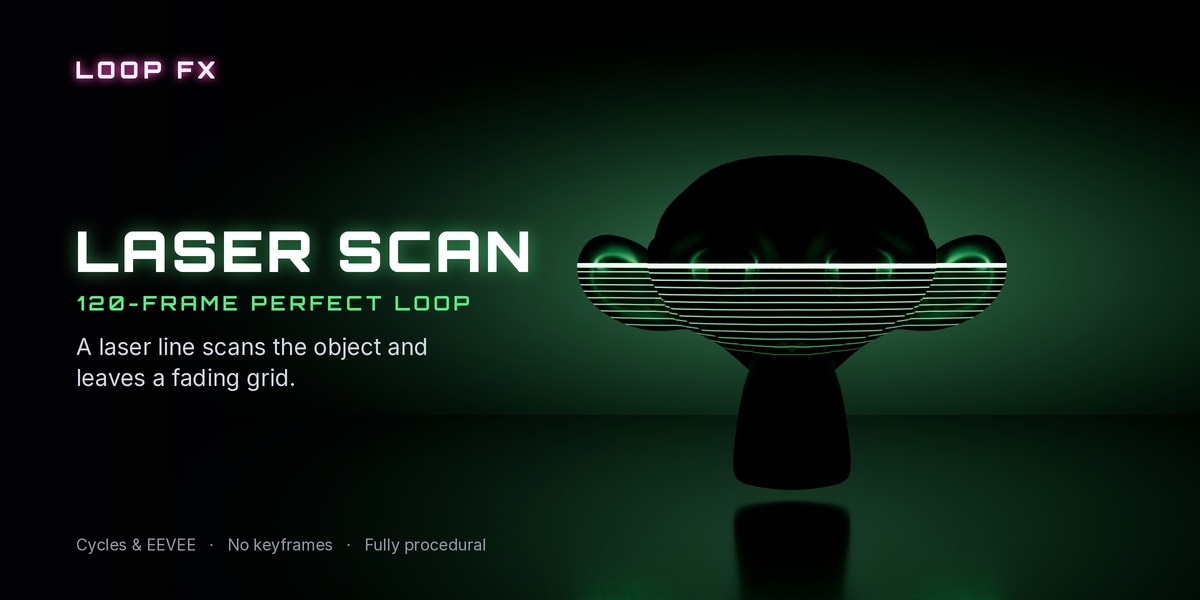
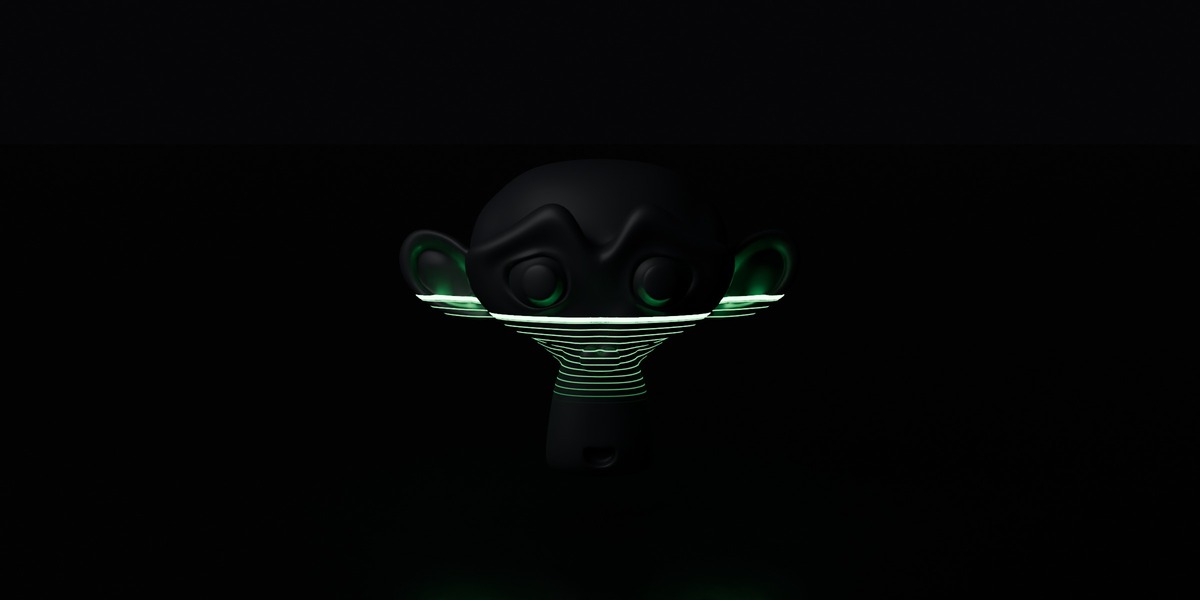
Laser Scan · 120-frame loop
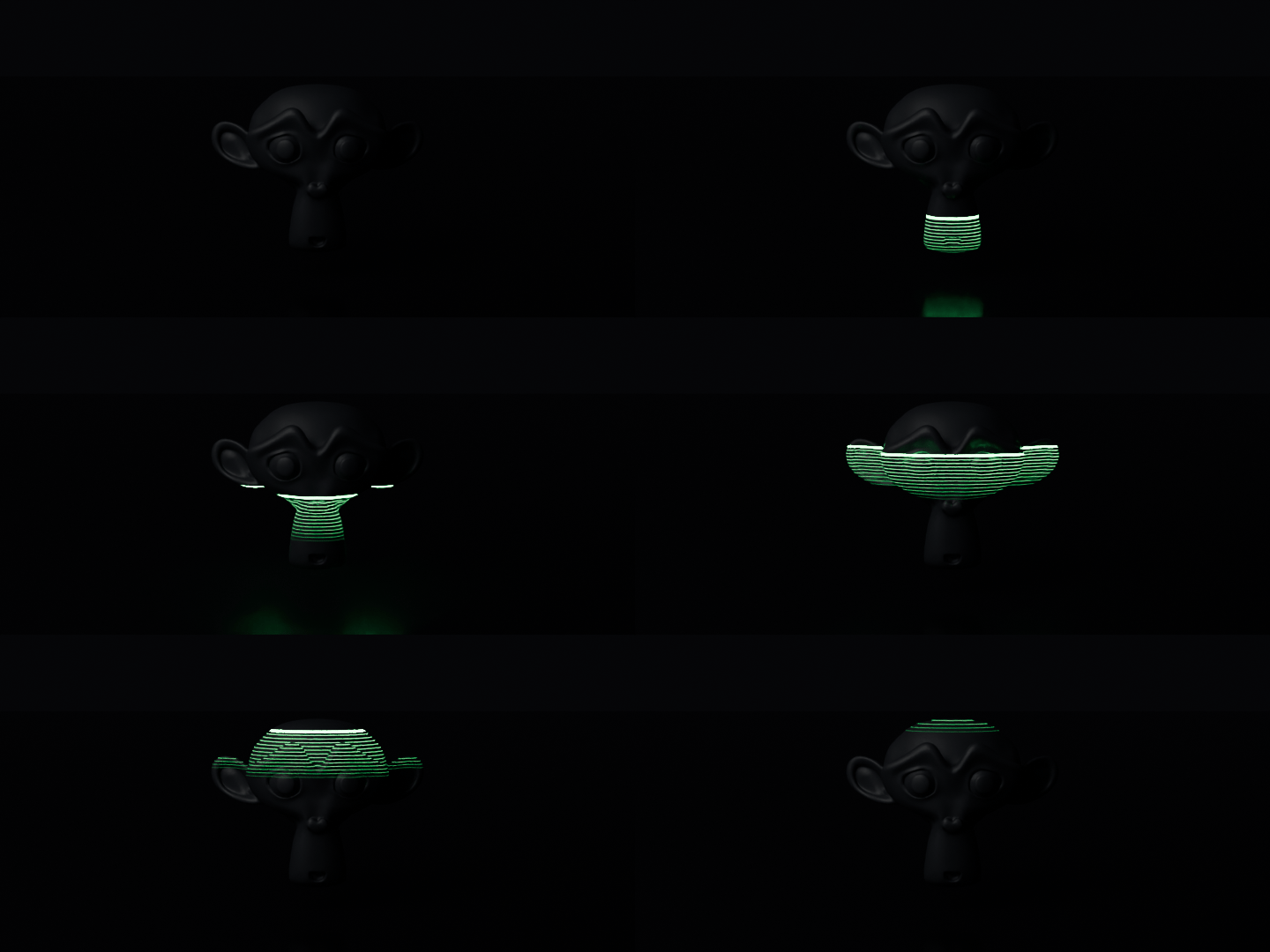
A green line scans the object and leaves a fading grid.
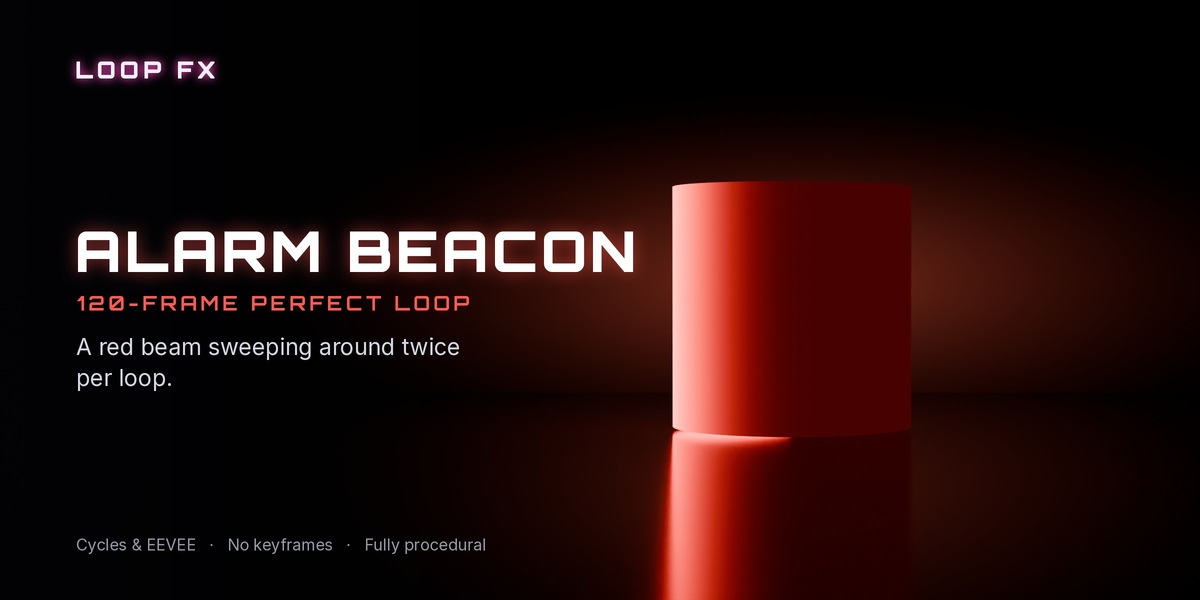
Alarm Beacon · 120-frame loop
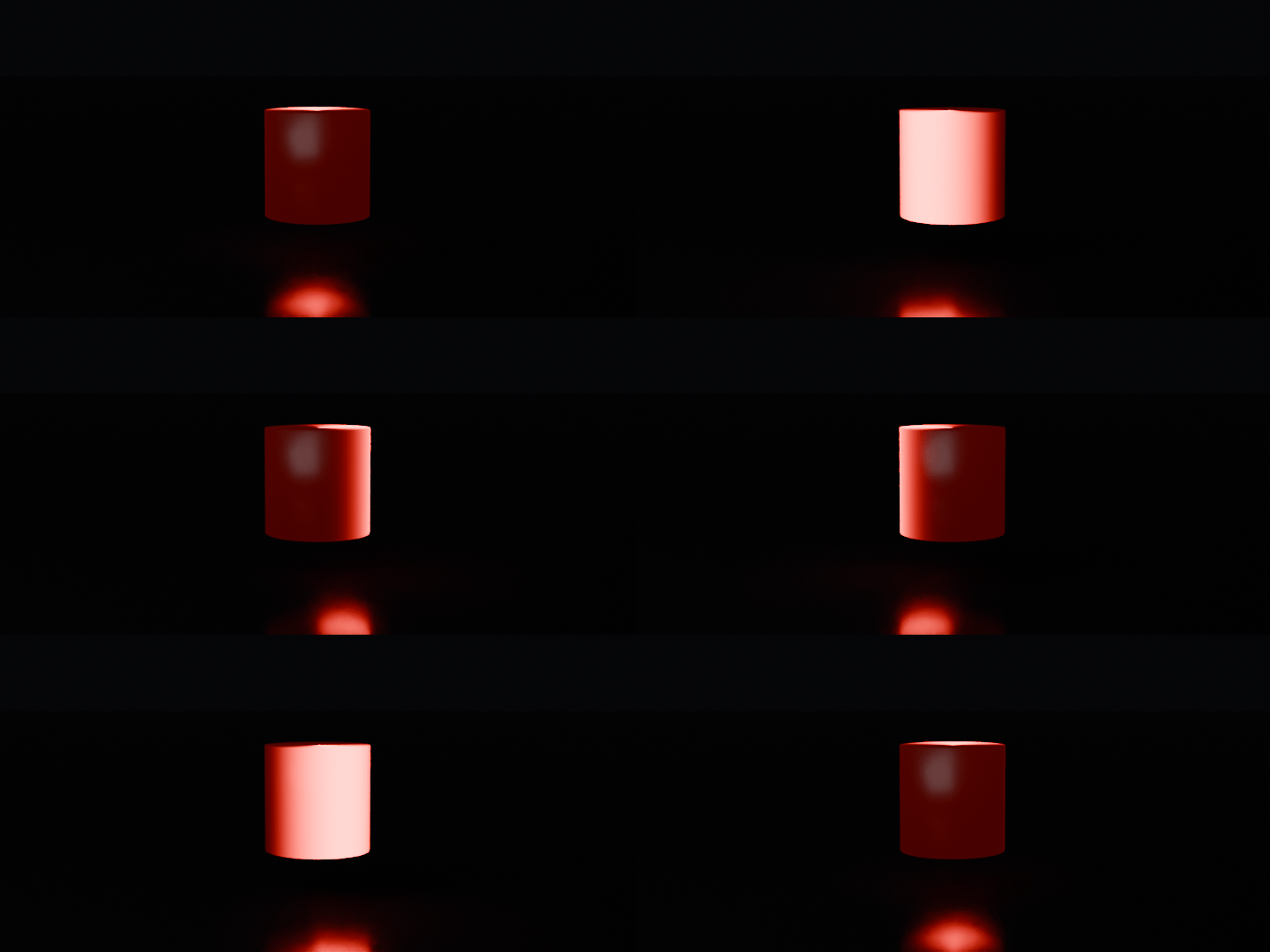
A red beam sweeping around twice per loop.
What's in the download
- Loop_FX_Materials.blend: the 16 materials, marked as assets, with a demo object for each one
- blender_assets.cats.txt: the "LoopFX" Asset Browser catalog
- README.txt: install, use, loop lengths, changelog
How to use
- Add the folder as an asset library in Preferences › File Paths.
- Open the LoopFX catalog in the Asset Browser.
- Drag a material onto your object.
- Set Frame End to 120 or 240 and press play.
Every setting (colors, speed, loop length) is explained in the Documentation tab.
Compatibility
- Blender 5.1 or later, tested in 5.1 and 5.2 LTS
- Cycles and EEVEE
- Asset Browser catalog included
Limits, honestly
- The file is saved in Blender 5.1 and does not open in 4.x.
- Sci-Fi Screen, Portal, Glitch Screen, Hyperspace, Radar, Black Hole and Synthwave Sun use UV coordinates. Tractor Beam uses generated coordinates (made for a cylinder).
- EEVEE: Energy Shield, Portal, Radar, Synthwave Sun and Tractor Beam are already set to Render Method Blended.
- Rain Puddle needs something bright to reflect (a light, an HDRI or an emissive panel).
- These are Blender shaders: bake to an image sequence for game engines.
Changelog
- 1.1 (November 2026): 9 new materials: Electric Arcs, Glitch Screen, Hyperspace, Radar, Rain Puddle, Black Hole, Synthwave Floor, Synthwave Sun, Tractor Beam. The time node is now labeled Time.
- 1.0 (November 9, 2026): first release, 7 materials.
More looping effects are in progress. All 1.x updates are free for existing buyers, even after the 12-month support period.
License
Royalty free for personal and commercial renders, animations, videos and games. Do not resell or share the materials themselves.
Materials built by hand by Nodex3D in Blender's node editor.
