 h7.lab


Loop Master
Loop Master is a Blender add-on that makes creating seamless animation loops fast, easy, and fun. No keyframes needed — just add a Loop Master modifier to any object, camera, material, light, rig, or Geometry Nodes setup, and watch your animations loop perfectly in seconds. From motion graphics to character animation, music visuals and environments, Loop Master gives you effortless control to create stunning loops.
Tutorial & Walkthrough
Key Features
Loop Master is designed to make animation in Blender faster and more intuitive. Instead of breaking your flow with endless menus and keyframes, everything you need is just a few clicks away. With seamless integration and smart controls, Loop Master makes animation easy and efficient — giving you effortless control over your loops.
Add Animations in 2 Clicks
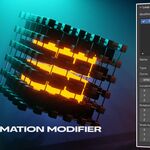
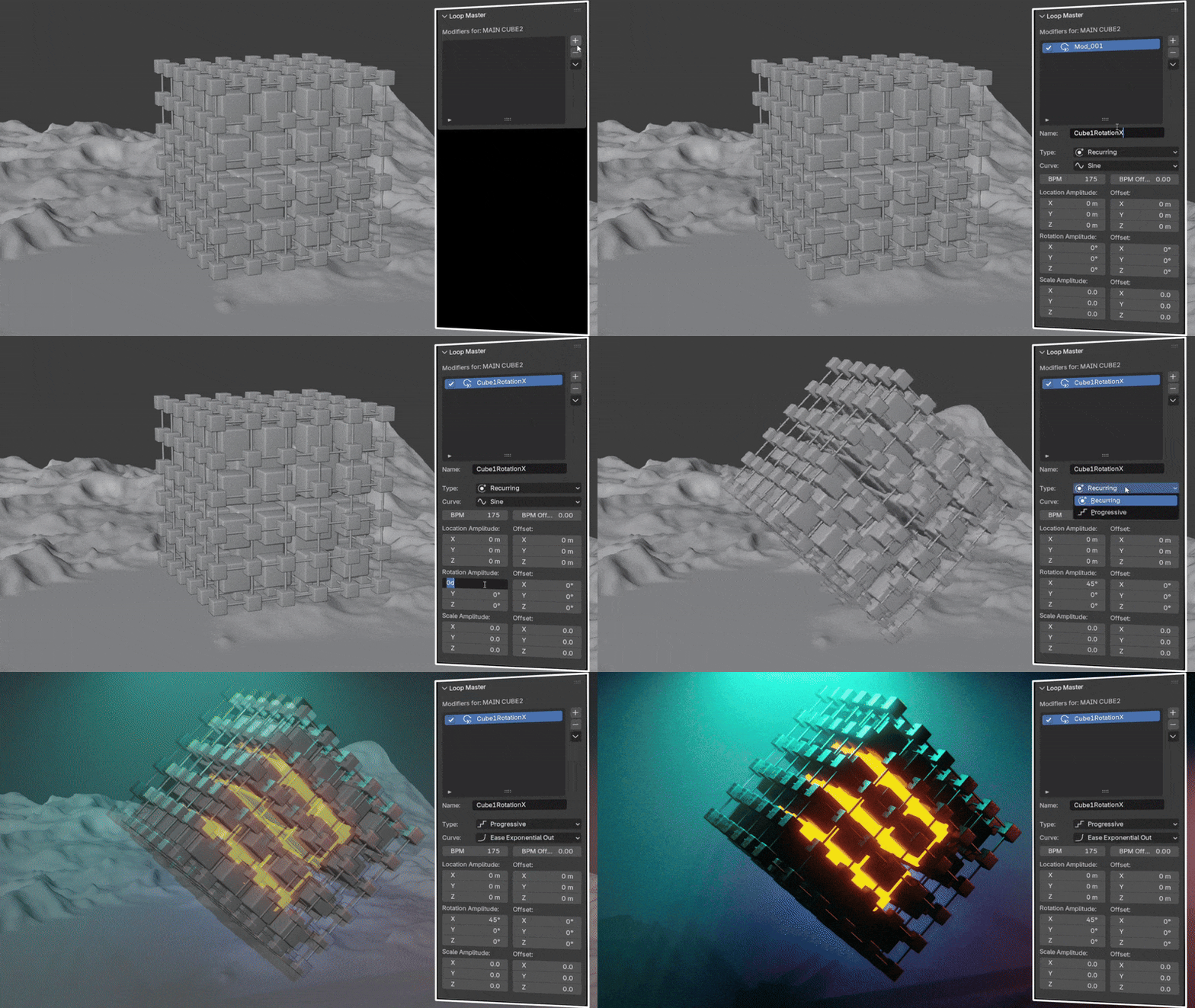
With Loop Master, you can set up seamless animations in just two clicks. Simply add a Loop Master modifier to any object — meshes, rigs, null objects, lights, materials, cameras, or even complex node setups — and your animation instantly loops without the need for keyframes.
Multiple Loop Modifiers
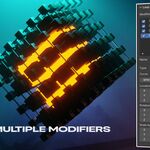
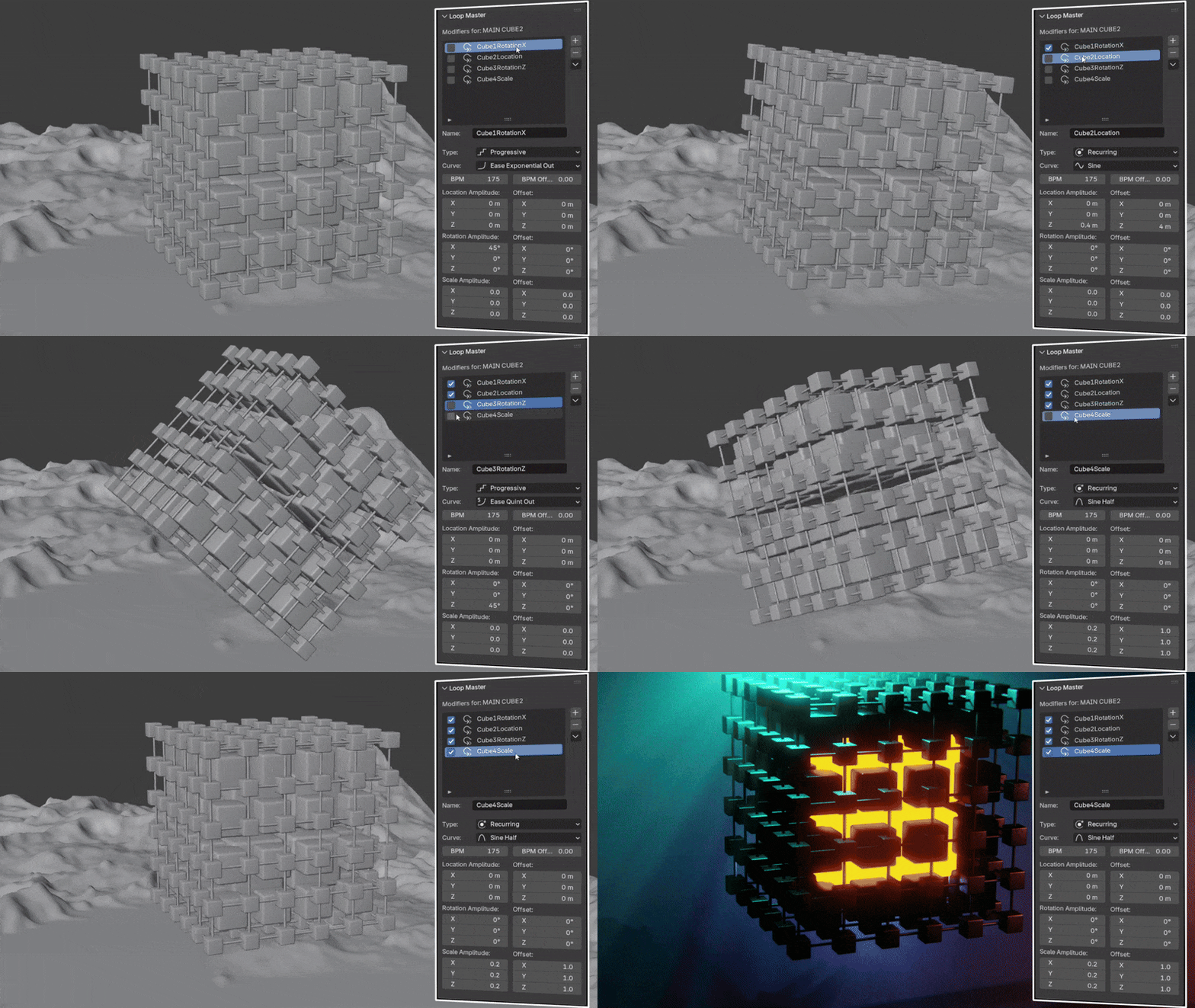
You can stack multiple loop modifiers on the same object and combine them to build complex motion with ease. For example, you might animate a rotating object that also scales up and down while shifting position — all with separate, independent loops. Each modifier can be tweaked individually, giving you precise control over timing, speed, and easing. This layered approach makes it possible to design rich, dynamic animations whether you’re creating mechanical rigs, abstract motion graphics, or organic movements.
Progressive or Recursive Loop Settings
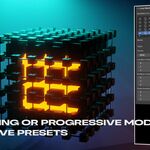
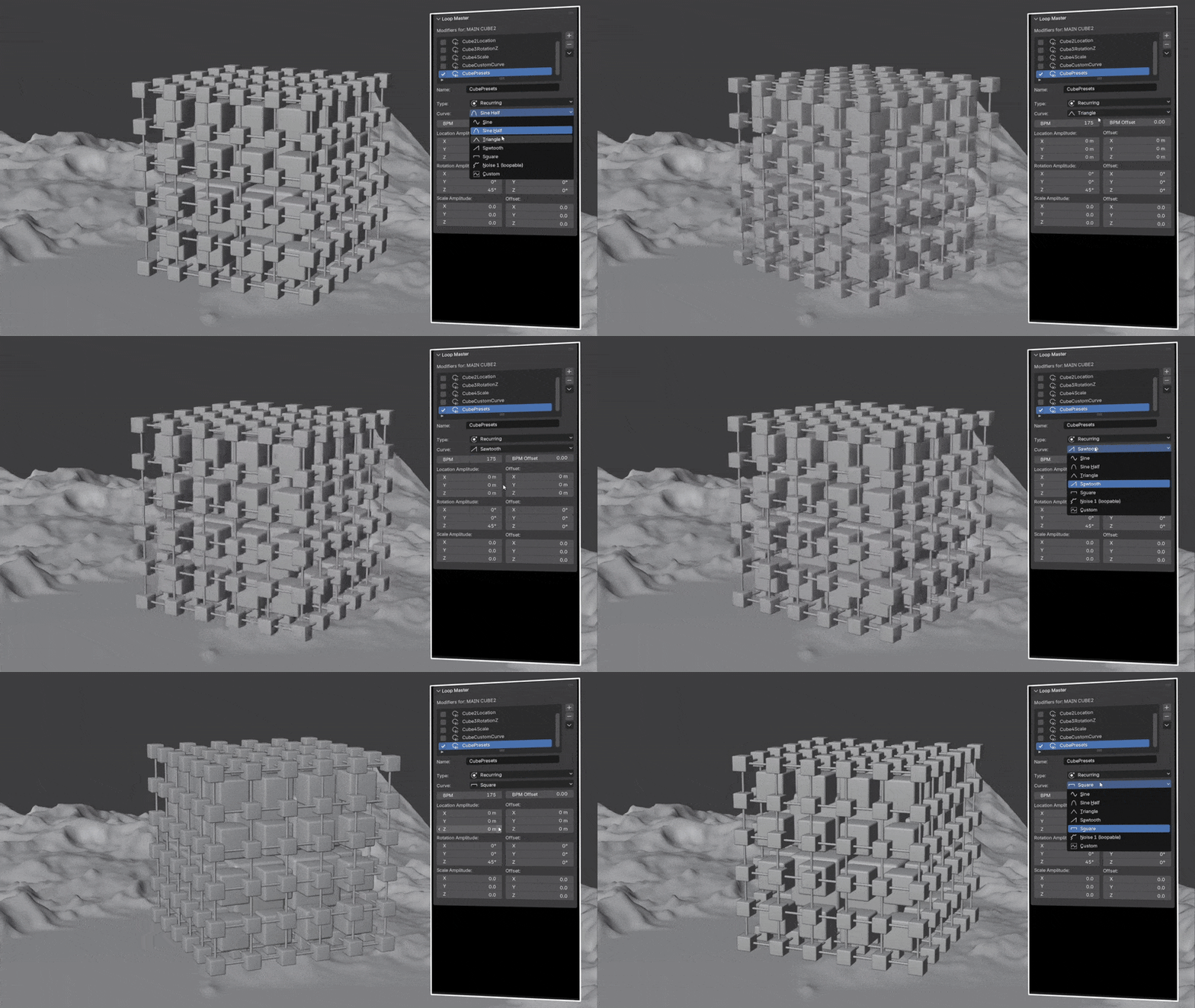
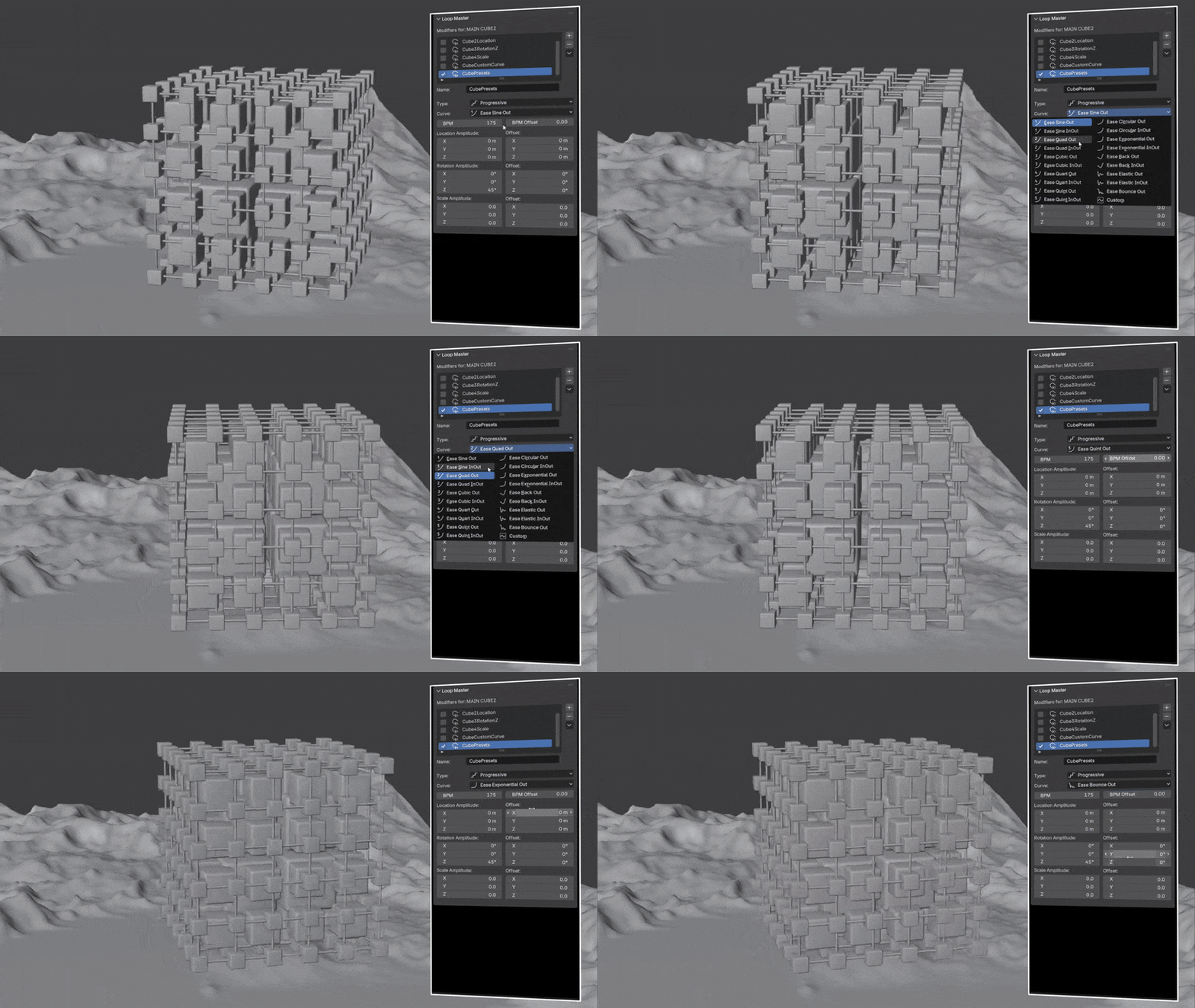
Loop Master offers two powerful ways to define how your animations behave. Progressive loops stack over time, allowing motion to build continuously instead of resetting — perfect for animations that grow, expand, or evolve frame after frame. In contrast, recursive loops repeat the same motion in a perfect cycle, returning to the start each time. This is ideal for animations that need to loop seamlessly without drifting, such as oscillations, rotations, or pulsing effects. With both progressive and recursive options, you can decide whether your animation should feel like it’s constantly moving forward or cycling endlessly in place.
Your Own Curves
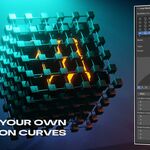
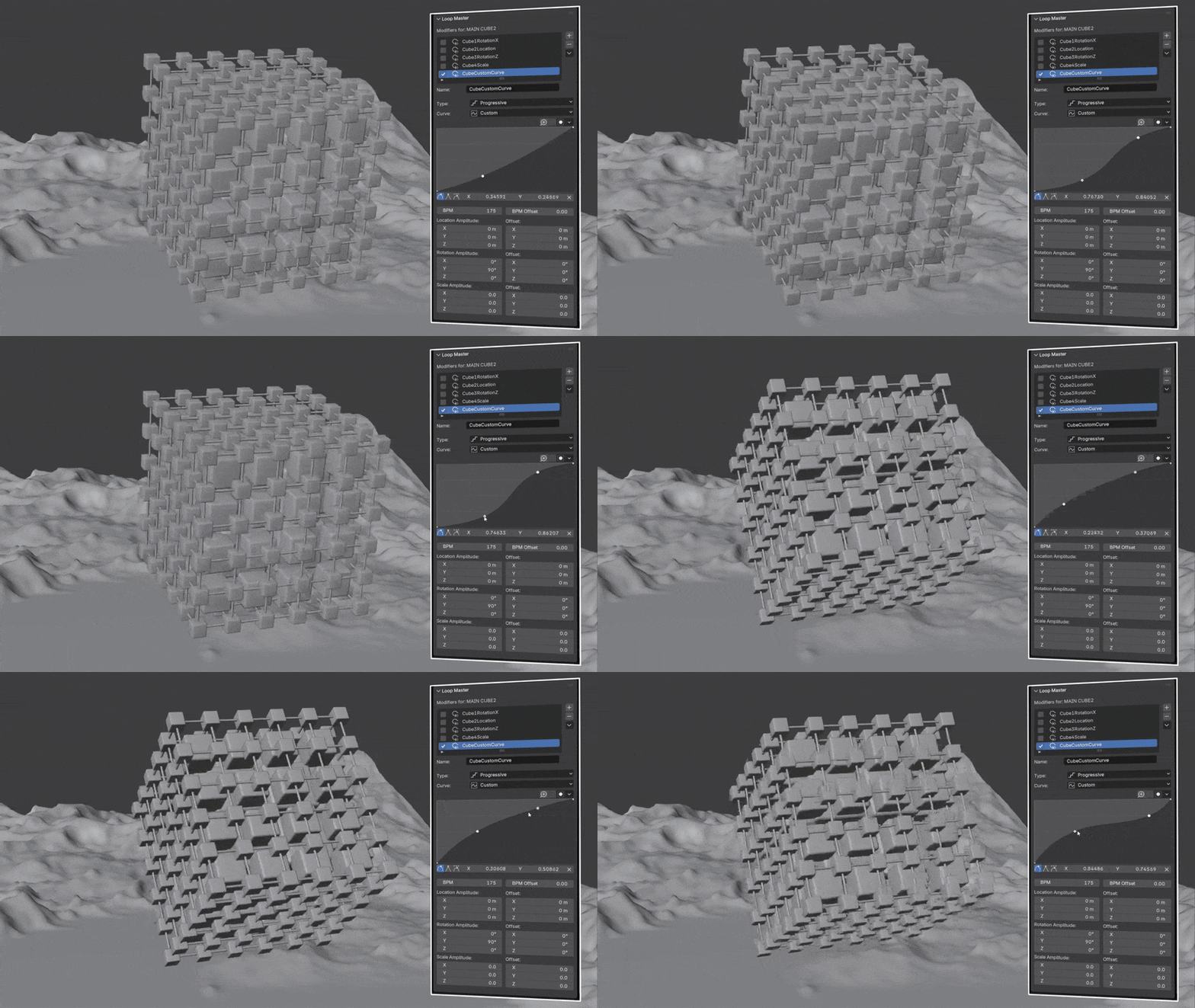
With the built-in custom curve editor, you’re not limited to presets — you can design your own unique motion paths. Draw and adjust curves directly to shape how your loops accelerate, decelerate, or fluctuate over time. This gives you unlimited freedom to craft animations that perfectly match your creative vision, whether you need subtle organic motion, snappy transitions, or experimental abstract effects.
Camera Animation
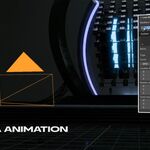
Loop Master makes it easy to animate cameras without setting a single keyframe. You can create seamless camera movements, zooms, or rotations in just a couple of clicks. Since you can also stack multiple loop modifiers, it’s simple to combine different motions for dynamic camera moves.
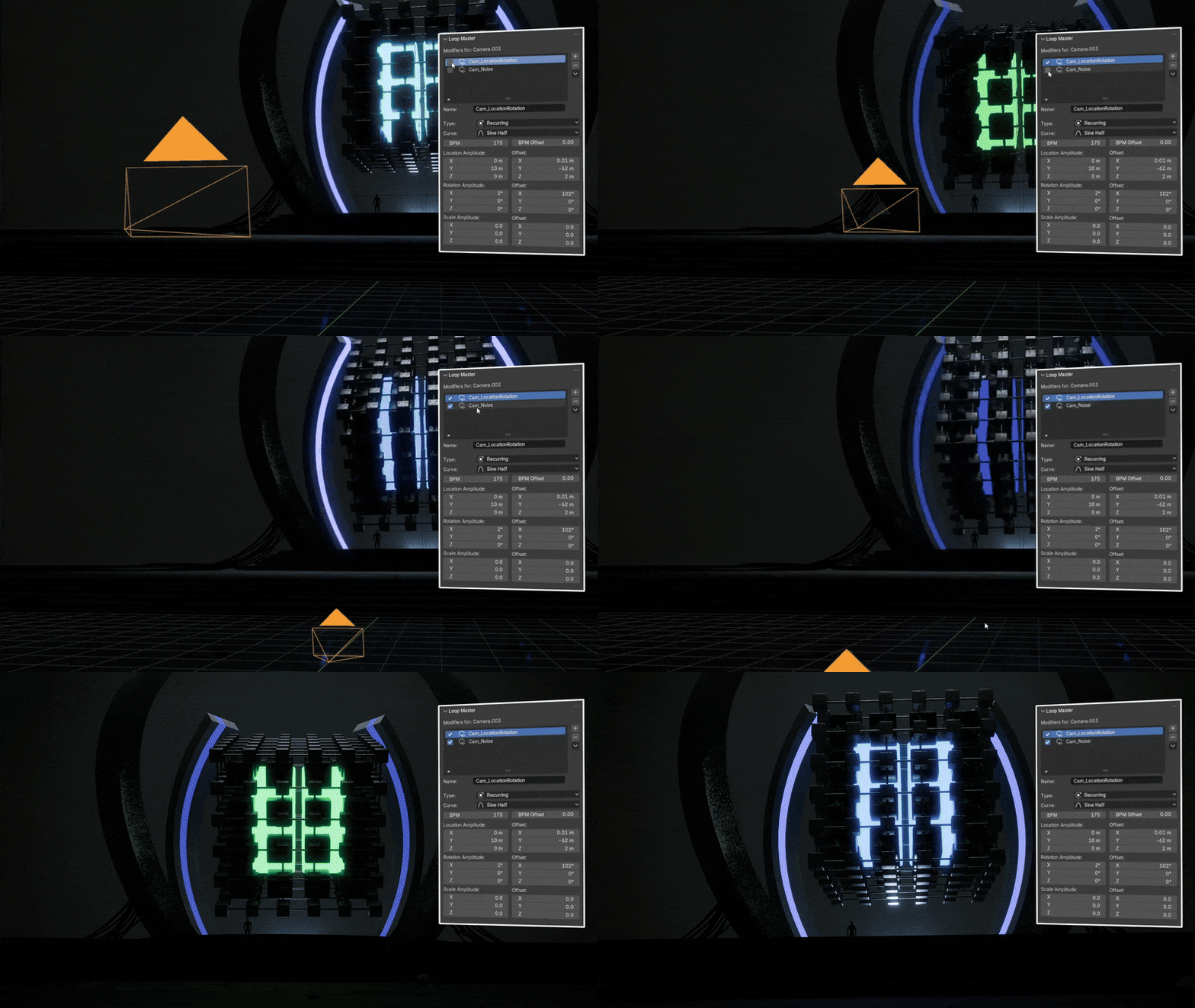
Material Loops
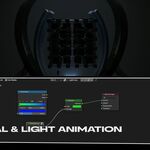
Easily create seamless material animations directly in the Shader Editor. Loop textures, animate colors, or add dynamic noise — all without keyframes. Loop Master is perfect for shaders, effects, or procedural materials that need to repeat in your scene.
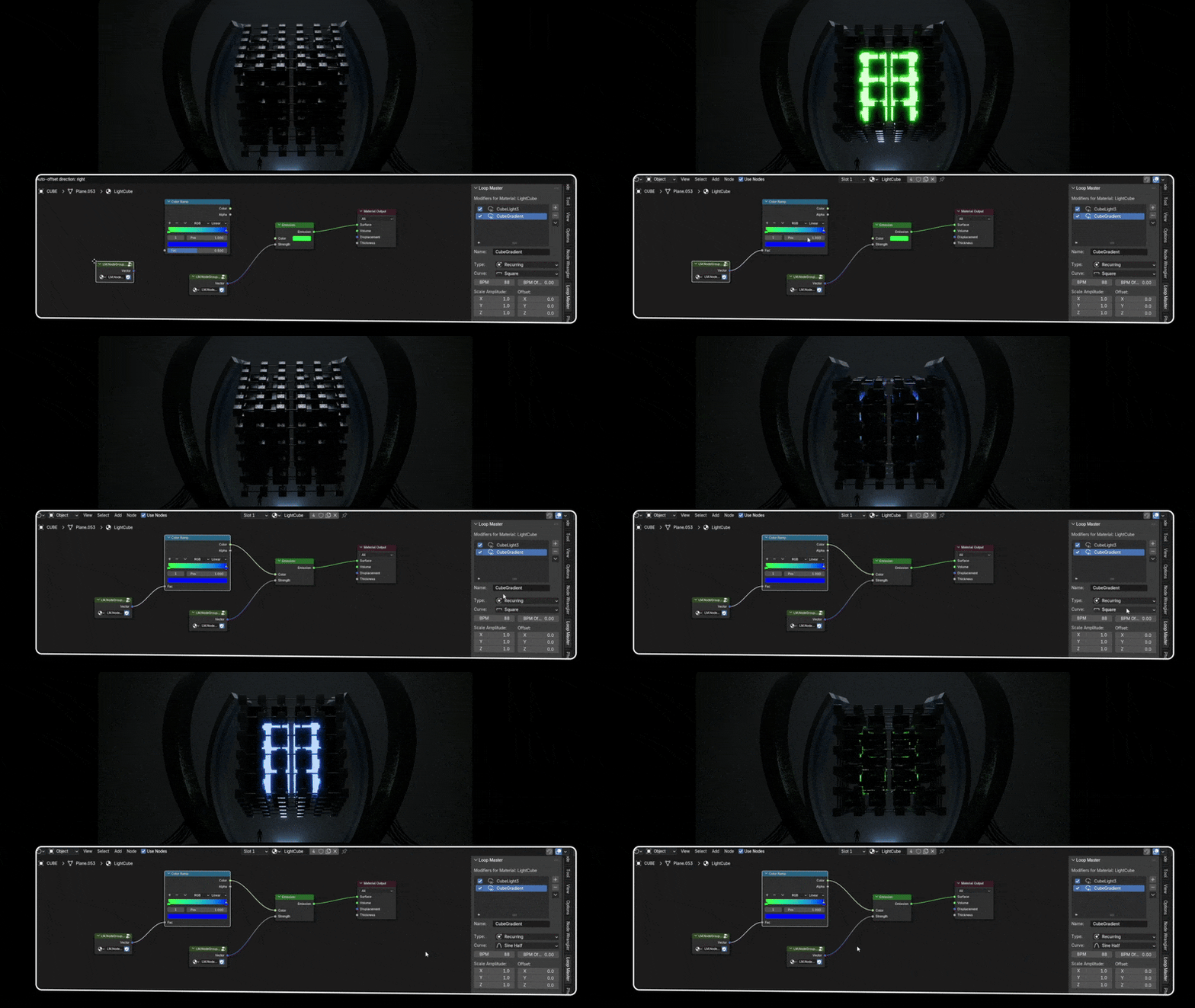
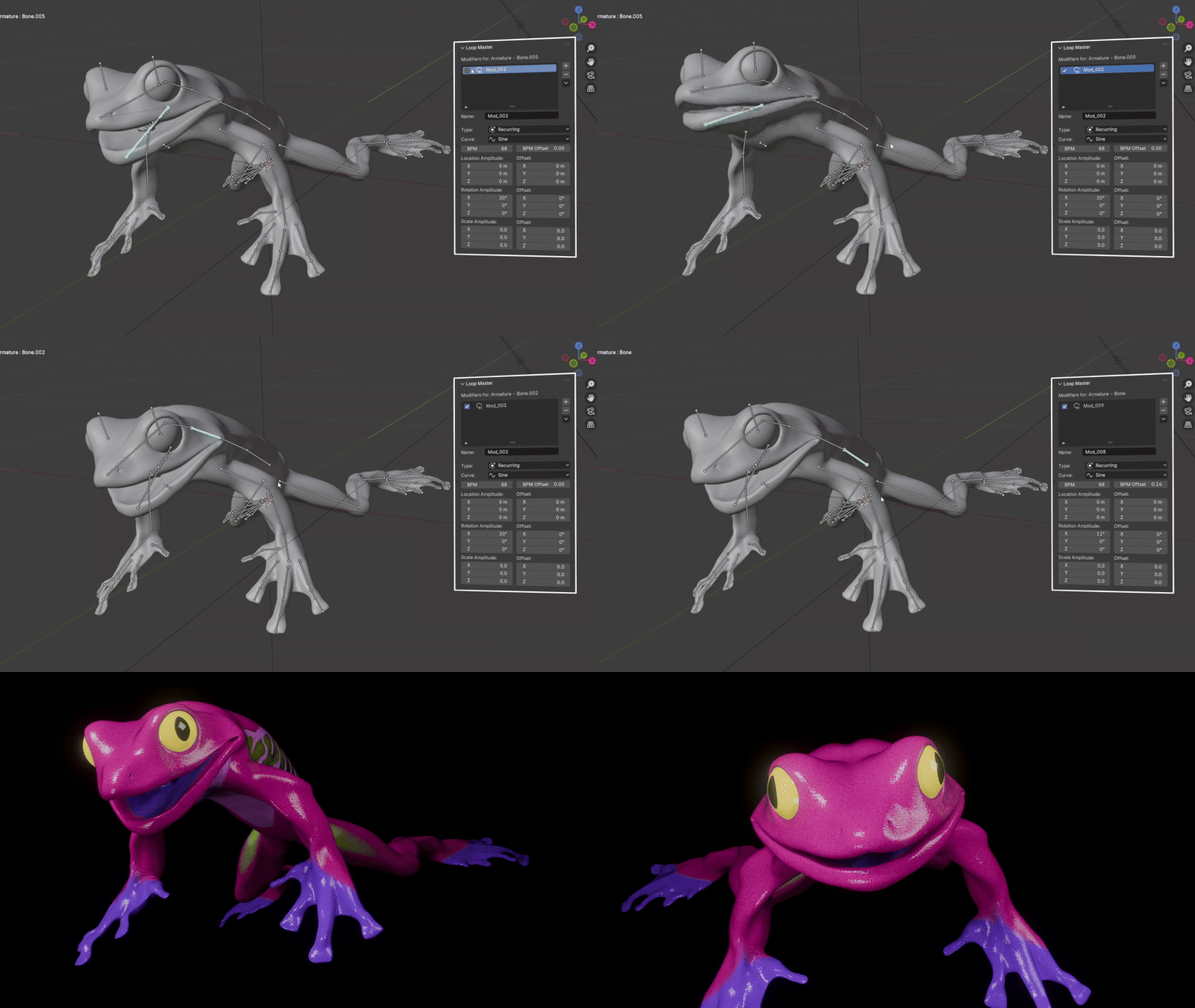
Looping Rig Animations
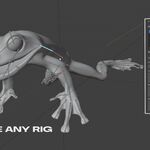
Animate any rig or bone in just a few clicks, without keyframes. Loop Master makes it easy to create repeating motions for characters—or any type of rig—quickly and efficiently.
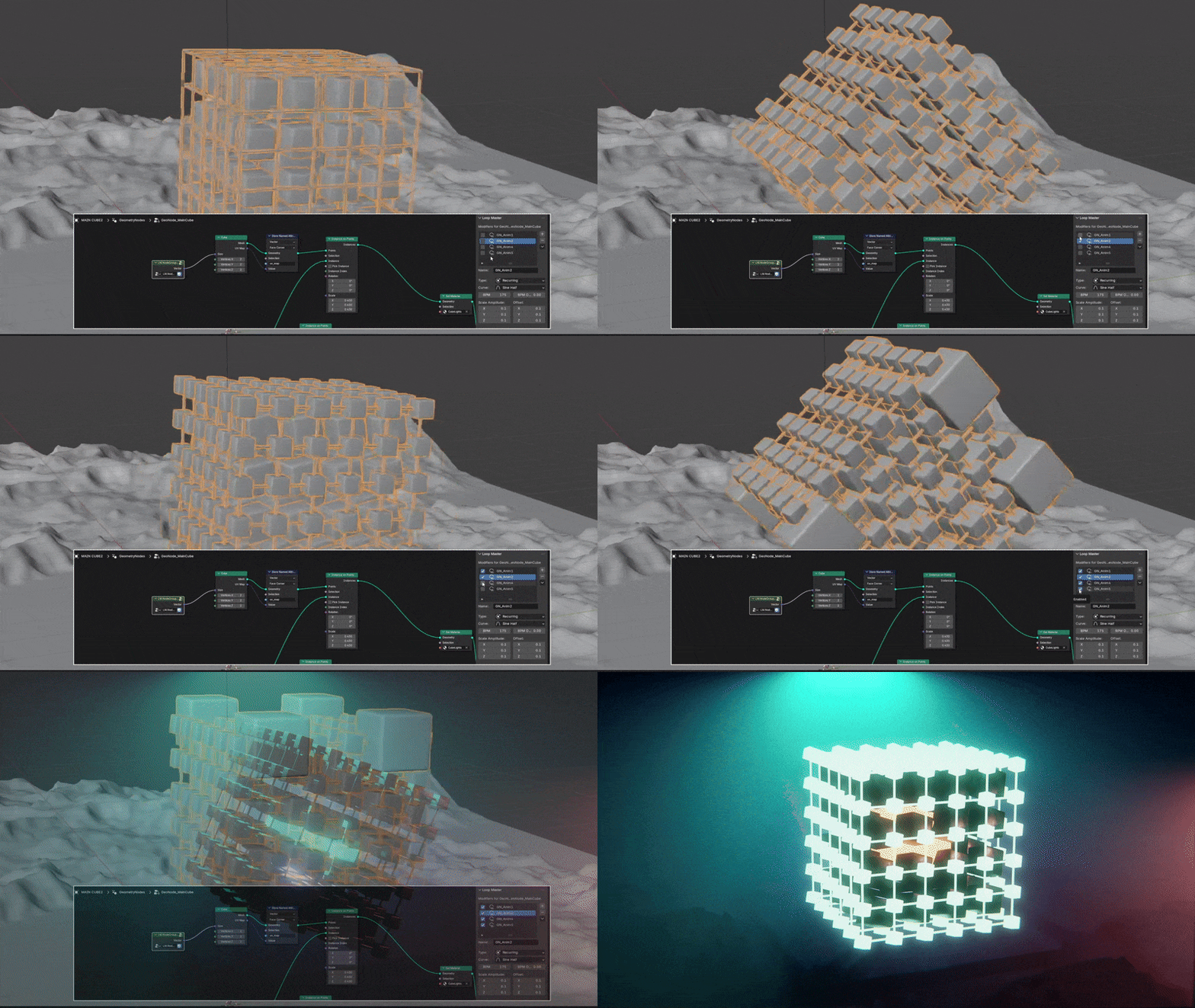
Geometry Nodes Loop Animations
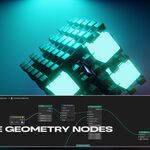
Use the Loop Master node group to create advanced looping animations directly in Geometry Nodes. This allows you to animate procedural objects or other geometry setups with ease, opening up many creative possibilities without needing to manually keyframe each element.
Null Object Loops
Use any null object to drive complex loops by parenting other objects to it. This makes it easy to control multiple elements at once, create coordinated motion, and build reusable looping setups quickly.

Automatic Analyzer
The built-in analyzer highlights potential seamless loop frames on the timeline, helping you quickly find the perfect start and end points. This saves time and ensures your loops are smooth and precise without manual trial and error.

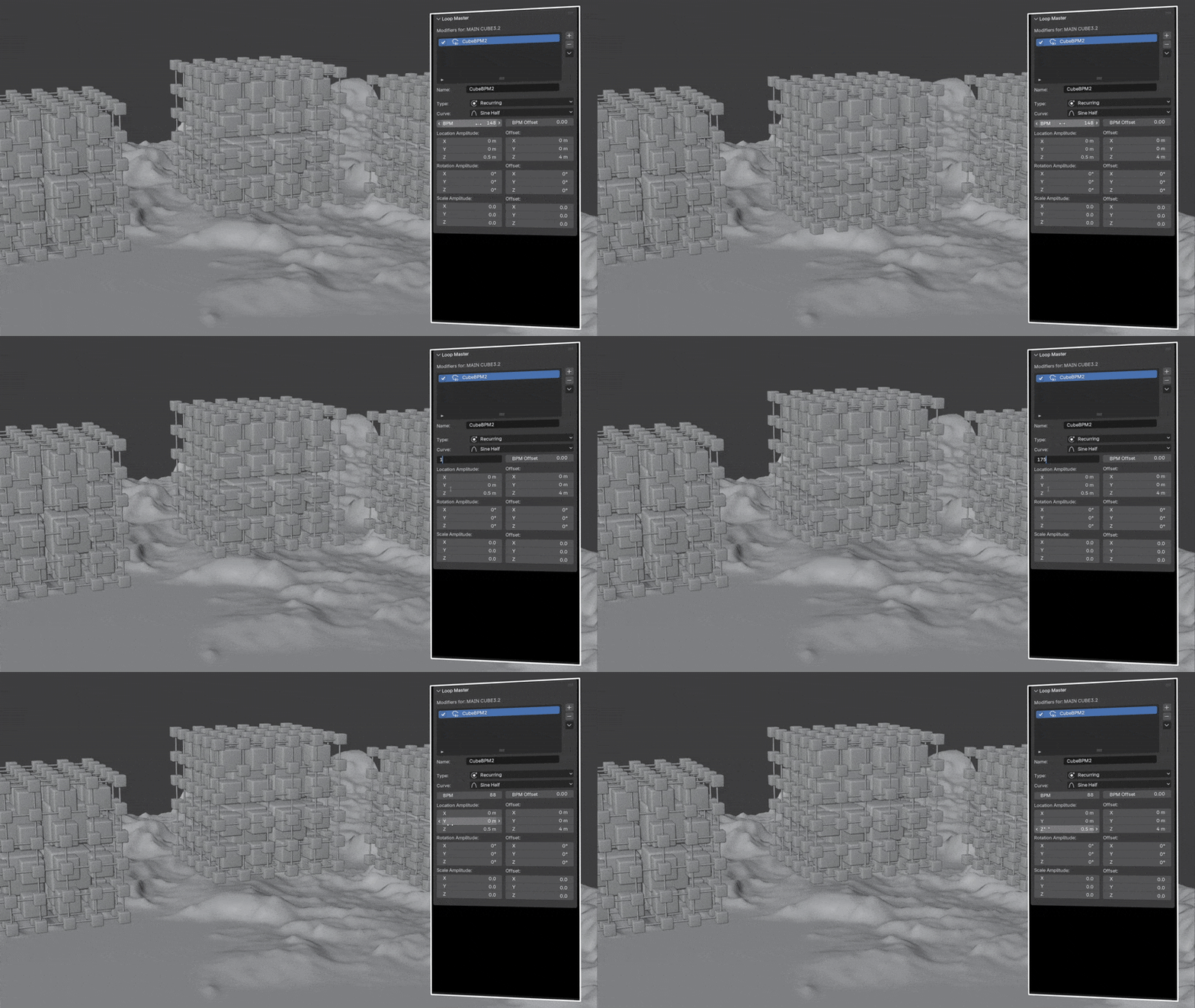
Speed Control via BPM
Easily adjust the speed of your animations using beats per minute (BPM) for precise timing. This lets you sync motion to music, match rhythmic patterns, or experiment with different tempos without touching keyframes.
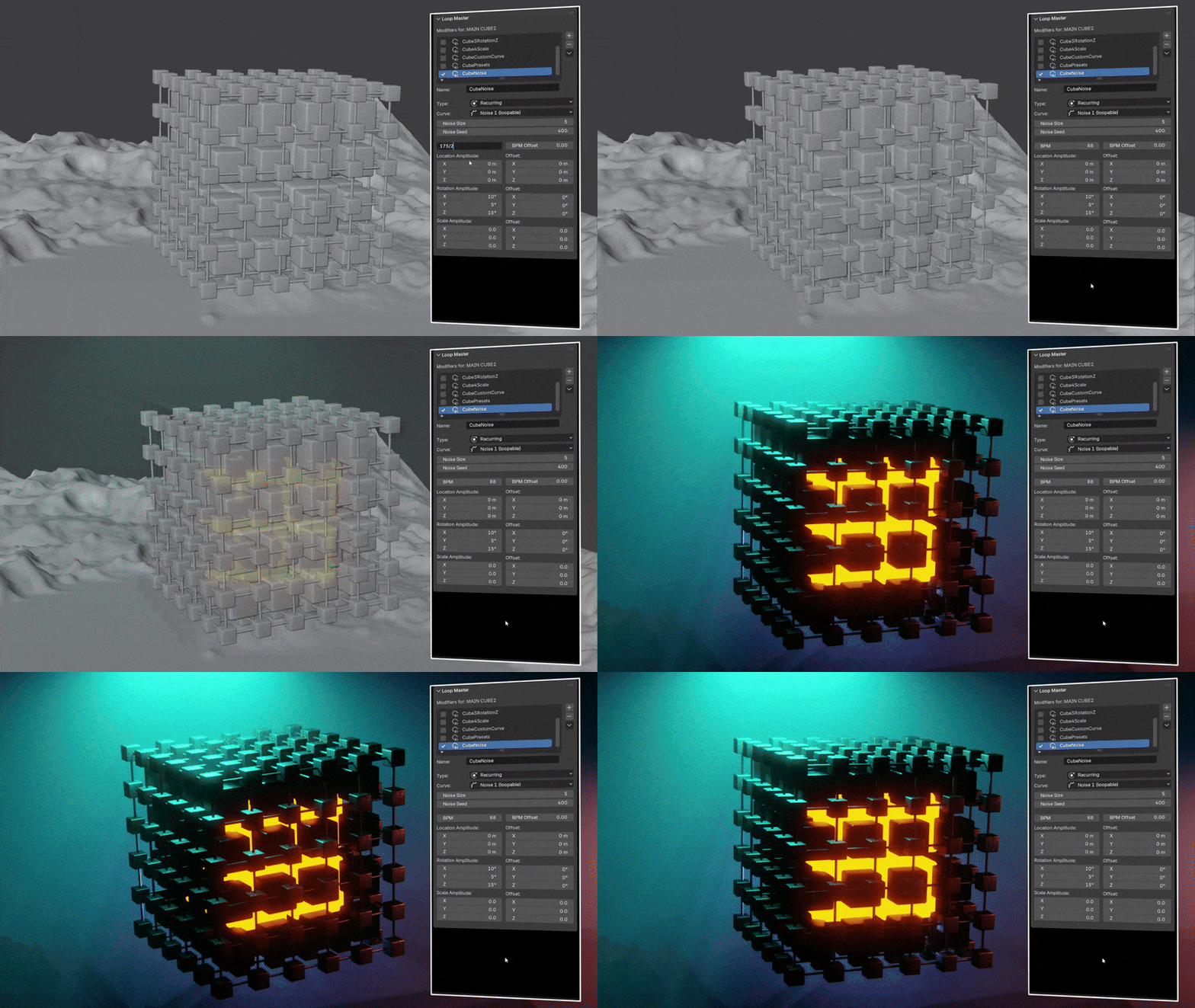
Loopable Noise
Add dynamic noise to your animations that loops seamlessly. This is perfect for creating natural motion, subtle variations, or procedural effects without worrying about jumps or stutters.
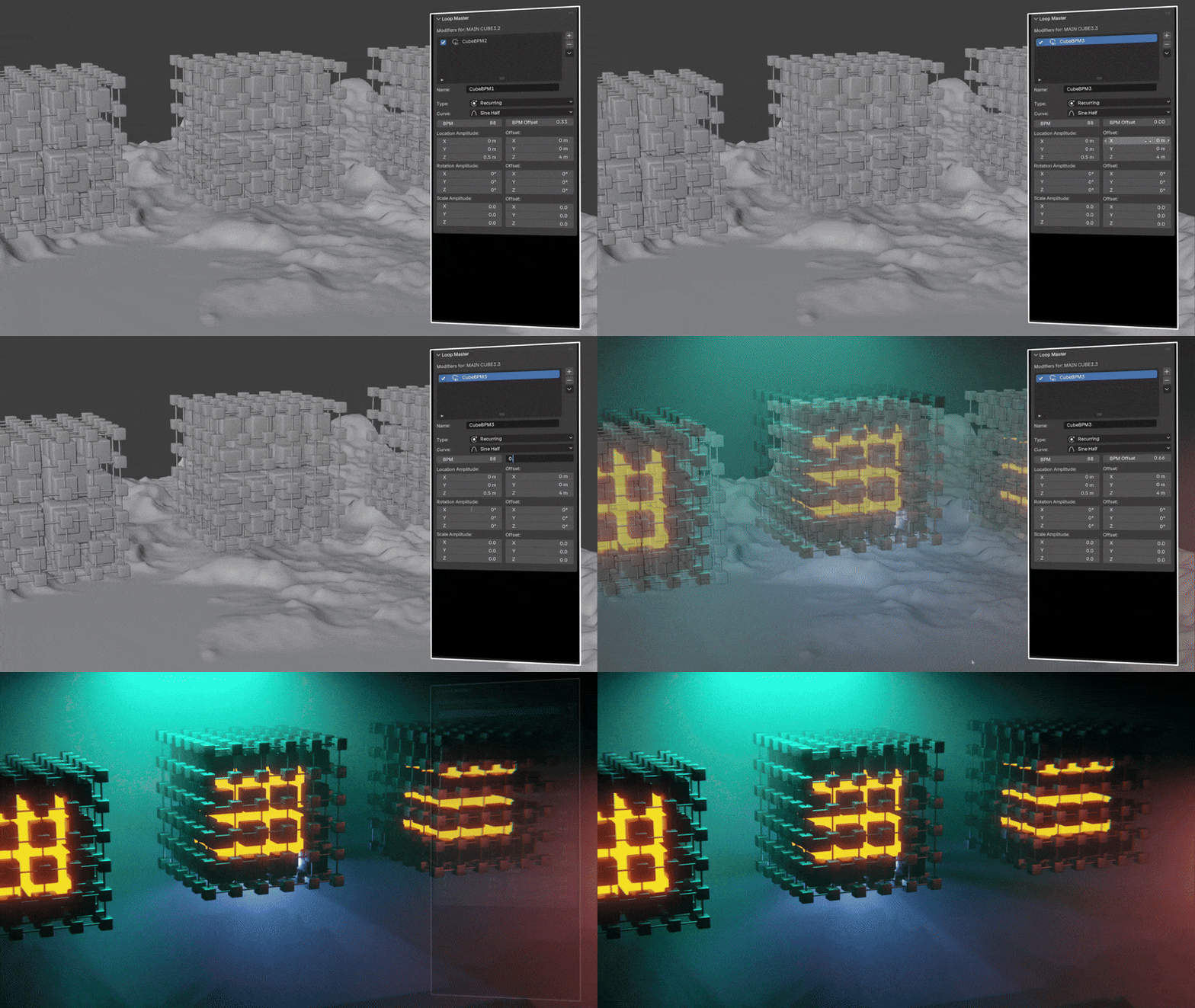
BPM / Starting Point Offset
Quickly adjust the BPM or starting point offset for each modifier. This gives you precise control over timing, allowing you to sync loops or stagger animations for more dynamic results.
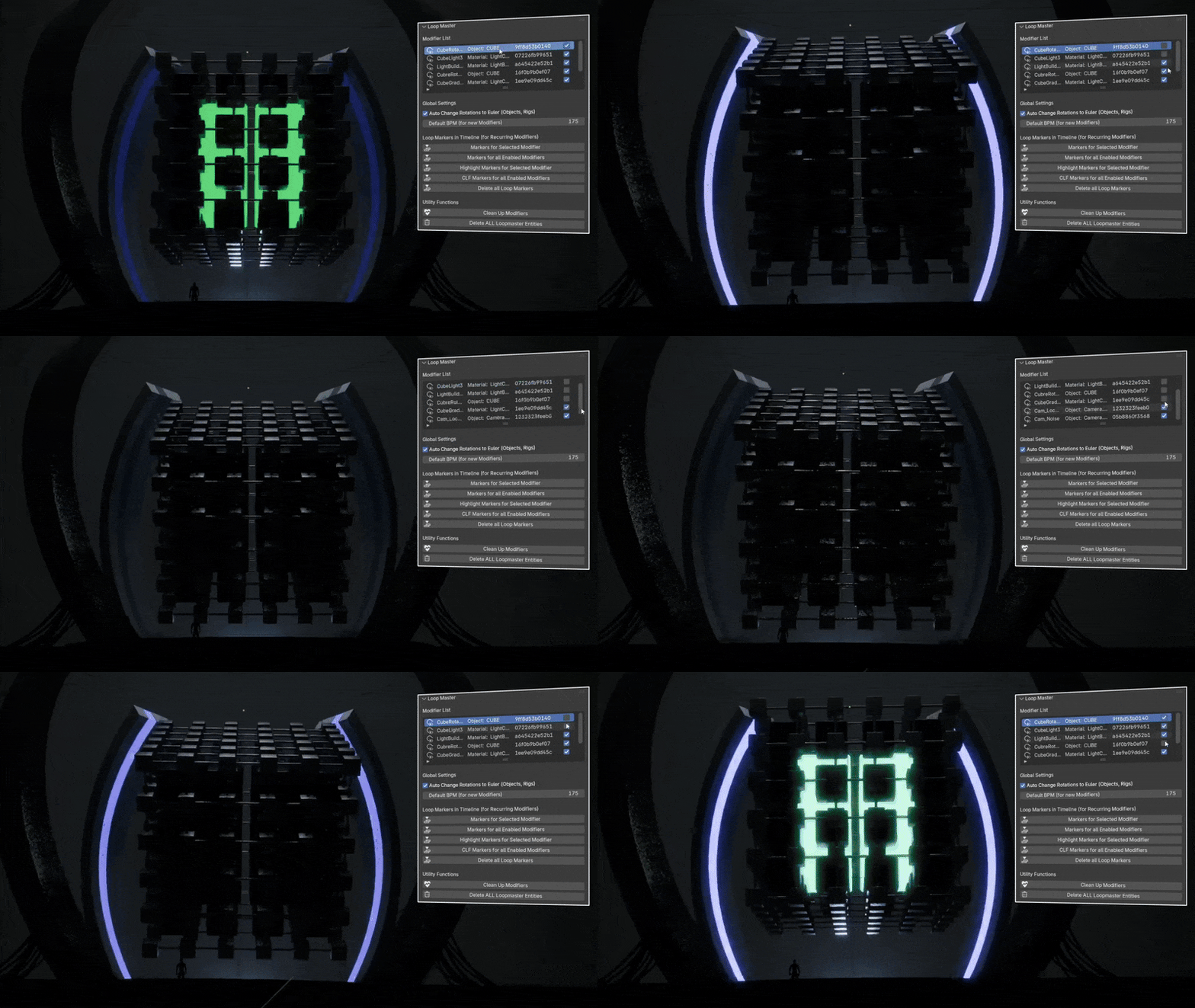
Global Controls
Use powerful global controls in the Scene tab to activate or deactivate modifiers, adjust the default BPM, and clean up your setup. This makes managing complex projects faster and keeps your workflow organized and efficient.
Let's Start Looping!
Whether you're a seasoned animator or just getting started, Loop Master empowers you to create professional-quality animations quickly and efficiently. By supporting us with a purchase, you’ll also receive future updates and new features for free.
Loop Master was developed and tested on Windows, but it should also work on Linux and macOS. If you have any questions or need support, don’t hesitate to reach out — we’re always happy to help!