LooPy - Motion Loop Tools
 rooncgi
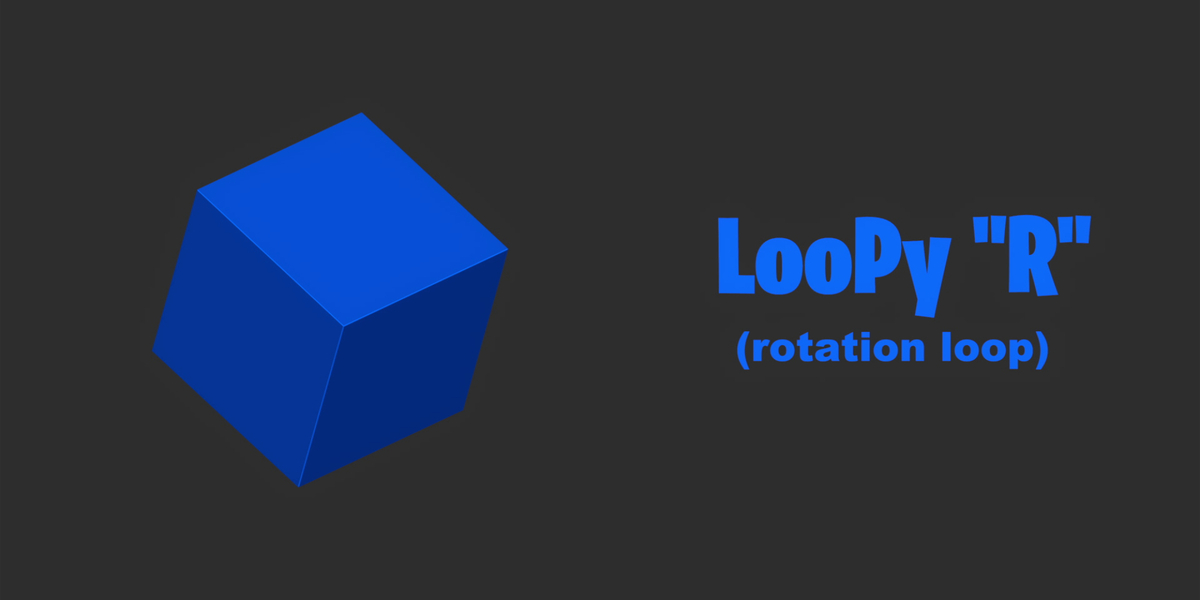
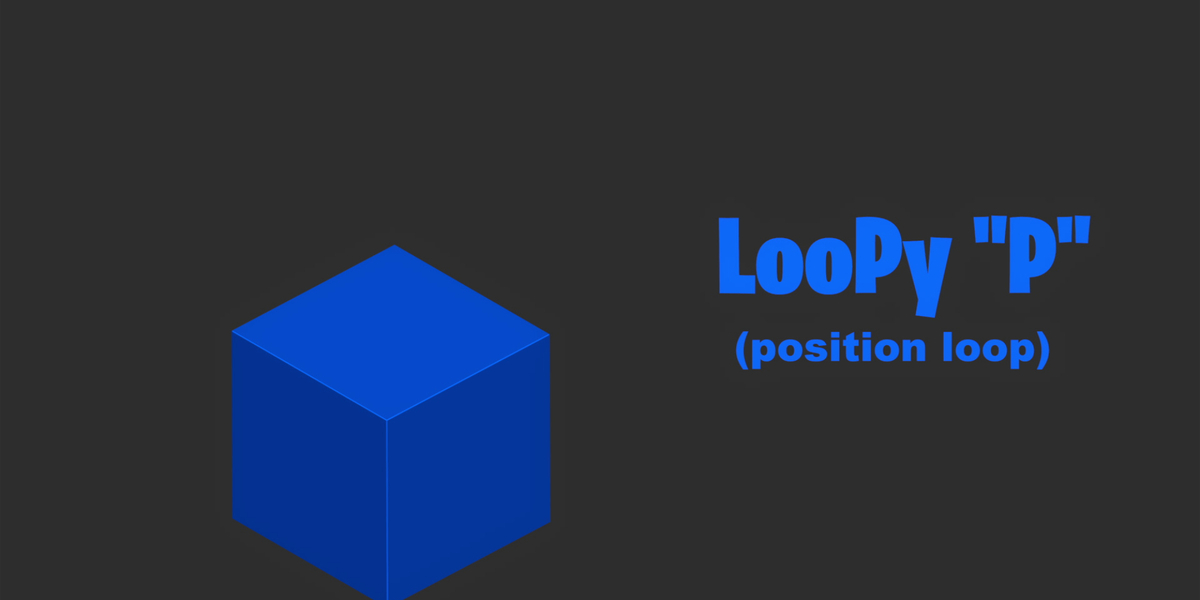
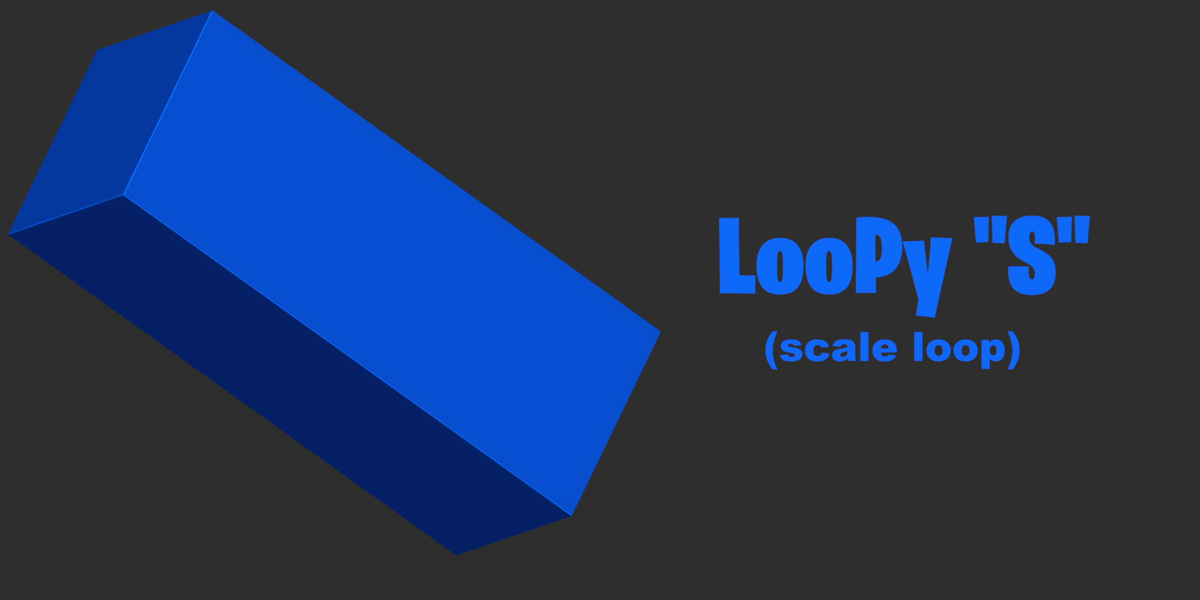
How to install LooPy?
Unzip the .zip file and save the LooPy folder in a secure location on your computer.
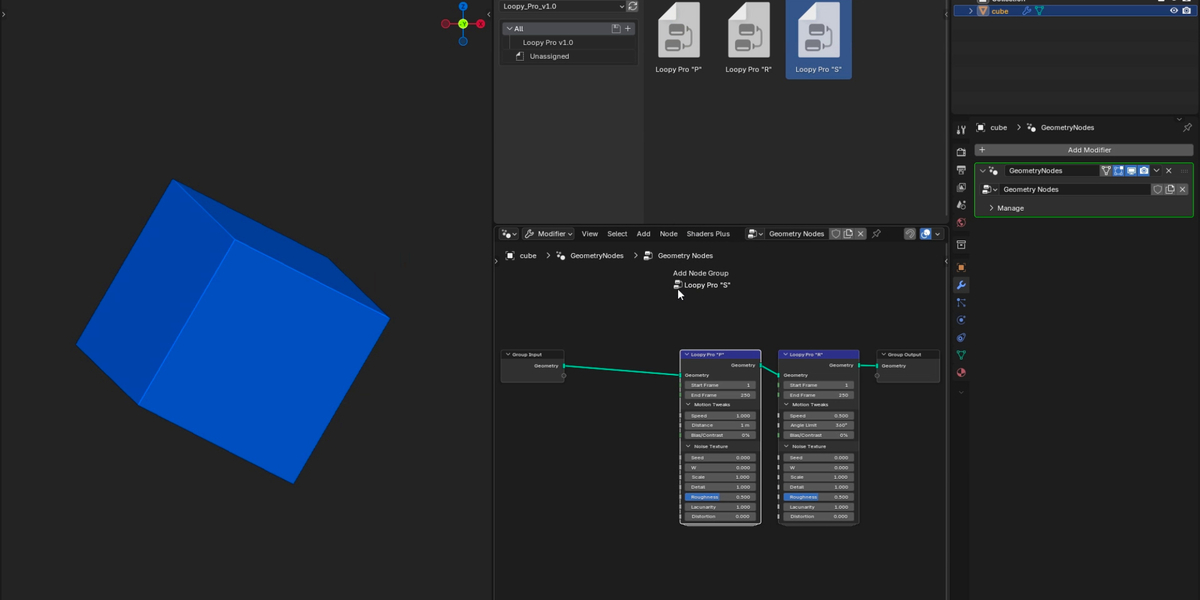
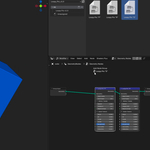
Inside Blender, go to Edit > Preferences > File Paths. Under the Asset Libraries section, click the + button, select the LooPy folder, and click Add Asset Library.

How to use LooPy?
Open the Asset Browser panel in Blender and select the LooPy library from the drop-down menu.
Simply drag and drop any asset directly onto your 3D model in the viewport, or into the Geometry Nodes editor

How to combine & stack LooPy?
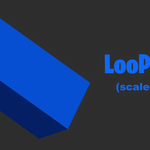
When combining assets, LooPy "S" (Scale) must always be placed first in your node or modifier stack to ensure correct calculation and prevent visual glitches.
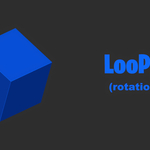
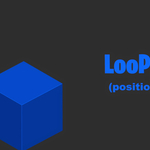
You can freely swap the order of LooPy "R" (Rotation) and LooPy "P" (Position); placing "P" before "R" causes rotation to affect the 3D movement, while placing "R" before "P" keeps rotation and position independent.

-
$5
Single User - Core Engine - v1 (No Updates)
-
$10
Single User - Full Feature Access
-
$39
Up to 5 Users - Full Feature Access - Priority Support
Have questions about this product?
Login to message
| Published | about 6 hours ago |
| Blender Version | |
| License | Royalty Free |

Discover more products like this
looping animation Generator motion graphics loop 3d animation procedural modifier mograph seamless loop geometry nodes Motion design