 ARLN
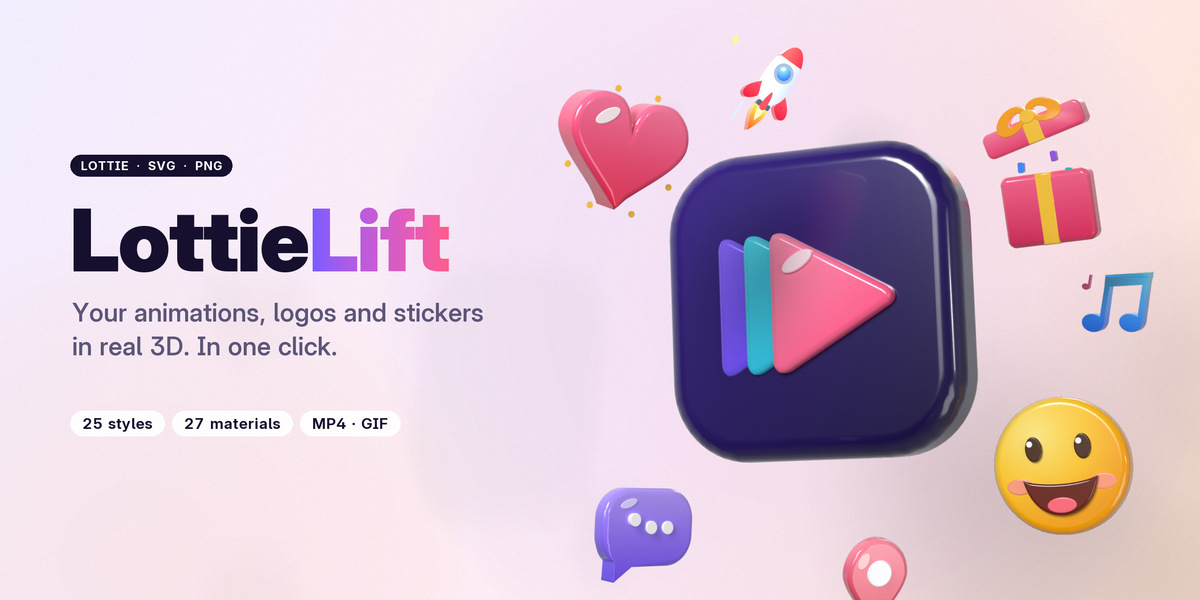
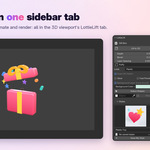
LottieLift: your Lottie animations, in real 3D
Millions of animations exist as Lottie files: icons, stickers, logos, loaders, UI motion from After Effects, Figma and LottieFiles. Until now they were stuck in 2D players.
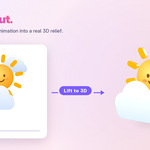
LottieLift brings them into Blender, exactly as they play in the browser, and lifts them into real 3D with one click. Seen from the front it still looks like the original, colors and transparency included. Turn the camera and every shape has depth, rounded bevels and light. Every slider stays live, so you can animate the depth, explode the layers or switch the look at any time.
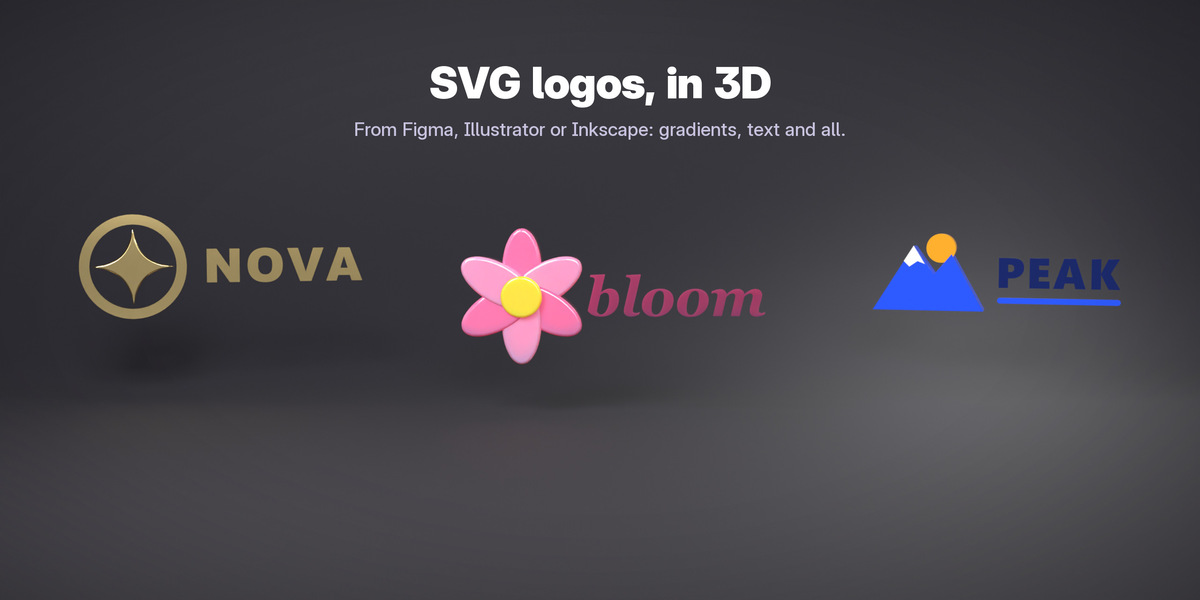
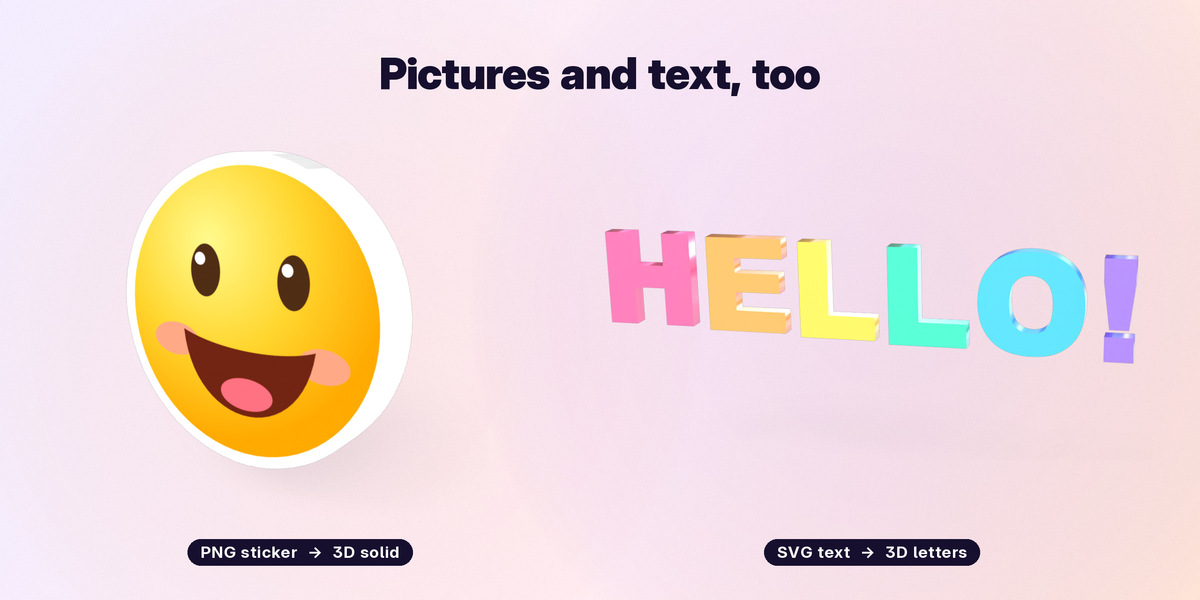
It reads SVG logos and PNG pictures too.
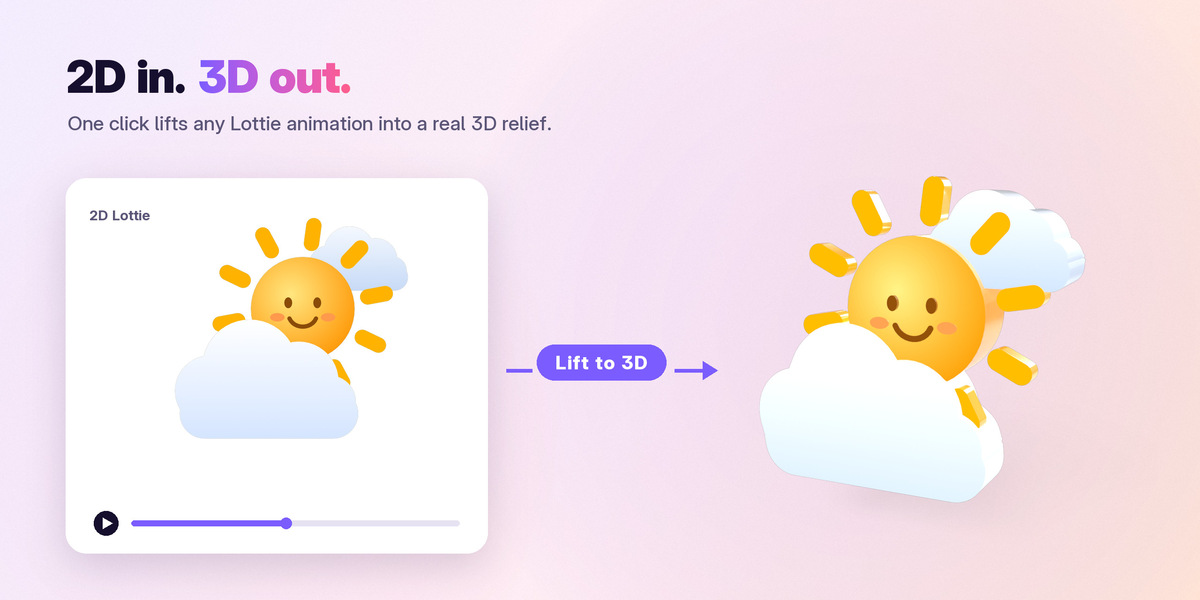
One click: 2D to 3D
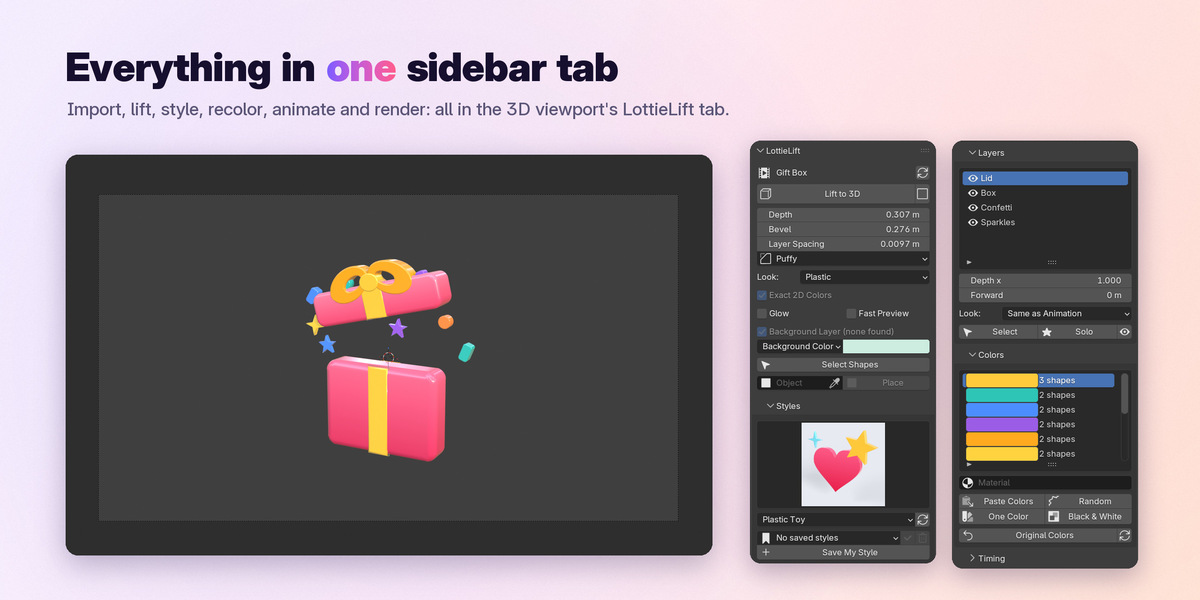
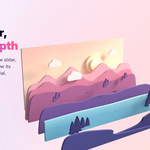
Import a file, press Lift to 3D. LottieLift builds a relief from the animation's layers: big shapes get the depth you choose, thin lines, dots and small text become thin plates instead of tall walls, shapes drawn edge to edge keep clean seams. Depth, Bevel and Layer Spacing are live sliders you can keyframe. Round, Chamfer or Puffy (balloon-like) bevels.
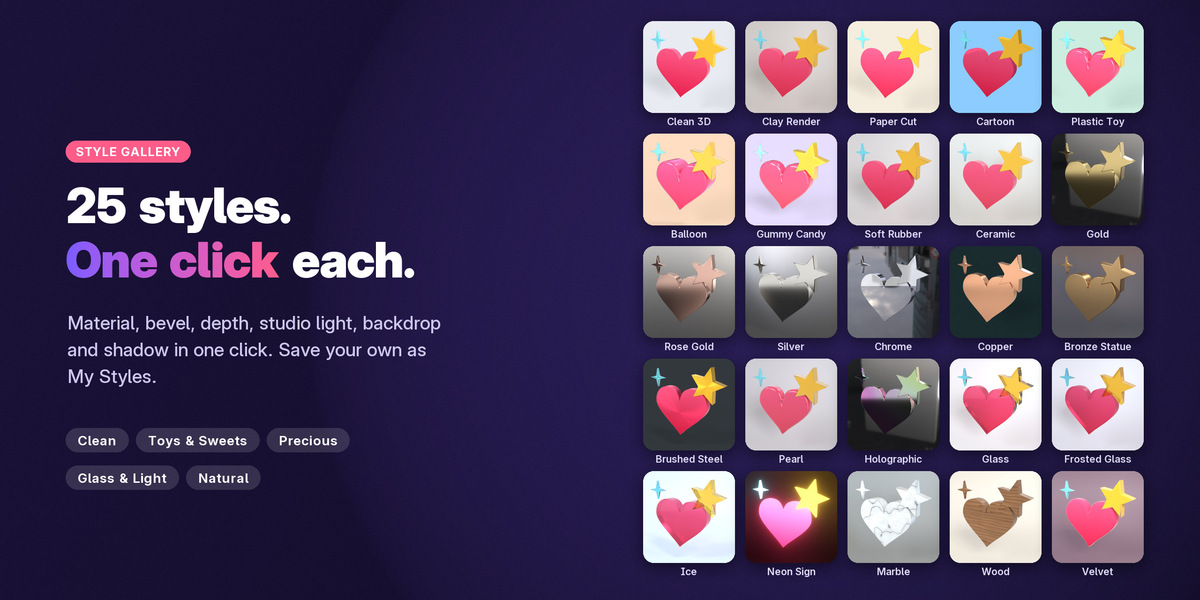
25 styles, one click each
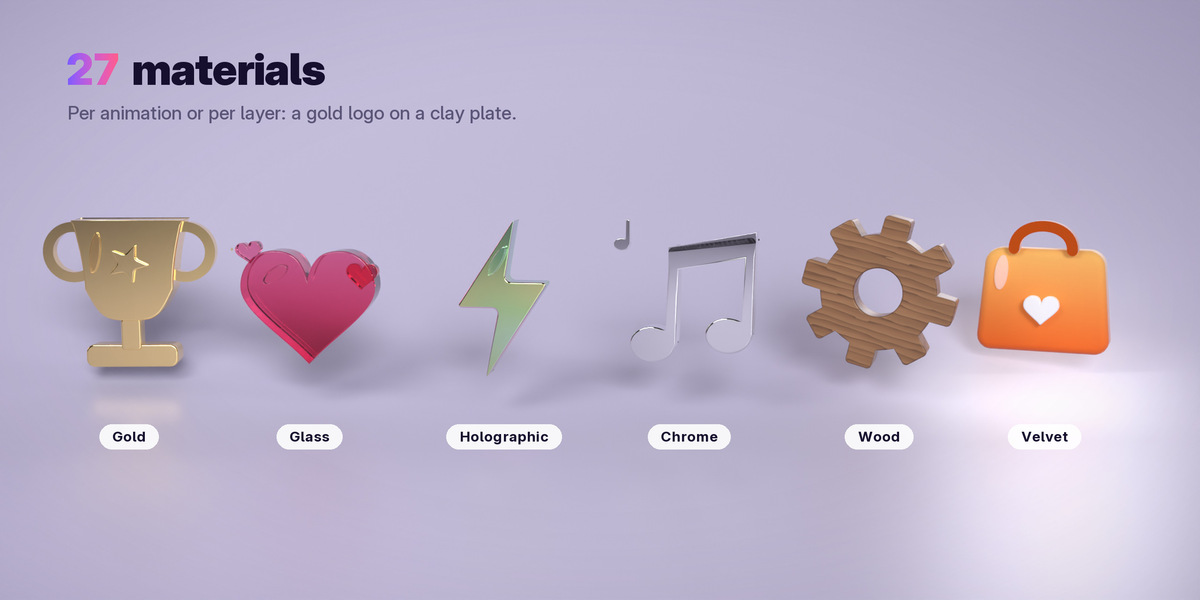
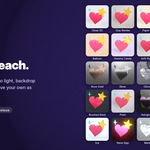
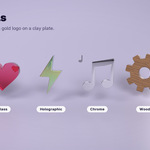
Clean 3D, Clay Render, Paper Cut, Cartoon, Plastic Toy, Balloon, Gummy Candy, Gold, Rose Gold, Silver, Chrome, Copper, Bronze, Brushed Steel, Pearl, Holographic, Glass, Frosted Glass, Ice, Neon Sign, Marble, Wood, Velvet and more: material, bevel, depth, HDRI light, backdrop and shadow in one click, picked from a gallery of previews. Save your own as My Styles.
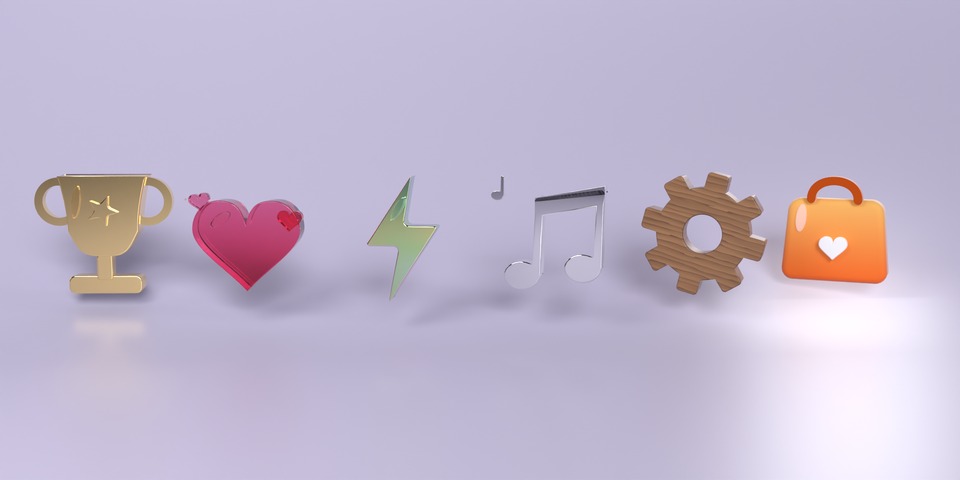
27 materials, per animation or per layer
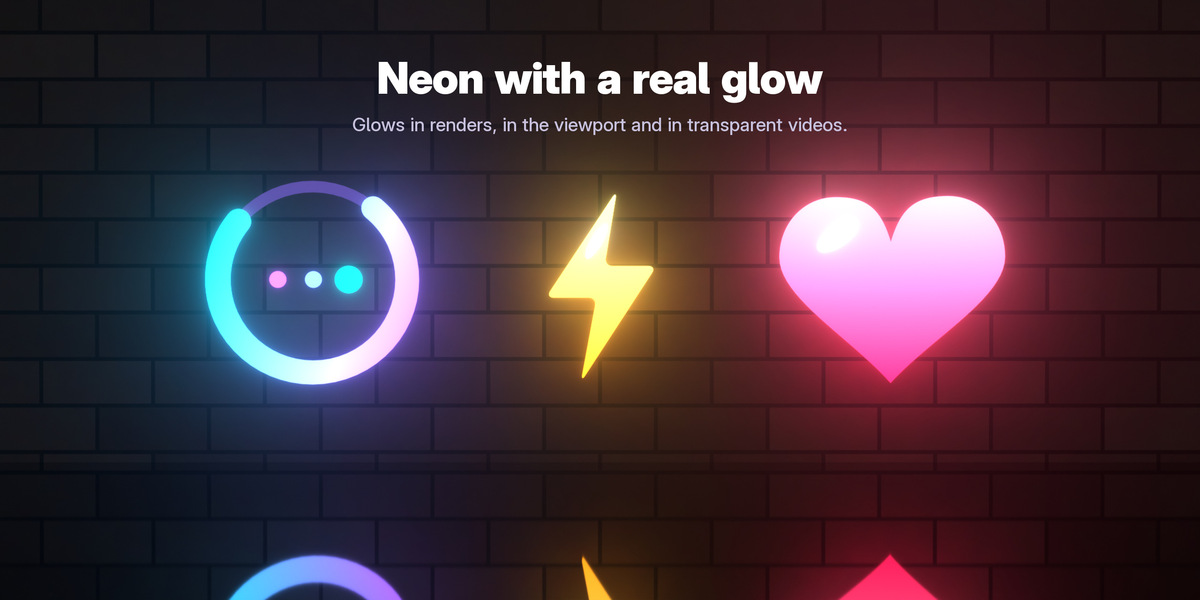
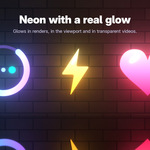
From matte clay and paper to glazed ceramic, gummy candy, polished gold and chrome, holographic foil, refractive glass and ice, neon with a real glow, carved marble and wood. Give each layer its own look: a gold logo on a clay plate.
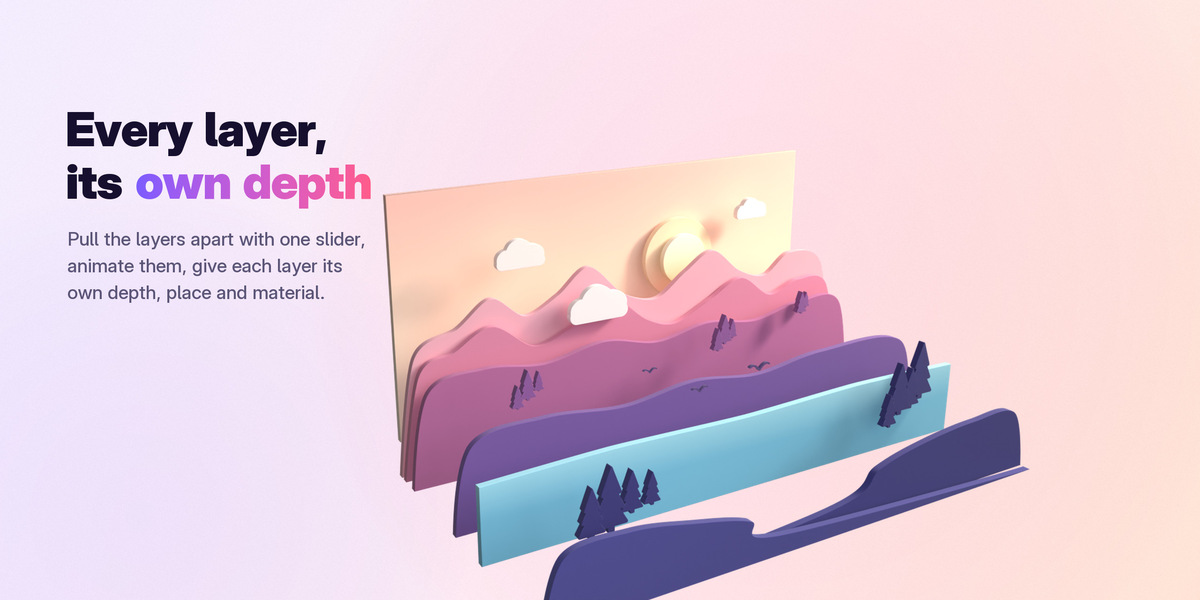
Every layer at its own depth
The Layers panel lists every layer: show, hide or solo it, make it deeper (Depth x), bring it forward, give it its own material. Raise Layer Spacing to pull the layers apart, or animate it to explode them.
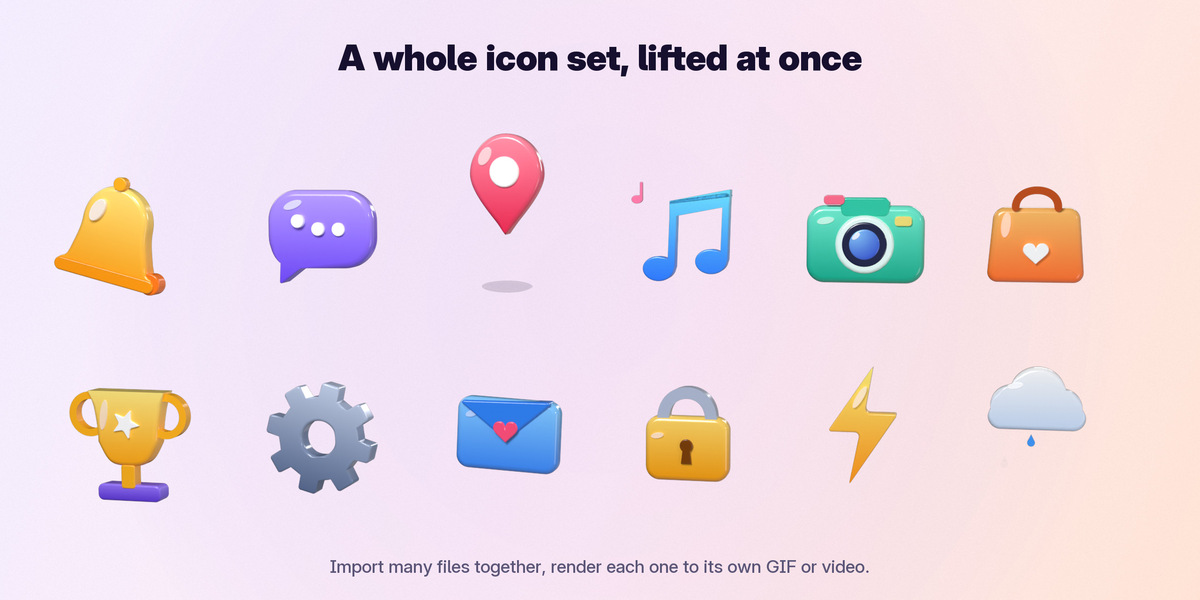
Whole icon packs at once
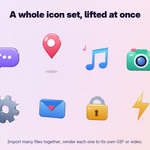
Select a whole set of files at once (or drop them together): they line up side by side, each still animating. Render Each Animation renders them one after another, each through its own camera, into its own file: a whole pack of 3D GIFs or videos in one click.
Motion on top of the animation
Grow In (the depth grows out of the flat picture), Pop In, Spin In, Flip, Spin, Sway, Float, Explode and Build Up (the layers pop in one after another). Speed, start offset and Loop Forever in the Timing panel.
Brand colors in seconds
The Colors panel shows the palette of the animation. Change one color and every shape and gradient of it follows. Paste your brand's hex codes, or recolor with harmonious random colors, shades of one color or black and white. Any color can also take a Blender material of your own.
SVG logos and PNG pictures
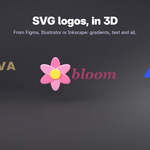
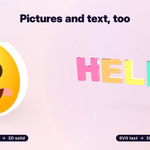
Drop an SVG from Figma, Illustrator or Inkscape: paths, gradients, CSS, clip paths, masks, text (also along a path), arrowheads, images, blurs and drop shadows come in, lifted to 3D right away. Animated SVGs (SMIL and CSS keyframes) play as keyframes. A PNG logo, sticker or character with a see-through background becomes a solid in its own shape, with the picture on its front.
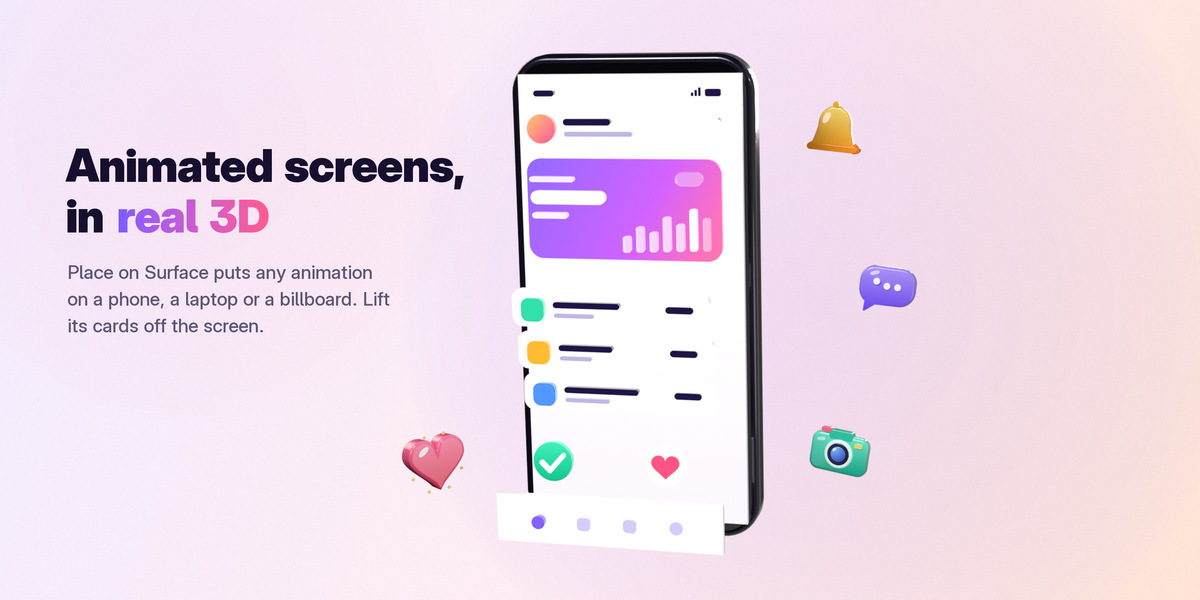
Animated screens on any surface
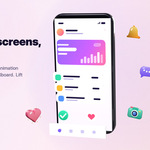
Place on Surface puts the animation on a phone screen, a laptop, a billboard or a wall in your scene: centered, scaled to fit and following the object when it moves. Lift the UI cards off the screen for a real 3D product shot.
Neon with a real glow
The Neon look makes shapes glow like neon tubes, with a bloom of their own light (white shapes and lit walls never bloom), in renders, in the viewport and in transparent renders.
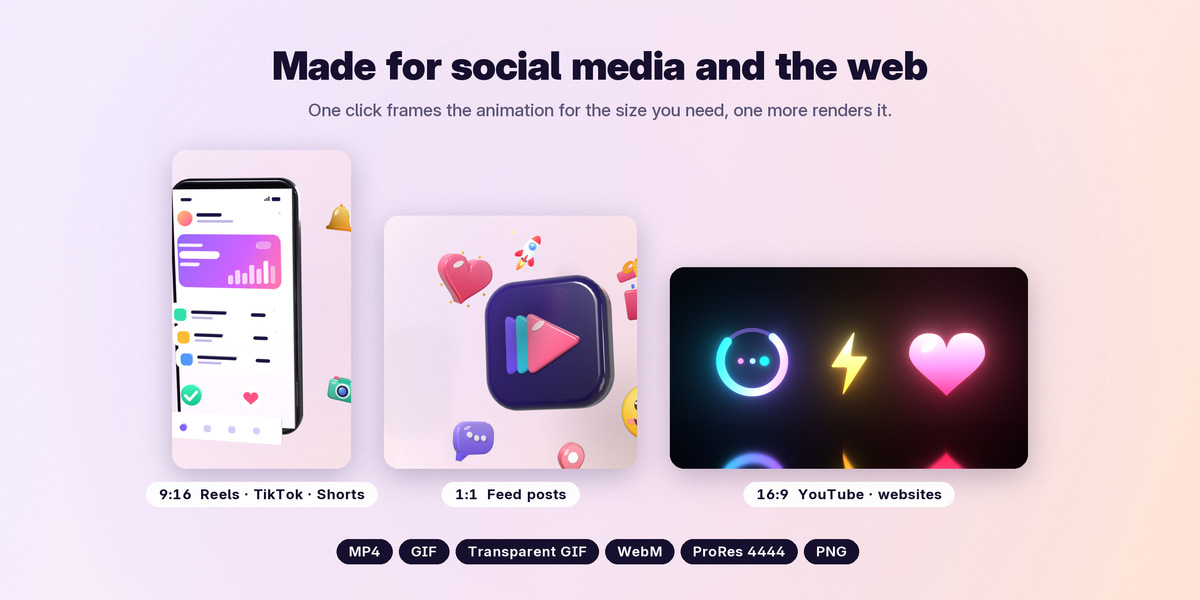
Ready for social media
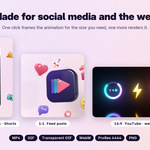
One click sets the video size (square, 4:5, 9:16 for Reels, TikTok and Shorts, Full HD, 4K) and frames the animation. Render to MP4, animated GIF, transparent GIF, PNG sequence, WebM with transparency or ProRes 4444. Camera angles (front, three-quarter, isometric, from above, hero), camera moves (orbit, swing, push in), depth of field, motion blur and quality from Draft to Photoreal (Cycles).
A complete studio, built in
Six studio-quality HDRI environments come with it (from Poly Haven, CC0), plus Blender's own; a shadow-only floor, a seamless studio backdrop in any color or a glossy mirror floor; studio lights with one Power slider; a reflection card for shining metal and glass. Background: Blender's gray, any exact color, or transparent.
Bake and export anywhere
Bake 3D records the animation into the file for smooth playback and render farms. Export 3D Animation writes Alembic and USD/USDZ (Cinema 4D, Houdini, Maya, Unreal, Unity, AR). Export 3D Model writes STL (sized in millimeters, for 3D printing), OBJ, GLB and FBX. Files keep working without the add-on: send the .blend to a client or a render farm.
Exactly like the original
LottieLift is checked against lottie-web, the reference Lottie player, on 946 real animations (the LottieFiles, lottie-android, lottie-ios, ThorVG, Skia and rlottie test suites), frame by frame, pixel by pixel. Timing and easing, shapes, trims, gradients, strokes and dashes, mattes and masks, text (with installed fonts or embedded glyphs, per-letter animators, text on a path), effects (Drop Shadow, Gaussian Blur, Tint, Tritone, Levels, Stroke) and After Effects expressions (a built-in expression engine) all come across. Colors blend in sRGB like After Effects and browsers.
What you get
- The LottieLift extension for Blender 5.0, 5.1, 5.2 LTS and 5.3 (Windows, macOS, Linux).
- Six sample animations (a like heart, a gift box with confetti, a laughing smiley, a rocket, a sunny weather icon, a neon loader): one click opens each in 3D with a style, free to use in your work.
- Six HDRI environments (Poly Haven, CC0), packed into your files when used.
- Full documentation on this page, free updates for Blender 5.x.
Supported files
Requirements
Blender 5.0 or newer (tested on 5.0, 5.1, 5.2 LTS and 5.3). Works with EEVEE and Cycles. No internet connection or account needed: everything runs inside Blender.