 loviz
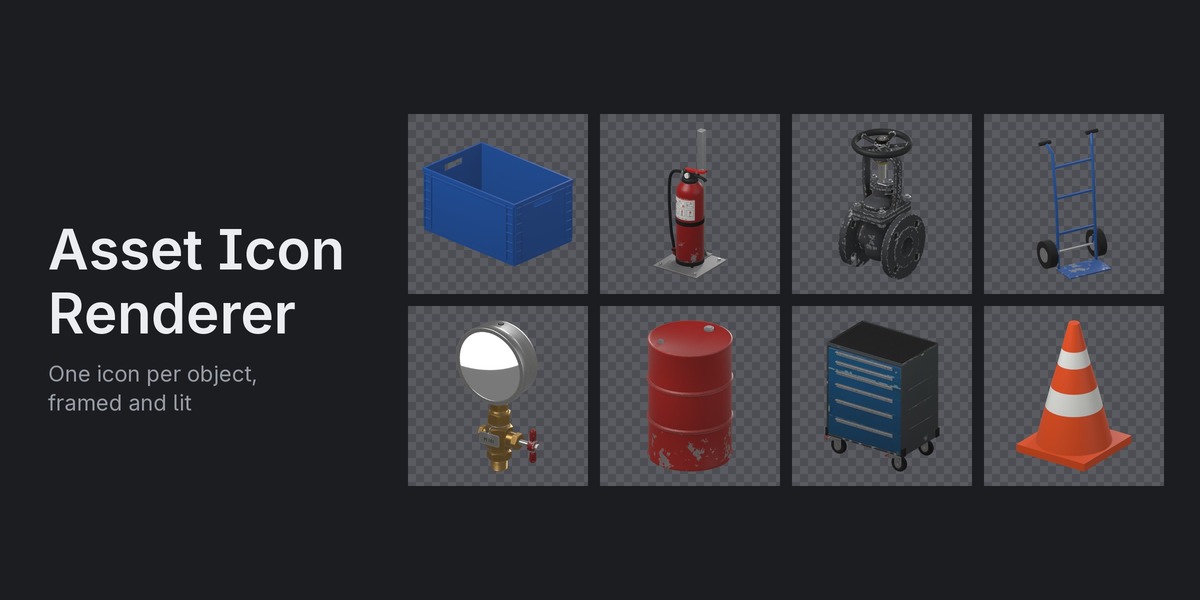
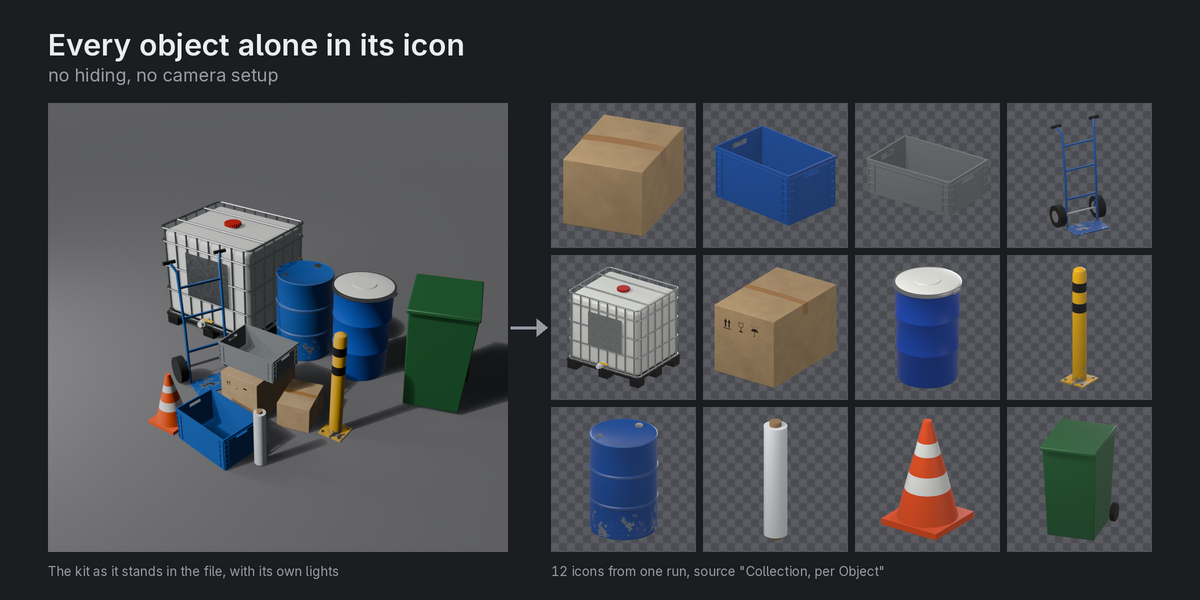
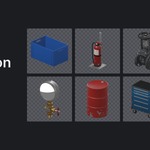
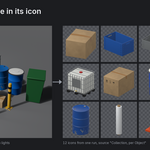
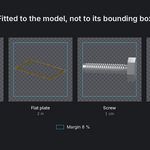
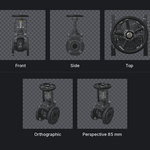
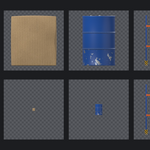
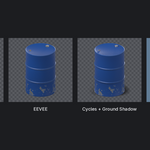
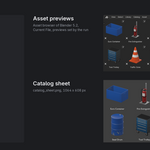
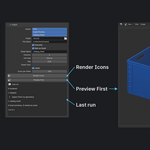
One framed, evenly lit icon per object or collection: PNG files, asset browser previews and catalog sheets in one run.
Asset Icon Renderer makes icons of many objects at once. Pick a source (the selection, a collection or all marked assets), and every object or collection is rendered alone in its image: fully in frame, centred, with the margin you set, lit by a built-in studio light, on a transparent or plain background.
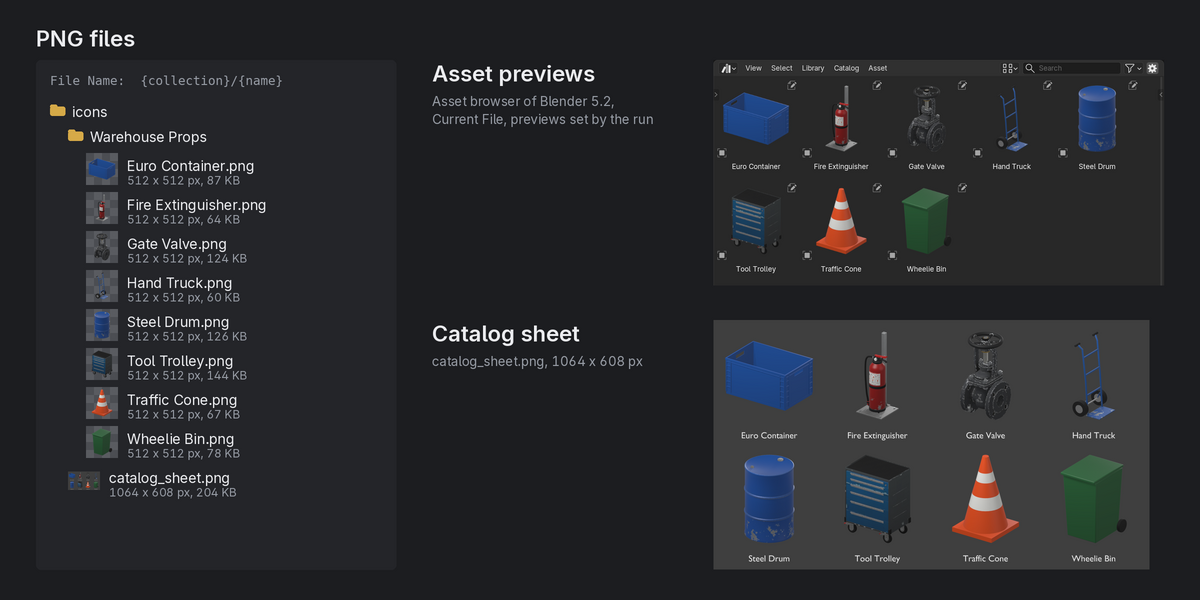
The icons go where you need them: as PNG files with a naming template, as previews in the asset browser, and as a catalog sheet that shows the whole set in one picture. After the run the file is as it was before.
What you get
- Four sources. Selected objects, a collection per object, a collection per child collection, or every marked asset of the file. Children belong to the icon of their parent.
- Every target alone in its image. Neighbours, their shadows and the lights of the file stay out. Nothing has to be hidden or moved by hand.
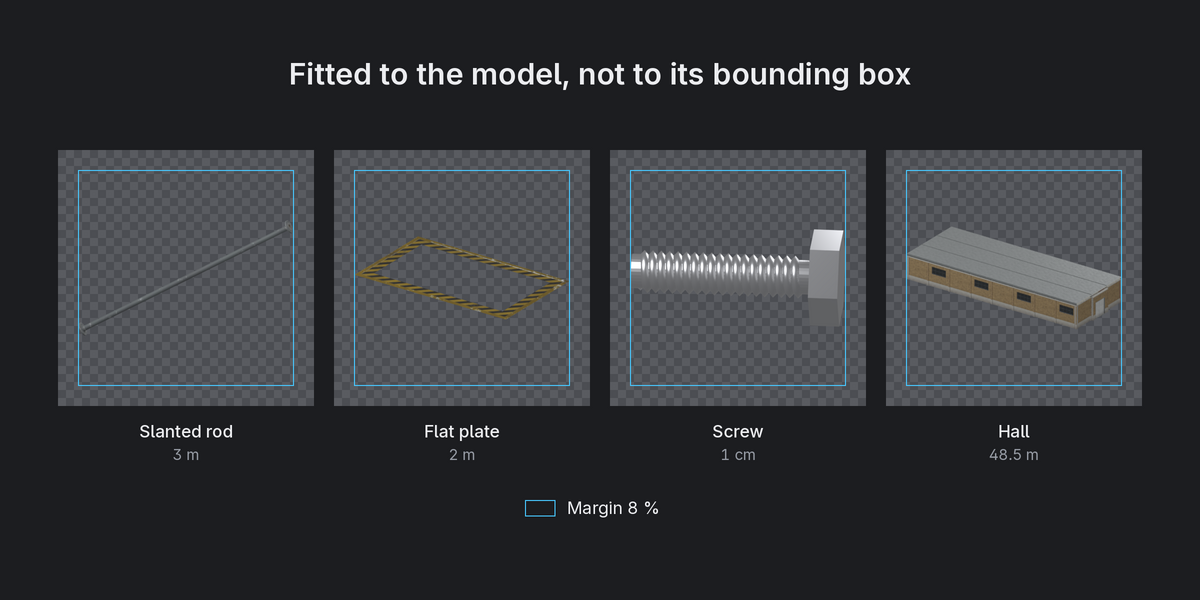
- Automatic framing. The camera is fitted to the points of the model as it is shown, modifiers, children and collection instances included. Long, flat, tiny and huge objects all sit centred with the same margin (8 % by default).
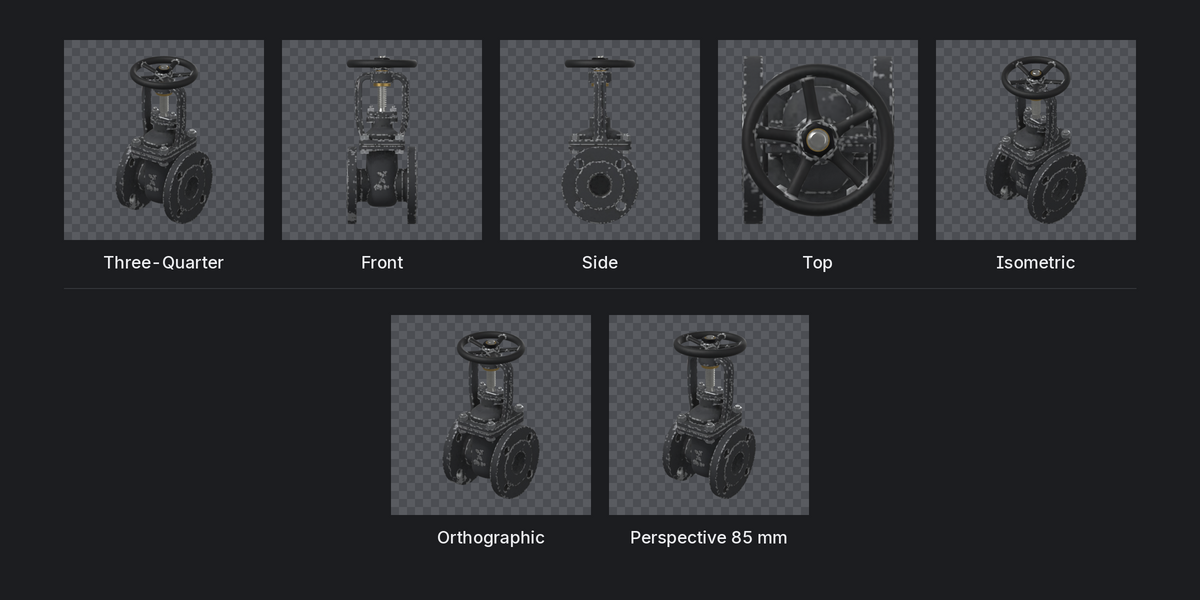
- Five views. Three-quarter with free angles, front, side, top and isometric. Orthographic or perspective with a focal length of your choice.
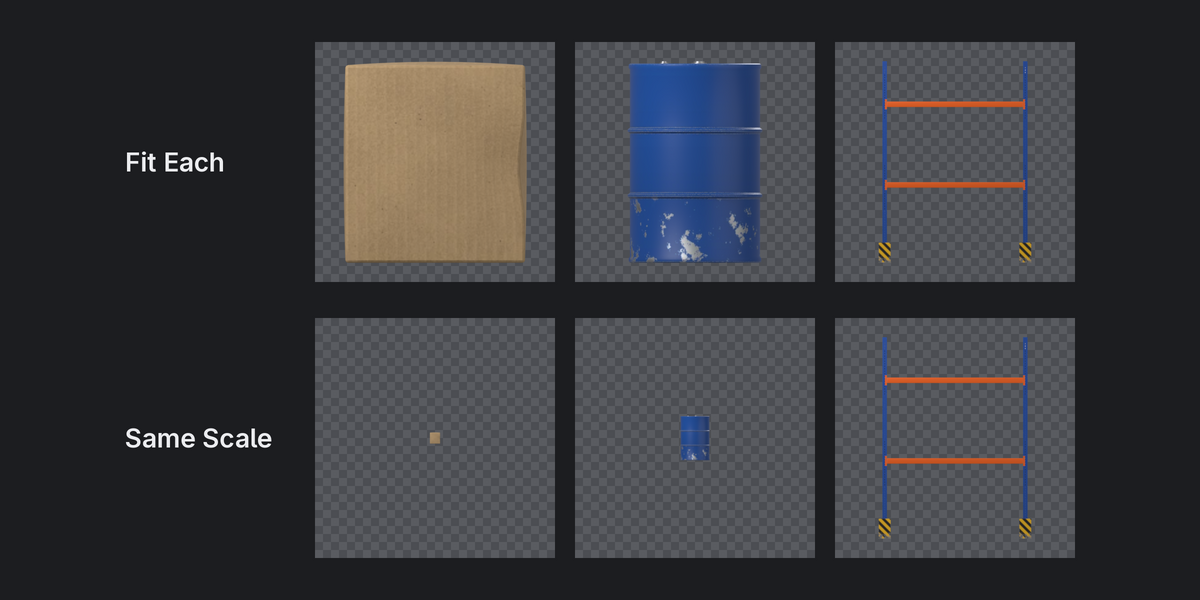
- Fit Each or Same Scale. Every icon filled, or one scale for the whole run so the icons show the true sizes.
- Built-in studio light. Key, fill and rim light stand relative to the camera and scale with the model, so a 1 cm part and a 50 m part come out equally bright. A switch uses the world of the scene instead of the neutral one.
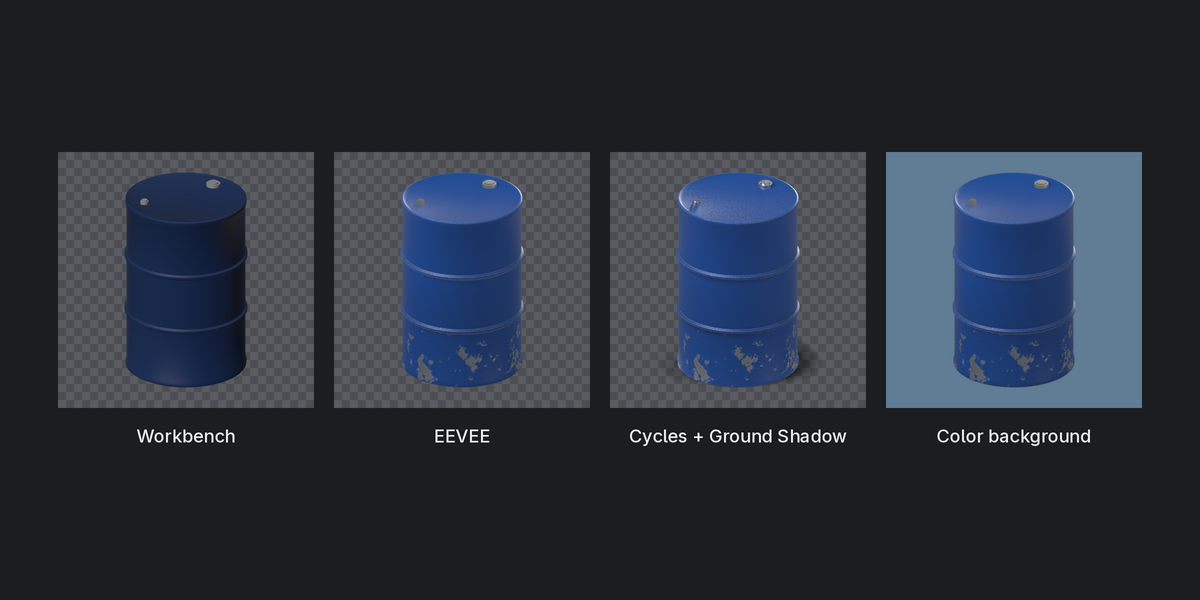
- Three renderers. EEVEE, Workbench (material color or one color) and Cycles, with an optional soft ground shadow in Cycles.
- Transparent or color background. Sizes from 64 to 2048 pixels square, or a size of your own from 32 to 4096.
-
Three outputs, in any mix. PNG files with a name template (
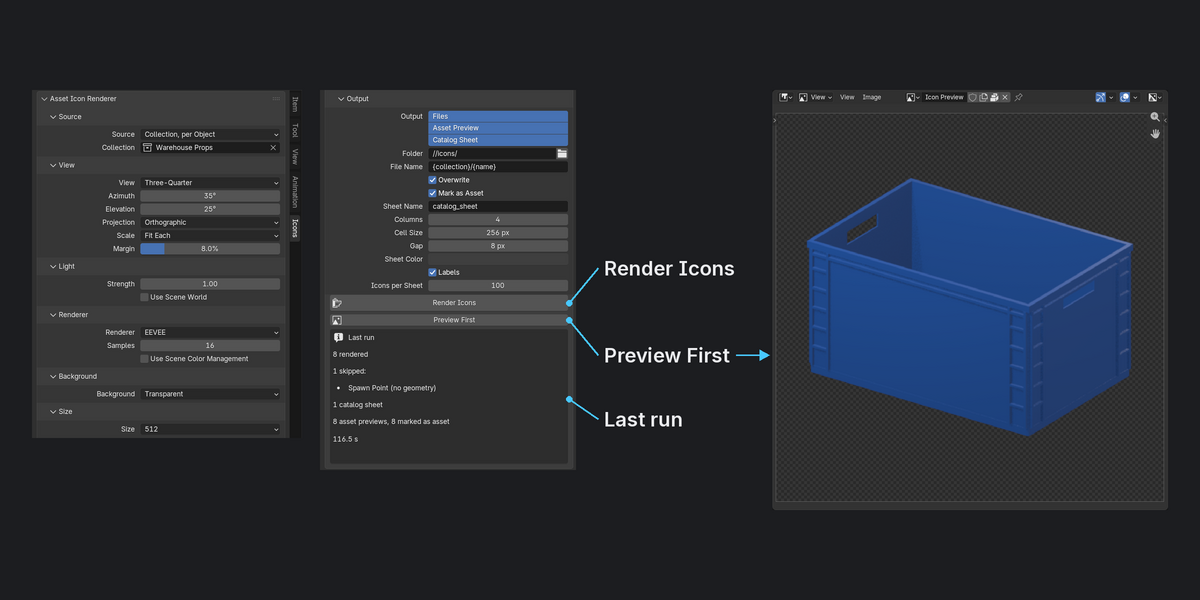
{name},{index},{collection}), custom previews for the asset browser with optional "Mark as Asset", and catalog sheets with optional labels. - Preview First. Renders only the first target and shows it in the image editor, to check the look before a long run.
- A clean file afterwards. Scene, camera, render settings, selection, visibility and color management are not touched. Everything the run adds is removed again, also after an error or after Esc.
- A report for every run. The status bar says how many icons were rendered, names every skipped target with the reason, and gives folder and duration. The last report stays in the panel.
Settings at a glance
| Part | Choices | Default |
|---|---|---|
| Source | Selected Objects, Collection per Object, Collection per Child Collection, Marked Assets | Selected Objects |
| View | Three-Quarter, Front, Side, Top, Isometric | Three-Quarter, 35° and 25° |
| Projection | Orthographic, Perspective | Orthographic (perspective: 85 mm) |
| Scale | Fit Each, Same Scale | Fit Each |
| Renderer | EEVEE, Workbench, Cycles | EEVEE (Cycles: 32 samples) |
| Background | Transparent, Color | Transparent |
| Size | 64, 128, 256, 512, 1024, 2048, Custom | 512 |
| Output | Files, Asset Preview, Catalog Sheet | Files, folder //icons/
|
Icons in game engines
The files are plain 8 bit PNGs with alpha. Unreal Engine, Unity and Godot all import such a file as a texture that can be used in the UI.
Unreal Engine. Drag the PNGs into the Content Browser. For UI use, set Texture Group to "UI" and Compression Settings to "UserInterface2D (RGBA)" on the texture, then use it in a UMG Image widget.
Unity. Copy the PNGs into the Assets folder and set Texture Type to "Sprite (2D and UI)" in the import settings. The sprite can then be the Source Image of a UI Image.
Godot 4. Copy the PNGs into the project folder. Godot imports them as Texture2D, ready for a TextureRect or as the icon of a Button.
Asset Icon Renderer writes the PNG files. It has no importer or plugin for the engines.
What it is not
- It is not a turntable or animation renderer. One still image per target, at the current frame.
- It does not build scenes or backdrops. The background is transparent or one color, plus a ground shadow in Cycles.
- It does not write sprite atlases with coordinates for an engine. The catalog sheet is an overview picture.
Requirements
- Blender 4.5 LTS or newer (extension format). Tested on Blender 4.5 LTS and 5.2.
- Pure Python, no compiled parts. No other add-on and no internet access needed. I test on Linux.
- The add-on asks for one permission: writing files, for the PNGs.
- EEVEE needs a graphics card to be fast. Workbench stays fast without one, and Cycles can render on the CPU.
- License: GPL-3.0-or-later.