 loviz
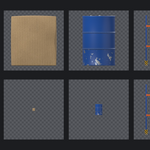
Installation
- Download the file
loviz_asset_icon_renderer-1.0.0.zip. Do not unpack it. - In Blender open Edit > Preferences > Get Extensions.
- Click the arrow at the top right and choose "Install from Disk", then pick the file. Dragging the file into the Blender window works too.
- The panel is in the sidebar of the 3D viewport (key N), tab "Icons".
Render icons
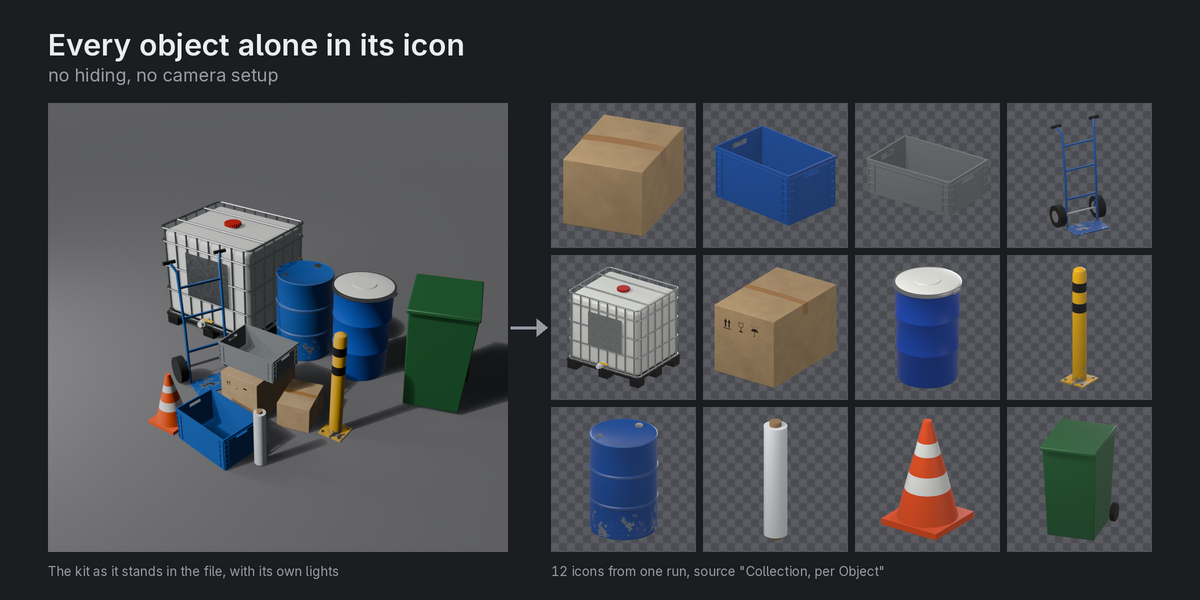
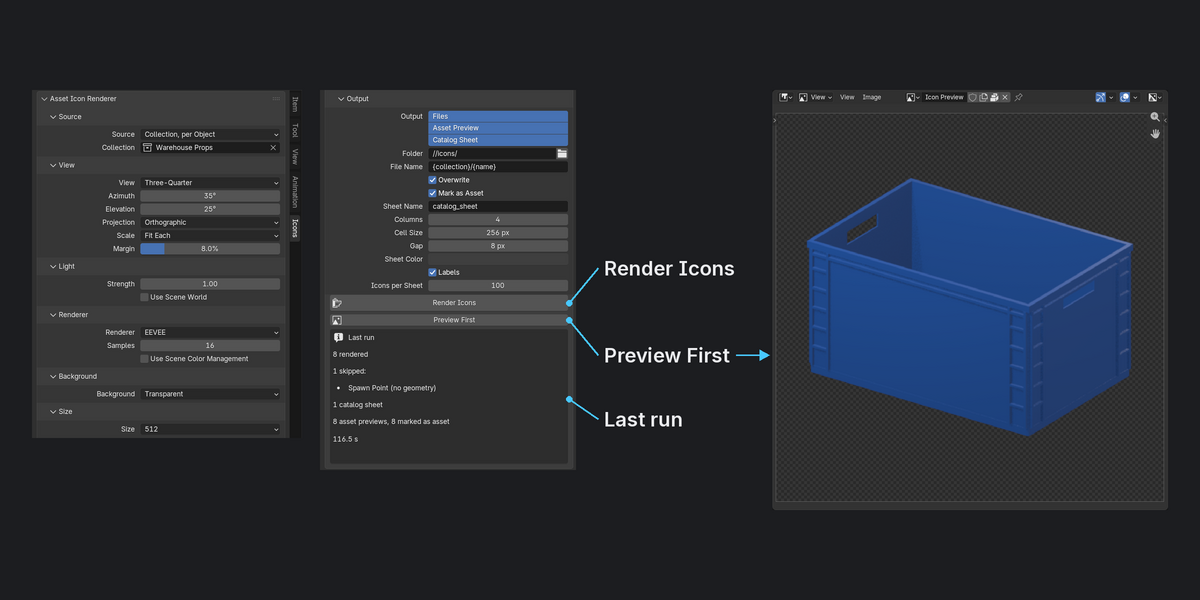
- Work in Object Mode. Pick a source; for the two collection sources also pick the collection.
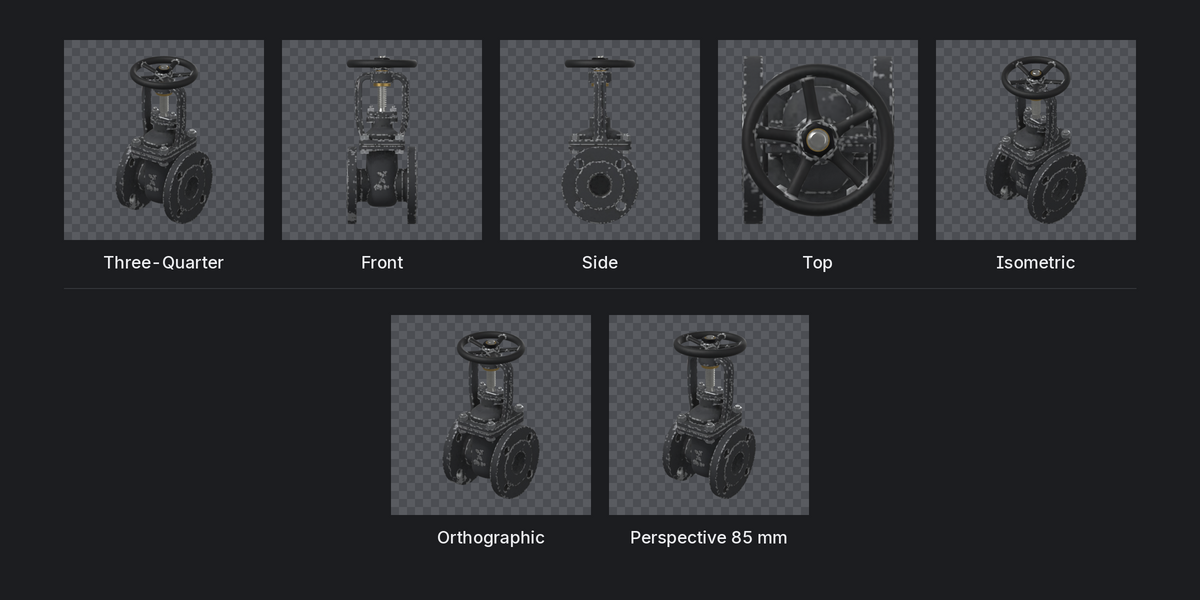
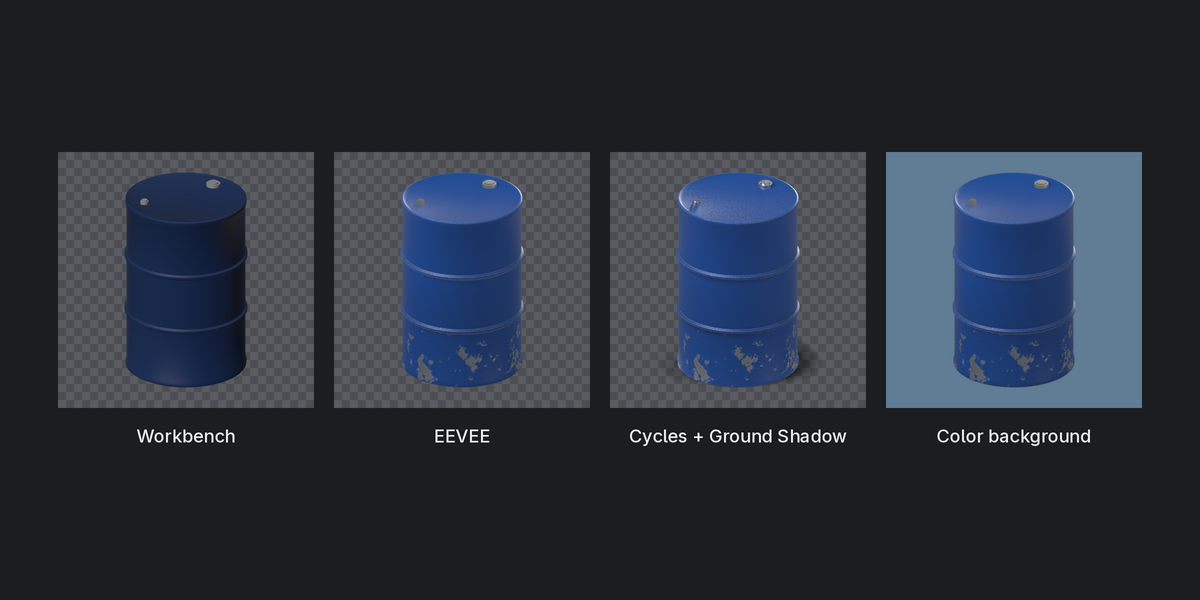
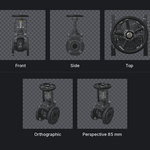
- Set view, projection, margin, renderer, background and size.
- Pick one or more outputs. For files and catalog sheets, save the .blend first or set an absolute folder: the default folder
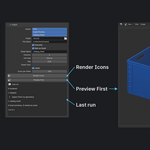
//icons/lies next to the file. - "Preview First" shows the first icon in an open image editor. The image is also kept in the file as "Icon Preview".
- "Render Icons". The status bar counts the icons. Esc stops the run, and the icons finished by then stay.
Skipped and named in the report: targets without geometry (empties, lights, cameras, curves without bevel or extrusion) and targets that are switched off for renders. Objects inside a collection that is switched off for renders stay out of the icon, so collision meshes and helpers kept that way do not show.
File names
-
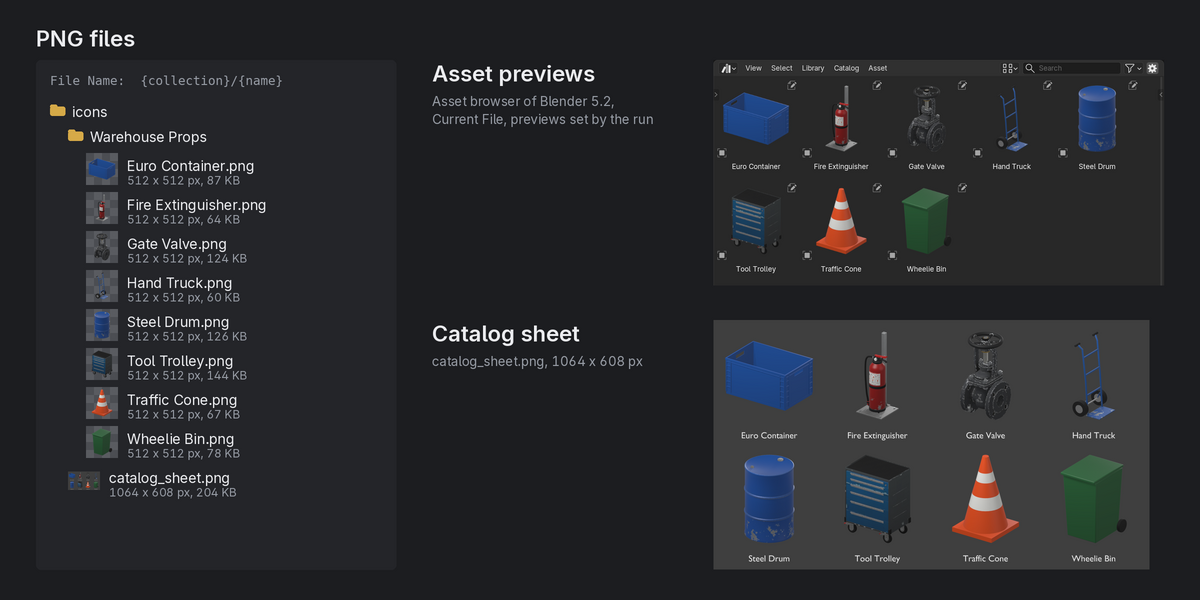
{name}is the target,{index}its number in the run (001),{collection}its collection. A/in the template makes a sub-folder, for example{collection}/{name}. - Characters that file systems do not take become
_. - Two targets with the same file name get
_2,_3. Upper and lower case count as the same name. - "Overwrite" is on by default. Turned off, a new file gets a number instead of replacing the old one.
Asset previews
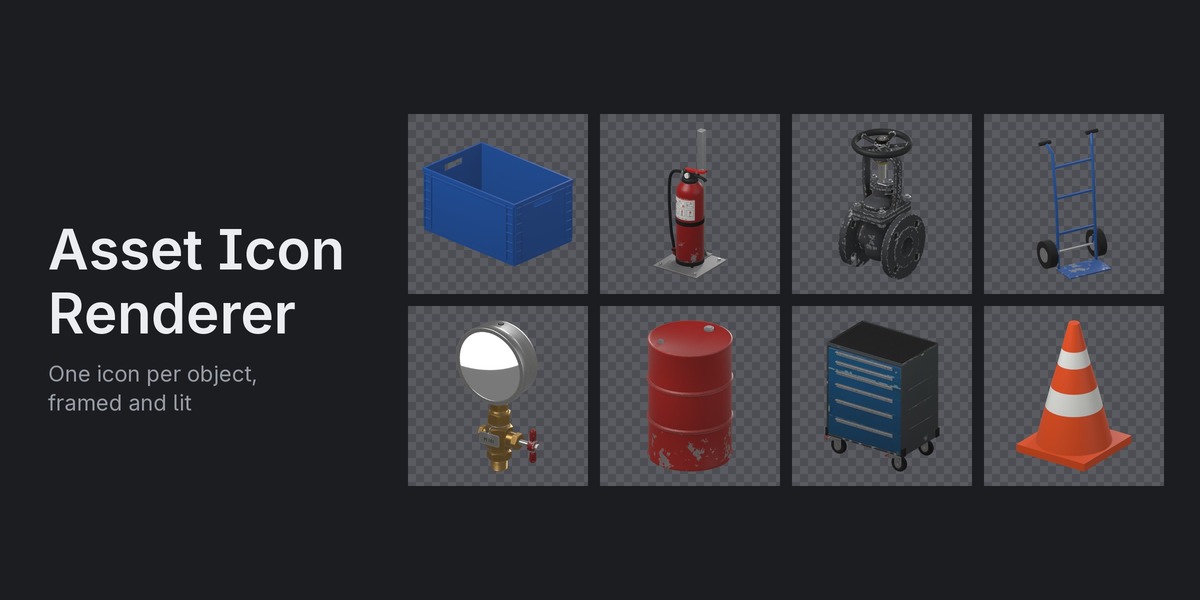
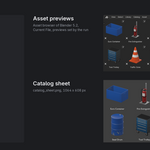
The icon becomes the custom preview of the object or collection, at up to 256 pixels. "Mark as Asset" is off by default: turn it on to mark targets that are no assets yet, so they show up in the asset browser with their new preview. Targets linked from another file get no preview; the report counts them.
Catalog sheets
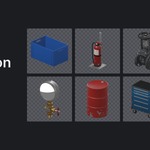
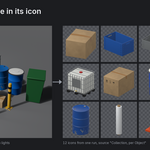
All icons of the run in a grid: columns (0 makes the sheet close to square), cell size, gap, background color with alpha, and optional labels with the name below every icon. A sheet holds 100 icons by default; more go on further sheets, numbered _01, _02.
Limits
- The model is measured as the viewport shows it at the current frame, with modifiers in their viewport setting. A modifier that only works in renders is not part of the framing.
- Hair curves, point clouds, volumes and Grease Pencil are framed by their bounding box.
- What a material adds beyond the surface, such as displacement in Cycles, is not measured.
- Edges are antialiased, so the soft rim of a model reaches one or two pixels into the margin.
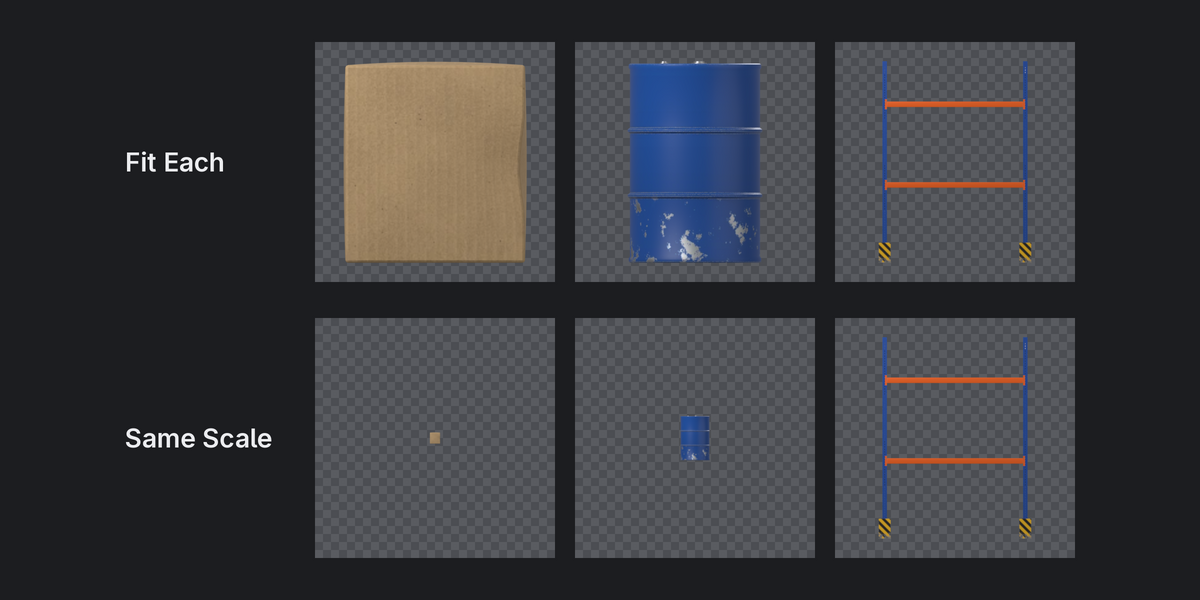
- "Same Scale" in perspective gives all targets the same camera distance. For exact size ratios use orthographic.
- Workbench has its own studio lighting. Light strength and the world have no effect there.
- The ground shadow is for Cycles only.
- While a run lasts, Blender takes no other input but Esc.
FAQ
Is the object really fully in the picture?
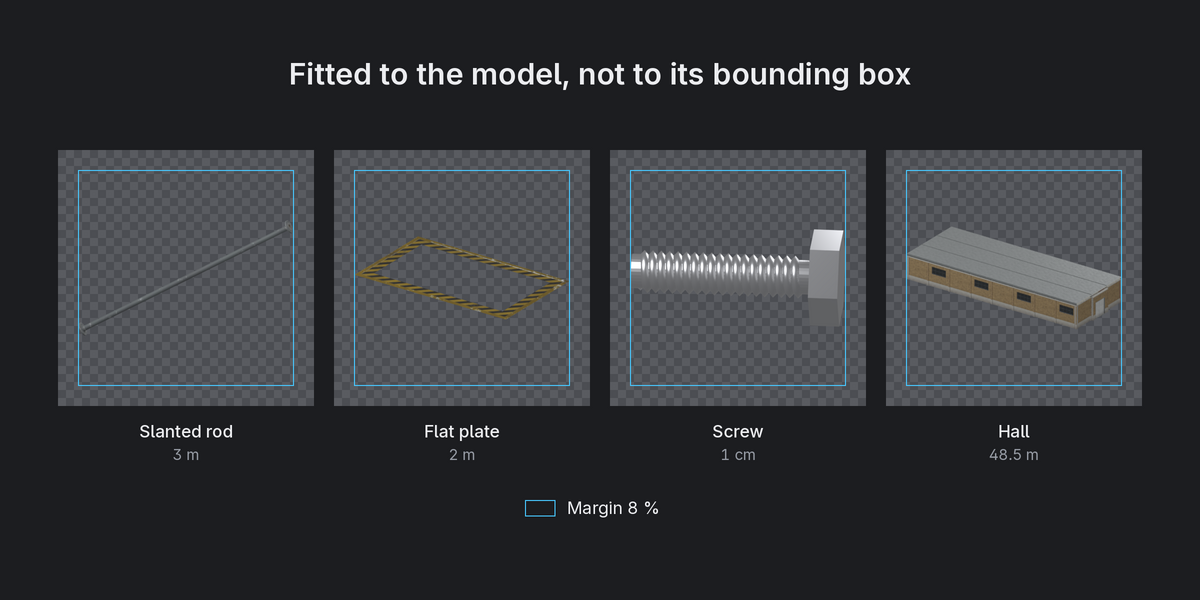
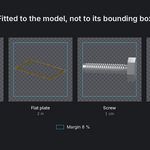
Yes. The camera is fitted to the points of the model as the camera sees them, with modifiers, children and collection instances. My tests render cubes, a long slanted rod, a flat plate, mirrored and unevenly scaled objects, a 1 cm and a 50 m object in every view, and check that nothing touches the edge of the image and that the model sits in the middle.
How long does a run take?
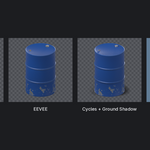
That depends on the renderer and on your graphics card. In my test 30 objects at 256 px took 2.1 s in Workbench on Blender 5.2.2, on a machine with 4 CPU cores and no GPU. EEVEE and Cycles take longer and depend on your graphics card; without one, EEVEE is drawn in software and takes minutes for the same run.
Can I use my own lighting?
In part. The switch "Use Scene World" lights the icons with the world of your scene, and "Strength" sets the brightness of the studio lights. Lamps of your file are never part of an icon.
Do the icons show in the asset browser?
The output "Asset Preview" sets the icon as the custom preview of the object or collection. The asset browser shows objects and collections that are marked as assets, so turn on "Mark as Asset" for targets that are not marked yet.
Have questions about this product?
Login to message
| Blender Extension Compatible | Yes |
| Published | about 8 hours ago |
| Blender Version | 4.5 - 5.2 |
| Extension Type | Add-on |
| License | GPL |
Discover more products like this
unity catalog ui batch render game assets inventory unreal preview icons godot thumbnails asset-browser