 loviz
loviz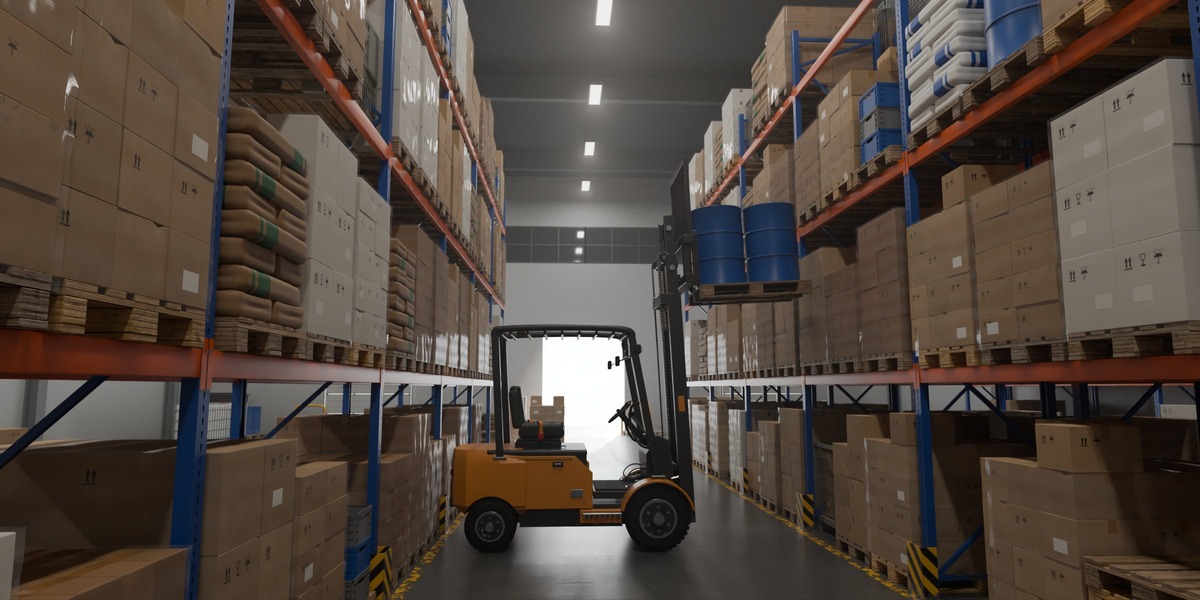
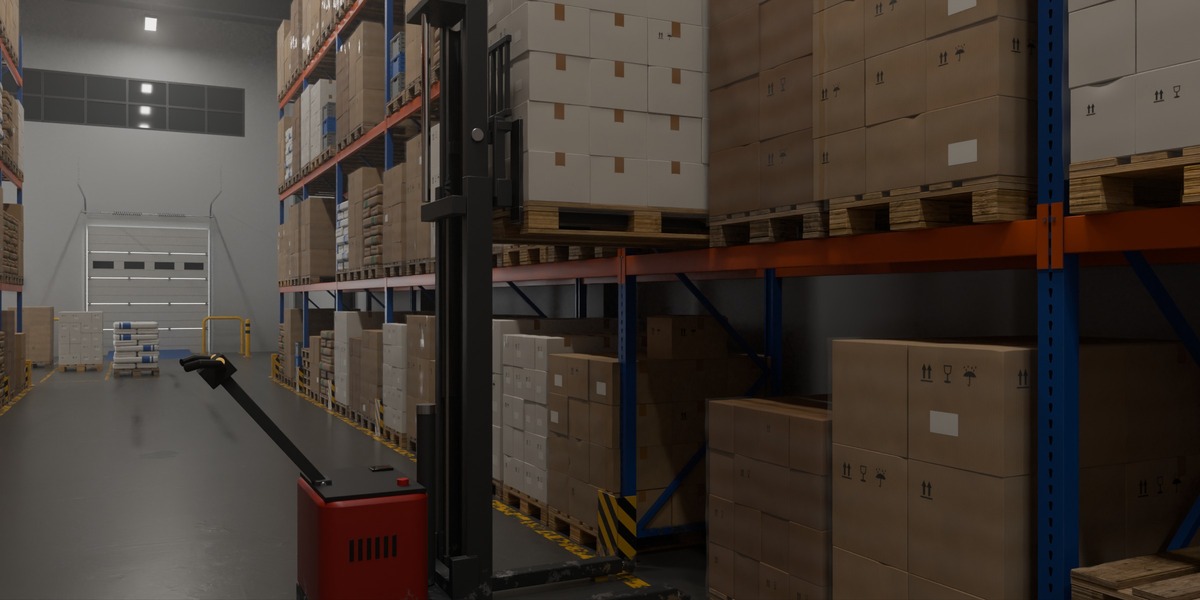
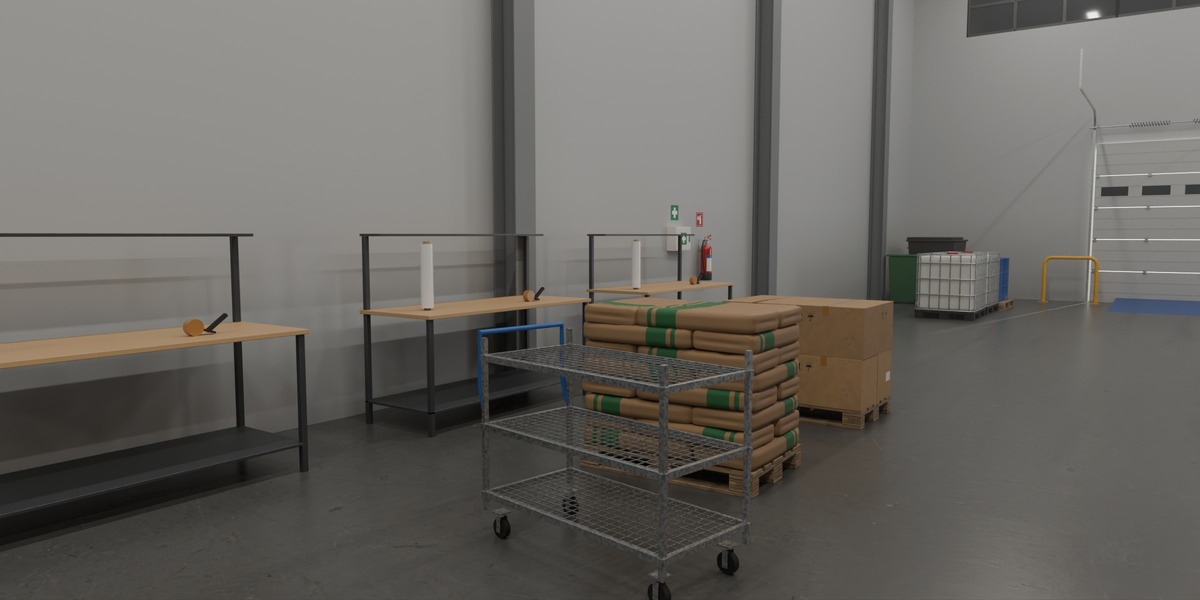
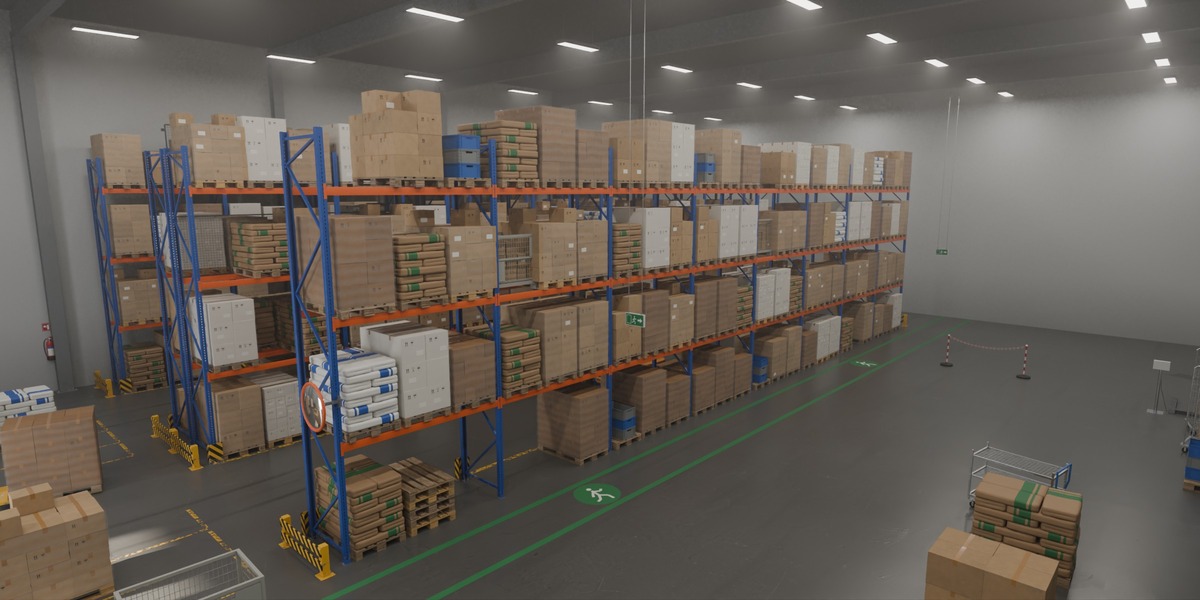
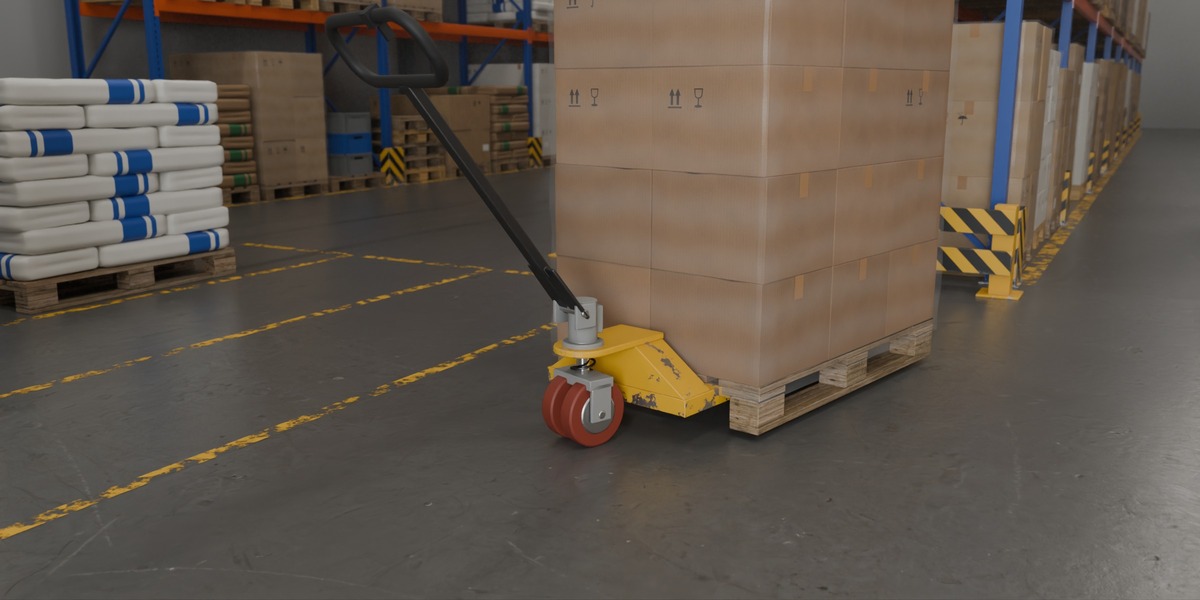
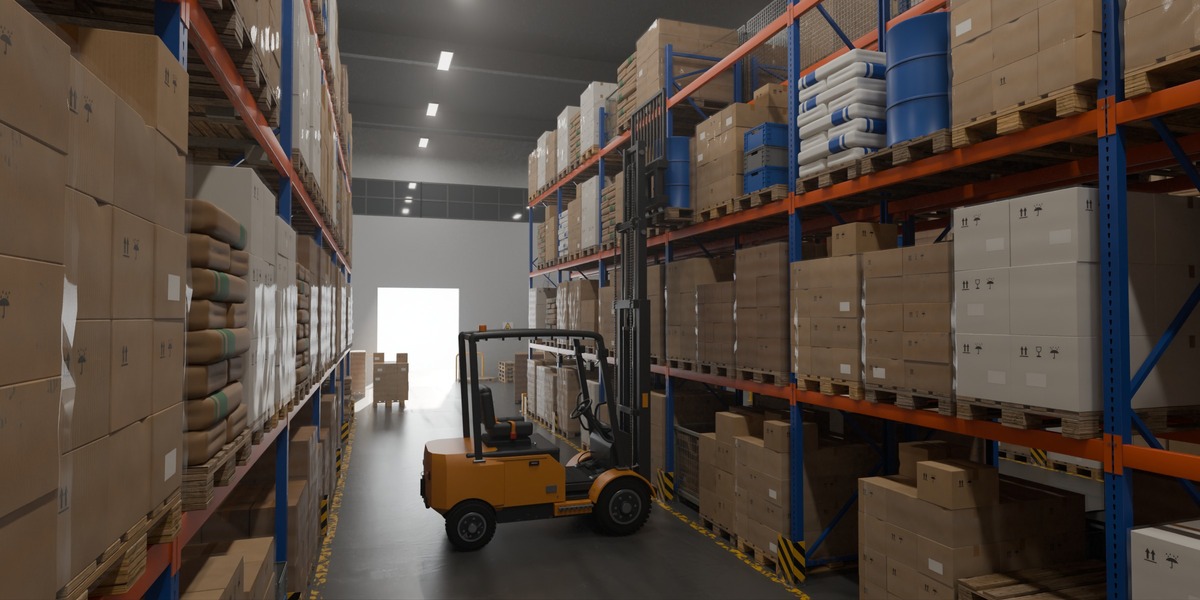
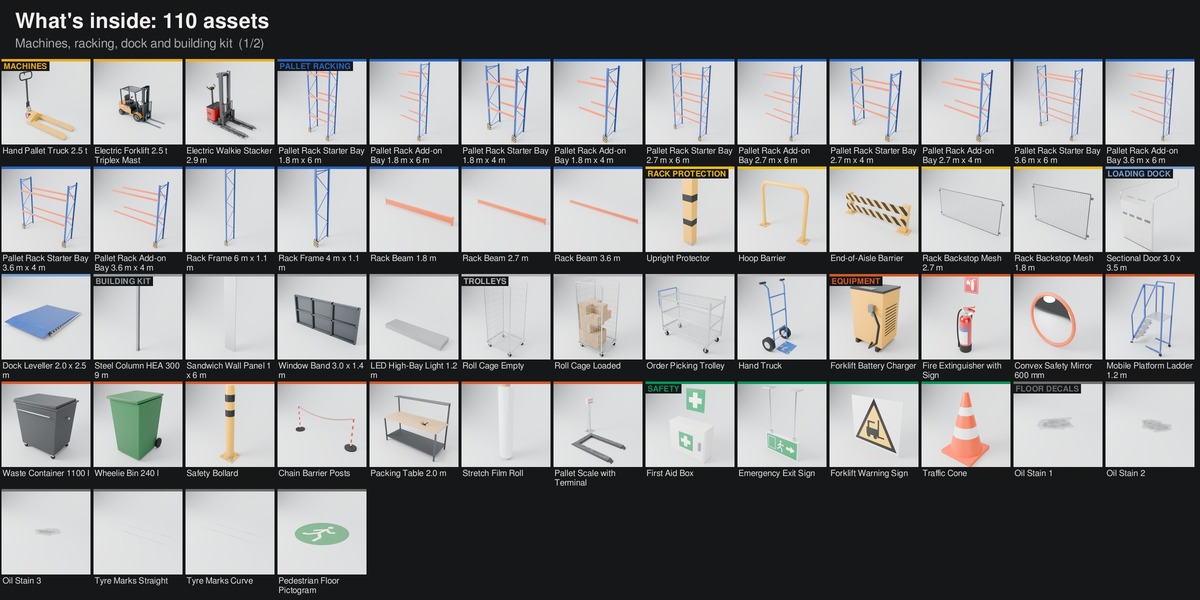
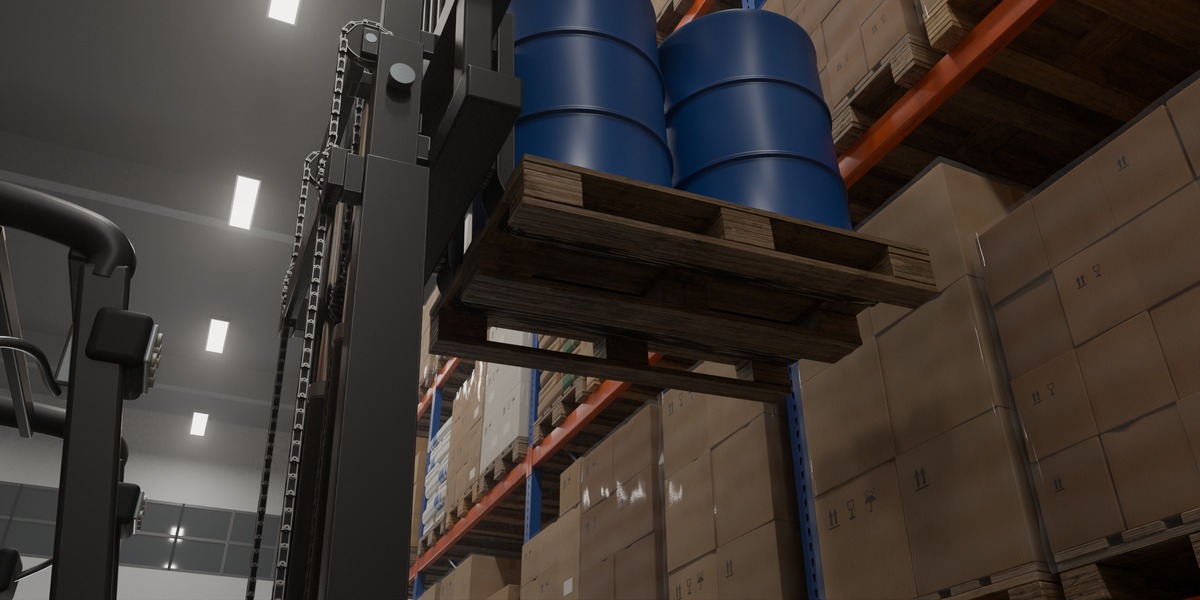
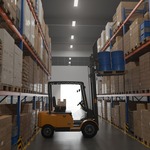
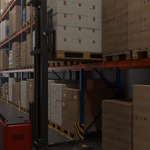
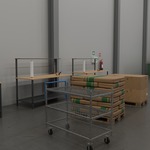
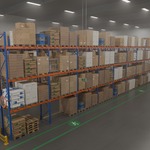
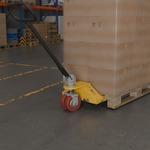
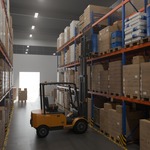
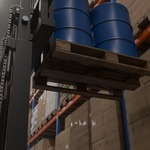
Open Warehouse-Kit-Scene.blend and render the finished hall in Cycles (active camera: Camera 01 Hero).
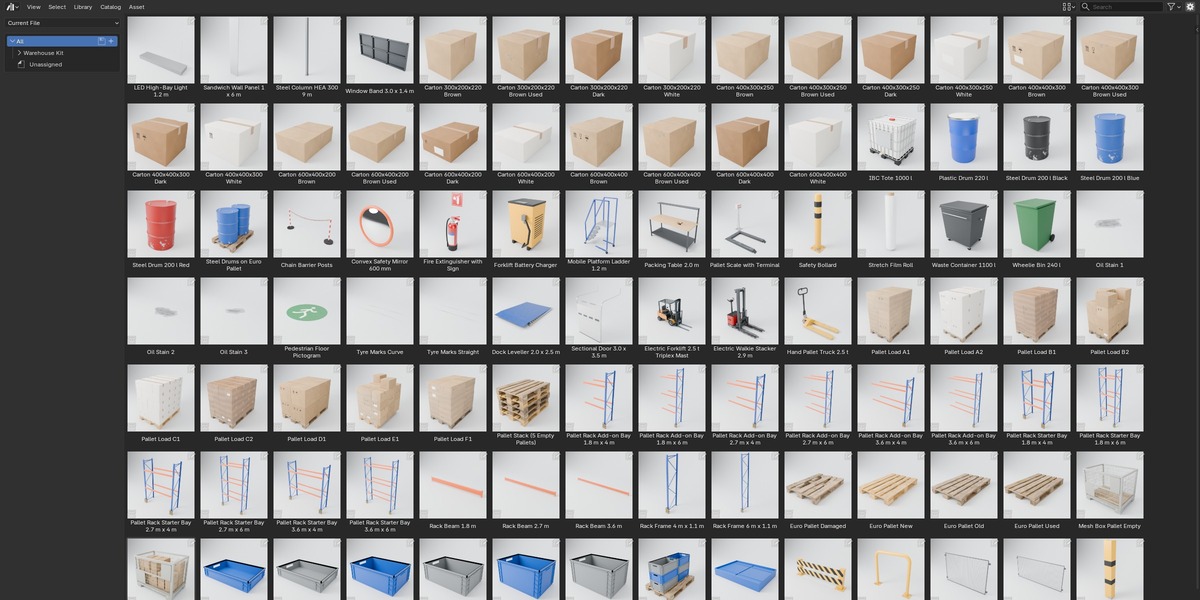
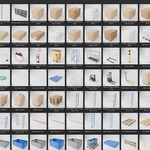
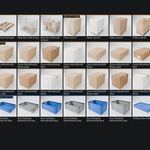
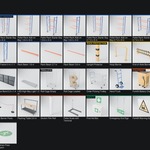
Asset Browser: open Warehouse-Kit-Library.blend, or add its folder under Edit > Preferences > File Paths > Asset Libraries; keep blender_assets.cats.txt next to the library file.
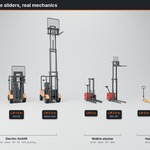
Dropped assets arrive as collection instances. For the machines, untick Instance in the Adjust Last Operation panel (or set the library Import Method to Append) so the rig can be posed.
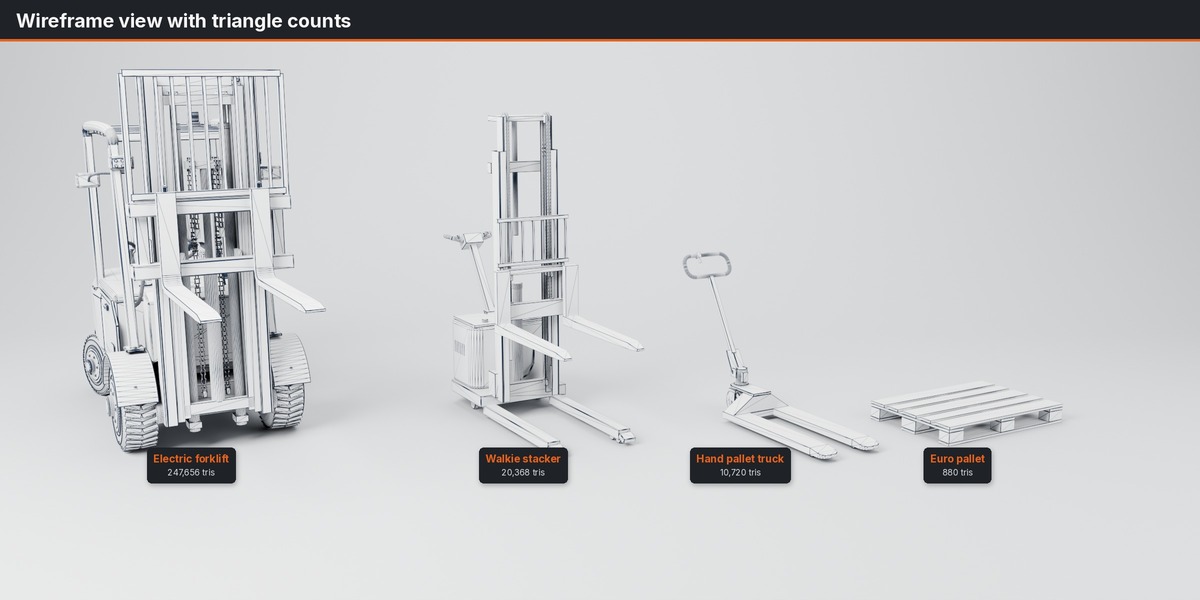
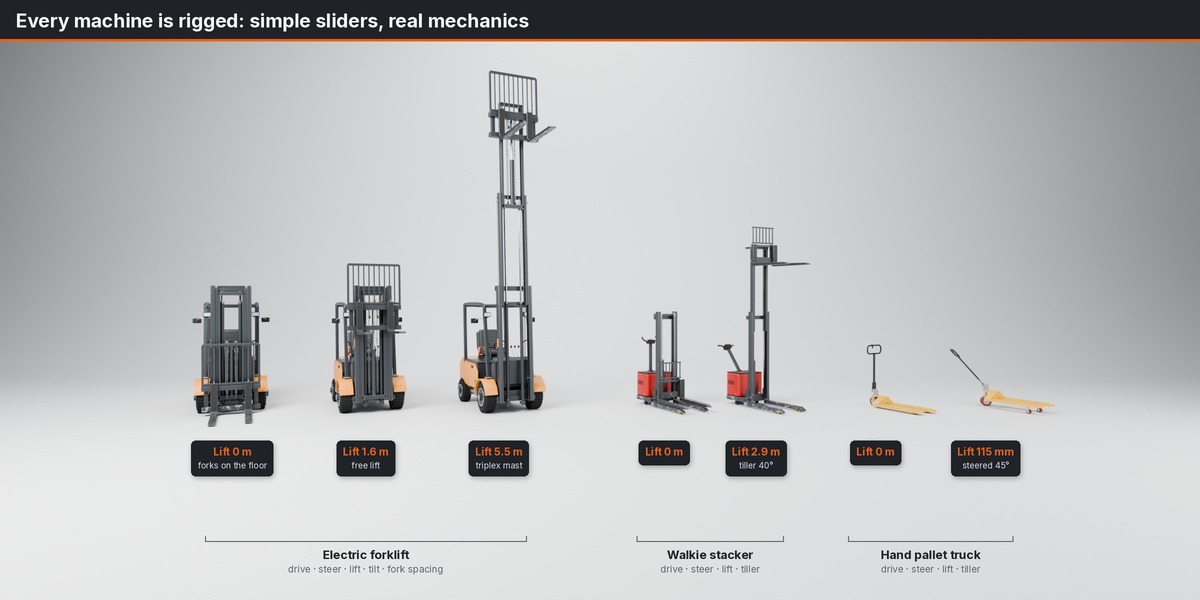
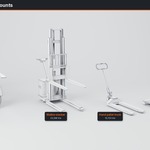
Machine controls: select the rig (Forklift_RIG, Walkie Stacker_RIG, Hand Pallet Truck_RIG), Pose Mode, select CTRL_ROOT, N sidebar > Item > Properties. Every control has a tooltip.
Forklift: lift_m 0 to 5.5 m, mast_tilt_deg -8 to +4, steer_deg -32 to +32, fork_spacing_m 0.40 to 0.84, drive_m. Walkie stacker: lift_m 0 to 2.9 m, handle_deg, steer_deg, drive_m. Hand pallet truck: lift_m 0 to 0.115 m, handle_deg, steer_deg, drive_m.
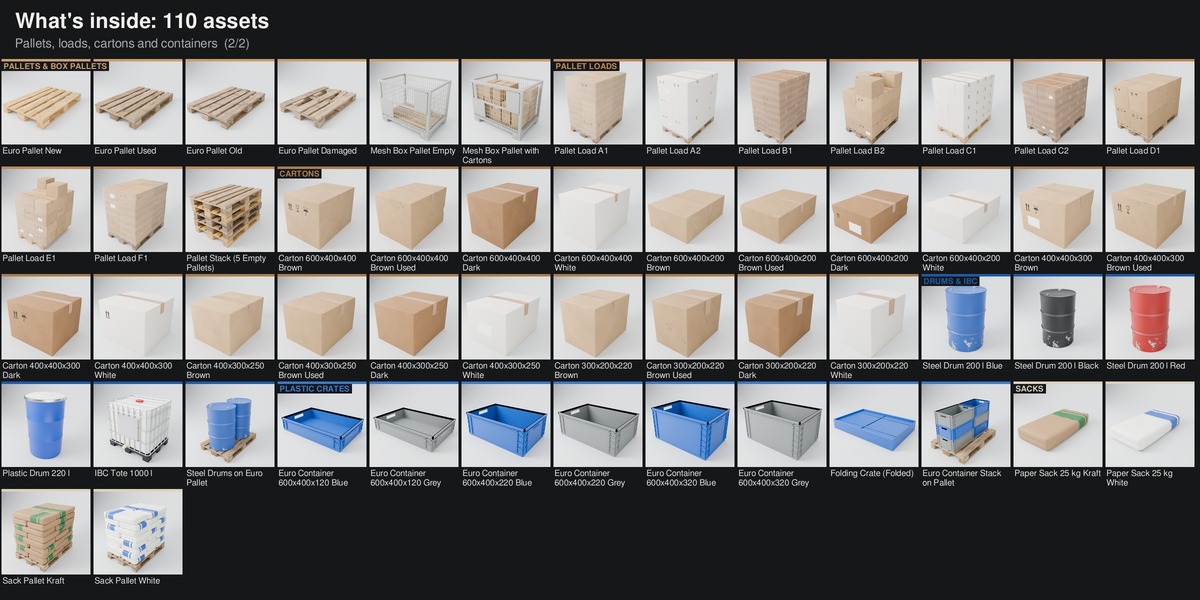
FBX and GLB: one file per asset with baked textures, sorted by category. Full details in README.txt.
Have questions about this product?
Login to message
| Published | 3 days ago |
| Blender Version | 4.5 - 5.2 |
| Render Engine Used | Cycles |
| Misc Data | Rigged, Textured |
| License | Royalty Free |
Discover more products like this
euro pallet pallet-rack Interior forklift logistics warehouse Rigged asset-browser storage industrial pallet racking