 Larry3d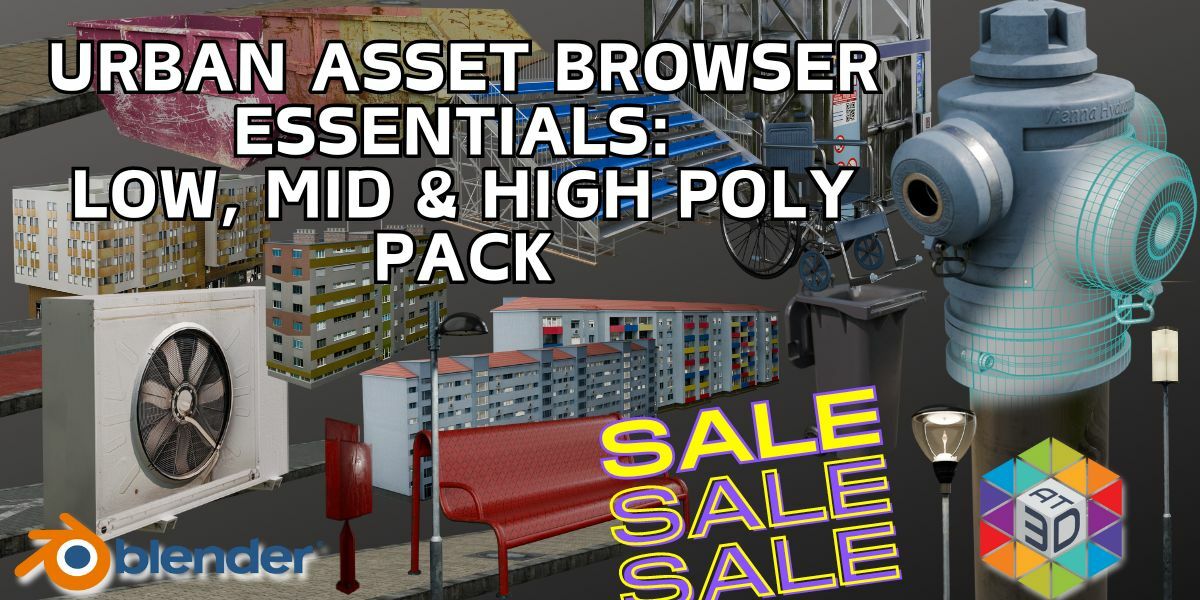


1. Introduction
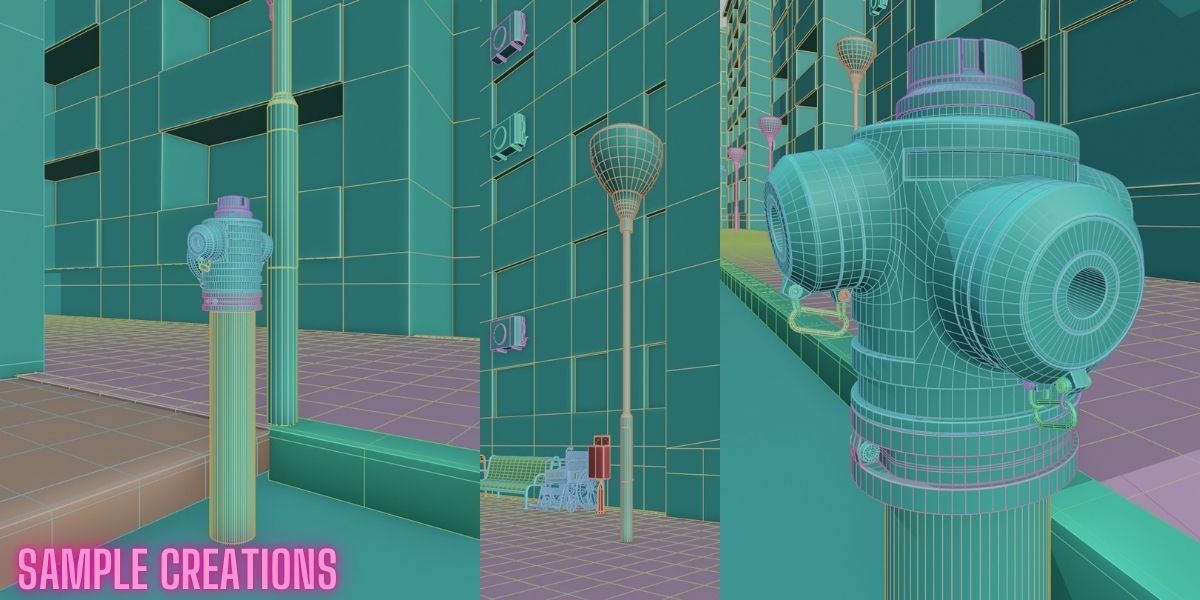
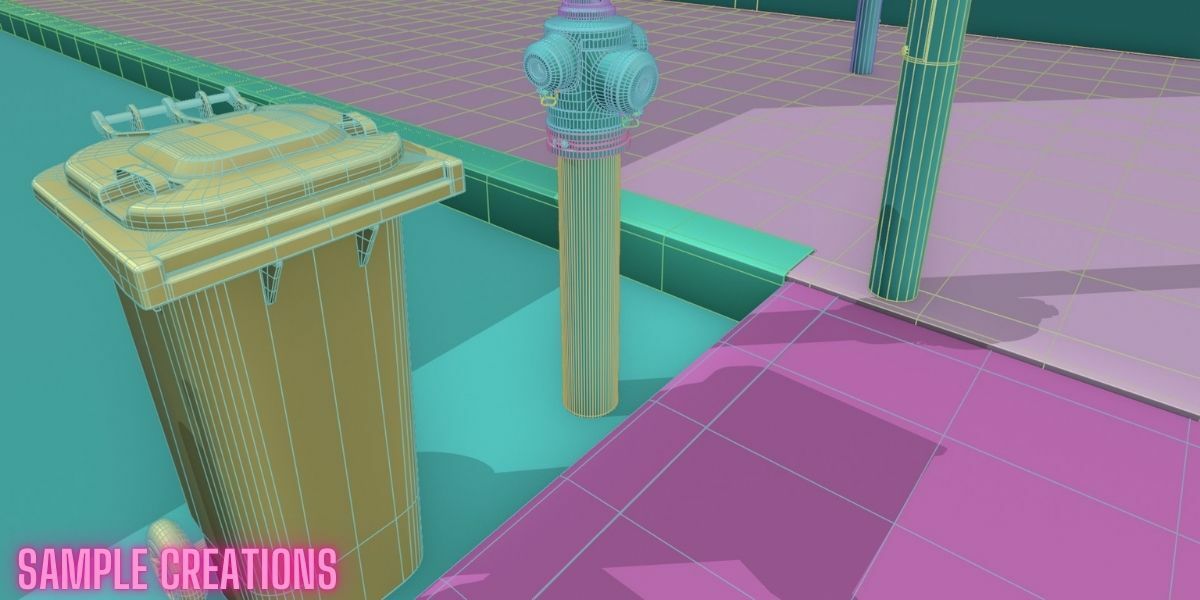
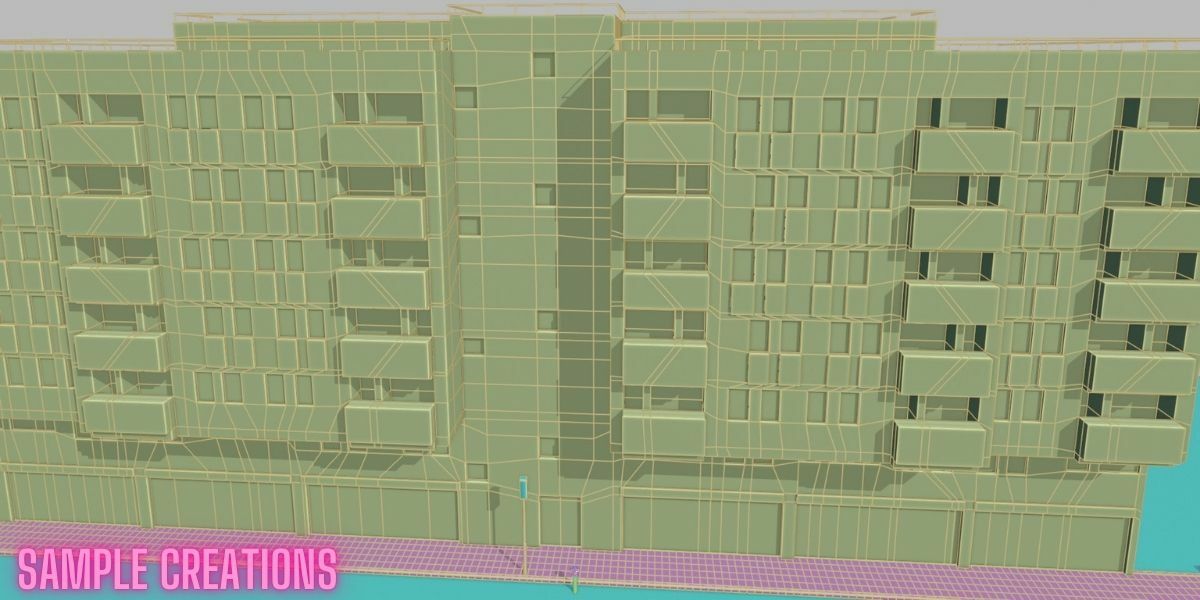
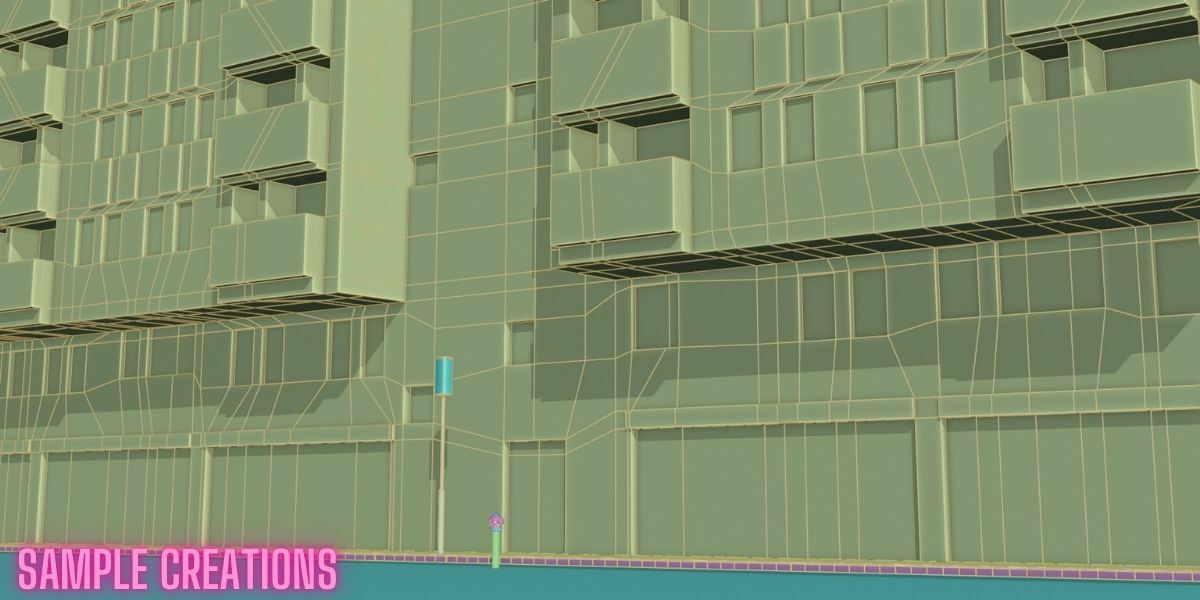
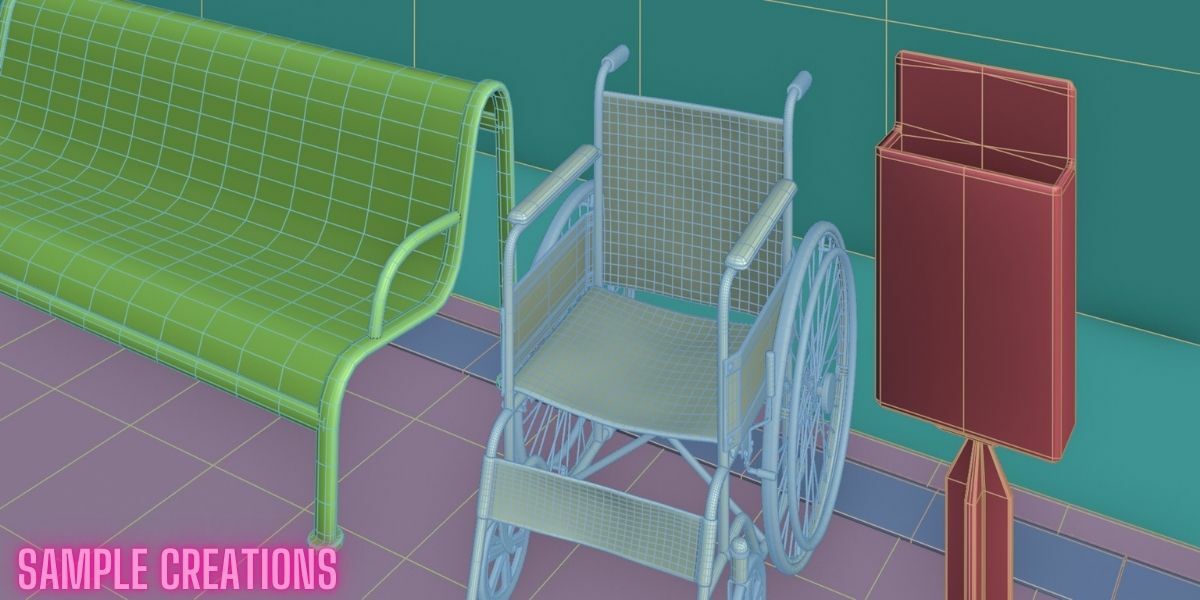
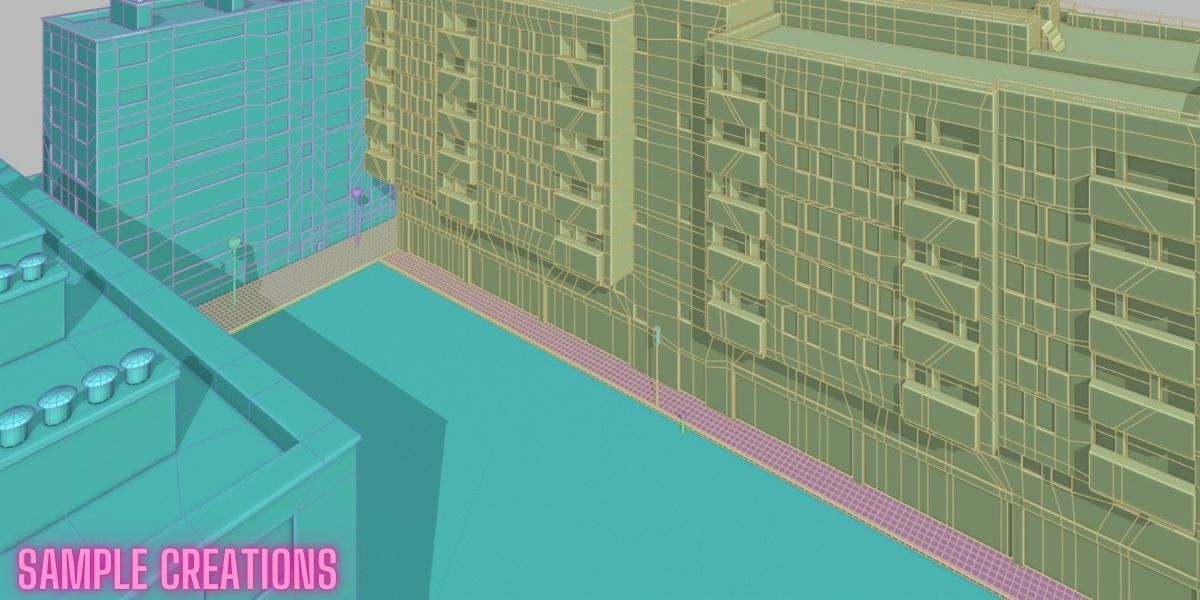
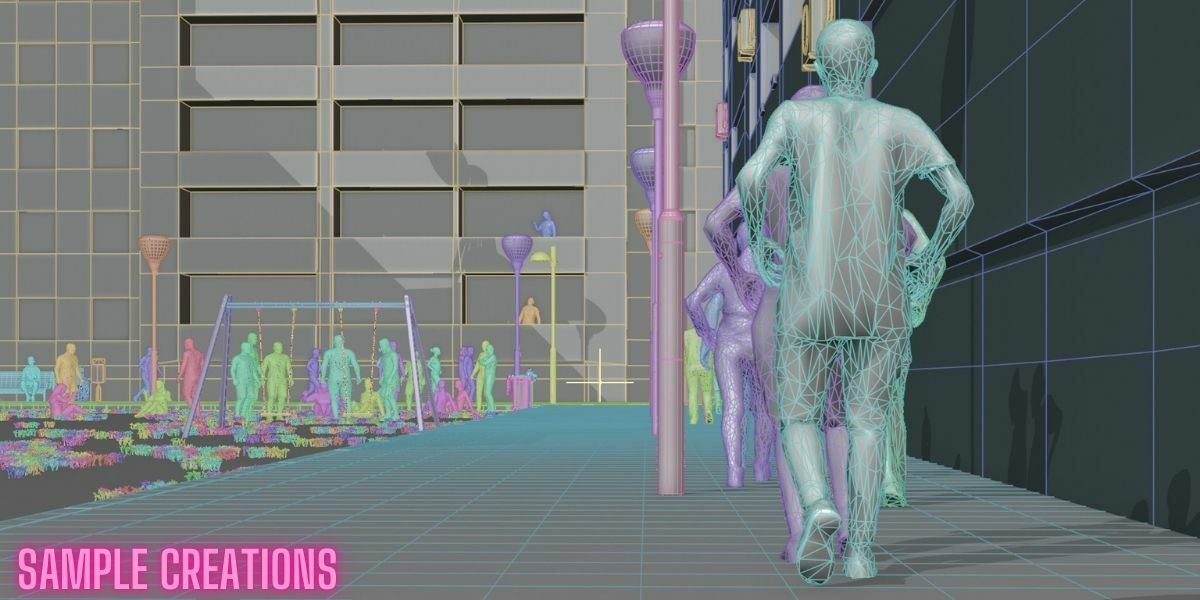
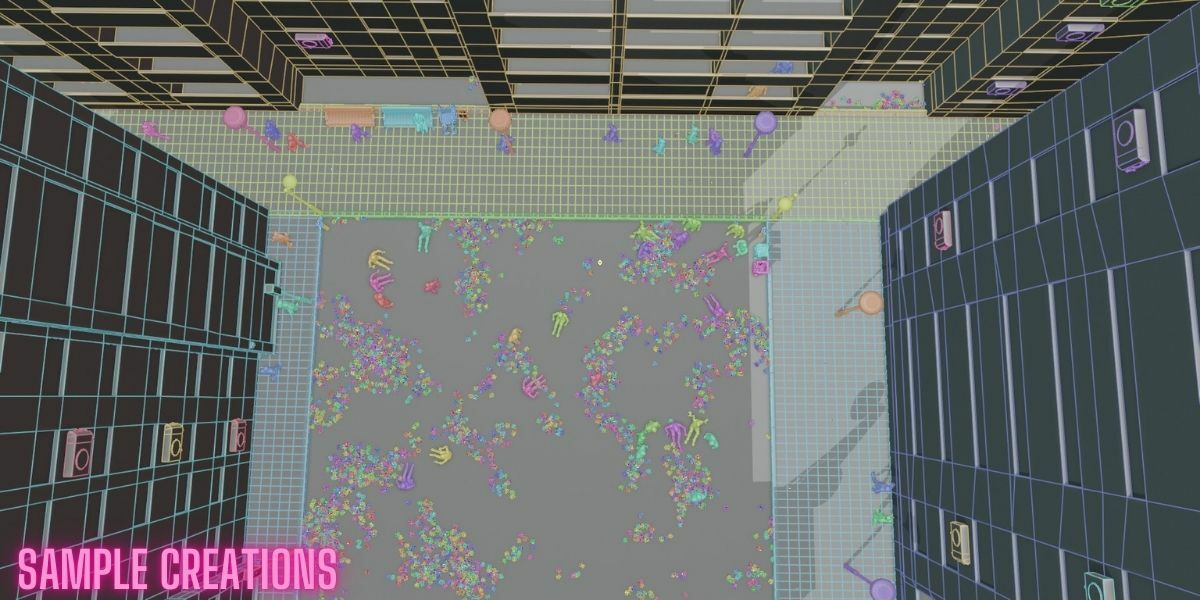
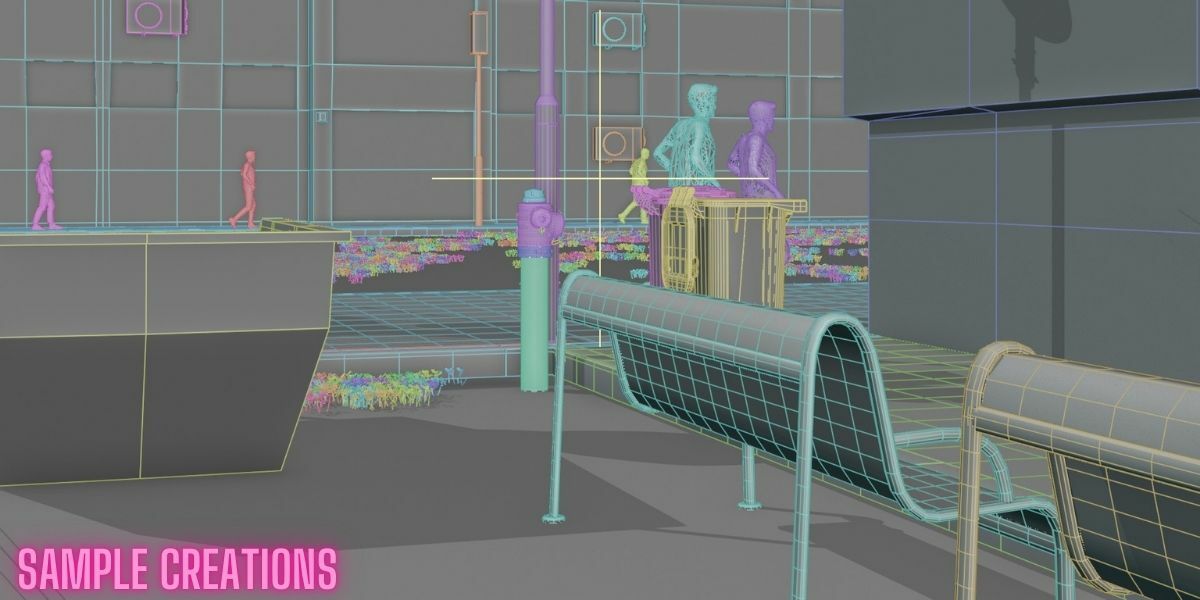
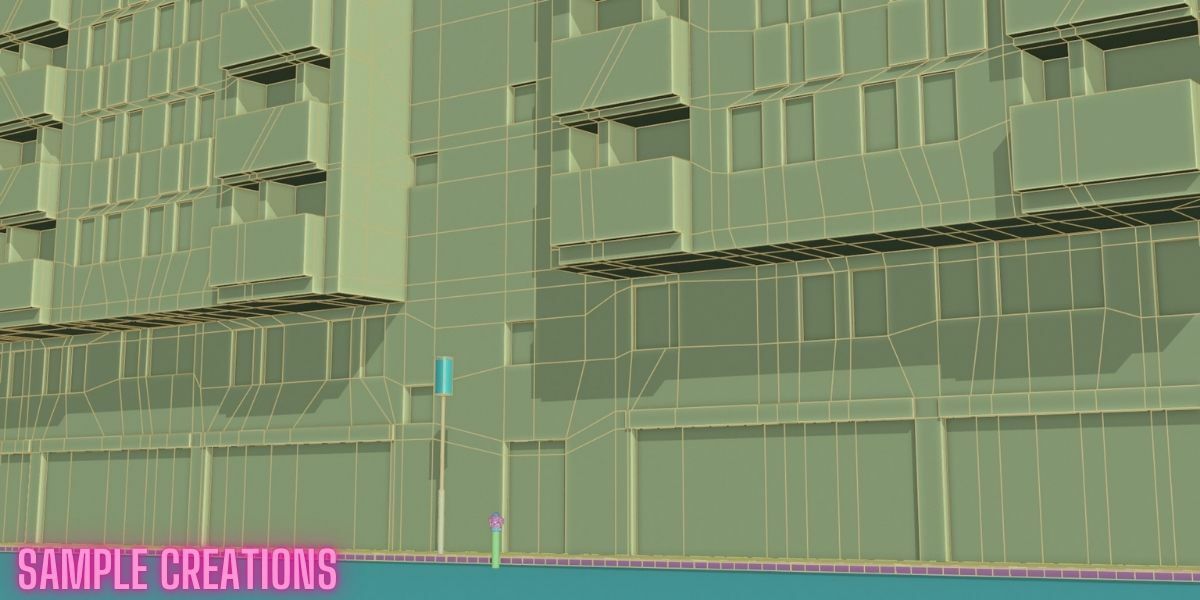
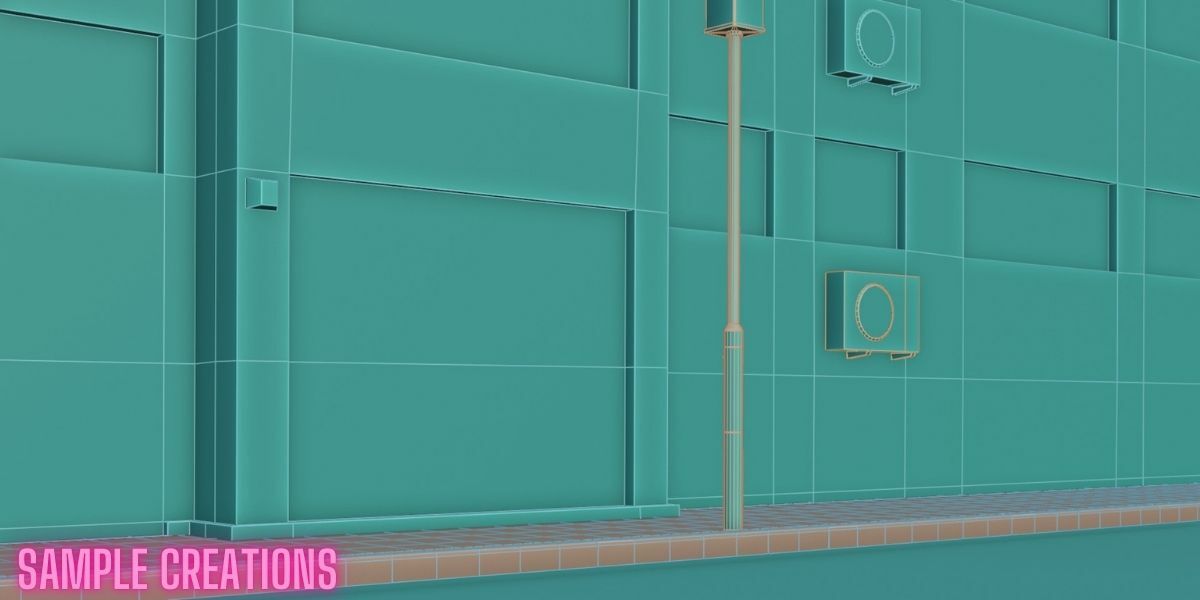
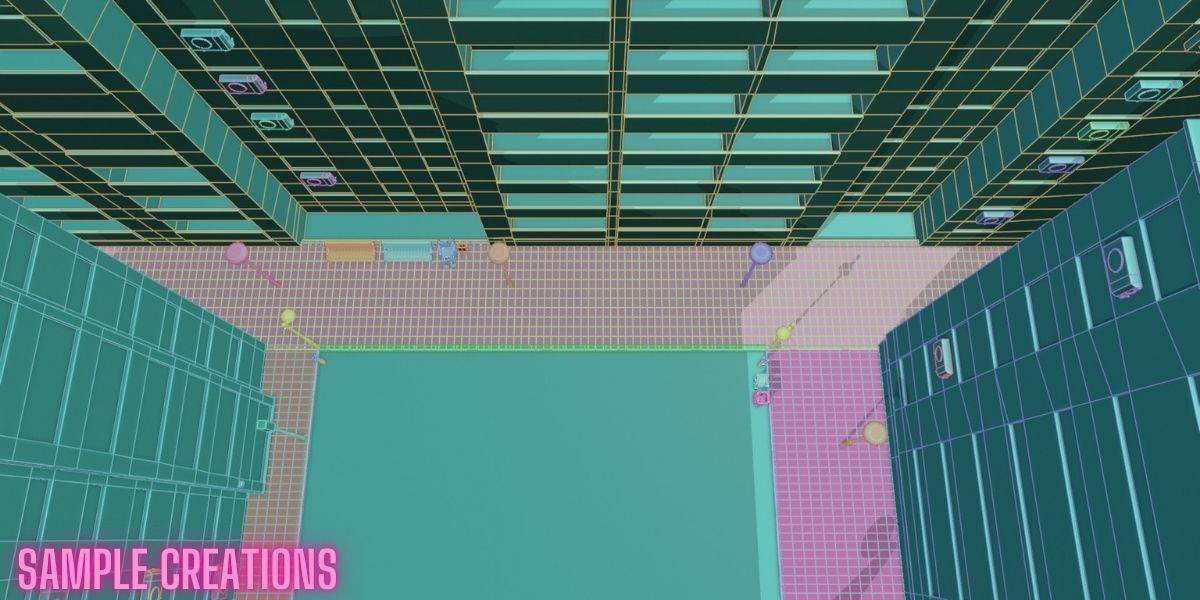
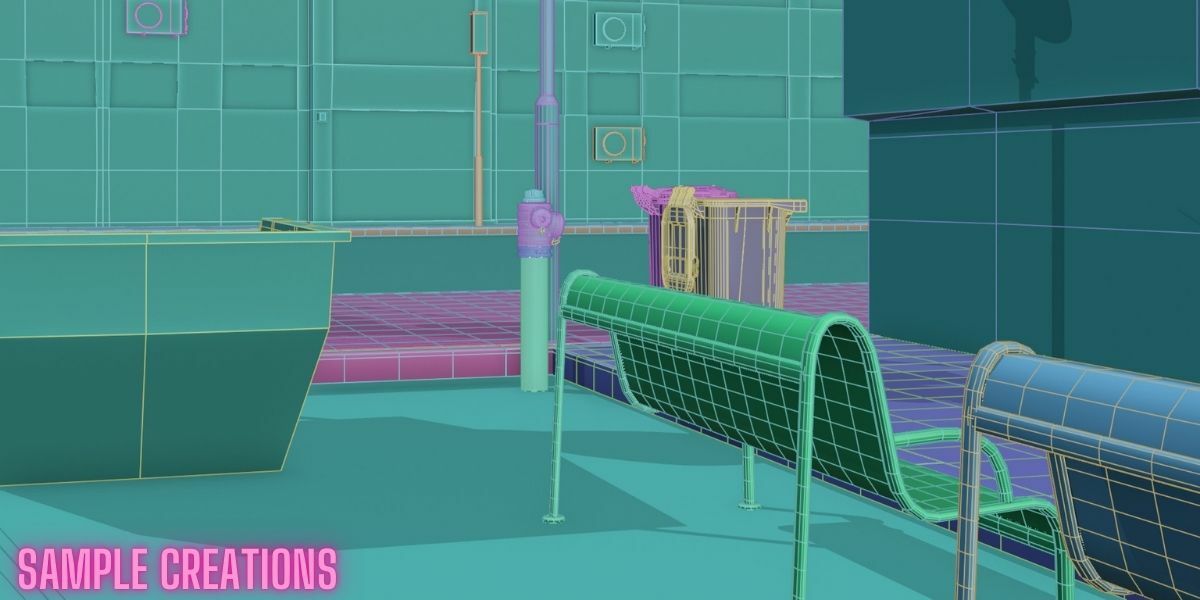
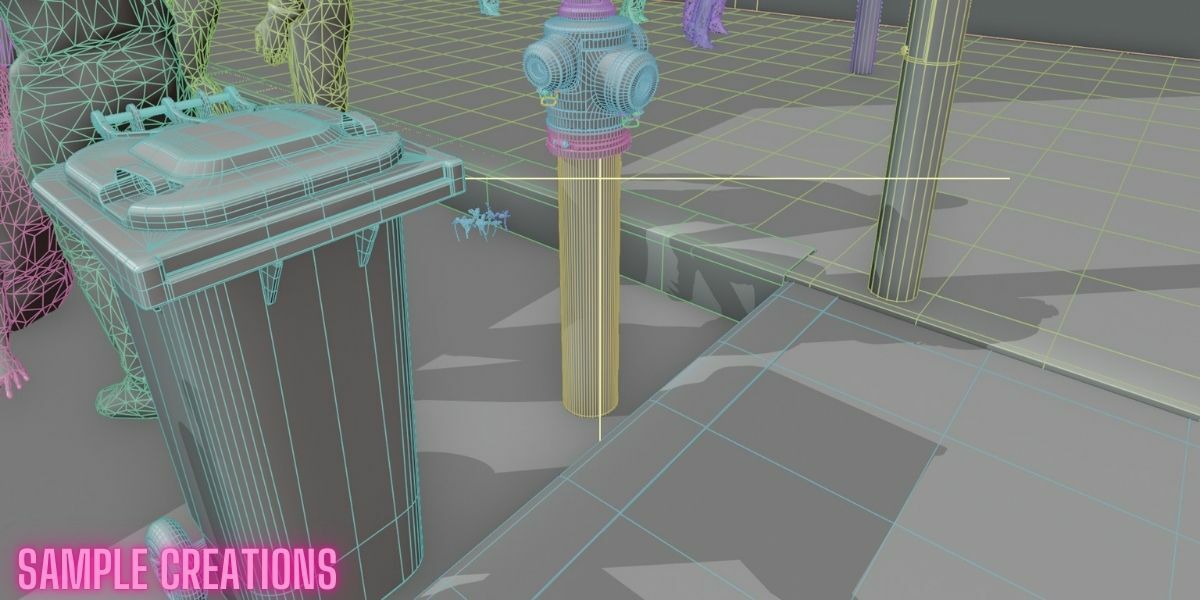
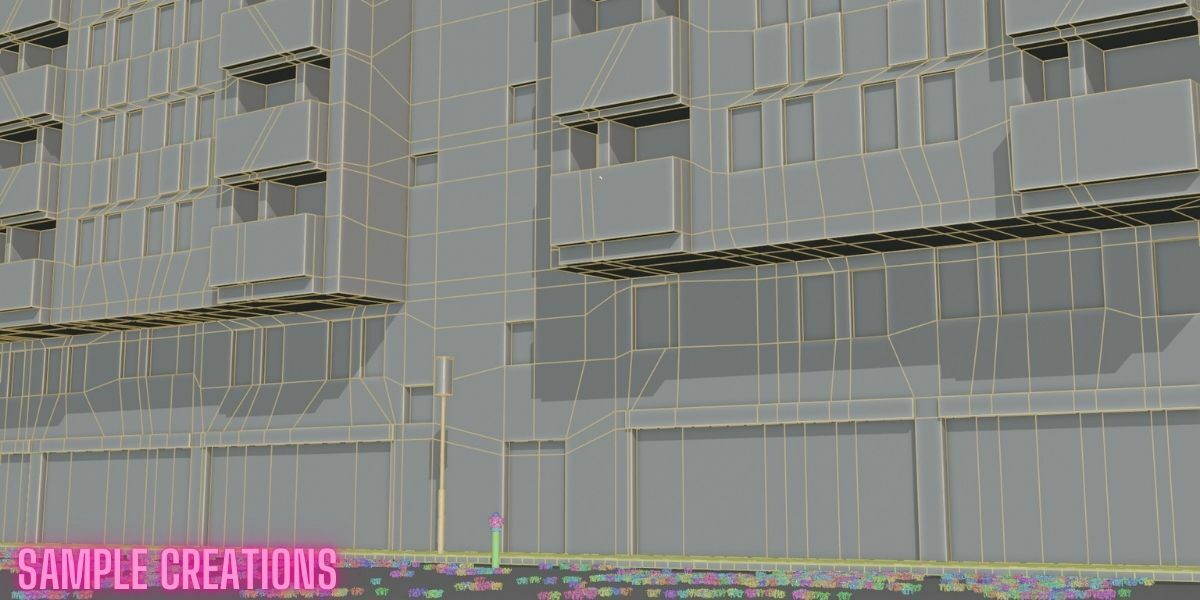
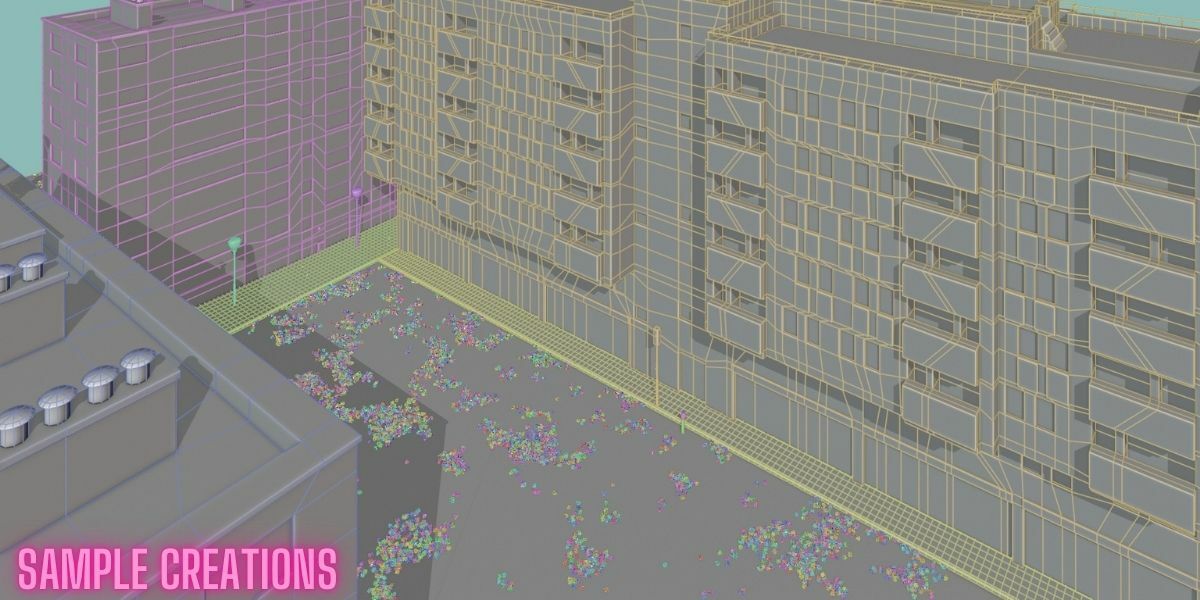
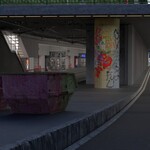
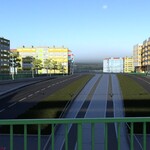
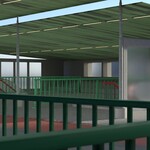
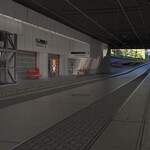
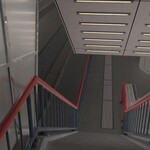
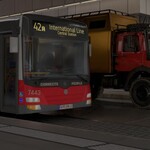
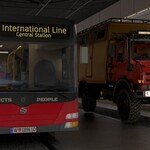
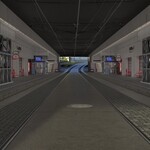
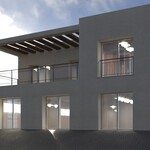
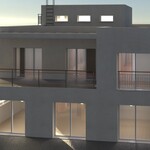
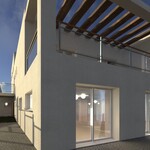
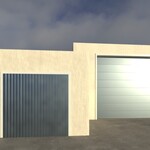
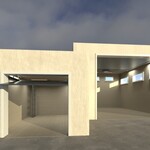
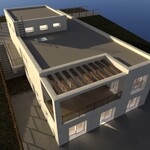
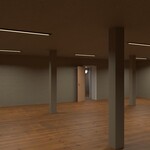
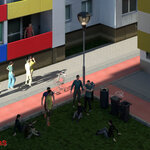
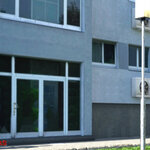
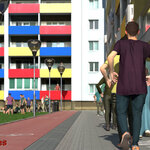
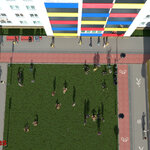
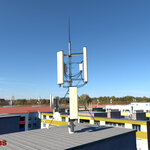
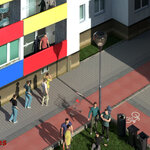
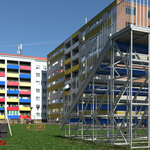
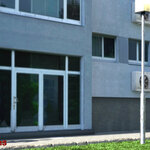
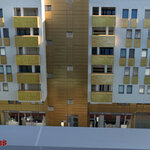
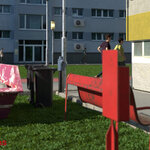
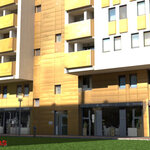
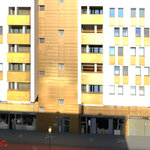
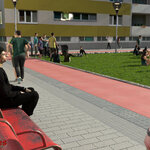
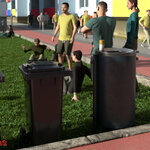
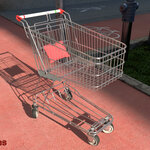
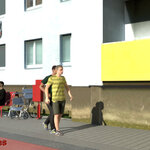
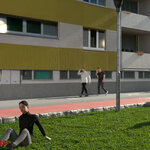
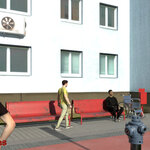
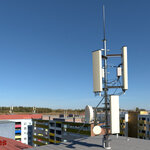
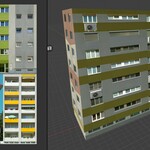
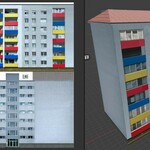
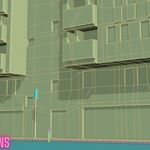
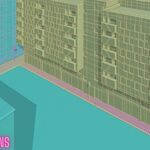
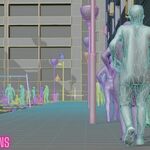
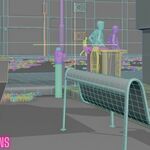
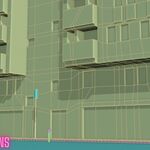
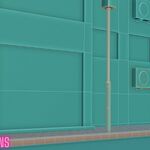
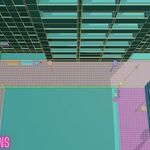
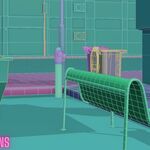
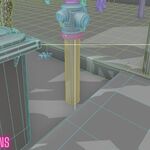
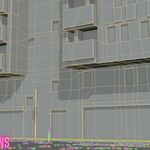
Welcome to the Urban City Kit Essentials. This pack provides low-, mid-, and high-poly assets for building urban environments in Blender. It includes buildings, sidewalks, bike lanes, street elements, props, and utility objects. All assets are optimized for stable performance and are ready for immediate use in production scenes.
2. Features
• Performance-oriented low, mid, and high-poly design
• Clean integration with Blender’s Asset Browser
• Fully customizable materials and textures
3. Contents
Included assets:
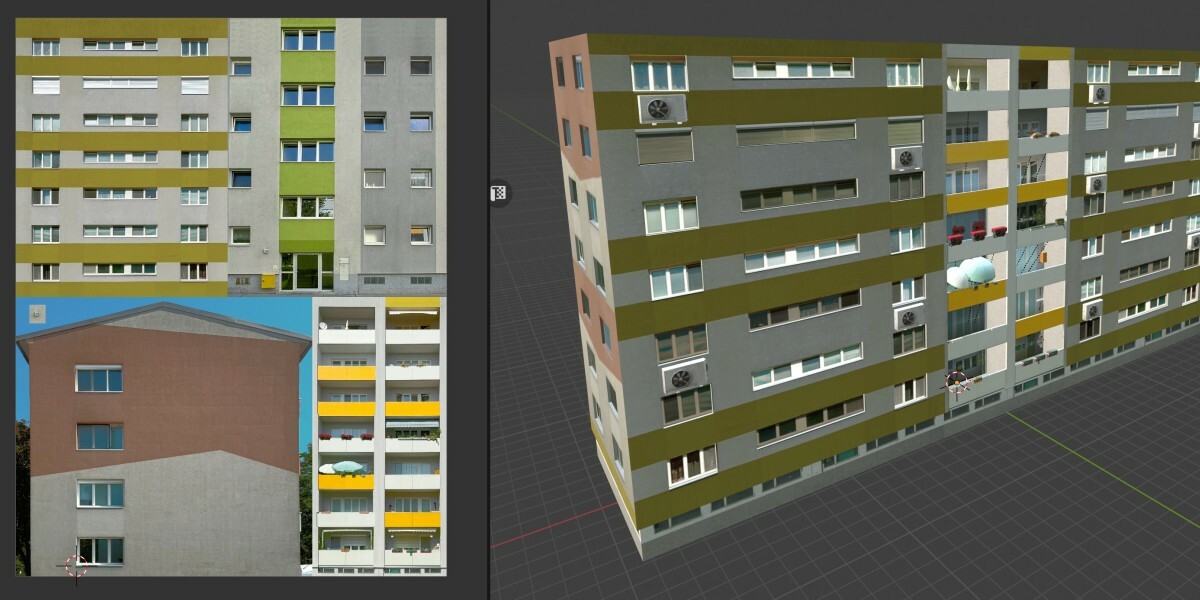
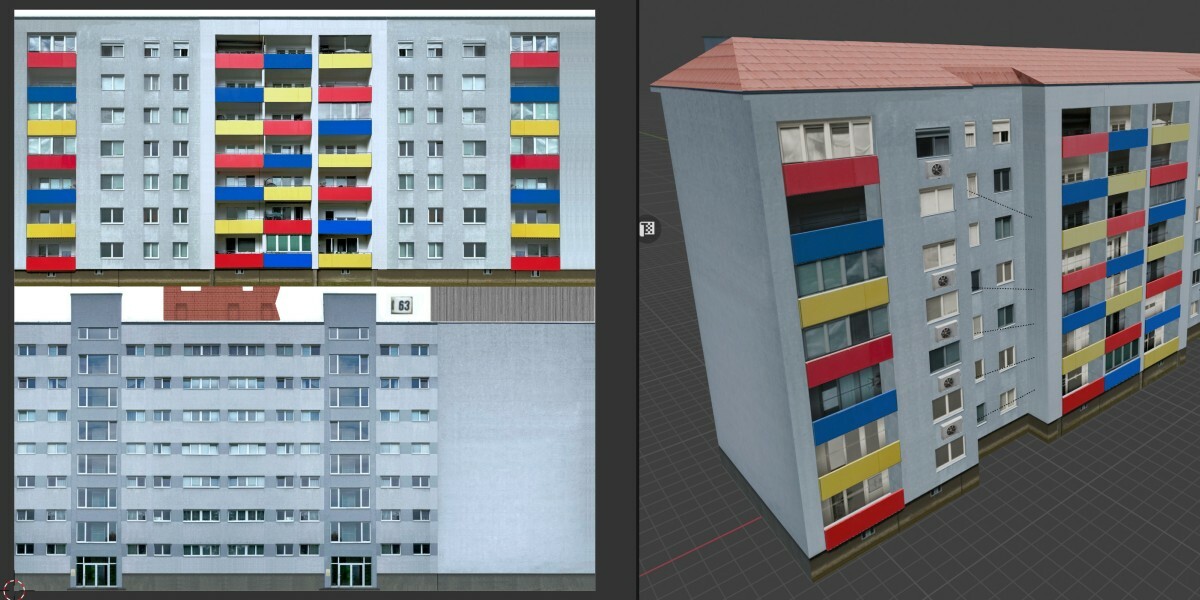
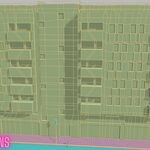
• A large collection of urban objects, including residential buildings, commercial structures, infrastructure elements, and environmental props
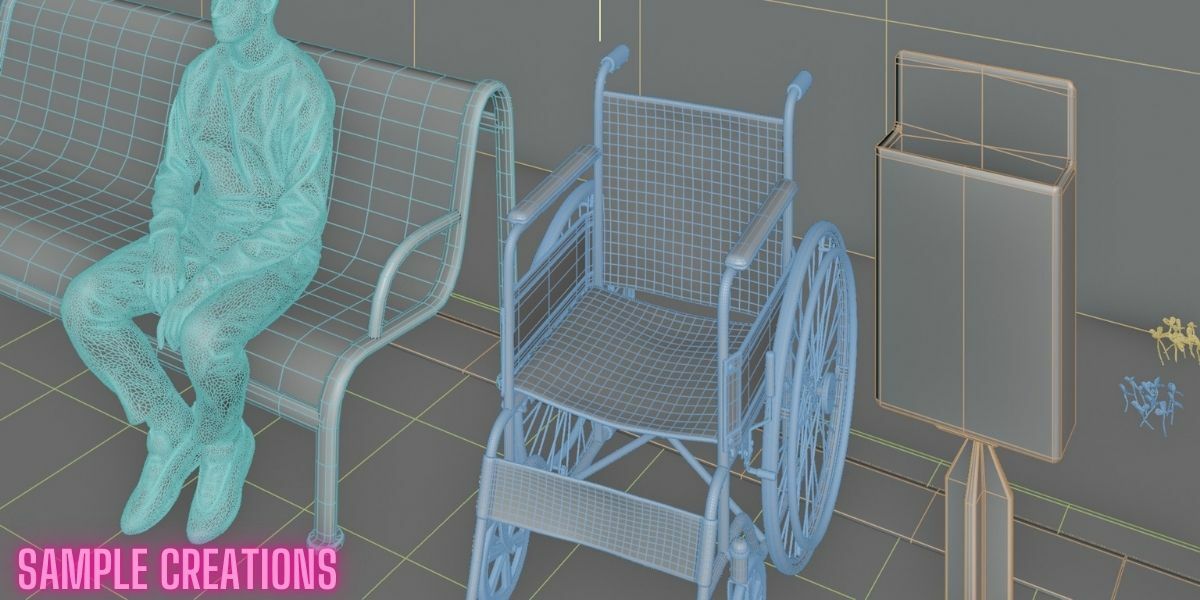
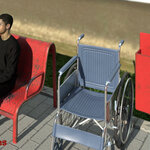
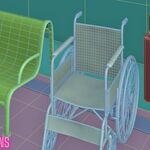
• Complete sidewalk, curb, road, bicycle-lane, and accessibility systems
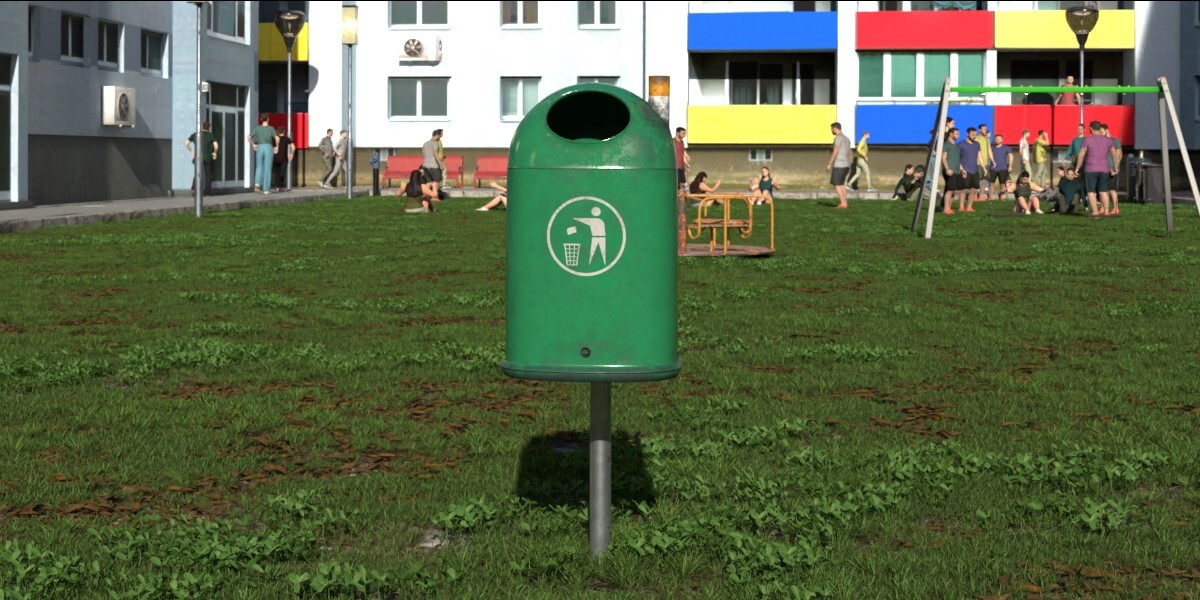
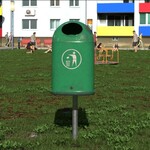
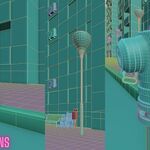
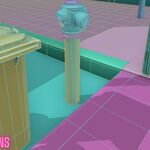
• Multiple high-detail and mid-detail urban props such as street lights, trash cans, utility cabinets, signage, public transport items, barriers, decals, and functional geometry
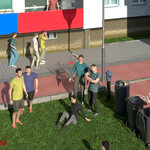
• Fully prepared scenes for immediate use
• Vehicles, including public transport options and additional city-ready models
• Additional objects and expansions planned for future updates
4. Installation
-
Download the .blend file containing the asset library.
-
Open Blender and load your project.
-
Open the Asset Browser from the Window menu.
-
Link or append assets:
• Link: File → Link → select objects or collections from the .blend file
• Append: File → Append → import objects or collections into your project -
(Optional) Assign custom categories inside the Asset Browser for faster navigation.
-
Drag assets from the Asset Browser into your scene. All materials and textures are pre-applied.
Important Note: Recommended Import Method
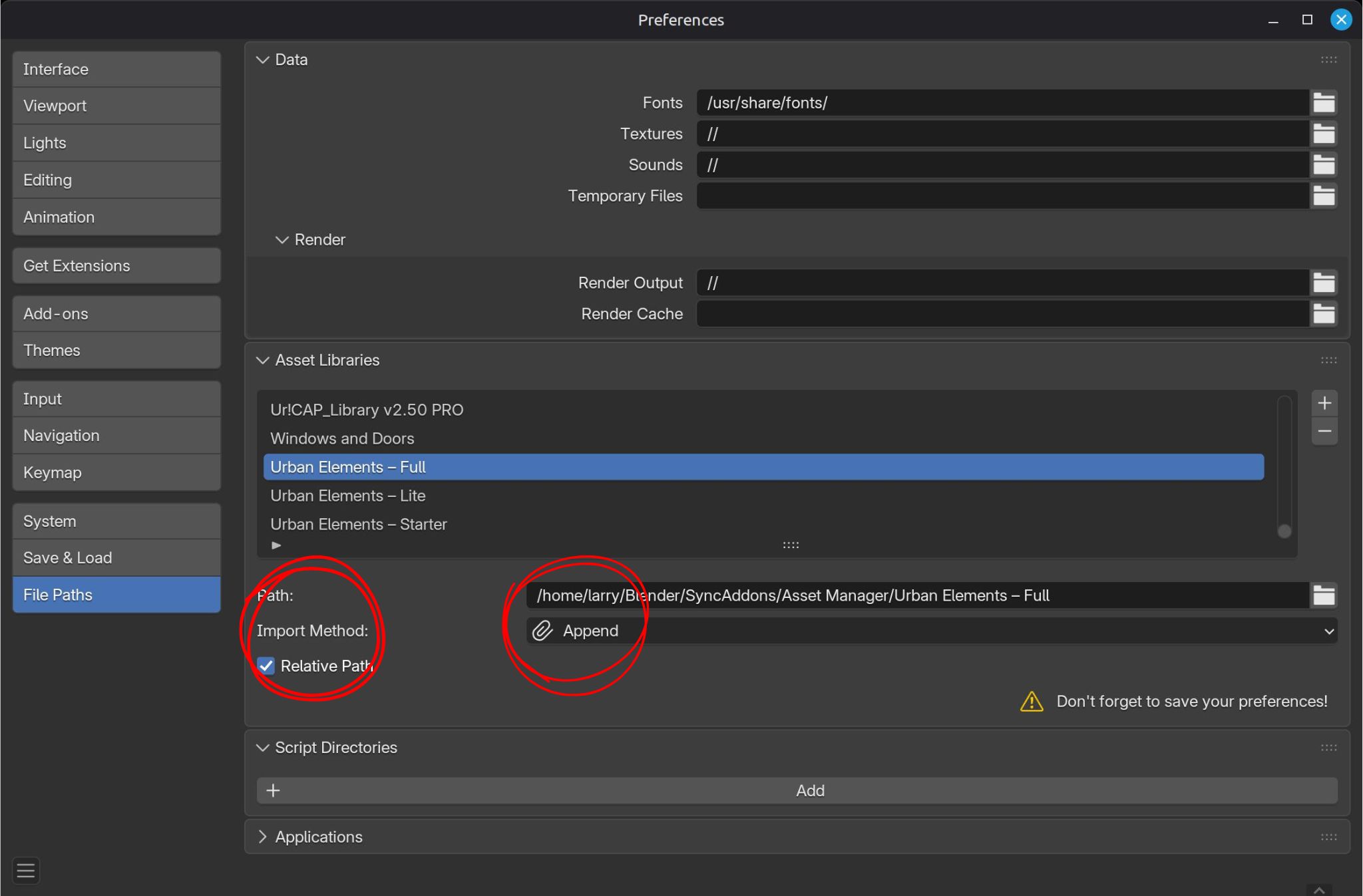
For the best experience when using this asset library, set Blender’s Asset Browser import method to Append.
This prevents unexpected overrides, missing data blocks, or dependency issues that can occur when linking.Video explanation:
https://www.youtube.com/watch?v=1J5sdNPo5R8You can adjust the import method here:
Path:
Edit → Preferences → File Paths → Asset Libraries → Import Method → Append
5. Textures and Materials
All textures are royalty-free and embedded in the .blend file.
Material editing:
• Open the Shader Editor
• Adjust texture nodes or replace textures as needed
• Default texture resolution supports most use cases
6. License
Royalty-free license. Assets may be used in commercial and non-commercial projects.
Redistribution or resale of the assets as standalone files is not allowed.
7. Future Updates
More props and additional buildings are planned. Updates are free for all existing customers.
8. Support
For assistance or asset-related questions, contact support through Superhive.
-
$4.90
Entry-level set with a small selection of core urban assets. Minimal content, focused on basics.
-
$14.90
Expanded set with a broader range of models. More objects, more variety, suitable for larger scenes.
-
$29.90
Complete collection with all assets included. Adds full scenes, vehicles, and the entire model library.
Have questions about this product?
Login to message
| Dev Fund Contributor | |
| Published | about 2 years ago |
| Blender Version | 4.5 - 5.1 |
| Render Engine Used | Cycles, Eevee |
| Misc Data | Uvs-Unwrapped, Normal-Mapped, Textured |
| License | Royalty Free |
Discover more products like this
Accessible Design blender assets high poly game assets game development textures 3D Art city buildings 3d models cityscape Modular Design city-props Blender Market urban assets mid poly asset pack low poly Bike Lanes modeling environment design 3d environment sidewalks