Low Poly Palette
 Schirmer Labs
Which Blender versions, and what is the licence?
Blender 4.2 LTS and newer, tested through 5.2 LTS. One universal package, installed by dragging the .zip into a Blender window. No dependencies, nothing to compile, no internet connection needed.
The add-on is GPL-3.0-or-later and ships as readable Python with the full licence text in the package. What you make with it is yours: the palettes, the textures and the meshes are your work, and the licence on the tool does not reach them. Commercial use, game assets and client work included.
If I change a palette later, do I have to repaint?
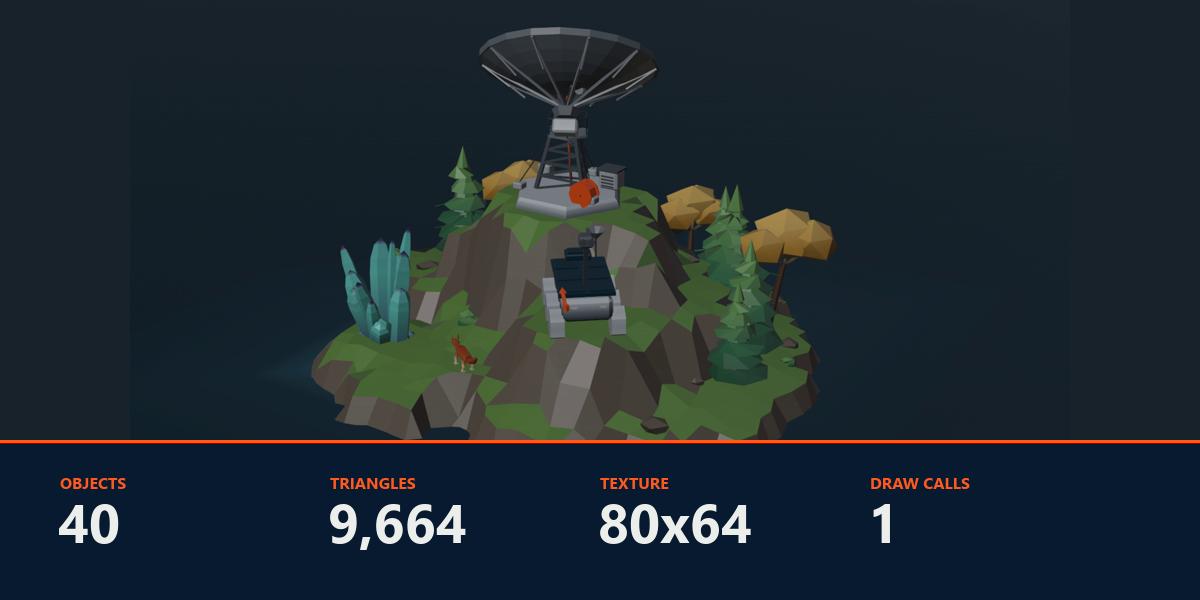
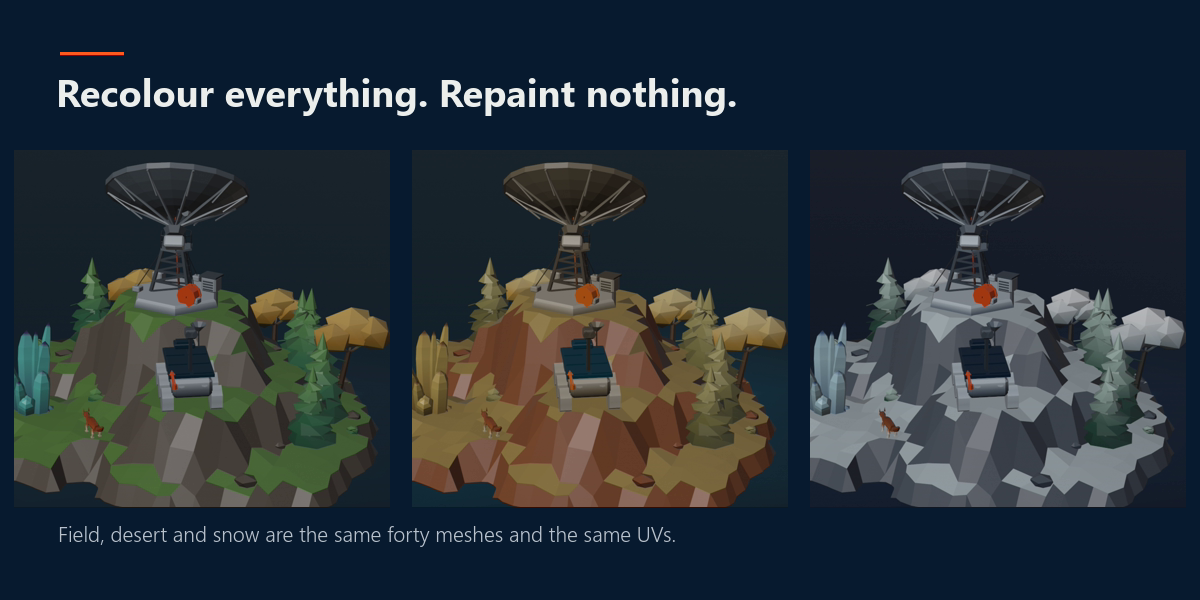
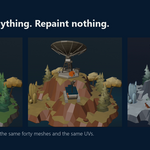
Never. No UV moves when a palette changes. Each face already points at cell N, and editing the palette changes what cell N holds — so the colour follows on its own, across every object sharing that texture. The three climates on the product page are the same forty meshes with the same UVs and a different palette. Recolouring a whole scene is a few clicks, not a repaint.
I already have assets with a material per colour. Can I convert them?
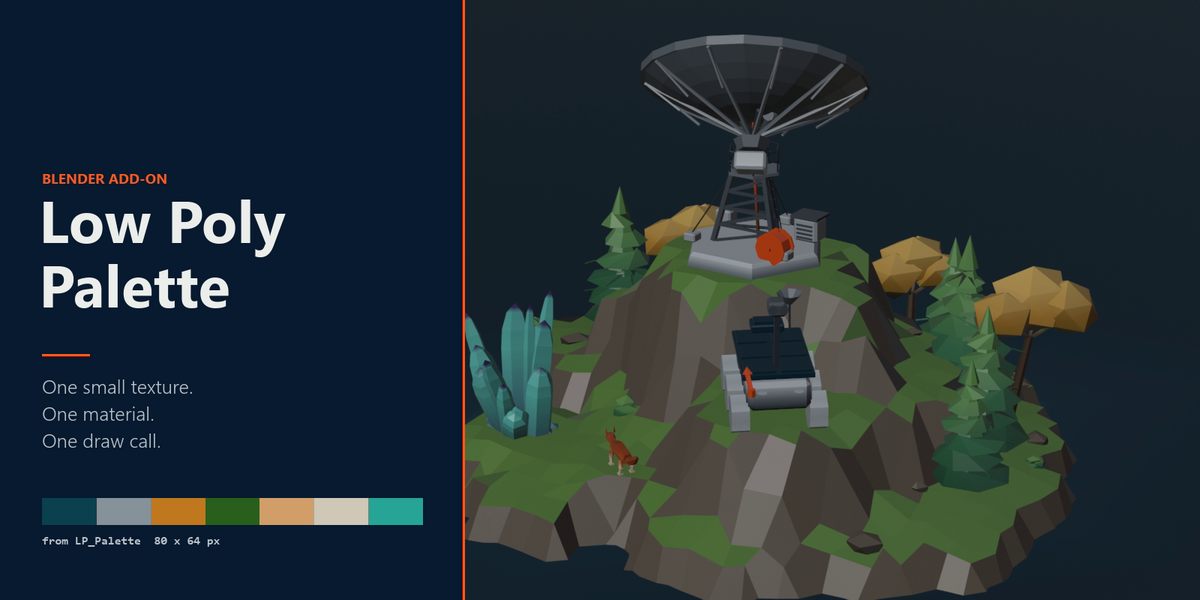
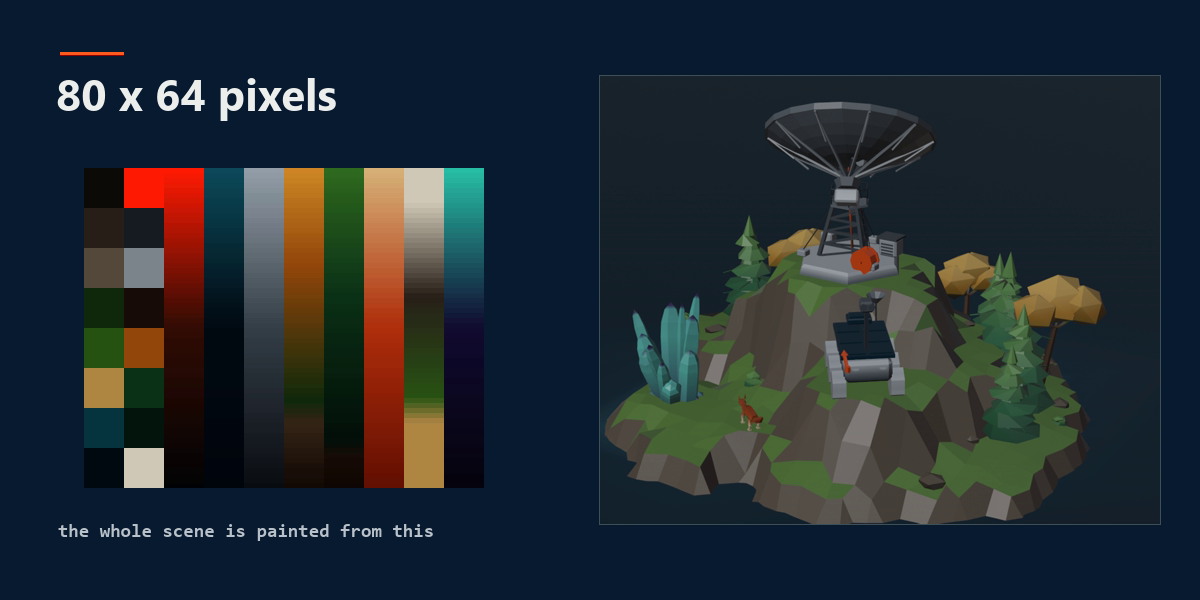
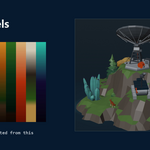
From Materials builds a palette out of the materials a selection already carries and repaints the faces onto it, with the render unchanged. Colours that round to the same hex collapse into one cell. On the radio telescope in the gallery that took six materials and six draw calls down to one of each — and nothing about the model looks different afterwards.
Can I use the result in Unity, Unreal or Godot?
Yes — that is what the texture approach buys you. One material and one draw call per asset instead of one per colour. Click Save Texture, then export FBX or glTF as usual. One thing to set on the engine side: the texture filter to point / nearest, with mipmaps and compression off for that image. The cells are a few pixels wide, and bilinear filtering will blend them into each other at a distance.
Do I have to UV unwrap anything?
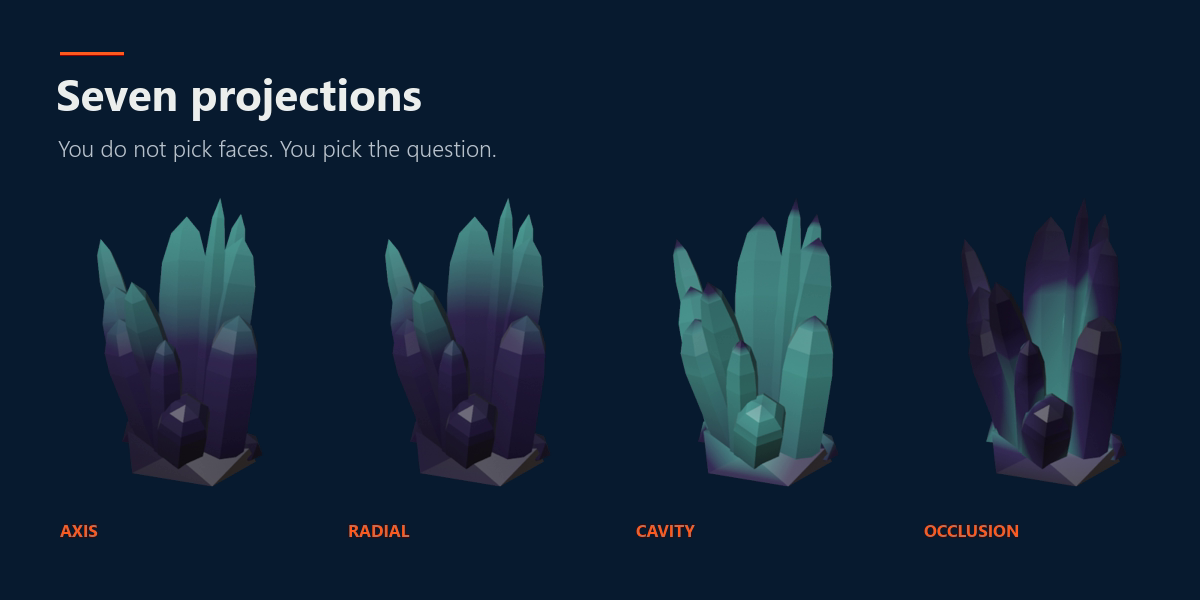
No, and that is the whole point. A face gets its colour by having its UVs moved onto one cell of a small palette texture, and the add-on does that from the N panel in the viewport. You select faces, you click a colour. A UV editor never has to be opened.
 Included
Includes 12 months of
- Support from Schirmer Labs
- Product updates
Extend this product’s Support Period +12 months: 75% of product price
Have questions before purchasing?
Login to message
| Blender Extension Compatible | Yes |
| Published | 6 days ago |
| Blender Version | 4.2 - 5.2 |
| Extension Type | Add-on |
| Render Engine Used | Cycles, Eevee |
| License | GPL |
Discover more products like this
optimization color flat shading stylized Palette vertex colors uv Material gradient low poly texture atlas game assets