Lumaforge Hdri Generator
 JuanBautista








12. Which Blender versions are supported?
LumaForge requires Blender 4.5 LTS or later. Release testing was completed on Blender 4.5.14 LTS and Blender 5.0.1 on Windows 64-bit.
The addon uses platform-independent Python, but macOS and Linux have not yet been separately certified for this release.
11. Is a GPU required?
No. LumaForge can render with Cycles CPU. Automatic device selection can use an already configured Cycles GPU when available and fall back to CPU without changing Blender’s global device preferences.
10. Which render engine is required?
Cycles is required to bake the final equirectangular OpenEXR panorama. CPU rendering is supported, and a compatible configured GPU can reduce render time.
9. Does it change my render settings permanently?
No. Render operations preserve and restore the active scene, camera, render engine, resolution, output format, output path, color-management settings, and current frame.
8. Does LumaForge modify my current Blender scene?
Live Lighting can temporarily connect a generated World and Sun to the visible scene. When disabled, LumaForge restores the previous World and removes only its temporary Sun connection.
7. Can I edit the generated environment before rendering?
Yes. Procedural environments remain editable in the dedicated LF_SOURCE scene. You can adjust the exposed parameters or inspect the generated nodes and objects before rendering the final panorama.
6. Does Synthetic HDR recover real-world HDR lighting from a JPG?
No. Synthetic HDR Highlights creates useful scene-linear highlight separation from an LDR source, but it cannot recover radiometric information that was lost during capture or compression.
5. Which image formats are supported by Image / Hybrid?
LumaForge supports HDR, OpenEXR, JPG, JPEG, PNG, TIFF, and WebP panoramas. HDR and EXR sources retain their scene-linear range. LDR formats can optionally use Synthetic HDR Highlights.
4. Can LumaForge convert a normal photograph into a 360° HDRI?
No. A conventional photograph does not contain the side, rear, zenith, and nadir information required for a complete equirectangular environment. The source image must already be a 2:1 panorama covering 360° × 180°.
3. Does LumaForge include a library of photographic HDRIs?
No. LumaForge includes procedural presets and image-processing profiles. Image / Hybrid environments use panoramas supplied by the user, who remains responsible for their licensing.
2. What is the difference between Live Environment and Baked HDRI?
Live Environment lets you adjust and use the generated lighting directly inside Blender. Baked HDRI renders the approved environment as a standard 2:1 OpenEXR panorama that can be reused in other scenes or compatible applications.
1. What is LumaForge HDRI Generator?
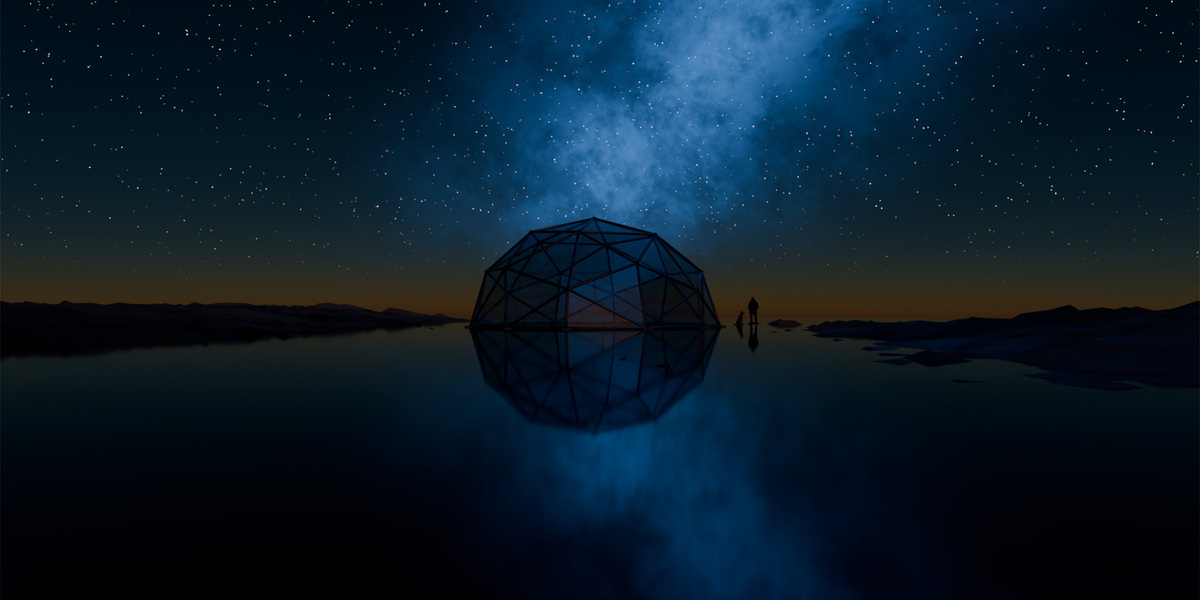
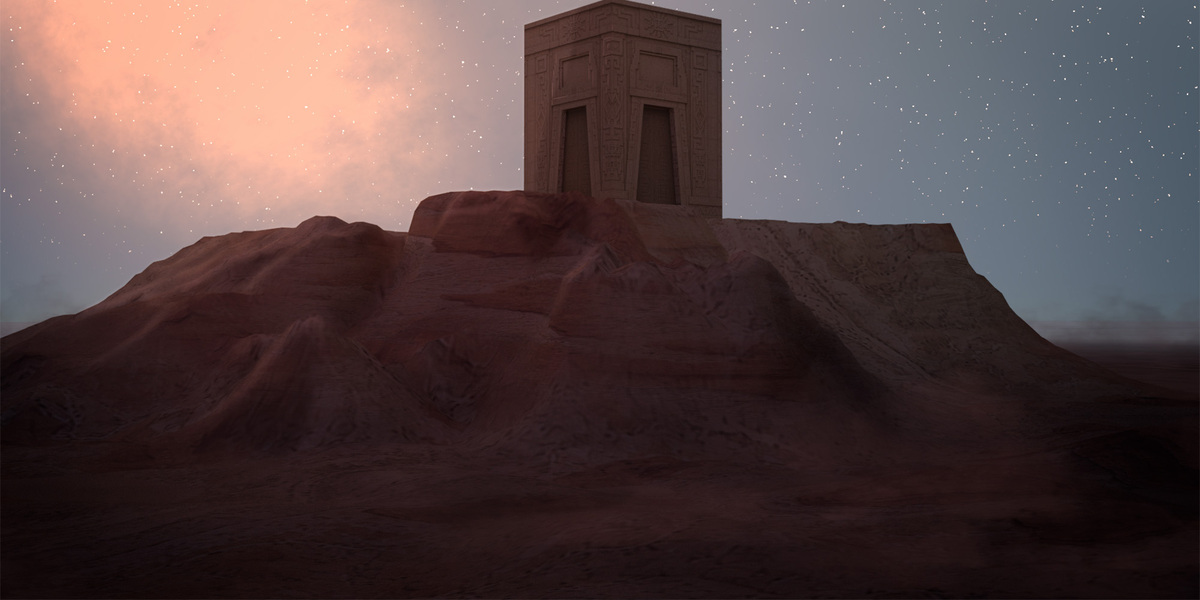
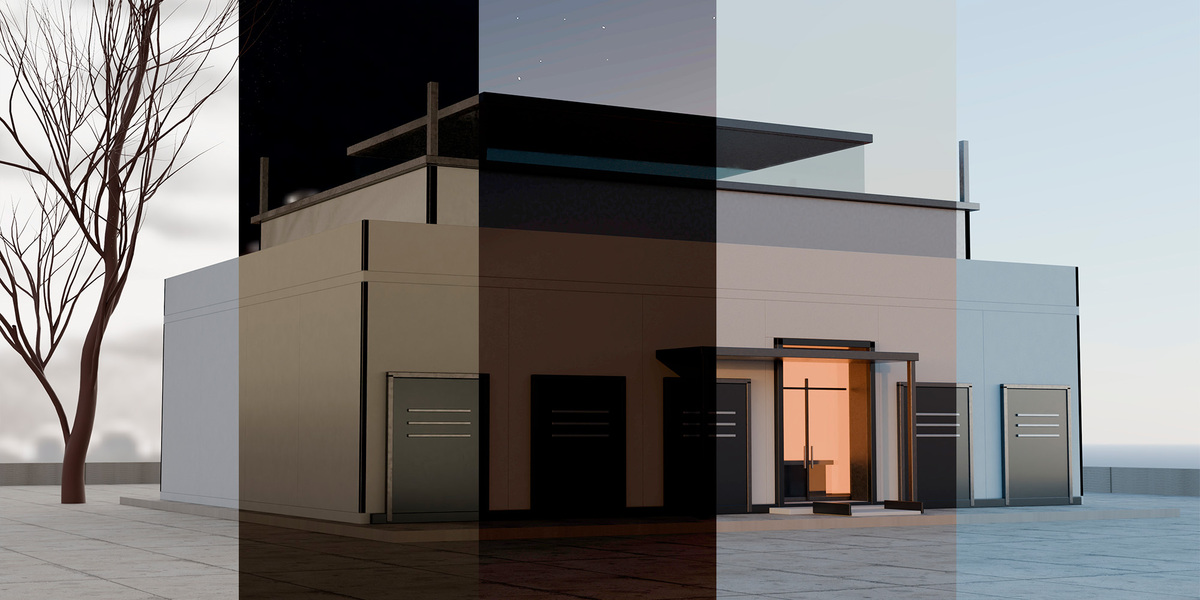
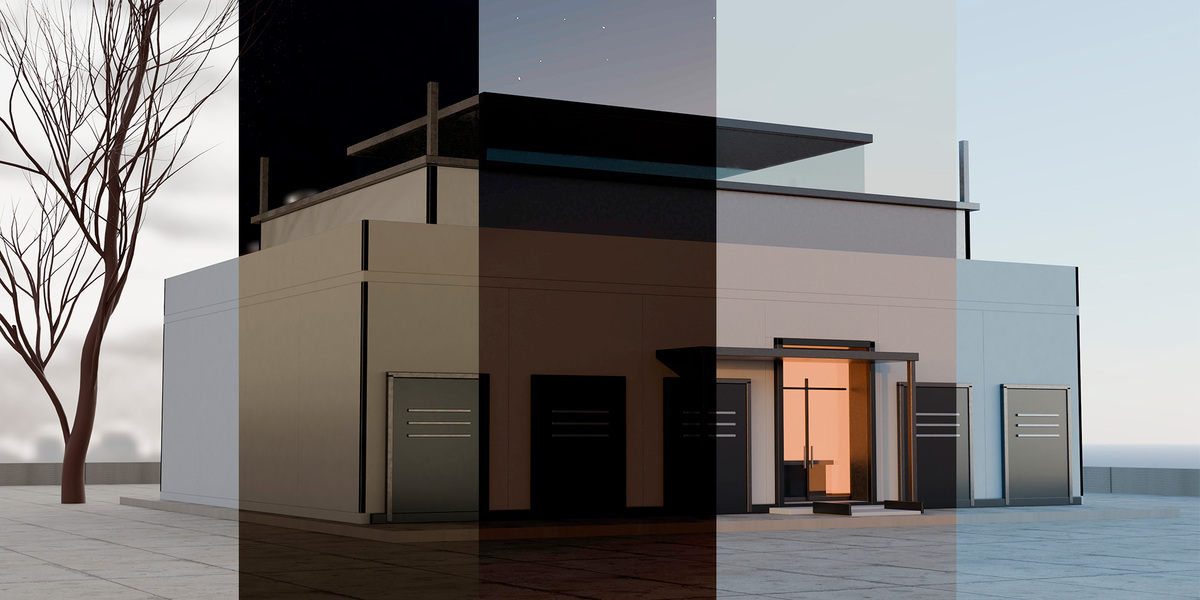
LumaForge is a Blender extension for creating, editing, inspecting, and exporting 360° × 180° lighting environments. It supports procedural Outdoor environments, editable Studio setups, and existing equirectangular panoramas through its Image / Hybrid workflow.
$29
Have questions about this product?
Login to message
| Blender Extension Compatible | Yes |
| Published | 8 days ago |
| Blender Version | |
| Extension Type | Add-on |
| Render Engine Used | Cycles, Eevee |
| License | GPL |
Discover more products like this
Studio Lighting 360 panorama Solar Study night sky procedural sky ArchViz openexr Cycles HDRI Generator look development Environment Lighting hdri