Lumina Studio - Procedural Product Staging Kit
 VektorLab
Do the .glb files include the procedural shaders for Three.js / WebGL?
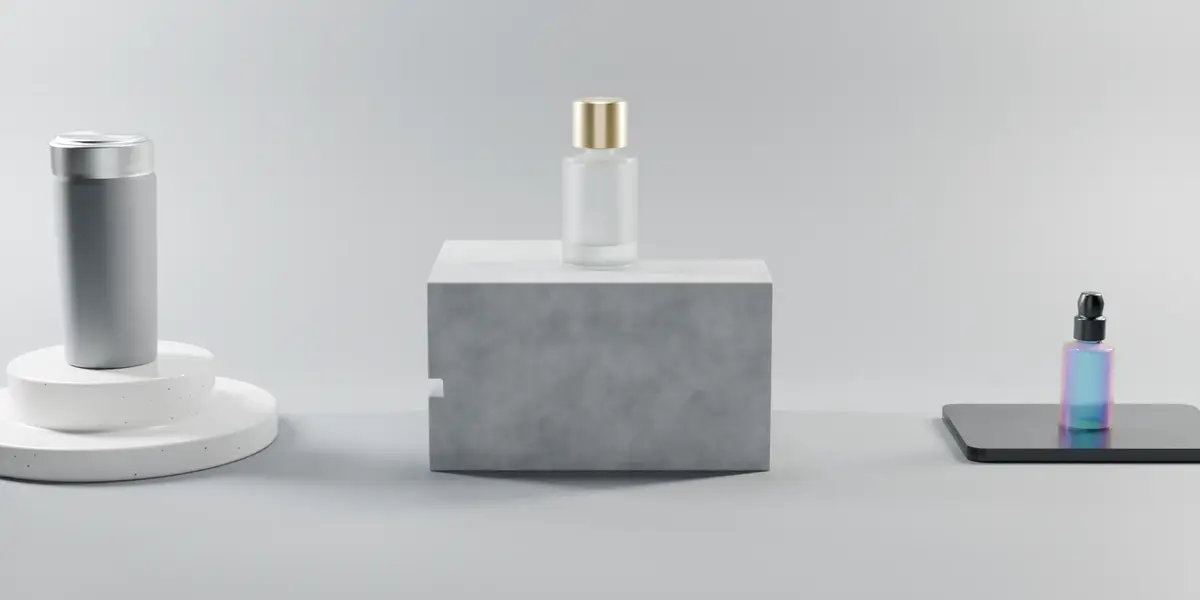
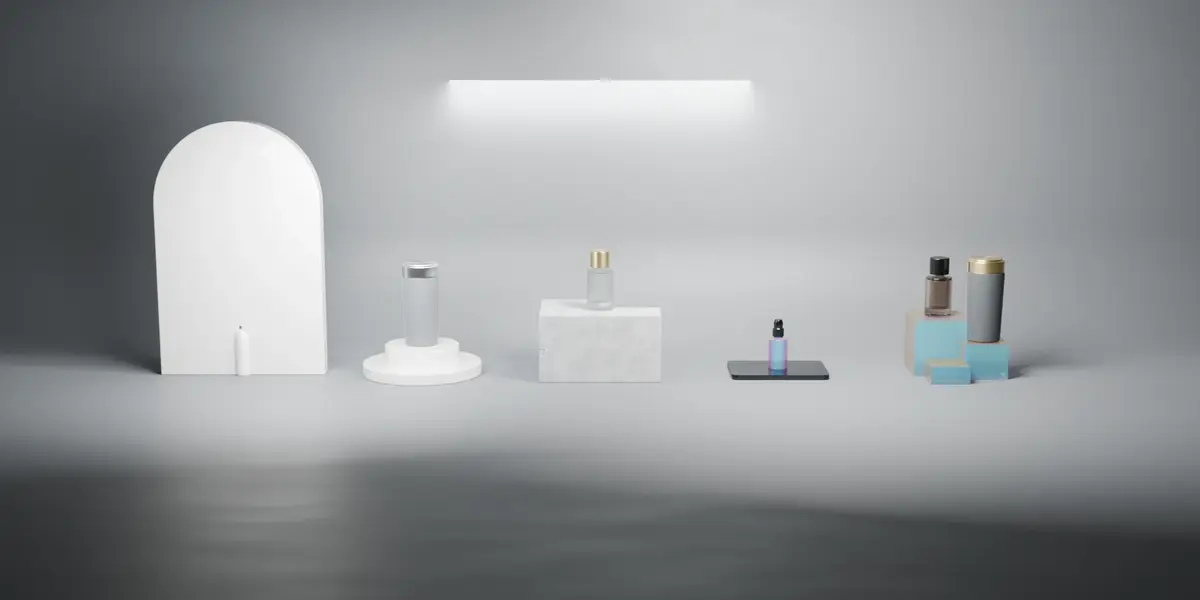
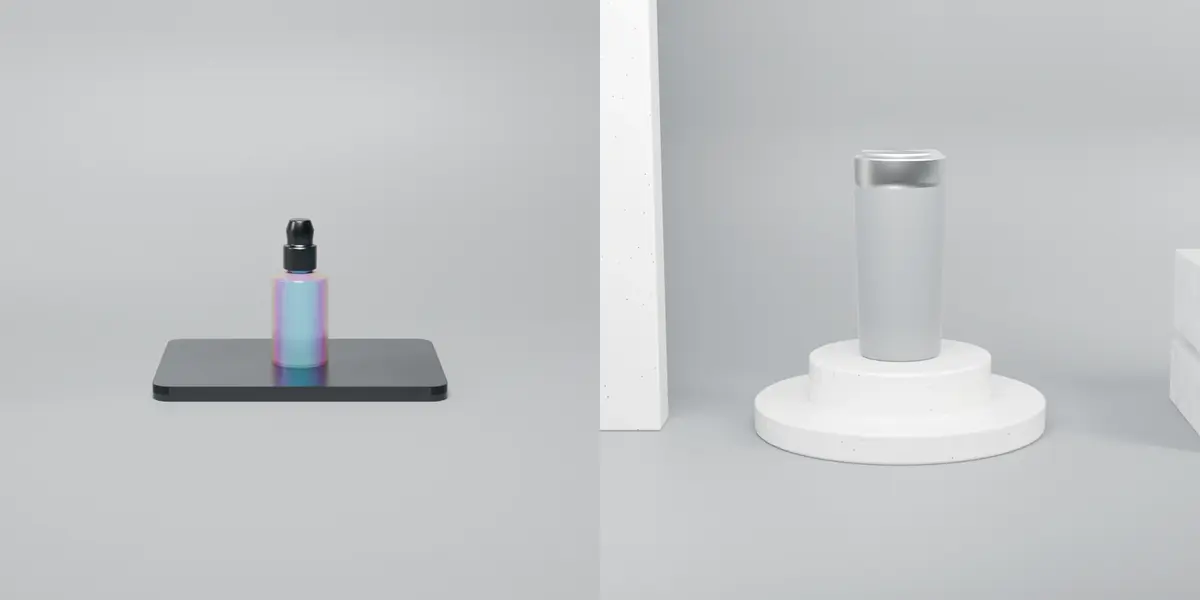
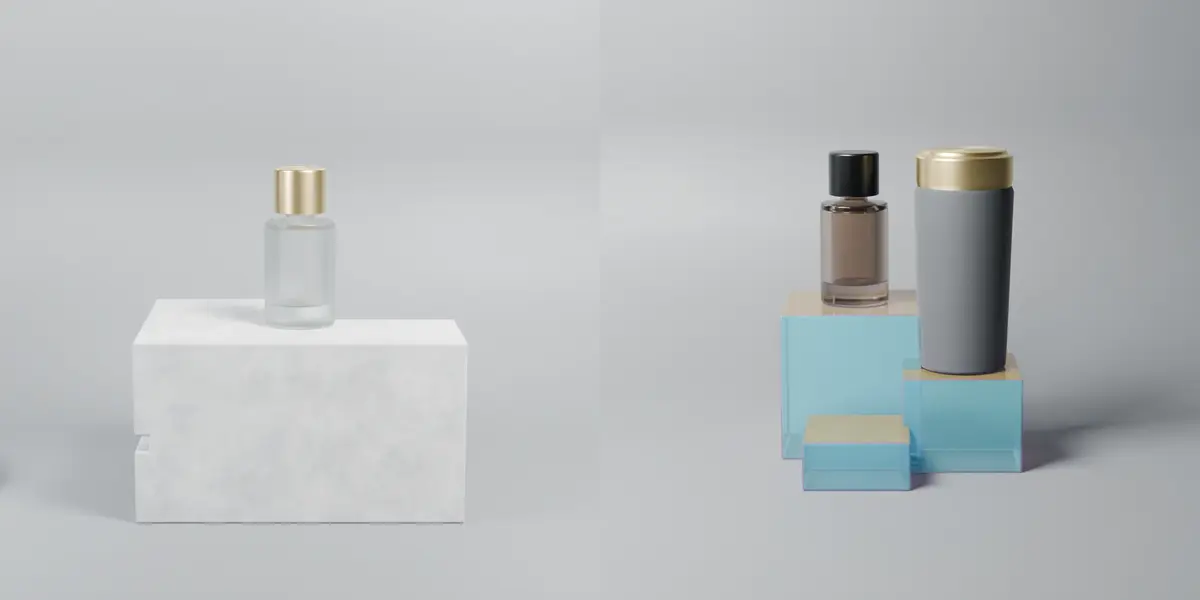
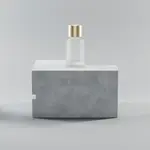
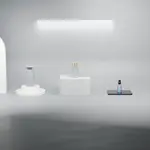
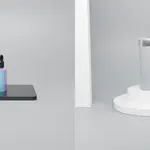
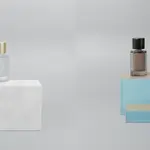
The 6 .glb files in exports_glb/ provide clean, optimized pedestal and backdrop geometry with applied transforms and unwrapped UVs ready for Three.js or React Three Fiber. Because the glTF 2.0 standard does not support custom Blender procedural shader node trees, the 8 procedural materials and gobo lighting rigs remain native inside lumina_studio_assets.blend.
Why does Frosted Glass or Iridescent Acrylic look dark or opaque in EEVEE?
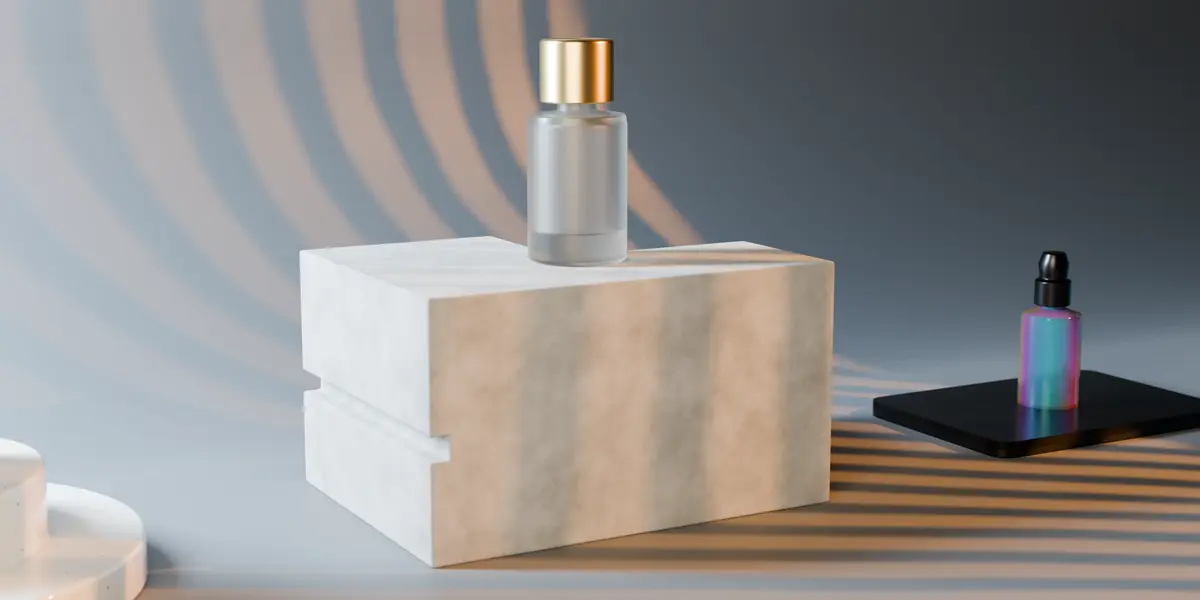
In Blender 4.2+ / 5.x (EEVEE Next), go to Render Properties and enable the "Raytracing" checkbox (Method: Screen Tracing). All glass and acrylic shaders are pre-configured with raytraced refraction and transparent shadows.
Assets are not showing up in the Blender Asset Browser. How do I fix it?
Make sure you extracted the .zip file first and pointed Blender (Edit → Preferences → File Paths → Asset Libraries) to the folder containing blender_assets.cats.txt (either the root lumina-studio-pack folder or lumina-studio-pack/blend). Then switch the Asset Browser dropdown from "Current File" to "Lumina Studio".
Have questions about this product?
Login to message
| Published | about 3 hours ago |
| Blender Version | 4.0 - 5.2 |
| Render Engine Used | Cycles, Eevee |
| License | Royalty Free |
Discover more products like this
eevee next Studio Lighting blender packshot asset-browser procedural materials lighting rig product-visualization podium mockup pedestal Cycles