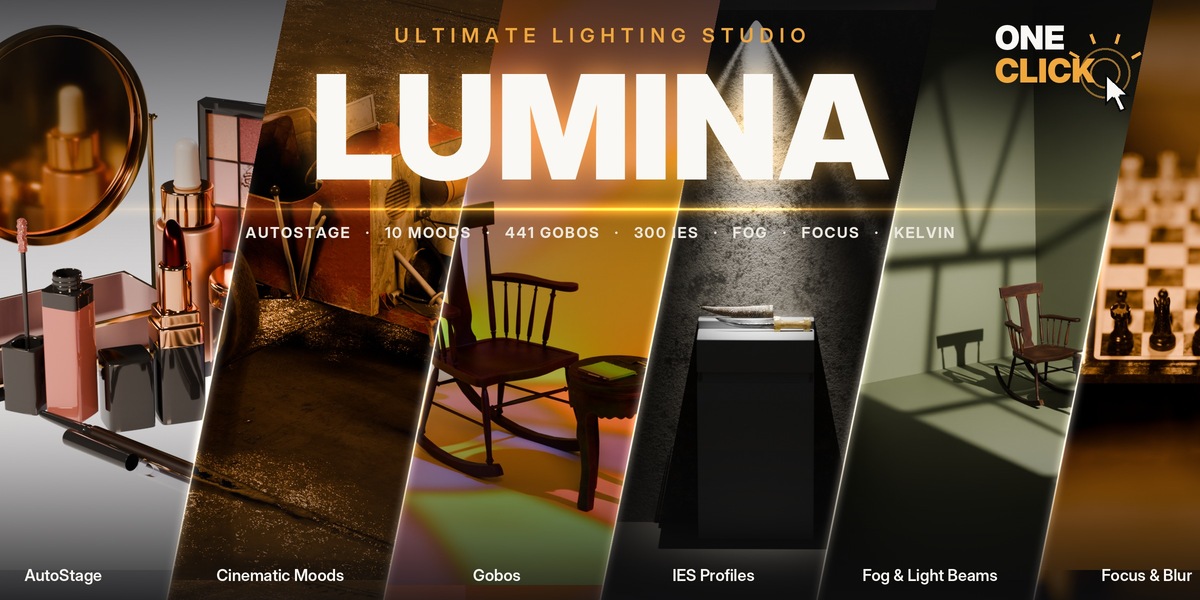
Lumina: Ultimate Lighting Studio
 Artmesh Studios

Installation
- Download the add-on zip that matches your Blender version: the file name ends in 4.2 (Blender 4.2 LTS) or 5.2 (Blender 5.2). Do not unzip it.
- In Blender open Edit > Preferences > Add-ons, click the small arrow at the top right and choose Install from Disk..., then pick the zip.
- In the 3D Viewport press N and open the LUMINA tab.
- First use only: click Choose Asset Folder and pick where your library should live. LUMINA creates a LUMINA_Assets folder (gobos / ies / hdri) there and remembers it.
- Install your asset packs: Library tab > Library Setup > Install Asset Pack (.zip) and pick LUMINA_HDRI_Pack.zip, then your gobo / IES pack (Studio: the 15 LUMINA_Studio_Pack zips), one zip at a time. No unzipping needed.
Quick start (5 minutes)
- Select your object.
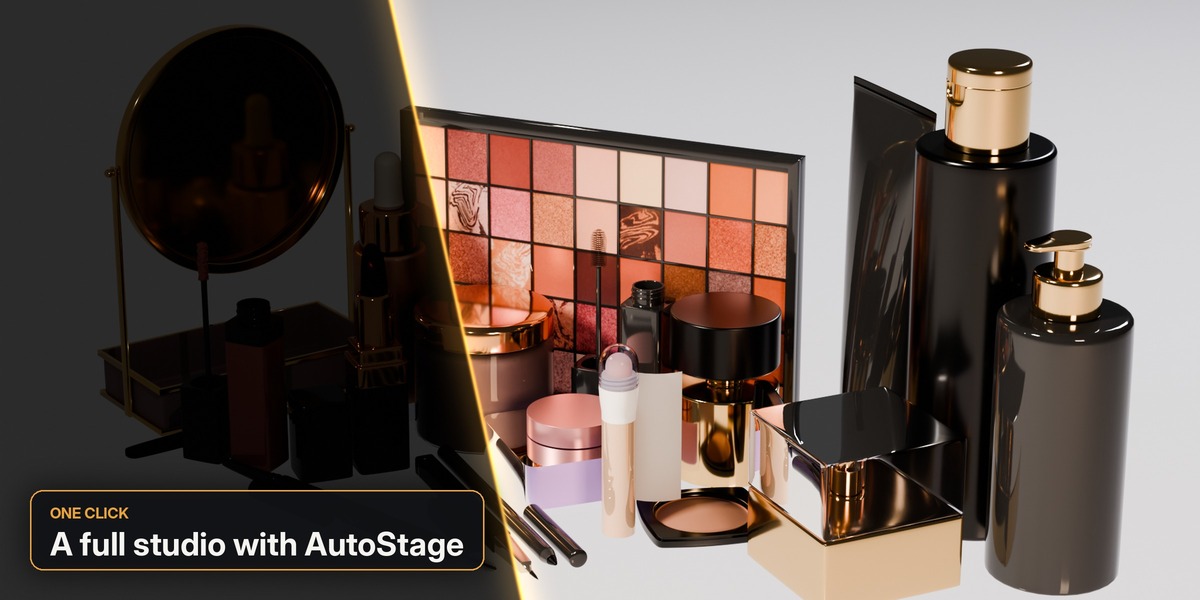
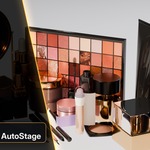
- Click LUMINA AutoStage at the top of the panel.
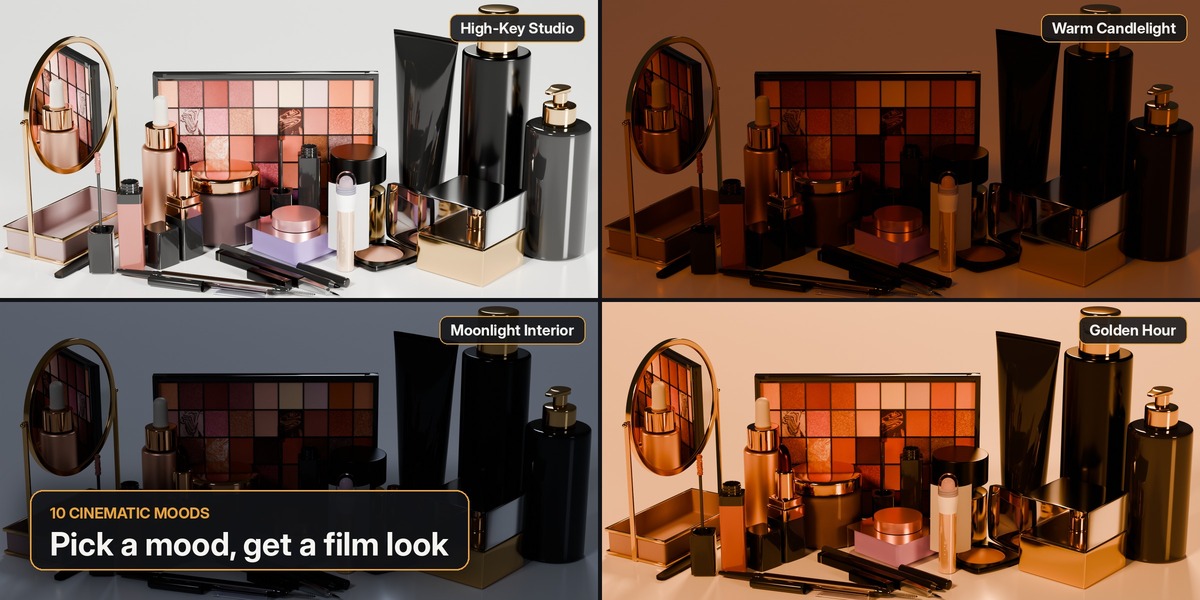
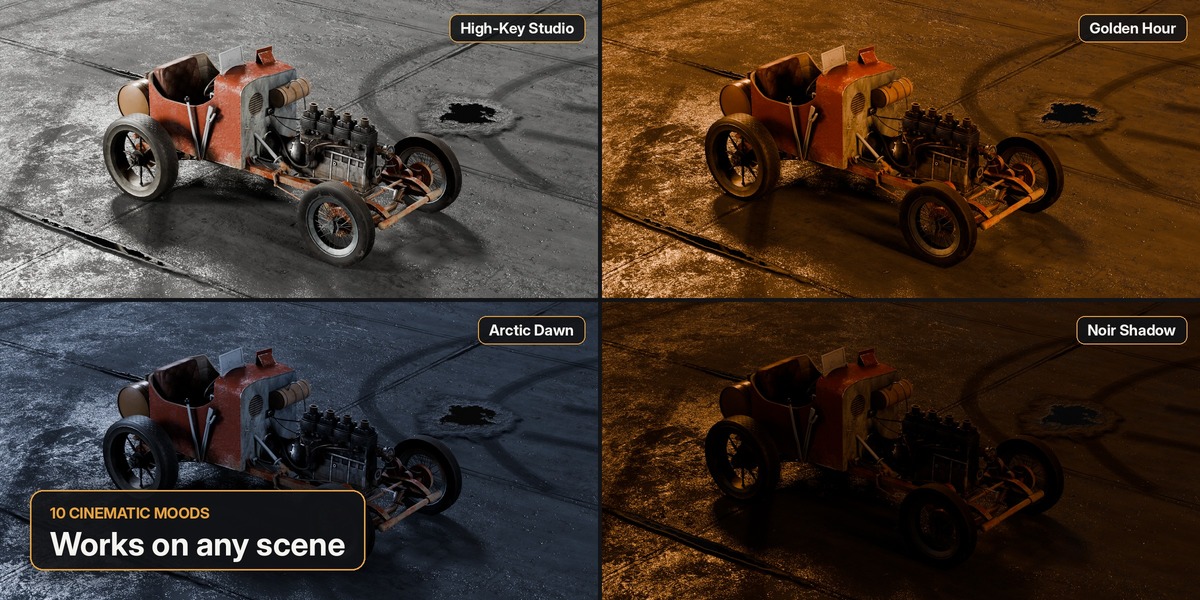
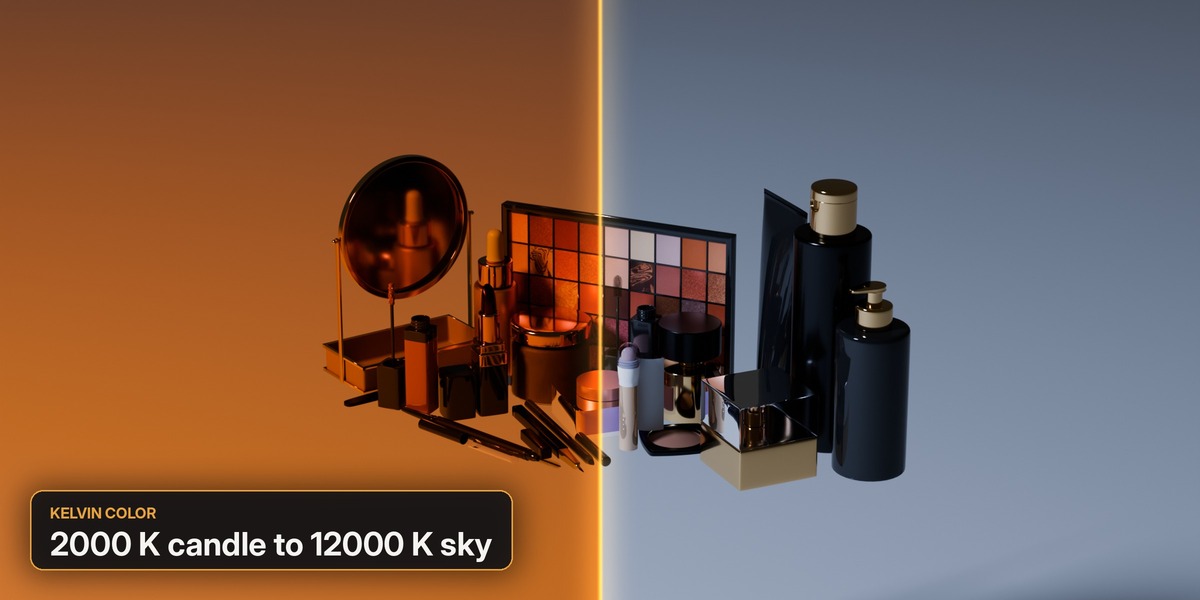
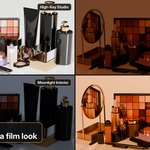
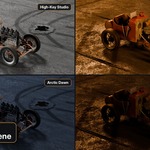
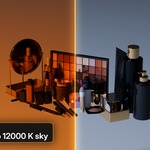
- Look tab > click a Cinematic Mood, for example Golden Hour.
- Look tab > Brightness > adjust Exposure (EV).
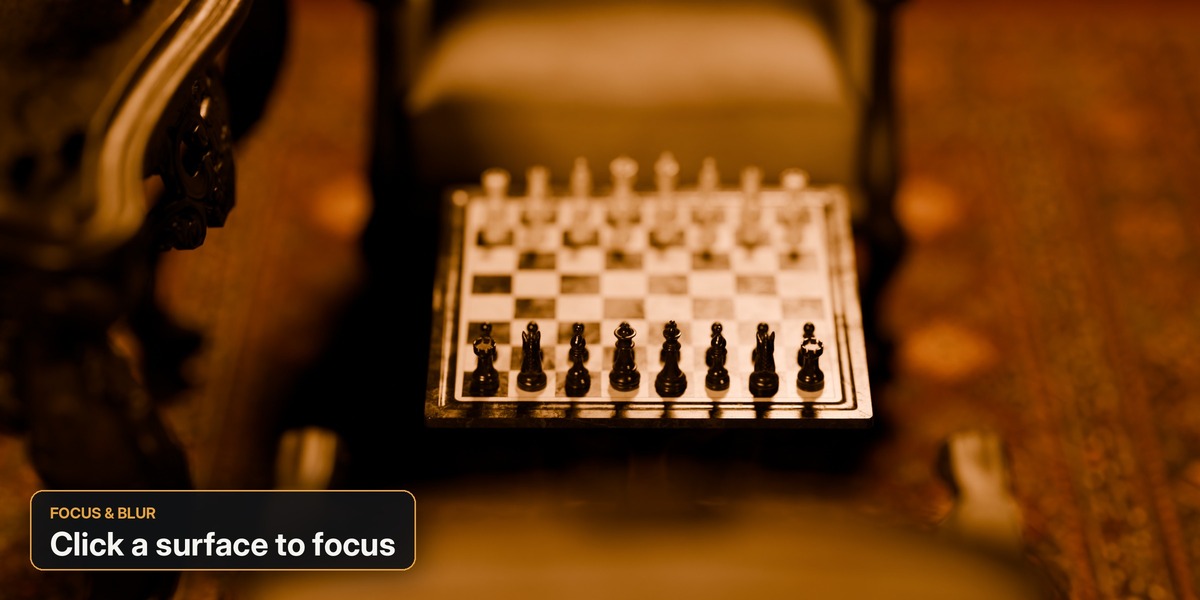
- Camera tab > Focus on Selected, then raise Blur.
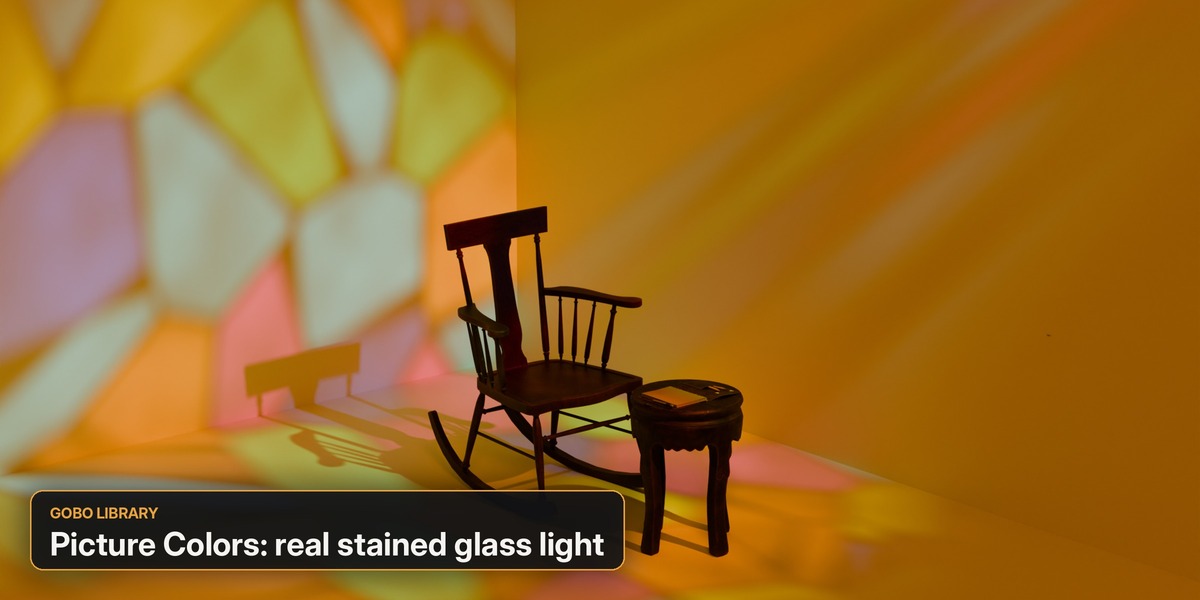
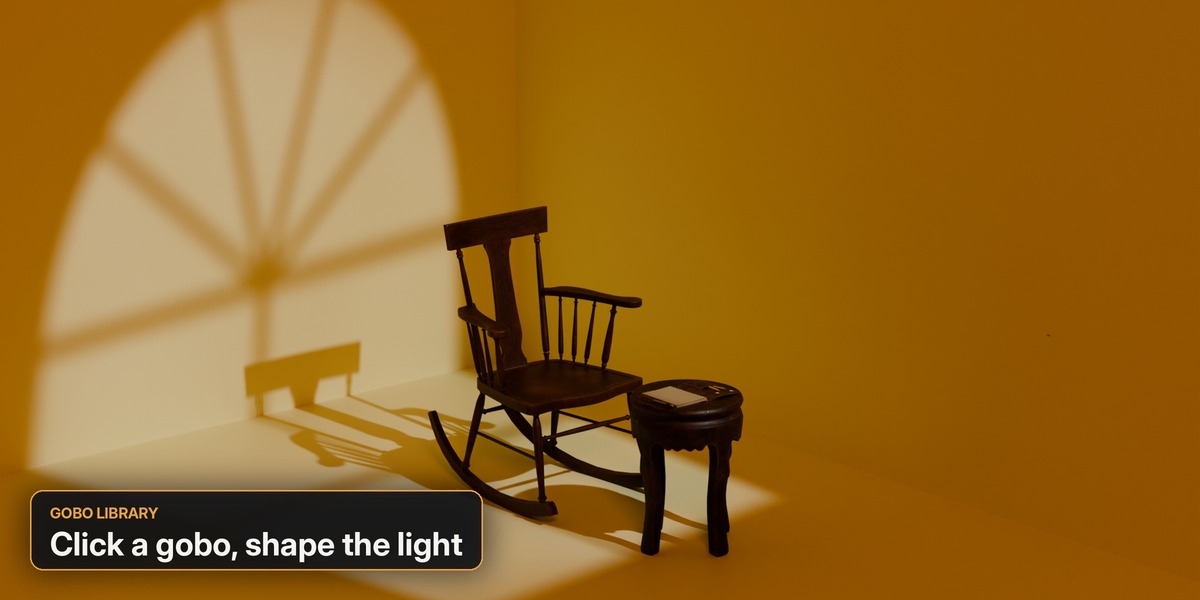
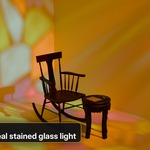
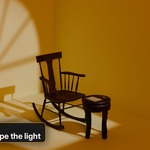
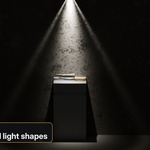
- Library tab > click Use Cycles if shown > click a gobo in the Gobo Gallery.
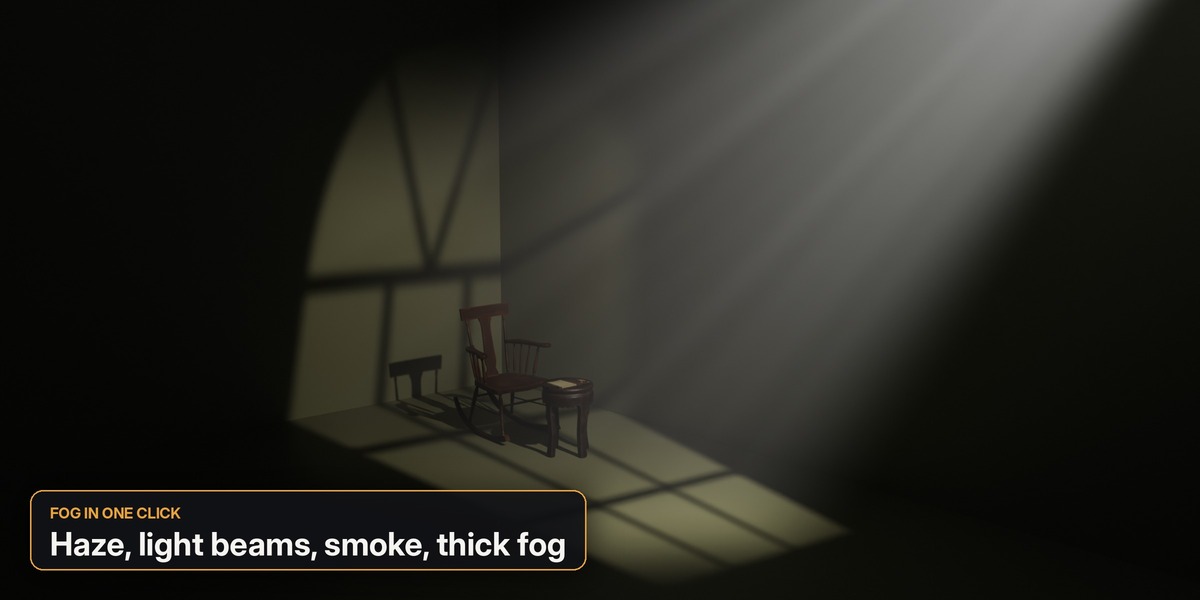
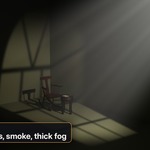
- Optional: Look tab > Fog (Atmosphere) > Light Beams.
- Press F12.
Good to know
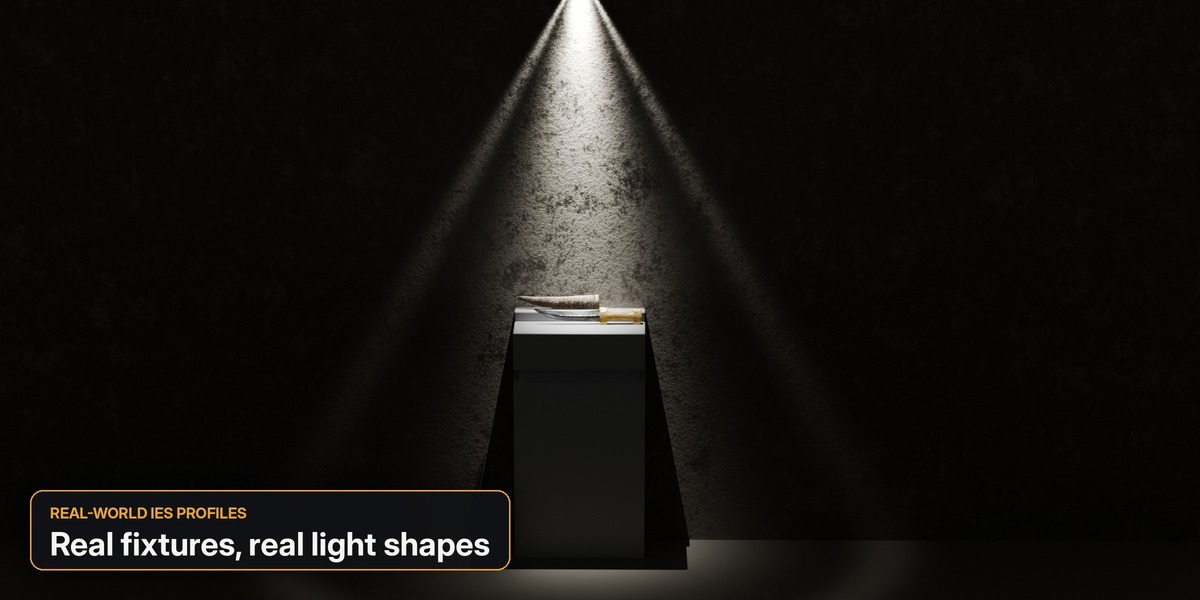
- Gobos and IES profiles show in Cycles only. EEVEE doesn't display light textures. LUMINA shows a "Use Cycles" button whenever it matters.
- Picture gobos project sharply from Spot lights only.
- A light can have a gobo or an IES profile, not both. Clicking the other one makes a new light for it.
- Fog adds render time in Cycles. "Dust" looks richer but renders several times slower.
- Director Mode's live focus is for working in the viewport. Use Bake Focus to Keyframes before final animation renders.
- Animated gobos play on the timeline: press Space or render an animation to see them move.
- No licence keys, no online activation, no internet connection needed.
Full PDF guides (Installation, Quick Start, Button Guide, License, Changelog) are included in the download. Support: [email protected]
Have questions about this product?
Login to message
| Blender Extension Compatible | Yes |
| Published | about 12 hours ago |
| Blender Version | 4.2 - 5.2 |
| Extension Type | Add-on |
| Render Engine Used | Cycles, Eevee |
| License | GPL |
Discover more products like this
product-visualization hdri light presets Lighting IES fog Studio Lighting Mood-Lighting cinematic-lighting volumetric gobo depth of field