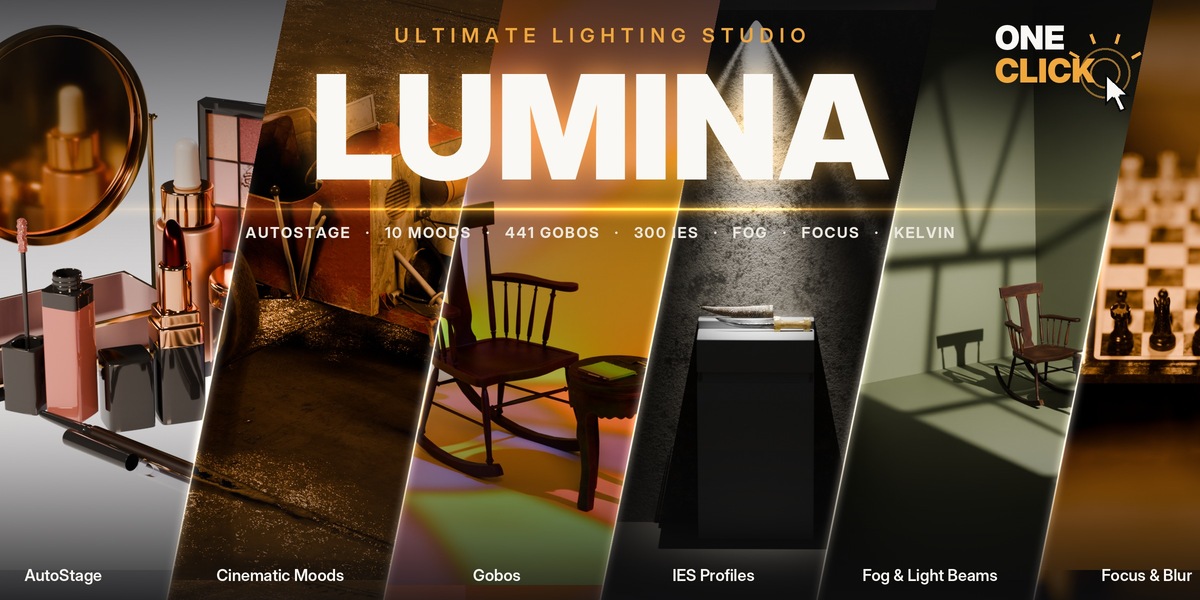
Lumina: Ultimate Lighting Studio
 Artmesh Studios
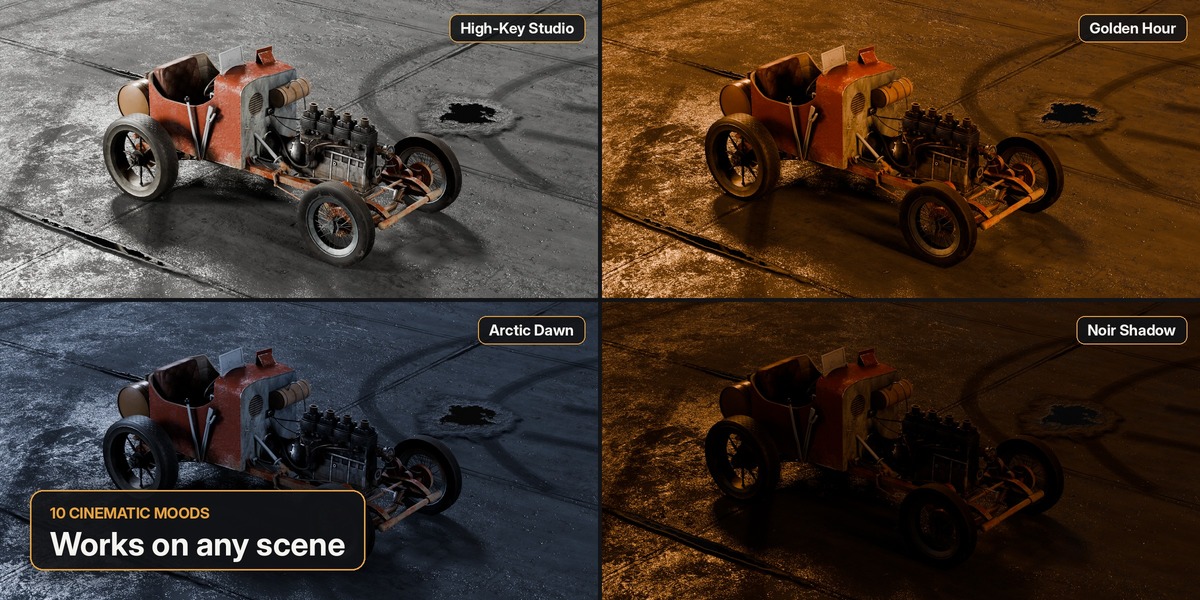
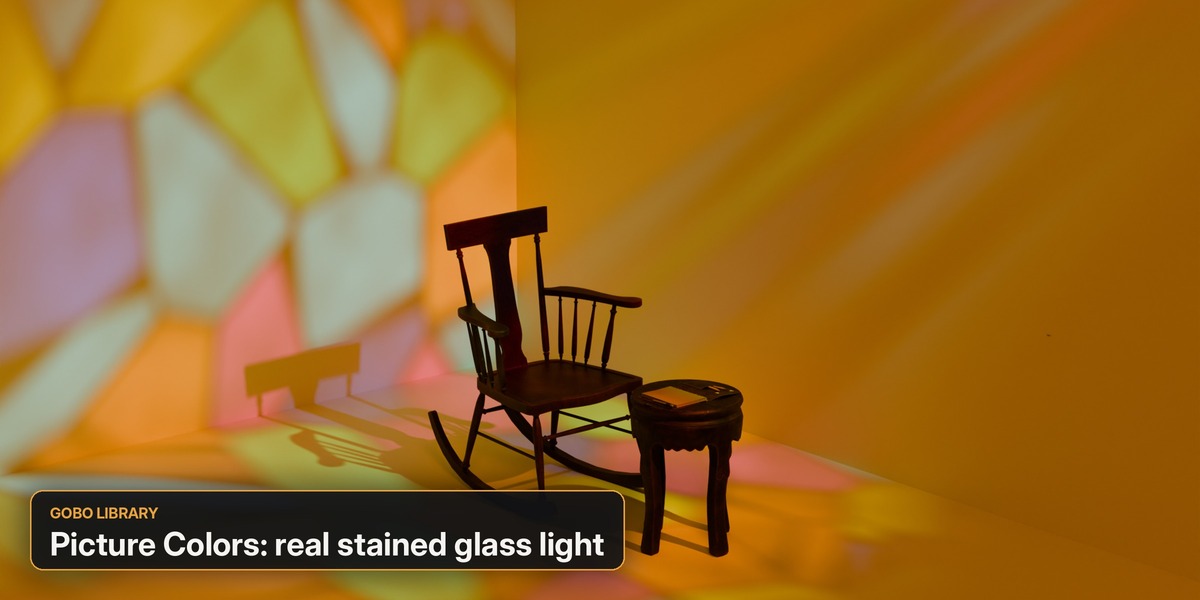
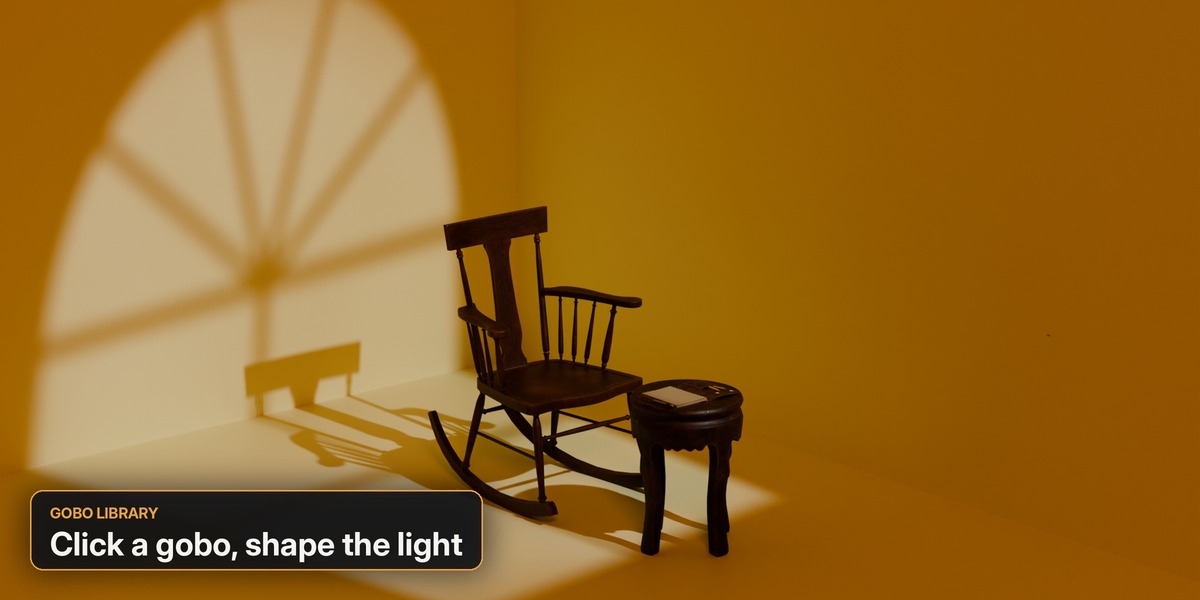
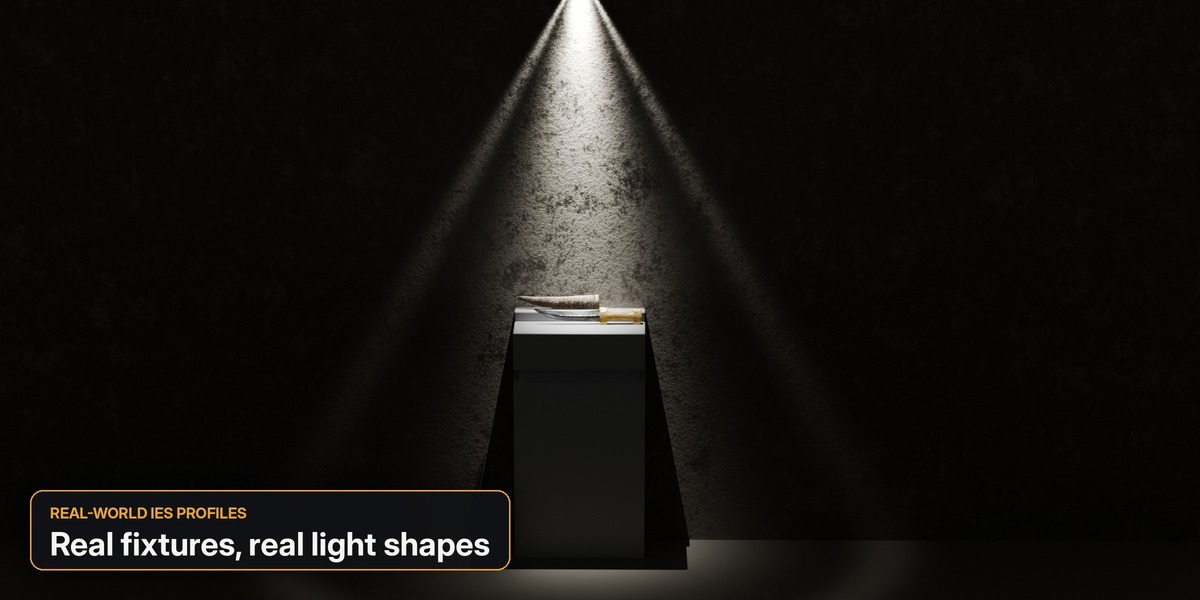
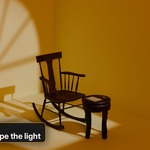
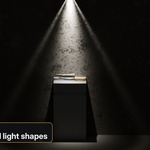
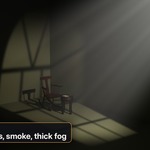
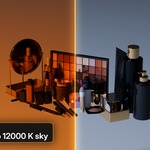
The zip that matches your Blender version: the file name ends in 4.2 or 5.2.
That folder is your asset library. Keeping it outside the add-on means updates and uninstalls never delete your gobos, IES files and HDRIs, and you choose the drive with enough space. It's asked only once.
No. Install the add-on zip with Install from Disk, and each asset zip (HDRI pack, gobo / IES pack) with Install Asset Pack (.zip).
Switch to Cycles (the Library tab has a Use Cycles button) and look in Rendered view or press F12.
Yes. Put them in your LUMINA_Assets folder (gobos / ies / hdri) and click the refresh icon. Folders become categories.
No. Your asset folder is outside the add-on and LUMINA keeps it through updates and uninstalls.
Yes, in any renders, animations, games and client work. You can't resell or share the asset files themselves. See the License PDF in your download.
The number of users (1 / 2-5 / 6-20) and the size of the gobo and IES library (10 / 50 / full). The add-on itself is identical, and all three include 10 studio HDRIs. More than 20 seats? Email [email protected] for a custom licence.
Yes. New versions appear in your downloads where you bought LUMINA. Install them over the old version and your asset folder stays.
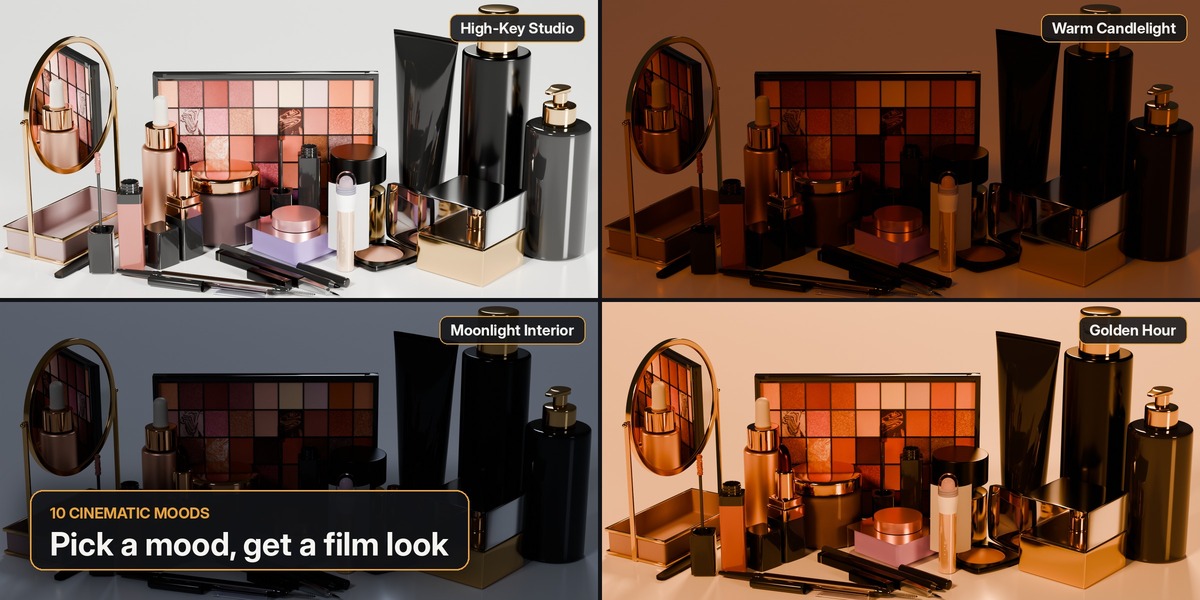
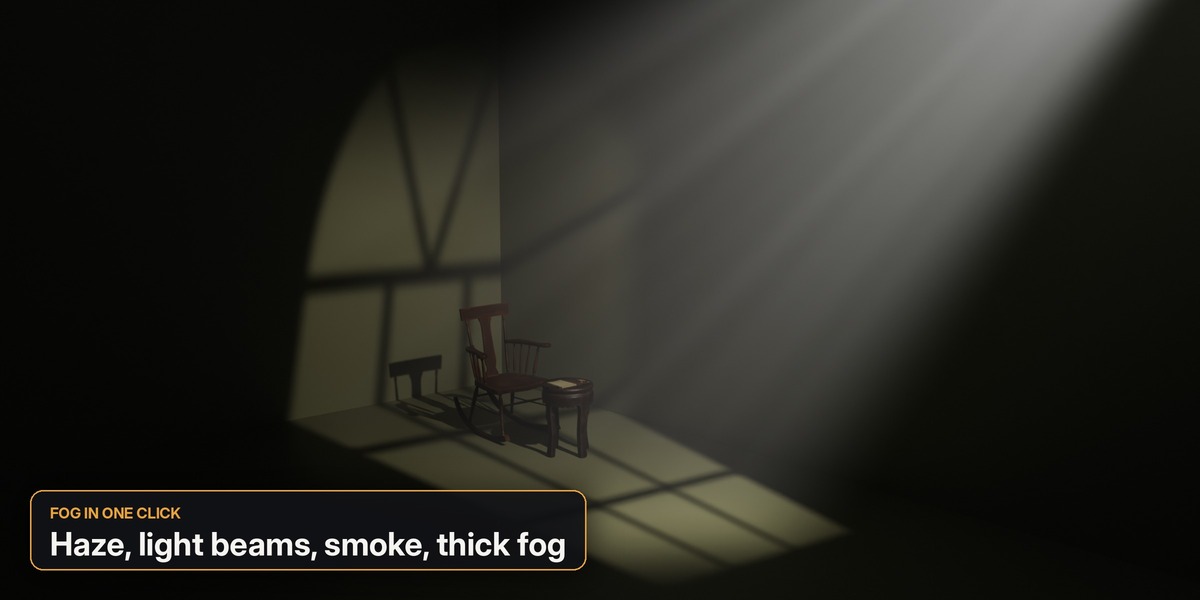
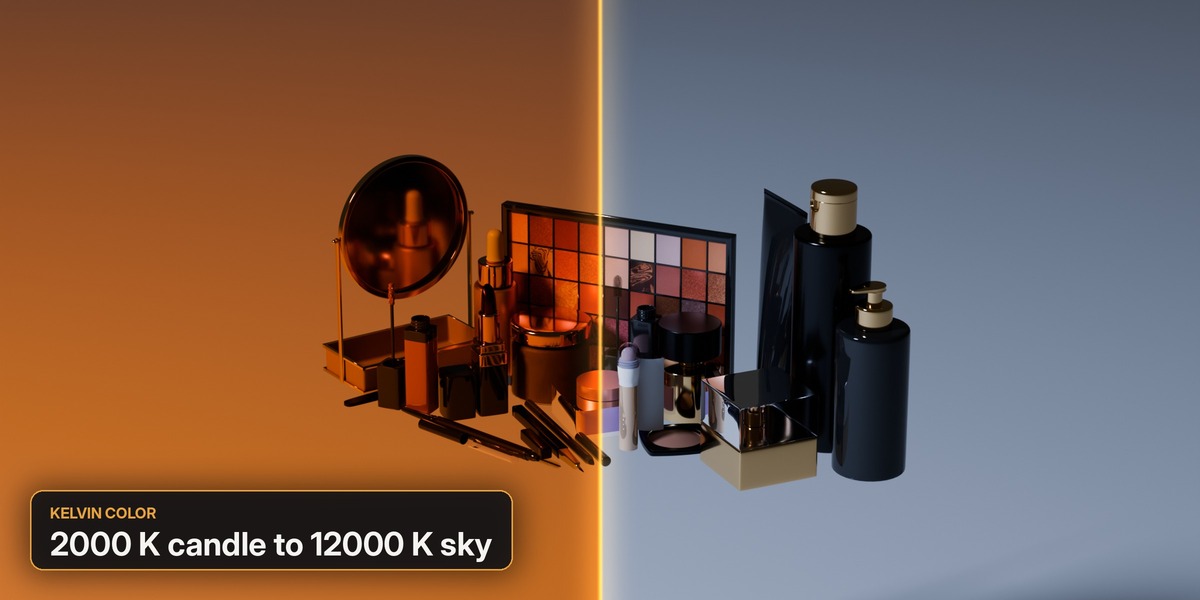
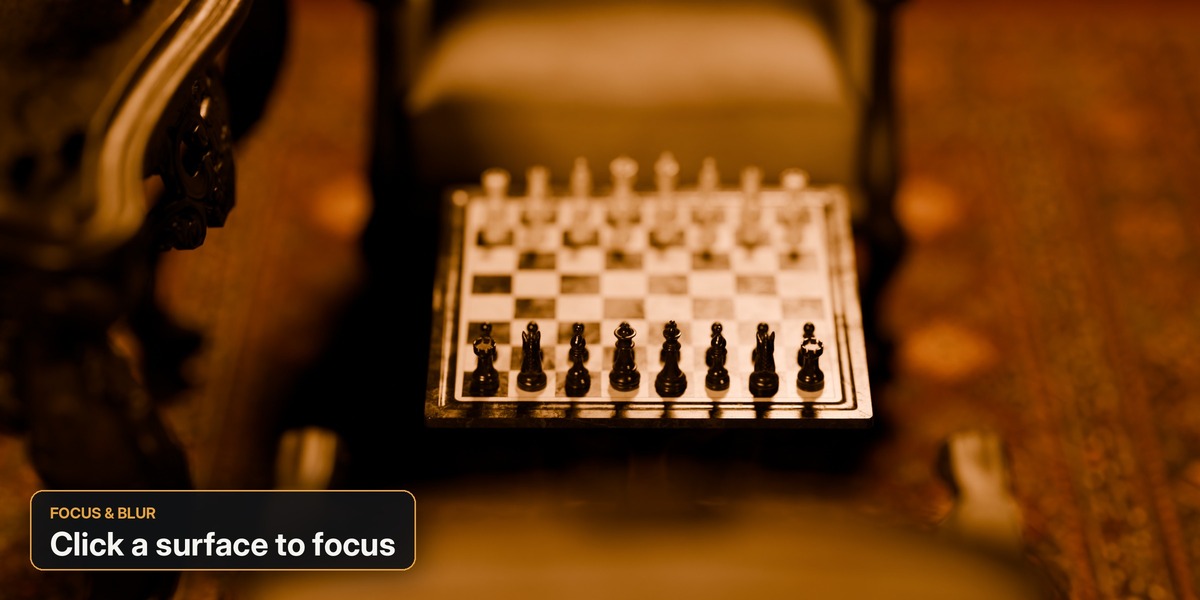
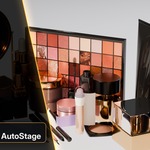
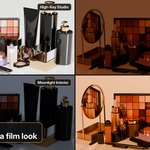
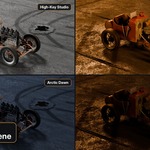
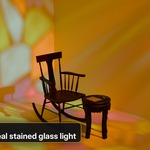
Partly. AutoStage, Cinematic Moods, HDRIs, camera and focus tools (including Director Mode), Kelvin colour, Click to Place, Track Target, the colour grade and the platform sizes work in EEVEE. Gobos (picture, animated and pattern) and IES profiles are Cycles only: EEVEE cannot display light textures, so the light shines without the pattern or beam shape. Fog is made and tuned for Cycles.
Send us a message through the store or email [email protected].
Have questions about this product?
Login to message
| Blender Extension Compatible | Yes |
| Published | about 12 hours ago |
| Blender Version | 4.2 - 5.2 |
| Extension Type | Add-on |
| Render Engine Used | Cycles, Eevee |
| License | GPL |
Discover more products like this
Lighting Mood-Lighting IES product-visualization Studio Lighting fog gobo light presets depth of field volumetric hdri cinematic-lighting