Lvl Exporter - Blender Data To Json Or Xml!
 Anthony Snelling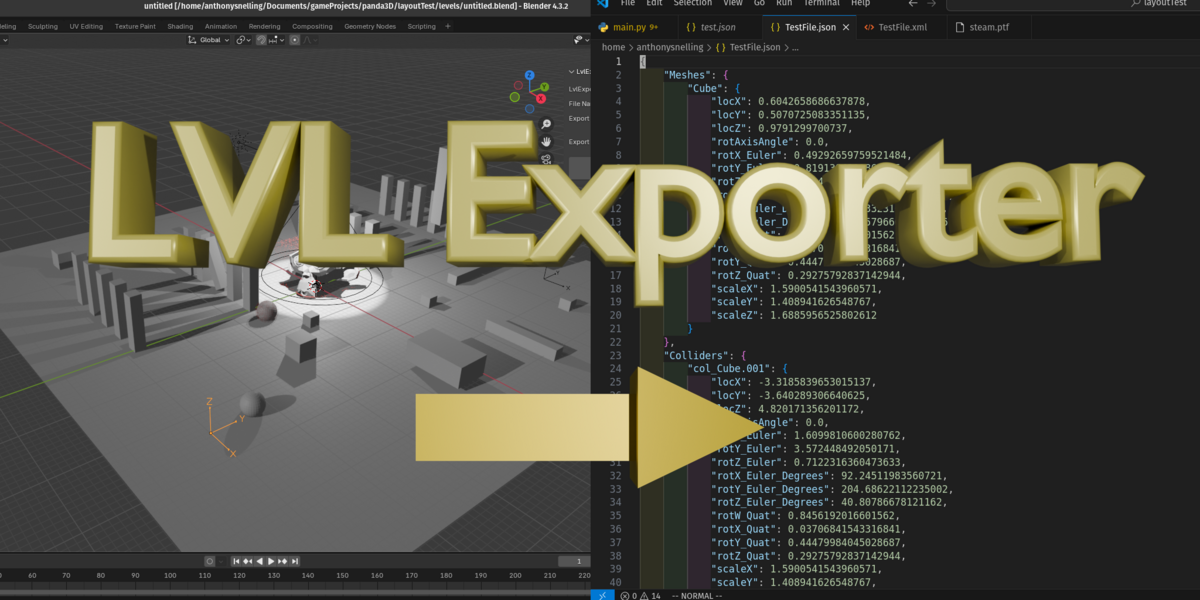
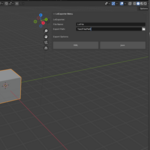
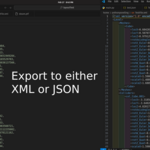
JSON/XML Exporter
Video Link:
https://www.youtube.com/watch?v=MB_Gkuefmjg
Things to Know:
-
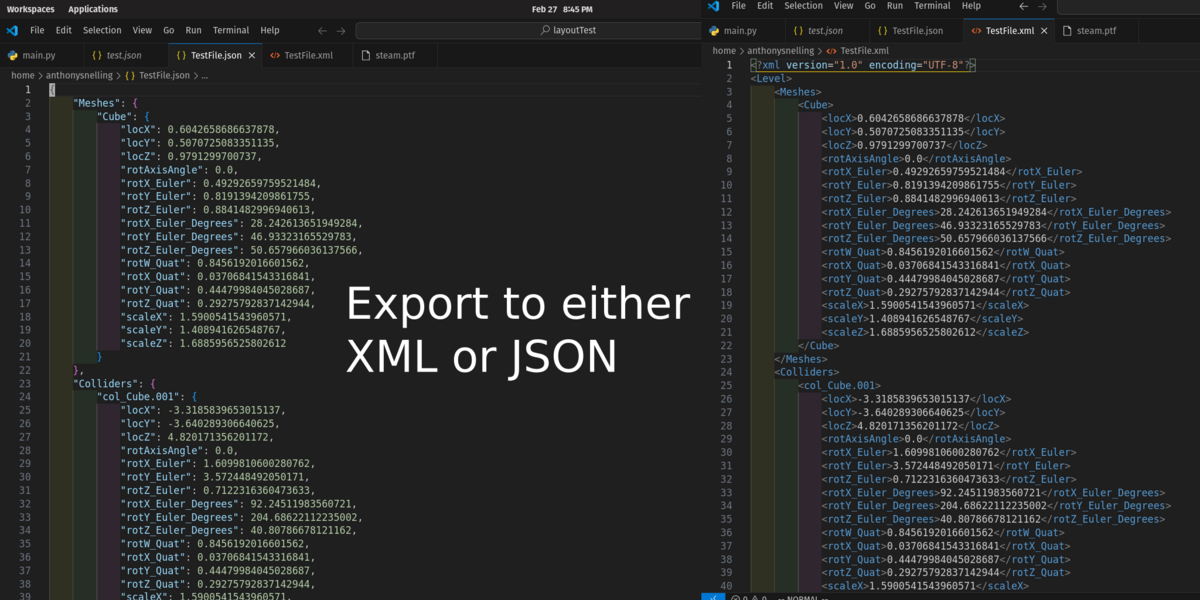
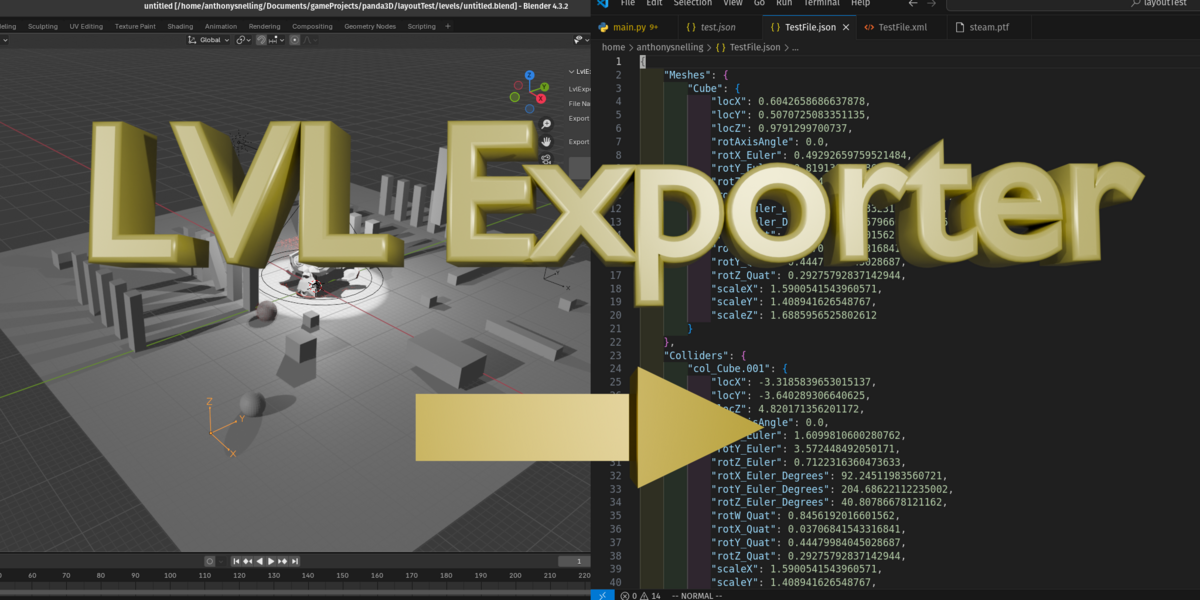
Lvl Exporter is made to simplify exporting the layout of a Blender scene to other 3D software by exporting certain data to files
so that you can set up that scene in something like: ThreeJs, Panda3D, etc.
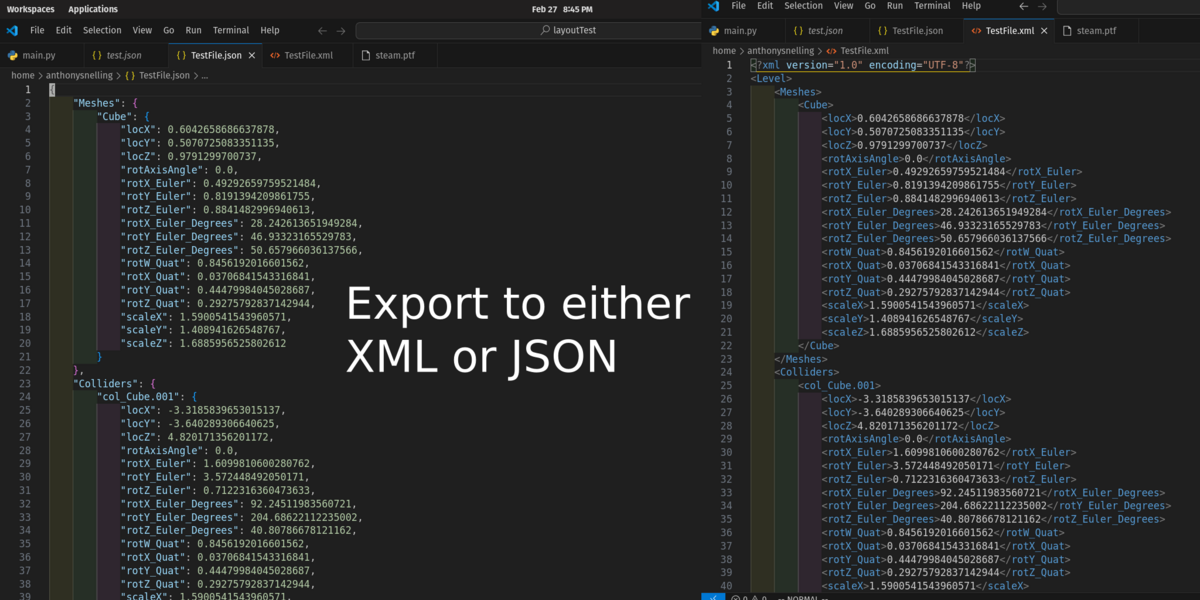
NOTE: Lvl exporter only exports data, it isn’t a one stop solution or drag and drop solution for working in other 3d software. You will have to write code that parses the JSON Or XML data to set up the scene in other 3d software.
Installation:
In blender, select edit->preferences from the top
From the preferences Window, select ‘Add-Ons’ from the left
Then in the top right, click the ‘down arrow’ and then select ‘install from disk’ from the drop down menu.
In the new browser window, Find where you downloaded the ‘LvlExporter.zip’ file. Select it and then select install from disk.


Basic Use:
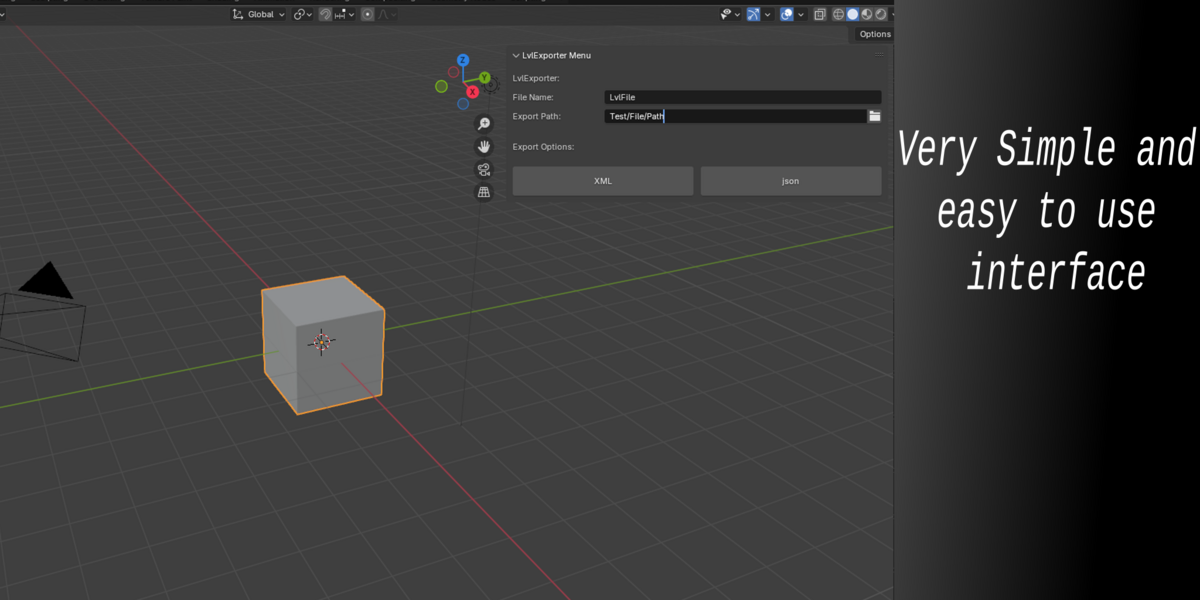
With Lvl Exporter installed you should find it on the side menu bar (a.k.a. N-Panel) of a 3d viewport, if your side menu isn’t shown, hit the ‘n’ key with the 3d viewport active to bring it up. If you have many add-ons installed you may have to scroll up or down on the side-menu to find it.
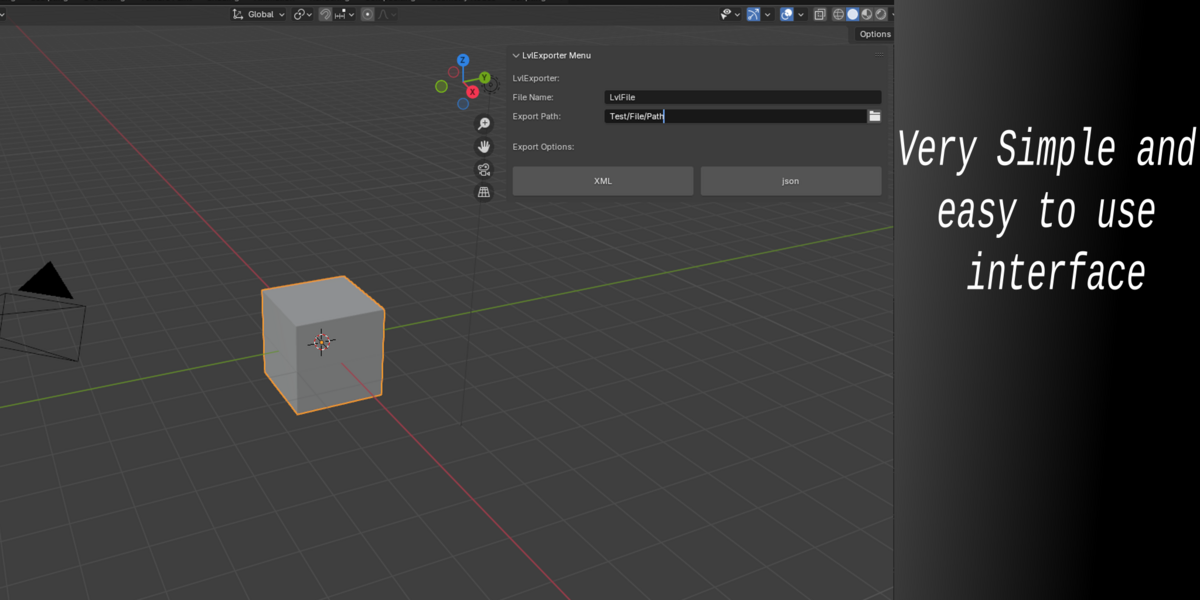
Select it from the side-menu(N-Panel) and you should see a few options.
To use Lvl Exporter:
simply type a File Name(extensions like .json or .xml are not needed when typing a file name!) in the File Name field.
Type an export path in the Export Path field. Use the folder icon to easily select one from a browser window.
With these setup you can now click either the XML or Json buttons to export the file to the export path you selected. Simple as that!

How it works:
Lvl Exporter takes the elements of a blender scene and exports some data about them into different categories if it matches with one of those. Those categories are:
Meshes
Colliders
Lights
Spawns
Cameras
Meshes, Lights, and Cameras, are exported automatically and sorted into their appropriate categories. You can also choose for something to be exported as a spawn or collider:
Spawns are typically used for creating spawn points. Examples like, where a player should spawn or where particles should spawn. To export something as a spawn:
You need to create an ‘Empty’ object in blender.
The empty object's name needs to have 'spawn_’ in the beginning of it’s name.
Colliders can be used to help export data that can help you set up a collider.
To create a collider, you can create a mesh object in your blender scene.
The mesh object's name needs to have 'col_’ in the beginning of it’s name.


Have questions about this product?
Login to message
| Blender Extension Compatible | Yes |
| Published | over 1 year ago |
| Blender Version | 4.3, 4.2, 4.1, 4.0, 3.6, 3.5, 3.4, 3.3 |
| Extension Type | Add-on |
| License | Mit |
