 Mission42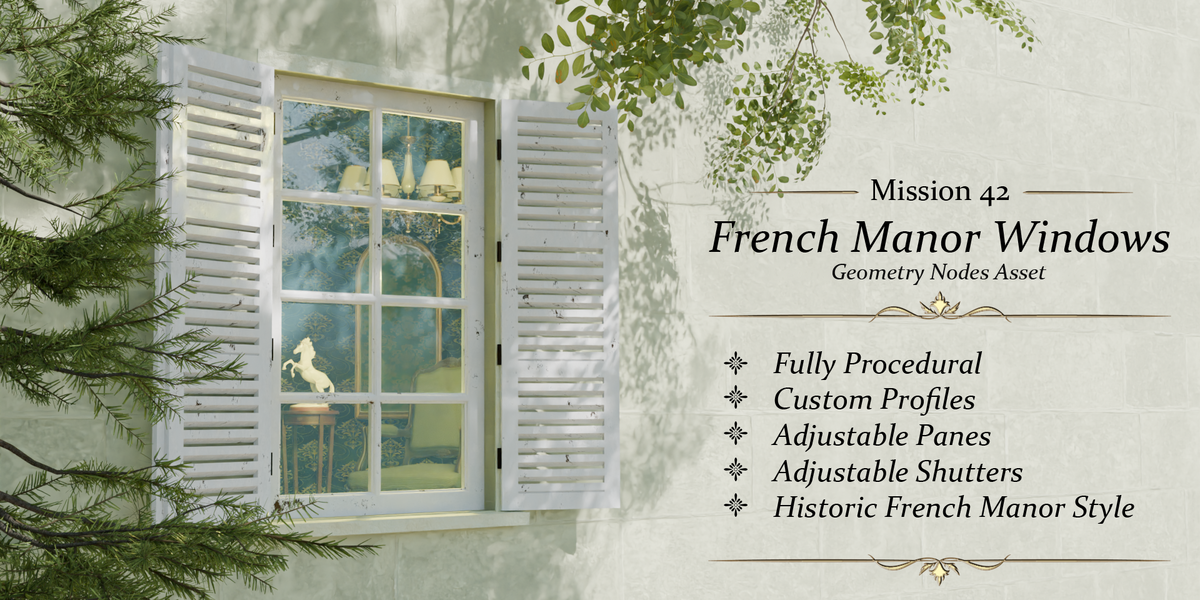
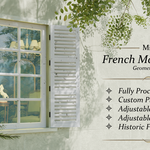
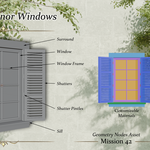
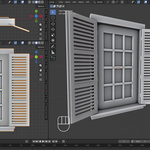
Classic French manor windows, fully procedural
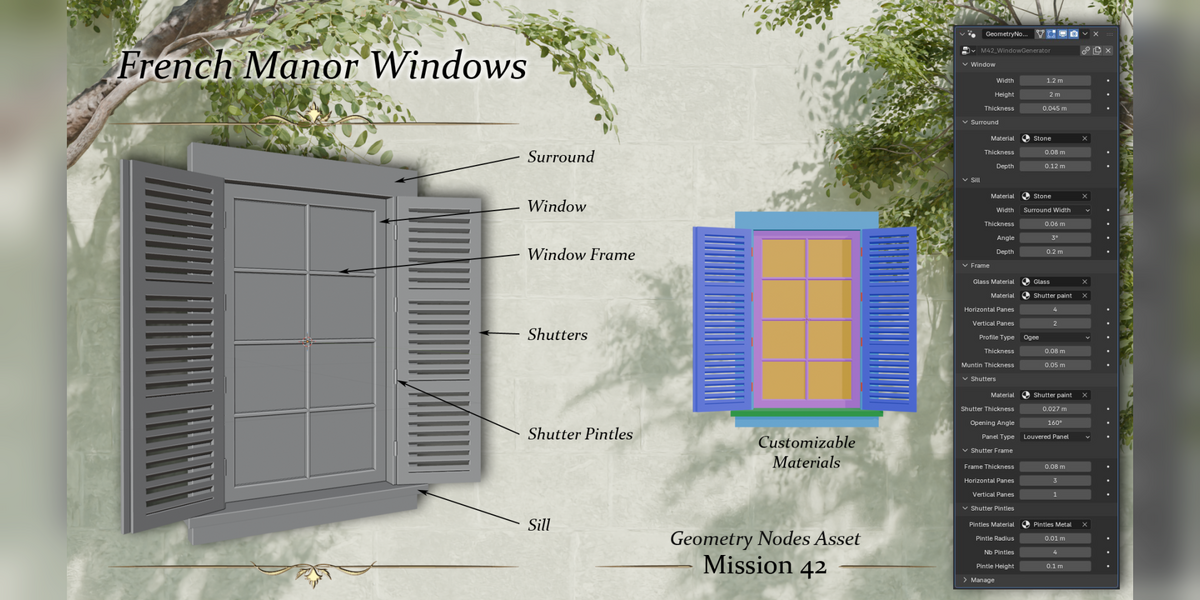
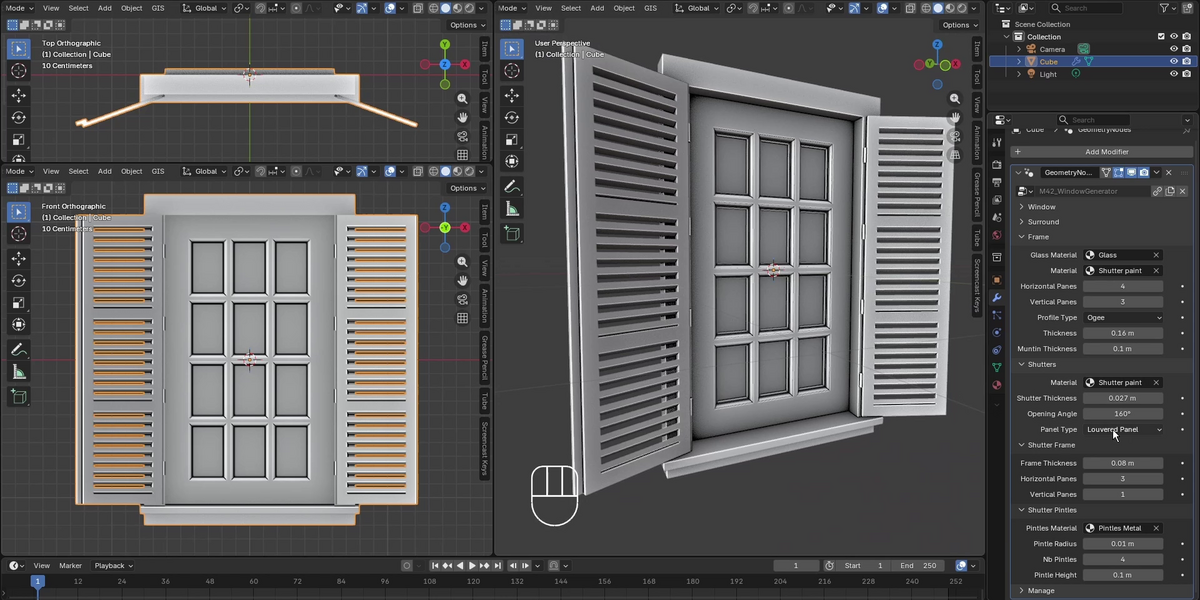
M42 French Manor Windows is a Geometry Nodes asset that builds a complete French manor window from a single modifier: frame, glass, muntins, shutters, stone surround and sill. Every part is parametric and non-destructive, so you can dial in the exact window you need in seconds and change it at any time.
It was born from a real production need: rebuilding a demolished 19th-century château for an augmented reality heritage project, where dozens of windows had to match old postcards.
Features
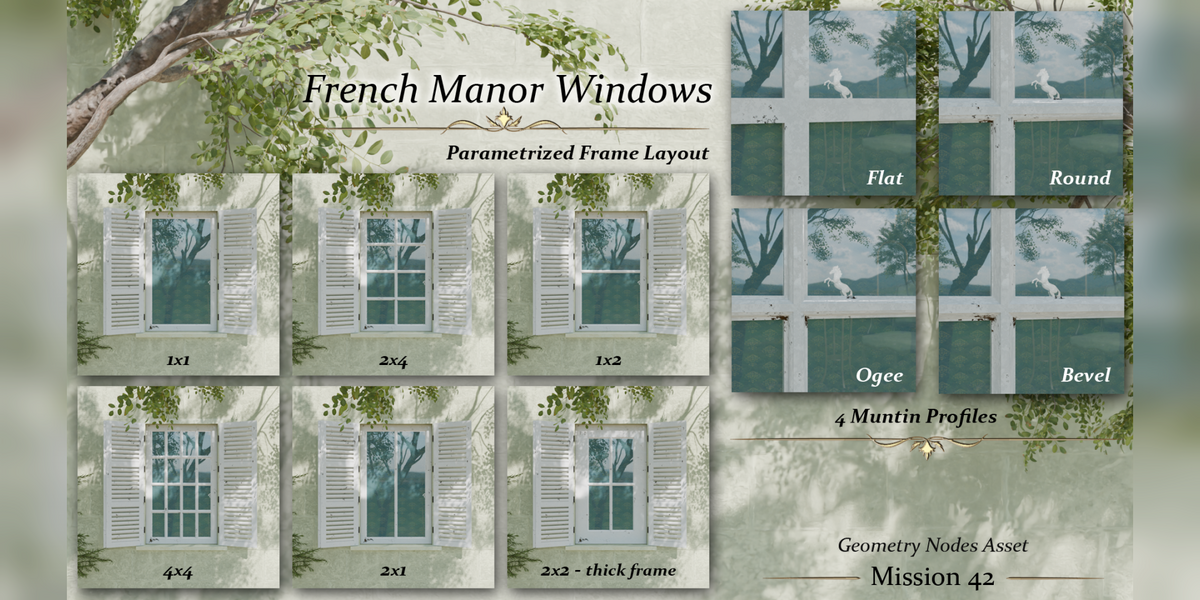
- Window: adjustable width, height and frame thickness
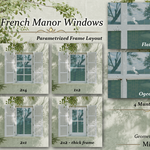
- Pane layout: from 1×1 to 4×4 panes, adjustable muntin thickness
- Four moulding profiles: flat, round, ogee and bevel
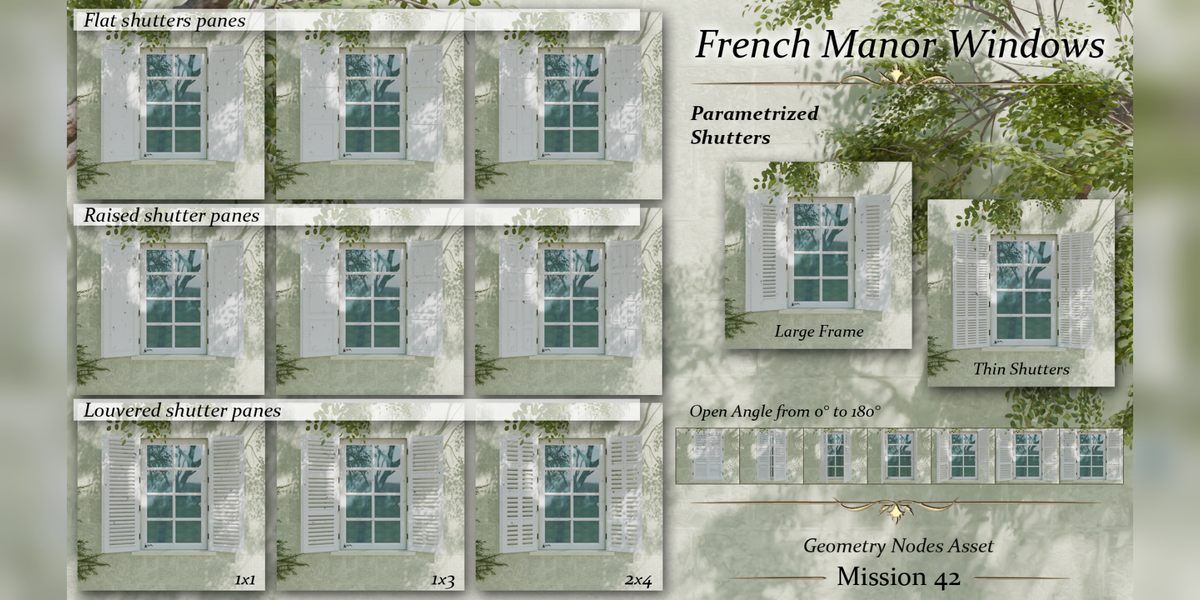
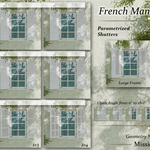
- Shutters: flat, raised-panel or louvered, with their own pane layout and frame thickness
- Opening angle from 0° to 180°, with pintles (number, radius and height adjustable)
- Stone surround and sill: thickness, depth, width and slope
- Customizable materials: separate slots for stone, frame, glass, shutters and metal
- Lightweight and non-destructive: everything stays editable in the modifier panel
Use cases
- Architectural visualization and historical reconstruction
- Environment art for films and games
- Procedural building kits and city generation
What's included
- M42_WindowGenerator.blend: the Geometry Nodes node group, ready to link or append
- M42_WindowGenerator_demo_lite.blend: a lightweight demo scene
- User guide (PDF) with every parameter explained
- README, license and credits
Installation
- Open your project, then use File › Link (or Append) and pick the node group M42_WindowGenerator inside M42_WindowGenerator.blend.
- Add a mesh object and give it a Geometry Nodes modifier.
- Select M42_WindowGenerator in the modifier and adjust the parameters.
Compatibility
Version 5.0 or newer. Not an add-on: no Python, nothing to install, it works anywhere Geometry Nodes does.
FAQ
Can I use it in commercial projects?
Yes. Renders, animations and final artwork made with the asset can be used commercially. See the included license for details.
Does it work with EEVEE and Cycles?
Yes, it generates regular geometry and materials.
Can I apply the modifier to get a regular mesh?
Yes, apply it like any other modifier, for export to a game engine for example.
Support
Questions, bugs or ideas: contact me through Superhive messages. I answer within 72 hours.
Music in the presentation video: Brandon Wilson (Pixabay).