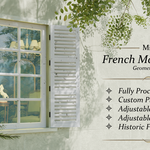
M42 French Manor Windows
 Mission42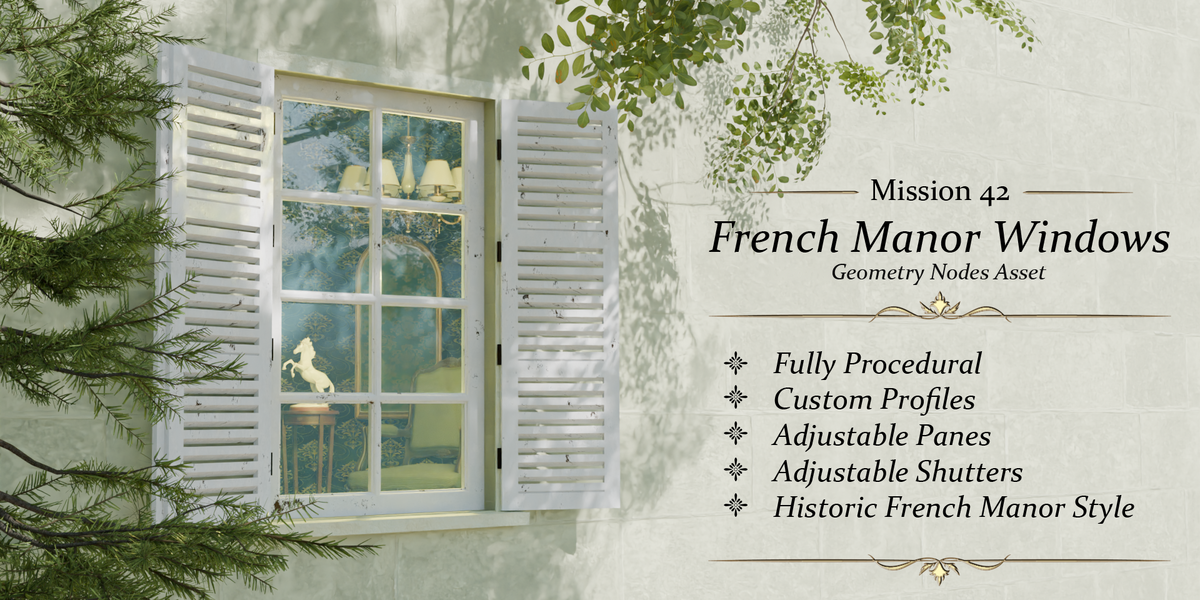
Getting started
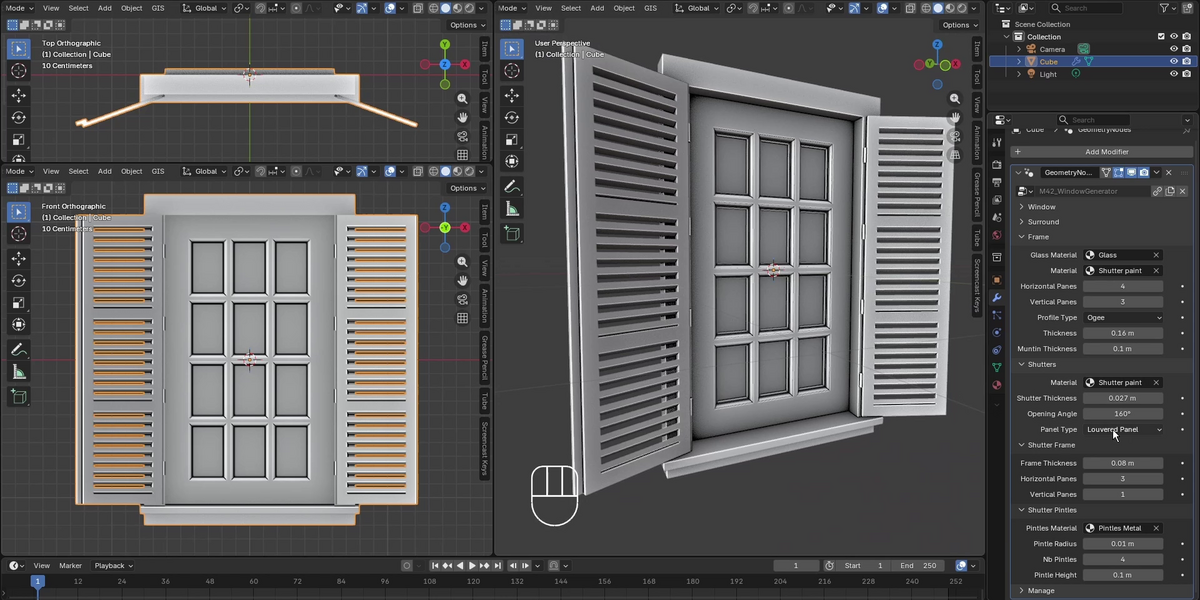
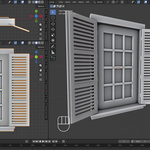
- In your project, use File › Link (to keep it updatable) or File › Append, open M42_WindowGenerator.blend, go into NodeTree and pick M42_WindowGenerator.
- Add any mesh object (a simple plane is fine) and give it a Geometry Nodes modifier.
- Select M42_WindowGenerator in the modifier.
- Adjust the parameters below. Tip: duplicate the object (Alt+D) to place many windows that share the same settings.
Open M42_WindowGenerator_demo_lite.blend to see a ready-made scene, and the PDF user guide for illustrated explanations of every setting.
Parameters
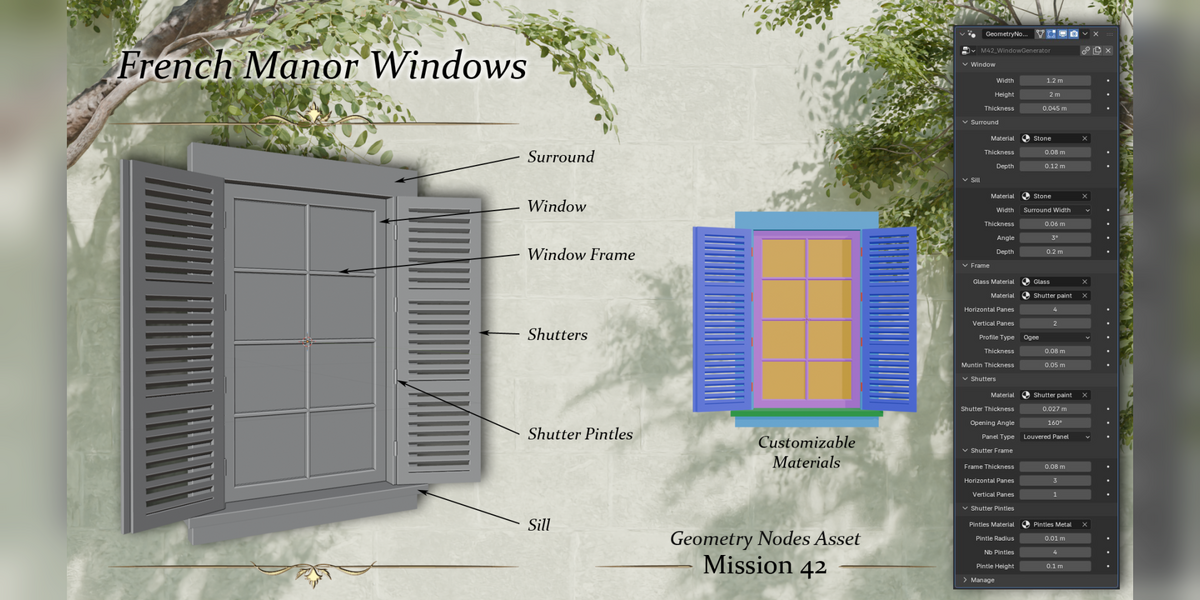
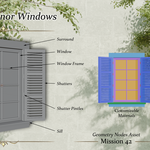
Window
- Width / Height: overall size of the opening.
- Thickness: depth of the window frame.
Surround
- Material: stone material of the surround.
- Thickness / Depth: width of the stone band around the opening and how far it stands out from the wall.
Sill
- Material, Width (follows the surround width by default), Thickness, Depth.
- Angle: slope of the sill, for water runoff.
Frame
- Glass Material and Material (frame paint).
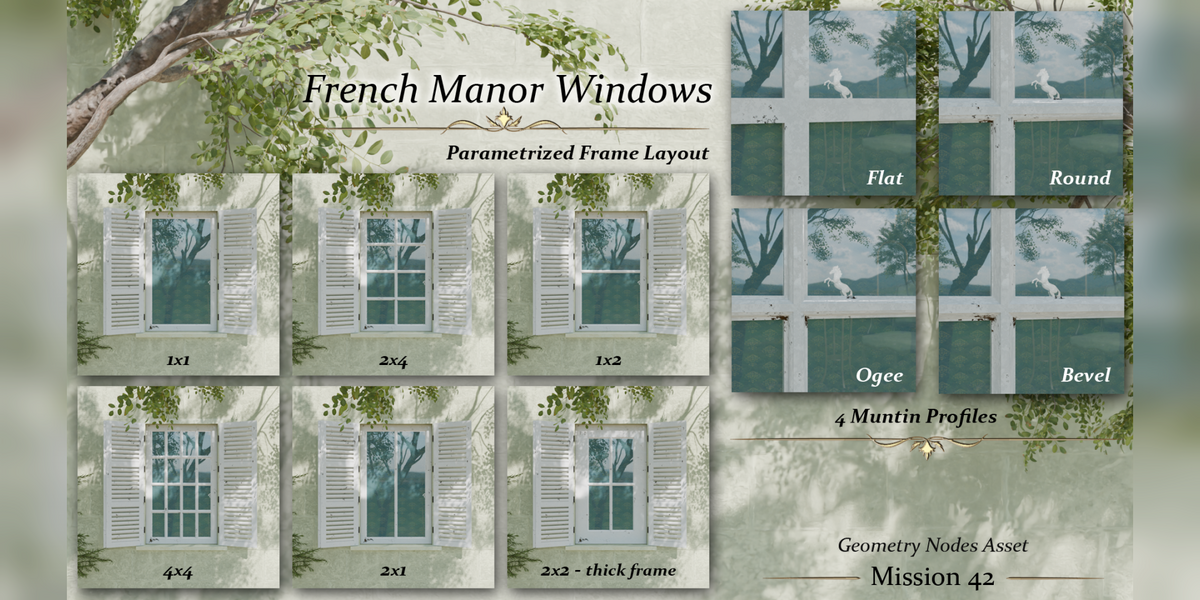
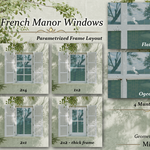
- Horizontal / Vertical Panes: pane layout, from 1×1 to 4×4.
- Profile Type: flat, round, ogee or bevel moulding.
- Thickness / Muntin Thickness: width of the frame and of the bars between panes.
Shutters
- Material and Shutter Thickness.
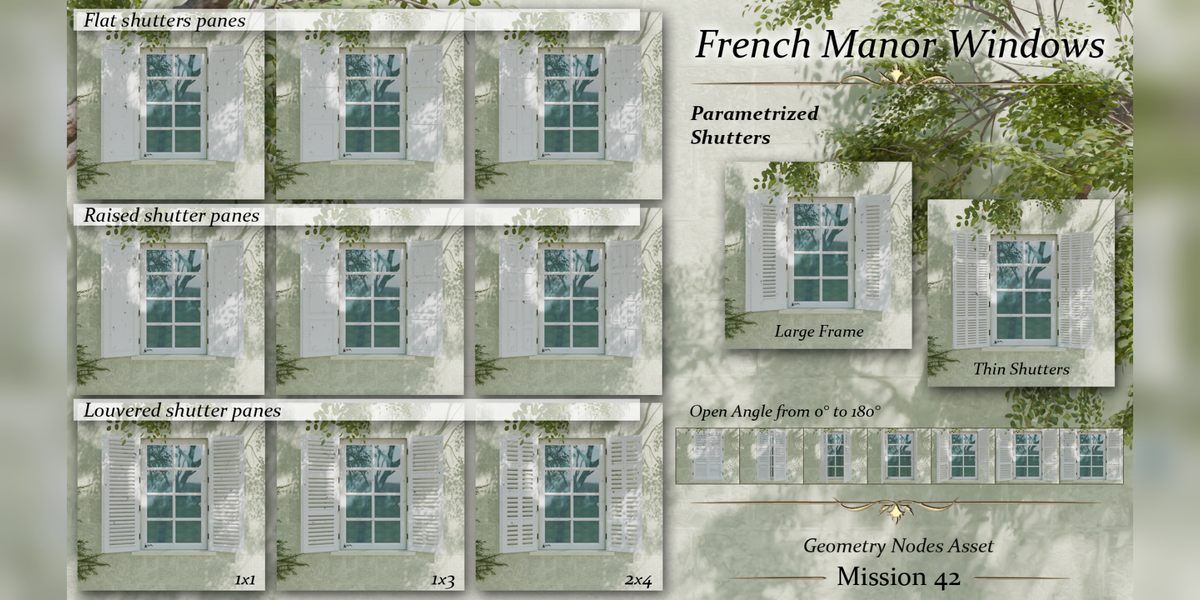
- Opening Angle: from 0° to 180°.
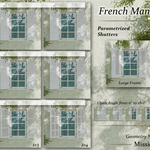
- Panel Type: flat, raised or louvered panels.
Shutter Frame
- Frame Thickness and Horizontal / Vertical Panes: layout of the panels inside each shutter.
Shutter Pintles
- Pintles Material, Pintle Radius, Nb Pintles and Pintle Height: the metal hinges holding the shutters.
Materials
Each part has its own material slot (stone, frame, glass, shutters, metal). Replace them with your own materials directly in the modifier panel.
Export to game engines
Apply the modifier to turn the window into a regular mesh, then export it as usual (FBX, glTF…).
$12
Have questions about this product?
Login to message
| Published | 3 days ago |
| Blender Version | 5.0 - 5.2 |
| Render Engine Used | Cycles, Eevee |
| License | Royalty Free |
Discover more products like this
windows chateau architecture geometry nodes facade ArchViz french manor shutters building procedural historic