 Mission42
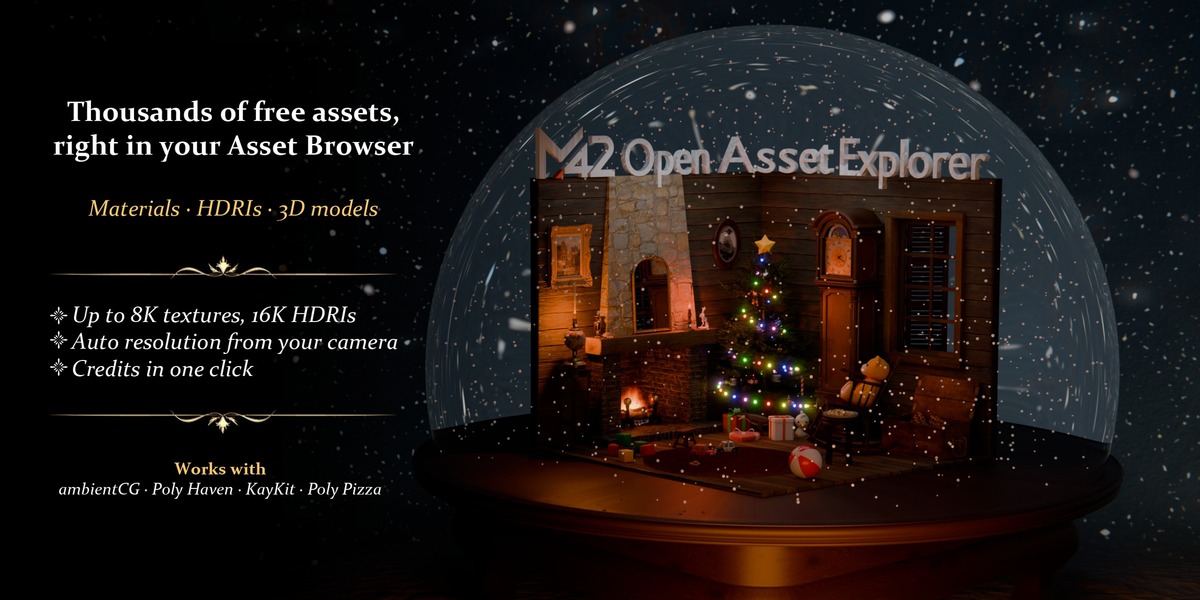
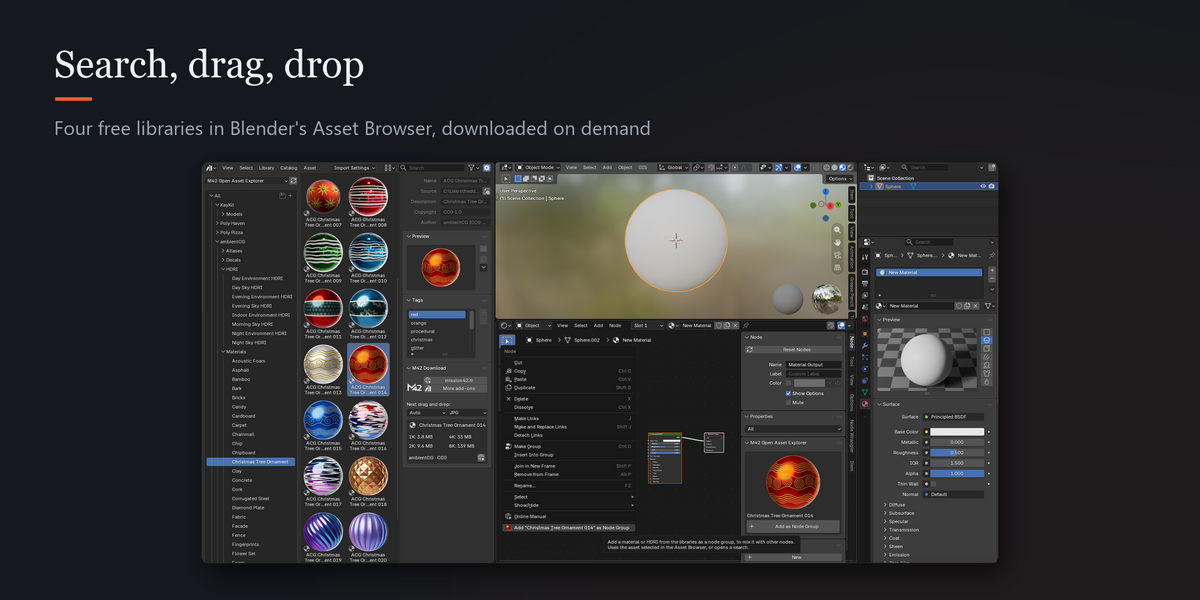
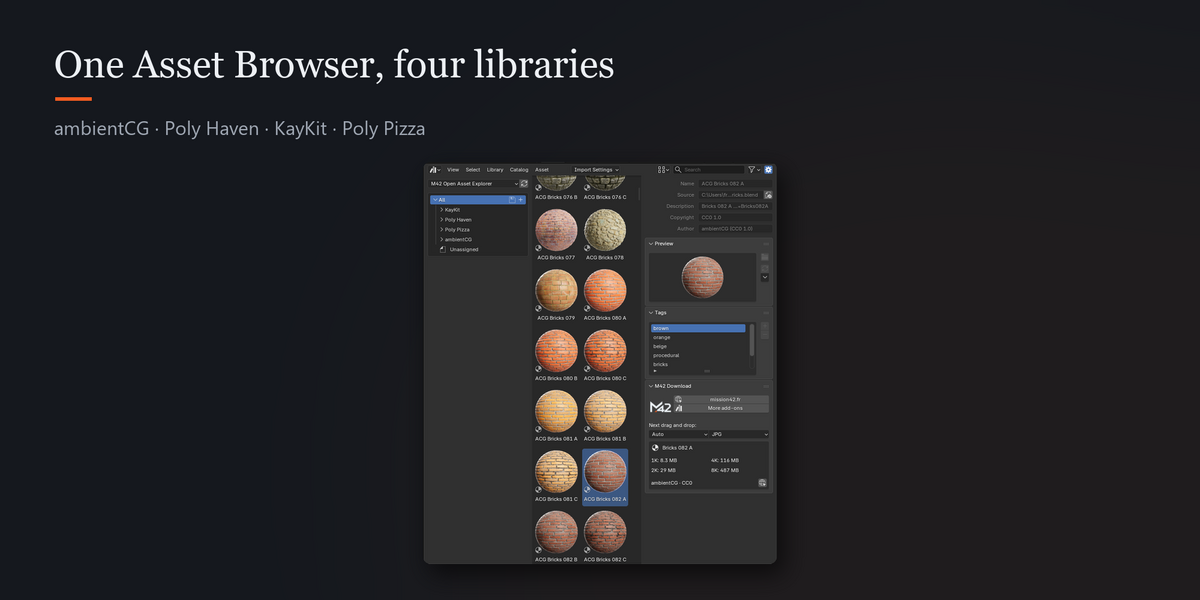

Blender's Lite libraries are a great start. Open Asset Explorer takes you further. Full ambientCG and Poly Haven catalogs at up to 8K, the right resolution picked from your camera, KayKit and Poly Pizza models, one search across all of them, and credits in one click. Works on Blender versions before 5.3 too.
Already using ambientCG Lite or Poly Haven Lite? Keep them. Open Asset Explorer adds what they leave out: higher resolutions where the camera needs them, the full Poly Haven catalog, 3D models from two more libraries, and one search across everything. Its Upgrade Lite Materials button raises the materials and HDRIs you added from the Lite libraries to 2K, 4K or 8K, in your existing node tree.
Stop jumping between websites, zip files and node setups.
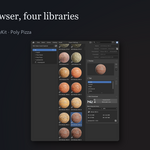
M42 Open Asset Explorer brings four of the best free asset libraries straight into Blender's Asset Browser: ambientCG (materials, HDRIs, decals, atlases, models), Poly Haven (textures, HDRIs, models), KayKit (stylized low-poly game packs) and Poly Pizza (thousands of low-poly models, with your own free API key).
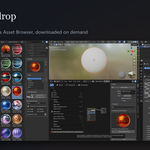
Browse thumbnails, search by name, tag or color, then drag and drop. The add-on downloads only what you use, from the official sources, and builds a clean, glTF-ready material.
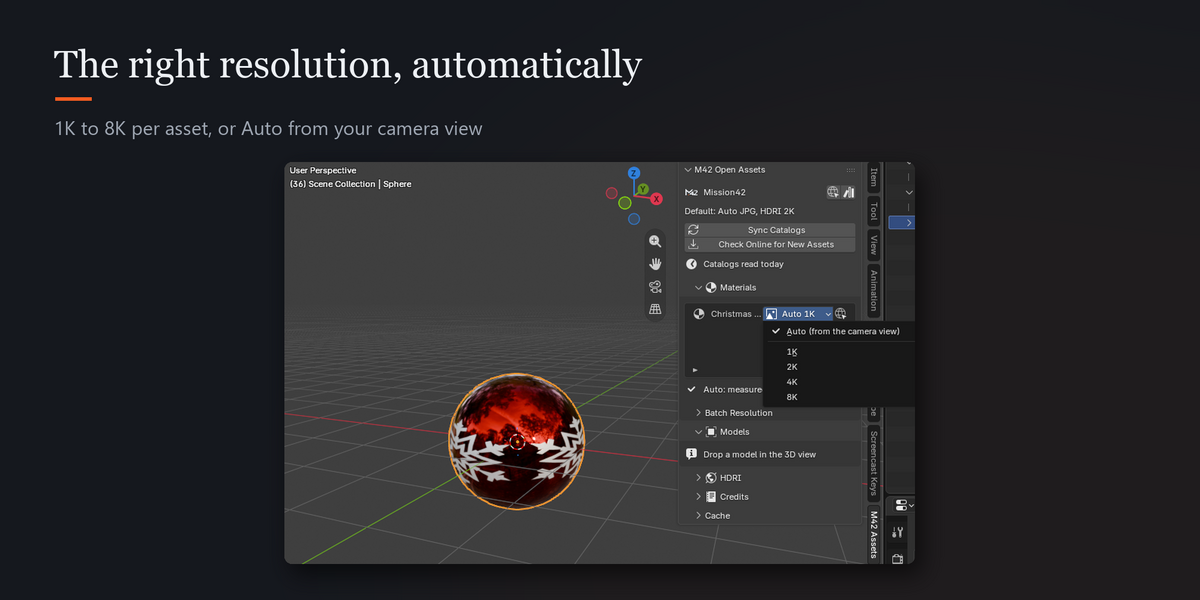
Every resolution, when you need it – 1K to 8K for materials, up to 16K for HDRIs, changeable at any time from a simple menu, one asset or your whole selection at once.
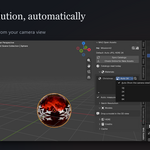
Auto resolution – the add-on measures how large each material appears in your camera view (object scale included, applied or not) and picks the right resolution: sharp up close, light in the distance. When the scene changes, it tells you which textures to update.
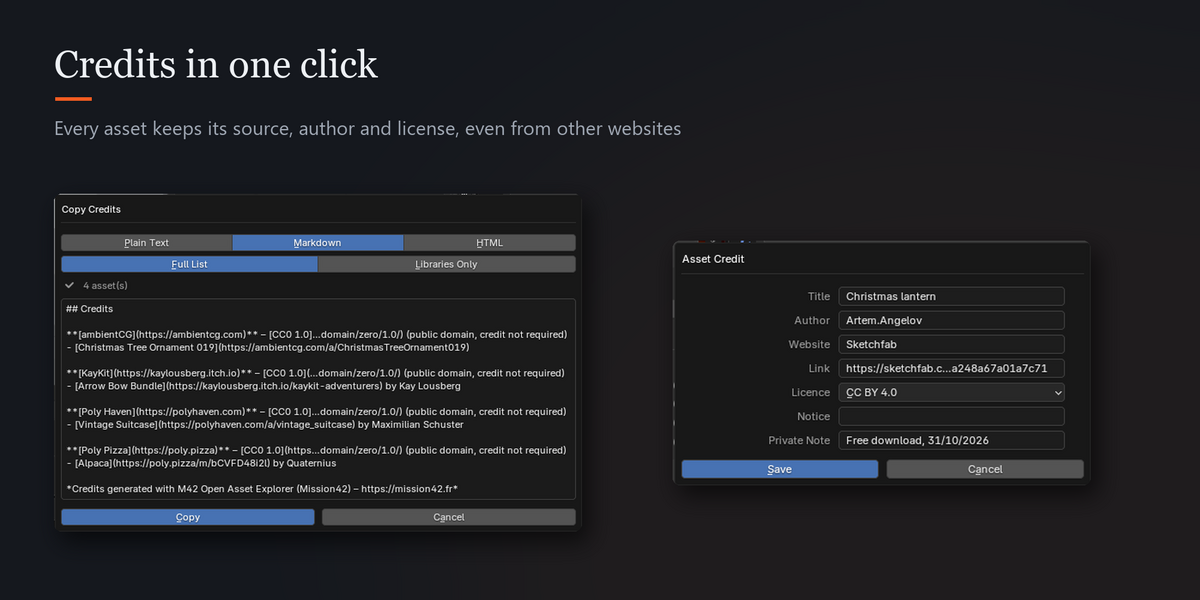
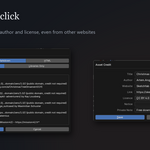
Your credits companion – every asset you drop keeps its source, author and license. Assets from anywhere else (Sketchfab, Fab, a store, a friend) get the same treatment: add their credit in the Object, Material or World tab once, and it follows them through copies and joins.
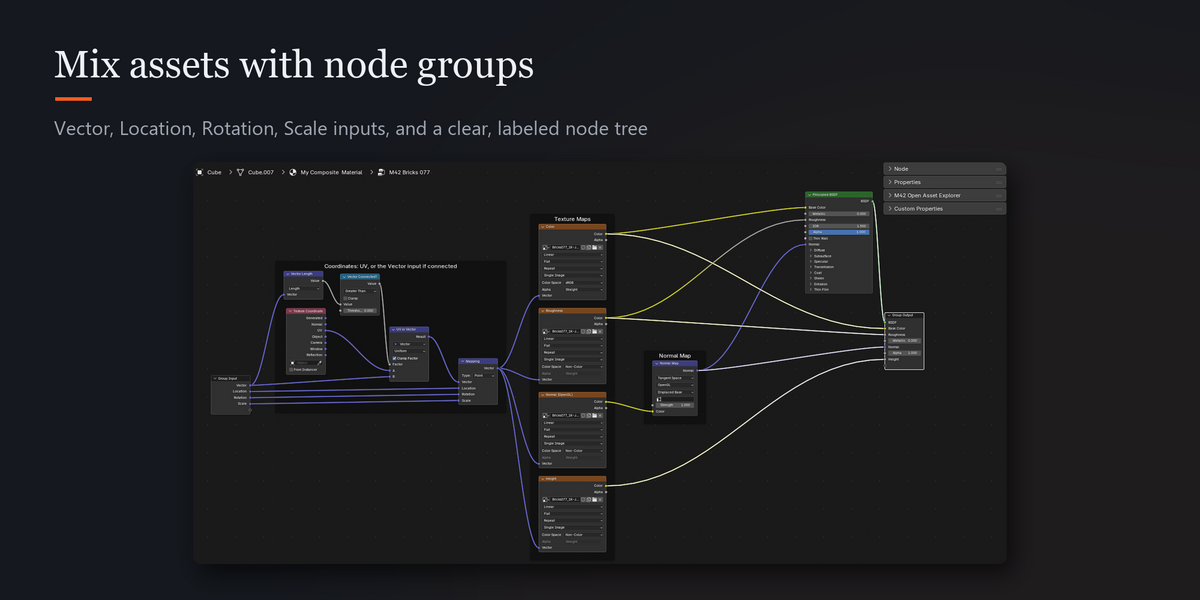
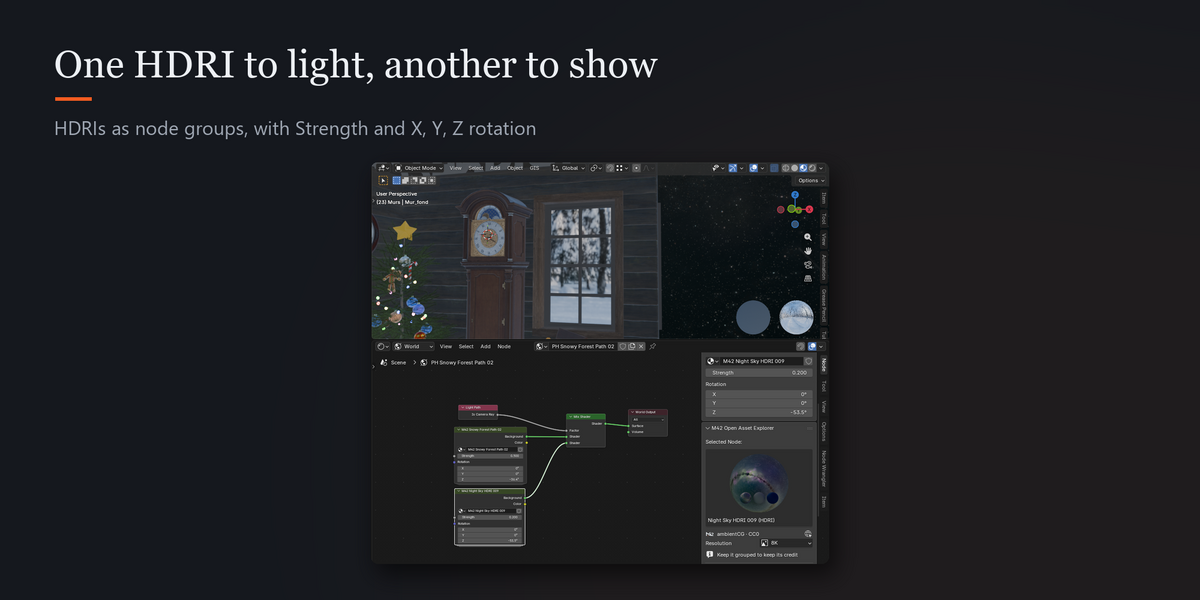
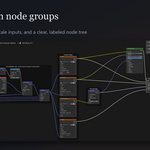
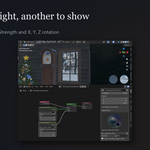
Mix assets like a pro – insert any material or HDRI as a node group in the Shader Editor and mix it with your own nodes: blend two materials, or use one HDRI for lighting and another for the background. Material groups have Location, Rotation and Scale inputs, and a Vector input for your own coordinates (Object, a second UV map, noise...). Open any group: its nodes are laid out in clear, labeled steps, so you can see how it is built.
Credits in one click – preview, then copy a ready-to-paste list of every asset used in your scene (plain text, Markdown or HTML), full or summarized by library. CC BY assets are flagged so you never forget a required attribution.
You buy the tool, the assets stay free. All assets come from their original websites under their own licenses (CC0, or CC BY for some Poly Pizza models). Part of the net sales goes back to the libraries that make this possible.
Features
- 4 libraries, one Asset Browser: ambientCG, Poly Haven, KayKit, Poly Pizza
- Materials, HDRIs, decals, atlases and 3D models
- Search by name, tags, color and technique
- Drag and drop: downloaded on demand from the official sources
- Resolution menu per asset: 1K–8K (HDRIs 1K–16K), JPG or PNG
- Auto resolution from the camera view, with scene-change detection
- Batch resolution for selected objects or the whole file
- Materials and HDRIs as node groups, ready to mix (Mix Shader, Is Camera Ray)
- Node group inputs: Vector, Location, Rotation, Scale (X, Y, Z); clear, labeled node trees
- Credits companion: add the credit of any asset, even from other websites
- One-click credits with preview (text, Markdown, HTML), full or by library; CC BY flagged
- glTF-friendly materials (Principled BSDF, optional displacement and AO)
- Upgrade Lite Materials: raise materials and HDRIs from Blender 5.3's ambientCG Lite and Poly Haven Lite libraries to 2K, 4K or 8K
- Relink Missing Textures: repair pink Poly Haven and ambientCG materials whose texture folder was moved or deleted
- Local cache with size limit, kept when the add-on is updated; missing textures downloaded again when a file is opened
- Blender 5.0+ extension, update from the Extensions panel
- 38-page user guide (PDF) included
Where the assets come from
The assets come from four external, free services: ambientCG (ambientcg.com), Poly Haven (polyhaven.com), Poly Pizza (poly.pizza) and KayKit by Kay Lousberg (kaylousberg.itch.io). Their names are used only to describe where the assets come from: Mission42 is not affiliated with, endorsed by or sponsored by any of them. The assets are not included in the add-on; they are downloaded from these services under their own licenses (CC0, or CC BY for some Poly Pizza models) and stay free on their websites.
Internet and offline use
Internet access is needed to browse the catalogs and download assets (it follows Blender's Allow Online Access setting). Assets you have already downloaded keep working offline. Availability of the assets depends on these services.
Poly Pizza and KayKit
Poly Pizza needs your own free API key (create an account on poly.pizza, then paste the key in the add-on preferences); without a key, that library is simply hidden. KayKit packs are downloaded by you on itch.io: the add-on opens the right page and looks for the zip in your Downloads folder (or a folder you choose).
Where your data is stored
The material library and the texture cache are stored outside the add-on folder, so updates do not download everything again: %LOCALAPPDATA%\Mission42\M42 Open Assets on Windows, ~/Library/Application Support/Mission42/M42 Open Assets on macOS, ~/.local/share/mission42/m42-open-assets on Linux. Both folders can be changed in the preferences. They stay on disk after you uninstall the add-on; delete that folder to remove them.
FAQ
Do I need an internet connection? Yes, to sync the catalogs and download assets. Already downloaded assets work offline.
Are the assets included? No, they are downloaded from the libraries' websites when you use them. They are free and stay free.
Can I use the assets commercially? ambientCG, Poly Haven and KayKit assets are CC0 (public domain): crediting them is appreciated but not required. Poly Pizza models are CC0 or CC BY: CC BY models must be credited, and the add-on flags them in the credits list. Always check the license shown for each asset.
What about KayKit? Kay Lousberg's packs are downloaded by you on itch.io (free, donations welcome). The add-on opens the right page and adds the model as soon as the zip lands in your Downloads folder. Each pack is downloaded once.
What about Poly Pizza? Create a free account on poly.pizza and paste your own API key in the add-on preferences. The add-on talks to Poly Pizza directly from your computer and keeps a small local cache (names, thumbnails). Without a key, the library is simply hidden.
Can you add another library? Gladly, when its assets are free and its license allows it. Library authors, and users who would like one added, can write through mission42.fr/#contact with a link to the library and its license. A library is only added with its author's agreement.