M.a.c.r.o. (Multi‑Action Command & Realtime Operator)
 F12-CGI



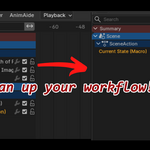
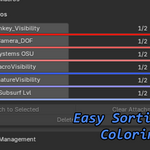
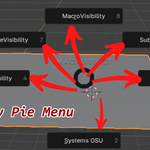
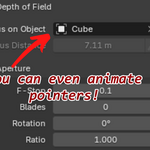
MACRO is a workflow multiplier. It gives you the power to automate repetitive tasks, preserve complex states, and build a personal library of instant operations — all inside a clean, intuitive interface that feels like Blender itself.
If you value speed, consistency, and creative freedom, MACRO becomes an essential part of your toolkit.
How to Install
- Download the
.zipfile. - In Blender, go to Edit → Preferences → Add-ons.
- Click Install…, select the
.zip, and confirm. - Enable MACRO in the add‑on list.
- The MACRO panel will appear in the 3D Viewport → Sidebar (N‑Panel).
You’re ready to start recording macros immediately.
$39.99
Have questions about this product?
Login to message
| Blender Extension Compatible | Yes |
| Dev Fund Contributor | |
| Published | 3 months ago |
| Blender Version | 5.1 |
| Extension Type | Add-on |
| Render Engine Used | Cycles, Eevee |
| License | GPL |