MadeProof — Prove You Made It, Not AI
 Anvil Interactive Solutions
Install
- In Blender 5.2 or 5.3, open Edit > Preferences > Get Extensions.
- Click the menu arrow at the top right and choose Install from Disk...
- Pick madeproof-1.0.0.zip (do not unzip it). MadeProof is enabled straight away.
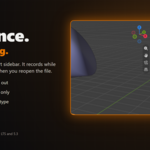
- In the 3D Viewport press N. A MadeProof tab appears in the sidebar.
Record a project
- Save your .blend file. The record is stored next to it, in a folder named yourfile.madeproof.
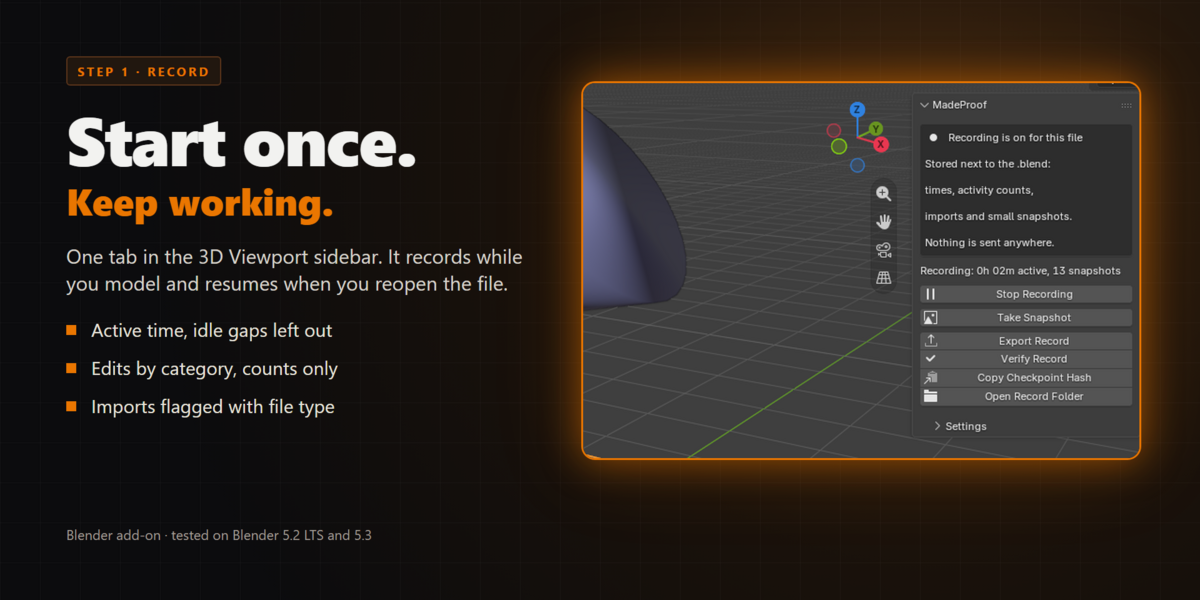
- In the MadeProof tab click Start Recording. The panel shows "Recording is on for this file".
- Work as usual. Recording resumes by itself whenever you reopen the file, until you click Stop Recording.
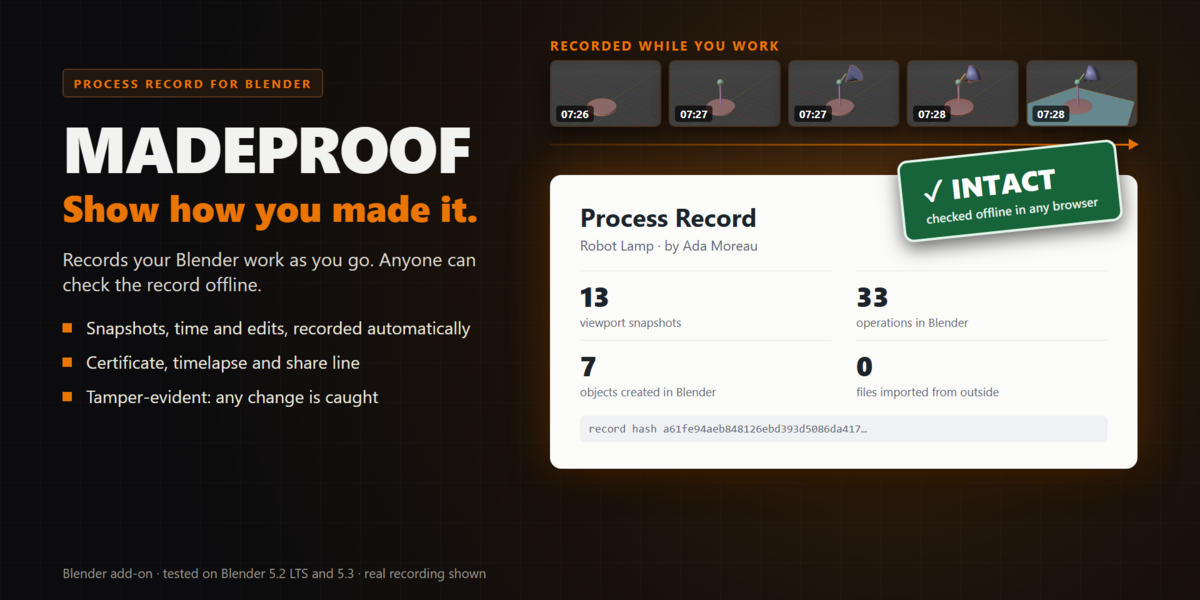
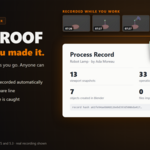
MadeProof stores working sessions, active time (idle gaps over 120 seconds are left out), saves, counts of operations and edits by category, objects created, edited and deleted, anything imported, appended, linked, pasted or loaded as an image, and small viewport snapshots about once a minute while you work. It never stores keystrokes, object names, geometry or file contents, and nothing is sent anywhere.
Export a record
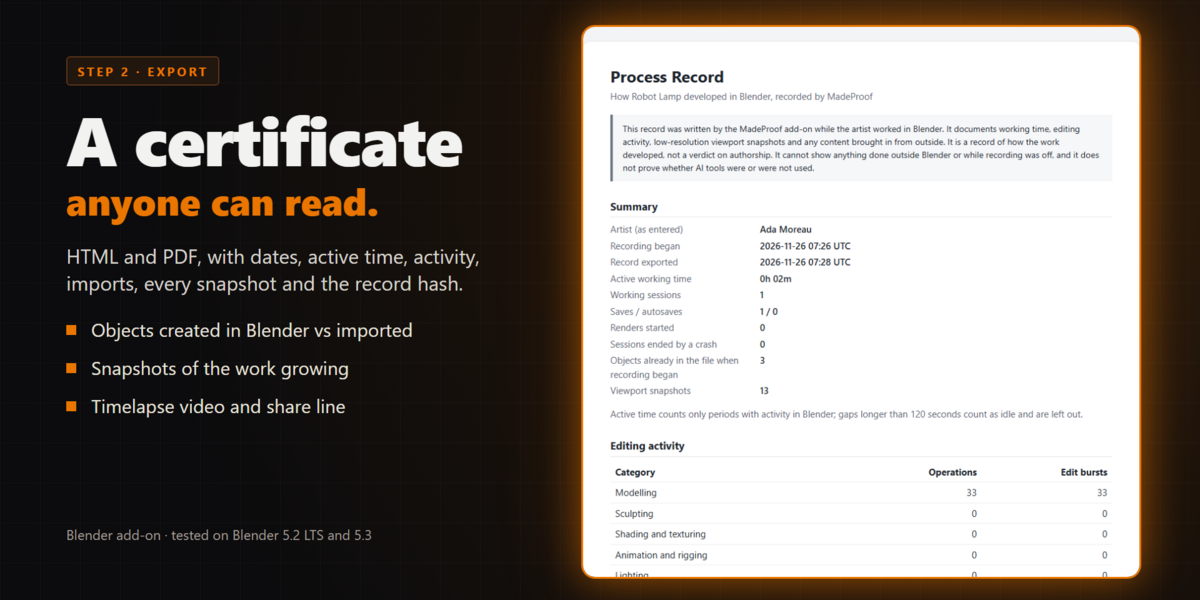
- Click Export Record.
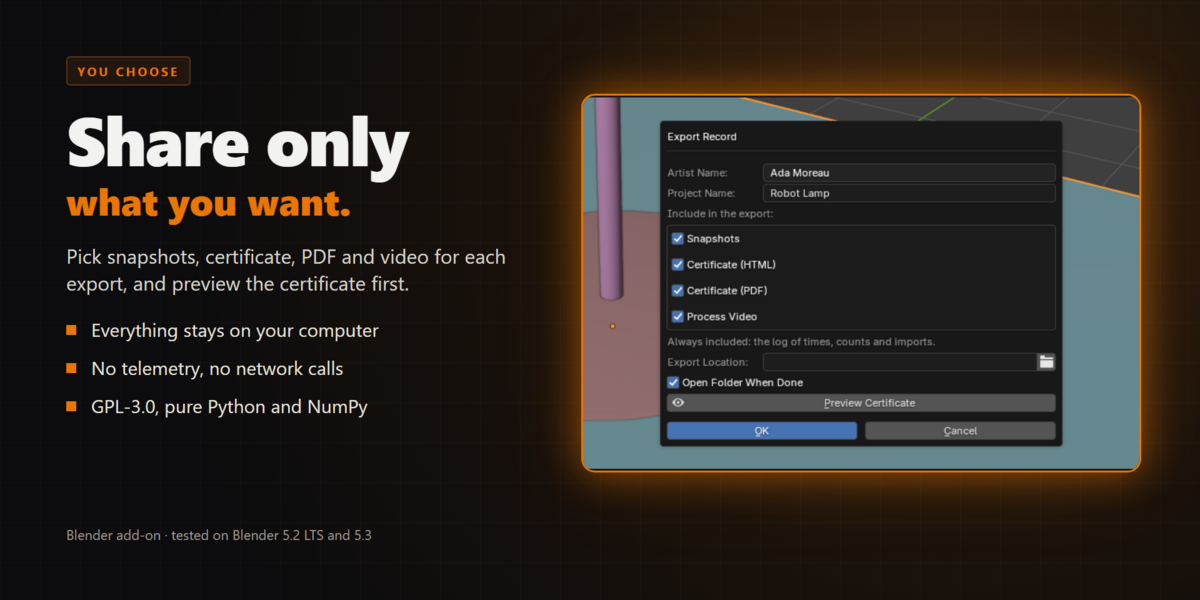
- Enter your artist name and project name as you want them shown (both optional).
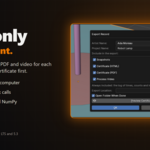
- Choose what to include: snapshots, HTML certificate, PDF certificate, process video.
- Click Preview Certificate to check it in your browser first. The preview changes nothing.
- Click OK. An export folder is created next to your .blend and the share line is copied to your clipboard.
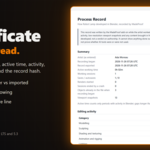
The export folder contains certificate.html, certificate.pdf, process.mp4, share.txt, verifier.html, HOW-TO-CHECK.txt and the record folder. Send the whole folder (zipped is fine).
Check a record
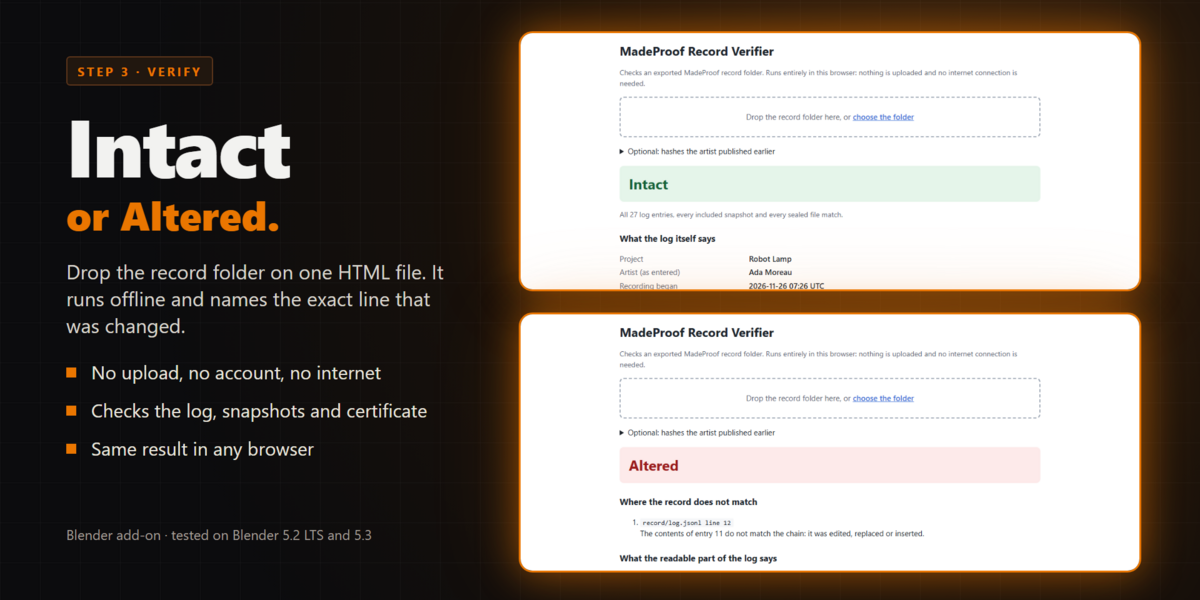
- Open verifier.html in any modern browser. No internet is needed.
- Drag the export folder onto the page, or click choose the folder.
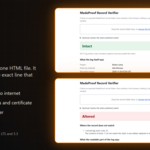
- Intact means the log, every snapshot, the certificate, PDF and video match. Altered lists exactly where they do not, for example "record/log.jsonl line 12".
- If the artist posted checkpoint hashes or a share line earlier, paste them into "hashes the artist published earlier".
You can also check a record inside Blender with Verify Record.
Checkpoints
Copy Checkpoint Hash copies the record's current hash. Posting it somewhere public and dated ties your record so far to that date.
Settings
- Snapshot Interval: default 60 seconds. Snapshots are only taken while you are active.
- Snapshot Storage Cap: default 500 MB per record.
- Snapshot Width: default 480 px.
Limits
- MadeProof documents how work developed inside Blender while recording was on. It does not detect AI and does not prove whether AI tools were or were not used.
- Work in other software or with recording off is not recorded. The certificate shows how many objects already existed when recording began.
- Someone who controls the files could build a fake record from scratch. Posting checkpoint hashes or the share line publicly is what ties a record to a date.
- Keep the .blend and its .madeproof folder together. Save As inside Blender copies the record to the new name.
- Tested on Windows with Blender 4.2 LTS and 5.3.
 Included
Includes 12 months of
- Support from Anvil Interactive Solutions
- Product updates
Extend this product’s Support Period +12 months: 50% of product price
Have questions before purchasing?
Login to message
| Blender Extension Compatible | Yes |
| Published | about 16 hours ago |
| Blender Version | 4.2 - 5.3 |
| Extension Type | Add-on |
| License | GPL |
Discover more products like this
ai disclosure process record timelapse verification authorship hash chain certificate Workflow contest portfolio