 Boriss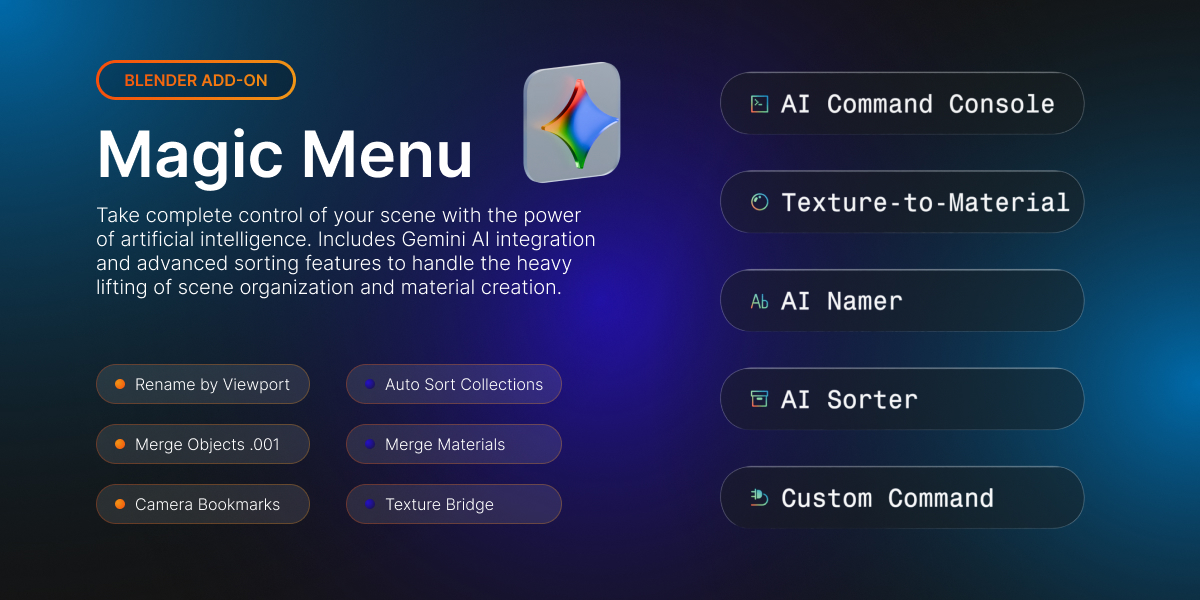


MAGIC MENU ADDON

Upgrade your workflow with RIGHT use of AI
Designed for 3D artists who need perfectly organized working files without wasting hours on manual cleanup.
Magic Menu Core Features
Cleanly divided categories so you can find exactly what you need in a fraction of a second.
1. Object & Organization Tools
Say goodbye to cluttered scenes and multi-user data errors.
Rename by Viewport: Instantly rename visible objects based on their polycount and type (e.g., Small_Mesh_1, Large_Mesh_1).
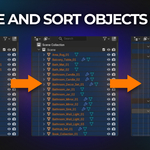
Auto Sort Collections: Automatically structure your entire project into a dedicated collection tree based on object type and mesh size.
Merge Objects .001: Clean up duplicates sharing suffixes (.001, .002). Makes them single-user to protect data, then merges them.
Apply Rotation & Scale: Fixes the "multi-user data" error by duplicating shared mesh data before applying global transforms.
2. Materials & Viewport
Keep your viewport focused and your file sizes incredibly light.
Merge Materials .001: Consolidates duplicate materials back to the base, updates every slot, and wipes out junk.
Isolation Ghosting: Turns unselected objects into a transparent, unclickable wireframe "ghost" for perfect spatial modeling context.
Camera Bookmarks: Save up to 5 viewport angles directly to hotkeys to jump between crucial perspectives instantly.
Texture Bridge: Instantly opens the images of your active material slot in the Image Editor.
Auto-Cleanup: Your scene's dedicated janitor. Purges redundant materials, stray meshes, and unused lights/curves.
3. Advanced Scene Tools
Heavy hitters designed to save you hours of tedious manual labor.
Orphan Purger Pro: Aggressively hunts down hidden data-blocks, strips "fake user" flags, and recursively purges them.
Instance Converter: Slashes memory usage by scanning for identical geometry and converting it into linked instances (Alt+D).
Physics Settle: Real-time rigid body physics naturally drop your selected items onto the nearest surface below.
Randomize Transform Plus: Introduce controlled chaos with a live adjustment panel for location, rotation, and scale.
Auto UV: Instantly marks seams on edges sharper than 60° and applies a finely tuned Smart UV Project.
Focus Zoom: A flawless viewport framing tool built for speed.
Spotlight: Blend Objects
Our largest scene tool, designed to seamlessly merge intersecting objects. Select objects, pick your target last, and choose:
Normals Only (Shading): Keeps geometry untouched. Copies custom normals via Data Transfer to visually erase the seam.
Real Geometry (Apply): Destructively boolean-unites objects and builds a rounded polygonal fillet along the exact seam.
Real Geometry (Live): Non-destructive workflow using Boolean Union and angle-limited Bevels. Updates live.
Seamless Remesh: The deepest blend. Rebuilds the surface with a voxel remesh into a continuous quad-skin.
Note: Some tools come with a live "Adjust Last Operation" panel in the bottom-left corner of your viewport, letting you tweak settings like fillet radius, voxel size, and curvature live!
AI Features
Unlock the bleeding edge of Blender automation with Google's Gemini AI integration.
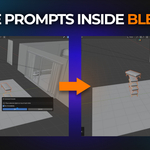
AI Command Console: Tell Blender what to do in plain English. Type a command, and the AI writes and executes the exact Python code instantly.
Texture-to-Material: Describe a material, and the AI will build a full procedural node tree and assign it. Auto-fixes its own code on errors!
Smart Namer: The AI visually analyzes mesh statistics (polycount, proportions, modifiers) and renames objects to professional industry standards.
Smart Sorter: Let an AI environment artist organize your outliner. Analyzes every object and sorts them into a highly logical, customized collection hierarchy.
ADDON WILL BE UPDATED WITH NEW FEATURES EVERY MONTH!
Watch the video and check my website to see documentation on how to install the Addoon