Make a Gift! - Wrap Any Object in Gift Paper and Unwrap It on Camera, Expansion for Rego Gift
 TastyVoxels
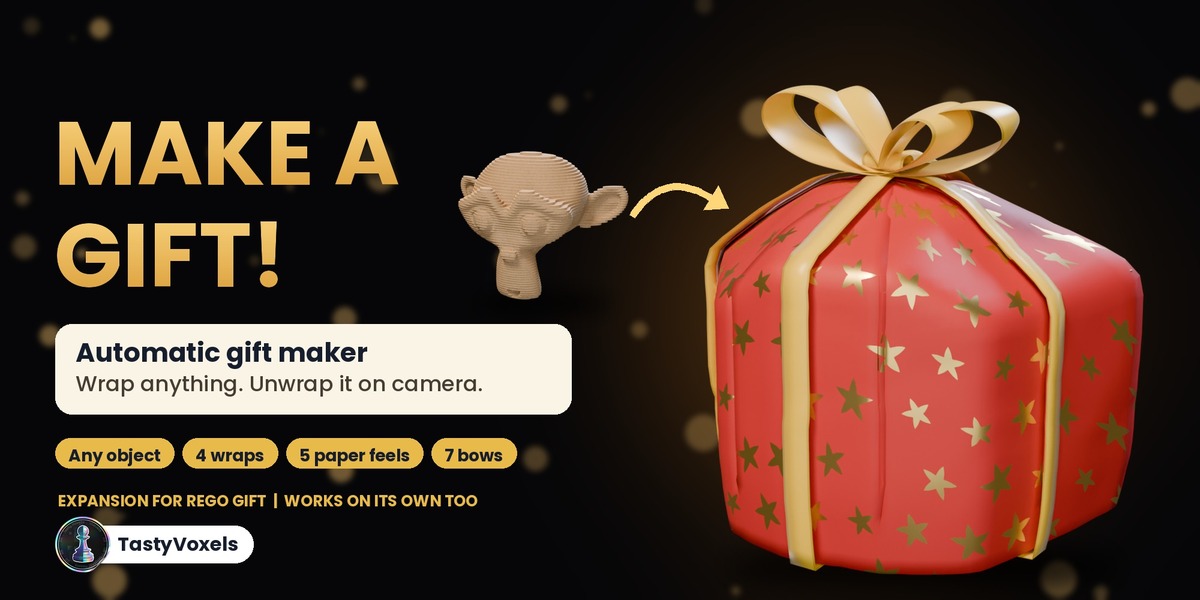
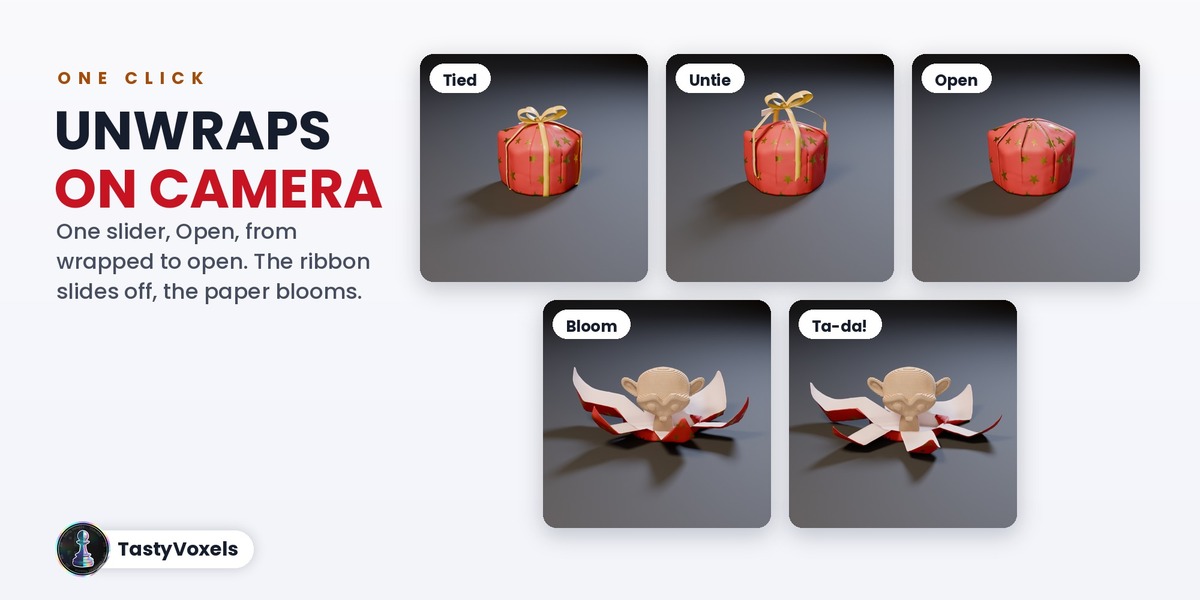
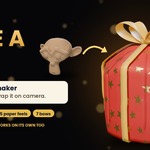

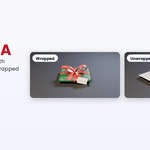
It turns any object you select in Blender into a wrapped gift, with gift paper, a ribbon, a bow and a gift tag, and lets the paper open on camera. One click to wrap, one slider or one click to unwrap.
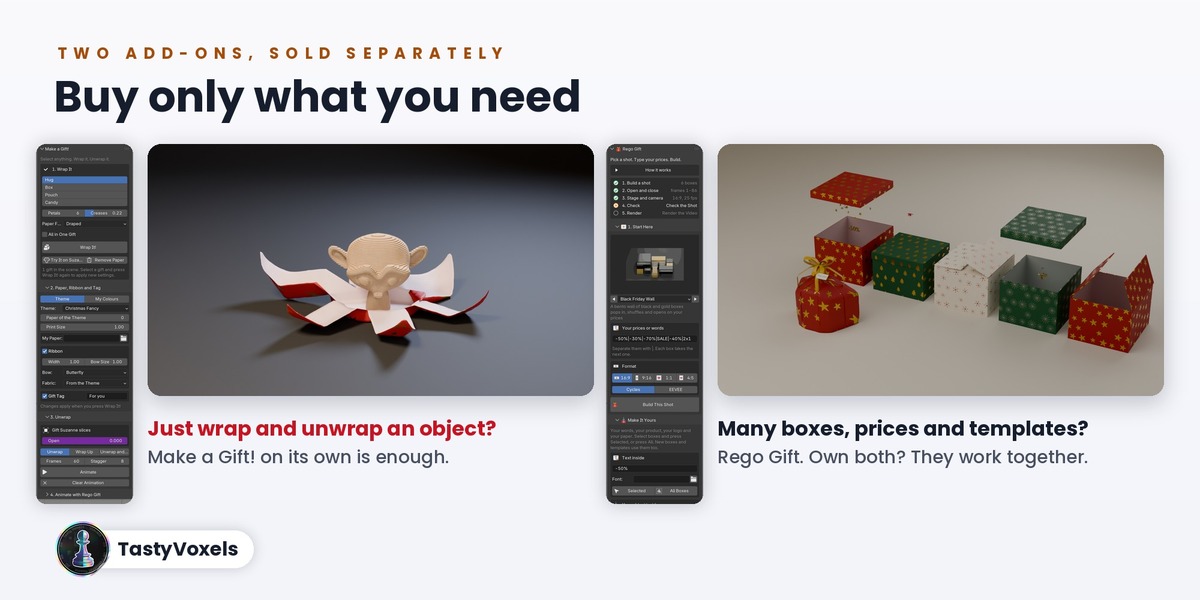
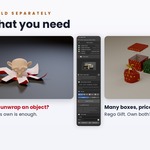
No. Make a Gift! works on its own: wrap, unwrap, animate and render with your own scene. It is also an expansion for Rego Gift: with Rego Gift 1.0.5 or newer your gifts join its animated mosaics of boxes, with its layouts, text, confetti, sets and lights.
Because they do two different jobs and you may need only one. Make a Gift! turns your own objects into wrapped gifts that open. Rego Gift builds scenes of many animated gift boxes, with price and text presets, templates, sets and lights, but it does not wrap your objects. They are sold separately, each works on its own, and if you own both they work together.
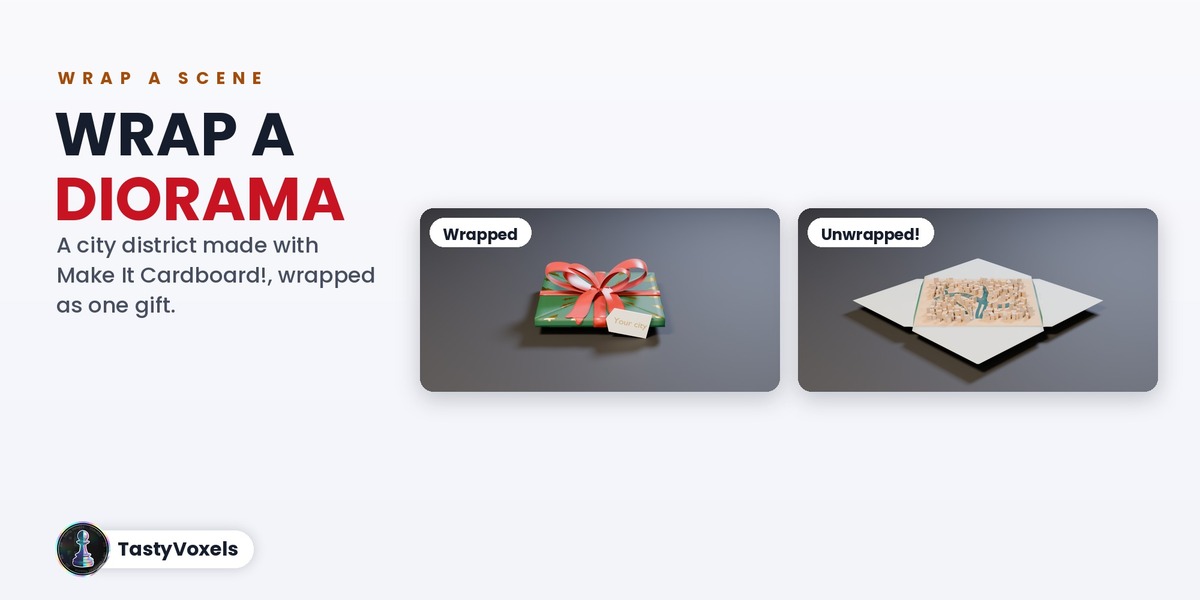
Anything with a surface: meshes, curves, text, a whole group of objects. A character, a product, a bottle, a book, a toy, a diorama. Tick All in One Gift to wrap several objects together. Your objects are never edited: they are parented to the gift and given back as they were when you remove the paper.
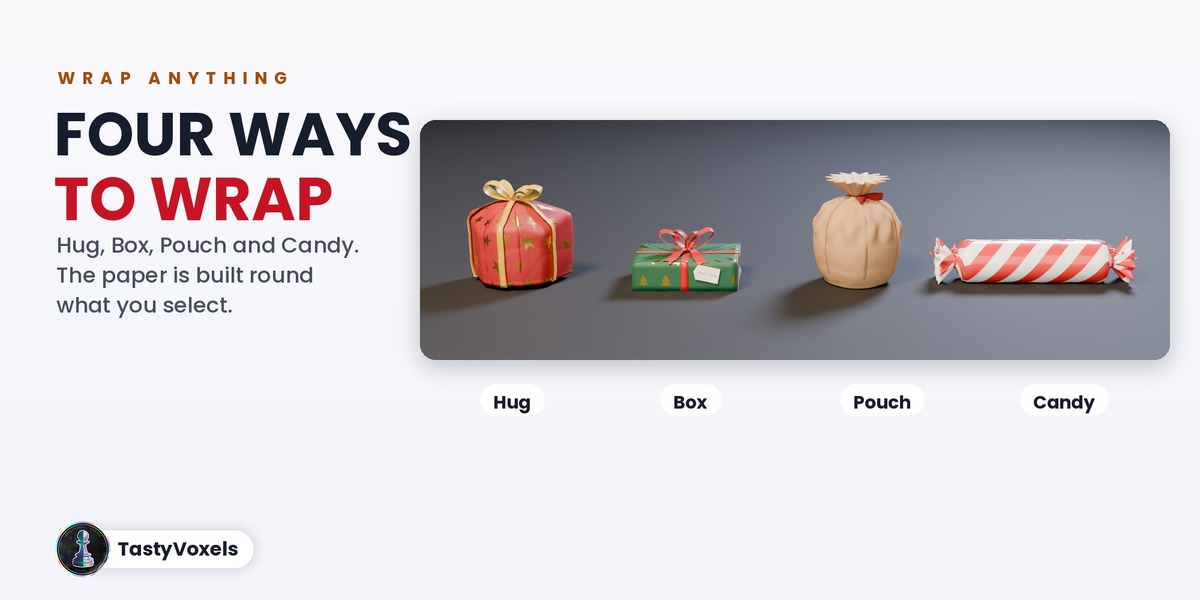
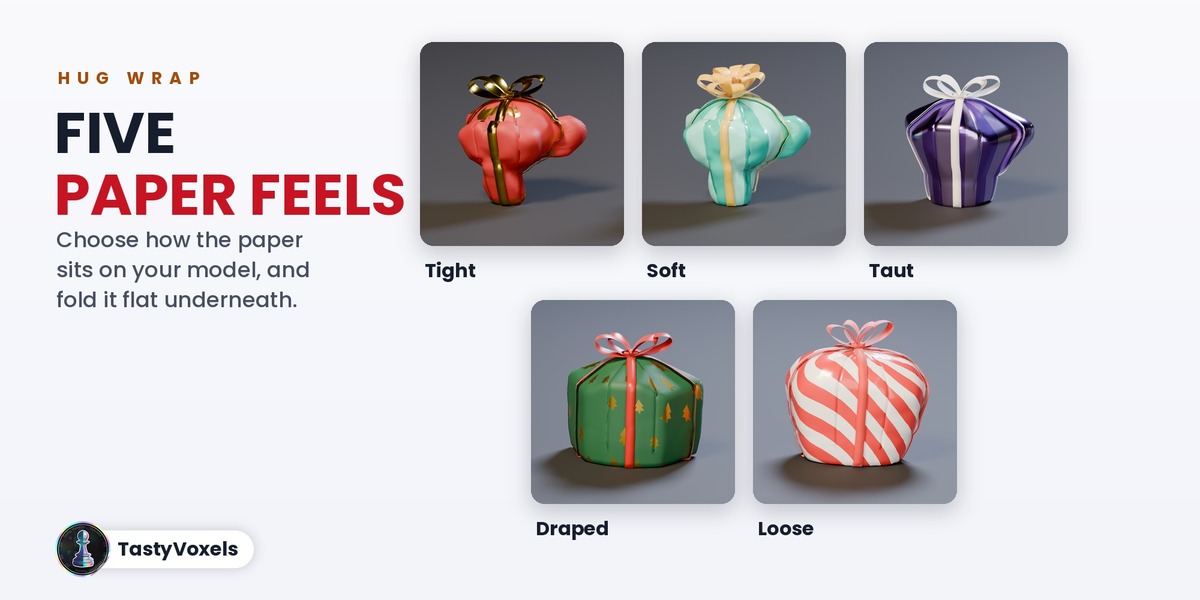
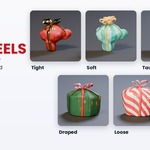
Four wraps: Hug, Box, Pouch and Candy. For Hug you choose how the paper behaves: Tight, Soft, Taut, Draped, Loose or Custom, and Flat Bottom folds it flat under the gift.
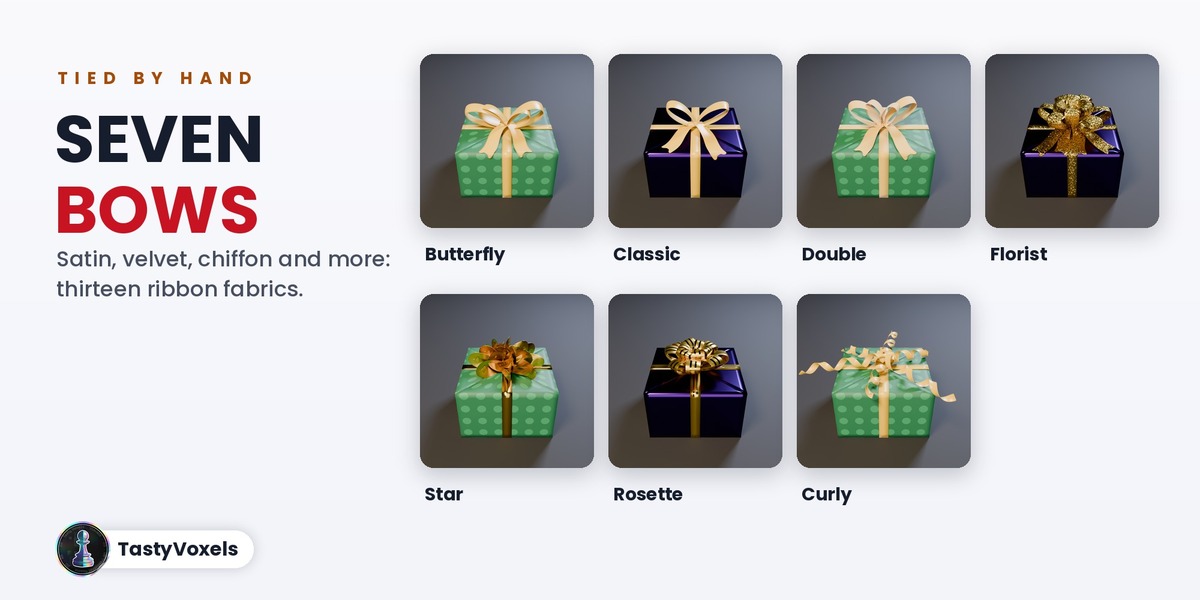
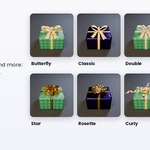
Seven bows (Butterfly, Classic, Double, Florist, Star, Rosette, Curling Ribbon) and thirteen ribbon fabrics, from satin and velvet to silk chiffon with frayed edges, cotton tape and twine. The papers are the same 21 themes as Rego Gift, your own colours, or your own image as paper.
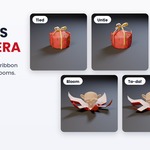
Every gift has one number, Open, from 0 (wrapped) to 1 (open). Animate keys it for the selected gifts one after the other with a stagger, or open, hold and close again. In a Rego Gift mosaic the gift opens with the box it sits in.
Try another paper feel first: Taut and Draped give clean, simple shapes, Tight and Soft follow every detail. Then Creases, and in Custom the Hug, Puff, Stiffness, Drape and Flat Bottom sliders. Remove the Paper and wrap again as often as you like: your model is never touched. If something still looks wrong, write to me in the Superhive chat with a screenshot and I will look at it.
Blender 4.2 LTS and newer. Every release is checked with an automatic test on Blender 4.2, 4.5, 5.0, 5.1 and 5.2, and the Rego Gift link is tested with both add-ons installed from their release files.
Yes. Everything you render with Make a Gift! is yours: ads, product videos, social posts, client work. The add-on itself is GPL like every Blender add-on. Updates and support are included for good: no support period, no renewal fee.
No. There is no AI model, no network access and no data collection: the wrapping is plain geometry code that runs offline. AI assists me: it writes code with me and helps me write this page in English, which is not my first language.
Have questions about this product?
Login to message
| Blender Extension Compatible | Yes |
| Dev Fund Contributor | |
| Published | about 9 hours ago |
| Blender Version | 4.2 - 5.2 |
| Extension Type | Add-on |
| Render Engine Used | Cycles, Eevee |
| License | GPL |
Discover more products like this
gift procedural bow gift wrap ribbon product reveal unboxing wrapping-paper birthday Christmas diorama animation