 TastyVoxels
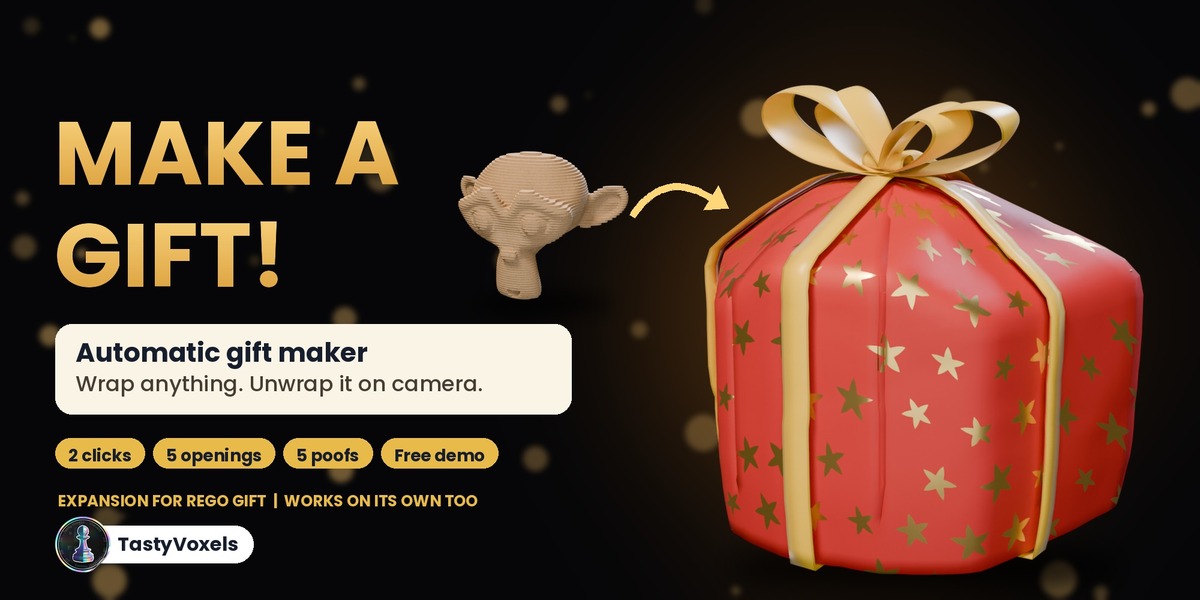
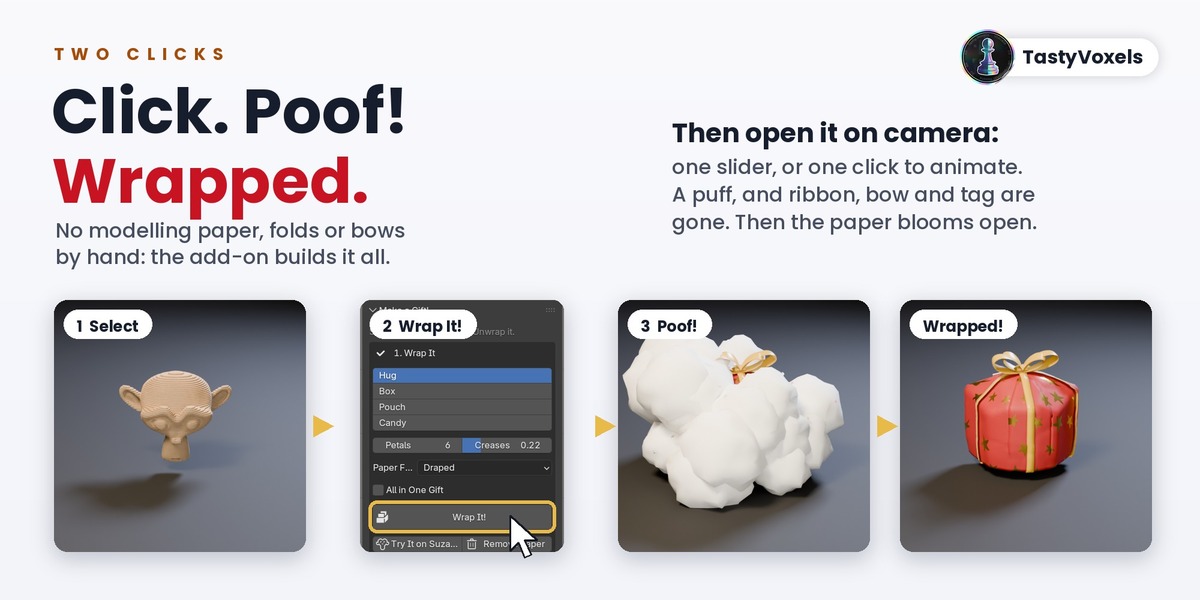
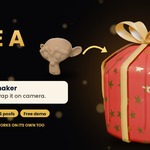
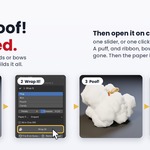
Make a Gift! turns any object into a wrapped gift in two clicks. Select a character, a product, a bottle or a whole diorama, click Wrap It! and poof: it is wrapped in gift paper with a ribbon, a bow and a gift tag, folds and creases included. No modelling paper by hand, no cloth simulation, no bows tied with curves. Change the paper or the bow and click again.
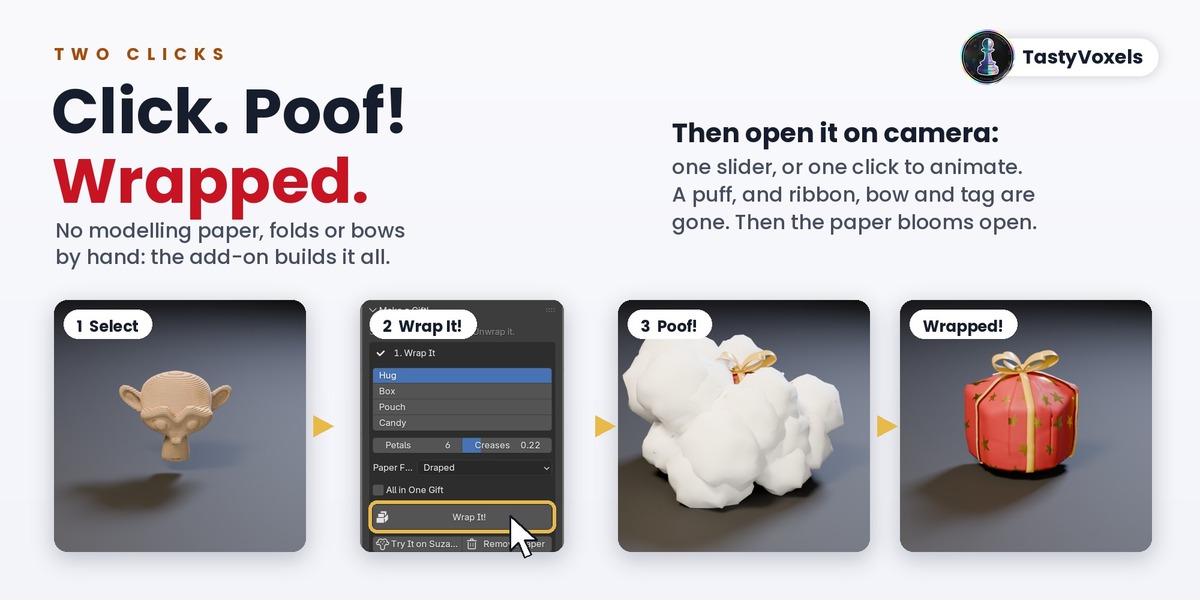
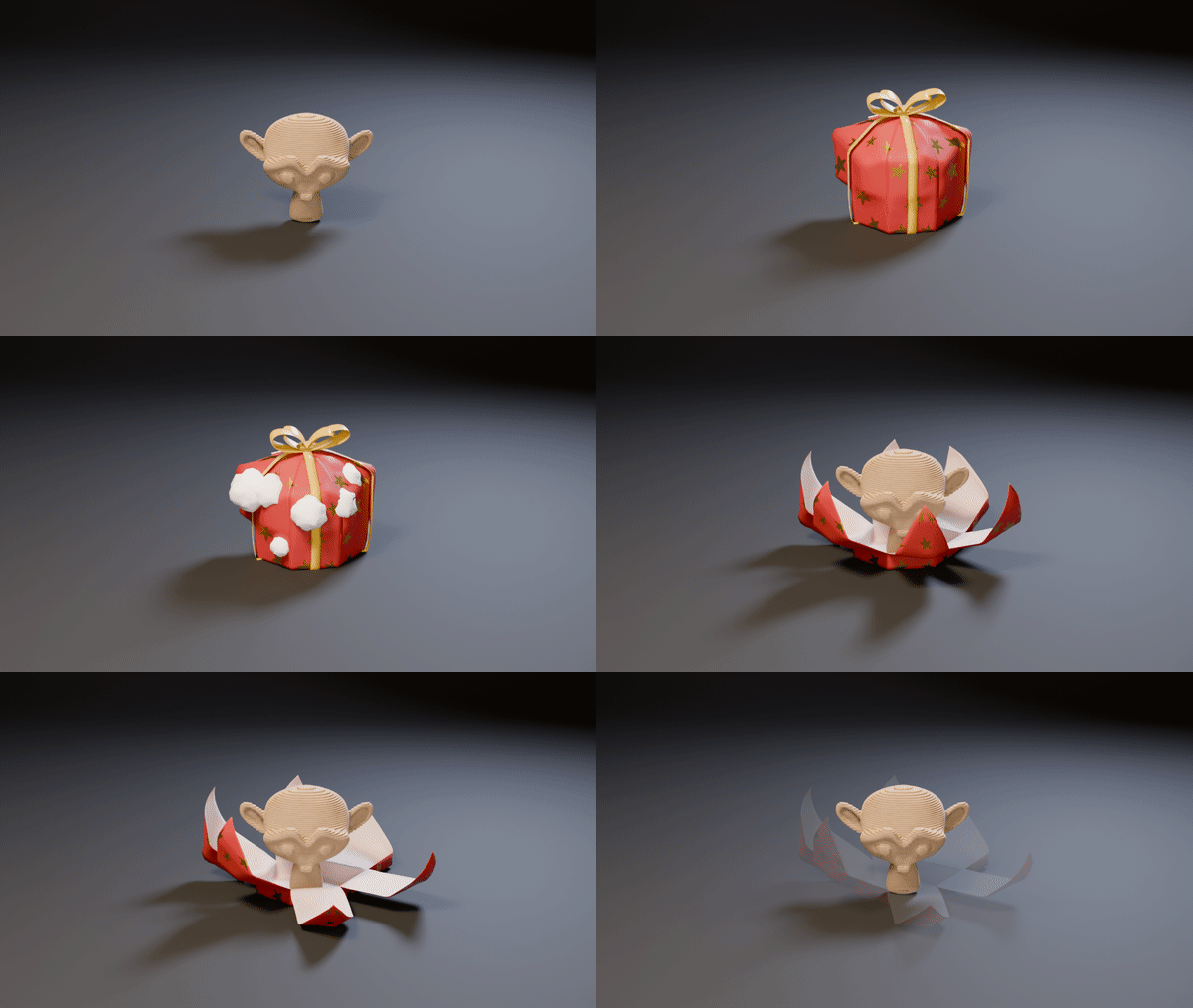
Then open it on camera. Move the Open slider or click Animate: a puff of cloud covers the gift and takes the ribbon, bow and tag away, then the paper opens in the way you choose, one of five. Poof! adds the magic moment when your object turns into the gift, or the gift back into your object, with five puffs to choose from.
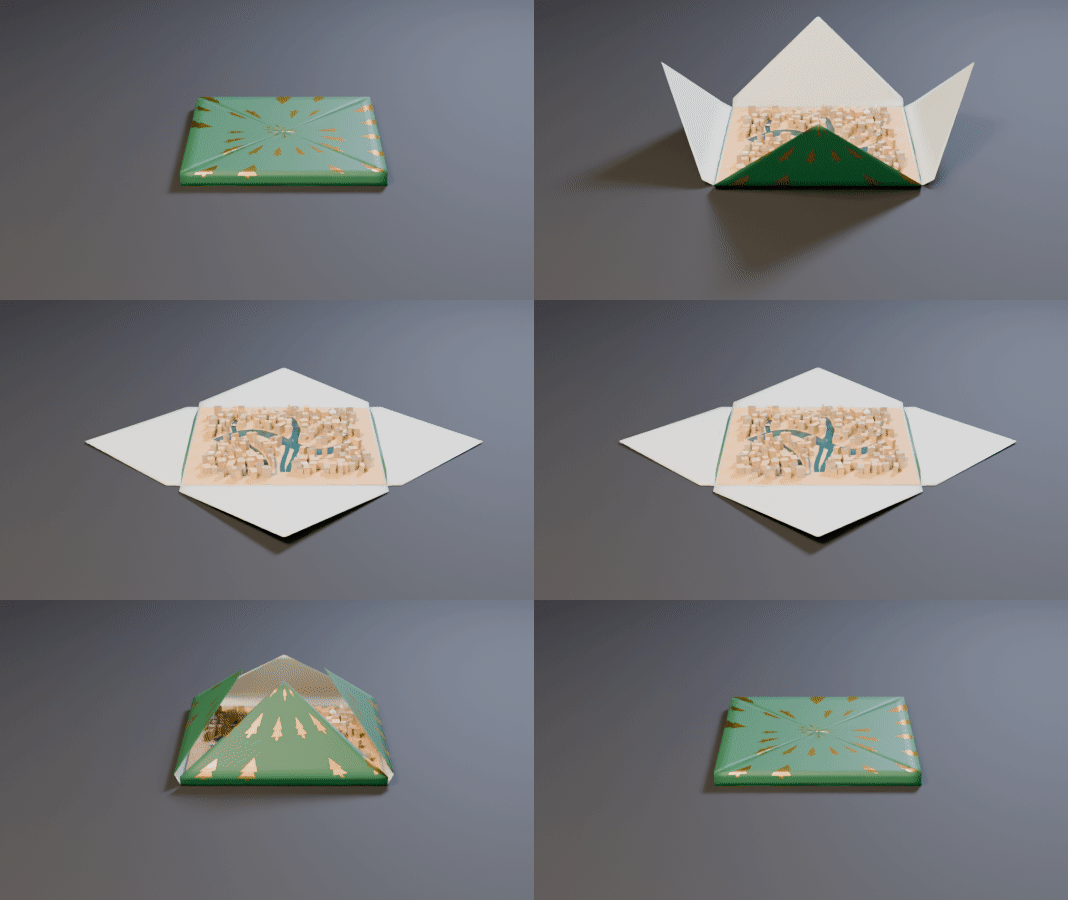
Try it free: choose the free variant, a ready .blend (Blender 4.5 or newer) with the green gift opening on a city made of cardboard, for personal use. Press play and watch the unwrapping before you buy the add-on.
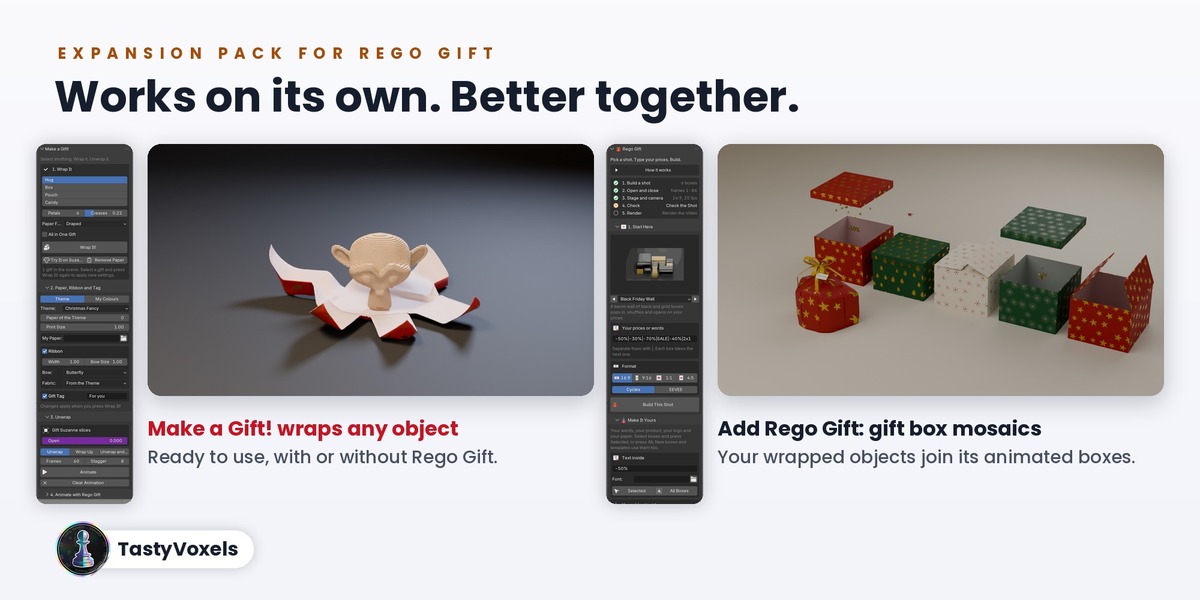
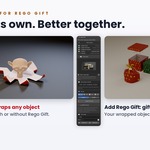
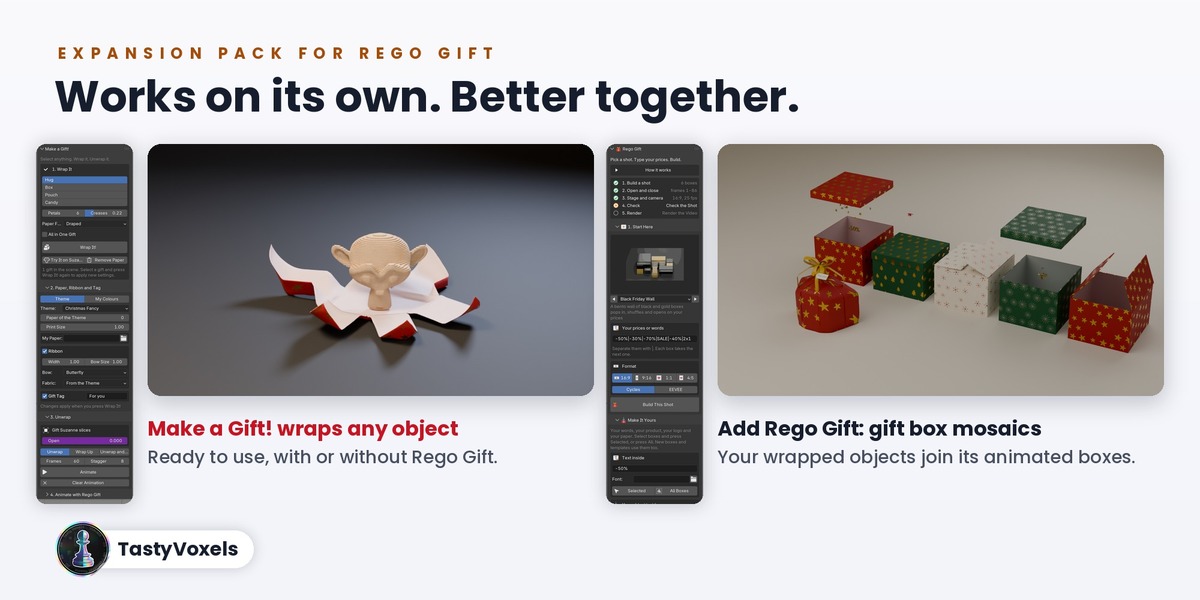
It works on its own, and it is also an expansion for my add-on Rego Gift: with Rego Gift 1.0.5 or newer your wrapped objects join its animated mosaics of gift boxes. Make a Gift! does one thing, it turns objects into gifts. Rego Gift does the rest: boxes, layouts, text and prices, confetti, sets and lights.
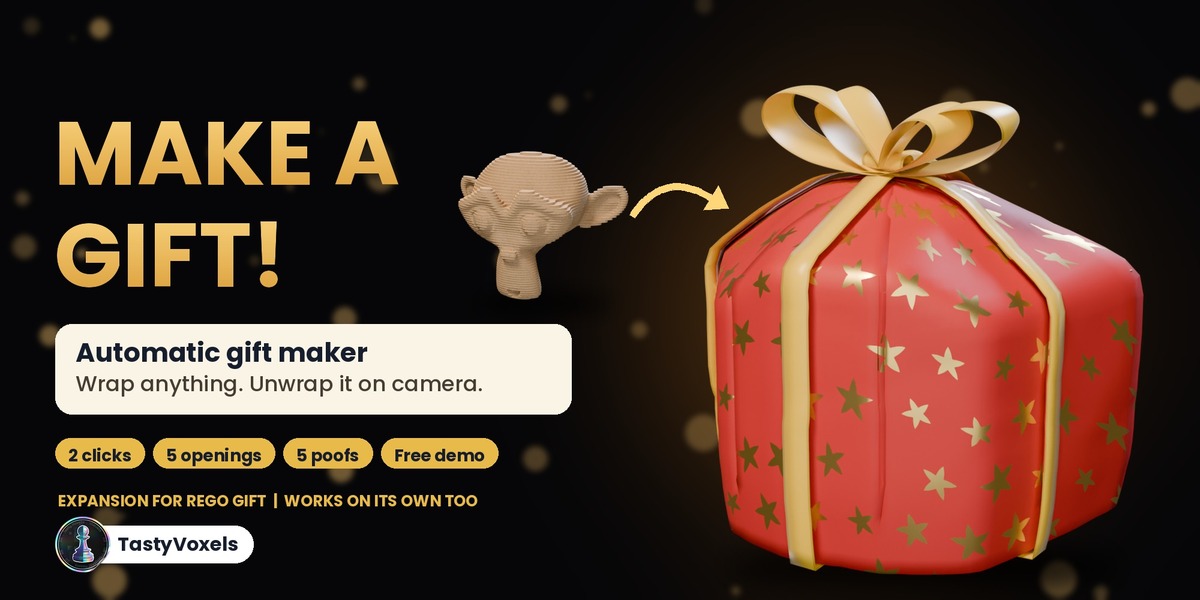
An expansion pack for Rego Gift, ready to use on its own
Make a Gift! works on its own from the first click: you do not need anything else to wrap and unwrap your objects. It is also the expansion pack for my add-on Rego Gift, the animated gift box mosaics:
- On its own, Make a Gift! turns any object into a gift: it wraps it in paper, ribbon and bow, and opens it on camera with a poof.
- Together with Rego Gift, your wrapped objects join its animated gift box mosaics: they take a place among the boxes, follow every layout and format, and open in their turn.
Already own Rego Gift? Make a Gift! adds your own objects to its mosaics. New to both? Start with the one you need and add the other whenever you like: they connect by themselves.
What you can make with it
- Christmas and birthday cards, reels and stories where your own model comes out of its paper
- Product reveals for shops and ads: wrap the product, unwrap it on the sale day
- Gift reveals for a client, a game launch, a portfolio or a channel milestone
- Wrapped dioramas and scenes: a city, a room, a set, revealed in one move
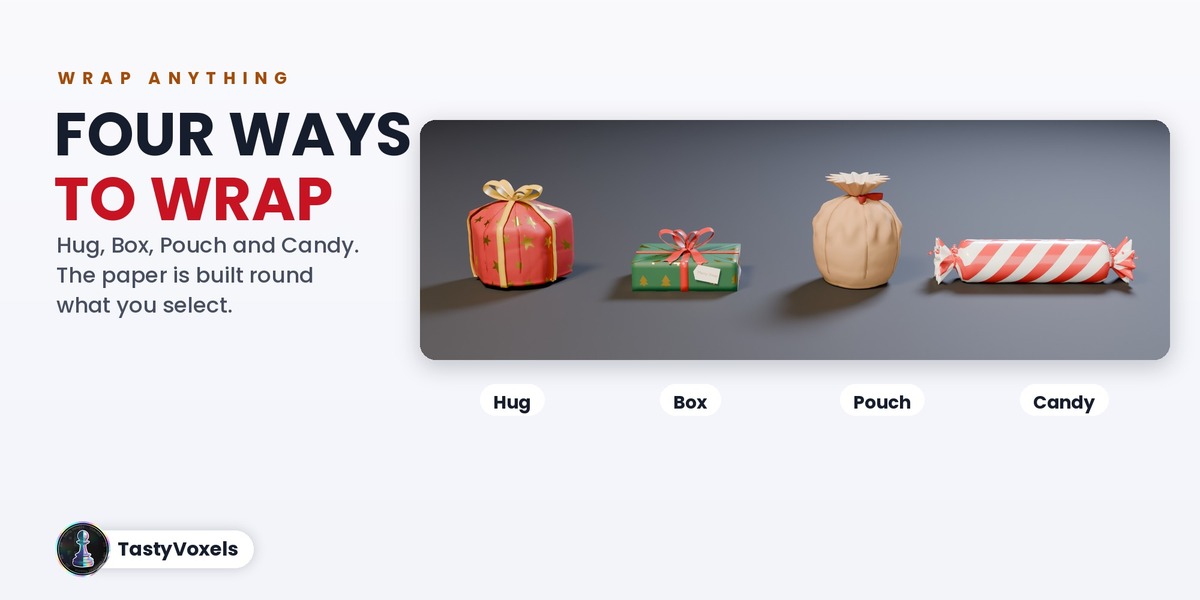
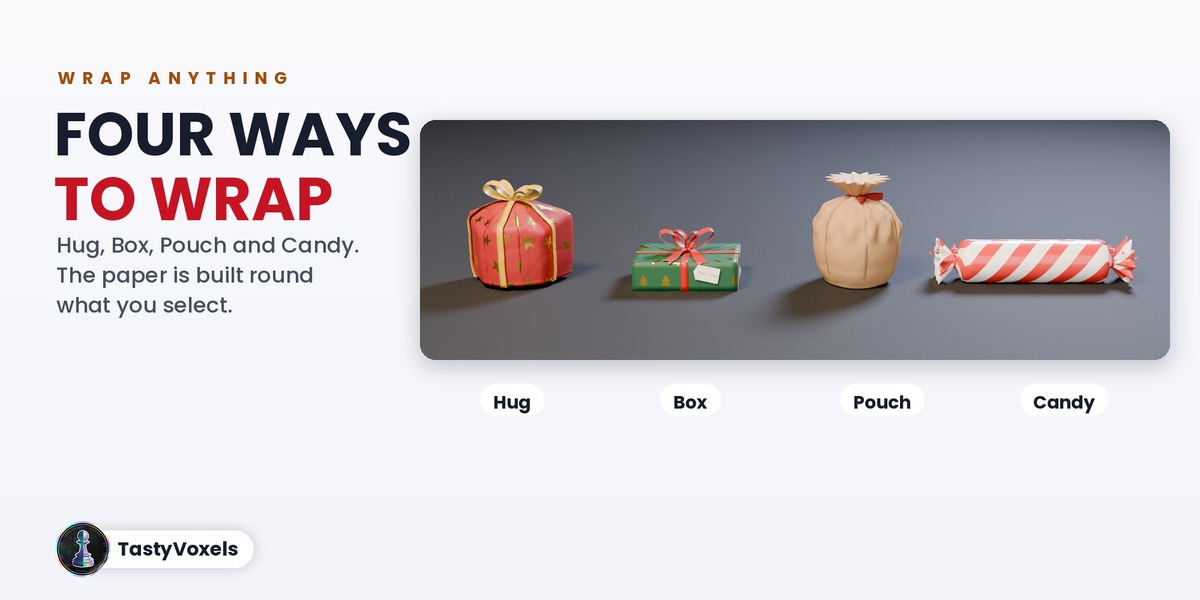
Four ways to wrap
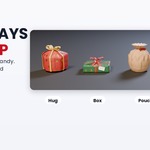
- Hug: the paper goes round the shape and opens like a flower, for any form
- Box: a neat wrapped box with folded ends and tape, the walls fall open flat
- Pouch: paper gathered on top and tied with a ribbon, for round and odd shapes
- Candy: a roll with twisted ends, for bottles, tubes and sweets
Five paper feels
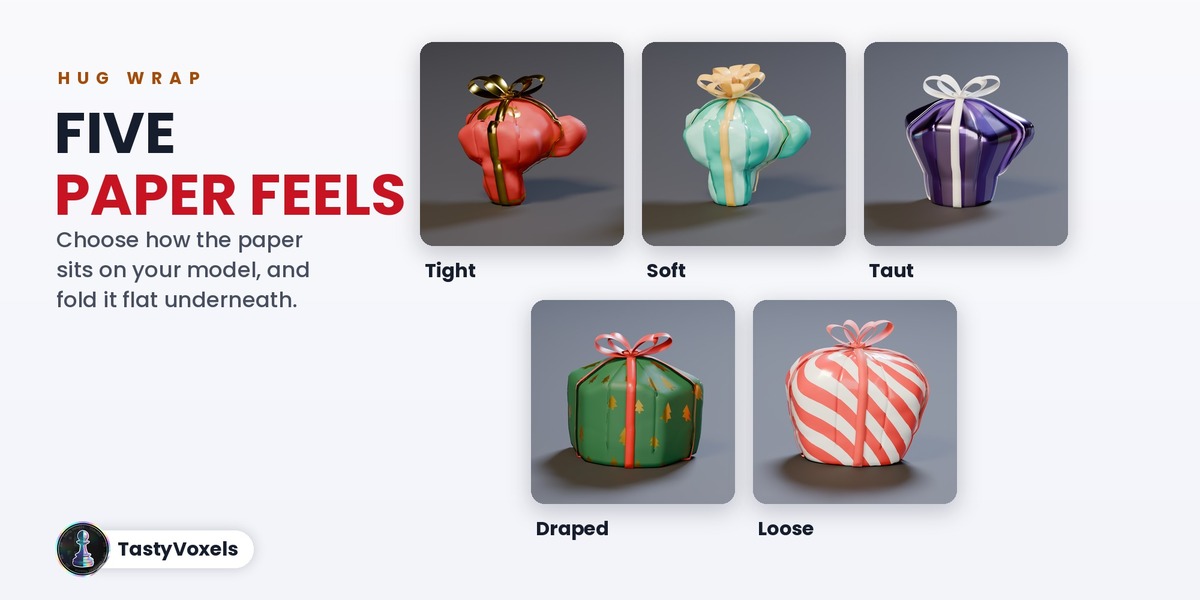
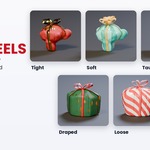
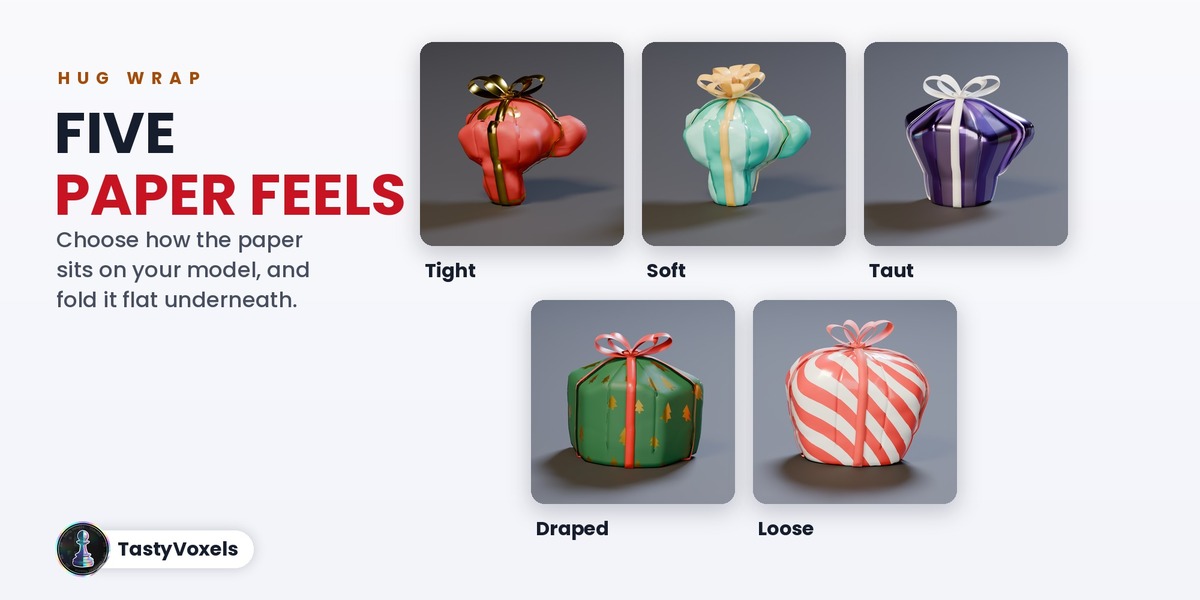
Real paper does not sit the same way on every gift, so the Hug wrap lets you choose how it behaves: Tight clings to every bump like foil, Soft is tissue paper with many small creases, Taut is pulled straight from point to point, Draped falls straight down from the widest point like a cloth and Loose is a big roomy sheet. Custom gives you every slider, and Flat Bottom folds the paper flat under the gift, the way it sits on a table.
Unwrap it on camera
Every gift has one number, Open, from wrapped to open. Animate keys it for the selected gifts one after the other, or open, hold and close again. First a puff of cloud hides the gift for a moment and takes the ribbon, bow and tag away; then the paper opens and settles. Every flap folds on a straight crease and stops just above the floor, and the flaps that lie on top open before the ones under them: the paper never goes through itself, the floor or what it wraps, and it never stretches. Your objects are never edited: they are parented to the gift and given back as they were when you remove the paper.
Five ways to open
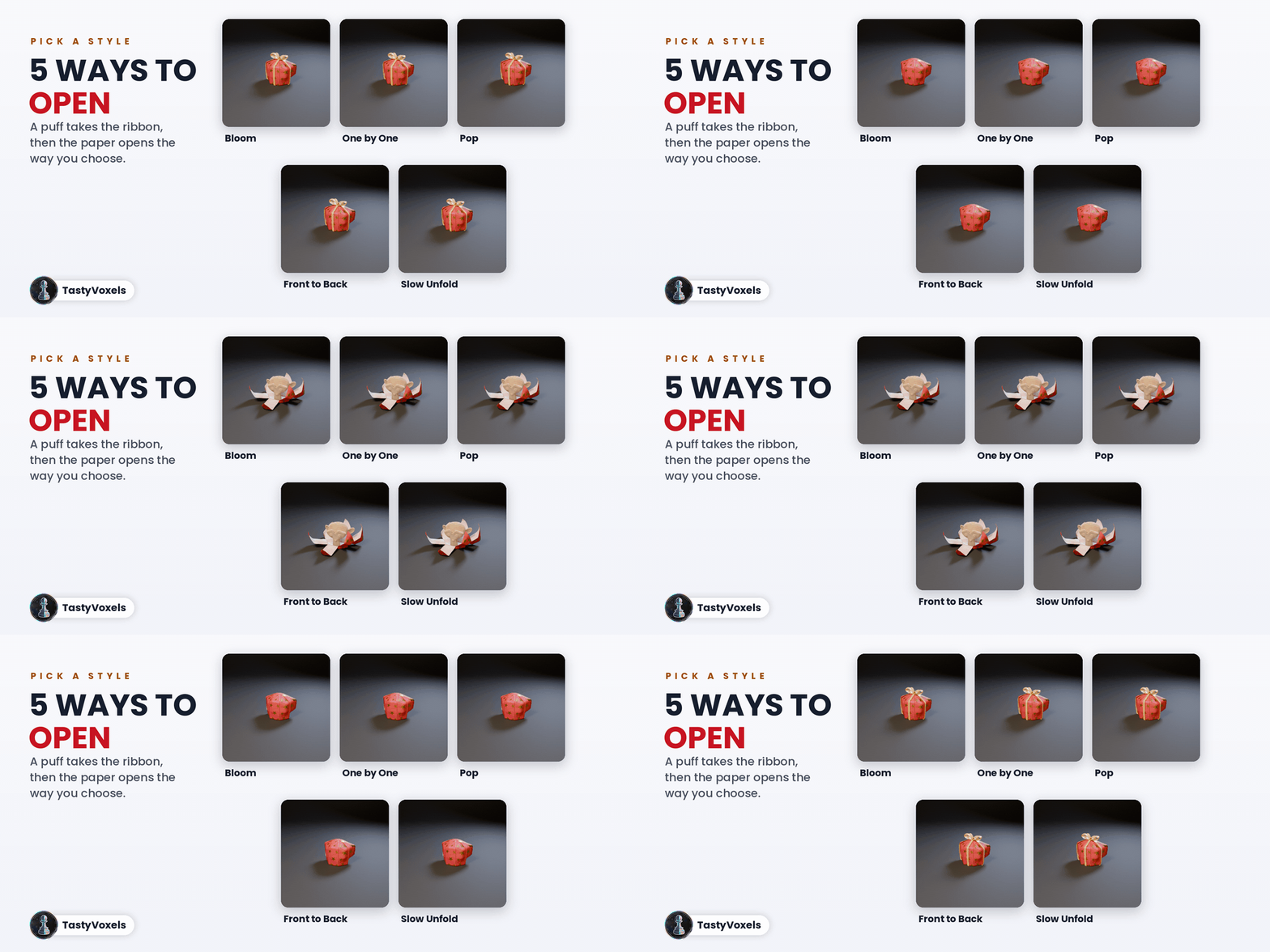
The paper opens in five ways: Bloom (every flap at once, like a flower), One by One (round the gift), Pop (fast, with a little spring back), Front to Back (the flaps facing the camera first) and Slow Unfold. One by One and Front to Back work flap by flap, so they show best on the Hug wrap. Wrapping up plays the same move backwards.
Five poofs
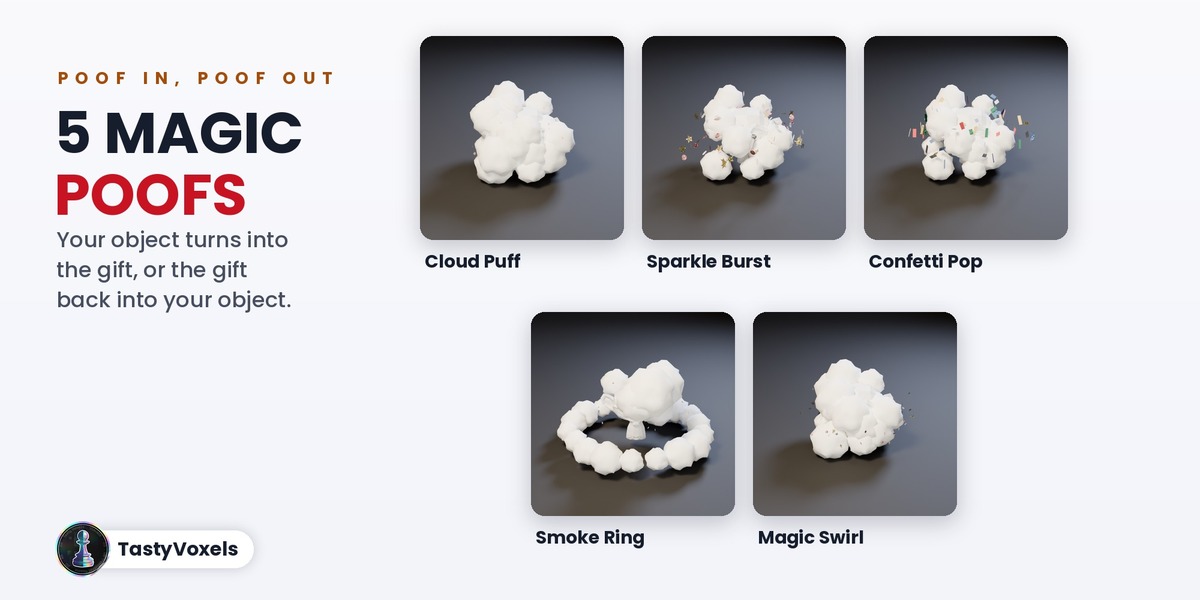
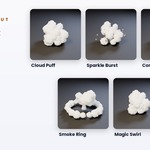
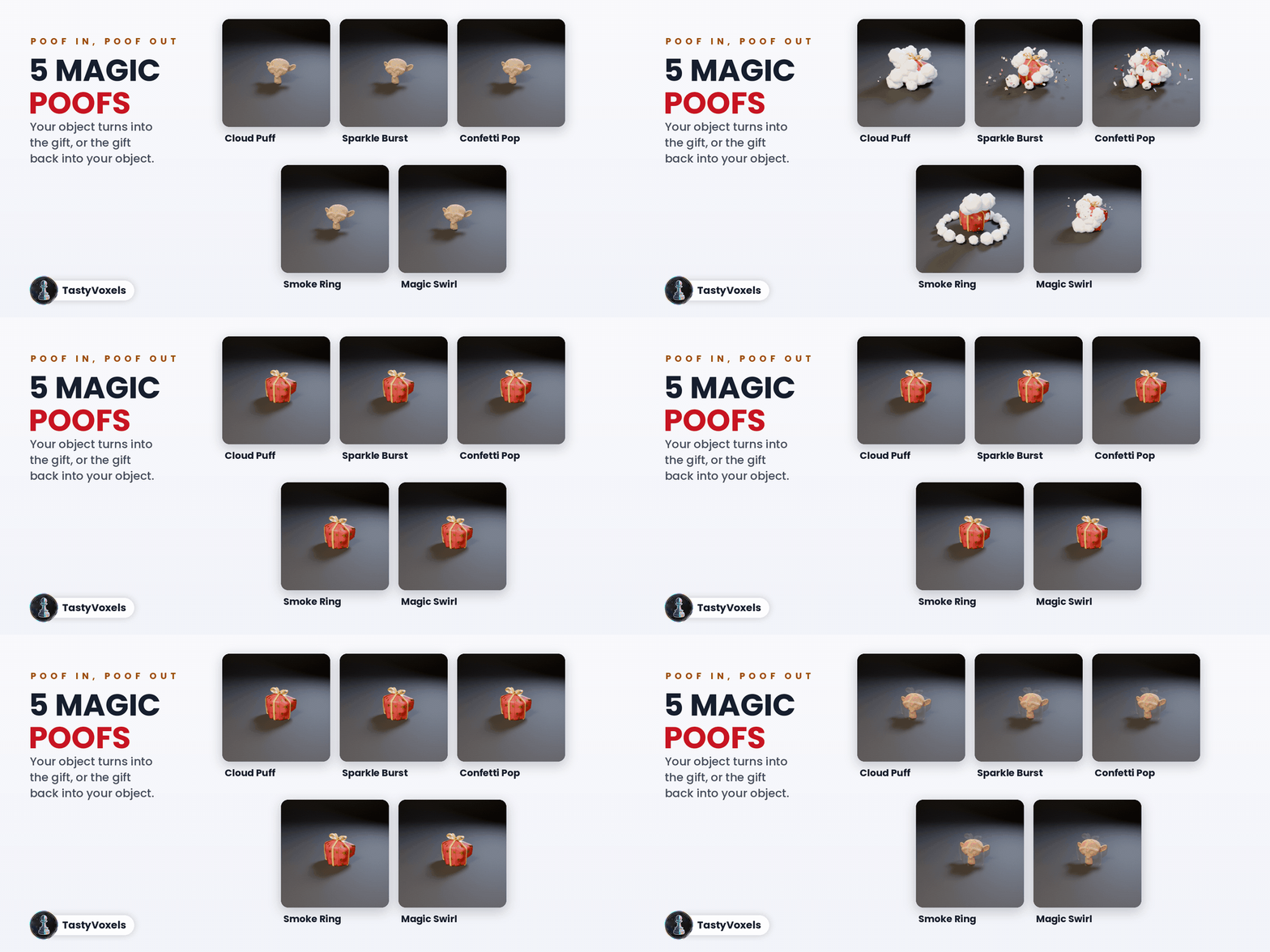
Click Poof! and a puff keys itself at the current frame: Cloud Puff, Sparkle Burst, Confetti Pop, Smoke Ring or Magic Swirl. Poof In turns your object into the gift, Poof Out turns the gift back into your object. The cloud hides the swap, so nothing ever pops in or out of sight.
Bows and ribbons
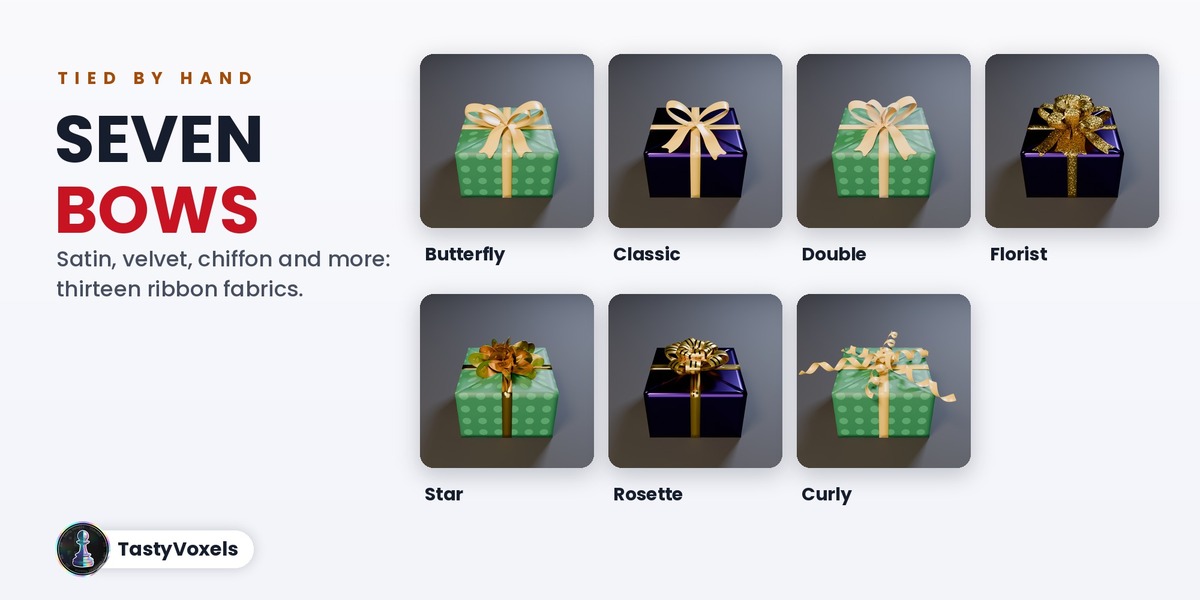
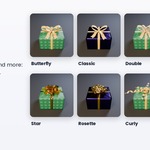
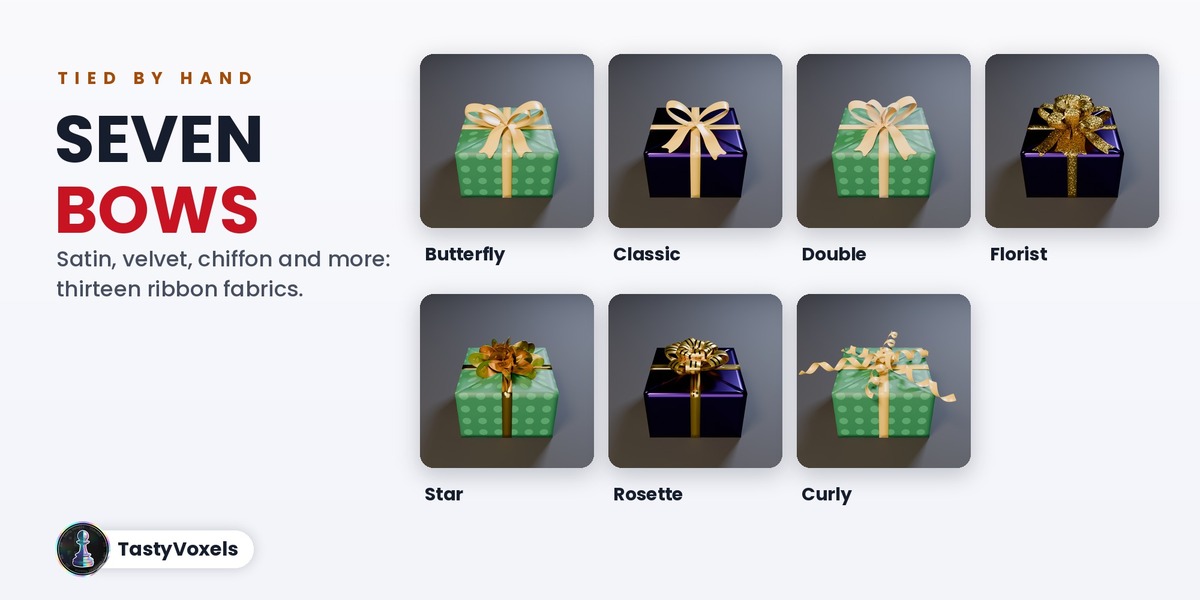
Seven bows: Butterfly, Classic, Double, Florist, Star, Rosette and Curling Ribbon. The loops are flat ribbon folded back on itself, no two loops are the same, the knot wraps the pinch and the tails fall on the paper with a V cut. Thirteen ribbon fabrics: satin with stitched edges, double face satin, foil, embossed foil, striped foil, glitter, grosgrain, velvet, organza, tartan, twine, silk chiffon with frayed edges and cotton tape.
Paper
The same 21 paper themes as Rego Gift, from Christmas with gold stars to Black Friday, kraft, rice paper, pastel and the new Natural Kraft, or your own colours, or your own image as paper. A gift tag with your words.
Wrap a whole diorama
Here a city district made with my add-on Make It Cardboard! is wrapped as one gift and revealed in one move. Select every object of a scene, tick All in One Gift and it becomes one present.
Together with Rego Gift
Make a Gift! is complete on its own. Add Rego Gift when you want a whole scene of boxes, price presets and text. With Rego Gift 1.0.5 or newer, Wrap and Add to Rego Gift puts your wrapped objects in a Rego Gift mosaic of animated gift boxes: they take a cell, move with the boxes when the layout or the format changes, stay in when you build another mosaic template, and open in their turn. Open Them All keys the whole mosaic, and Take Out of the Mosaic gives your gift back at its own size. If you own one of the two add-ons, ask me in the Superhive chat for the discount on the other.
No AI inside the product
There is no AI model, no network access and no data collection: the wrapping is plain geometry code that runs offline. AI assists me: it writes code with me and helps me write this page in English, which is not my first language.
Good to know
- Blender 4.2 LTS and newer, Cycles and EEVEE. Tested with an automatic test on Blender 4.2, 4.5, 5.0, 5.1 and 5.2: every wrap is built, opened and removed, and the Rego Gift link is checked with both add-ons installed from their release files.
- Every gift on this page is made and rendered with Make a Gift!. The cardboard Suzanne and the cardboard city are made with my add-on Make It Cardboard!.
- Updates and support are included for good: no support period, no renewal fee.