Make Circle
 Haoyan Shi



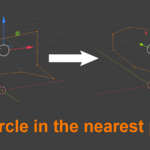
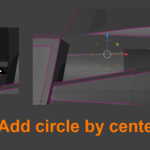
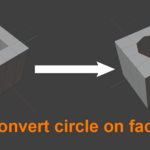
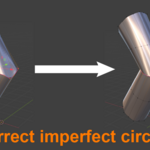
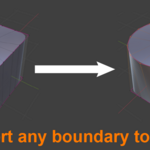
Add Circle
- Select a vertex in edit mode
- Right-click menu and choose "Add Circle"
- Generates a circle with the selected vertex as center
- Circle is perpendicular to the current camera view plane
- Adjustable radius and segment count
Set Circle
- Select at least 3 vertices in edit mode
- Right-click menu and choose "Set Circle"
- System automatically fits the closest circle
Have questions about this product?
Login to message
| Published | 7 months ago |
| Blender Version | 2.8 |
| Extension Type | N/A |
| License | GPL |
