 Troublesome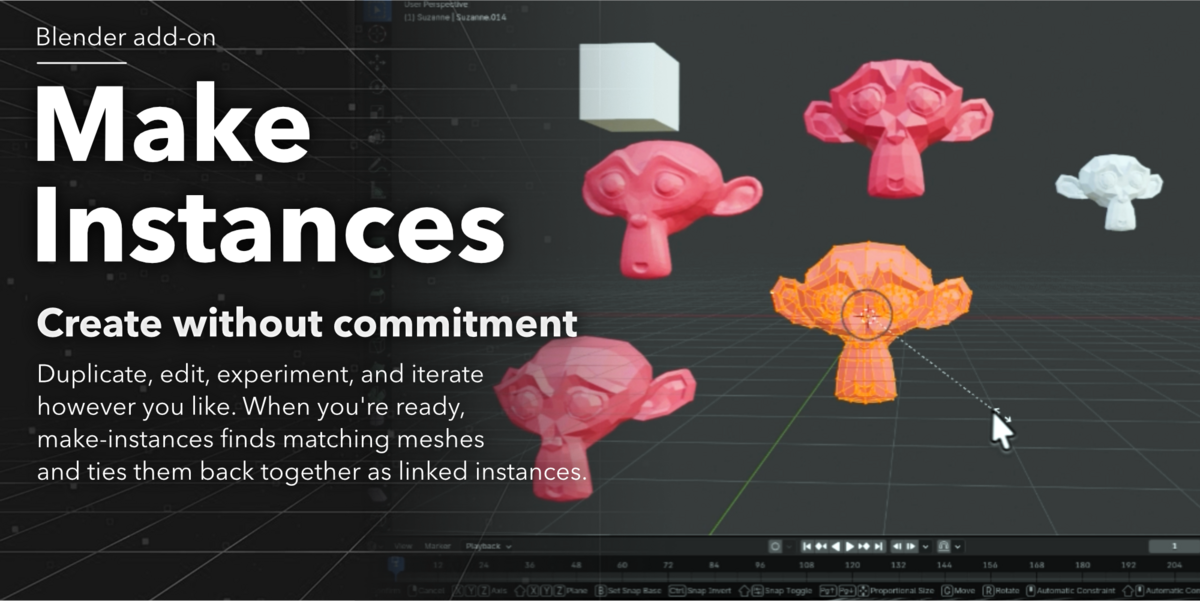
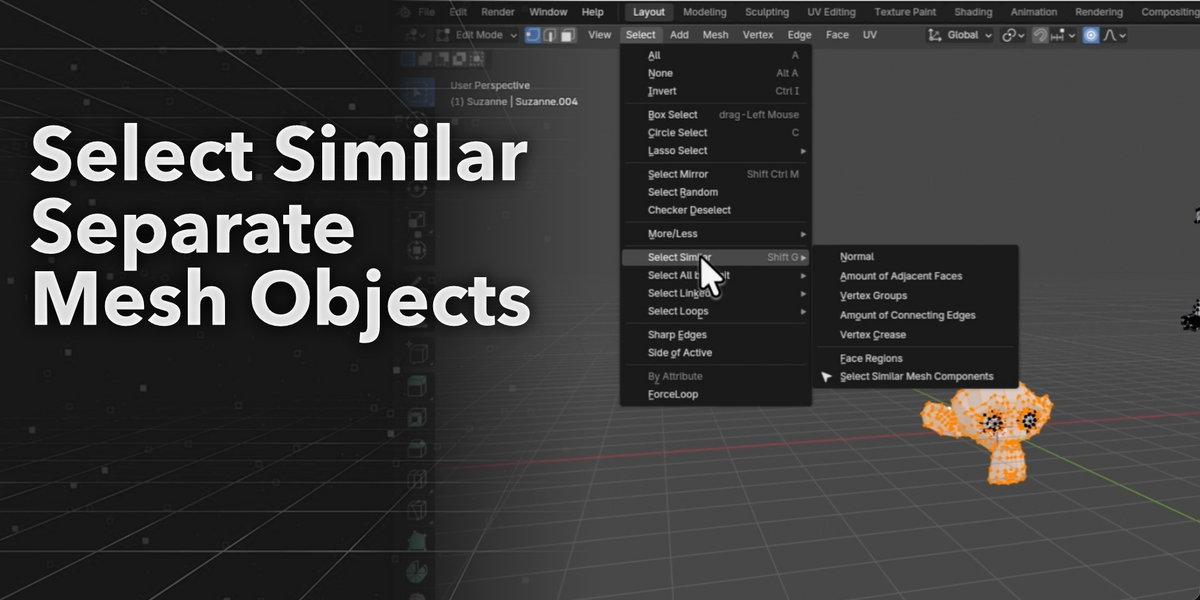
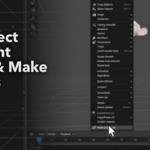
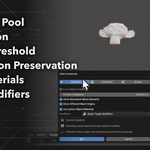
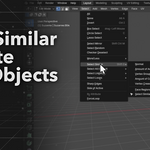
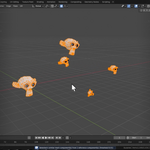
Restore linked instances from duplicated meshes.
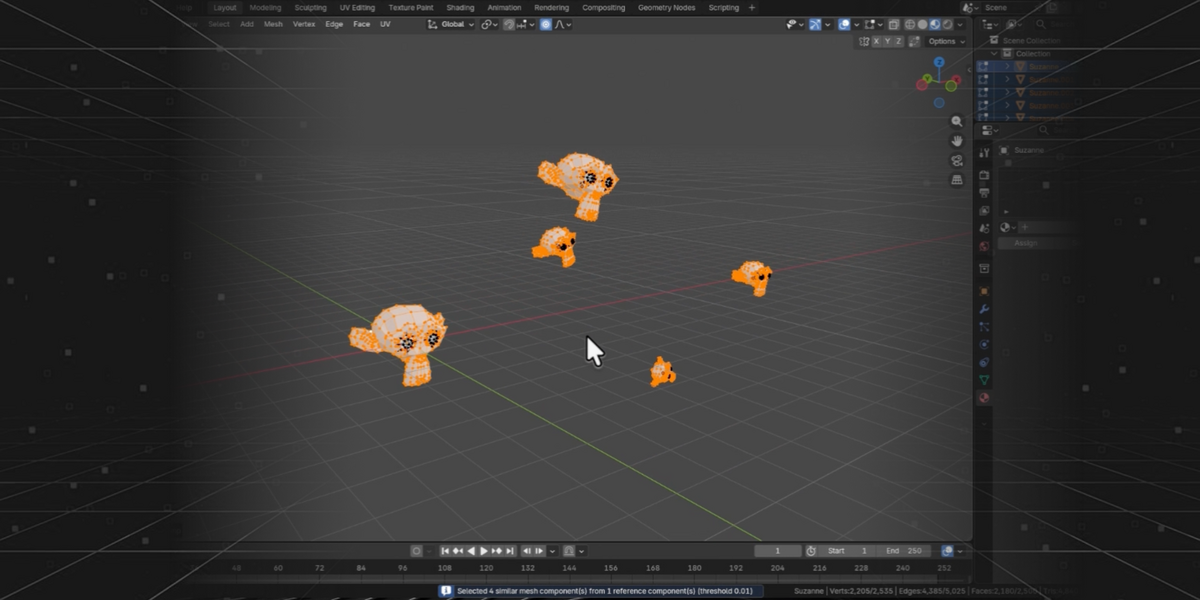
Make Instances helps you find geometrically similar mesh objects and convert them into instances of the active object.
It is made for the common Blender problem where you duplicated an object, then later edited one copy — UVs, materials, modifiers, cleanup, or mesh changes — and now want the other copies to use that improved version without manually replacing everything.
Select the object you want to use as the source, choose whether to search the selection, collection, or scene, and make-instances will find similar meshes and turn them into instances while preserving their placement.
Main Features
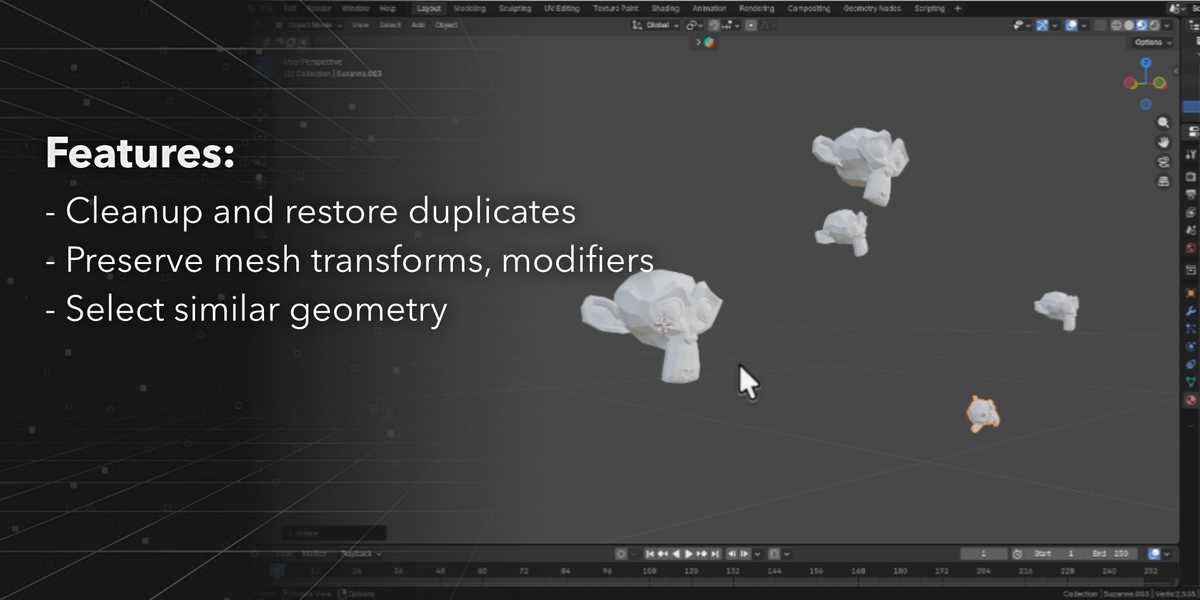
- Find objects with similar mesh geometry
- Select similar meshes based on the active object
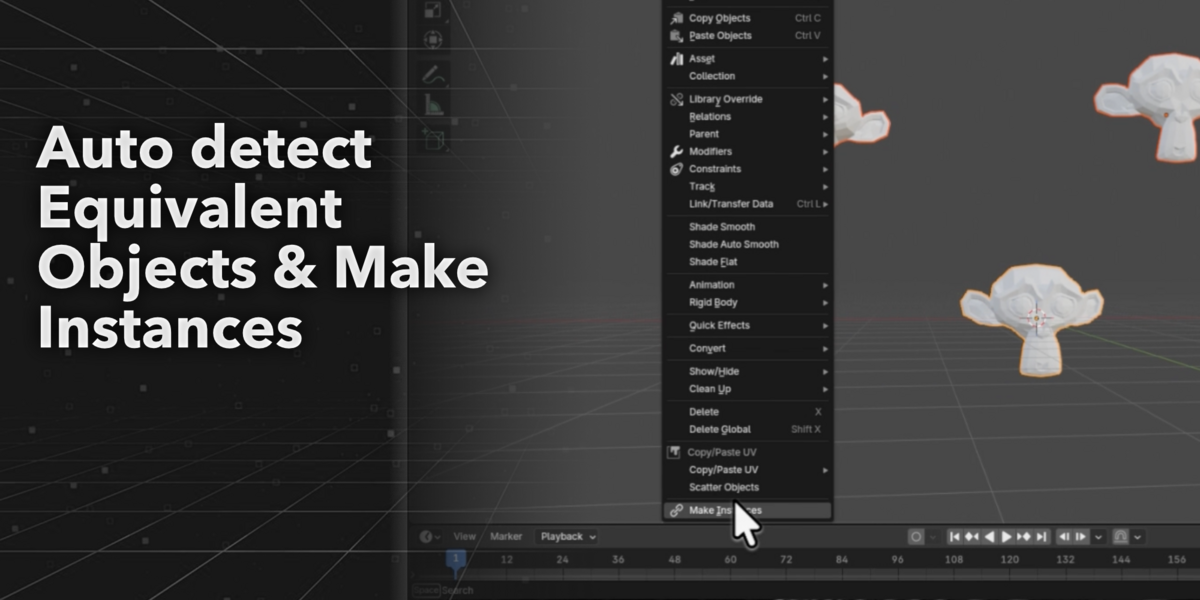
- Convert matching objects into instances of the active object
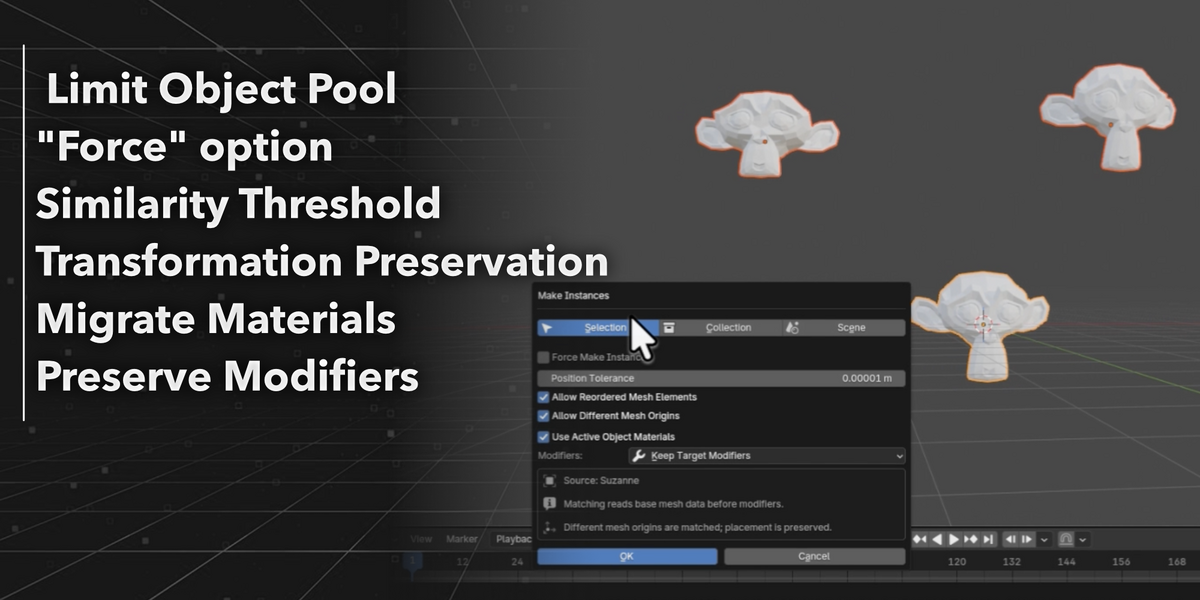
- Search only the current selection, a collection, or the whole scene
- Adjustable tolerance for matching similar meshes
- Force mode for manually converting selected objects
- Preserves object position
- Preserves bounding box dimensions
- Optionally use the active object’s materials
- Optionally keep target object modifiers
Common Uses
- Restore lost instances after duplicating objects
- Apply one object’s UVs or materials to matching copies
- Clean up imported models with repeated geometry
- Optimize kitbash, archviz, and game asset scenes
- Replace repeated unique meshes with linked instances
- Quickly select similar mesh objects in a scene
Workflow
- Select the object you want to use as the source.
- Make it the active object.
- Choose where to search: Selection, Collection, or Scene.
- Adjust the tolerance if needed.
- Click Make Instances.
- Matching objects become instances while staying in place.
Force Mode
When objects are too different to match automatically, enable Force Make Instances.
This skips similarity matching and converts the selected objects into instances of the active object while preserving their placement.
Why use it?
Duplicating is easy. Fixing duplicated objects later is not.
Make Instances gives you a fast way to reconnect similar objects, clean up your scene, and make repeated assets easier to update.
Edit one. Reconnect the rest.
