CG Cookie
Learn the fundamentals of Blender and learn how to apply your understanding to create a variety of models for 3D printing.
❤️ CG Cookie, a project of Autotroph , contributes to Blender development through Autotroph’s Corporate Gold sponsorship of the Blender Development Fund. Your support of CG Cookie helps make this possible!
3D printing is an immensely powerful and useful technology. It has applications that span almost every field and hobby. When combined with Blender and a pinch of creativity, 3D printing can be leveraged to amazing effect; enabling you to make nearly anything you can imagine.
In Make It, instructor Porter Nielsen will teach you the fundamentals of Blender required for 3D printing: including how to navigate Blender, understand scaling, import/export .stl files, clean up models, and use a variety of powerful functions and tools to create original models.
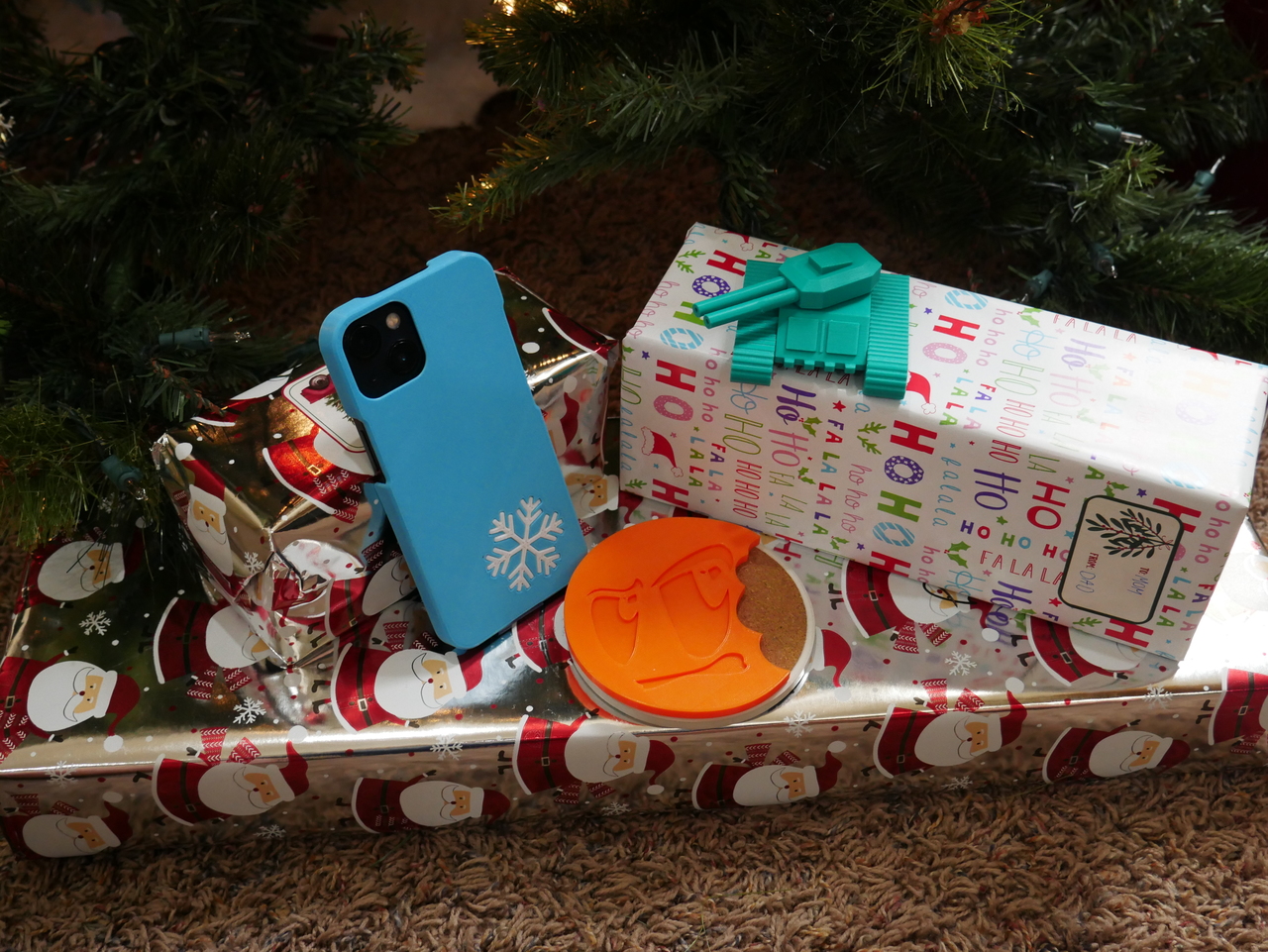
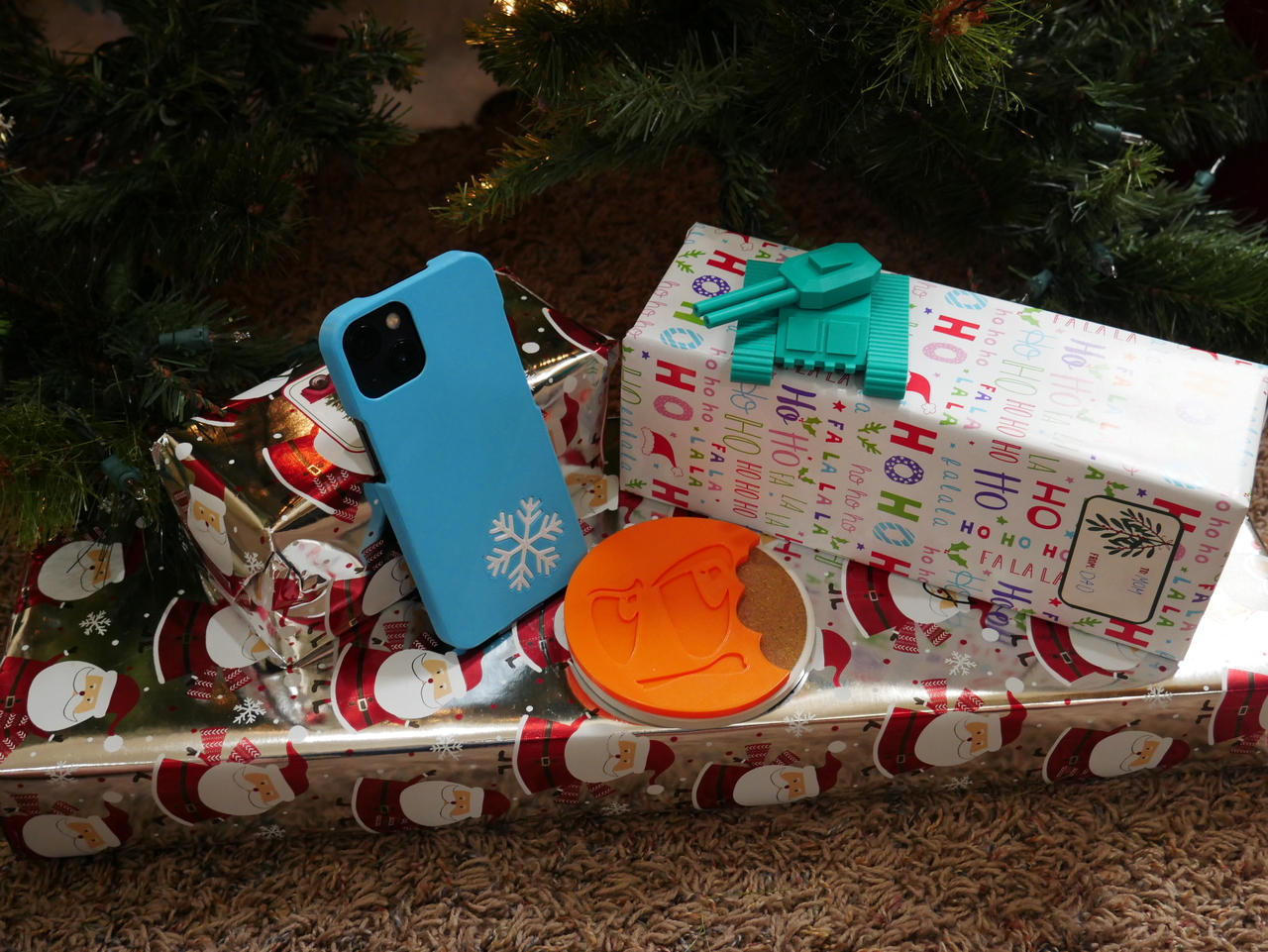
You will then apply these skills in 3 different projects: making a tank, creating a drink coaster from an image, and customizing a phone case.
The course is designed for those new to Blender, focusing on the core features required for 3D printing. Gradually introducing and implementing new concepts so that you learn at a natural pace.
Fundamentals of Blender for 3D Printing
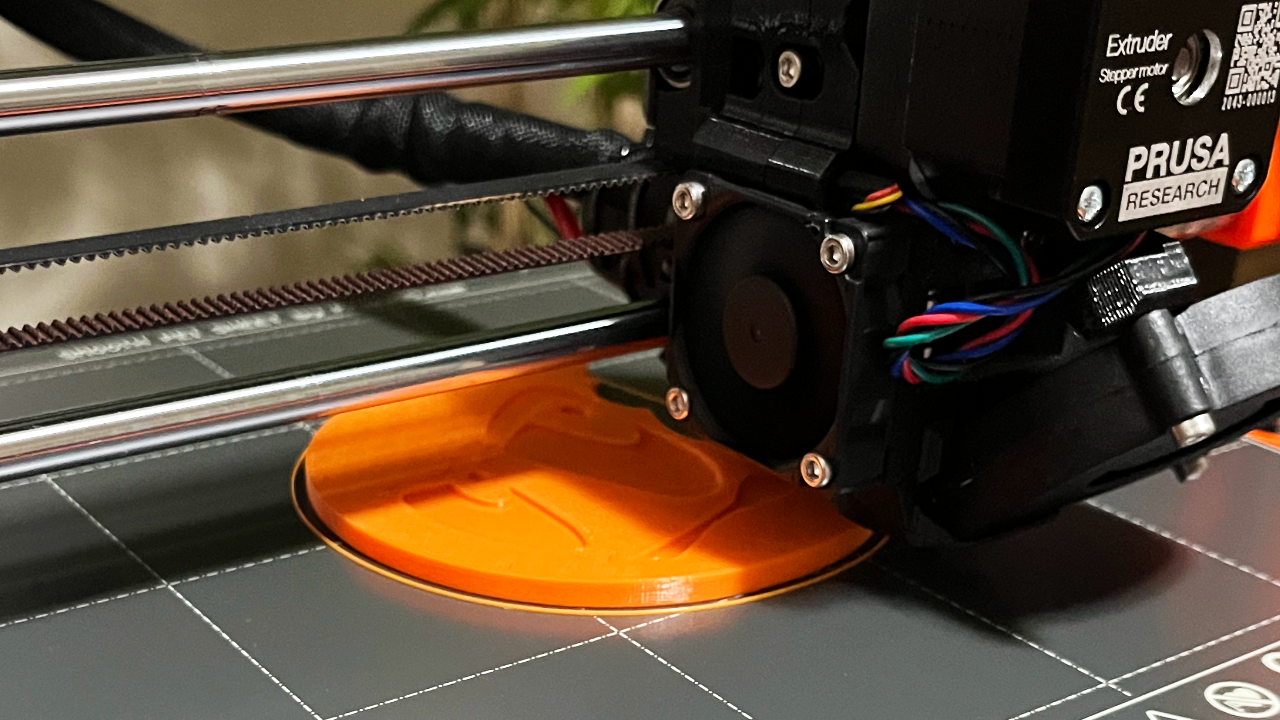
We start with the fundamentals, learning how to navigate Blender, apply powerful functions to create or edit geometry, import/export .stl files, clean up model geometry in preparation for 3D printing, and understand scaling within Blender.
Projects: Toy Tank, Coaster, and Phone Case
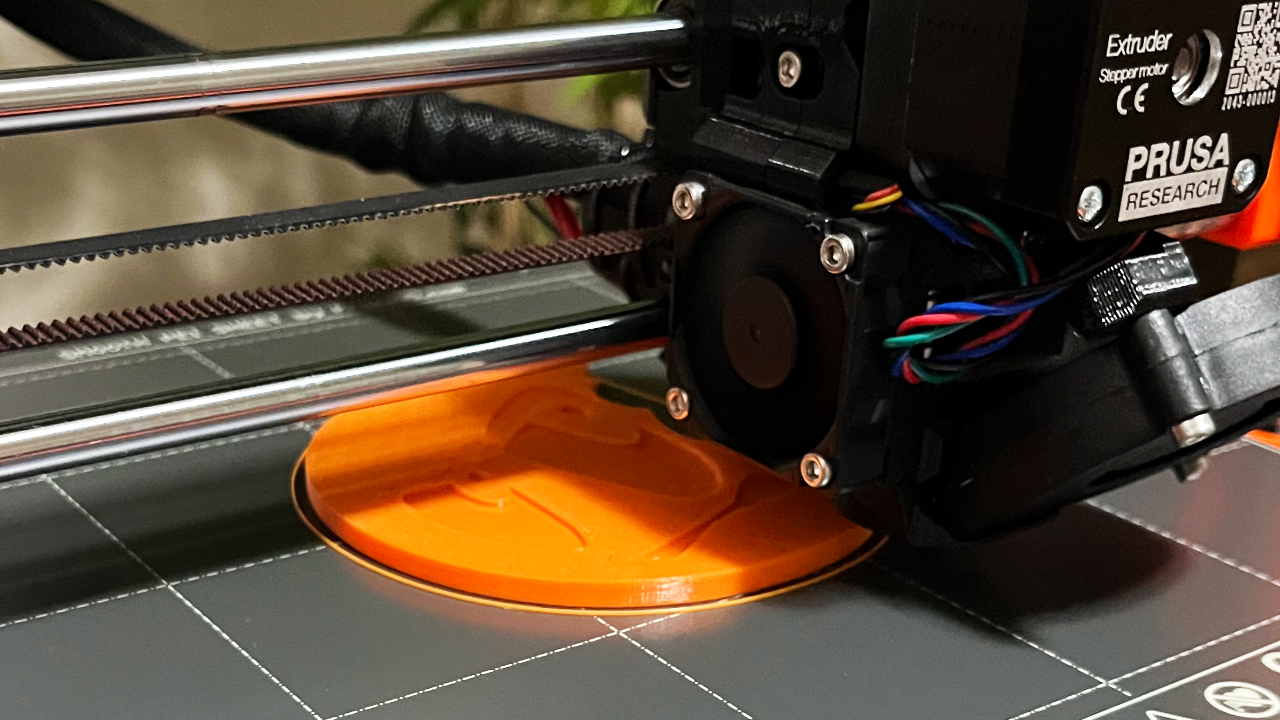
In this chapter we apply the fundamentals learned in the previous chapter while gradually learning new skills as we create a toy tank with multiple parts, use an image to create a coaster for hot chocolate, and import and customize a phone case. Some of the skills you will learn in this chapter include boolean modifiers, the spin function, array modifiers, and using curves to create precise geometry.
Final Project: Creating a Jet
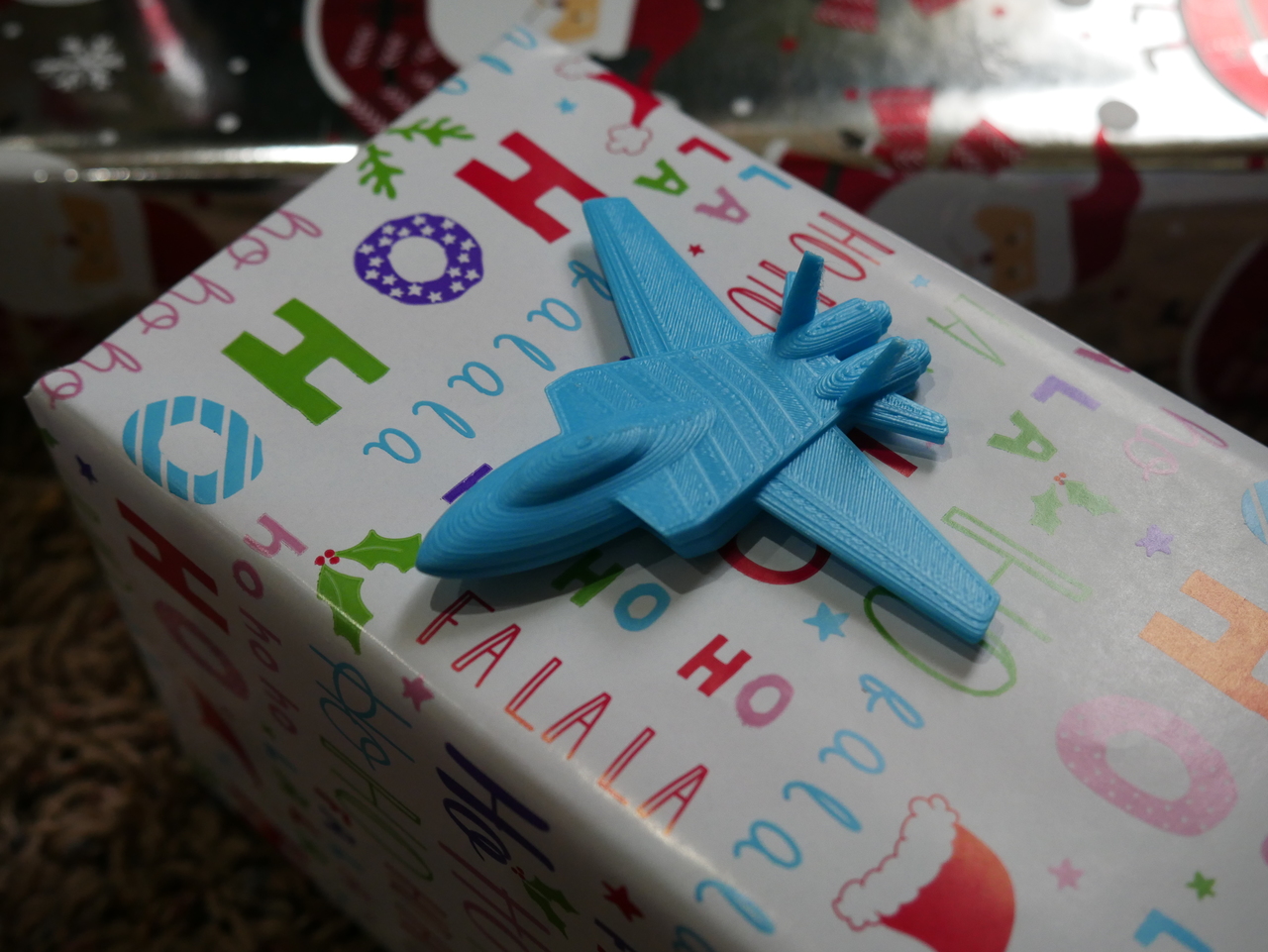
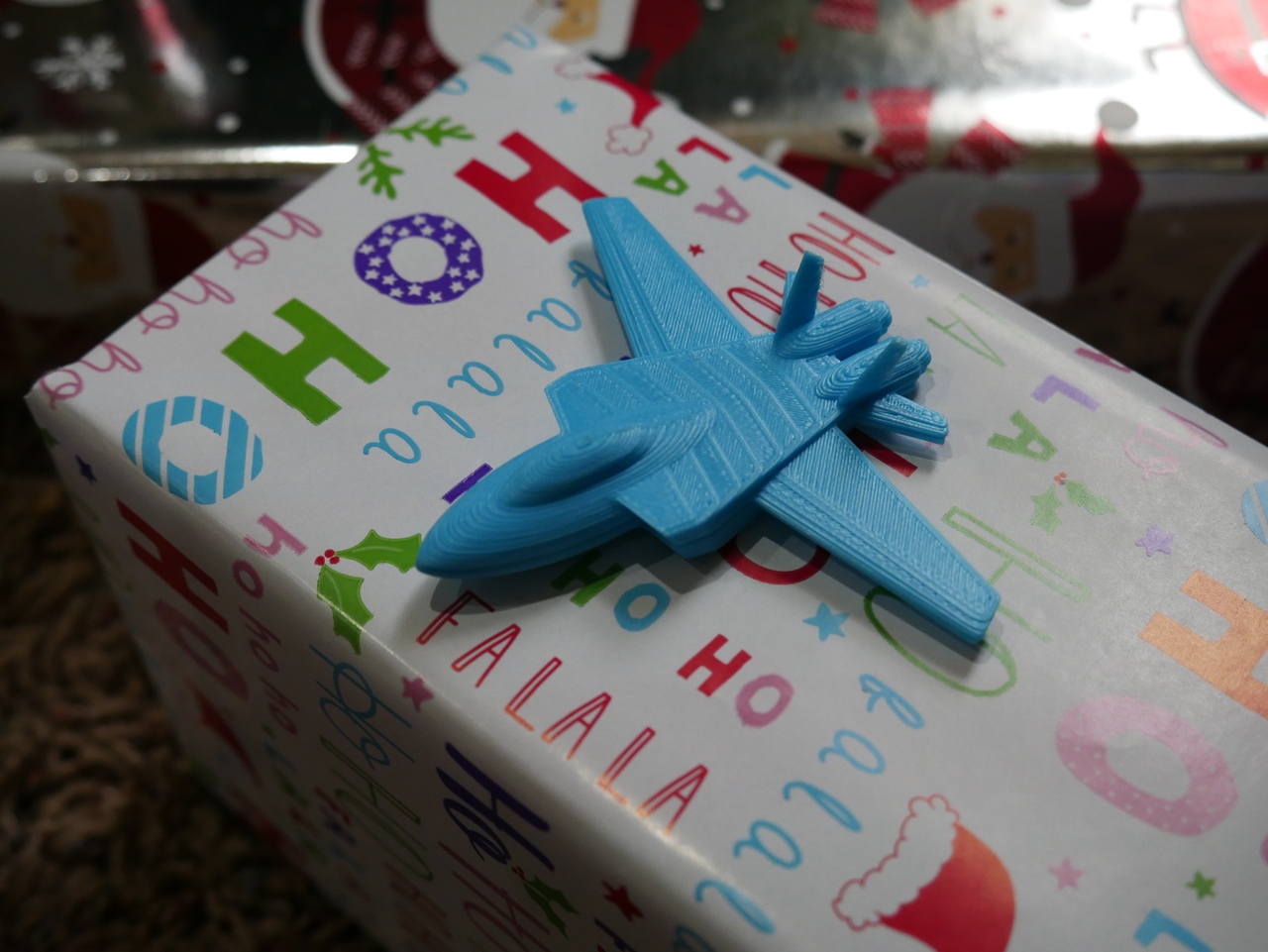
In this conclusionary chapter you learn about the subdivision surface modifier and are tasked to make a toy jet to accompany the toy tank you previously made. I also participate in the task, providing a lesson of how I would make the toy jet, explaining my process and showing tips and tricks you can learn from as well.