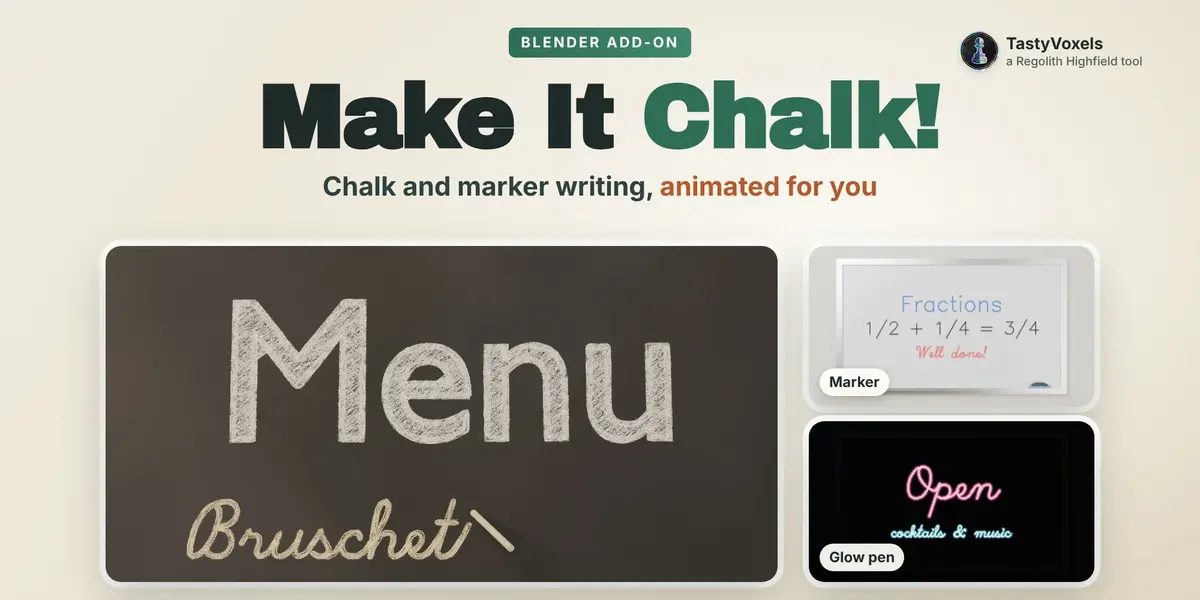
Make It Chalk! - Chalkboard and Whiteboard Writing Animation for Blender
 TastyVoxels

INSTALL
Blender 4.2 or newer. Edit > Preferences > Get Extensions, open the menu at the top right and choose Install from Disk, then pick the zip of your edition (make_it_chalk_free-1.1.1.zip, make_it_chalk_lite-1.1.1.zip or make_it_chalk_pro-1.1.1.zip). Installing another edition replaces the one you have. The panel appears in the 3D View sidebar (press N), tab Chalk.
EDITIONS
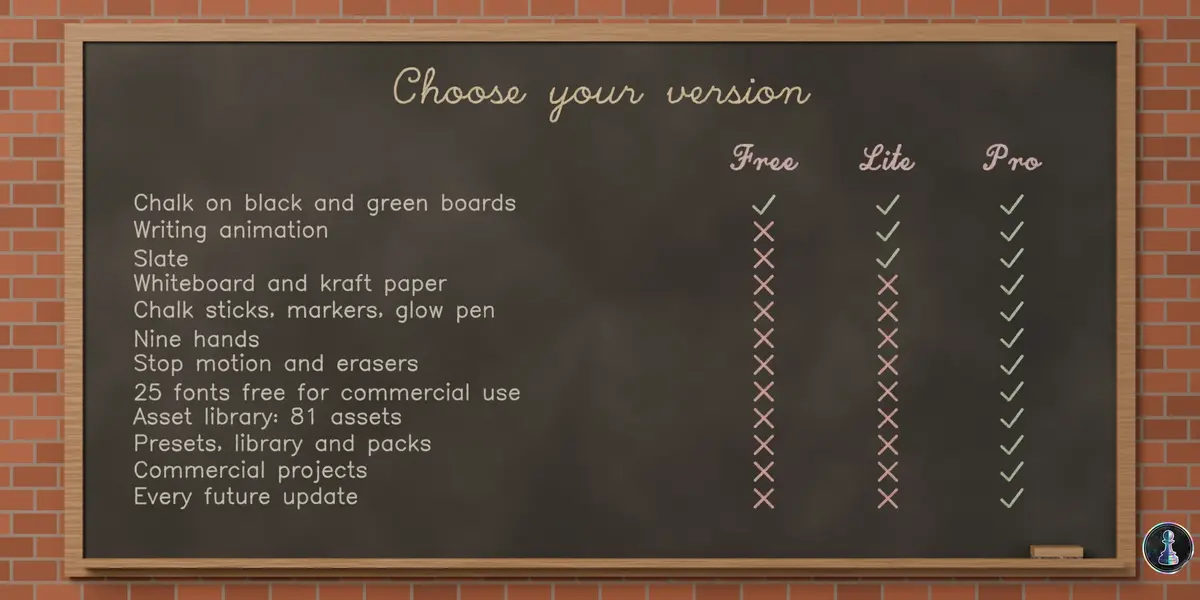
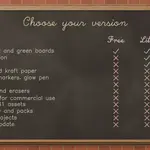
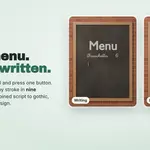
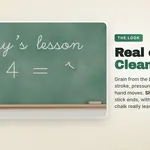
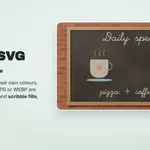
Free: still illustrations, chalk on a blackboard or a green board, Restaurant Menu and Chalk Lesson quick starts, the nine handwriting styles, your own fonts, SVG and PNG files. The scene is one frame long: press Render Image. Lite: everything in Free, plus the writing animation, the slate board, the liquid chalk look and the Showreel Title quick start. Pro: every board, tool, hand, font, the stop motion, the erasers, the library, packs and the asset library. Panels that belong to another edition show a small locked note, so nothing breaks if you open a file made in Pro.
QUICK START
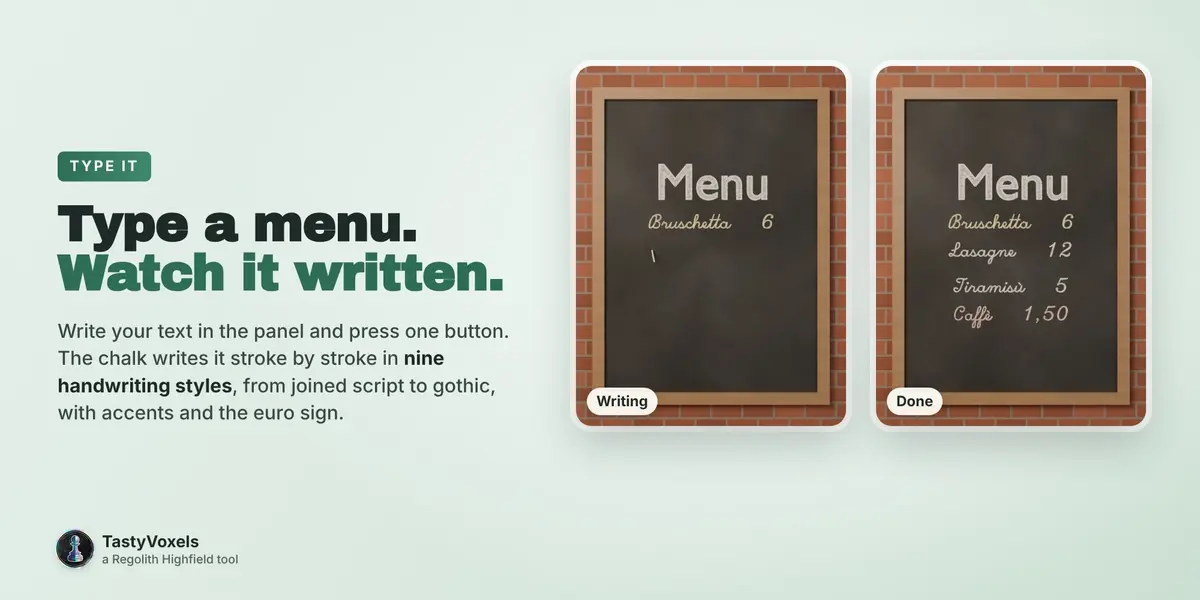
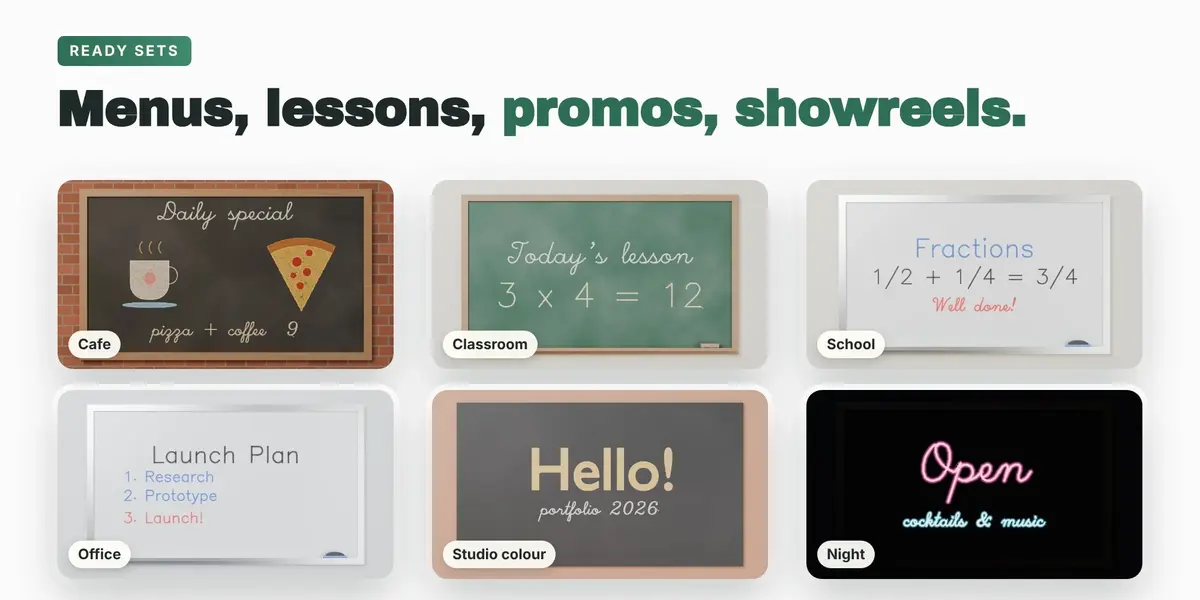
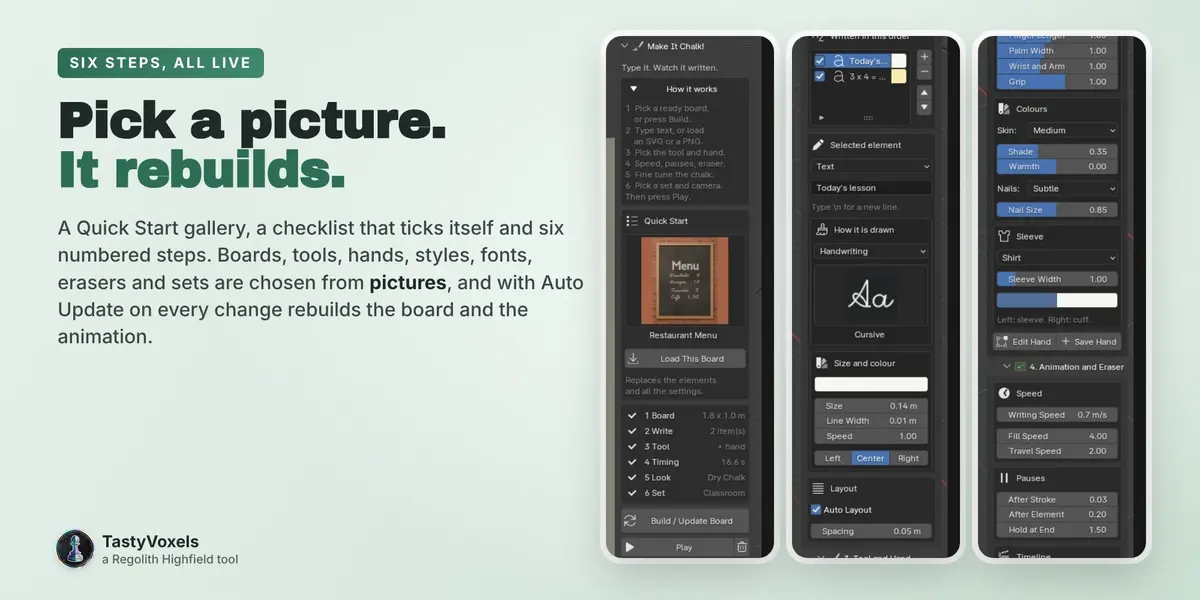
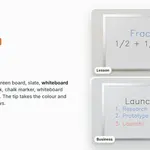
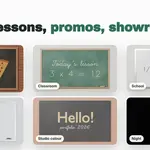
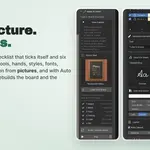
In Quick Start, click the picture to choose a ready board (Restaurant Menu, School Whiteboard, Business Whiteboard, Chalk Lesson, Showreel Title or Neon Sign, plus the boards you saved) and press Load This Board. The board, the writing, the tool, the set, the lights and the camera are created and animated. Press Play, or Render Animation. Loading a board replaces the elements and the settings of the panel. How it works opens a short guide, and the checklist under it ticks itself as you go.
To start from scratch, press Build / Update Board. With Auto Update on, every change rebuilds the board a moment after you make it. The bin button deletes every object the add-on made and keeps your settings. Everything the add-on creates lives in the collection Make It Chalk, under an empty called Chalkboard: move or rotate that empty to place the board in your scene.
1. BOARD
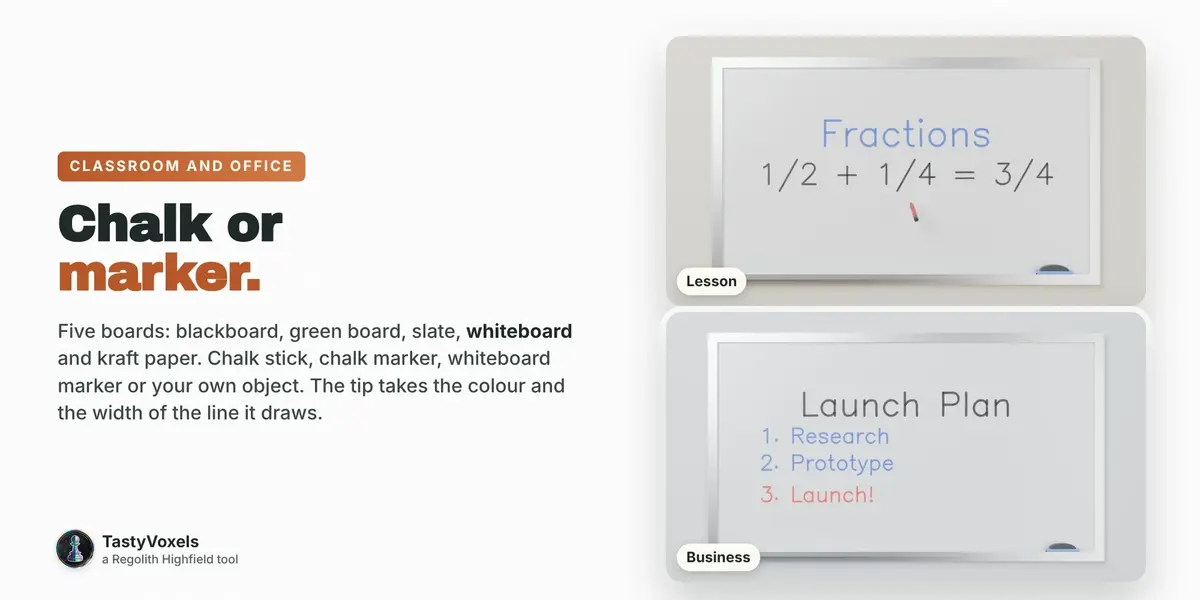
Surface (pick the picture): Blackboard, Green Board, Slate, Whiteboard or Kraft Paper, or your own colour. Old Smudges adds the cloudy residue of earlier writing. Width and Height in metres, and Inner Margin, the border kept free around the writing. Frame: none, wood, dark wood or aluminium, with its width. Tray adds a ledge under the board, with the eraser resting on it.
2. WHAT TO WRITE
A list of elements, written in order from top to bottom. Use + and - to add and remove, the arrows to change the order, the tick to skip one. Each element has:
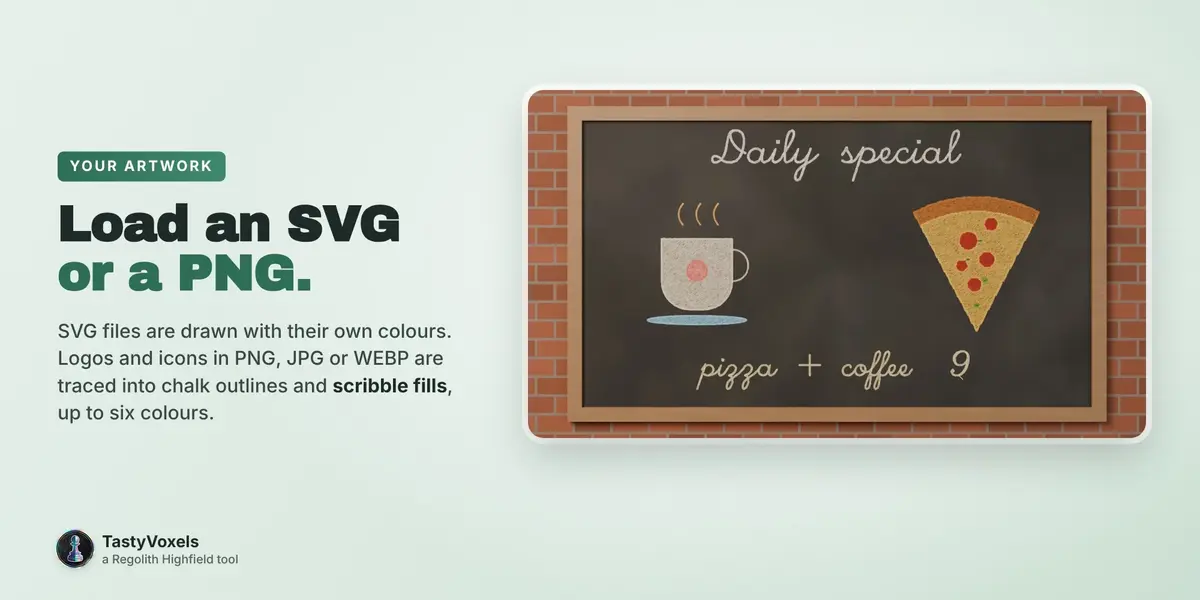
Source: Text, SVG / Image File, or Curve Object (a curve already in your scene).
How it is drawn: Handwriting (single line, text only), Outline, Scribble Fill, or Outline + Fill.
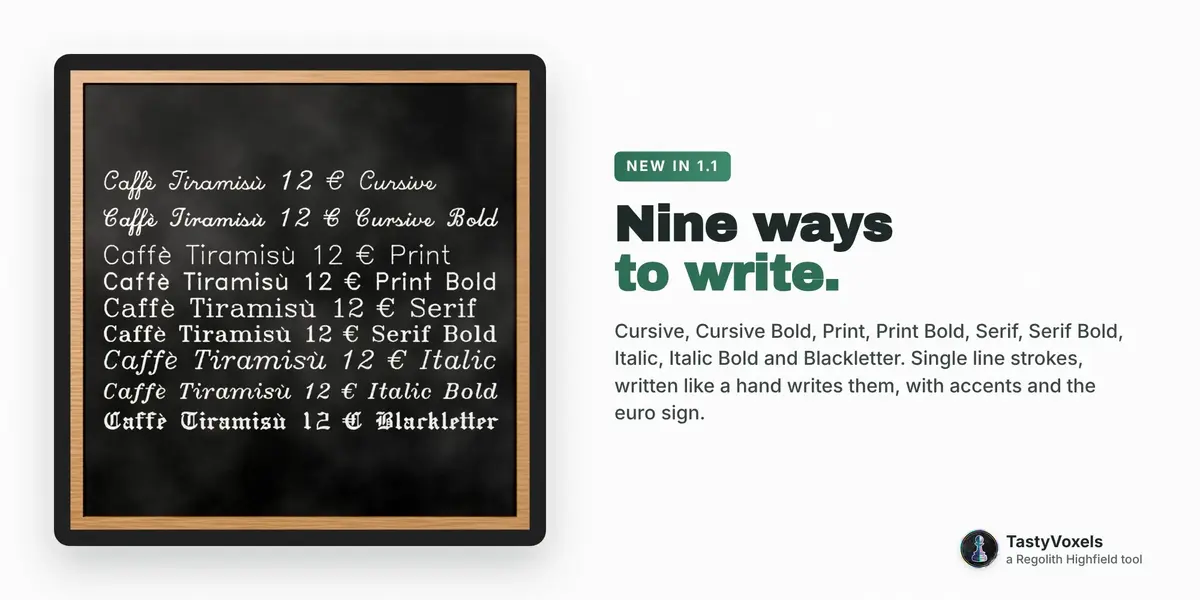
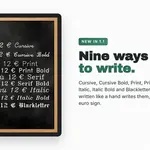
Writing style for Handwriting: Cursive, Cursive Bold, Print, Print Bold, Serif, Serif Bold, Italic, Italic Bold or Blackletter.
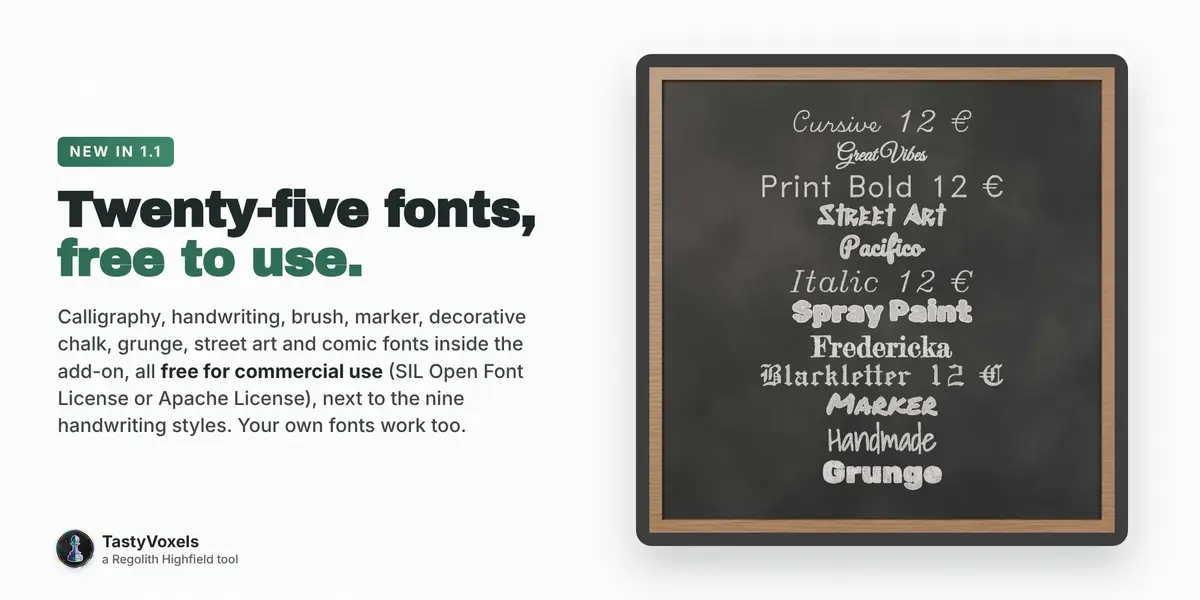
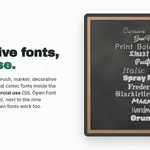
Font for the other styles: one of the twenty-five fonts inside the add-on, or My Font with any font you load.
Colour, Size (capital letter height or drawing height), Line Width, Speed (a multiplier for this element) and Align.
For files: Use File Colors, Colours (1 to 6, images only) and Detail.
Type \n inside a text for a new line. Auto Layout stacks the elements and shrinks them to fit the board, with Spacing between them. With Auto Layout off, each element has its own X and Y on the board.
3. TOOL AND HAND
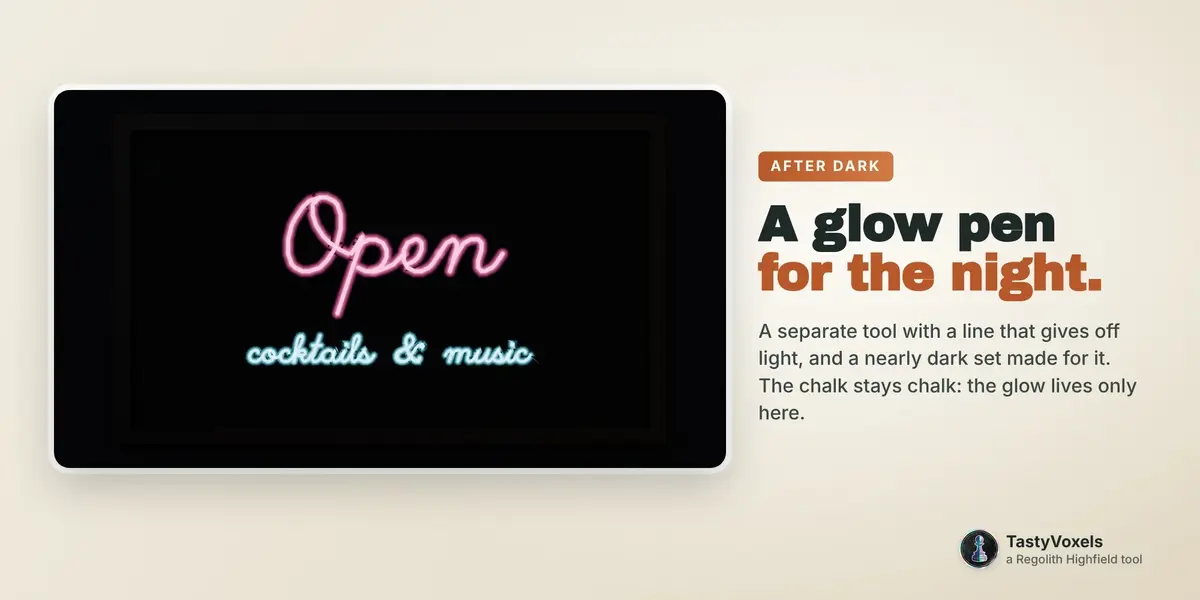
Tool (pick the picture): Chalk Stick, Chalk Marker, Whiteboard Marker, Glow Pen, My Object (any mesh: its origin is the tip and it points along +Z), your saved tools, or No Tool. Same width as the line makes the tip as wide as the line it draws; Same colour as the line gives it the colour of the element it is writing. Shrink Away or Stay when the writing is done. Hand Sway sets how much it leans with the movement. Edit Tool copies the tool into an object you can change; Save Tool keeps it in your library. Line look: Dry Chalk, Liquid Chalk, Marker Ink or Neon Glow (with Glow and Halo). Choosing a tool sets the matching look.
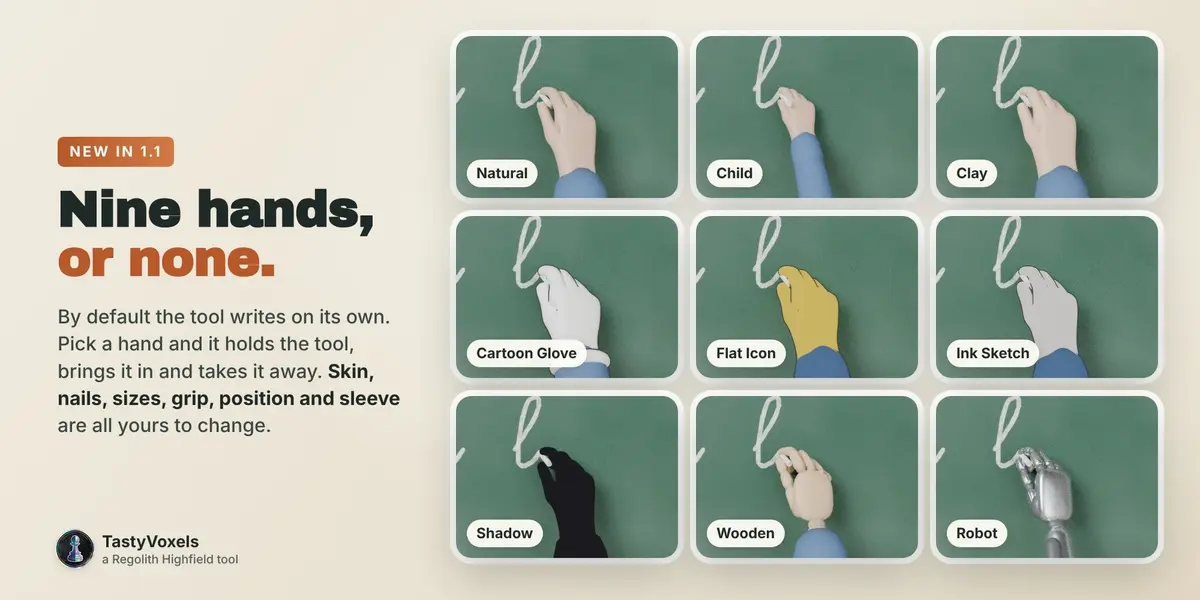
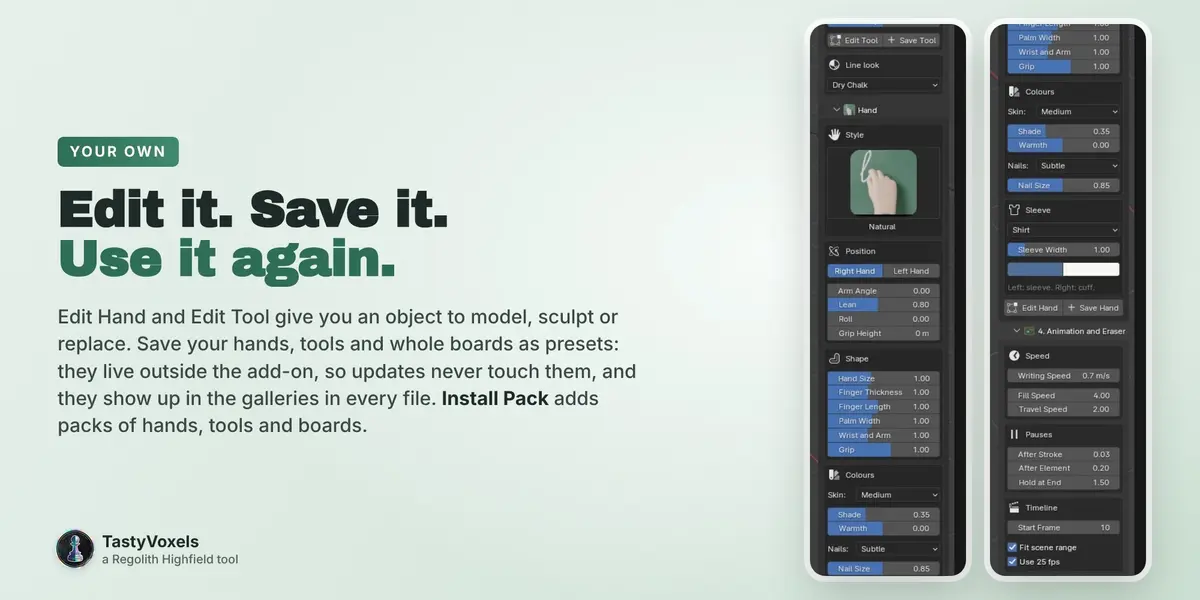
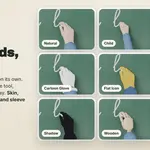
Hand (open it under the tool): Ghost (no hand, the default), Natural, Child, Clay, Cartoon Glove, Flat Icon, Ink Sketch, Shadow, Wooden, Robot, your saved hands, or My Object. Position: Right Hand or Left Hand, Arm Angle (where the arm comes from), Lean (how much the tool leans from the board), Roll and Grip Height. Shape: Hand Size, Finger Thickness, Finger Length, Palm Width, Wrist and Arm, and Grip. Colours: Skin (quick picks, Any Shade with the Shade and Warmth sliders, or a custom colour), Nails (No Nails, Subtle, Natural or Polish with its colour) and Nail Size, Own colour for the other styles, Joints for the robot, Outline width and colour for the cartoon, icon and sketch hands. Sleeve: Bare Arm, Shirt, Sweater or Suit, with Sleeve Width, the sleeve colour and the cuff colour. Edit Hand copies the hand into an object you can model, sculpt or replace, placed at the 3D cursor, with a reference of the tool; the board uses it straight away. Save Hand keeps it in your library.
4. ANIMATION AND ERASER
Writing Speed (metres per second of the tip), Fill Speed and Travel Speed as multipliers. After Stroke, After Element and Hold at End. Start Frame, Fit scene range and Use 25 fps.
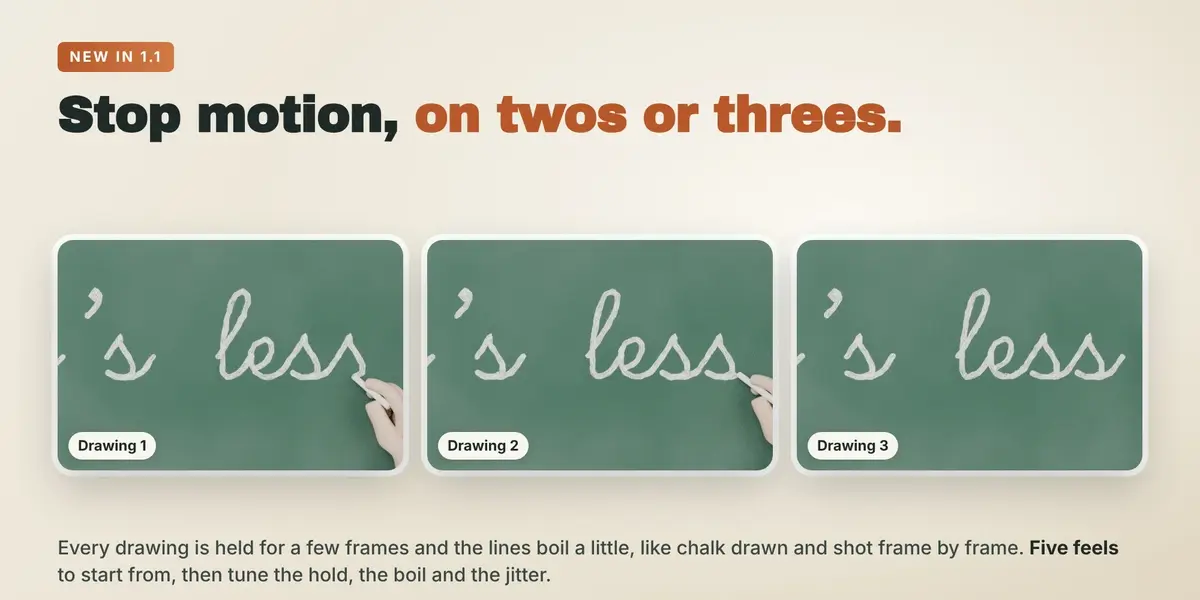
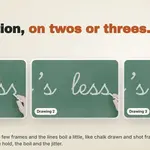
Stop Motion holds every drawing for a few frames. Feel: Gentle, Hand Drawn, Rough Sketch, Choppy or Claymation sets the values below, which you can then change: Hold Frames (2 is on twos), Line Boil and Boil Size, Frame Jitter (in millimetres) and New grain each drawing. The tool, the hand and the eraser move on the same beat.
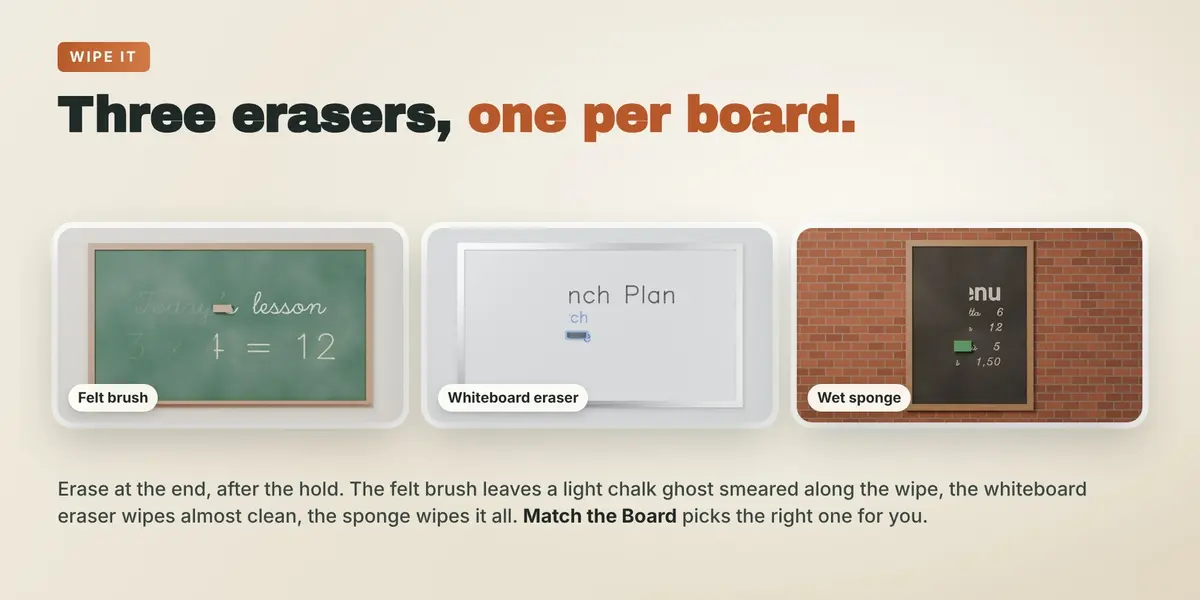
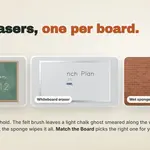
Eraser: tick it to wipe the board after the hold, with Erase Time. Match the Board, Chalk Felt Brush, Whiteboard Eraser (with its colour) or Wet Sponge. Ghost from Eraser uses the residue that suits the eraser; untick it to set the ghost by hand.
5. CHALK LOOK
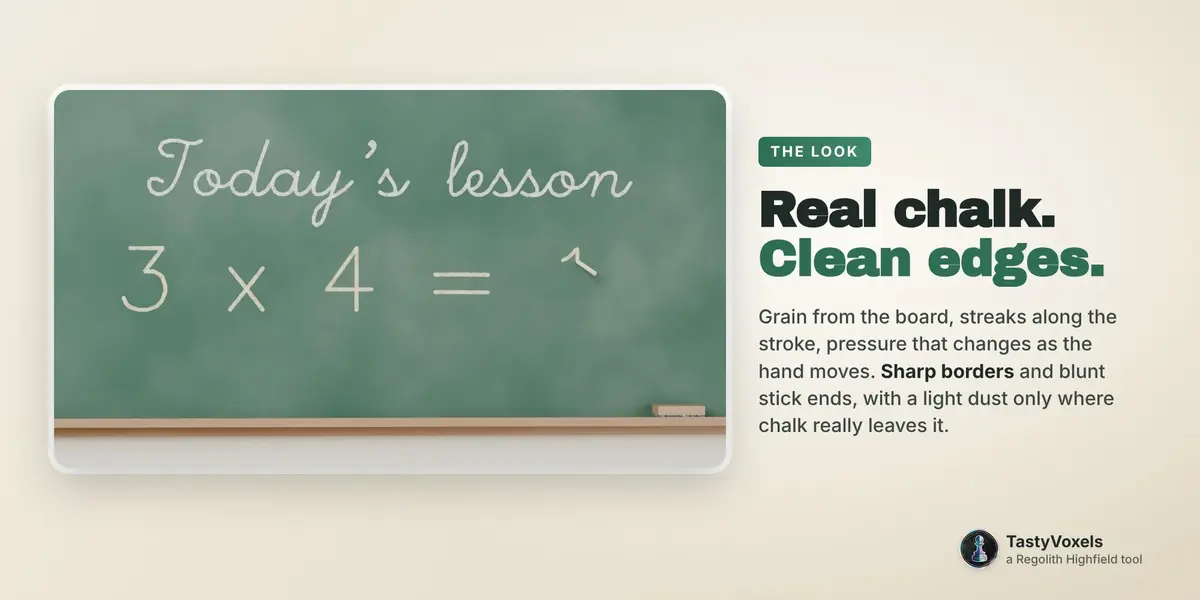
For Dry Chalk: Coverage, Grain Size, Pressure Changes, Rough Edges and Dust Halo. For every look: Hand Wobble and Width Jitter. For scribble fills: Spacing (in line widths) and Angle.
6. SET AND CAMERA
Background (pick the picture): None, Studio Color, Cafe Brick, Kitchen Tiles, Classroom, Office, Rustic Wood, Kids Pastel, Spotlight or Night, each with its own lights. Own wall colour, Light and Height from Floor. Camera adds a camera that frames the whole board, with Margin and Lens. The camera is fitted to the render size at build time: set your resolution first, or press Build again after changing it.
MY LIBRARY AND PACKS
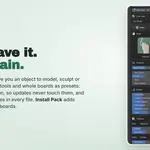
Save This Board, Save This Hand and Save This Tool keep your work in a library outside the add-on, so updates never touch it. Saved boards appear in Quick Start, hands and tools in their galleries, in every file. A hand or tool made from a built-in style is saved as its settings; one made from your own object is saved with its mesh. The X next to a preset removes it. Install Pack adds a pack zip: its hands, tools and boards appear next to the built-in ones, and the X removes the pack. Open Folder shows where the library lives.
FONTS
The twenty-five fonts inside the add-on are free for commercial use. Great Vibes, Pinyon Script, Parisienne, Allura, Sacramento, Dancing Script, Pacifico, Caveat, Kalam, Shadows Into Light, Fredericka the Great, Cabin Sketch, Lobster, Rye, Monoton, Rubik Dirt, Rubik Distressed, Rubik Wet Paint, Rubik Spray Paint, Sedgwick Ave, Sedgwick Ave Display and Bangers are under the SIL Open Font License 1.1; Permanent Marker, Rock Salt and Special Elite are under the Apache License 2.0. Each licence file is in the fonts folder of the add-on.
RENDERING
Cycles and EEVEE both work. The finest grain is in Cycles; 32 to 64 samples with denoising are enough for the boards on this page. The writing is revealed by a Geometry Nodes modifier on the strokes, so nothing still to be written is ever rendered.
SUPPORT
Write to me through Superhive chat. Pro updates and support are included for good.
ASSET LIBRARY (PRO)
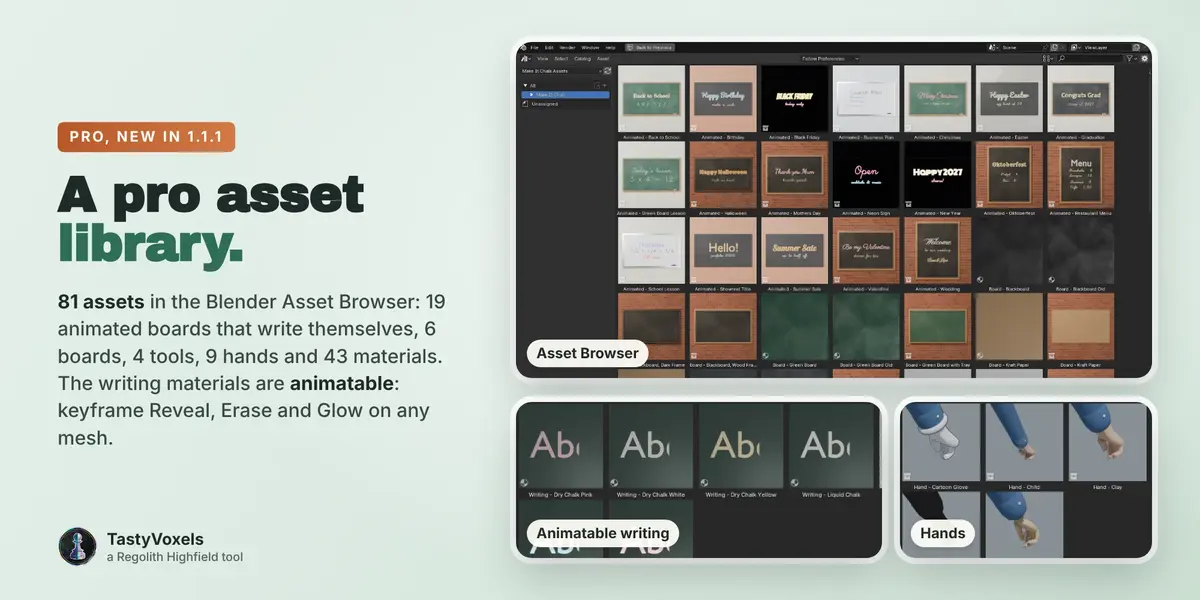
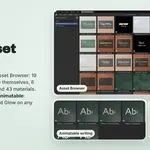
In My Library, press Add Asset Library once. In any Asset Browser, choose the library Make It Chalk Assets. Catalogs: Animated Boards (and Seasons and Occasions), Boards, Tools, Hands, and Materials (Writing, Boards, Frames and Walls, Hands and Sleeves). Drag an animated board into the scene and press play: the writing starts at frame 1, the description of each board says how many frames it lasts. If a board arrives as an instance, Object > Apply > Make Instances Real turns it into objects you can edit. Tools and hands have their origin at the tip of the tool, pointing along +Z, so they can also be used as My Object.
The writing materials share the node group MIC Writing. Its inputs: Reveal (0 nothing, 1 all written), Erase (0 clean, 1 wiped), Ghost (how much chalk a wipe leaves), Softness (the width of the writing edge), Chalk (coverage), Grain and Grain Size, and Glow (emission strength). Reveal follows the X direction of the object (its generated coordinates), so the writing appears from left to right across the object.
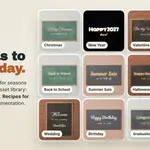
RECIPES FOR SEASONS AND OCCASIONS
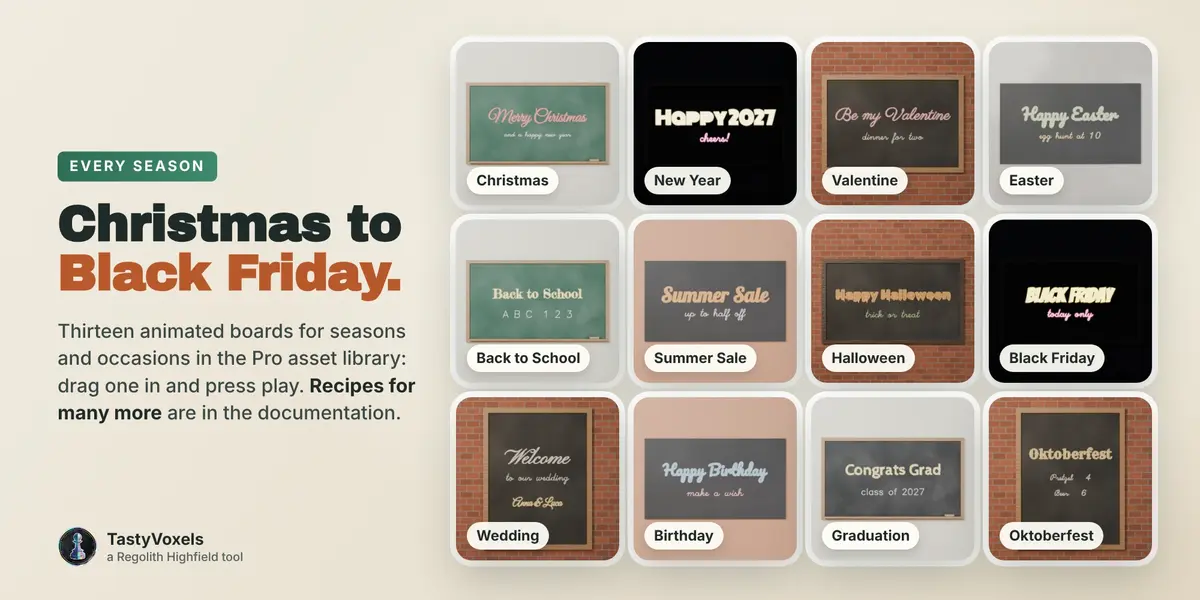
Christmas: Green Board, Merry Christmas in Great Vibes, red, size 0.2, a white second line, Flat Icon hand, Kitchen Tiles set.
New Year: Neon Sign quick start, Happy 2027 in Monoton, yellow, second line in pink.
Valentine's Day and Mother's Day: Restaurant Menu quick start, a script font (Parisienne or Dancing Script) in pink, the special of the day in white.
Easter: Slate, Pacifico in light green, Child hand, Kitchen Tiles set.
Back to School: Chalk Lesson quick start, Fredericka the Great for the title, Print handwriting for A B C and 1 2 3, Wooden hand.
Summer Sale: Studio Color set, Lobster in orange.
Halloween: dark wood frame, Rubik Wet Paint in orange, a green second line, Robot or Shadow hand, Spotlight set.
Black Friday: Neon Sign quick start, Bangers in yellow, Today only in pink.
Wedding: a tall board (0.9 x 1.2 m) or Kraft Paper, Pinyon Script for Welcome, Great Vibes for the names, no hand.
Birthday: Studio Color set, Pacifico in light blue, Cartoon Glove hand.
Graduation: Blackboard, Cabin Sketch for the title, Print handwriting for the class year, Ink Sketch hand.
Oktoberfest: tall Blackboard, Rye for the title, a menu with prices in handwriting, Natural hand.
Also good: grand opening, happy hour, daily special, baby shower, anniversary, Ramadan, Diwali, Lunar New Year and Thanksgiving boards: the same steps with your own words.
Have questions about this product?
Login to message
| Blender Extension Compatible | Yes |
| Dev Fund Contributor | |
| Published | 37 minutes ago |
| Blender Version | 4.2 - 5.3 |
| Extension Type | Add-on |
| Render Engine Used | Cycles, Eevee |
| License | GPL |
Discover more products like this
marker whiteboard menu explainer writing animation procedural education chalk handwriting SVG motion graphics chalkboard