Make It Chalk! - Chalkboard and Whiteboard Writing Animation for Blender
 TastyVoxels
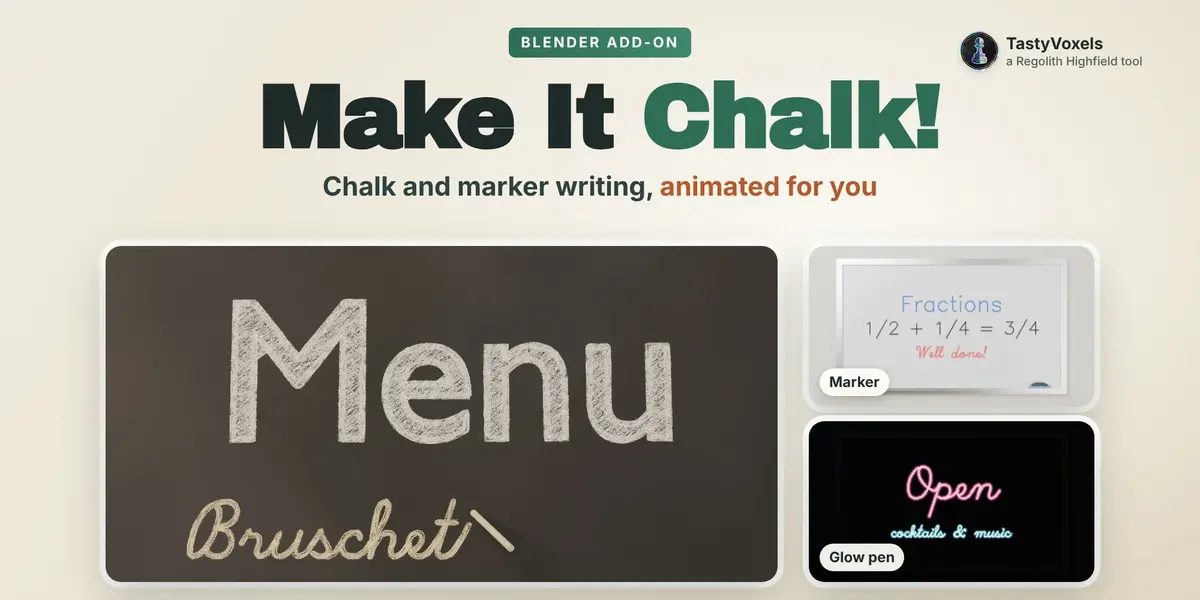
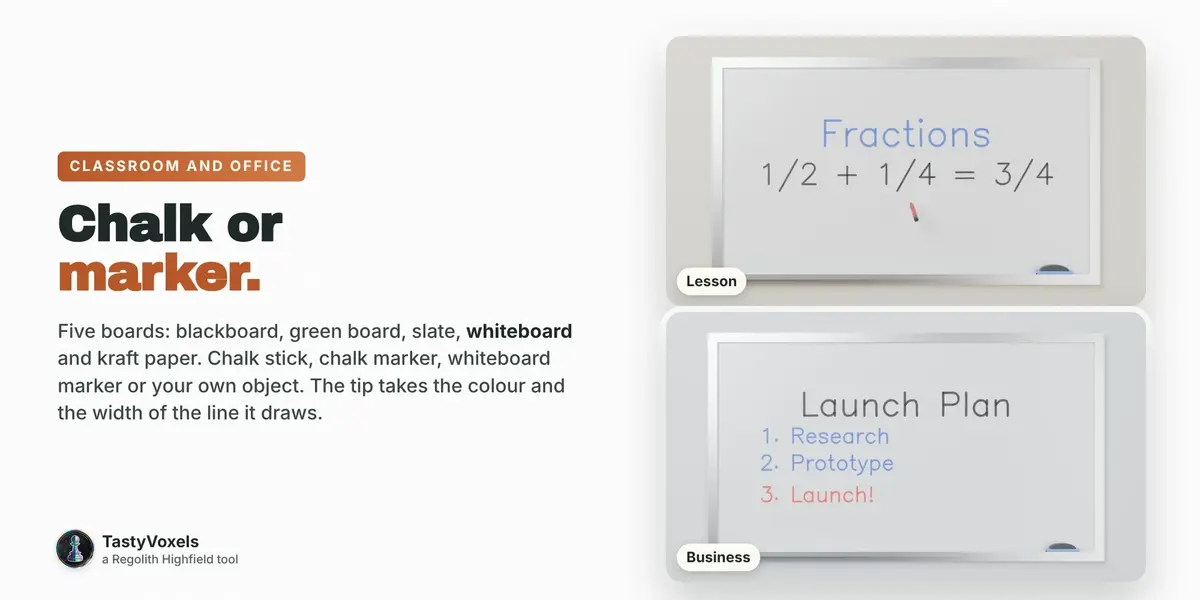
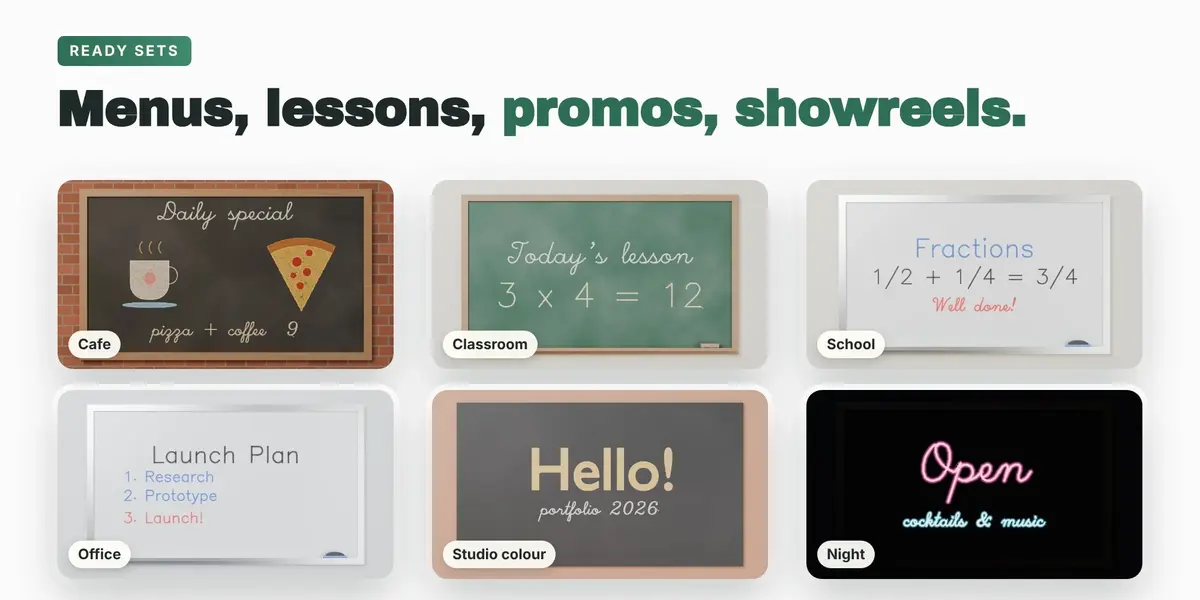
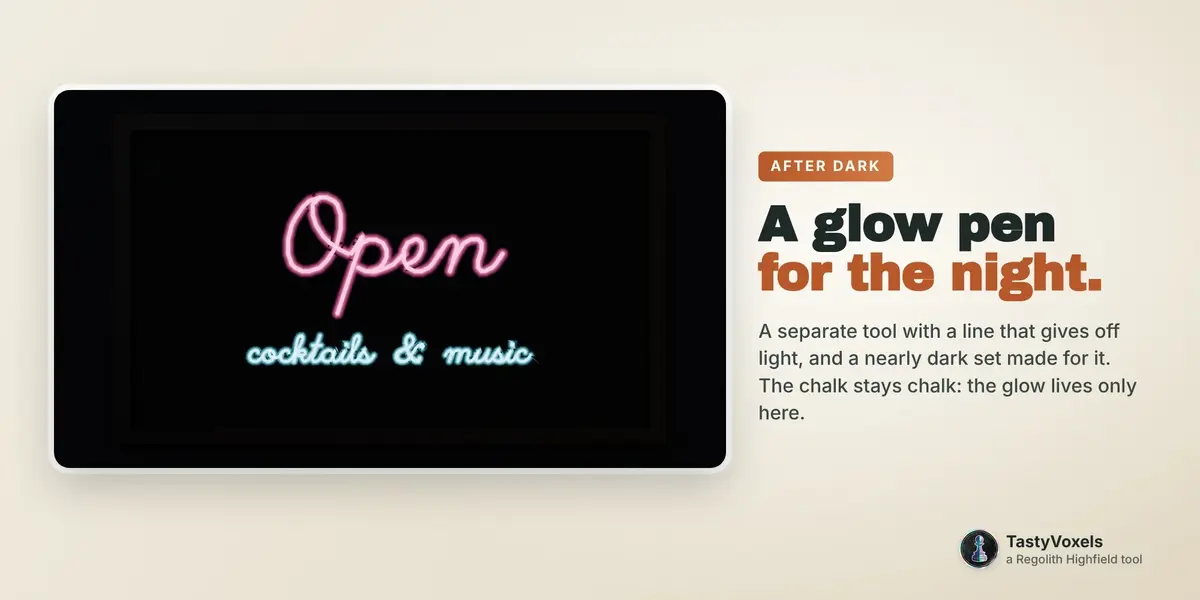
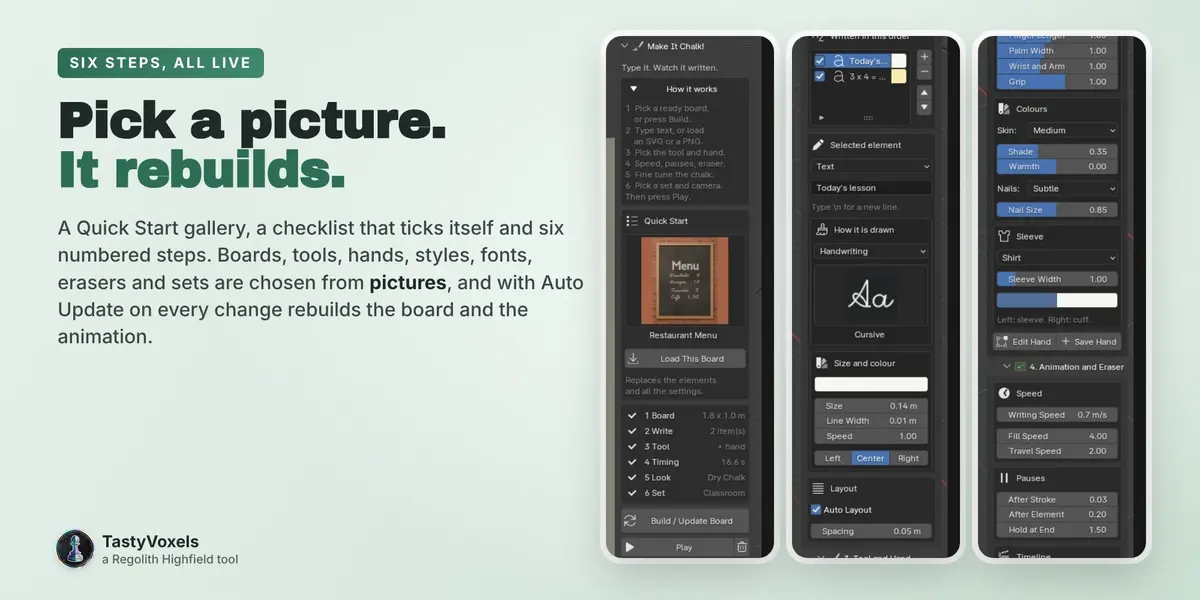
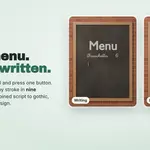
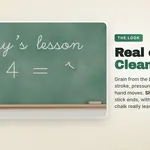
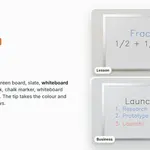
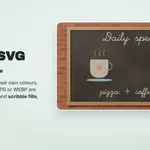
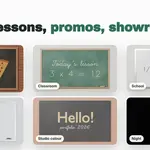

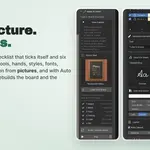
Yes, that is what it is made for. Type the text or load an SVG, pick a board (blackboard, green board, slate, whiteboard or kraft paper), a tool and, if you want, a hand, and press Build. Six ready boards (Restaurant Menu, School Whiteboard, Business Whiteboard, Chalk Lesson, Showreel Title and Neon Sign) load a complete scene with set, lights and camera in one click. Render it like any Blender animation.
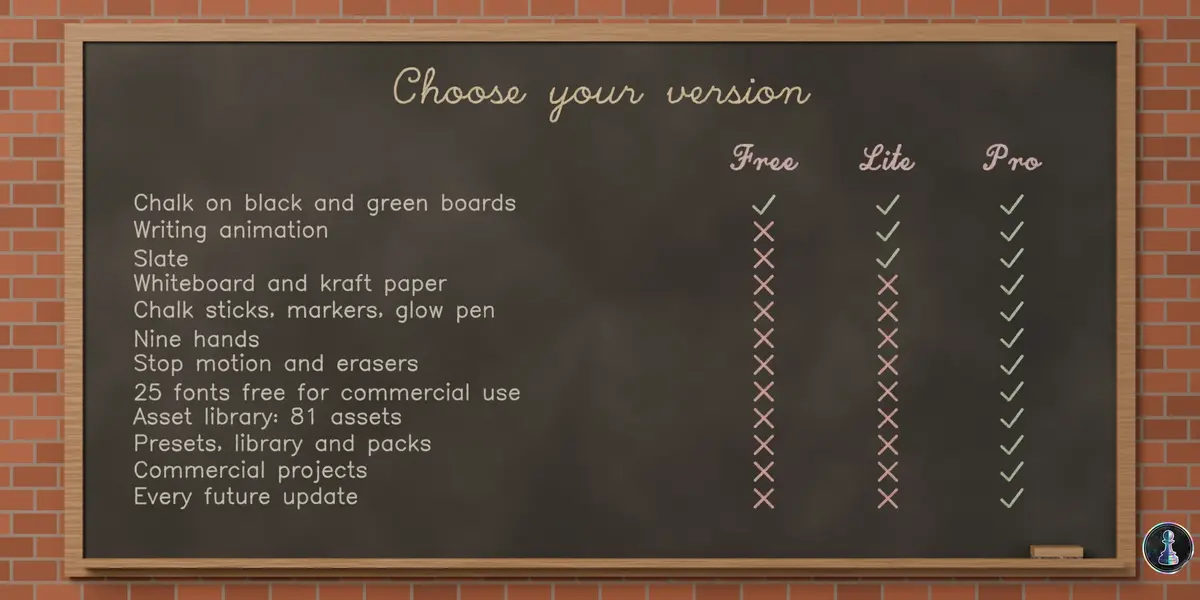
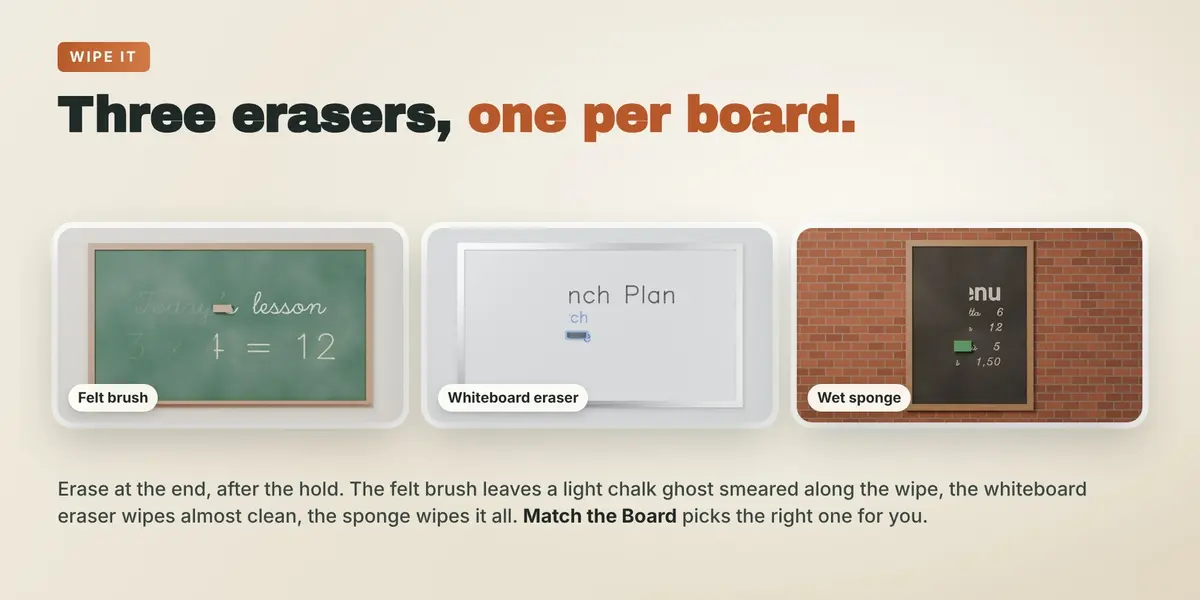
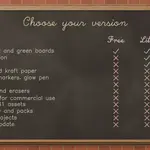
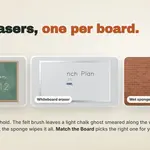
Free makes still chalkboard illustrations, chalk on a blackboard or a green board, and comes with an example video of an exported animation. Lite animates chalk writing on chalkboards (blackboard, green board and slate), without a tool object and without a hand. Pro has everything: whiteboard and kraft paper, chalk stick, chalk marker, whiteboard marker and glow pen, nine hands, stop motion, three erasers, twenty-five fonts, the asset library, presets, packs and all future updates. Free and Lite are made for personal projects, Pro for commercial work. The comparison board on this page shows it at a glance.
Yes. All three editions are the same extension, so installing Pro replaces Free or Lite, and your scenes and settings keep working. Things that were locked simply become available.
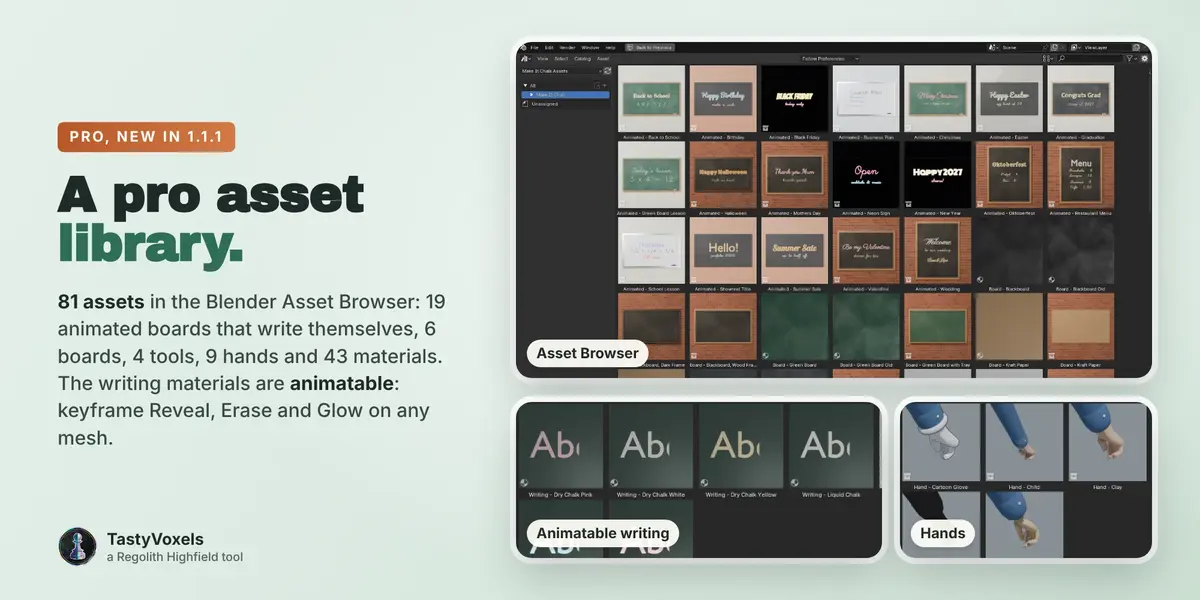
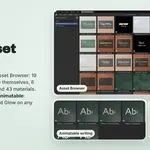
In Pro, Add Asset Library puts 81 assets in the Blender Asset Browser: nineteen animated boards that write themselves when you press play (six quick start boards and thirteen for seasons and occasions), six empty boards with frames and trays, four tools, nine hands holding a chalk stick, and 43 materials for boards, frames, walls, hands, sleeves and writing. Drag them into any scene, also without the add-on panel. If a board arrives as an instance, Object > Apply > Make Instances Real turns it into objects you can edit; the animation stays.
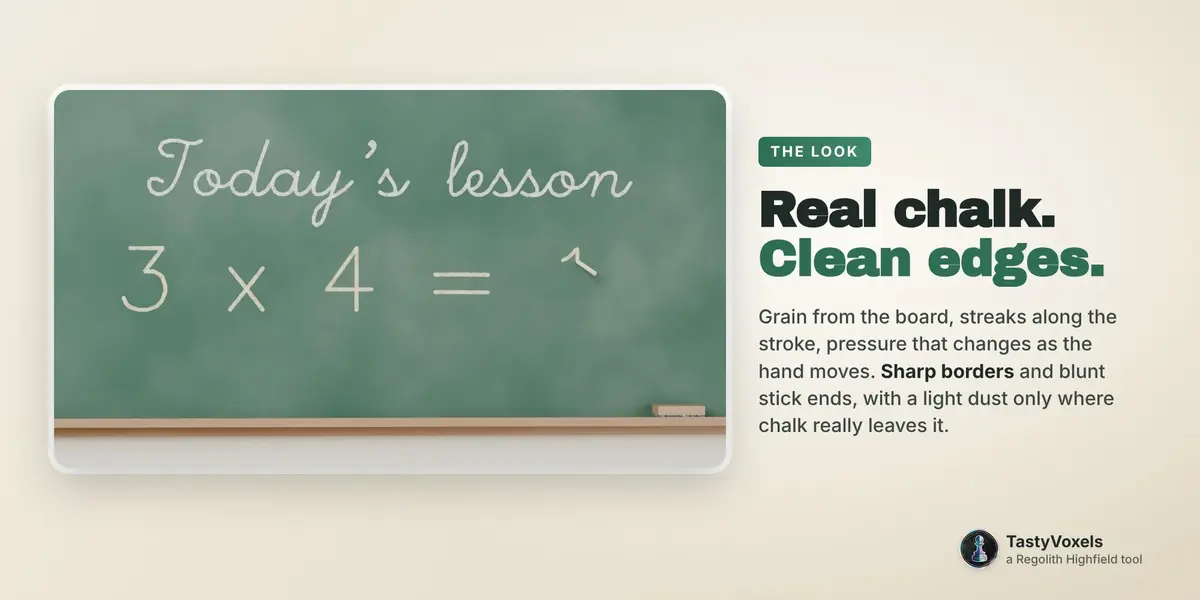
The writing is built stroke by stroke, the way a hand writes, and each stroke is a ribbon with chalk grain, streaks along the stroke direction, pressure changes and blunt ends. Close up it holds, as the close-up GIF on the page shows. You can push it towards fresh and solid or old and dusty with the sliders in step 5.
No. Install the zip, click a Quick Start board, change the text and press Render Animation. The scene is already at 25 fps with the frame range set, and every setting has its own step in the panel.
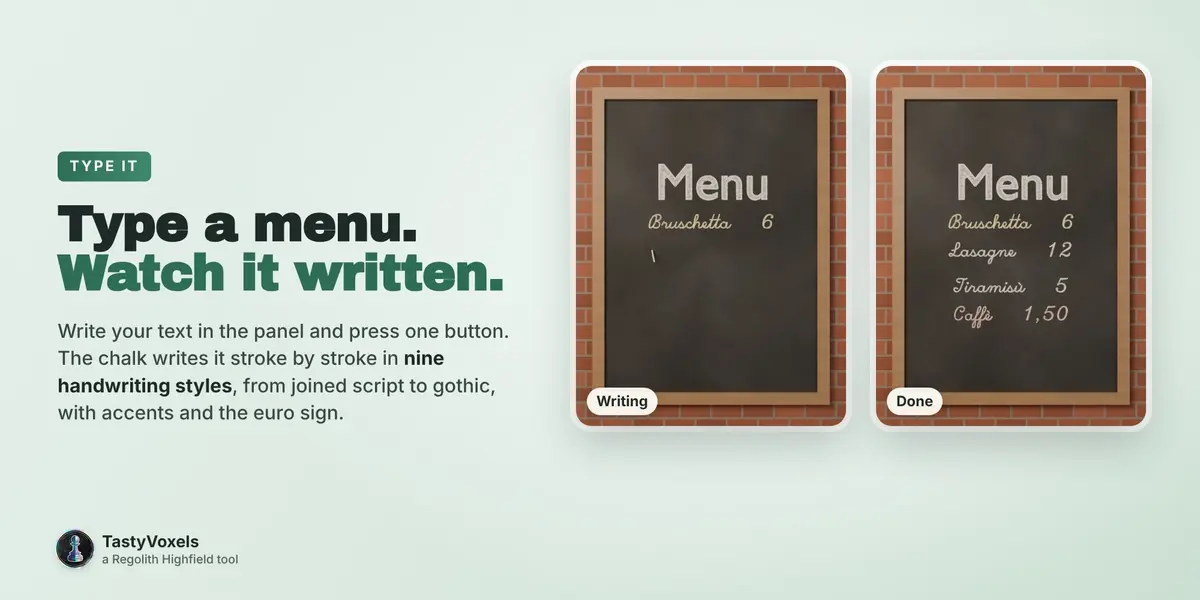
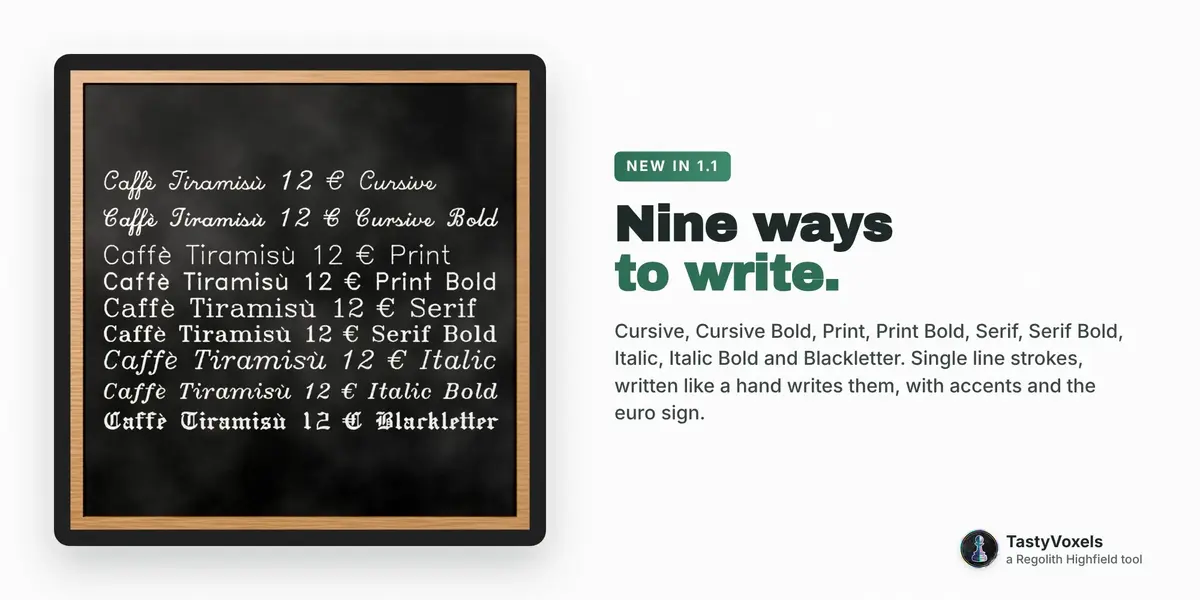
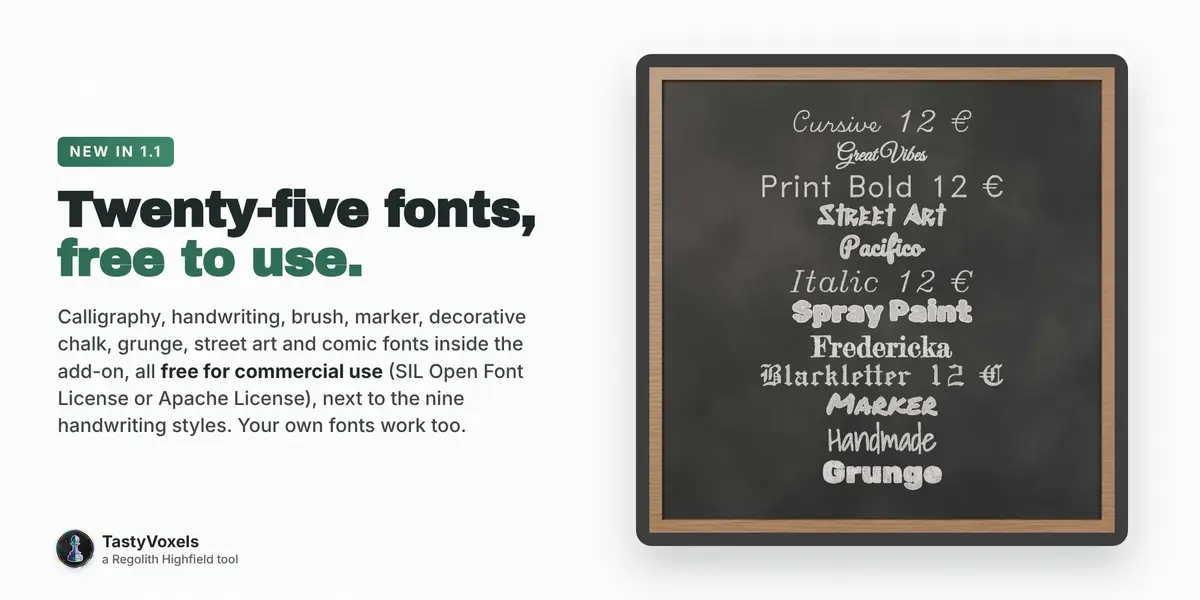
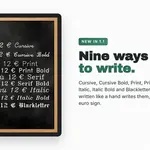
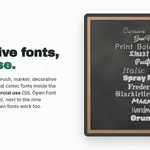
Nine single line handwriting styles are written stroke by stroke: Cursive, Cursive Bold, Print, Print Bold, Serif, Serif Bold, Italic, Italic Bold and Blackletter, with accented letters and the euro sign. Twenty-five more fonts are inside the add-on: calligraphy, handwriting, brush, marker, decorative, neon, grunge, street art and comic, all free for commercial use under the SIL Open Font License or the Apache License, with their licence files in the zip. You can also use your own font: any font installed on your computer works. These fonts are drawn as an outline, a chalk scribble fill or both, not as single strokes.
The handwriting styles draw the Latin alphabet with grave, acute, circumflex, umlaut and tilde accents, c cedilla and the euro sign. Letters like the German sharp s, and other alphabets such as Greek or Cyrillic, are not in the handwriting styles: for those, load a font that has them and draw it as an outline or a fill.
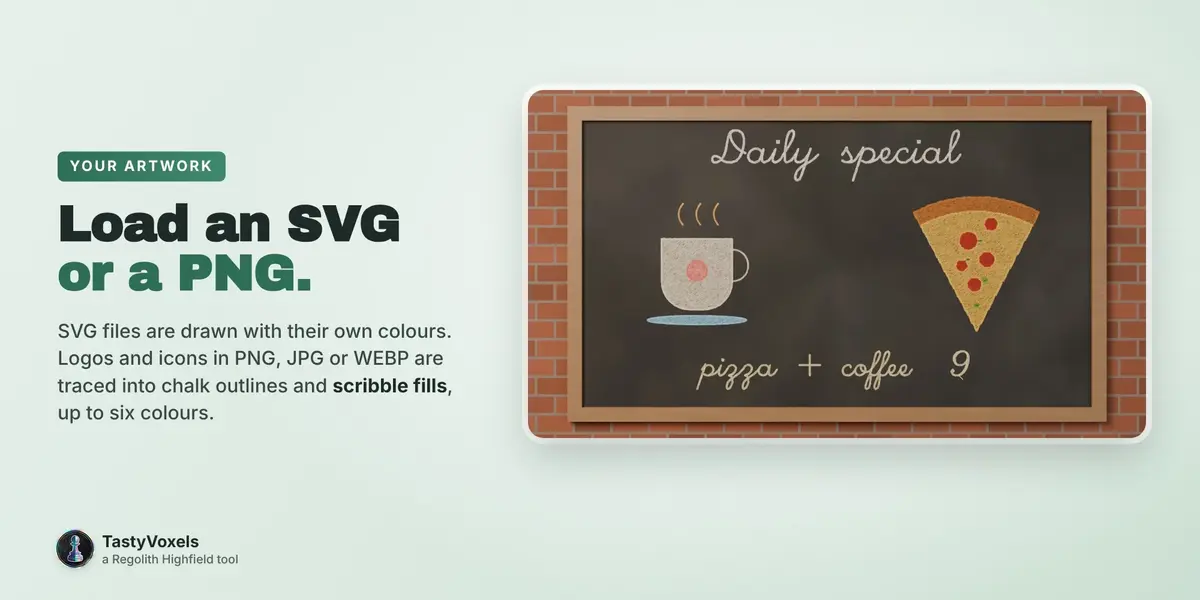
Yes. A signature saved as an open SVG path, or drawn as a curve in Blender and used as Curve Object, is written along its line like a pen. A logo saved as SVG or PNG with flat colours is drawn as an outline, a scribble fill or both.
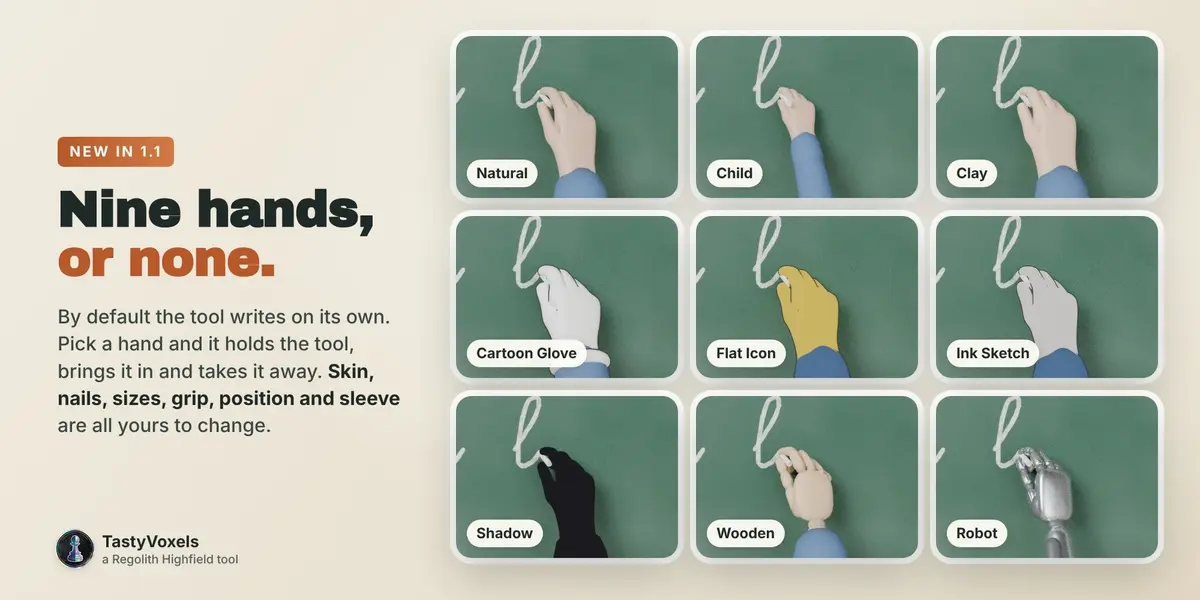
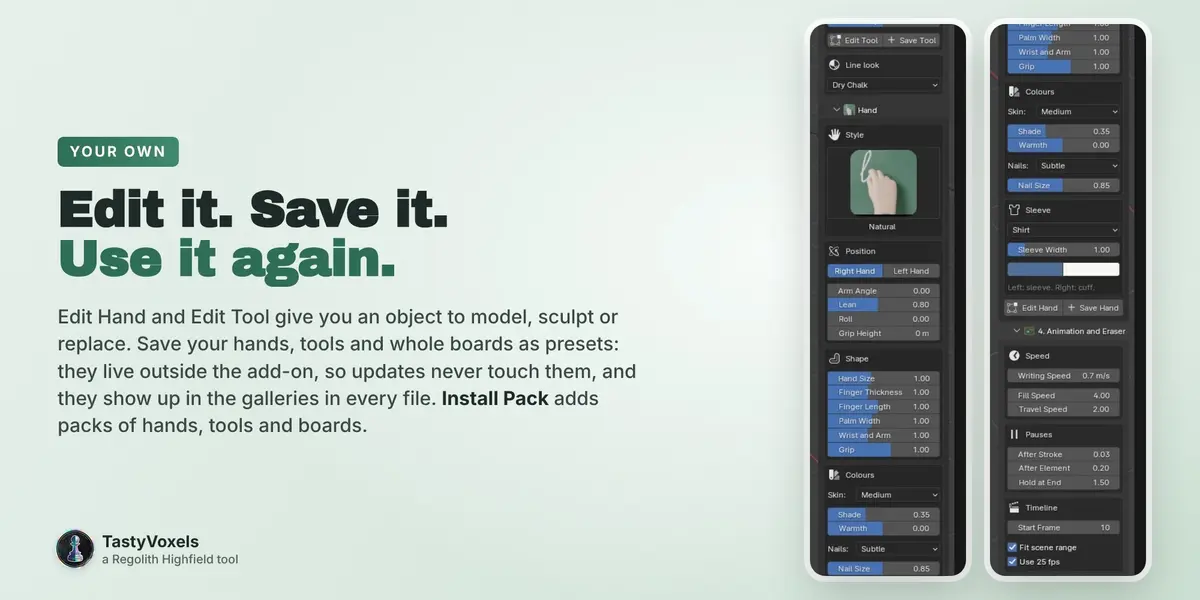
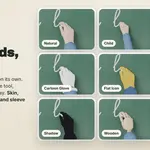
By default there is no hand: the tool writes on its own. Nine hand styles are built in: Natural, Child, Clay, Cartoon Glove, Flat Icon, Ink Sketch, Shadow, Wooden and Robot. You choose right or left hand, skin shade and warmth, nails, sizes of the fingers, palm and wrist, the grip, the position and the sleeve. You can also edit a hand as your own object, or use any mesh of yours, and save it as a preset.
Yes. Set the render size first, for example 1080 x 1920, then press Build: the camera frames the whole board for that size. The board width and height can be changed too.
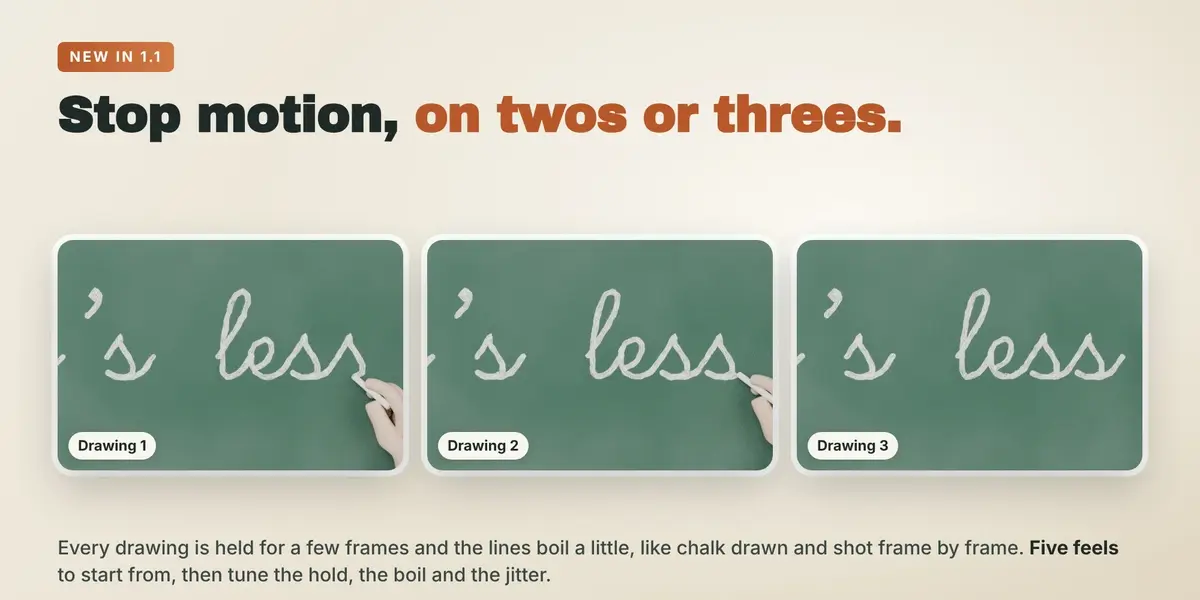
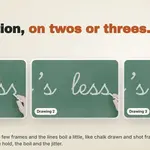
It holds every drawing for a few frames and lets the lines boil a little from one drawing to the next, so the animation looks drawn or shot frame by frame. Pick a feel (Gentle, Hand Drawn, Rough Sketch, Choppy or Claymation) and tune the hold frames, the line boil, the frame jitter and the chalk grain. The tool, the hand and the eraser follow the same beat.
SVG: paths, rectangles, circles, ellipses, lines and polygons with flat fill or stroke colours. Convert text to paths before saving; gradients, use references and stroke widths are not read. Images: PNG, JPG or WEBP with flat colours, ideally a logo or an icon on a transparent background. Photos and gradients become blobs. Dark parts are invisible on a black board, so pick a lighter board or untick Use File Colors.
Blender 4.2 or newer. I tested version 1.1.1 in Blender 4.2 LTS, 5.2 LTS and 5.3 on Windows, in Cycles and in EEVEE. The finest chalk grain is in Cycles. I have not tested it on macOS or Linux yet: the add-on is pure Python with no compiled parts, and the day I test them I will write it here.
Pro is the edition for commercial work: your renders and videos are yours, for any client or product, and the fonts inside are free for commercial use. Free and Lite are made for personal projects. Pro updates and support are included for good: no support period, no renewal fee.
No. No AI model, no inference, no network access, no data collection. It is geometry and shader code that runs offline, and the same settings always give the same animation. AI helps me write code and translate my documentation into English, which is not my first language.
Press Build / Update Board once: it rebuilds everything from your settings. If you changed the render size, Build again so the camera fits the new frame. If the board stays wrong, write to me through Superhive chat with a screenshot of the panel and I will look at it.
Yes. The writing materials in the asset library use one node group with Reveal, Erase, Ghost, Softness, Chalk, Grain, Grain Size and Glow. Put one on any mesh and keyframe Reveal from 0 to 1 to write it on, from left to right along the object, and Erase to wipe it off, or keyframe Glow for a neon effect. They work in Cycles and EEVEE.
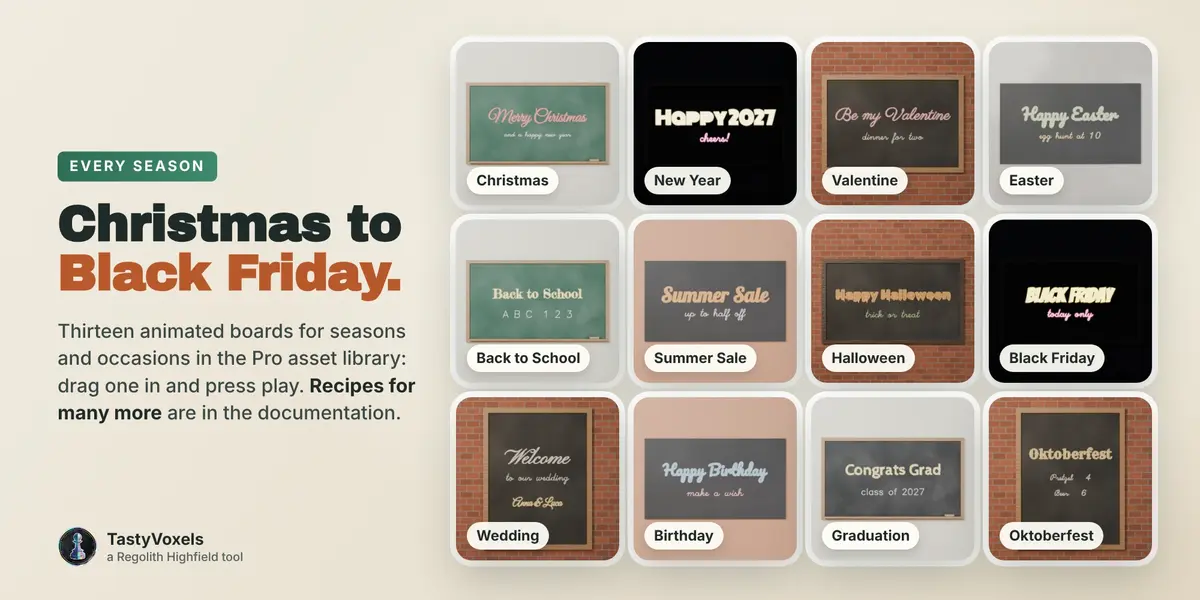
In Pro, drag the Christmas board from the asset library and press play. Or build your own: choose the Green Board, type Merry Christmas, pick a calligraphy font such as Great Vibes in red, add a second line in white chalk, choose the Flat Icon or Natural hand and press Build. A Cafe Brick or Kitchen Tiles set and a warm light finish it.
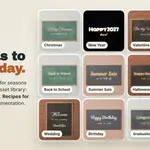
Yes. For Halloween a grunge font such as Rubik Wet Paint in orange on a dark framed blackboard, with the Robot or Shadow hand. For Black Friday and sales the Neon Sign board with the glow pen and a bold font such as Bangers. For summer a studio colour wall and a script font. Pro has these as ready animated boards in the asset library, together with New Year, Valentine's Day, Easter, Mother's Day, Back to School, Oktoberfest, birthday, graduation and wedding boards.
Yes. A tall blackboard or kraft paper, a calligraphy font like Pinyon Script or Great Vibes for the names, white chalk for the welcome line, and no hand for a clean look. Render it as a still for print or as an animation for a video invitation, a save the date or a slideshow. Birthdays, baby showers, graduations, anniversaries and grand openings work the same way.
Yes. The Chalk Lesson board loads a green board in a classroom; type the lesson, use Print or Cursive handwriting, and the chalk writes it line by line. Back to School is a ready animated board in the Pro asset library. Free is enough for still worksheets and posters, Lite animates chalk lessons on chalkboards.
Yes. Version 1.1.1 is tested in Blender 5.3, as well as 4.2 LTS and 5.2 LTS, with the full test suite: every hand, tool, board, preset, font, the library, the packs and the asset library.
Have questions about this product?
Login to message
| Blender Extension Compatible | Yes |
| Dev Fund Contributor | |
| Published | 37 minutes ago |
| Blender Version | 4.2 - 5.3 |
| Extension Type | Add-on |
| Render Engine Used | Cycles, Eevee |
| License | GPL |
Discover more products like this
SVG motion graphics handwriting writing animation chalk marker procedural whiteboard education chalkboard menu explainer