 TastyVoxels
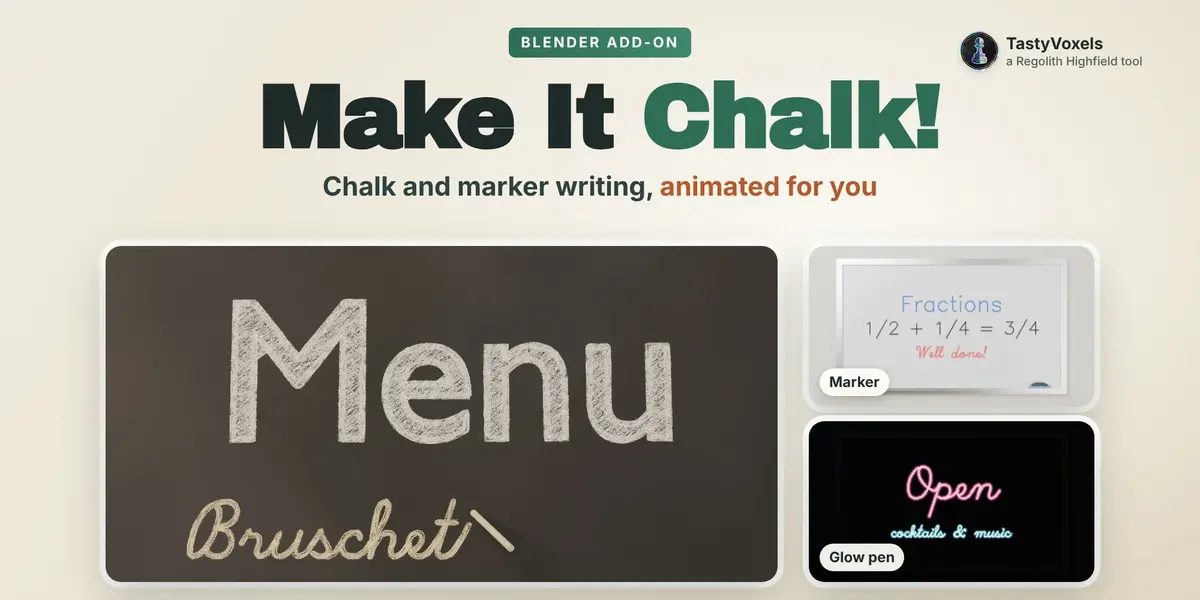
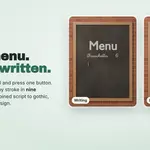
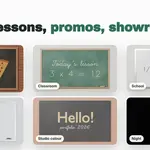

Make It Chalk! is a Blender add-on for chalkboard and whiteboard writing animations: handwriting, write-on text, logos and drawings appear stroke by stroke on a board, written by chalk, a marker or a glow pen, with or without a hand. Type a menu, a lesson, a plan or a title, or load an SVG or a PNG, and it is written on the board, by the tool on its own or held by one of nine hands. The board, the set, the lights, the camera and the eraser are built for you, and every setting stays live: if you change any setting, the animation rebuilds.
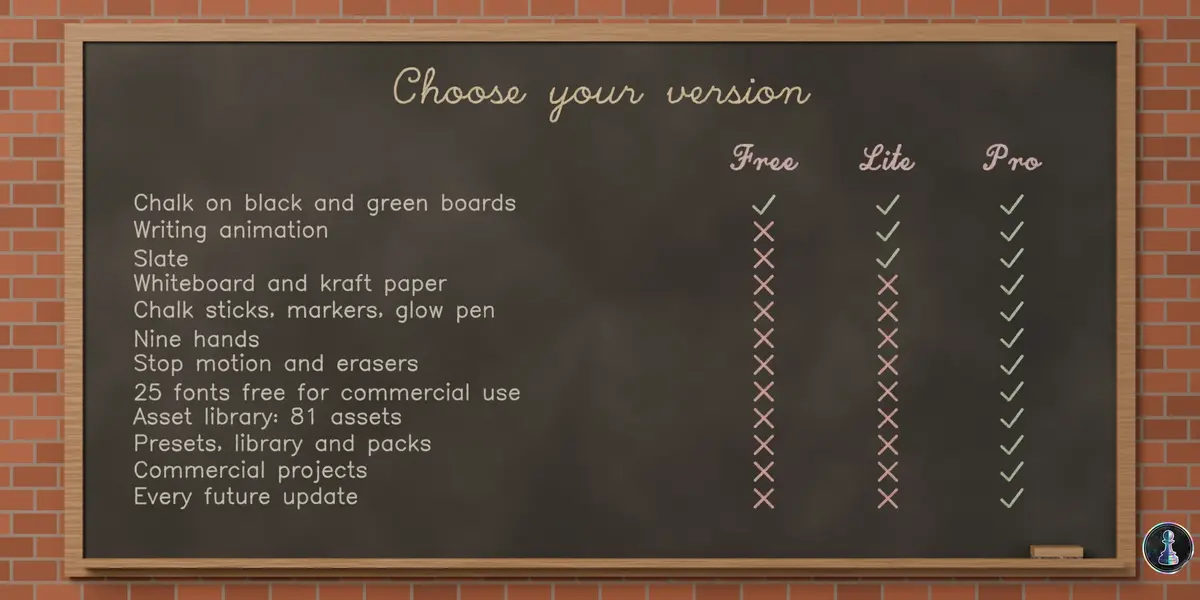
THREE EDITIONS: FREE, LITE AND PRO (NEW IN 1.1.1)
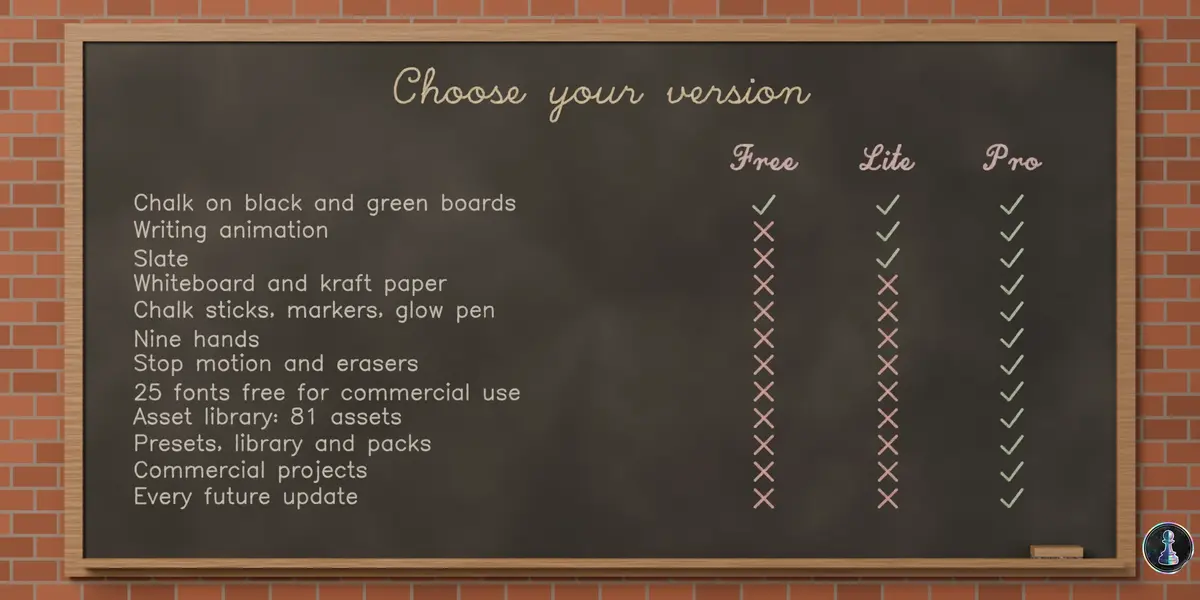
Make It Chalk! comes in three editions. They install the same way and share the same panel, and Pro replaces Lite or Free when you install it, keeping your settings.
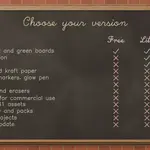
Free makes still chalkboard illustrations: real chalk on a blackboard or a green board, with the nine handwriting styles, your own fonts and your SVG and PNG files, rendered as a single picture. It comes with a short example video of an exported animation, so you can see what the writing animation looks like. Lite animates the writing on chalkboards (blackboard, green board and slate) with chalk only: no tool object and no hand, the chalk line simply appears stroke by stroke. Free and Lite are made for personal projects. Pro is the complete edition for commercial work: every board, every tool, the nine hands, the stop motion mode, the three erasers, the twenty-five fonts, the asset library, presets and packs, and all future updates. Future features may come only to Pro.
What you can make with it. A chalkboard menu that writes itself for a restaurant, a cafe, a bar or a food promo. A lesson written on a green board, a blackboard or a whiteboard for a course, a school video, a tutorial or an explainer. A whiteboard animation with a plan, a list or a process for a business, startup or marketing video. A hand-written chalk title for a showreel, a portfolio, an intro or a social post. A neon sign that writes itself for a night scene. A hand drawn, frame by frame look for a stop motion or an animated explainer. It works for anything that needs the classic "written by hand" moment without keyframing a single stroke. Teachers use it for lesson videos and kids education, with the Classroom or Kids Pastel set. It also works for a wedding or event chalkboard sign with a calligraphy font on kraft paper or slate, a signature drawn from an open SVG path or a curve, a YouTube intro, and a vertical reel or short: the camera fits any render size, so 1080 x 1920 works like 1920 x 1080.
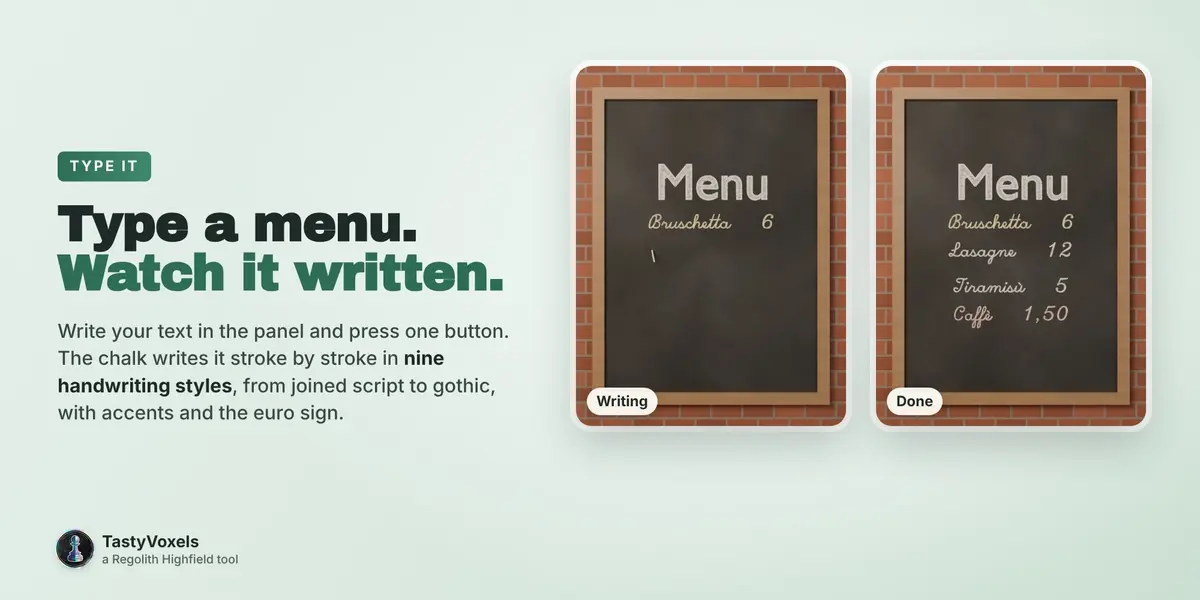
TYPE THE TEXT AND WATCH IT WRITTEN
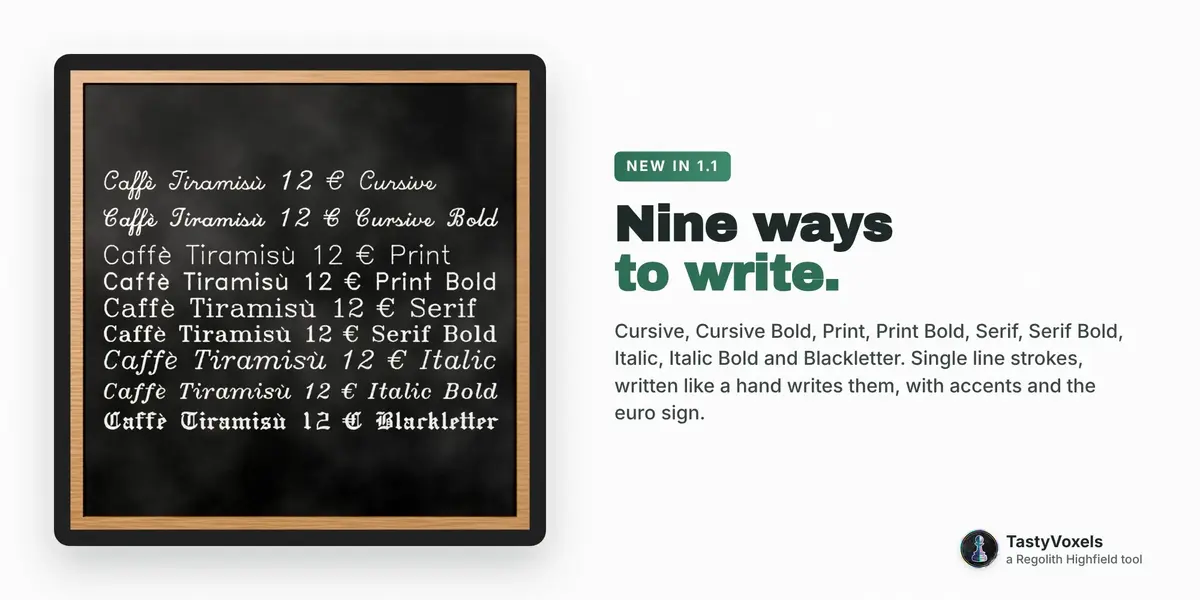
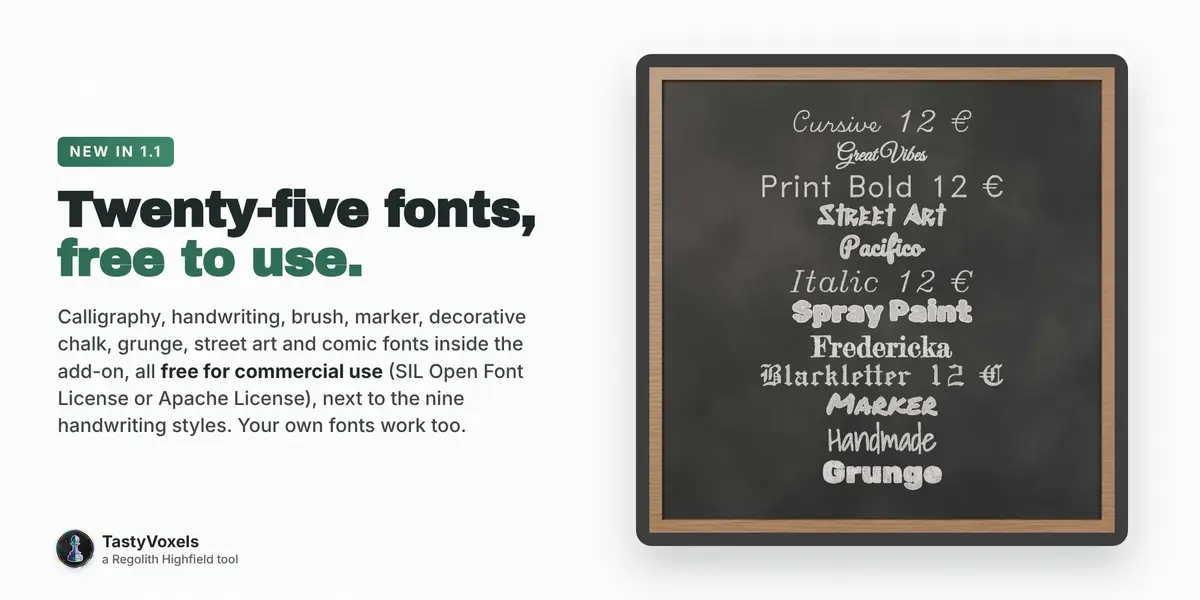
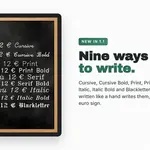
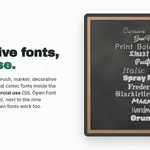
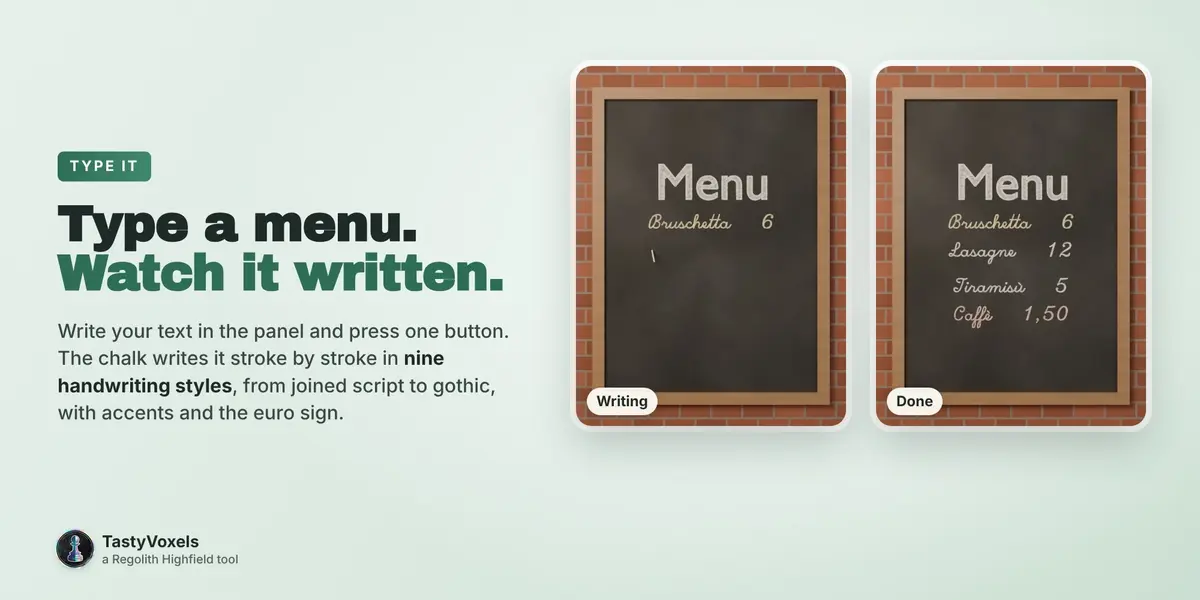
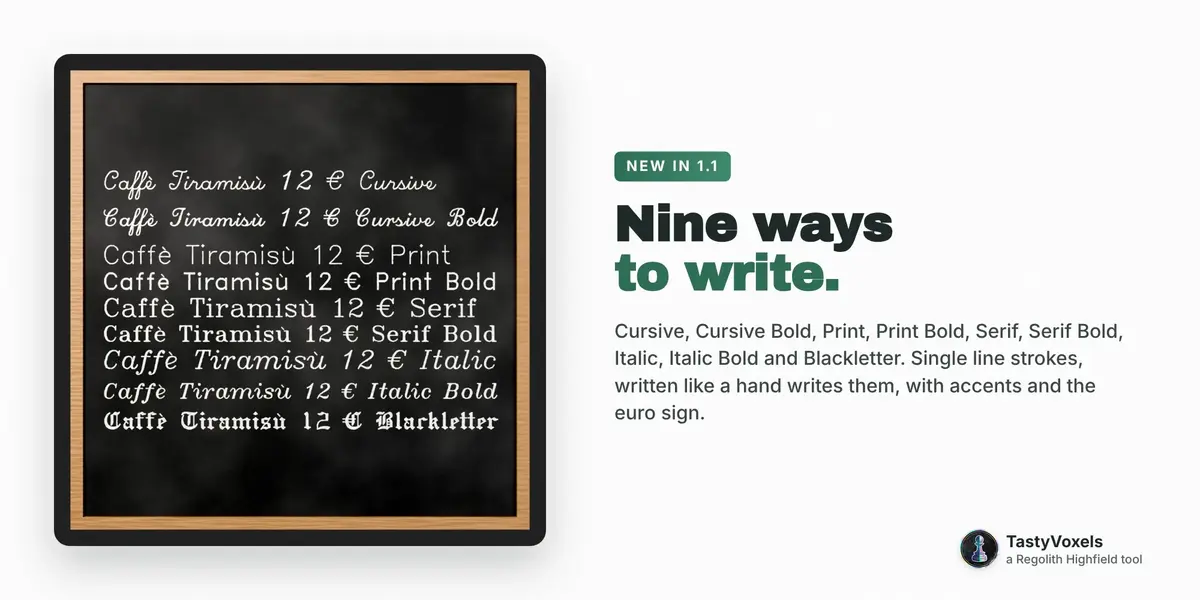
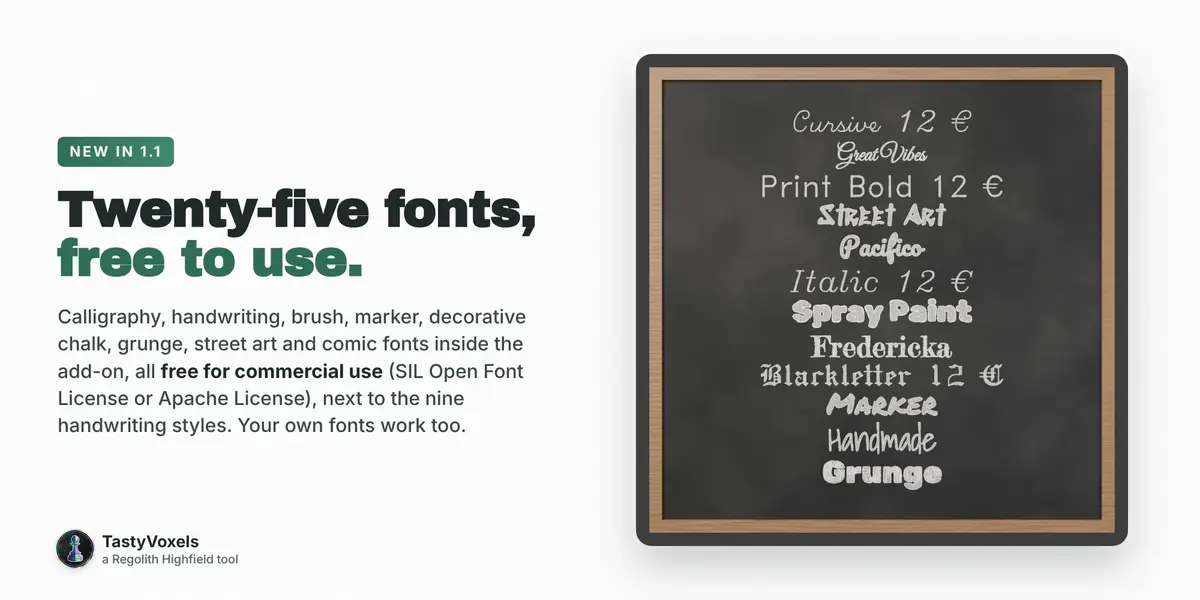
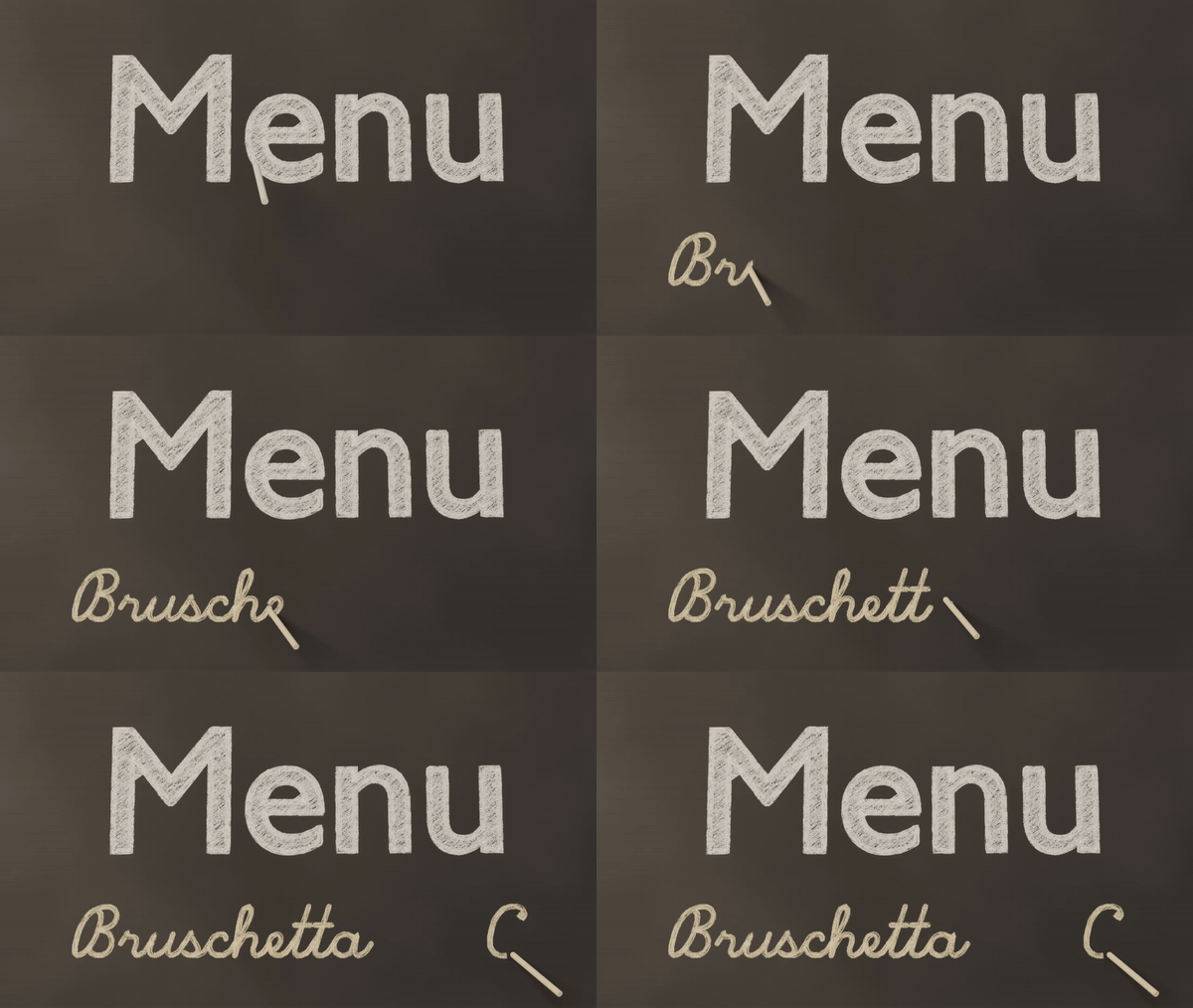
Write your text in the panel and press Build. The chalk writes it in single line handwriting, the way a hand writes, in nine styles: Cursive, Cursive Bold, Print, Print Bold, Serif, Serif Bold, Italic, Italic Bold and Blackletter. Accented letters and the euro sign are drawn too, so an Italian or French menu comes out right. Type \n for a new line. For signs and titles there are also twenty-five fonts inside the add-on, all free for commercial use (SIL Open Font License or Apache License): calligraphy like Great Vibes and Pinyon Script, handwriting like Caveat and Kalam, markers like Permanent Marker, decorative chalk fonts like Fredericka the Great and Cabin Sketch, grunge fonts like Rubik Dirt and Special Elite, street art fonts like Sedgwick Ave Display and Rubik Spray Paint, and the comic font Bangers. These, and any font installed on your computer, are drawn as an outline, a chalk scribble fill, or both.
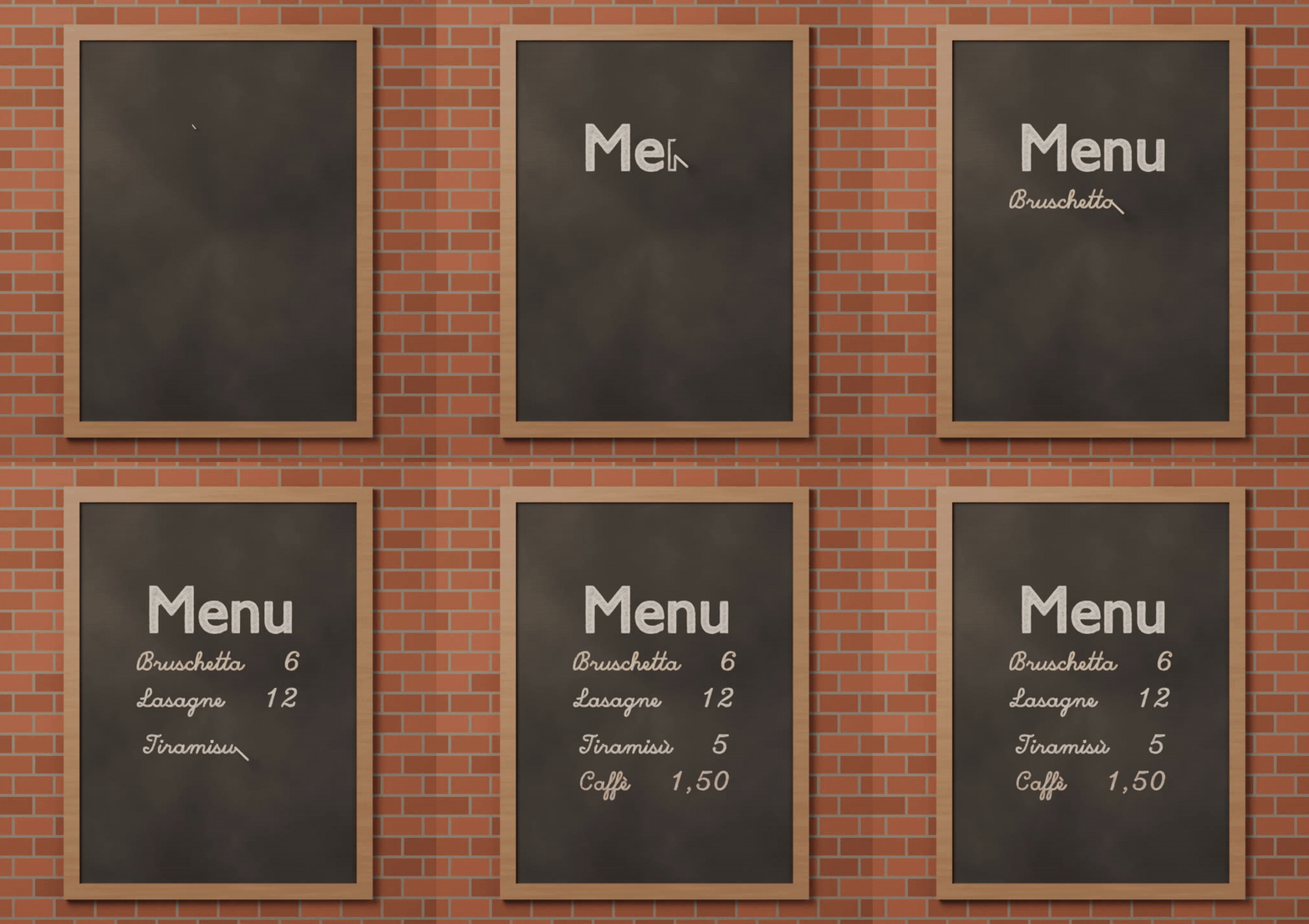
Each element in the list has its own text, style, size, line width, colour, alignment and speed. They are written in order, top to bottom, with a short pause between them. Auto Layout stacks them and shrinks them to fit the board; switch it off to place each one where you want.
NINE HANDS, OR NONE (NEW IN 1.1)
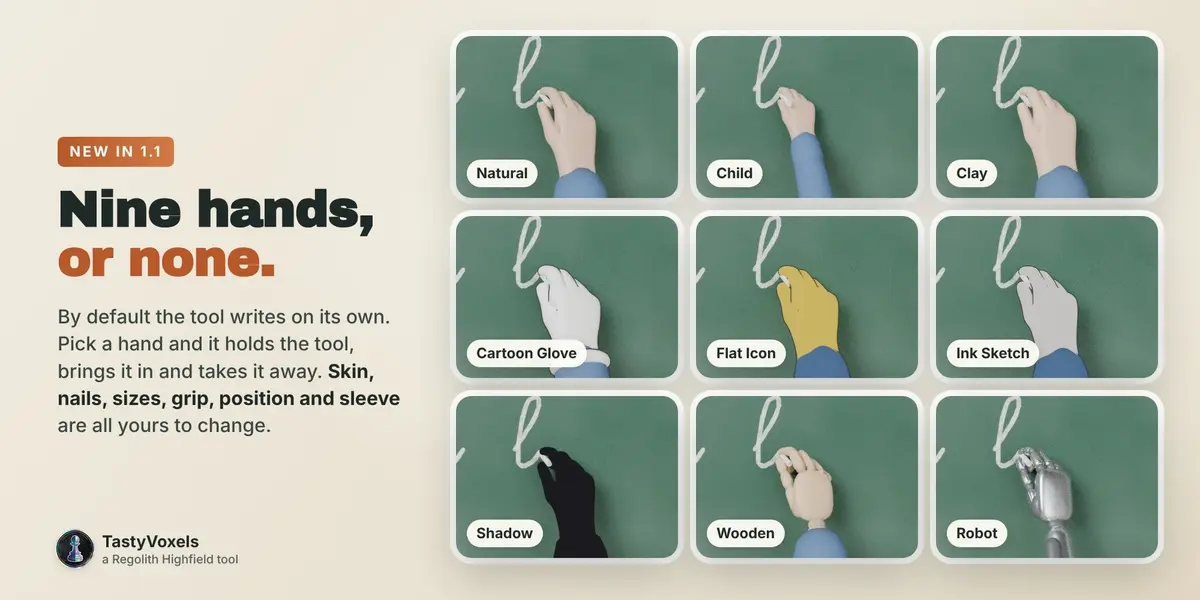
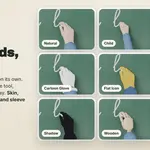
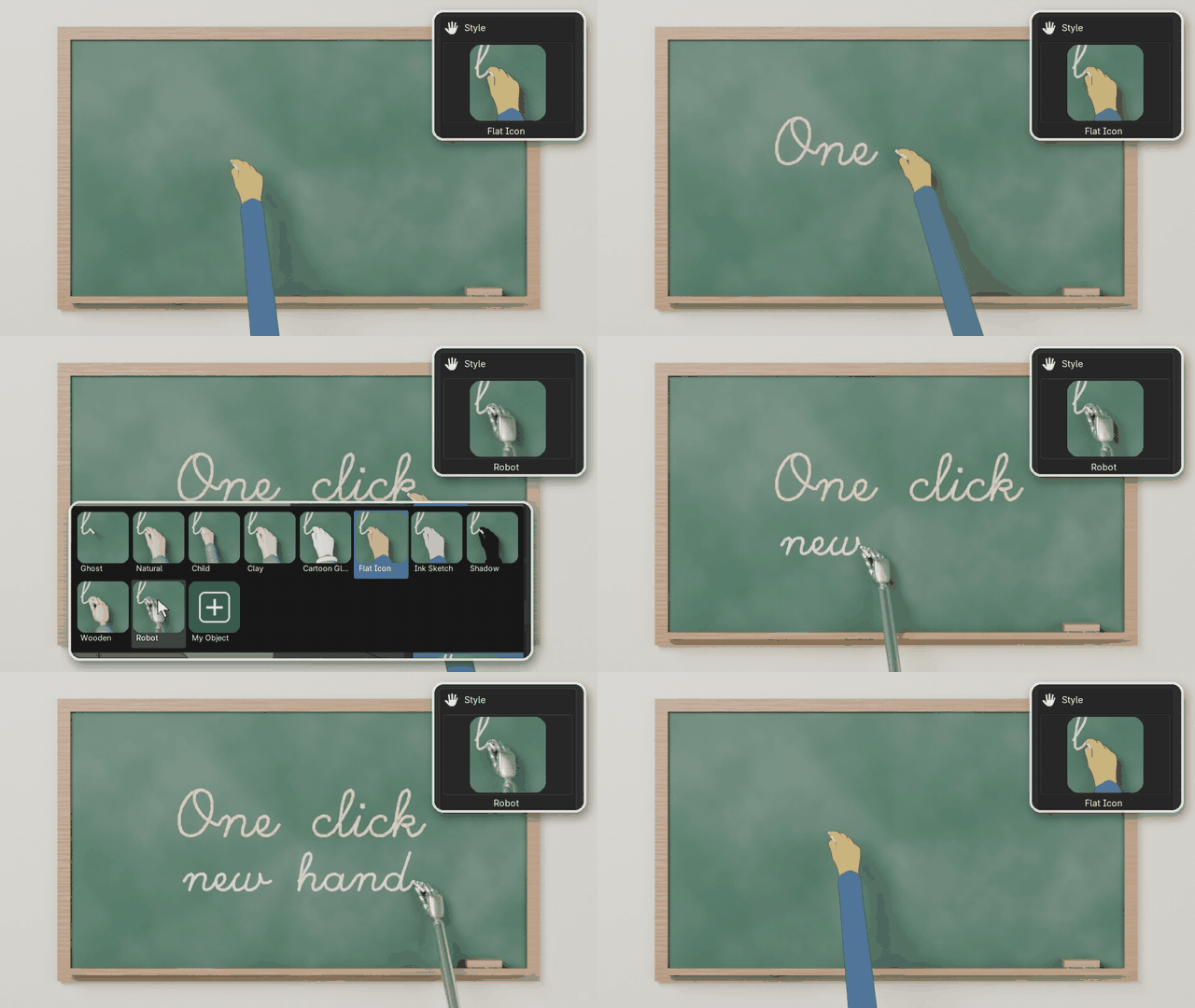
By default there is no hand: the tool writes on its own, like a ghost. Pick a hand from the gallery and it holds the tool in a writing grip, brings it in from the side, writes and takes it away at the end. There are nine styles, from realistic to drawn: Natural, Child, Clay, Cartoon Glove, Flat Icon (yellow, with an outline, made for corporate and explainer videos), Ink Sketch, Shadow (a flat black silhouette), Wooden (an artist's hand with ball joints) and Robot.
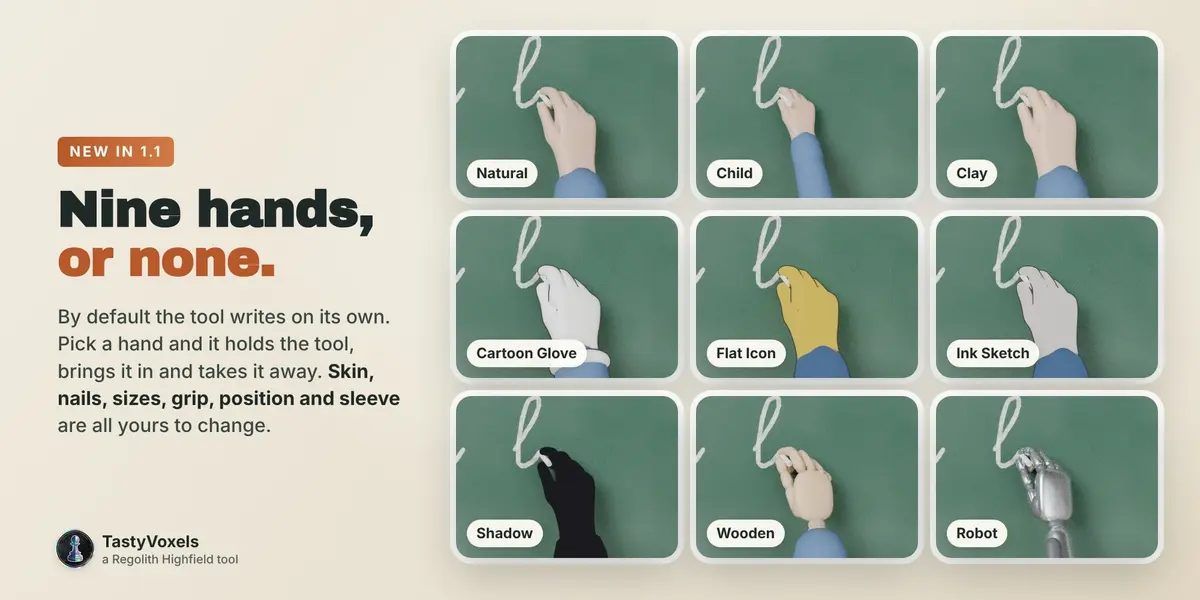
Switching is one click: pick another picture in the hand gallery and the same writing is redrawn with the new hand, in the same place and with the same timing. Here the Flat Icon hand becomes the Robot hand and back:
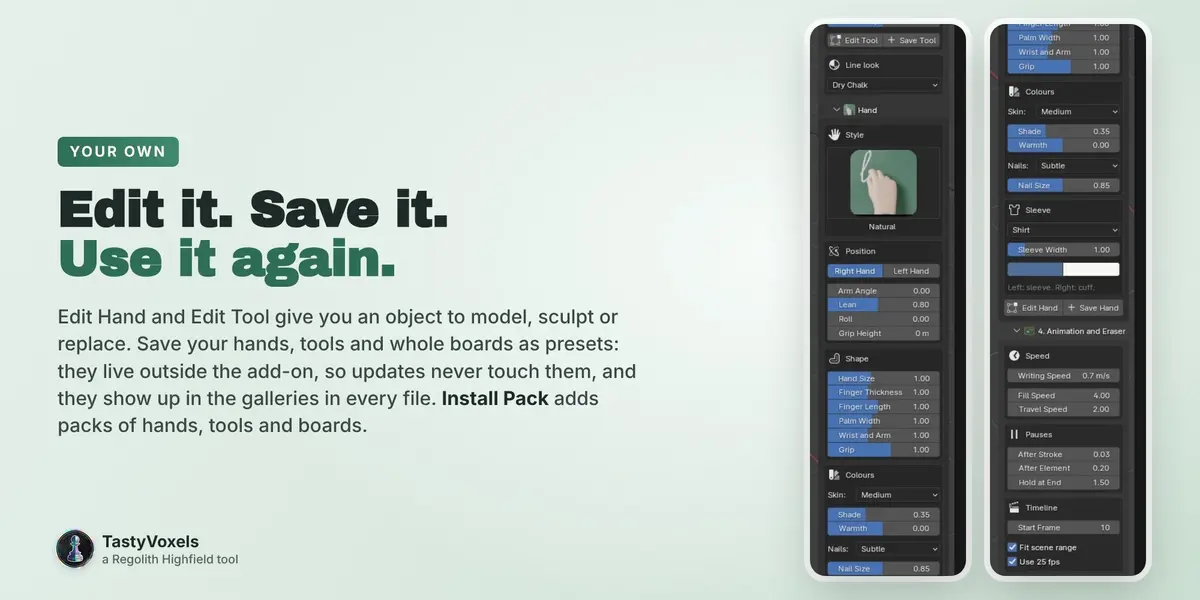
Almost everything can be changed. You can choose a right or a left hand. The skin from very light to very deep with a shade slider and a warmth slider, or any colour. Nails: none, subtle, natural or polished in any colour, and their size. Hand size, finger thickness, finger length, palm width, wrist and arm, and how tight the grip is. Where the arm comes from, how much the tool leans, the roll of the hand and how high the fingers hold the tool. A bare arm, a shirt, a sweater with a ribbed cuff or a suit over a shirt cuff, each with its own colour and width. The cartoon, icon and sketch hands have an outline whose width and colour you choose.
YOUR OWN HANDS AND TOOLS, SAVED AS PRESETS
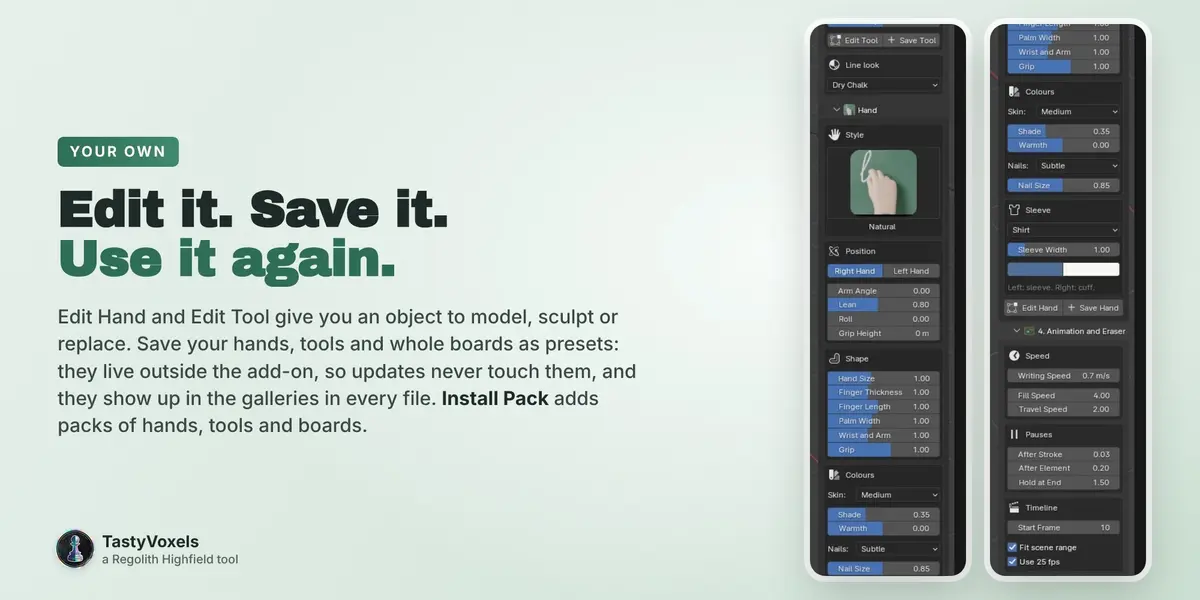
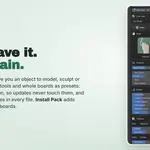
Edit Hand and Edit Tool copy the current hand or tool into an object you can model, sculpt or replace, and the board uses it straight away. Save Hand, Save Tool and Save This Board keep your hands, your tools and your whole boards in a library that lives outside the add-on, so updates never touch it, and they appear in the galleries next to the built-in ones in every file. The library can also install packs: a zip of hands, tools and boards that you add with Install Pack.
A PROFESSIONAL ASSET LIBRARY, ANIMATABLE (PRO, NEW IN 1.1.1)
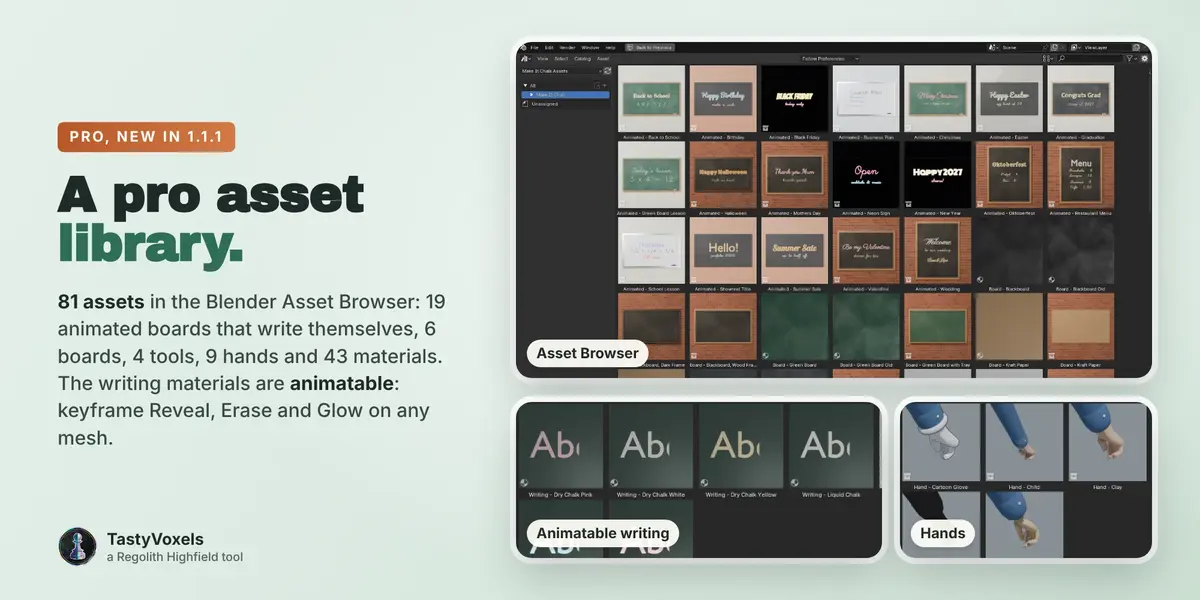
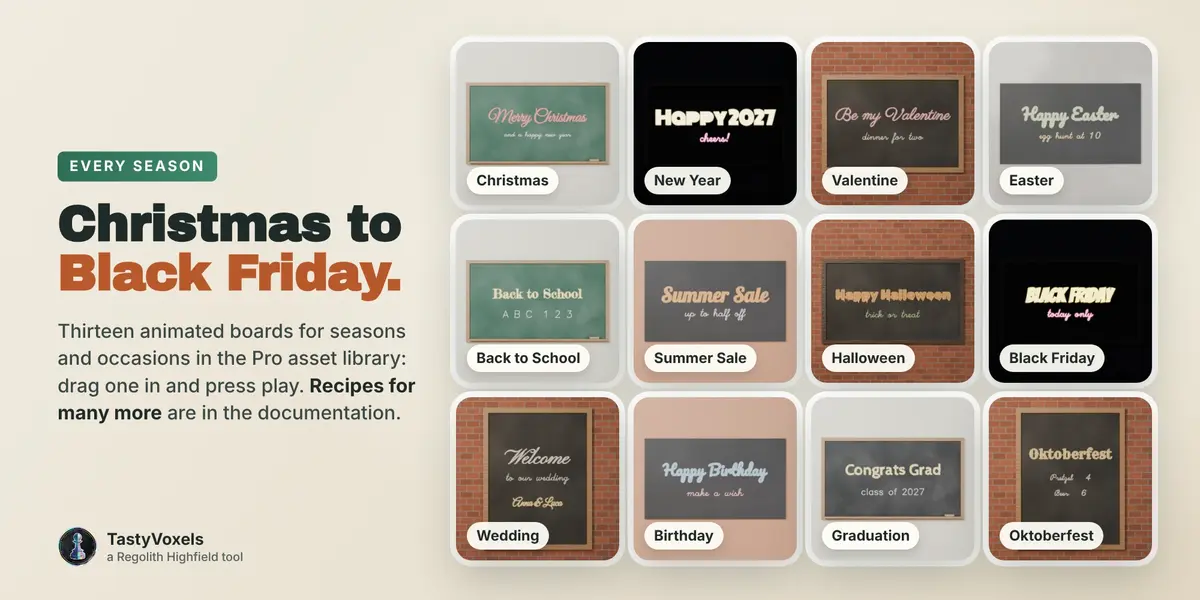
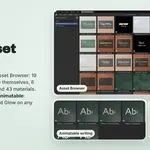
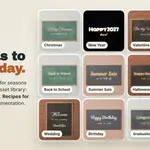
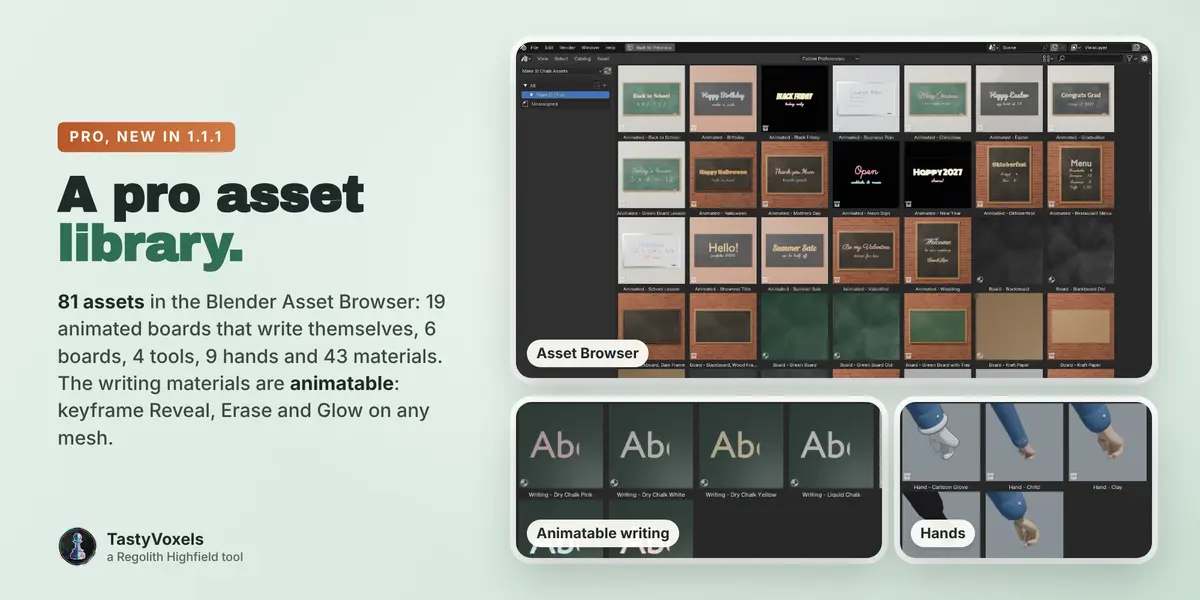
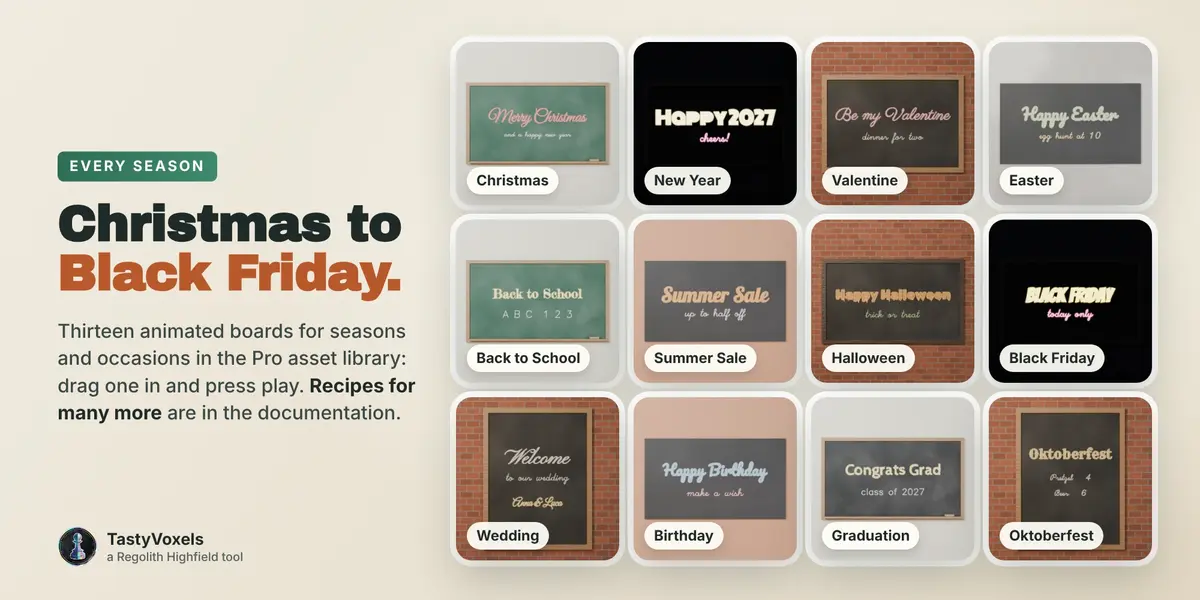
One click on Add Asset Library puts 81 ready assets in the Blender Asset Browser, so you can drag them into any scene, also without the add-on panel. Nineteen animated boards that write themselves when you press play: the six quick start boards plus thirteen for seasons and occasions (Christmas, New Year, Valentine's Day, Easter, Mother's Day, Back to School, Summer Sale, Halloween, Black Friday, a wedding welcome sign, a birthday, a graduation and Oktoberfest). Six empty boards with frames and trays, four tools, nine hands holding a chalk stick, and 43 materials: boards, frames, walls, hands, sleeves and the writing materials.
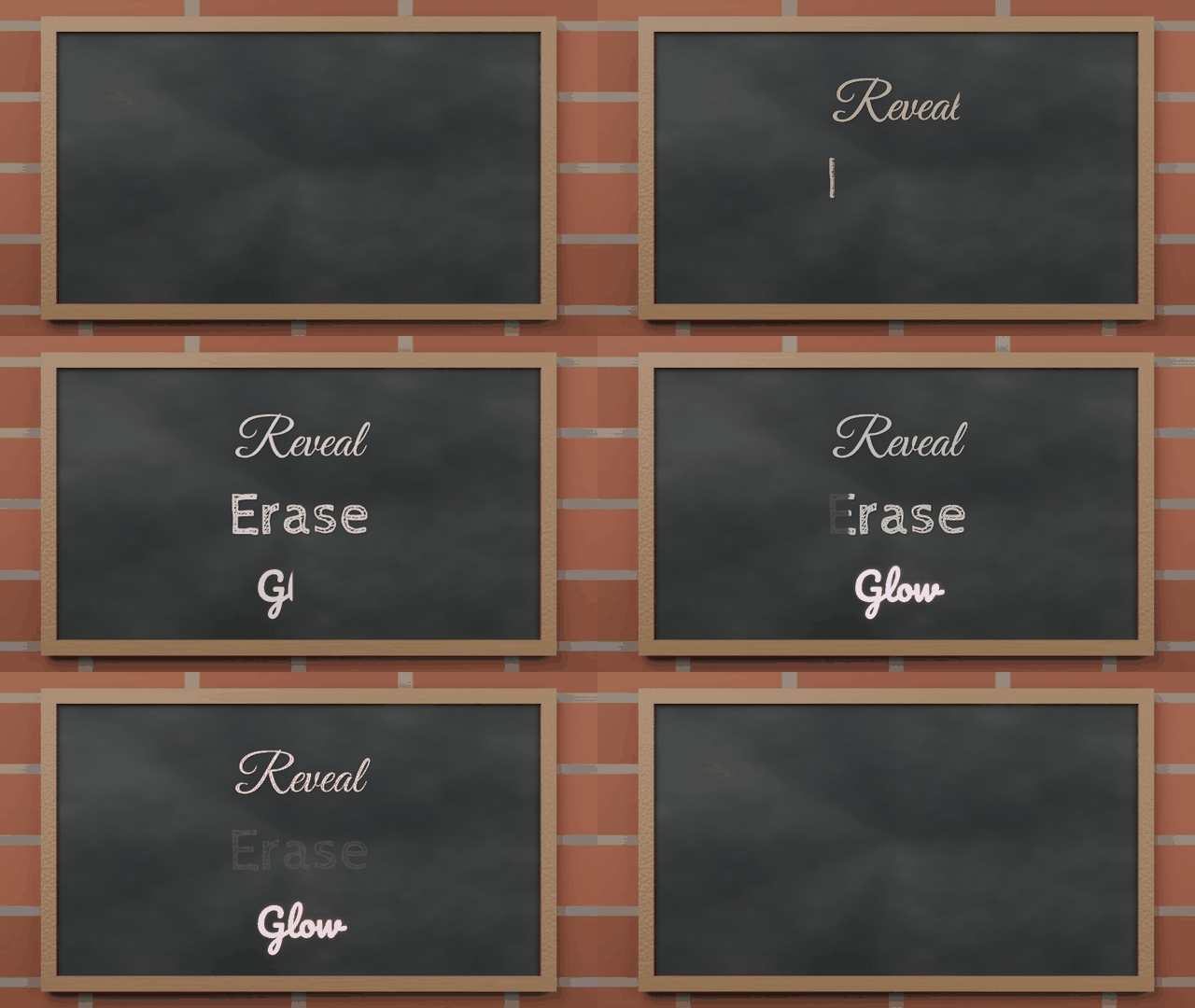
The writing materials are animatable: one node group with Reveal, Erase, Ghost, Softness, Chalk, Grain, Grain Size and Glow. Put it on any mesh and keyframe Reveal (it reveals from left to right along the object) to write it on, Erase to wipe it off, or Glow to light it up, in Cycles and EEVEE.
FOR EVERY SEASON AND OCCASION
A few ready ideas, each a few minutes of work. Christmas: Merry Christmas on a green board with a red calligraphy font and the Flat Icon hand. New Year: Happy 2027 with the glow pen on a dark board. Valentine's Day and Mother's Day: a dinner or brunch special in a script font on a cafe blackboard. Easter: an egg hunt notice on slate with the Child hand. Back to school: A B C and 1 2 3 on a green board. Summer: a sale board on a studio colour wall. Halloween: a grunge font in orange with the Robot hand. Black Friday: a neon sale sign that writes itself. Weddings: a welcome sign on a tall blackboard or on kraft paper. Birthdays, graduations, Oktoberfest, a grand opening, a daily special or a happy hour: type it, pick a board and press Build. In Pro, the seasonal boards are already in the asset library.
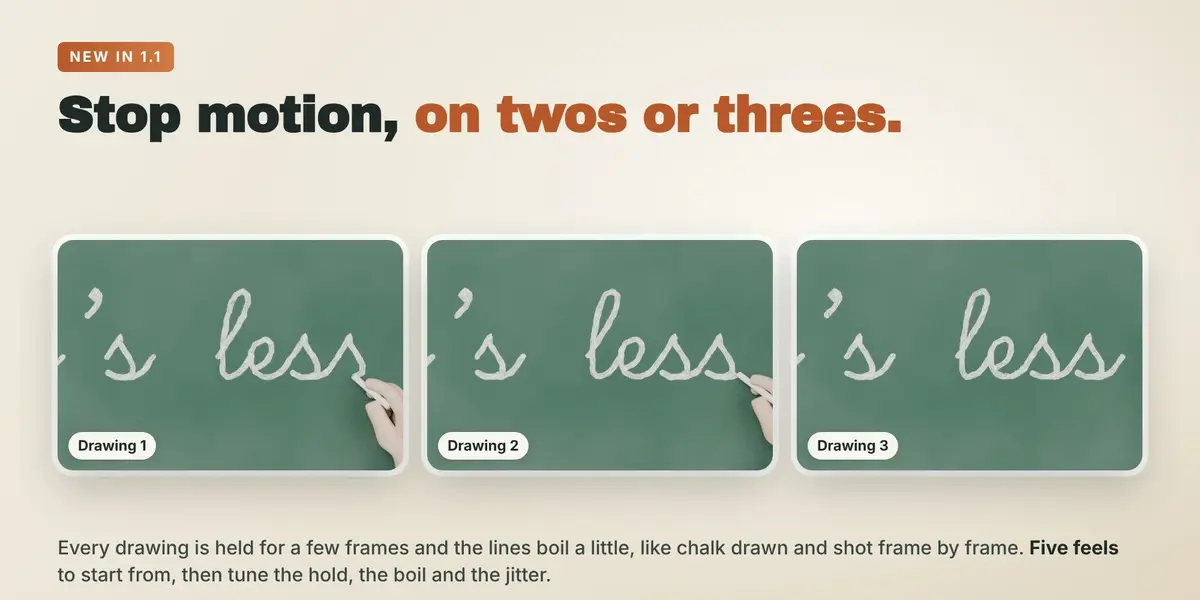
STOP MOTION (NEW IN 1.1)
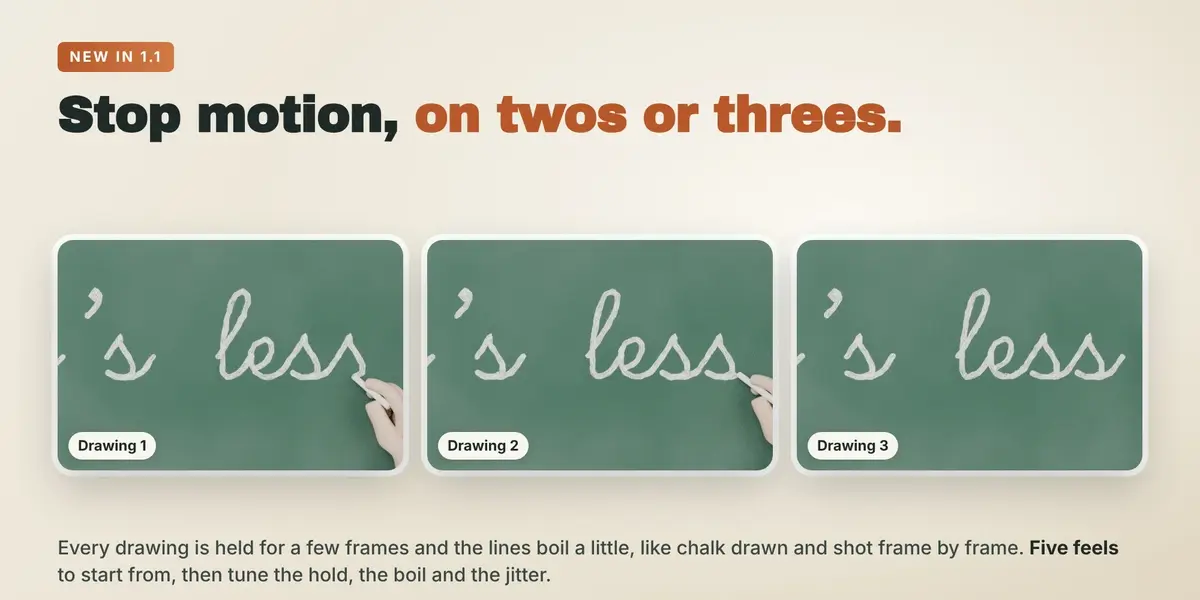
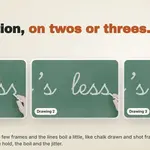
Tick Stop Motion and every drawing is held for a few frames, the lines boil a little from one drawing to the next, the whole picture shifts a touch and the chalk grain changes, like a drawing shot frame by frame. Five feels to start from: Gentle, Hand Drawn, Rough Sketch, Choppy and Claymation. Then set the hold frames (on twos, on threes and so on), the line boil and its size, the frame jitter and the new grain on every drawing. The tool, the hand and the eraser move on the same beat. It goes very well with the Clay hand.
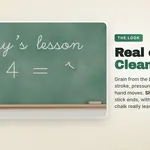
REAL CHALK, CLEAN EDGES
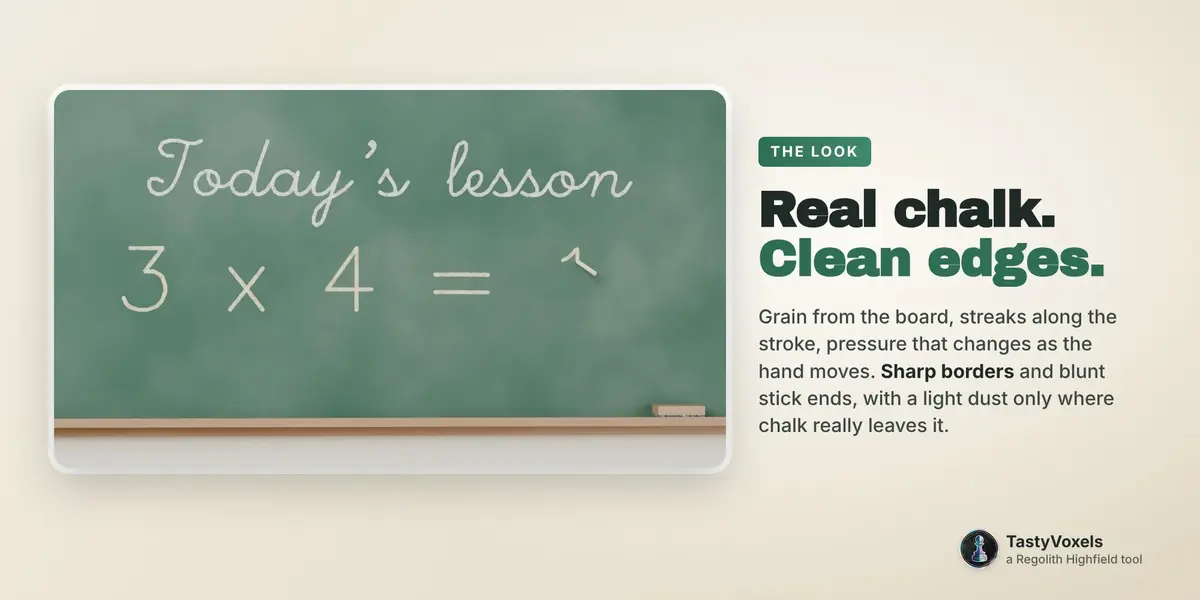
The chalk is the heart of this add-on, so I spent the most time on it. The grain comes from the board, the streaks follow the direction of the stroke, and the pressure changes slowly as the hand moves. The borders are sharp, the ends are blunt like the end of a stick, and the line keeps its width through the curves. A light dust stays only where chalk really leaves it.
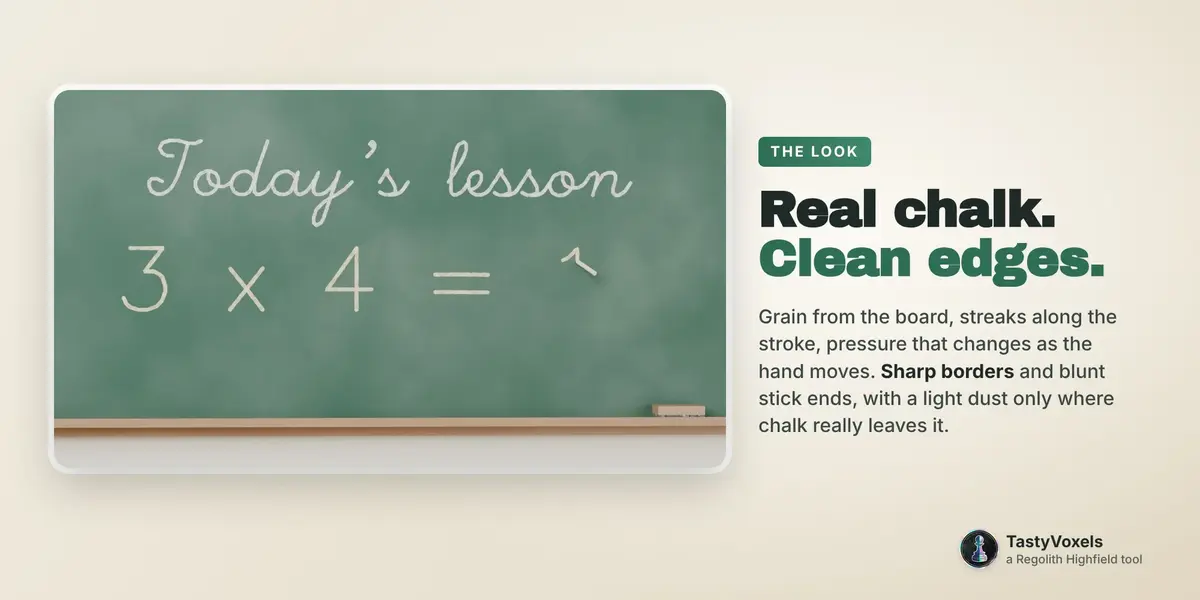
Coverage, grain size, pressure, rough edges, width jitter and hand wobble are all sliders, so the same chalk can look fresh and solid or old and dusty. Here it is close up:
CHALKBOARD OR WHITEBOARD
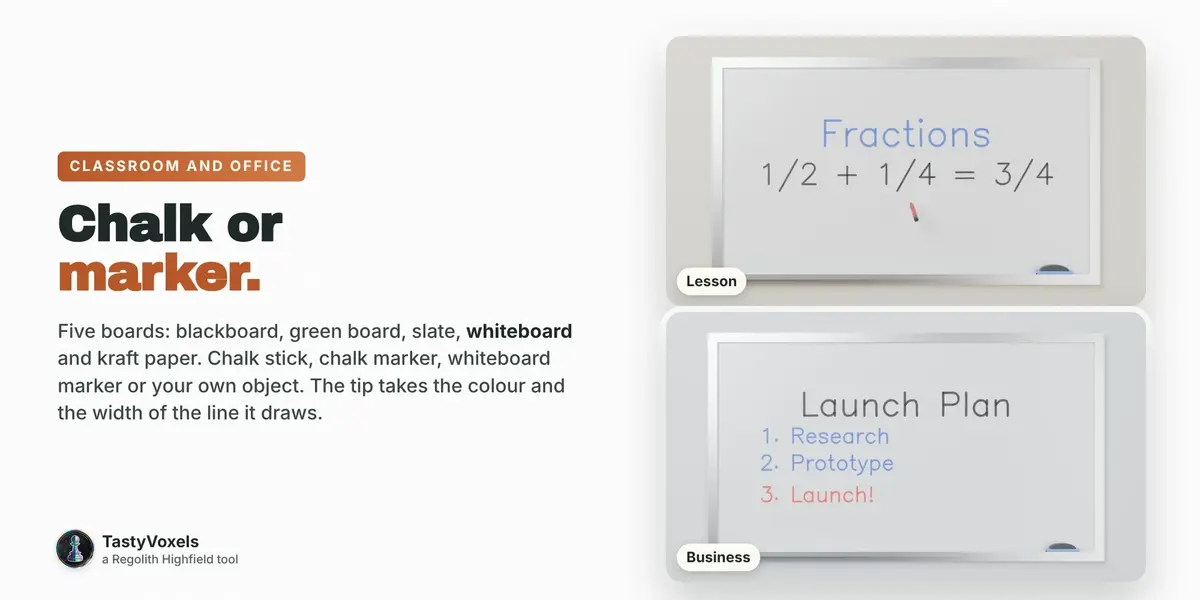
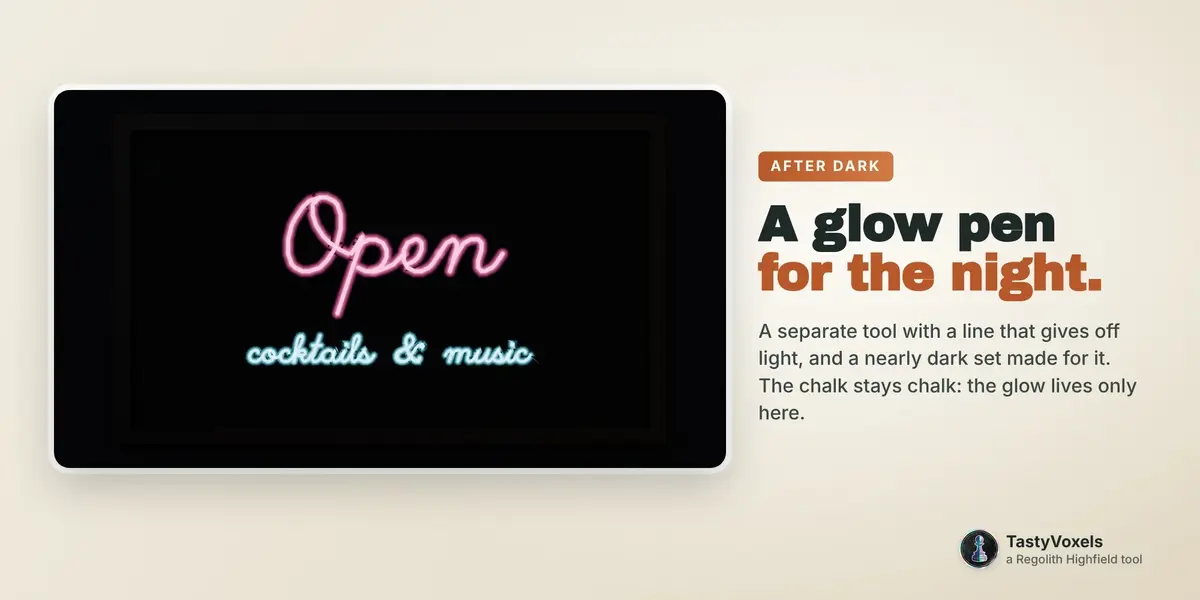
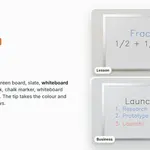
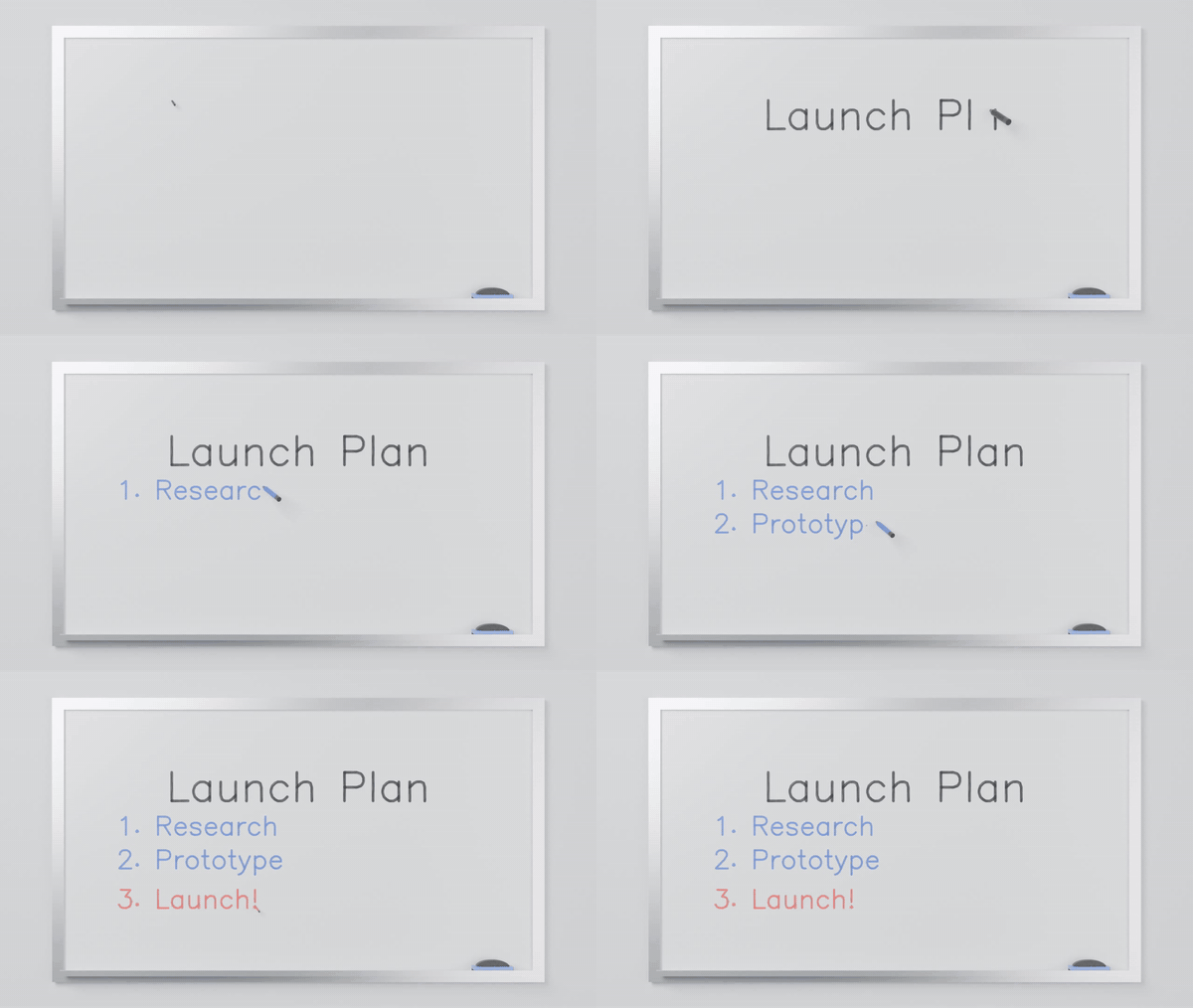
There are five boards: blackboard, green board, slate, whiteboard and kraft paper, each with optional old smudges, a wooden, dark wood or aluminium frame and a tray. There are five tools: chalk stick, chalk marker, whiteboard marker, glow pen, or any mesh of yours (its origin is the tip), or no tool at all. The tool follows the line it is drawing: its tip is as wide as the line and takes its colour, and it changes colour while it is lifted between two elements.
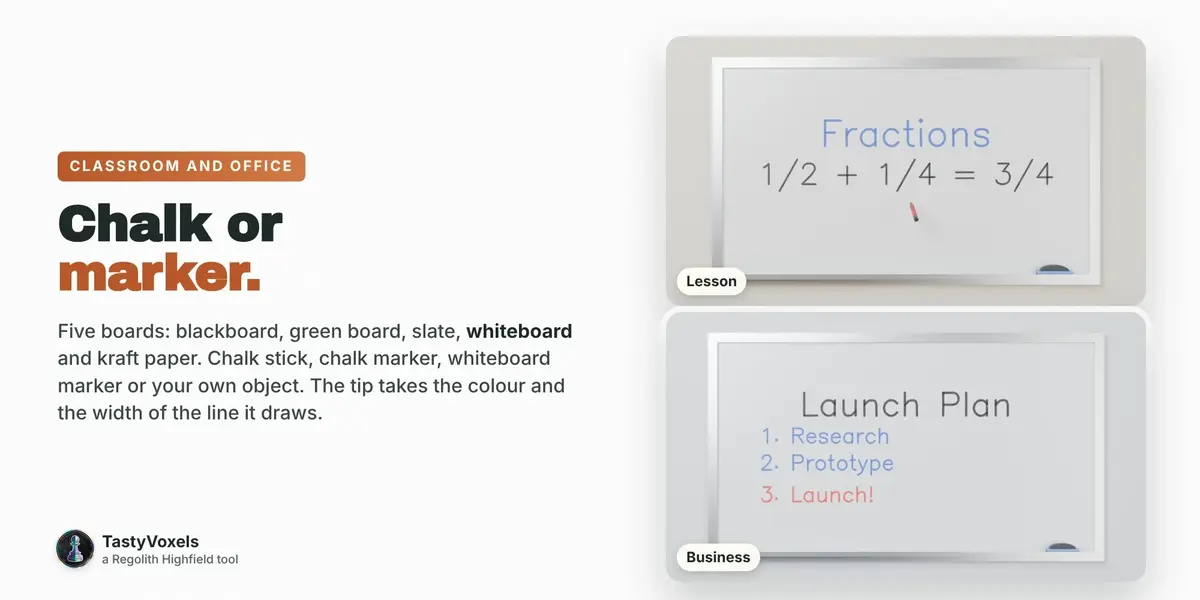
It leans and sways like a hand, lifts between strokes and shrinks away when the writing is done, or stays on the last point if you prefer. Each tool sets a matching line look: dry chalk, liquid chalk, marker ink or neon glow.
YOUR SVG AND PNG
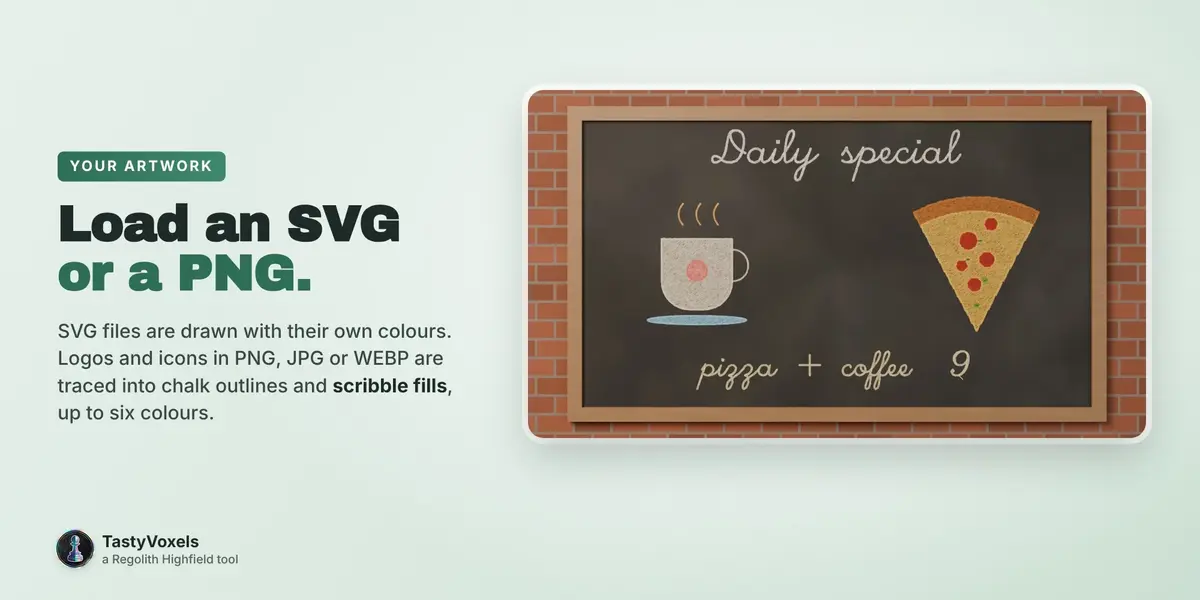
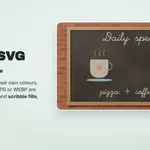
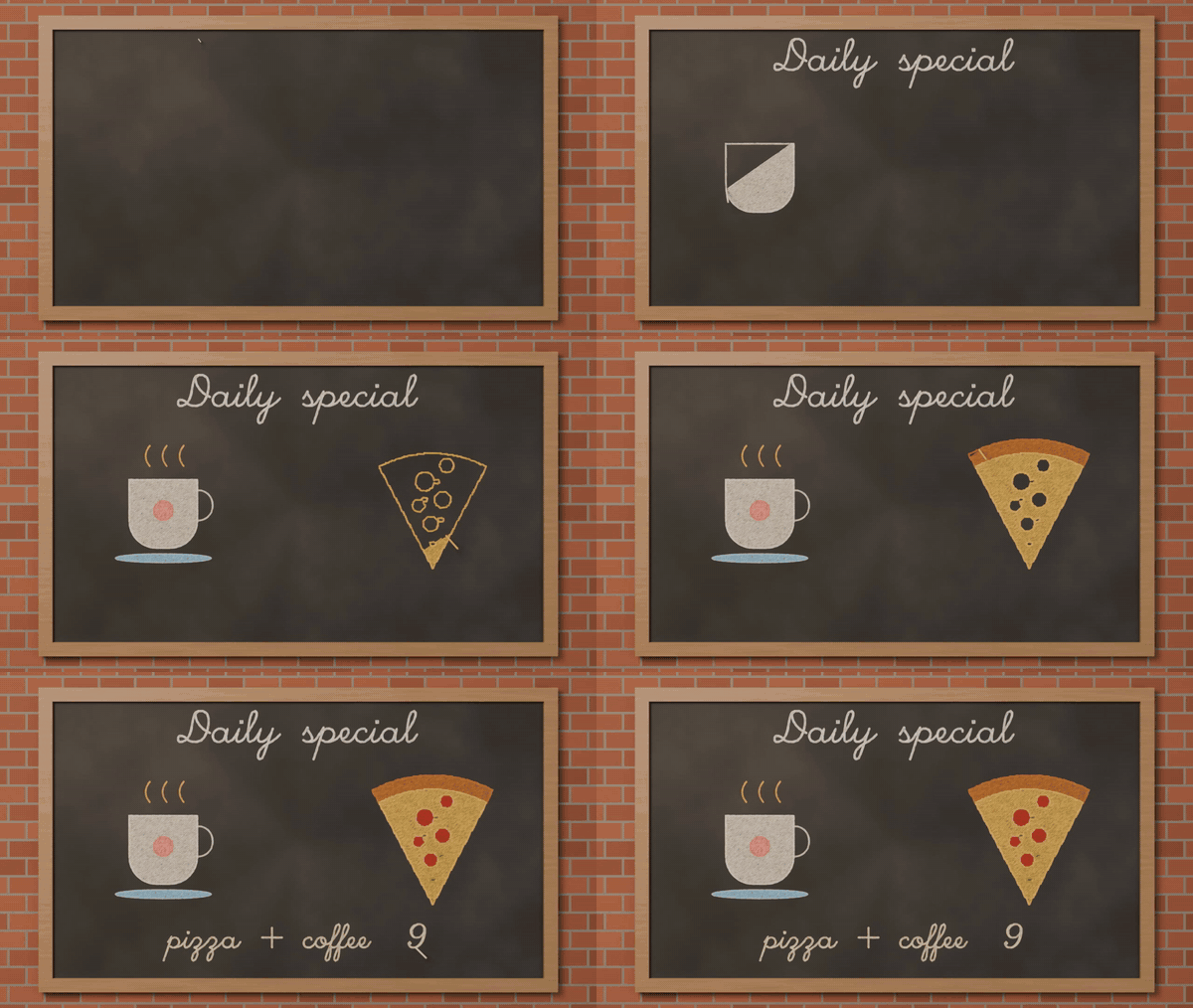
Choose SVG / Image File and pick a file. SVG paths, rectangles, circles, ellipses, lines and polygons are drawn with their own fill and stroke colours. PNG, JPG and WEBP images are traced into outlines: with a transparent background the transparency is used, otherwise the background colour is left out. Logos, icons and flat illustrations work best.
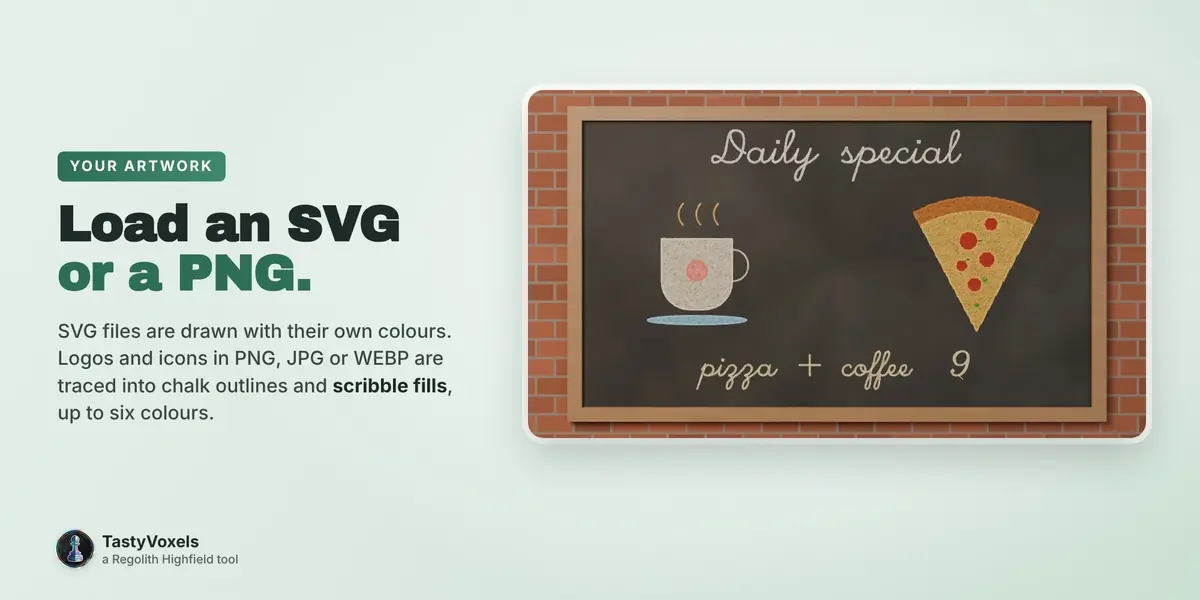
The traced image is drawn with up to six chalk colours, and Image Detail sets how closely the outline follows small details. Each shape can be an outline, a scribble fill or both.
THREE ERASERS
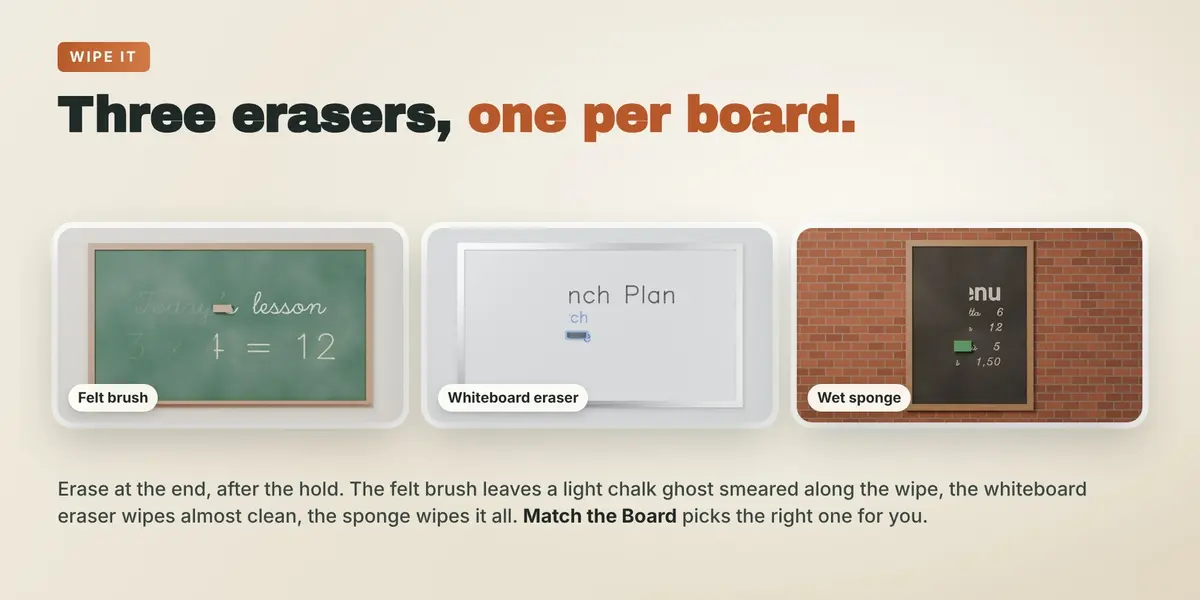
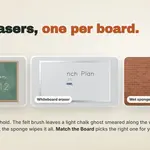
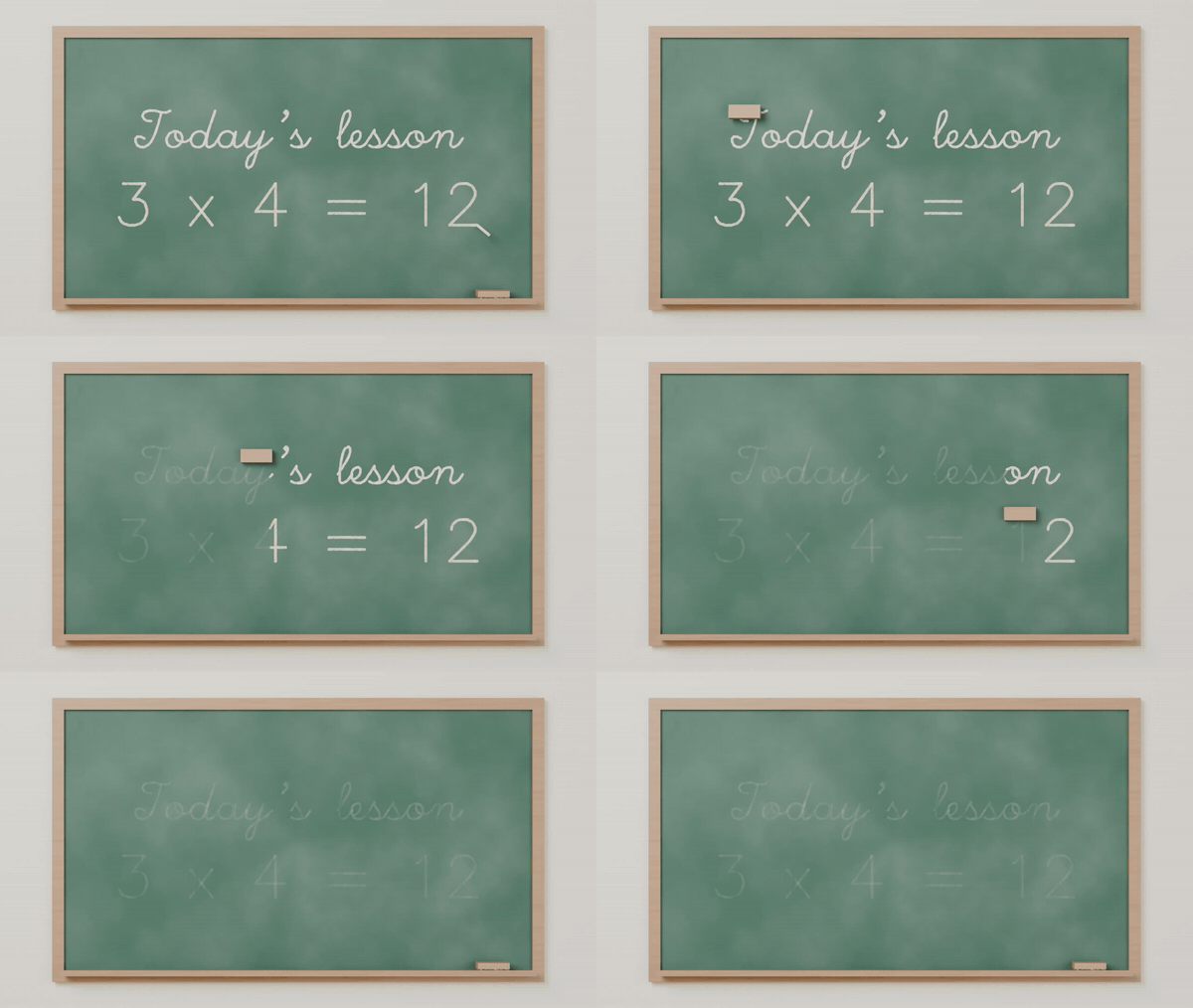
Turn on the eraser and, after the hold, it wipes the board in passes, the way a person does. The felt brush leaves a light chalk ghost smeared along the wipe, the whiteboard eraser wipes almost clean, the wet sponge wipes everything. Match the Board picks the right one for you, and the ghost can also be set by hand.
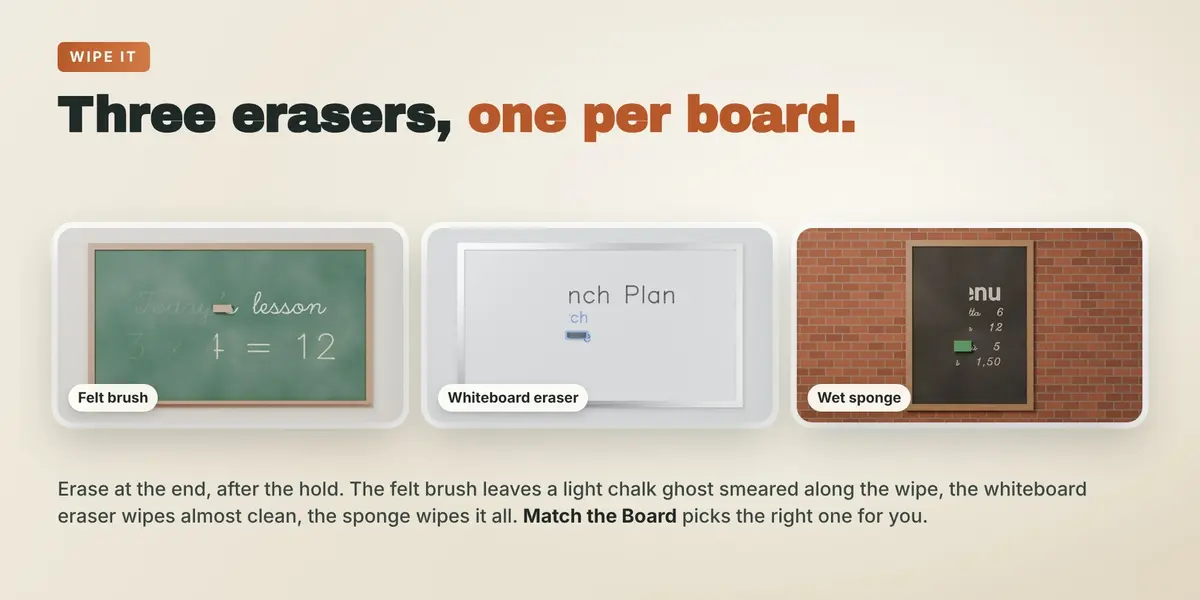
With a tray, the eraser waits on it and goes back there when it is done. Erase Time sets how long the wipe lasts.
A GLOW PEN FOR THE NIGHT
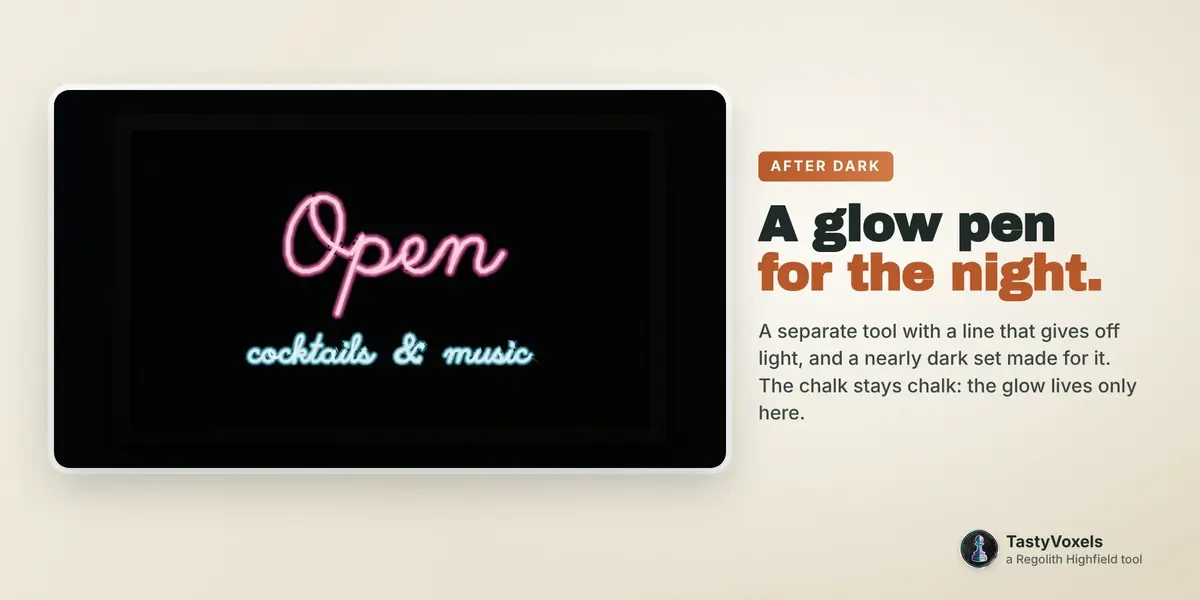
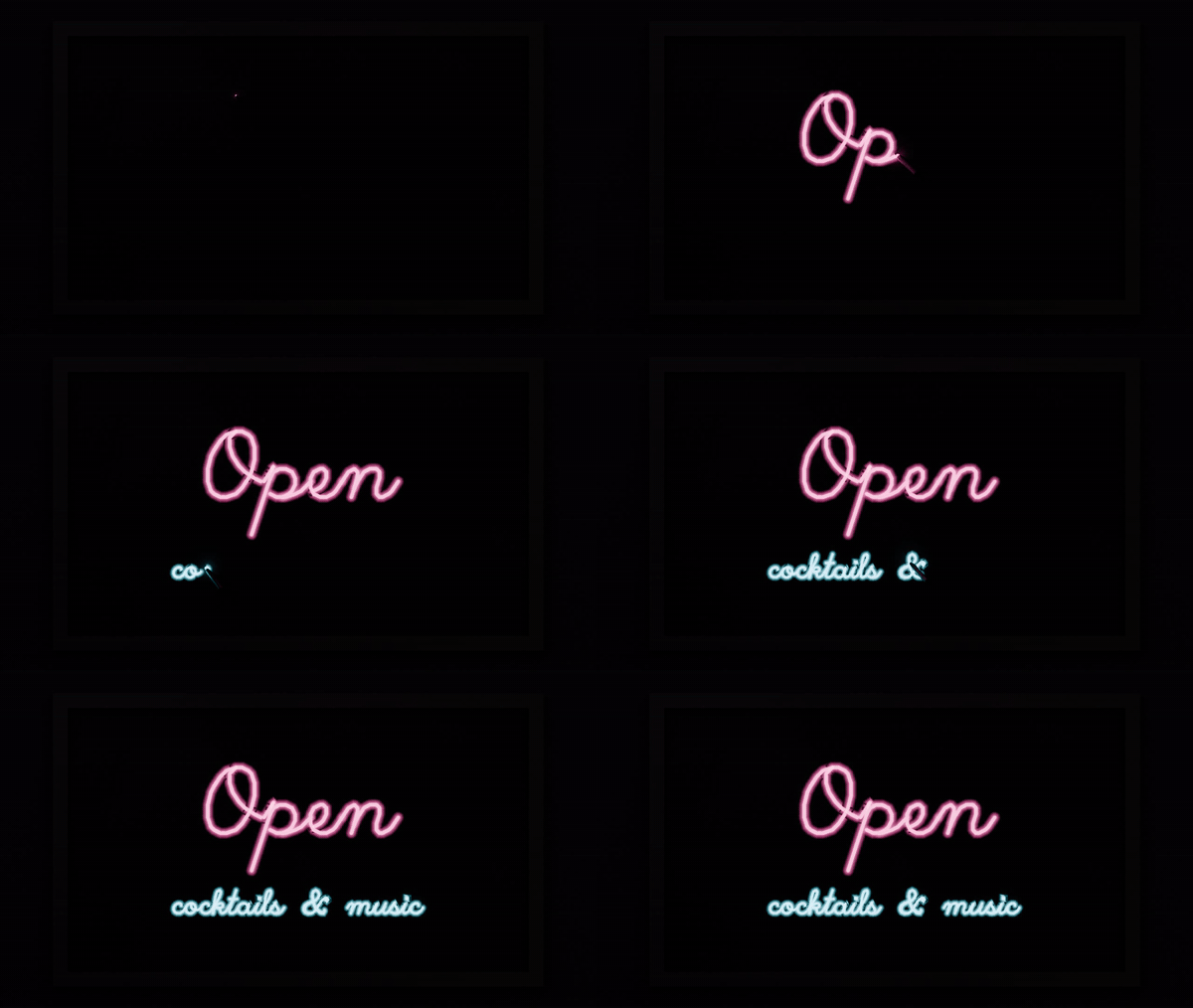
A separate tool for neon signs and night scenes: a line that gives off light, with an adjustable glow, and a nearly dark set made for it. It has its own quick start board, Neon Sign. The glow is only in this tool, so the chalk boards are not affected.
READY SETS, LIGHTS AND CAMERA
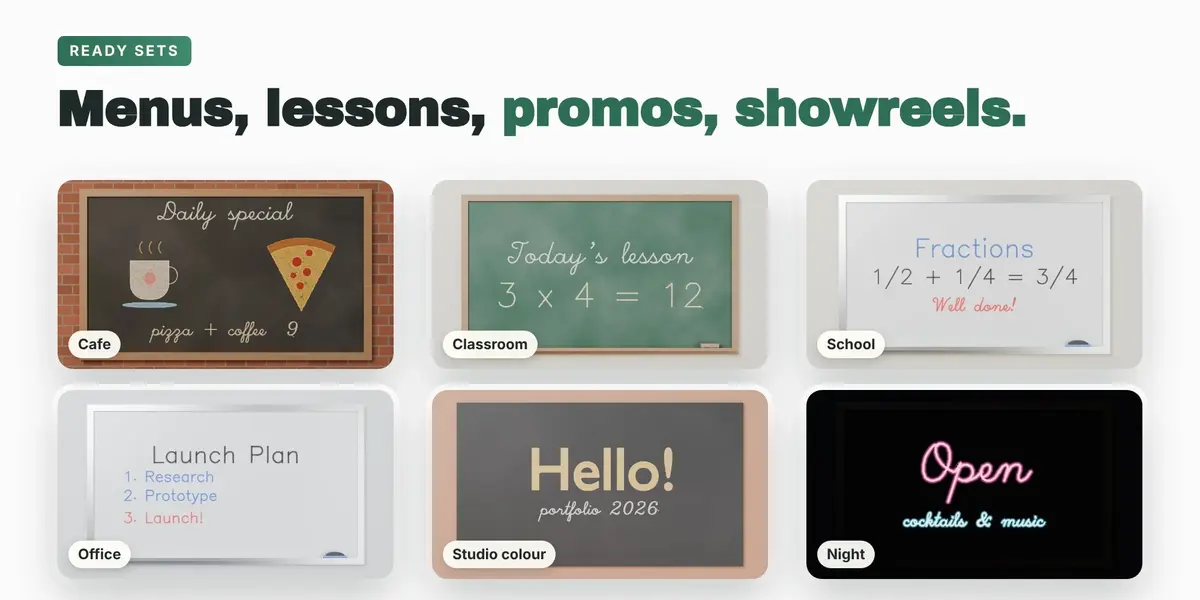
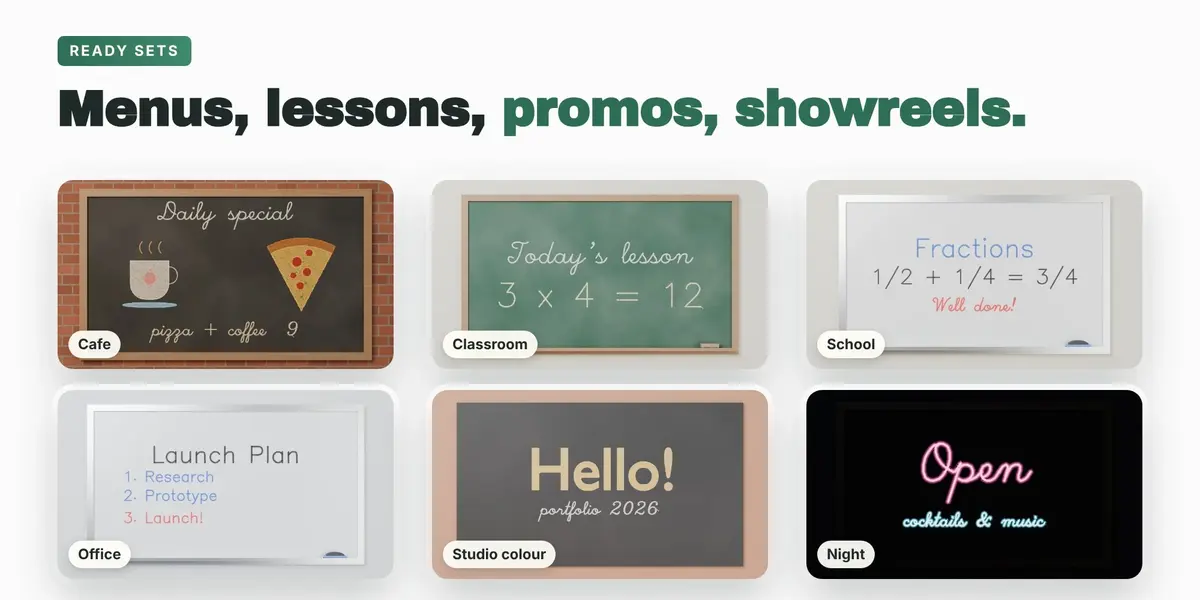
Nine backgrounds, each with its own lights: Studio Color for showreels, Cafe Brick for menus, Kitchen Tiles for food promos, Classroom, Office, Rustic Wood, Kids Pastel, Spotlight and Night. The wall colour can be changed. The camera frames the whole board with a margin you choose: set your render size first, or press Build again after changing it, and the board fits the new frame. Six quick start boards load a complete example in one click: Restaurant Menu, School Whiteboard, Business Whiteboard, Chalk Lesson, Showreel Title and Neon Sign.
A PANEL IN SIX STEPS
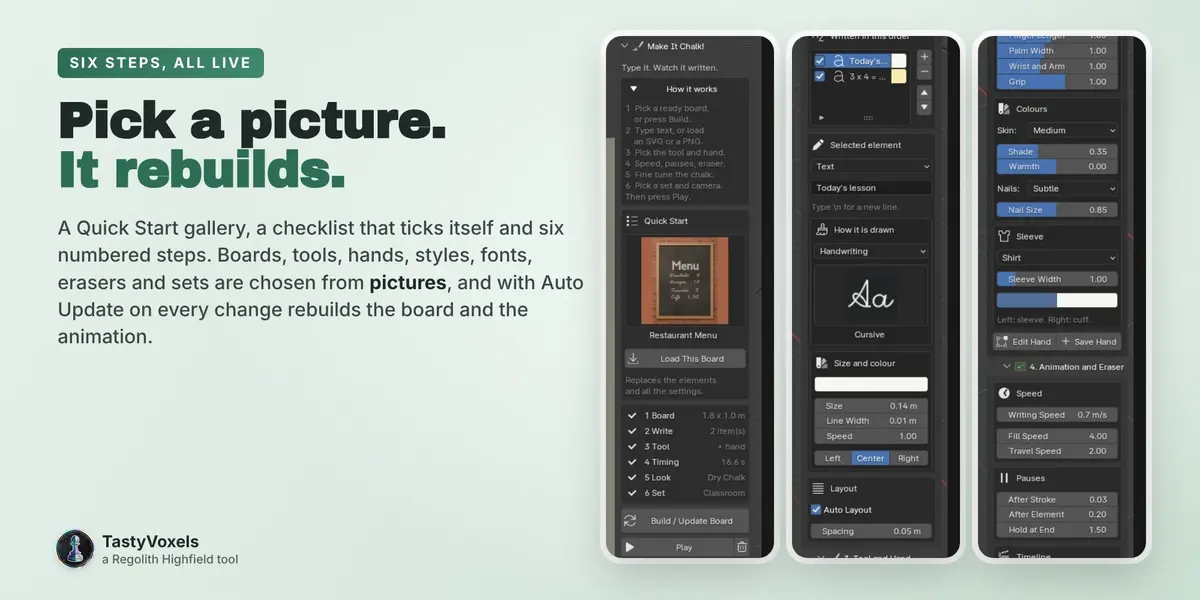
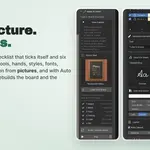
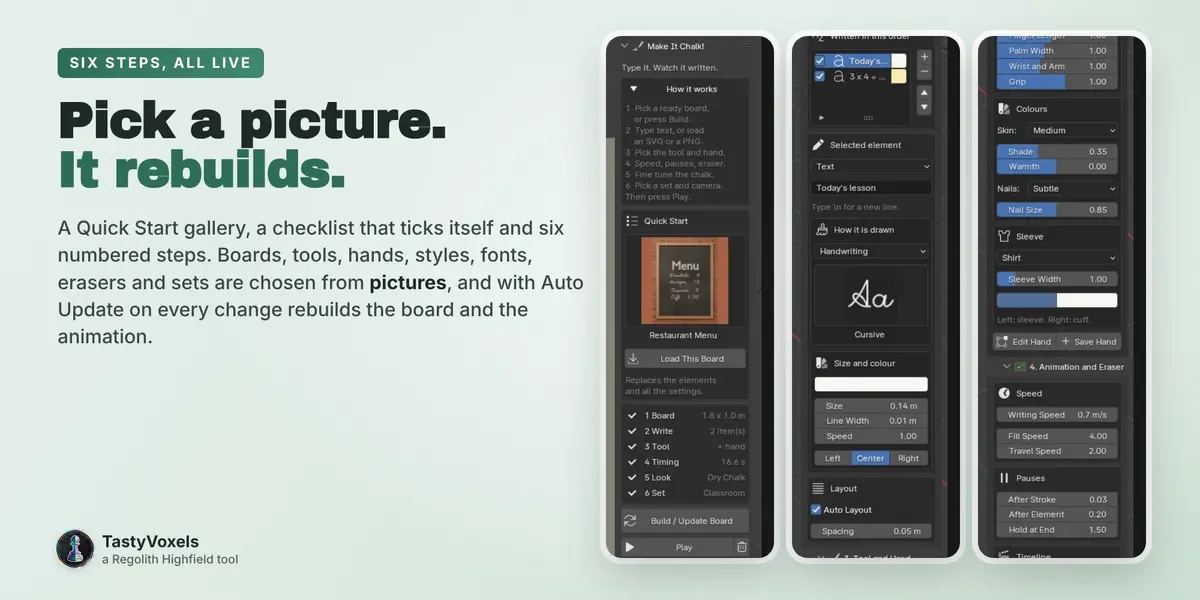
The panel is in the 3D View sidebar, tab Chalk. At the top: a Quick Start gallery with a picture of each ready board, a checklist that ticks itself as you go, and a big Build button. Below, six numbered steps in the order you work: 1 Board, 2 What to Write, 3 Tool and Hand, 4 Animation and Eraser (with Stop Motion), 5 Chalk Look, 6 Set and Camera, and then My Library and Packs. Boards, tools, hands, writing styles, fonts, erasers and sets are chosen from pictures. With Auto Update on, every change rebuilds the board, the strokes and the animation. The scene is set to 25 fps and the frame range fits the animation, so you can press Render Animation straight away.
WHAT IT DOES NOT DO YET
I prefer to say it here than in a review. The hands hold the tool and move with it, but the fingers do not animate. The built-in fonts and your own fonts are drawn as outlines or chalk fills, not as single strokes; the nine handwriting styles are the single stroke ones. Image tracing is made for flat colours: photos and gradients turn into blobs. Dark parts of a file are invisible on a black board, as they would be in real life: change the board or untick Use File Colors. SVG text that is not converted to paths, gradients, "use" references and stroke widths are not read. The look is tested in Cycles and EEVEE; the finest grain is in Cycles.
WHAT IS IN THE ZIP
The add-on as a Blender extension (install from disk), with the handwriting data and the panel pictures inside. Blender 4.2 or newer; I tested version 1.1.1 in Blender 4.2 LTS, 5.2 LTS and 5.3 on Windows. In Pro the zip also holds the twenty-five fonts with their licence files and the asset library. Pro updates and support are included for good: no support period, no renewal fee. Write to me through Superhive chat.
HOW AI IS AND IS NOT INVOLVED
Make It Chalk! contains no AI model, does no inference, sends nothing anywhere and collects no data. It is plain geometry and shader code that runs offline, and the same settings give the same animation every time. AI does help me: it writes code with me, and it translates my documentation into English, which is not my first language. Every picture and animation on this page comes from Blender and the add-on's own output; only the mouse pointer in the hand switch animation is drawn on top.