Make It Snow! - Snow Add-on for Blender: Realistic and Cartoon Snow, Falling Snow and Snow Build-Up
 TastyVoxels
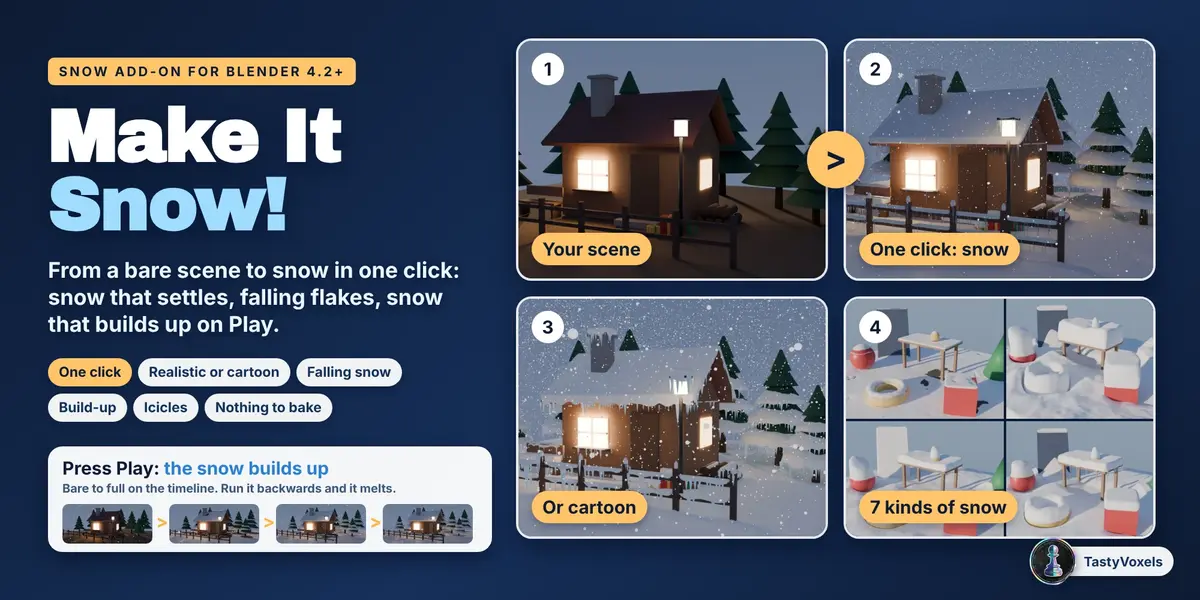
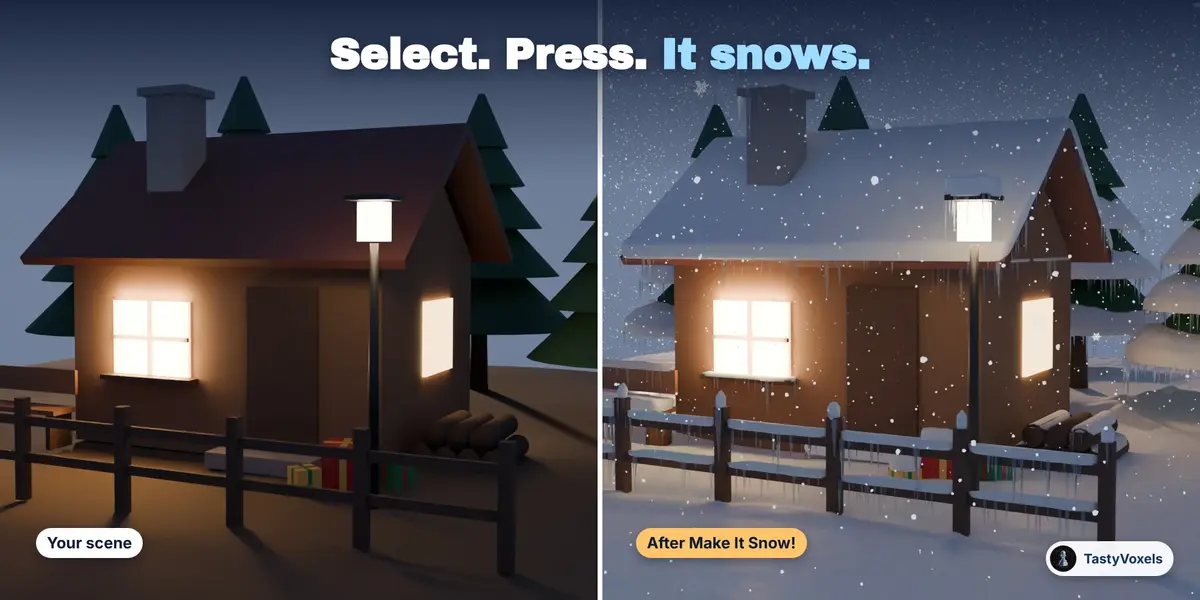
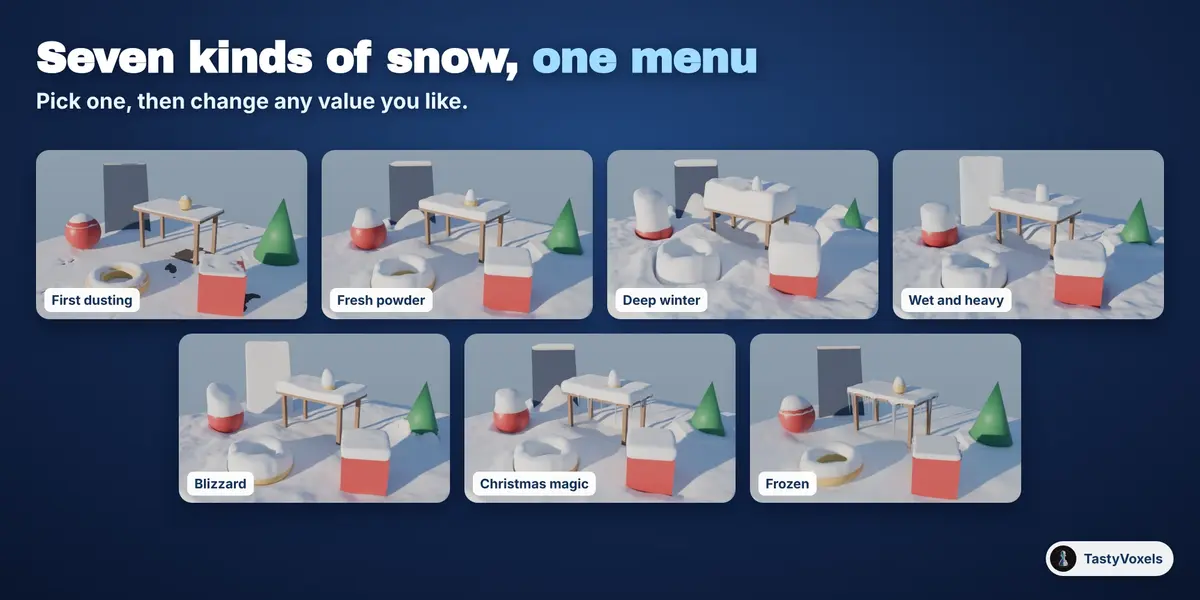
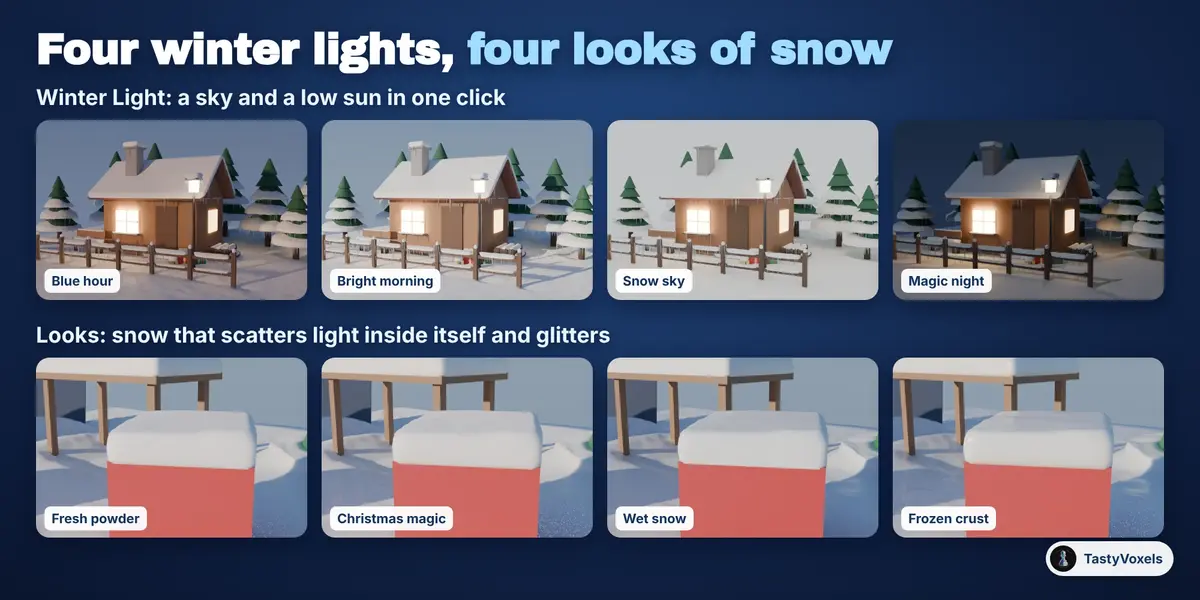

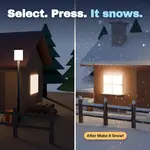

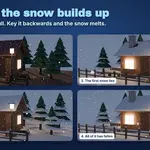
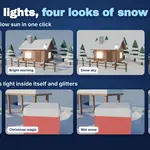
Install the zip (Edit, Preferences, Get Extensions, Install from Disk), press N in the 3D Viewport and open the Snow tab. Select the objects the snow should lie on, or nothing for the whole scene, pick a kind of snow from the pictures and press Make It Snow!. A few seconds later you have snow on the objects and flakes falling over them. The panel is a list of six steps that tick themselves, so you can always see what comes next. No scene at hand? Add Example Scene builds a bare cabin to try it on.
On your own models. The snow is worked out from what your objects look like from above after their modifiers, so it does not care how they were made: meshes, curves, text, open or closed, with flipped faces or not. What it does not read are collection instances and geometry nodes instances: make those real first. Very thin or very spiky things, like bare twigs, get little snow because there is little for it to lie on.
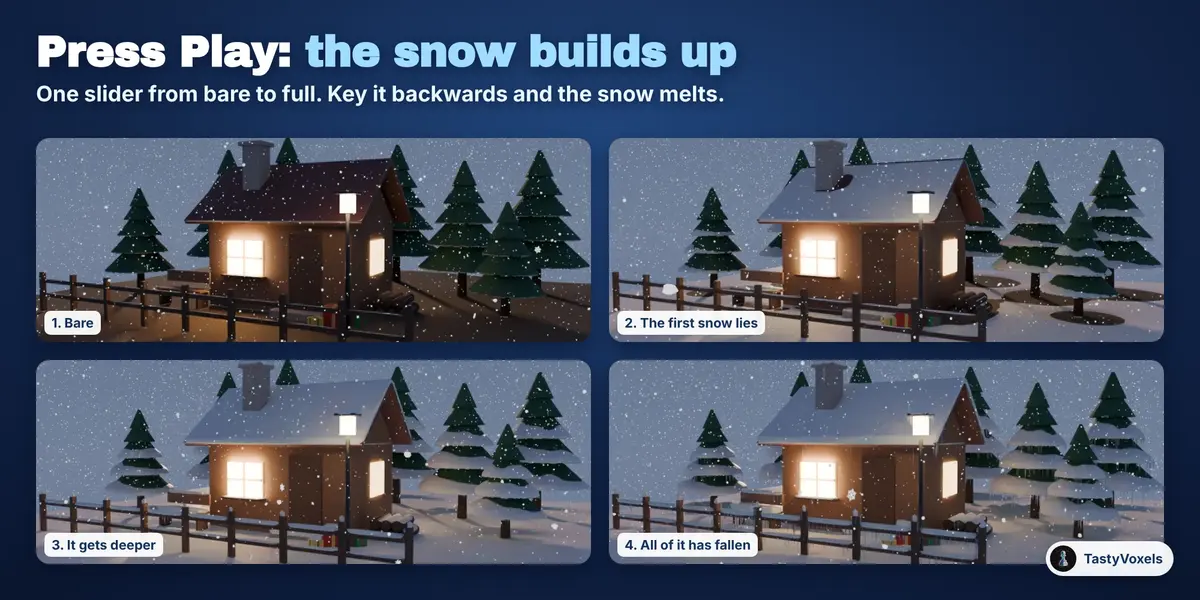
Tick Snow grows on Play before pressing Make It Snow!, or select a snow and press Simulate the Build-up. The snowfall is worked out step by step and every step is kept as a shape key. One slider, Snow fallen, goes from bare to full between the two frames you choose: press Play and the snow fills up, slides off steep roofs and piles up below. Key the slider backwards and the snow melts. There is no simulation to bake and no script to allow.
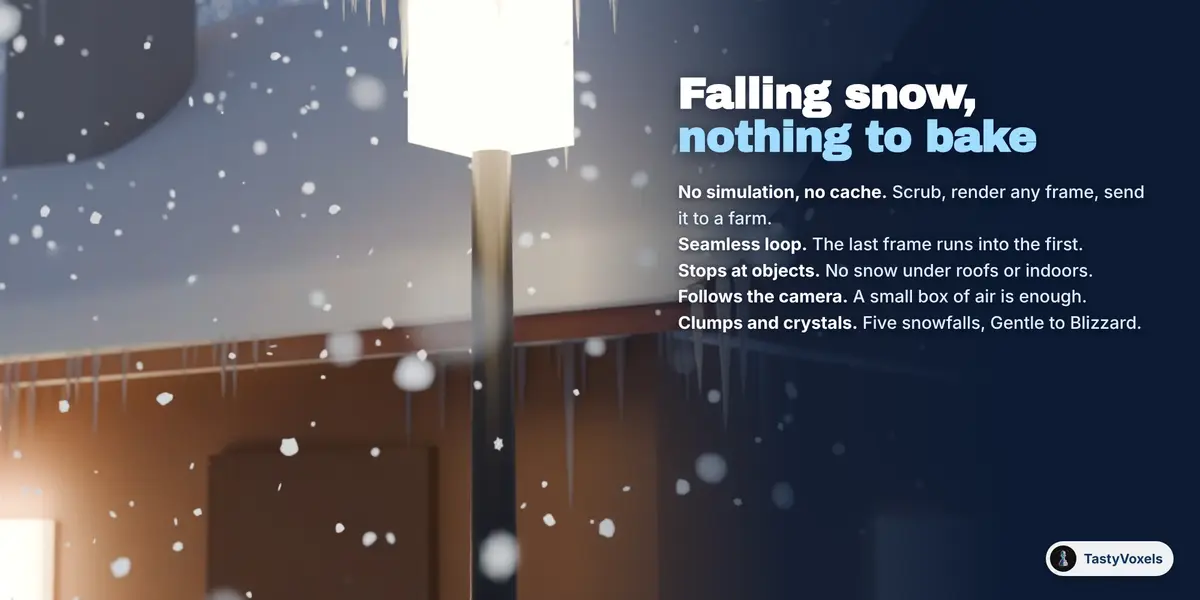
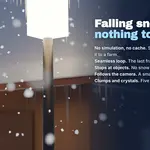
The falling snow is a geometry nodes setup with no simulation and no cache: where a flake is depends only on the frame. You can scrub the timeline, render any frame on any machine, and loop it seamlessly. Five snowfalls from Gentle to Blizzard, soft clumps or six-armed crystals, flakes that stop at roofs so it never snows indoors, and a box of air that can follow the camera. The flakes are blown by the same wind as the snow on the ground, so what falls and what lies agree.
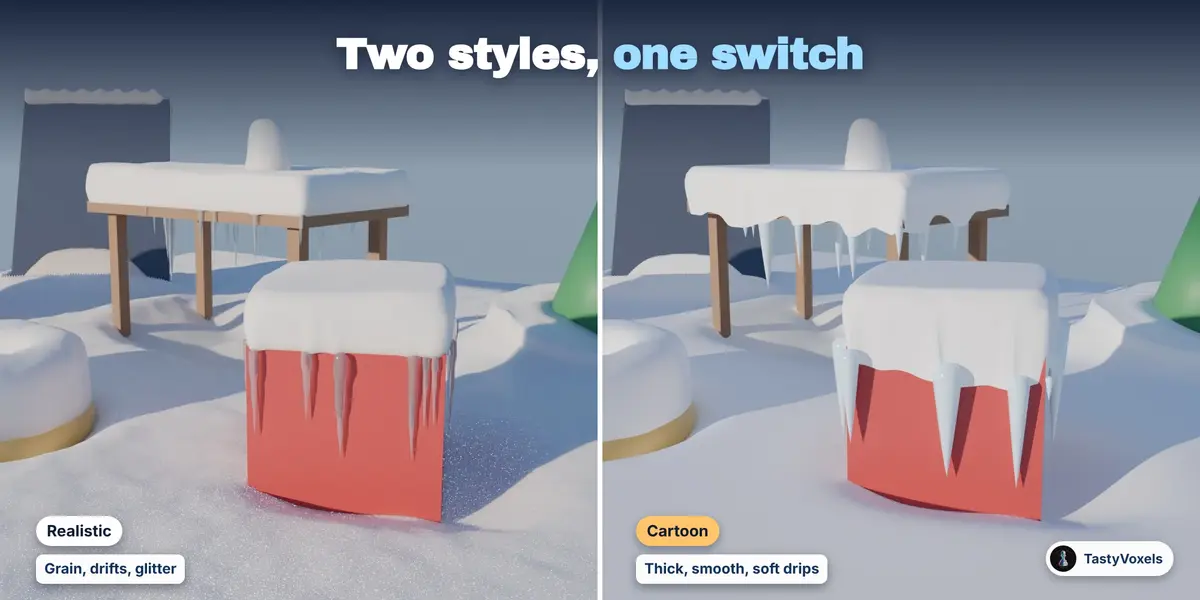
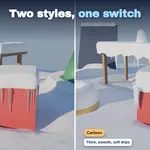
Yes. One switch turns any kind of snow into cartoon snow: thick, smooth and round, sagging over the edges in soft drips, clean white with a blue tint, chunky icicles and round flakes. Each snow object keeps its own style, so you can mix them in one scene.
Yes. Text objects, logos and products work like any other object: the snow lies on their tops and edges and leaves the sides clear. When what you snow on is smaller than 1.5 m, the add-on sizes the snow to it by itself, so a small product gets snow to its own scale and not a 12 cm blanket. Only inside lets you keep the detail on the part the camera sees.
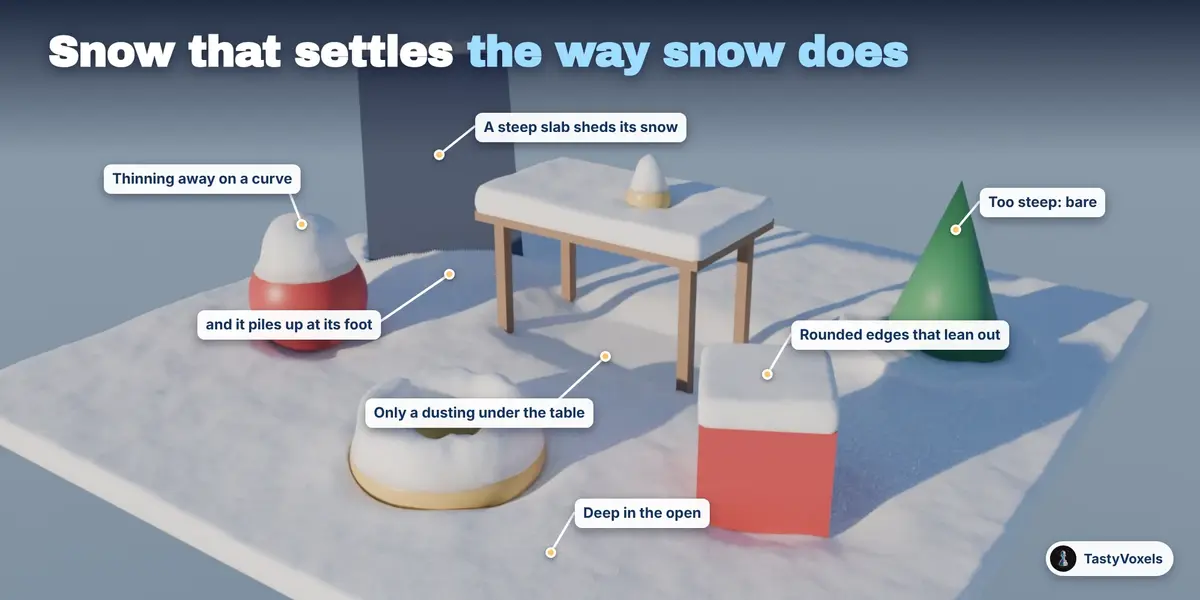
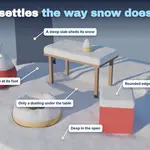
It is made for that too: select the building and its surroundings and you get the same house in January, with snow deep in the open, thin under the eaves, sliding off steep roofs into drifts at their foot, and icicles on the edges if you want them. What is under the snow is never changed, so your scene stays as it was.
Every picture and GIF on this page is Cycles. I also rendered the example scene in EEVEE in Blender 4.2 and 5.2, in the realistic and in the cartoon style: the snow, the icicles and the flakes render there too. Cycles shows more of the light inside the snow, so for close-ups I would pick Cycles.
Blender 4.2 LTS is the minimum. The automated suite passes in Blender 4.2.6 and 5.2.0, and I installed the release zip and made snow with it in both. Versions in between should work; the day I test one, I will say so here.
A whole scene at the default detail takes a few seconds. A close-up at high detail, with half a million faces of snow, took about six seconds on a four-core machine with no graphics card. The build-up works the snowfall out once per step, so twelve steps take about twelve times a single snow. The falling snow costs nothing to make, and the viewport shows only a share of the flakes while you work; renders show all of them.
Yes. Select the snow, or an object under it, change any value or switch between Realistic and Cartoon, and press Update Snow. Each snow object keeps its own settings, so the roof can have deep snow and the path a dusting. The same seed always gives the same snow.
Snow on a single object is parented to it and follows it. Snow that lies across several objects is worked out for where they are when you press the button: if they move, press Update Snow at the frame you need, or give each moving object a snow of its own. Footprints and snow pushed aside by moving things are not part of this version.
The snow is an ordinary mesh, so it exports like any other mesh (FBX, OBJ, glTF). The build-up is an ordinary animated mesh made of shape keys and exports to Alembic. The falling flakes are geometry nodes instances meant for rendering in Blender; to take them elsewhere, make the instances real first.
Yes. The snow is a mesh, the build-up is shape keys driven by a plain expression, the falling snow is a geometry nodes group with no cache. The file opens and renders without the add-on installed.
Yes: renders, films, adverts, games and client work, with no credit needed. The add-on's code is GPL, as Blender asks of every add-on. There is no AI inside and no internet connection: it is geometry and node code that runs offline on your computer. Updates and support are included for good, with no support period and no renewal fee.
Have questions about this product?
Login to message
| Blender Extension Compatible | Yes |
| Dev Fund Contributor | |
| Published | about 12 hours ago |
| Blender Version | 4.2 - 5.3 |
| Extension Type | Add-on |
| Render Engine Used | Cycles, Eevee |
| License | GPL |
Discover more products like this
icicles snow cover Snow Accumulation procedural snow snowfall snow-generator winter Christmas falling snow snow geometry nodes cartoon snow