 TastyVoxels
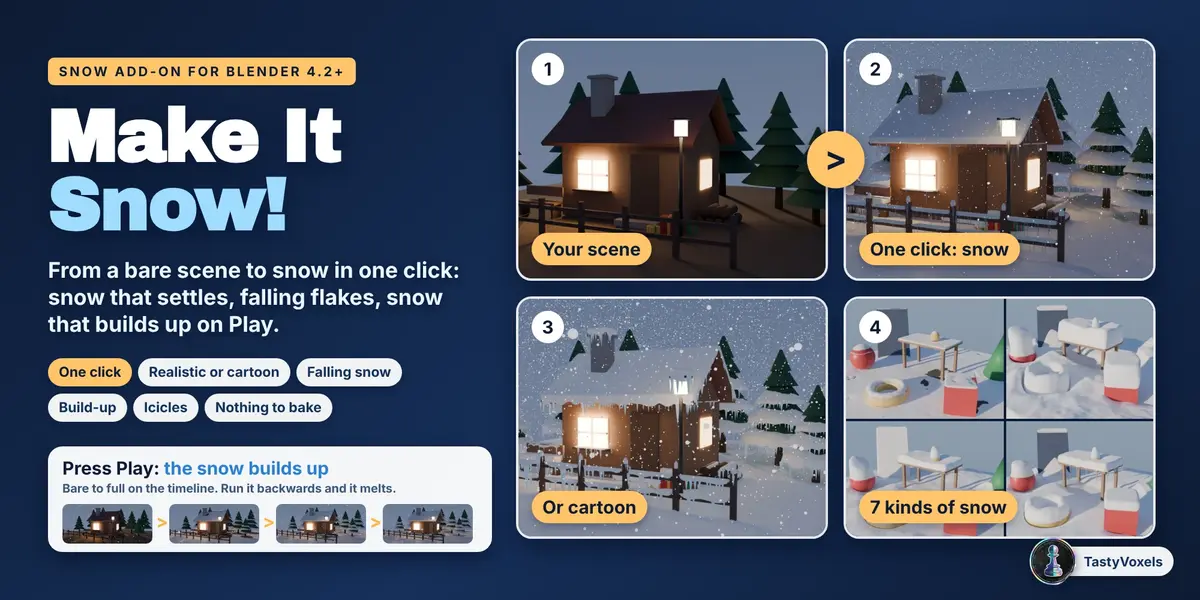
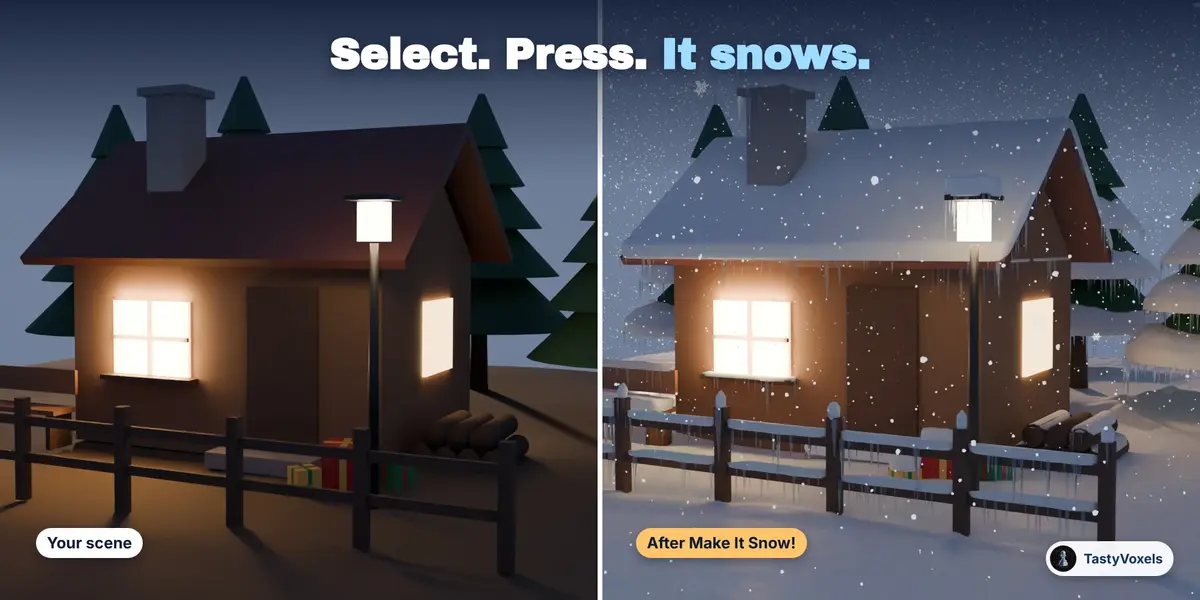
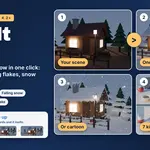
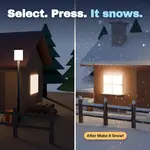

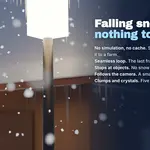
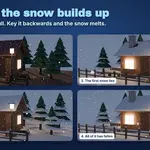
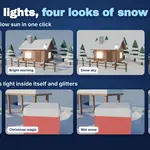
Select your scene, press one button, and it snows.
Make It Snow! is a snow add-on for Blender 4.2 and newer, for Cycles and EEVEE. In one click it puts snow on your objects that settles the way snow does, fills the air with falling flakes made with geometry nodes (nothing to bake), and can make the snow build up over time on Play. Realistic or cartoon snow, with one switch.
Who it is for. Motion designers and studios who make Christmas films, greetings and adverts and have days, not weeks. Illustrators and YouTubers who want a winter version of a scene they already have. Archviz artists who need the same house in January. Anyone who has tried to model snow by hand and knows how long a single roof takes.
What people make with it. A snowy Christmas scene or a winter village. Snow on a roof, a car, a bench or a fence. A product shot or a logo under snow for a holiday advert. A 3D title with snow on the letters. A winter version of an architectural visualization. A Christmas card or an animated greeting with snow falling and piling up. A stylized, cartoon winter for an animated short or a game cinematic. Snow on a model you sculpted or bought, without touching the model.
One click, three things, six steps
Select what the snow should lie on, or nothing for the whole scene. Pick a kind of snow. Press Make It Snow!. You get the snow on the objects, flakes falling over them and, if you tick it, the snow growing from bare to full over the frames of your scene. Each of the three also has a button of its own. The panel is a list of six steps that tick themselves as you go, and you pick the kind of snow and the winter light from pictures.
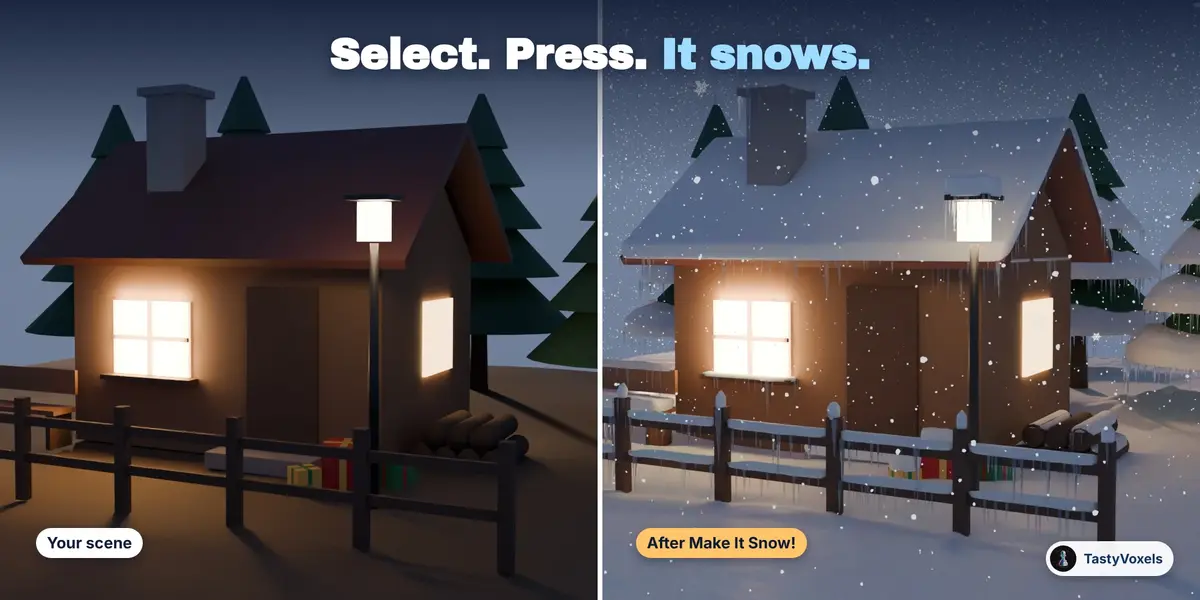
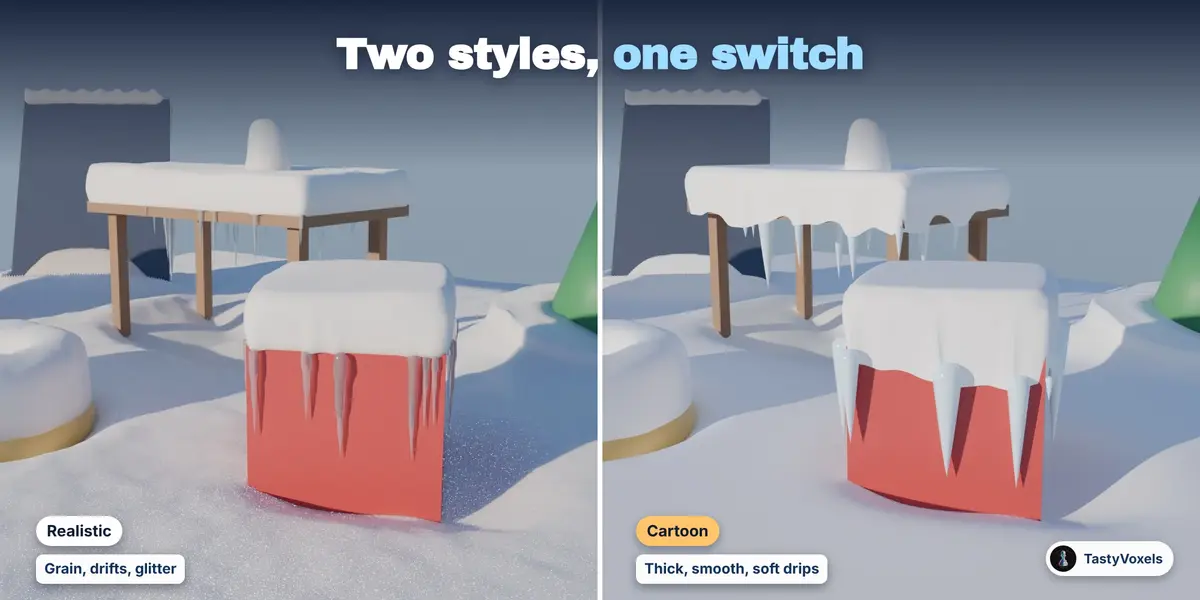
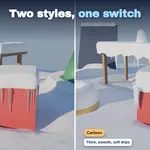
Two styles: realistic and cartoon
One switch in step 2 of the panel. Realistic is snow as it is: grain, drifts, light scattering inside it, glitter. Cartoon is snow as it is drawn: thick, smooth and round, sagging over the edges in soft drips, clean white with a blue tint where it turns away, chunky icicles and plain round flakes. The style lies over the kind of snow, so every kind comes in both, and each snow object keeps its own style.
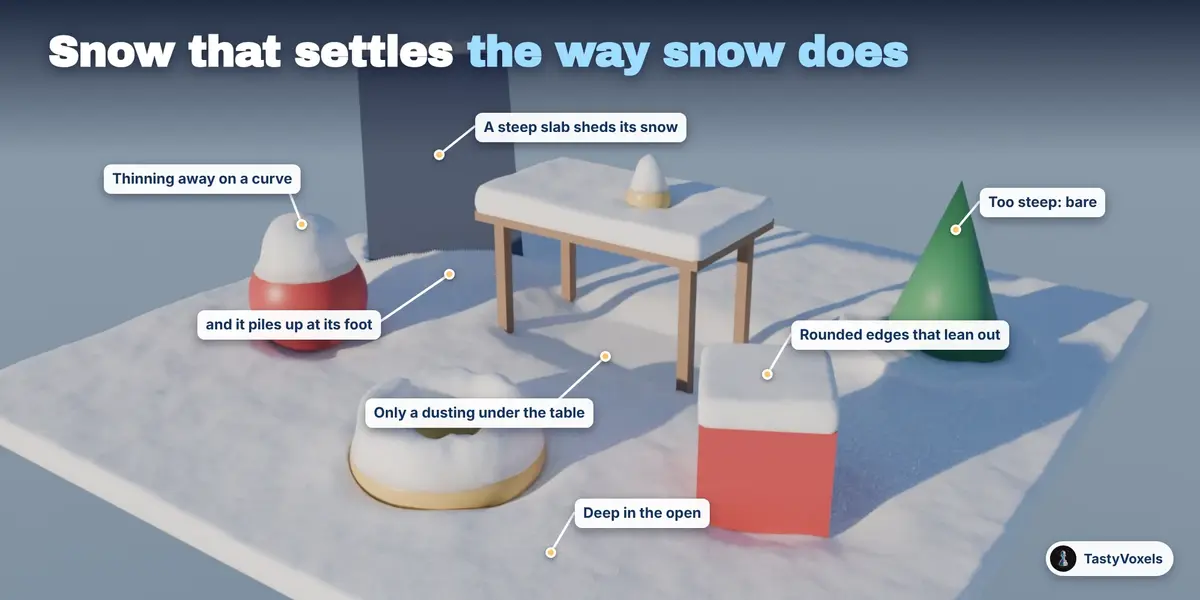
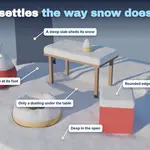
Snow that settles the way snow does
The snow is a real mesh, worked out from your objects as they are after their modifiers. It lies as deep as you ask in the open and thinner where something is above it: under a table, a roof, a tree. It slides off anything steeper than the slope it can hold and piles up below, so a steep roof ends up bare with a drift at its foot. At an edge it ends in a rounded shoulder that leans out over the edge, like the cap on a fence post. Surfaces one above the other each get their own snow: a table top, the shelf under it, the ground.
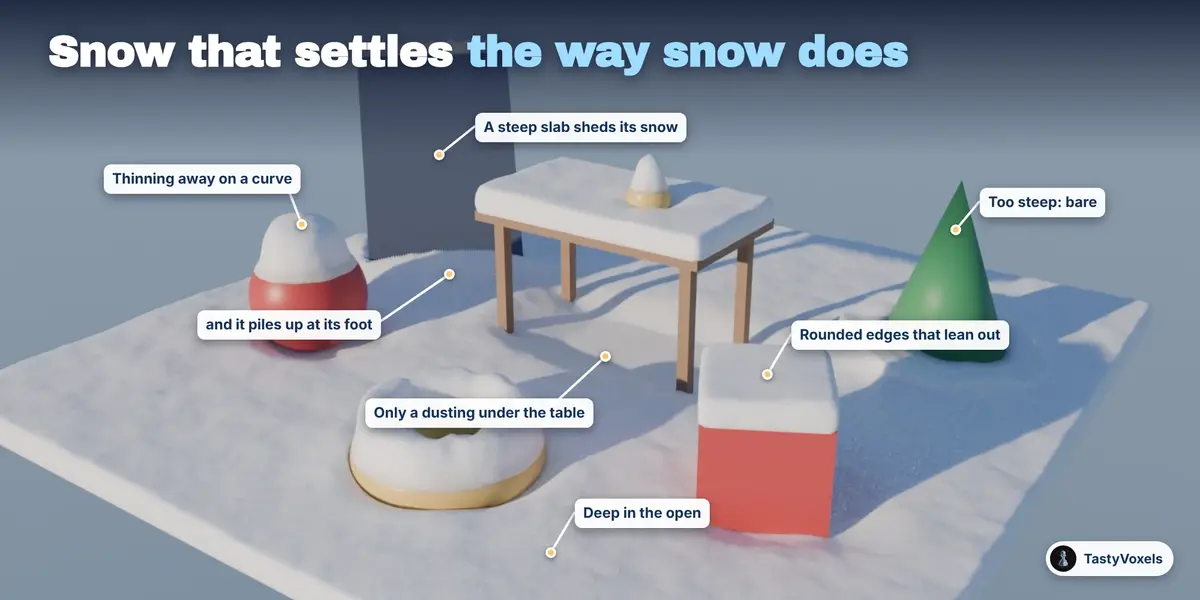
Clean edges. The line where the snow ends follows the true edge of your object, not the steps of a grid: on a box turned at any angle it is a straight line, on a ball it is a round one. The automated test suite measures it.
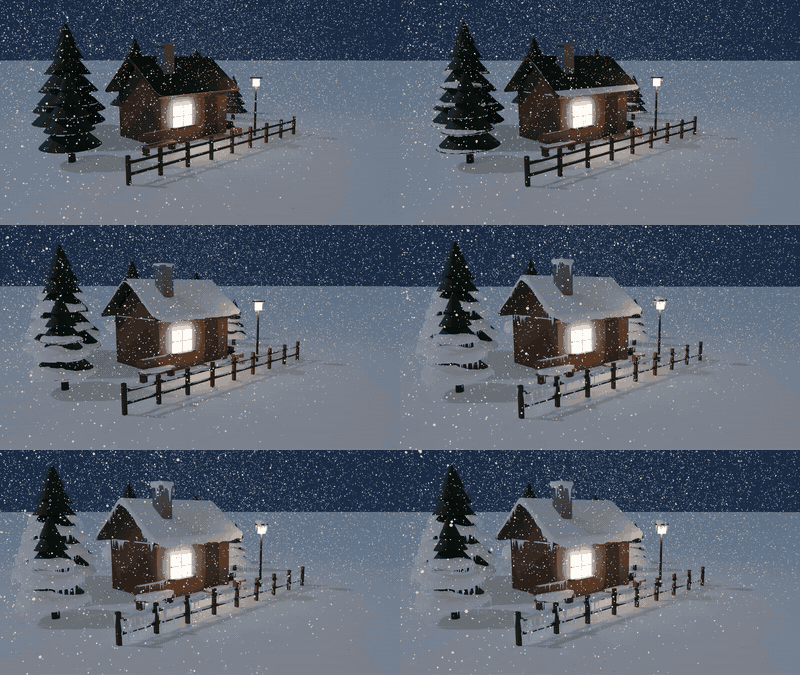
One wind for everything. Wind is in metres per second, with a direction. The flakes in the air are blown by it and the snow they leave piles up on the faces turned to it, thin in the lee of a wall: what falls and what lies always agree. Blizzard blows at 7 m/s and swirls in under every tier of a pine, so the trees end up white.
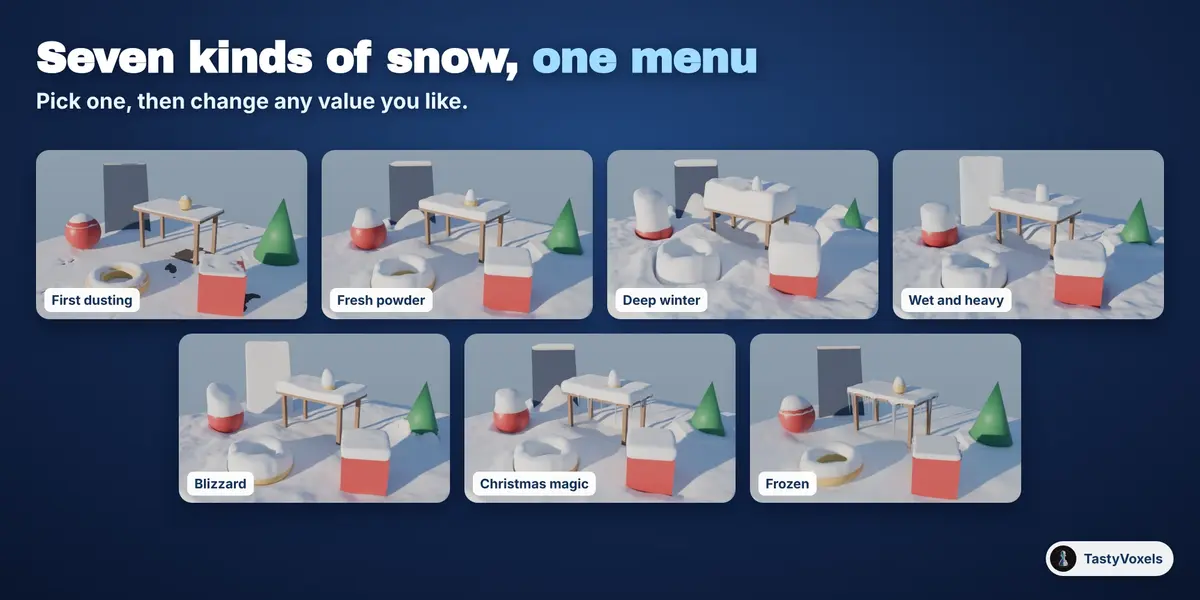
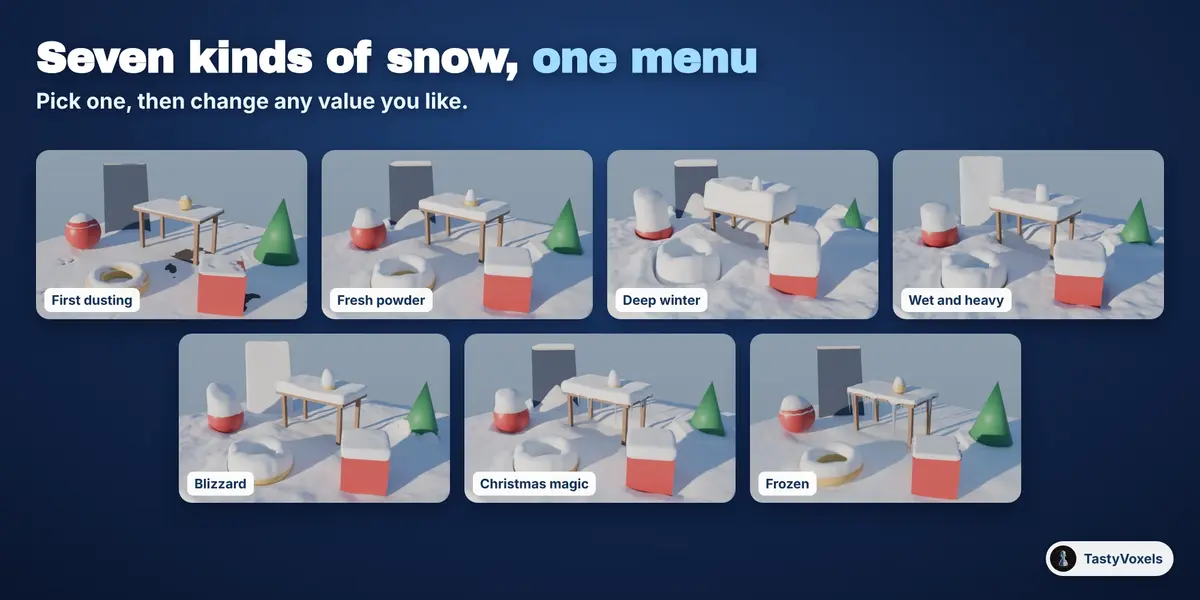
Seven kinds of snow
First dusting, Fresh powder, Deep winter, Wet and heavy, Blizzard, Christmas magic, Frozen. Each one sets the depth, the slope the snow holds, the edges, the drifts and the look. Every value stays yours to change: change one, press Update Snow, and the same seed gives the same snow every time.
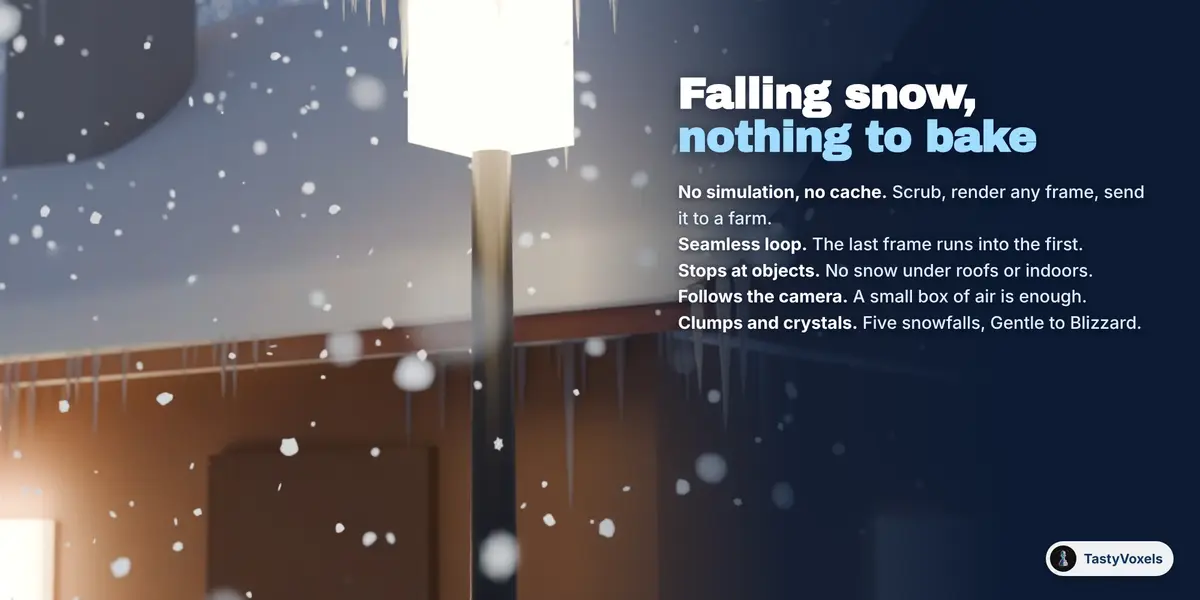
Falling snow with nothing to bake
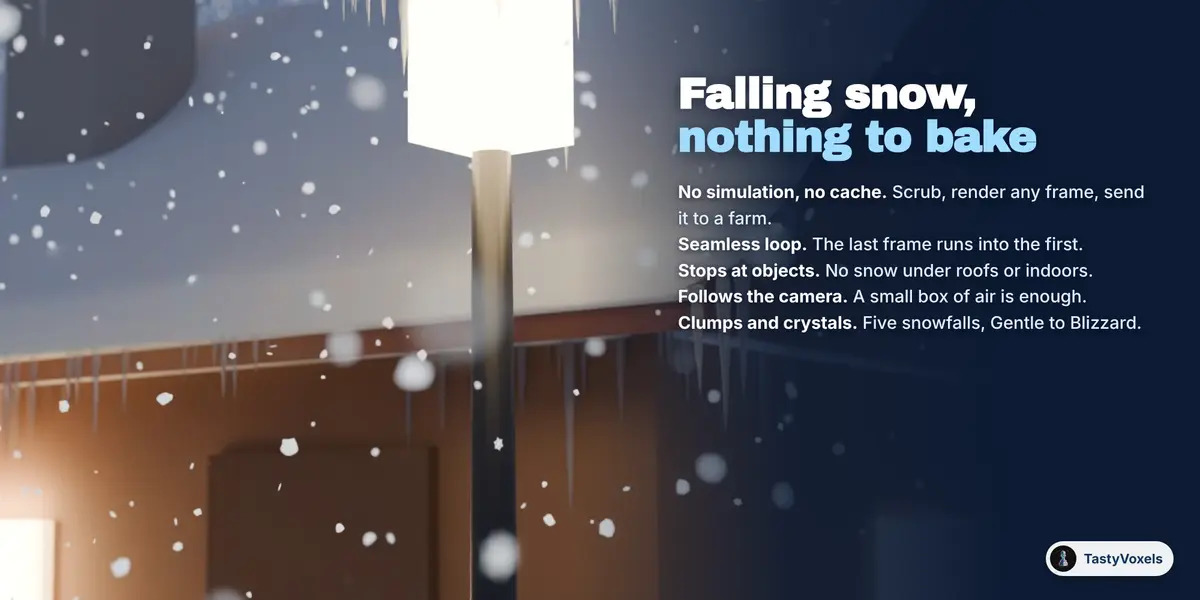
The flakes are a geometry nodes setup with no simulation and no cache. Where a flake is depends only on the frame, so you can scrub the timeline, render any frame on any machine or on a farm, and never wait for a bake. Seamless loop makes the last frame run into the first. Stop at objects leaves out every flake that has something between it and the sky, so it does not snow under roofs or indoors. Follow the camera moves the box of air with the camera while the flakes stay where they are in the world. Soft clumps, six-armed crystals, or both, in five snowfalls from Gentle to Blizzard.
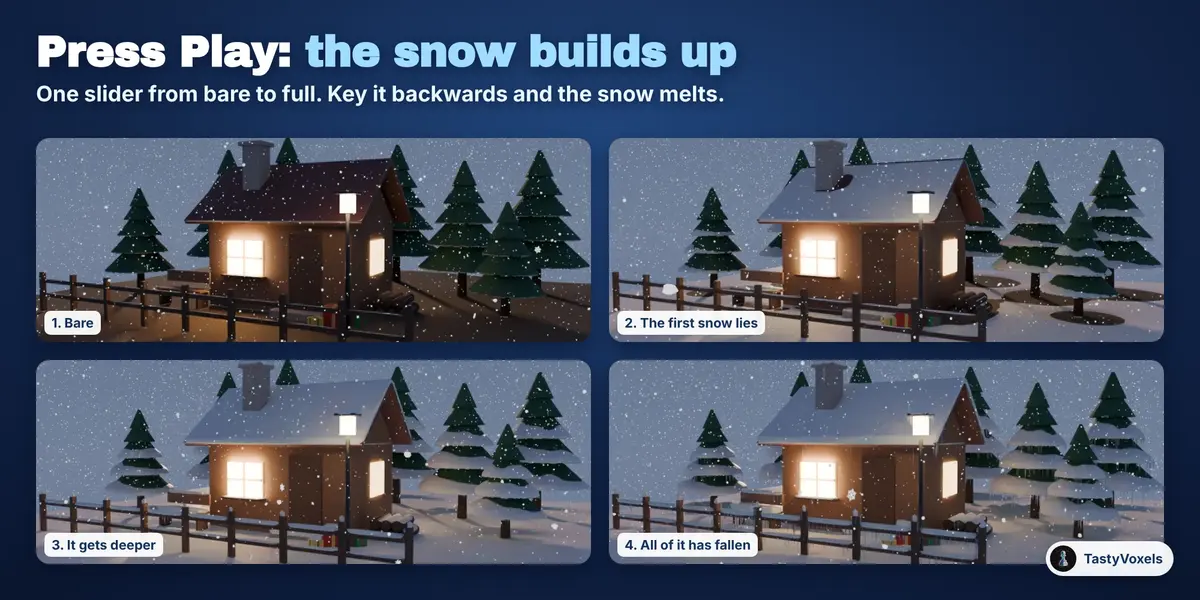
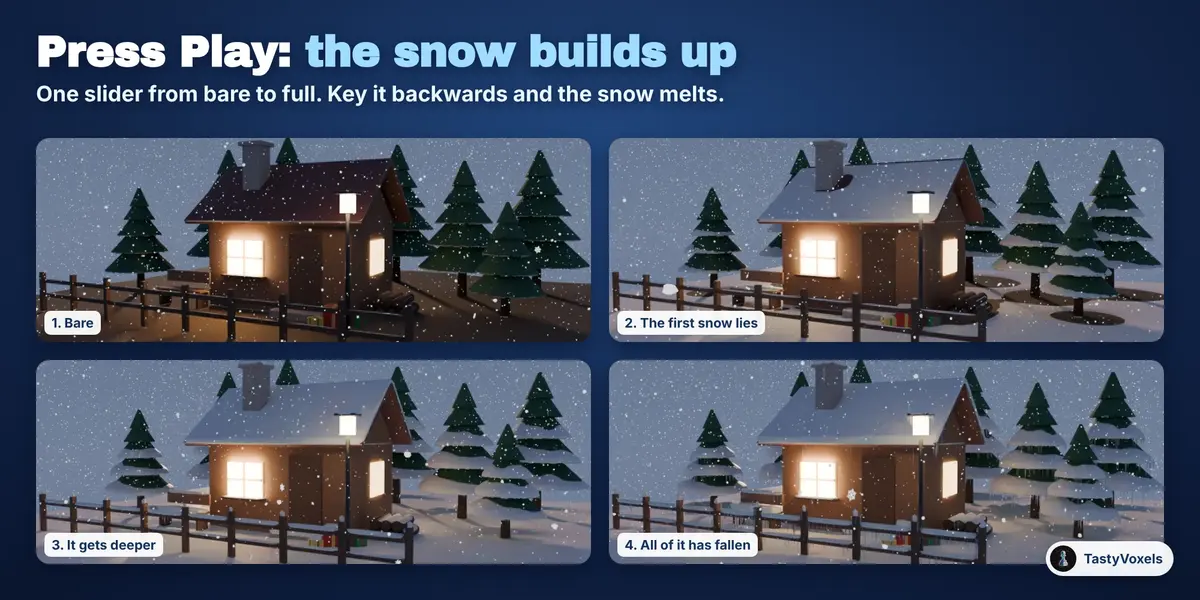
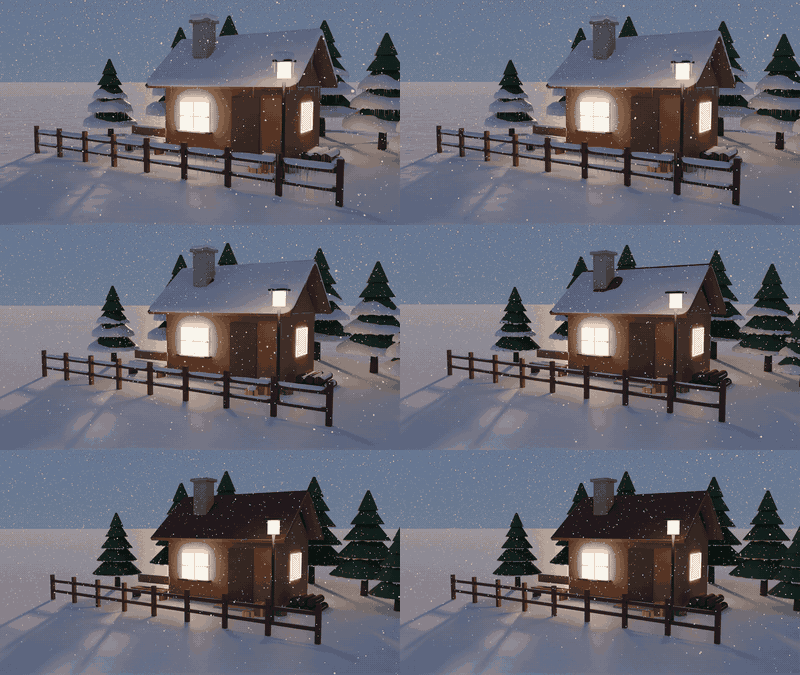
The build-up: watch the scene fill with snow
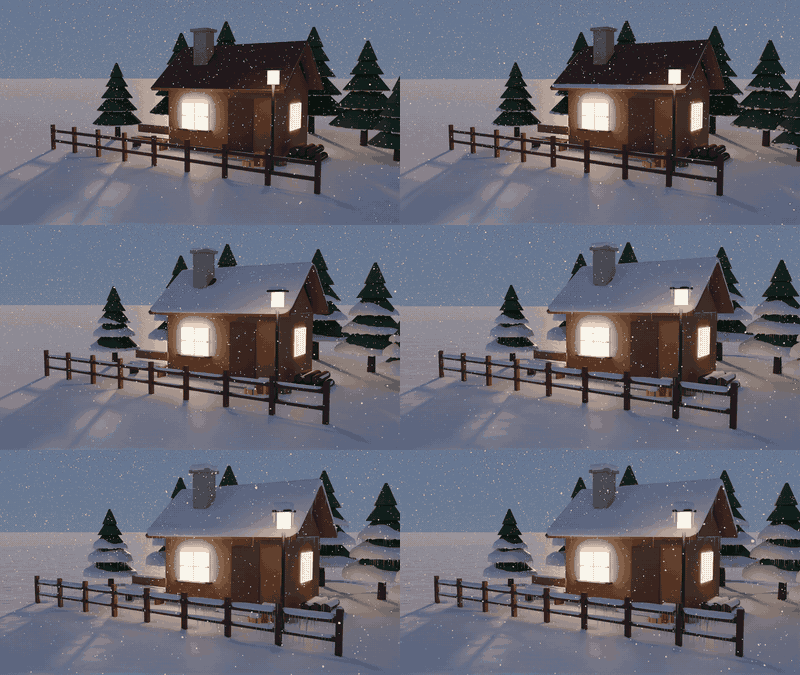
Simulate the Build-up works the snowfall out step by step and keeps every step. One slider, Snow fallen, goes from bare to full between two frames. Press Play and the snow grows, slides off the steep parts and piles up below as it goes. Key the slider backwards and the snow melts. It is shape keys driven by a plain expression: no script to allow, and it is an ordinary animated mesh, so it exports to Alembic like any other.
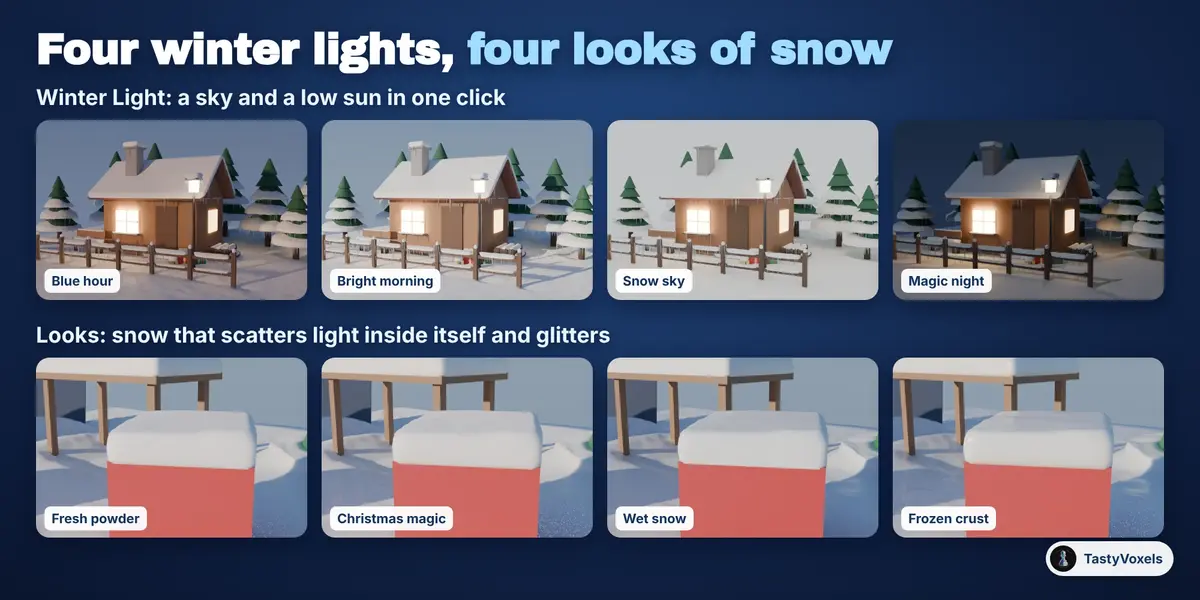
Icicles, four looks, winter light
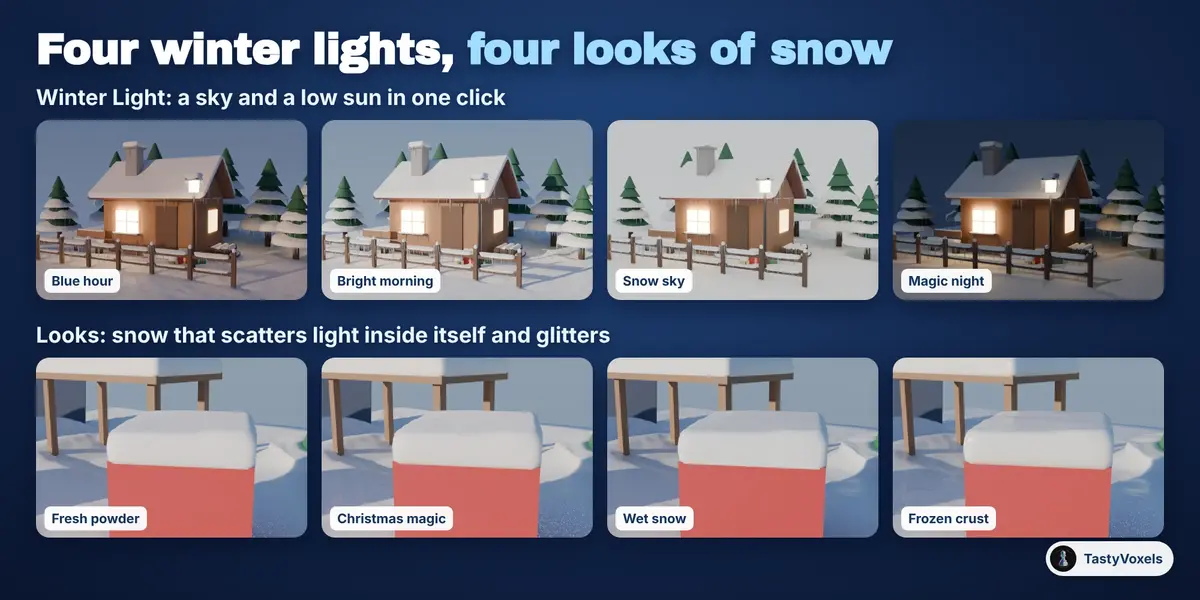
Icicles hang from edges that carry snow and have air below them, clear of the wall under the edge: set how many per metre and how long. The snow material scatters light inside itself and glitters as the camera moves, in four looks: Fresh powder, Christmas magic, Wet snow, Frozen crust. Winter Light sets a sky and a low sun for four moods: Blue hour, Bright morning, Snow sky, Magic night.
Any size, from a bauble to a village
World scale is 1 for a scene in real metres. Make It Snow! sets it for you when what you snow on is smaller than 1.5 m, so a small ornament gets snow to its own size and not a 12 cm blanket. Detail sets how fine the snow is, and Only inside limits it to an area of your choice, so a wide ground does not use up the detail of a close-up. A word, a logo or a product works the same way, which is handy for titles and adverts.
It stays ordinary Blender
The snow is a mesh, the build-up is shape keys, the falling snow is a node group, the materials are plain Principled materials. A file made with the add-on opens and renders on a machine without it. What is under the snow is never changed.
Cycles and EEVEE. Every picture and GIF on this page was rendered in Cycles. I also rendered the example scene in EEVEE in Blender 4.2 and 5.2, in both styles: the snow, the icicles and the flakes all render there too. Cycles shows more of the light inside the snow.
An example scene to start from. Add Example Scene builds a cabin with lit windows, pines, a fence, a lamp post and presents, all bare, with a camera and winter light. Press Make It Snow! on it and you have the picture at the top of this page.
What it does not do
It is not a fluid or granular simulation: characters do not leave footprints and objects do not push the snow aside. Snow on a single object follows that object; snow that lies across several objects is worked out for where they are, so press Update Snow after moving them. Collection instances and geometry nodes instances are not read as objects to snow on: make them real first.
No AI inside the product
No model, no inference, no telemetry, no network access, no data collection: plain geometry and node code that runs on your computer, offline, for good.
How it is made. I have been programming since long before generative tools were mainstream. AI assists me now: it writes code with me, and it translates my documentation into English, which is not my first language. The decisions and the checks are mine: an automated suite builds scenes and measures the result in Blender 4.2 and 5.2 (snow that ends on the true edge of a turned box in a straight line, the depth in the open, the thin snow under a table, the steep roof that sheds its snow to its foot, a closed mesh, a build-up that only grows, flakes that never appear under a roof and come back exactly after one loop) before anything ships.
Updates and support are included for good: no support period, no renewal fee.