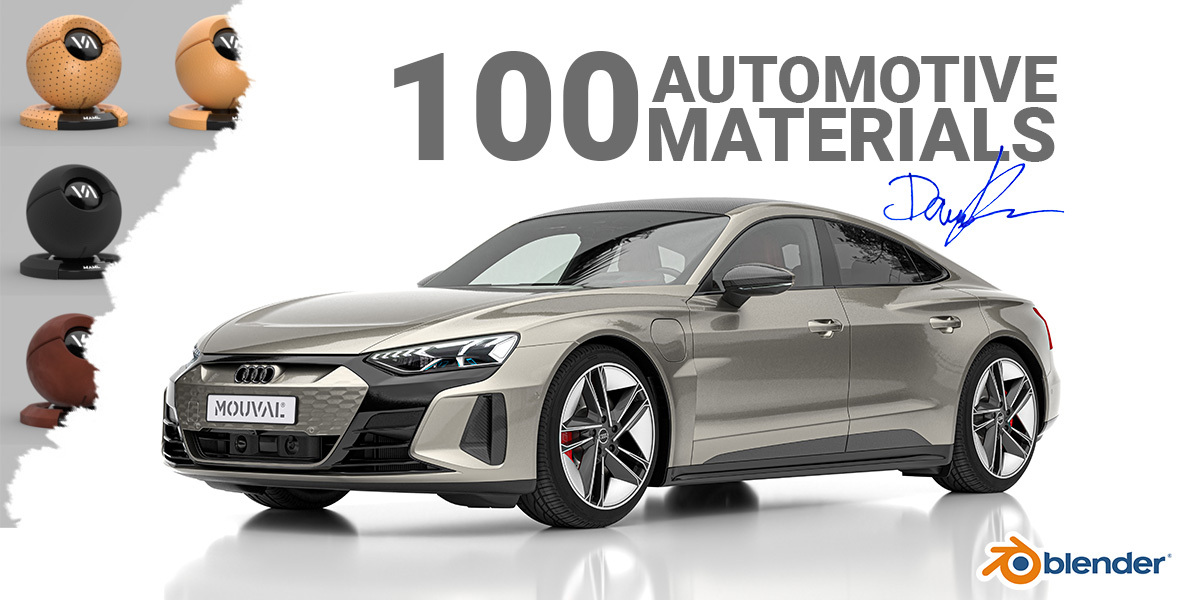
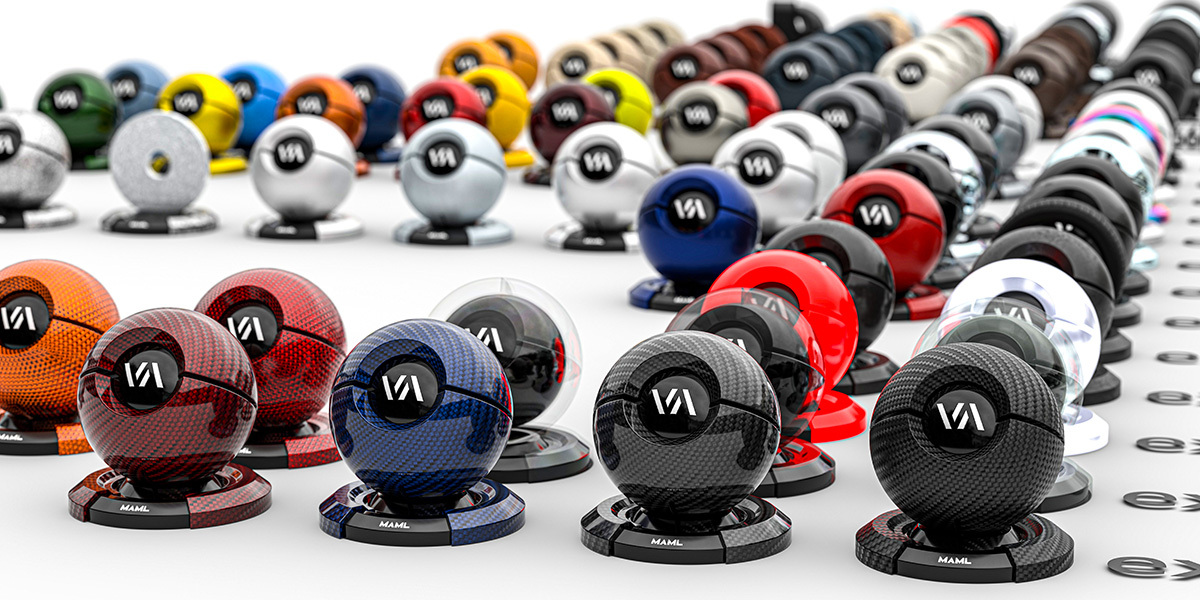
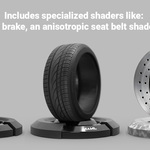
Maml | Mouval Automotive Material Library (100x)

Damian Mathew in Plastic


Item Rating

This item has an average rating of 5 from 6 ratings by the community.

84%
17%
0%
0%
0%

Purchase this item to leave a review!

  • Bruno Brokers
    over 1 year ago

    The best car materials! I suggest them for everyone!

  • Darryl Boediarto
    over 1 year ago

    I need helping installing. New to Blender

  • Harald Schremmer
    over 1 year ago

    There are many easy-to-use car paint collections, but this one is the absolute best in terms of quality.

  • kurosaki
    over 1 year ago

    SUPER

  • SPLEEN VISION
    almost 2 years ago

    Damian already teached me so much, this is the cherry on top!

    Danke Dir mein Freund!

  • Chase
    over 1 year ago

    Just in case you are new to Blender and need to know exactly how to use this asset library. I had significant trouble figuring it out and it is not at all intuitive. Note* This is based on using Blender ver. 4.3.2 (4.4.3 was SUPER BUGGY for me. It literally crashed when I would move a single vert and my PC is SUPER O.P.)

    1: Unzip the file.
    2: go through each folder until you reach the main MAML folder that contains all content. Highlight all files here. cut or copy them and exit that folder.
    3: Navigate via File Explorer to *this EXACT location (on PC if you're on a Mac, you overpaid for your system and should have built a PC yourself and I have no idea what you need to do :) )
    * C:\Users\"your pc' name"\Documents\

    Now this is where this gets a little confusing.
    Depending on which version of Blender you're running, the folder in the file path above named "Blender Asset Libraries" may not exist. This is due to some versions of the program needing to be installed while some versions are simply just application files that run by clicking on them (meaning they aren't installed). If it is an "installed version' the folder should be in the file path per usual. If not you have to create it manually.
    4: Create a new folder in the Documents folder and name it "Blender Asset Libraries"
    5: Enter this newly created folder and here (within this folder) create another folder and name it "MAML".
    Now your File Path should look something like this:
    C:\Users\"your pc' name"\Documents\ Blender Asset Libraries\MAML
    6: Click on this newly created folder (MAML) and paste the contents from the original "unzipped" folder. **Important- The folder should only have "one layer" with no other sub folders within it. otherwise, I don't believe that it will work.

    7: In Blender(again, I'm using 4.3.2) you now must go to "Edit", "Preferences", "File Paths", Within the area of this tab labeled "Asset Libraries" to the right side of the "User Library box", click the (+) plus sign to add a new file path that will point Blender to exactly where you have saved this asset library on your system.
    8: Click the "hamburger" icon on the bottom left of the "Preferences Dialog Window", Then click "save Preferences" then exit the menu.
    9: How to locate the actual library within Blender...
    -Go to the Properties panel (far bottom right panel)
    -Click the icon at the top right of this panel... A menu will appear. Under the section title "Data", click "Asset Browser"(ShiftF1)
    -In the Asset Browser, click the "down arrow" directly to the left of the "rotation" symbol. This will open a directory of all asset libraries that Blender has been pointed toward. At the bottom of this list you should see "User Libraries" and just beneath that... MAML !! "There's my Chippy..."
    -Click MAML lastly... within the box below the drop-down list where you chose MAML click "Catalog".
    - POW POW THIS is your MAML ASSET LIBRARY. Now I'd recommend you save this as a default start up file so that its always there.
    If you want to close the Asset Browser simply click the very top left drop down menu and choose whatever you want to have open in this area. (The default was the Properties Panel {ShiftF7} )

    I gave this a 4 due to the lack of explanation of how to install this and the lack of ability to obtain help.

  • Displaying 6 ratings
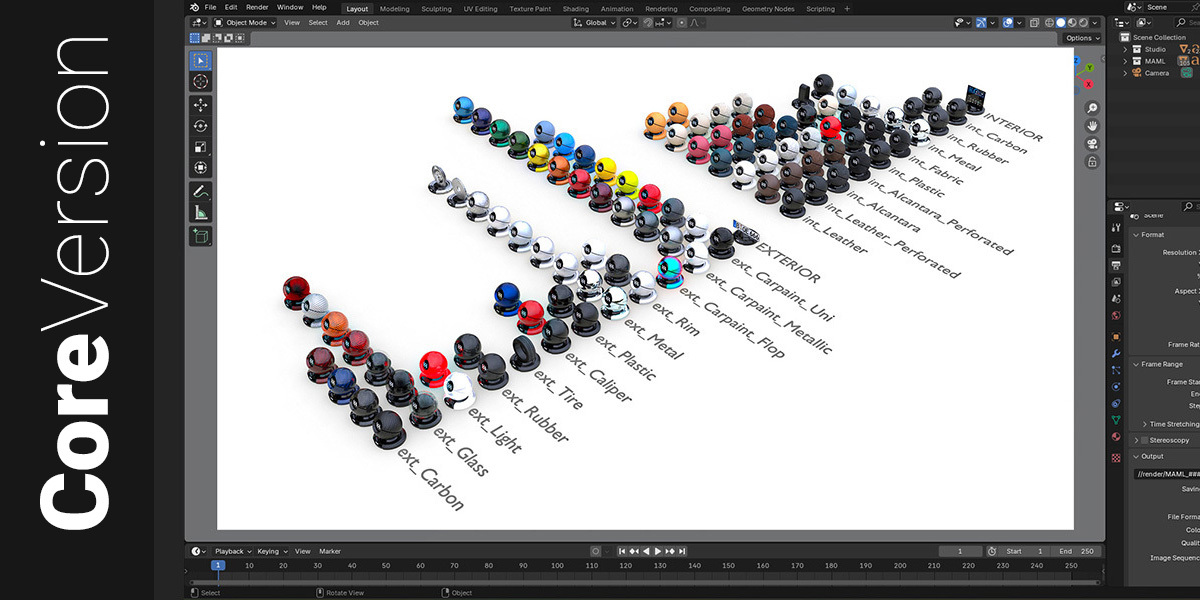
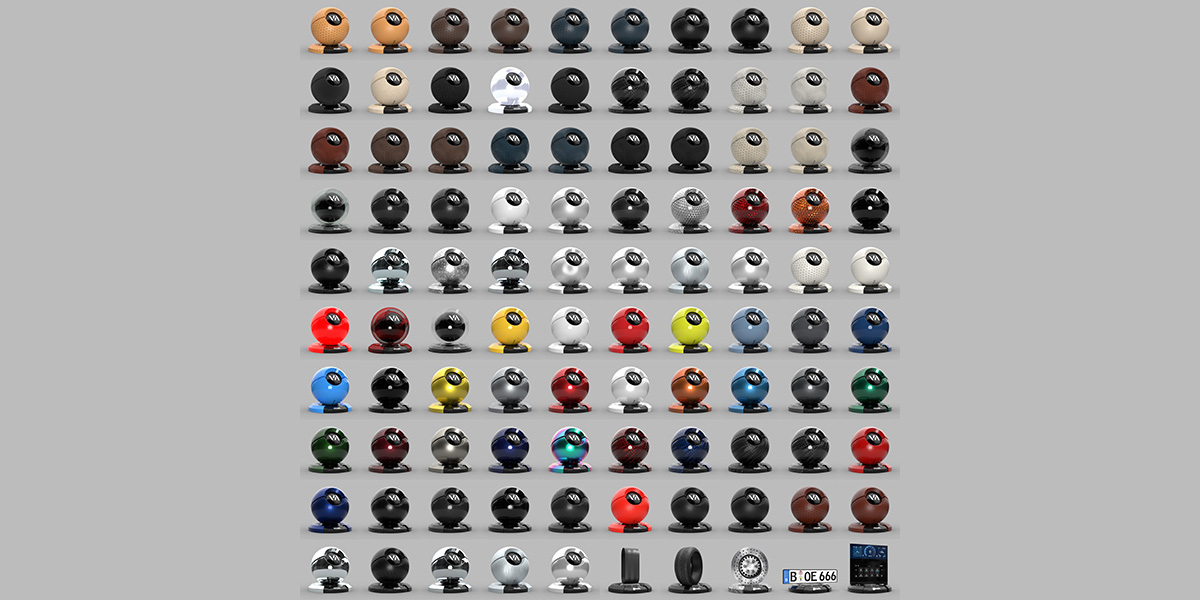
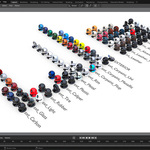
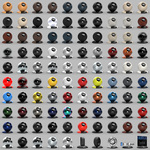
  • You will receive a .blend file containing all 100 materials neatly organized on shader balls.

    $19.99
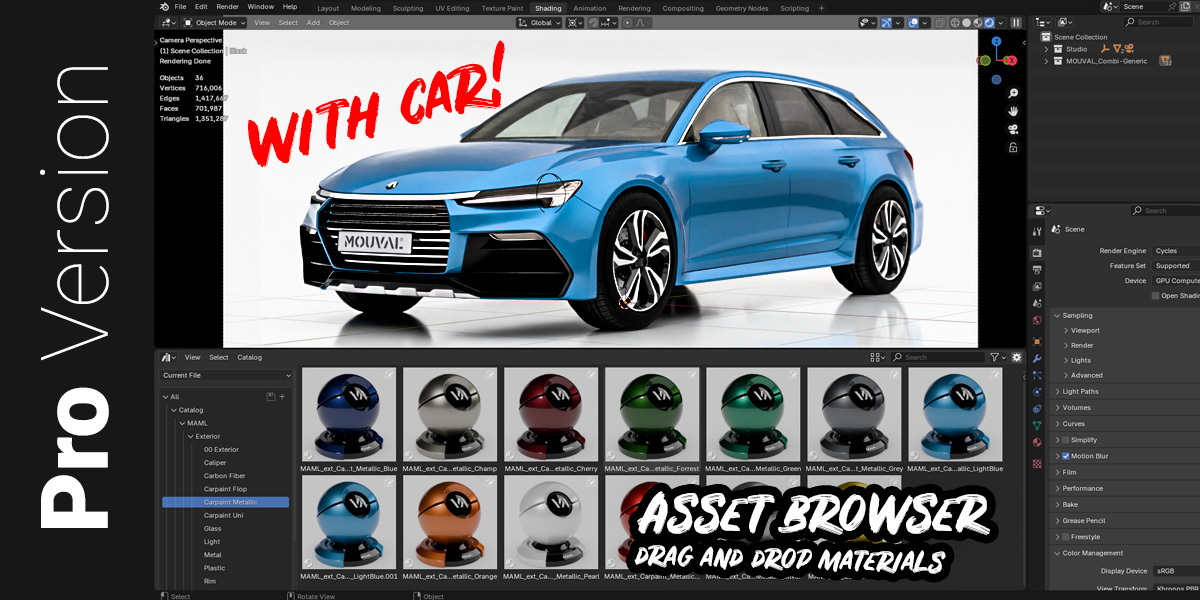
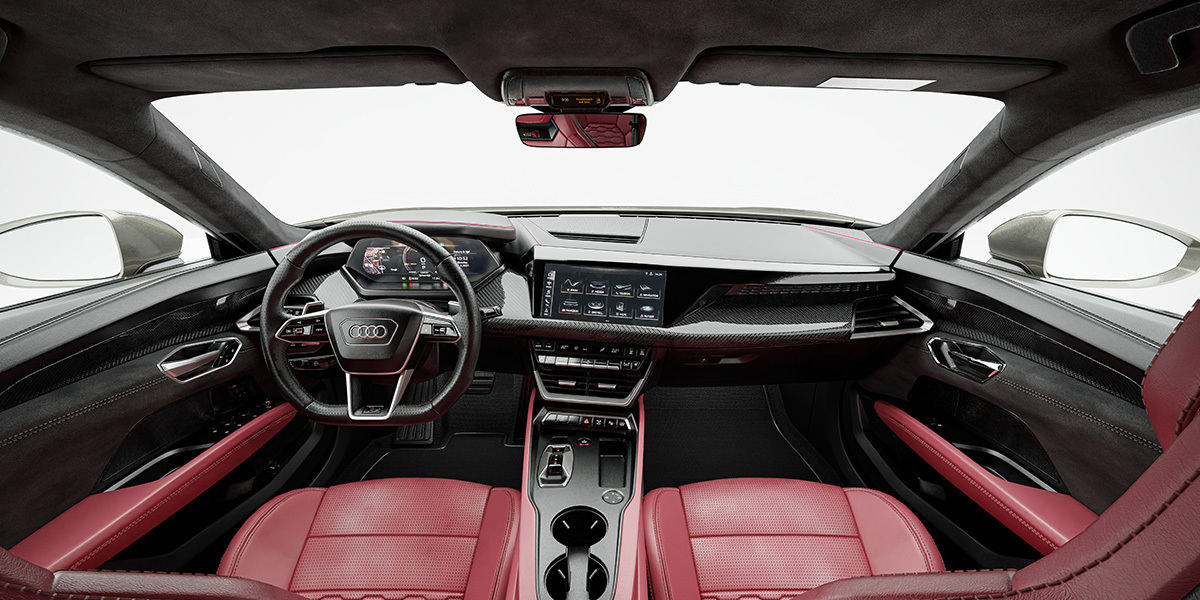
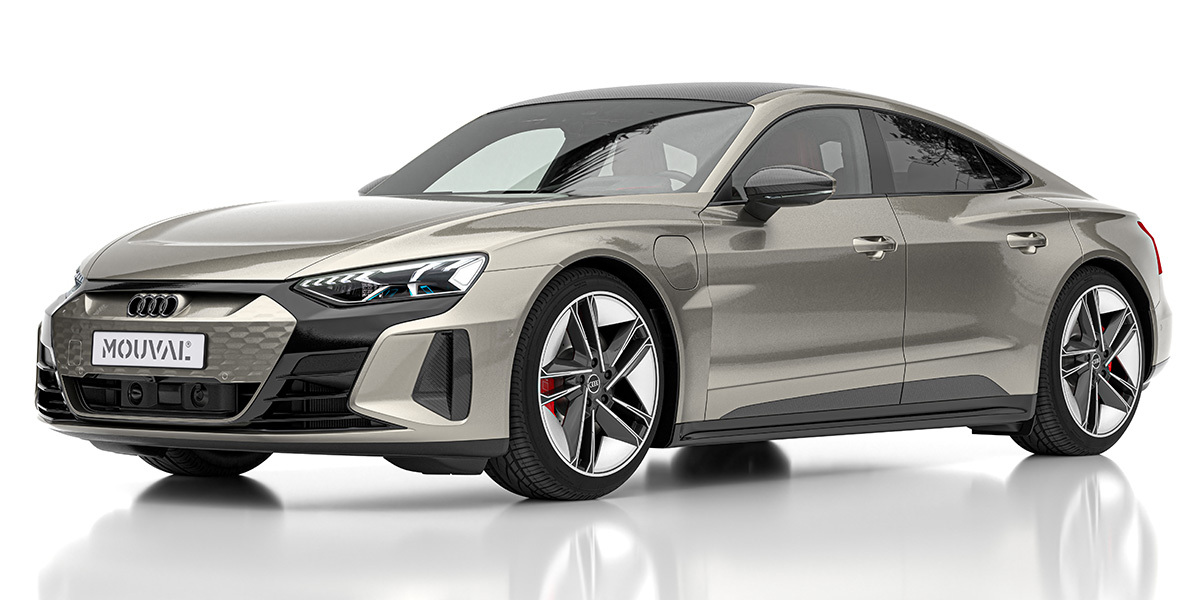
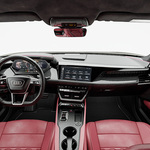
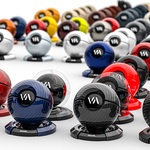
  • Includes: The Asset Browser version of 100x materials for quick material assignments, the MOUVAL generic car, a basic yet high-end studio lighting and optimized render setup. Includes the Core Version as well.

    $39.99
$19.99

Have questions about this product?
Login to message

Details
Sales 300+
Rating
6 ratings
Dev Fund Contributor
Published almost 2 years ago
Blender Version 4.3, 4.2, 4.1, 4.0
Render Engine Used Cycles, Eevee
License Royalty Free