 Qik3D
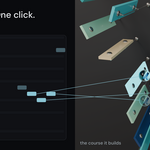
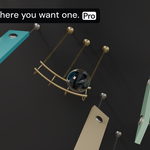
Marble Studio Pro is a Blender add-on by Qik3D that turns a MIDI file into a perfectly looping marble music animation.
Every purchase includes 12 months of updates and support. Everything you download in that time is yours to keep.
The problem
Marble music animations are hard to make. The most common way is using a physics simulation: you place the keys by hand, run the sim, find the note that missed, nudge a key, and run it again, for hours. Even when every note lands, the video still has to loop: the end has to hand back to the beginning with no cut and no jump, and a simulation has no reason to do that.
I have made marble music animations for years, and I built this tool so I could stop doing it the hard way.
What it does
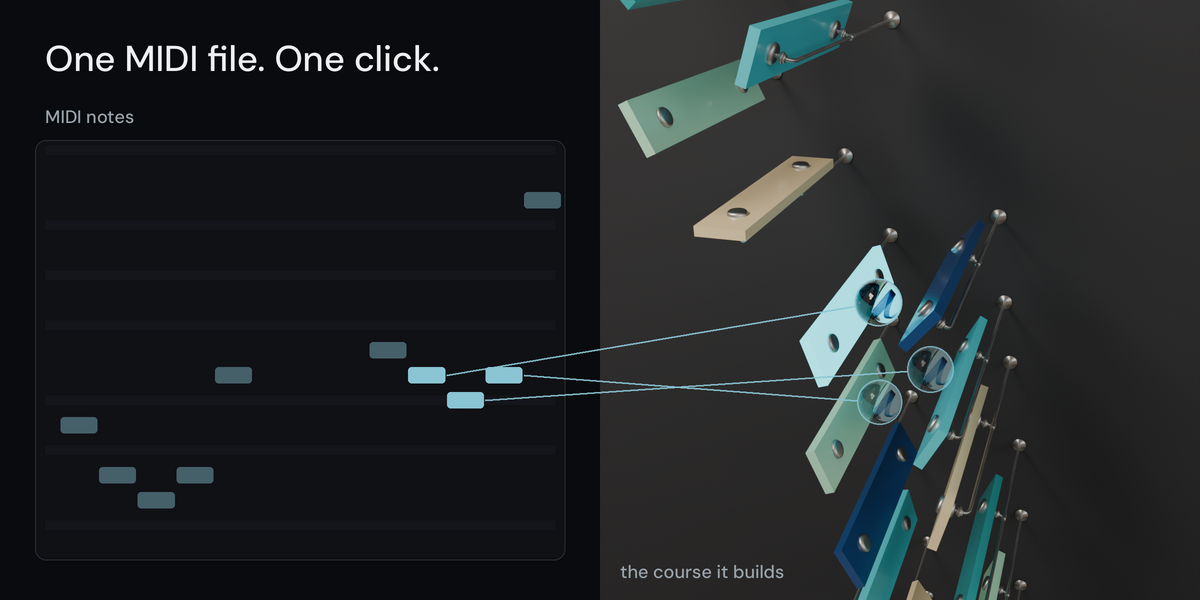
You choose a frame rate, give Marble Studio a song as a MIDI file and press Generate. It builds the whole course: the marble, a key for every note, the key bases, the wall, the lighting and a looping camera, and it places and angles every key so the marble strikes it on the note's frame. When it finishes you are looking through the camera, ready to press play.
The motion is not simulated. A solver places the keys and draws the motion on animation curves, the way an animator would key it, shaped to look physical. There is nothing to bake and nothing to re-run, the file plays the same every time, and a strike can't drift off the beat. There is no generative AI in it, and you can edit every key.
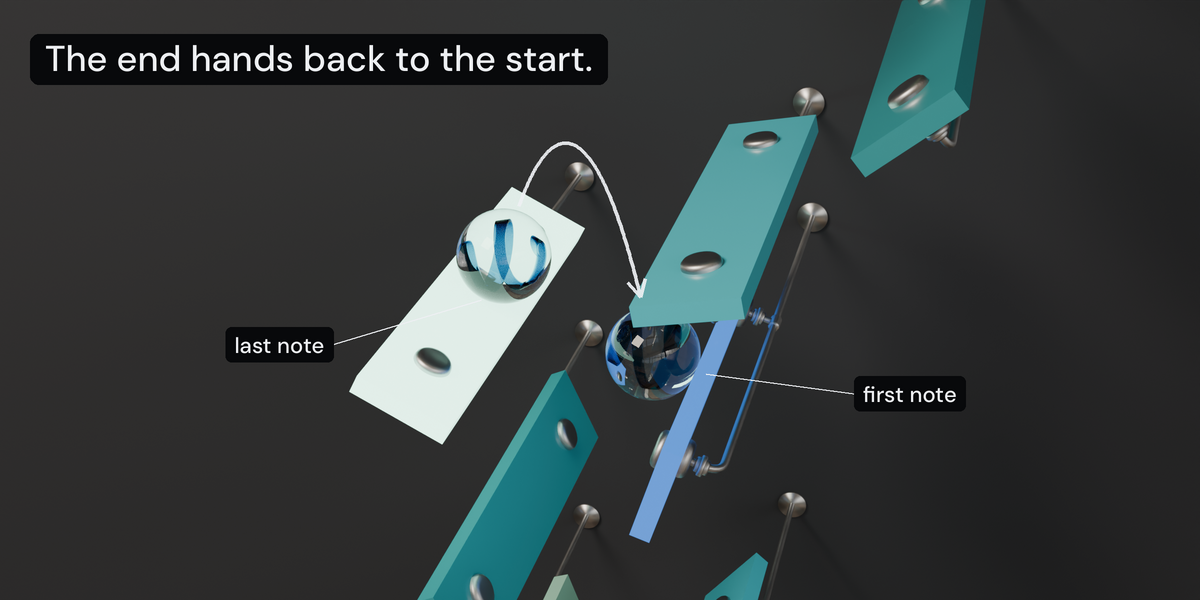
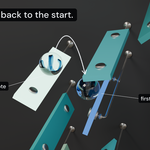
The loop is built in. The last note hands the marble straight back to the first, so the animation plays forever with no cut and no crossfade. If a change can't give a clean loop, the add-on tells you instead of handing you an almost-loop.
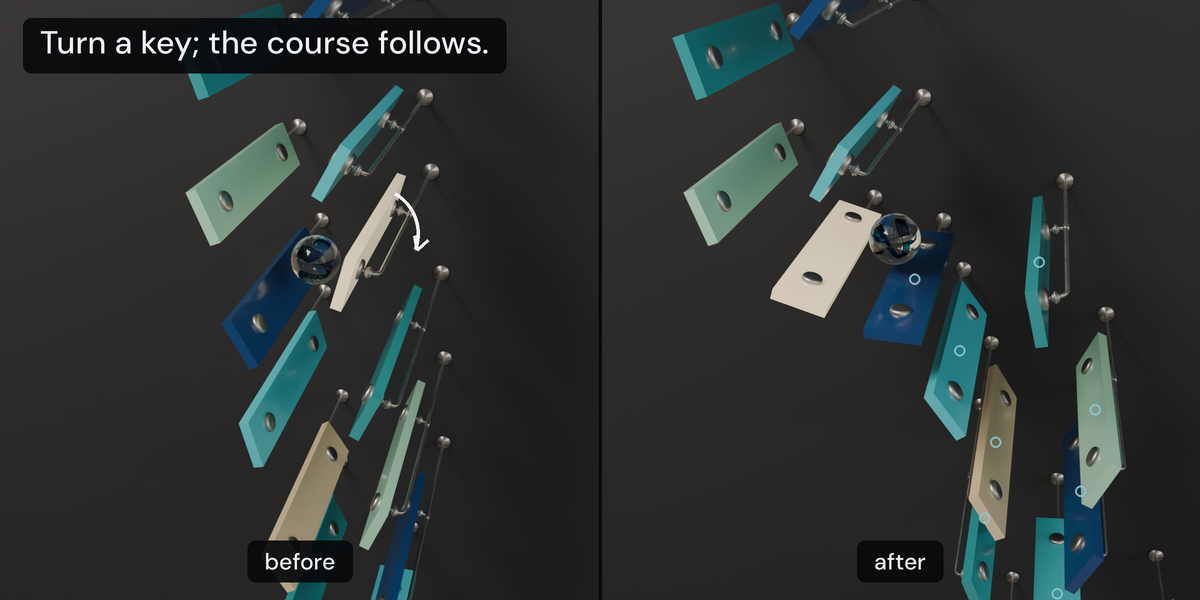
Everything stays editable. Turn a key or change its bounce and the course after it re-flows to stay on the beat. If you have the song's audio (.wav, .mp3 or .flac), give it the same name as the MIDI and put it in the same folder: Generate brings it in, lined up with the notes.
What you get
- Generate: MIDI in, a complete course out, for a song of any length. Pick which part of a multi-part MIDI the marble plays, and press Next Seed for a different layout of the same song.
- Course editing: turn keys, dial each key's bounce, scale the bounce of the whole course, re-solve. The course follows your edits and the loop stays closed.
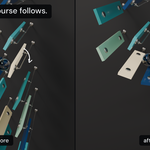
- A perfect loop, by construction, with tools to view and adjust the seam where the song wraps, and Seam Mirror: copies of the keys, the marble and its path on both sides of the seam, so lighting and reflections match across the loop.
- Course Check: one list of anything worth knowing about your course, with a button to go to each item.
- A looping camera that follows the marble, with one angle, tilt, distance and height for the whole loop.
- Render Loop: the frame range is always exactly one loop, and you can re-order rendered frames so the loop starts on the frame you like, with the loop's audio written to match.
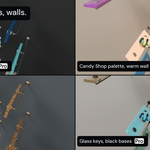
- The look of the set: a plain wall in the color you choose, key colors you pick by hand, Key Bases with your own base material, and Key Shape to edit the key itself.
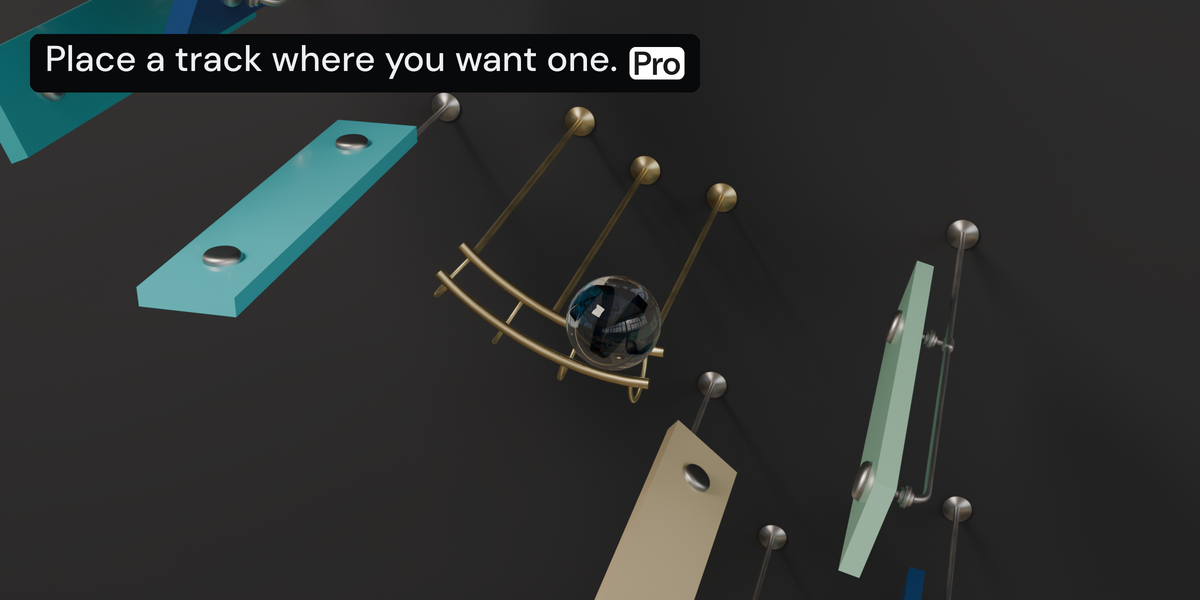
- Tracks (Pro): insert a track by hand in a gap between notes, shape it and set its speed; the marble catches, rolls and releases, and the keys after it stay on the beat. Rails, Pipe, Tube and Half Pipe looks, saved presets and starter track materials.
- Camera Director (Pro): fly the view with the mouse and drop points of interest; the camera still loops.
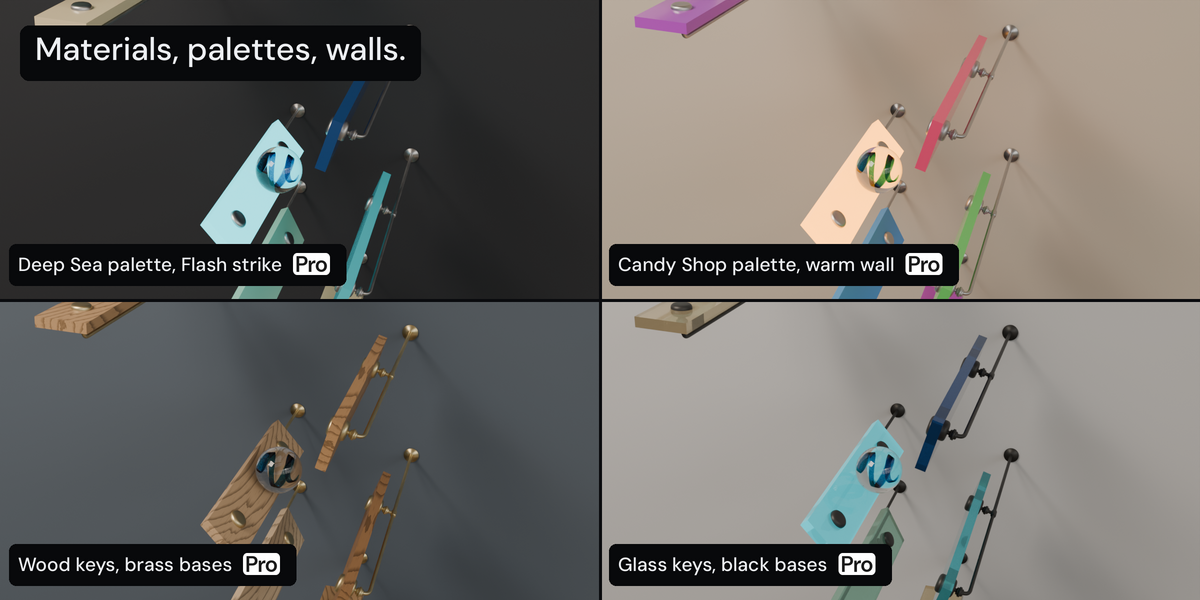
- Key materials and palettes (Pro): a starter material library, colors by strike order, by pitch, or by note, a palette generator, palette import, starter palettes and a glow on every strike.
- Wall Surface (Pro): image or material walls that tile seamlessly across the loop, and Straighten: the pattern stays upright at your tile size and the course gives a little instead. It tells you how far the course moved, and one Ctrl+Z puts it back.
- Seam Decor (Pro): your own set dressing, copied to both ends of the loop so the scene matches across the seam.
- Marble Replacement (Pro): ride any ball of your own on the course.
- Your own keys and bases (Pro): save your own models (a bell, a drum) as parts and use them as the keys and bases of any course, with starter key-base materials to start from.
- Your library (Pro): save your own key, base, track and wall materials, palettes and parts, and load them into any song.
Free and Pro
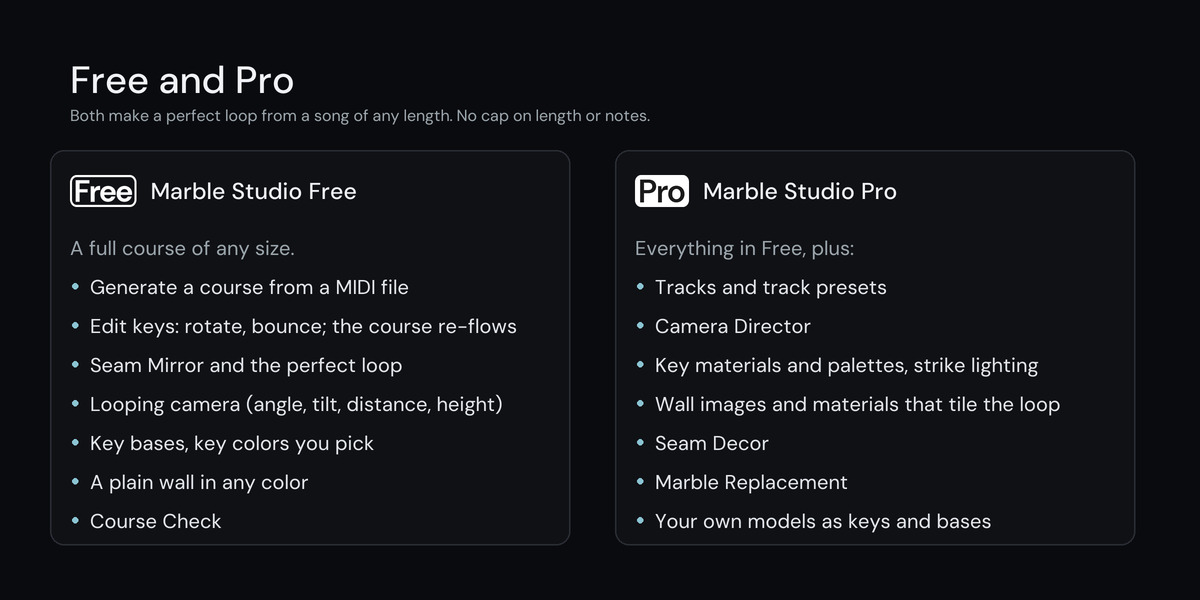
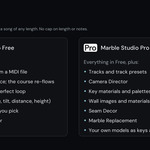
Marble Studio Free costs nothing and has no cap on song length or notes, and nothing in it is shown locked. Give it a whole song and you get a complete course that loops perfectly: Generate, key editing, the whole loop toolset with Seam Mirror, the looping camera, Key Bases, Key Shape, a plain wall in the color you choose, key colors you pick by hand, Song Reference, Render Loop and Course Check.
Marble Studio Pro adds tracks, the Camera Director, key materials and palettes with strike lighting, wall images and materials with Straighten, Seam Decor, Marble Replacement, your own models as keys and bases, and your own library. Pro is $99 per seat.
Blender: 4.2 and newer, tested on Blender 4.2, 4.5 and 5.2.

