Marble Studio Pro by Qik3D: MIDI to Marble Music
 Qik3D
What is Marble Studio Pro?
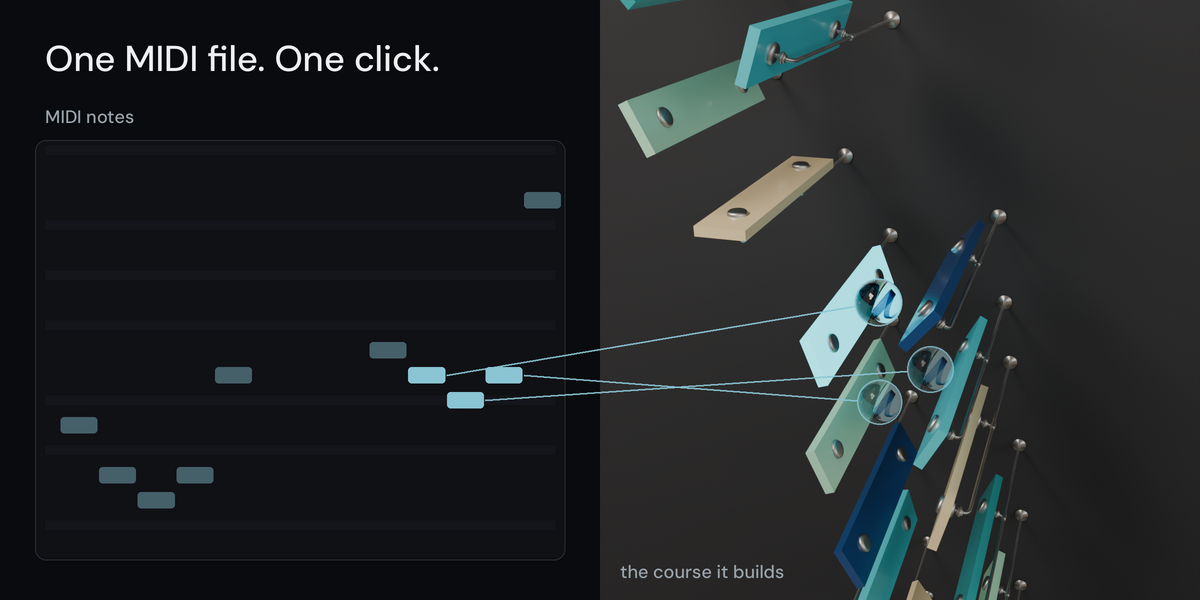
A Blender add-on by Qik3D that turns a MIDI file into a perfectly-looping marble music animation.
Why did you build this?
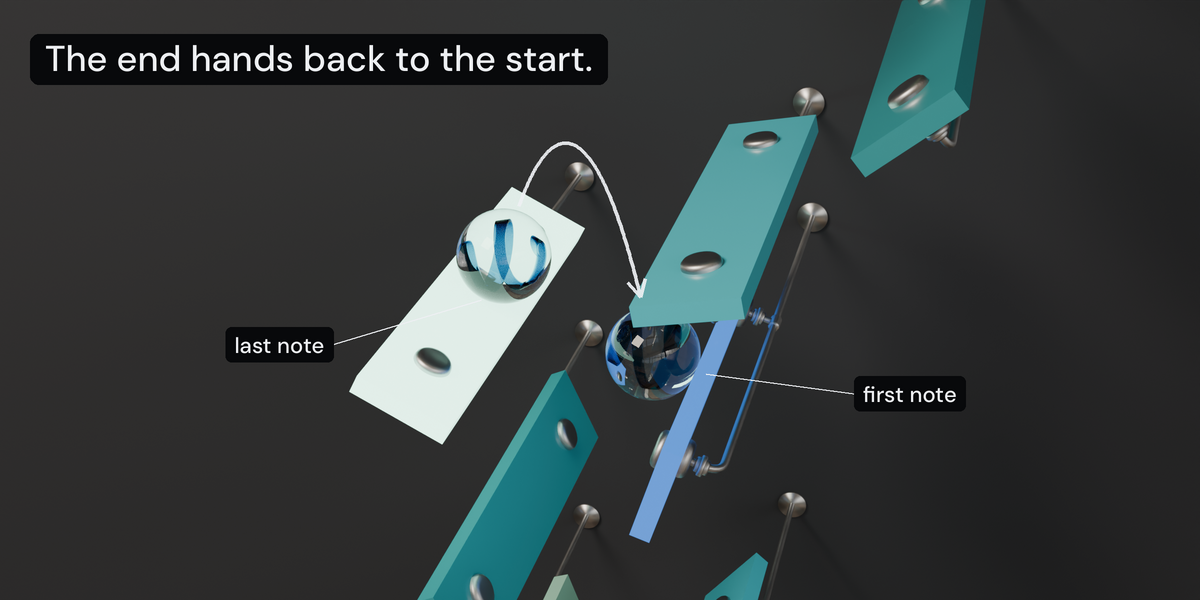
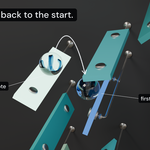
I'm a 3D animator, and I've been making marble music animations in Blender for years. Starting out, every one of them was built the slow way: place the keys by hand, run a physics simulation, adjust a key, run it again, for hours. Then came the loop, because a video that ends has to hand back to its beginning without a cut, and a simulation has no reason to do that. I wanted to spend my time building the look of the animation, not on chasing notes, so I built a tool that places every key so the marble lands on the beat and closes the loop by itself. Marble Studio Pro is that tool. I use it for my own work, and now you can too.
Is it AI?
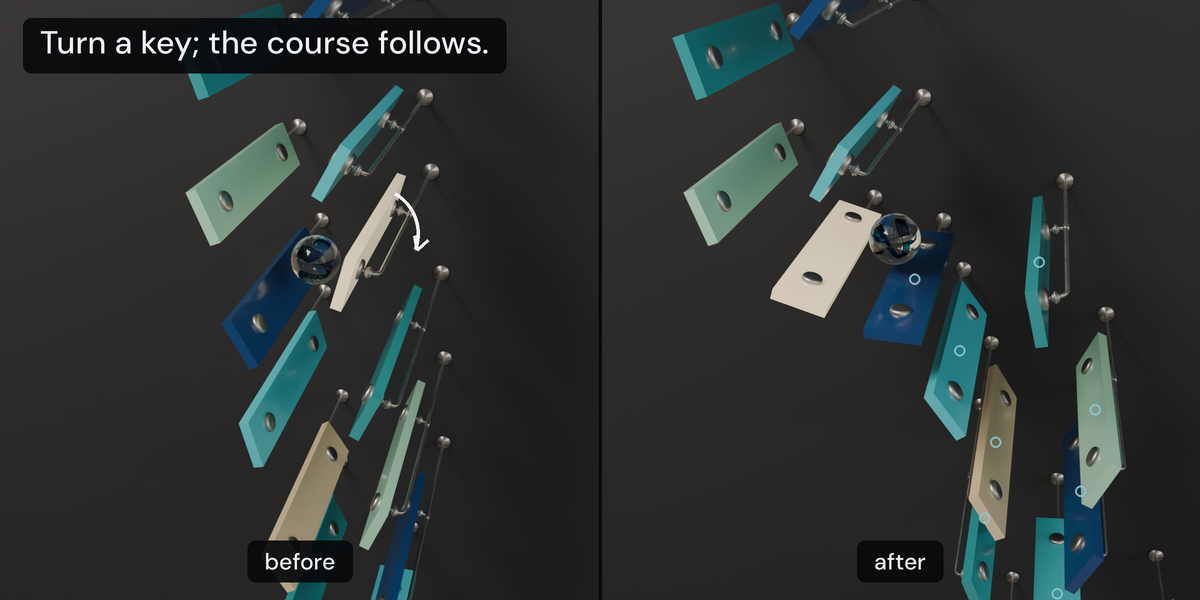
No. A solver places every key so the marble strikes it on the corresponding note, and you can edit every key's rotation and bounce afterwards. There is no generative AI in it.
Does it simulate physics?
No. The motion is authored on animation curves and is shaped to look physical. That is why every strike lands on its frame and the loop closes perfectly. There is nothing to bake.
Does the free version limit song length?
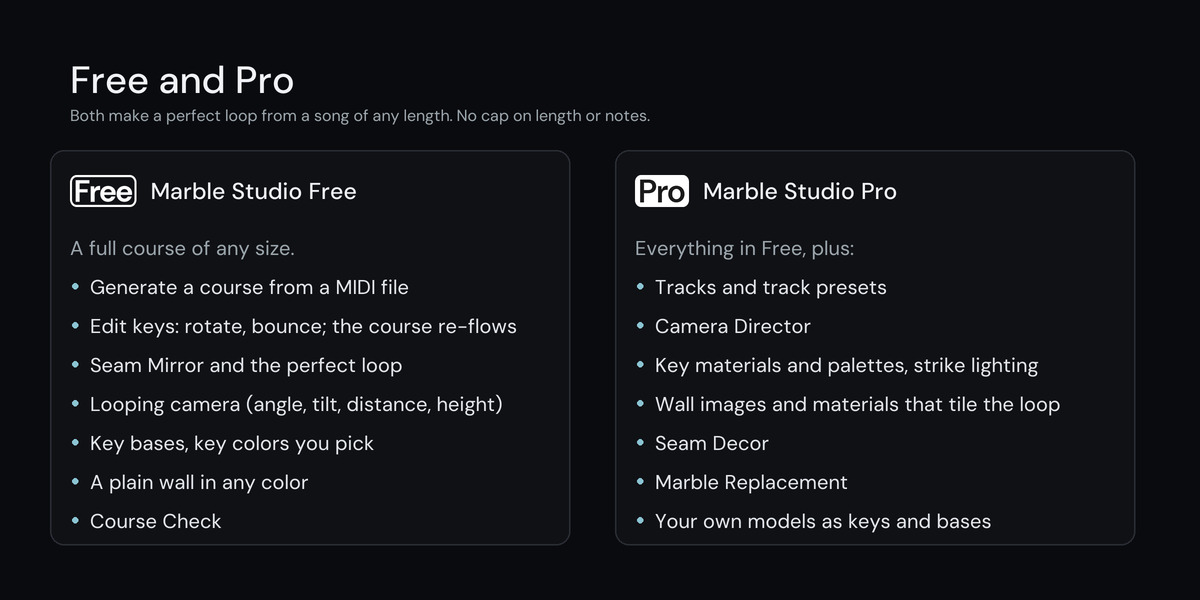
No. Marble Studio Free has no cap on song length or number of notes, and nothing in it is locked.
What is added in Pro?
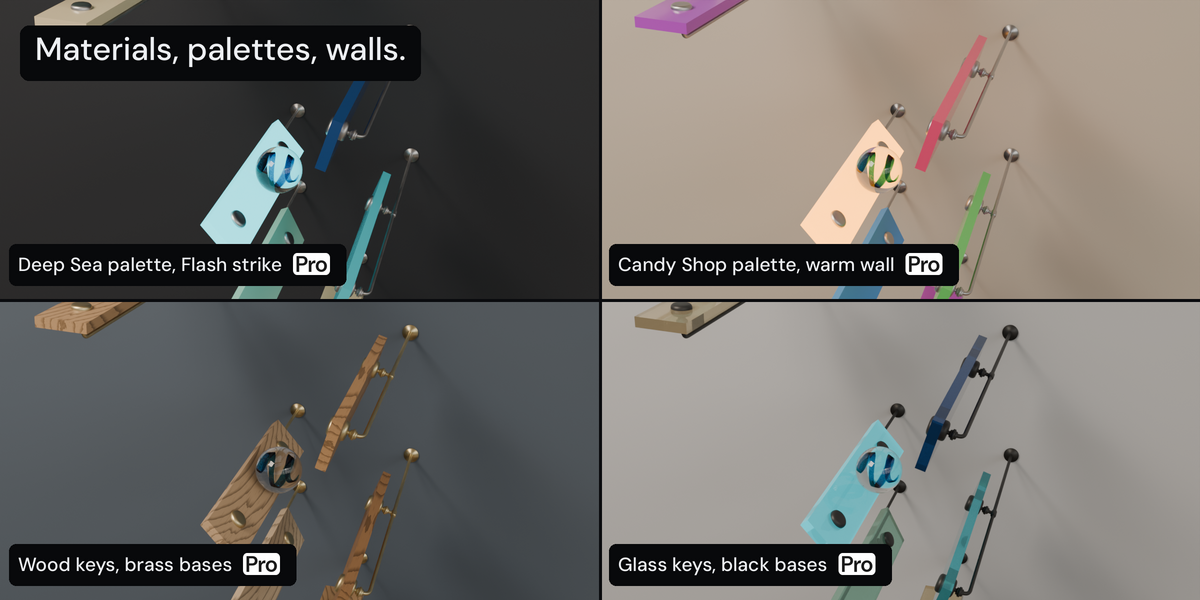
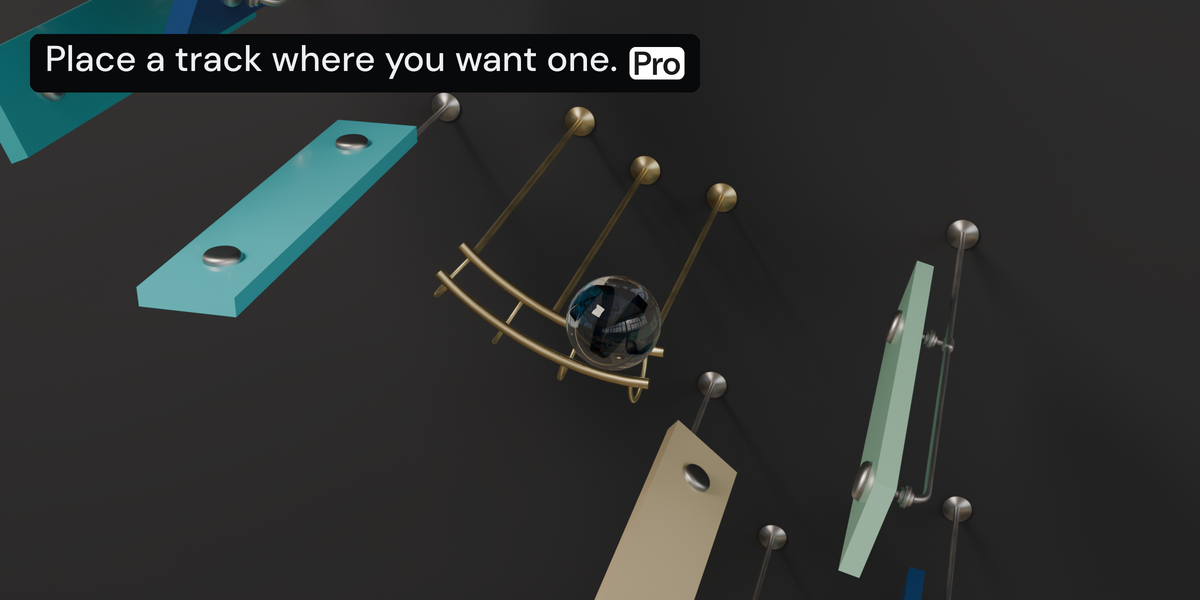
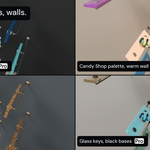
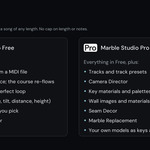
Tracks, the Camera Director, key materials and palettes with strike lighting, wall images and materials with Straighten, Seam Decor, Marble Replacement, your own models as keys and bases, and your own library. Song length is unlimited in both editions.
Which Blender versions are supported?
Blender 4.2 and newer, tested on 4.2, 4.5 and 5.2. On older versions, the add-on will not enable, and it shows a message explaining that Blender 4.2 or newer is required.
What license is it, and how many computers can I use it on?
The code is GPL-3.0-or-later. Marble Studio Pro is licensed per seat: one seat per computer you use it on. It works on an honor system: no license key and no online check.
How do updates work?
Every purchase includes 12 months of updates and support. Everything you download in that time is yours to keep. After that you can extend for another 12 months from this page.
Do I need a MIDI file? Can I use an MP3?
You need a MIDI file (.mid); that is where the notes come from. The song's audio (.wav, .mp3 or .flac) is optional and used for the sound.
Does it put the tracks in for me?
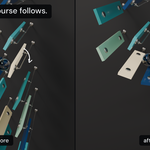
No. In Marble Studio Pro you insert each track where you want it and shape it as a curve; the course re-flows around it.
Does it support more than one marble?
Not yet. Multi-marble is planned for a later version.
What frame rate can I use?
Any frame rate you want (23.98 to 240 fps, or Custom), but it must be selected before pressing Generate. Once the course exists its frame rate is fixed, and if the scene's rate is changed later the add-on shows a red warning and holds off editing until you set it back.
Can I use my own materials and my own marble?
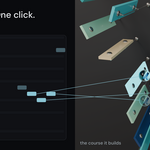
Yes. Everything the add-on builds is an ordinary Blender object, so in either edition you can give any key, base or wall your own material by hand, and your edits survive re-solves. Pro adds the tools that manage it for you: a material library for keys, bases, tracks and walls, palettes and coloring by strike order or pitch, wall images that tile across the loop, saving your own materials and models to reuse in any song, and Marble Replacement, which puts any ball of your own on the course in one click.
How do I get help?
Send me a message from this page. I reply within 72 hours. Tell me your Blender version, the add-on version (Preferences > Add-ons) and any red or yellow rows in Course Check.
 Included
Includes 12 months of
- Support from Qik3D
- Product updates
Extend this product’s Support Period +12 months: 50% of product price
Have questions before purchasing?
Login to message
| Blender Extension Compatible | Yes |
| Dev Fund Contributor | |
| Published | 1 day ago |
| Blender Version | 4.2 - 5.2 |
| Extension Type | Add-on |
| Render Engine Used | Cycles, Eevee |
| License | GPL |

Discover more products like this
Keyframe animation Marble music visualization marble music midi music animation seamless loop motion graphics camera loop Procedural Animation