Marching Sky
 Giorgi Samukashvili
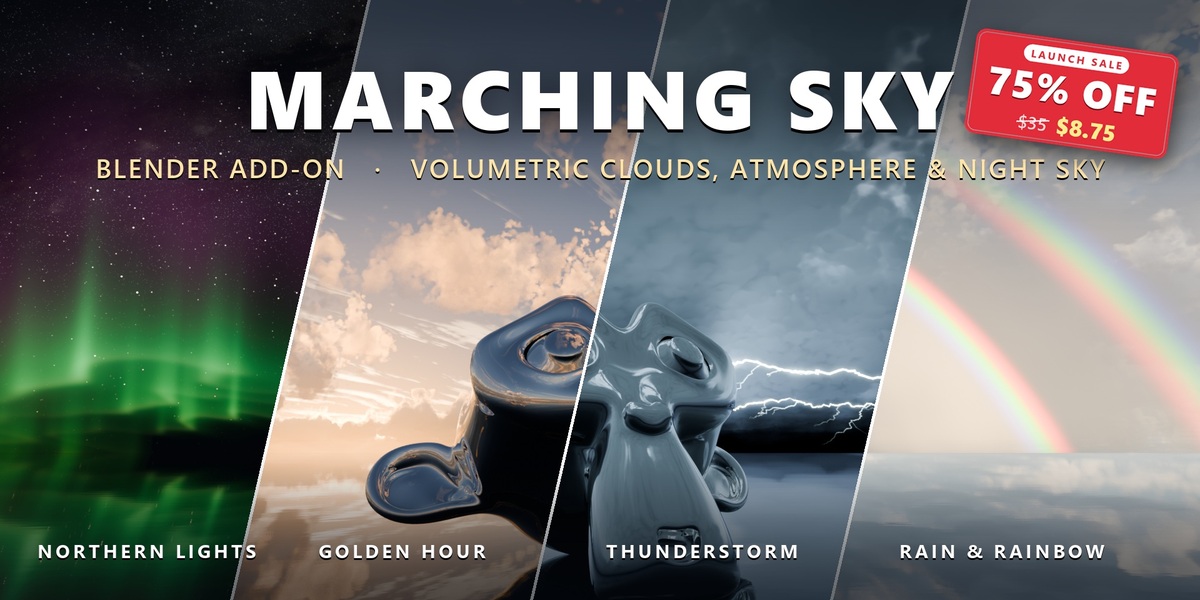
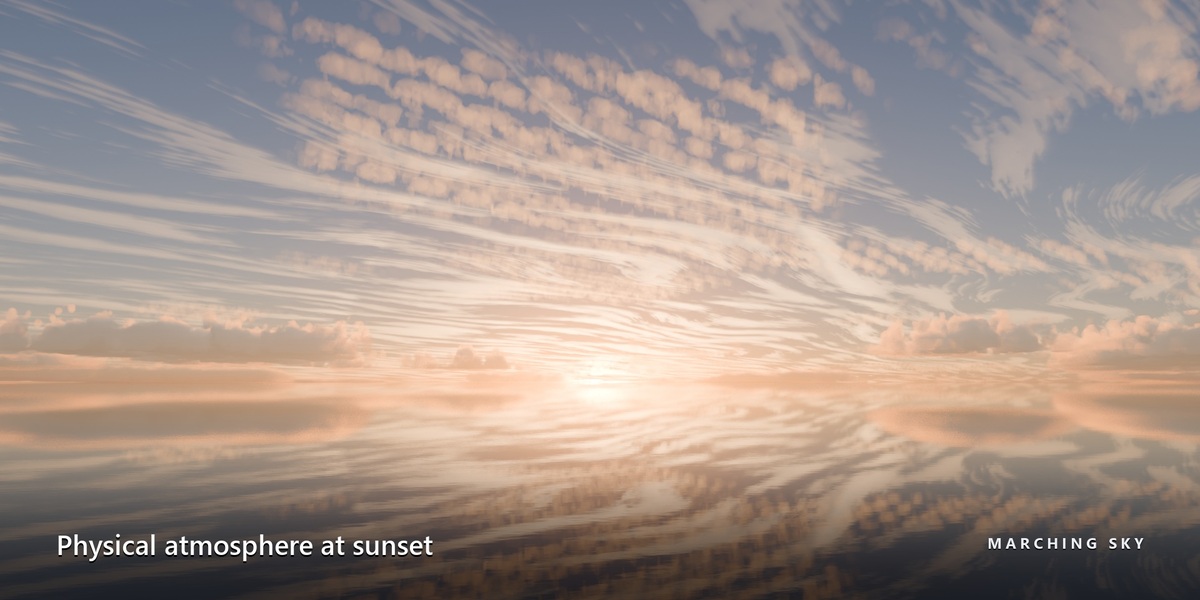
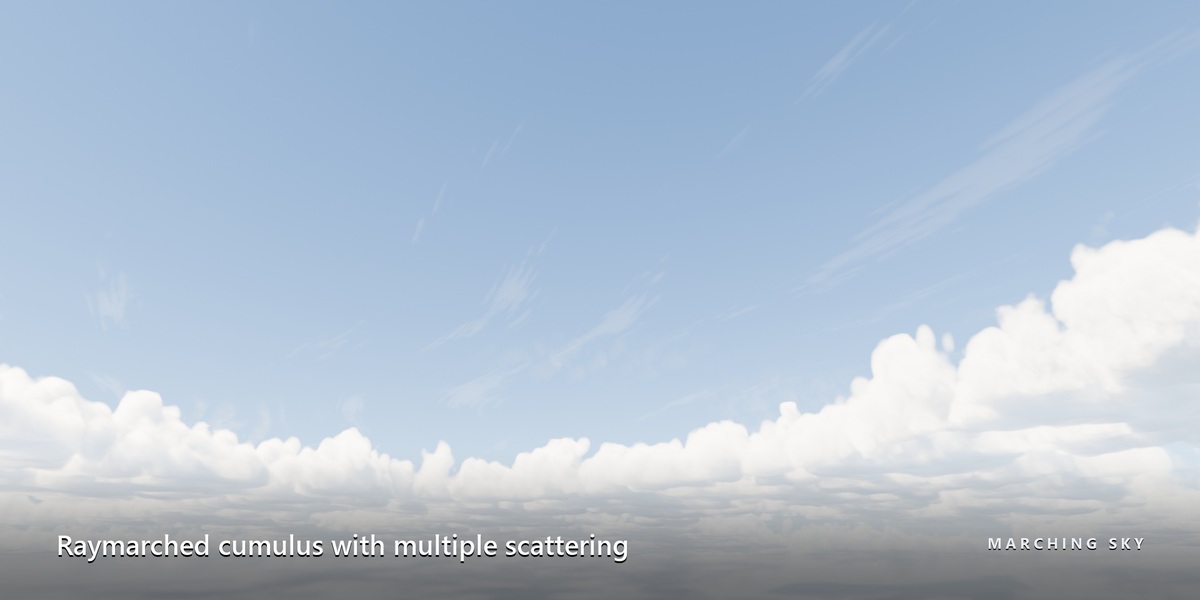
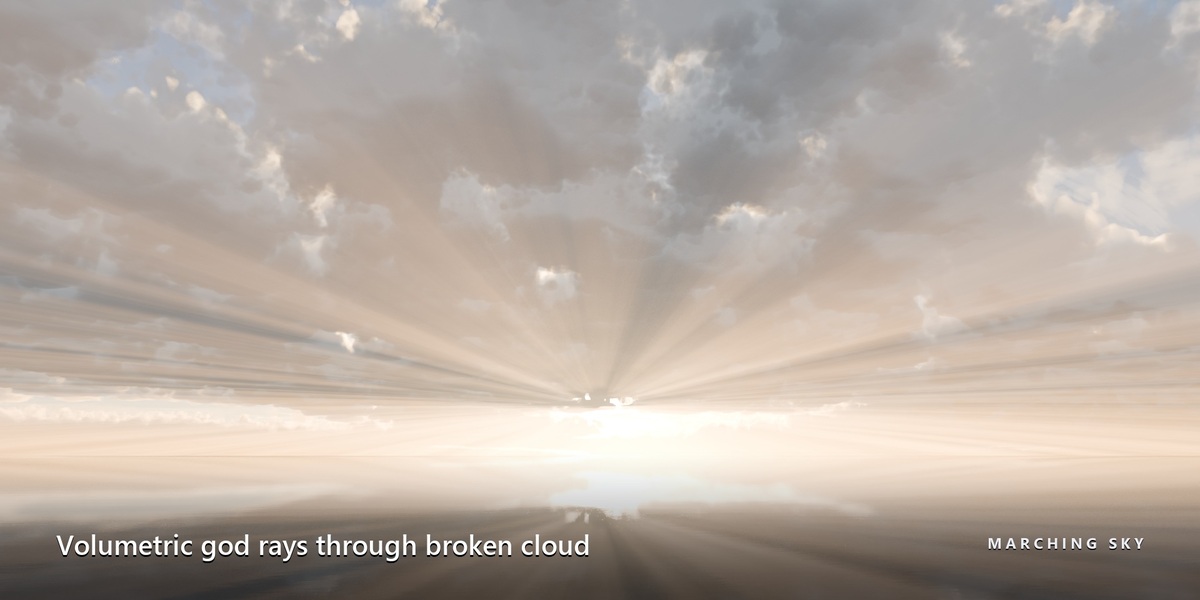
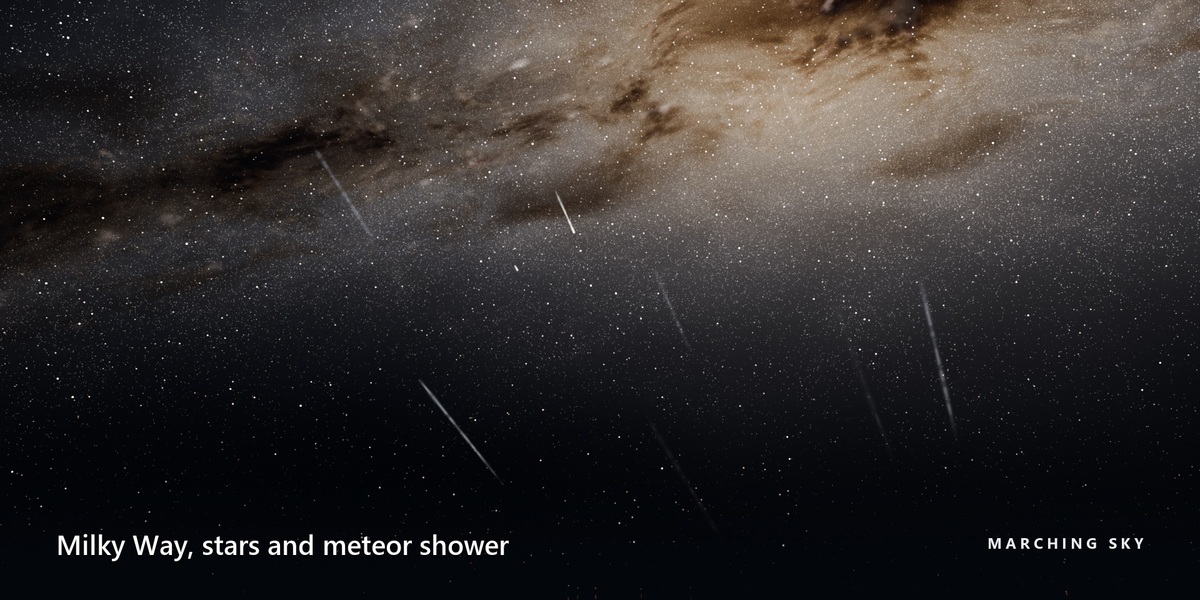
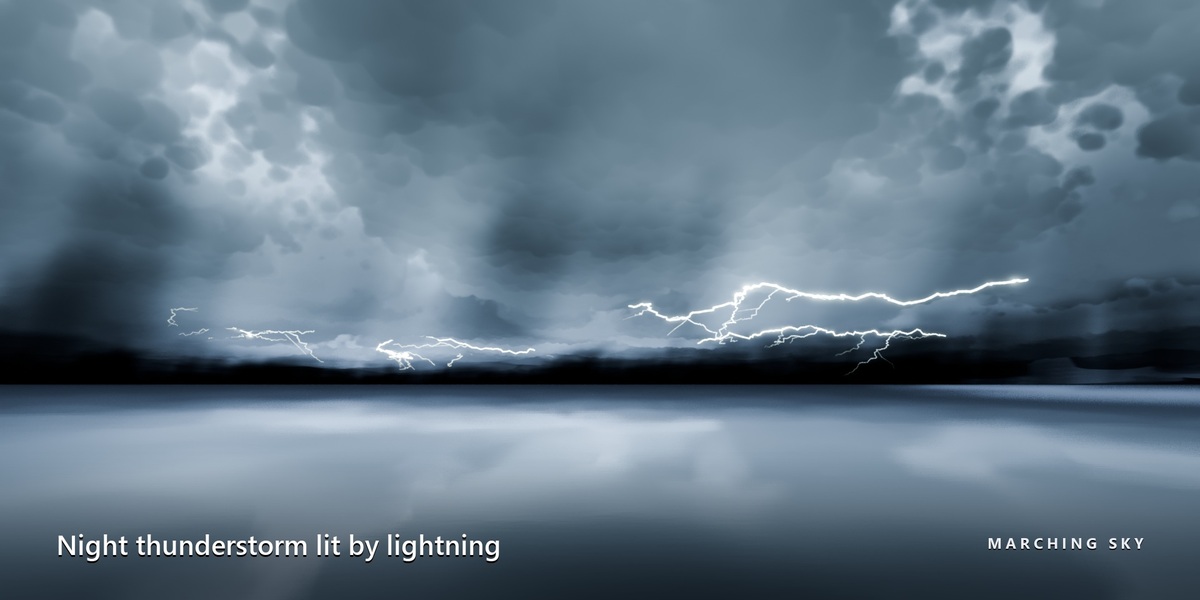
Switch the viewport to Rendered shading and make sure the render engine is Cycles. Effects need the Marching Sky world; the Effects tab offers to switch to it.
The first OptiX render compiles shaders, which can take minutes. Then use the Fast or Balanced preset, keep Preview while navigating on, and keep Cast shadows off unless you need cloud shadows.
Cycles runs OSL only on the CPU and NVIDIA OptiX, so AMD, Intel and Apple GPUs render the clouds on the CPU.
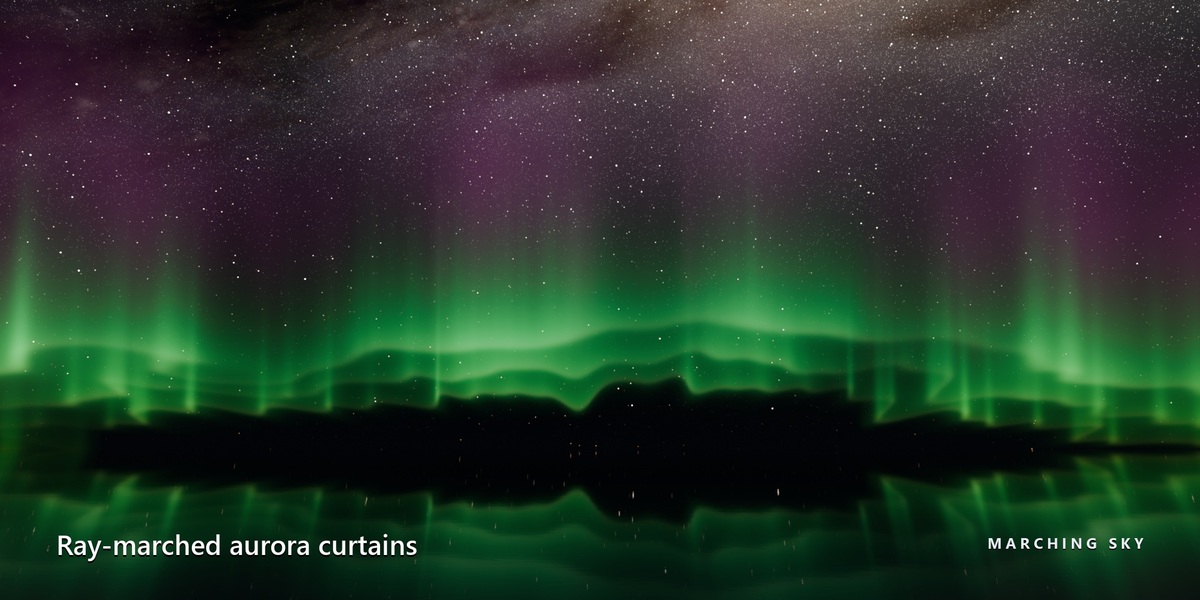
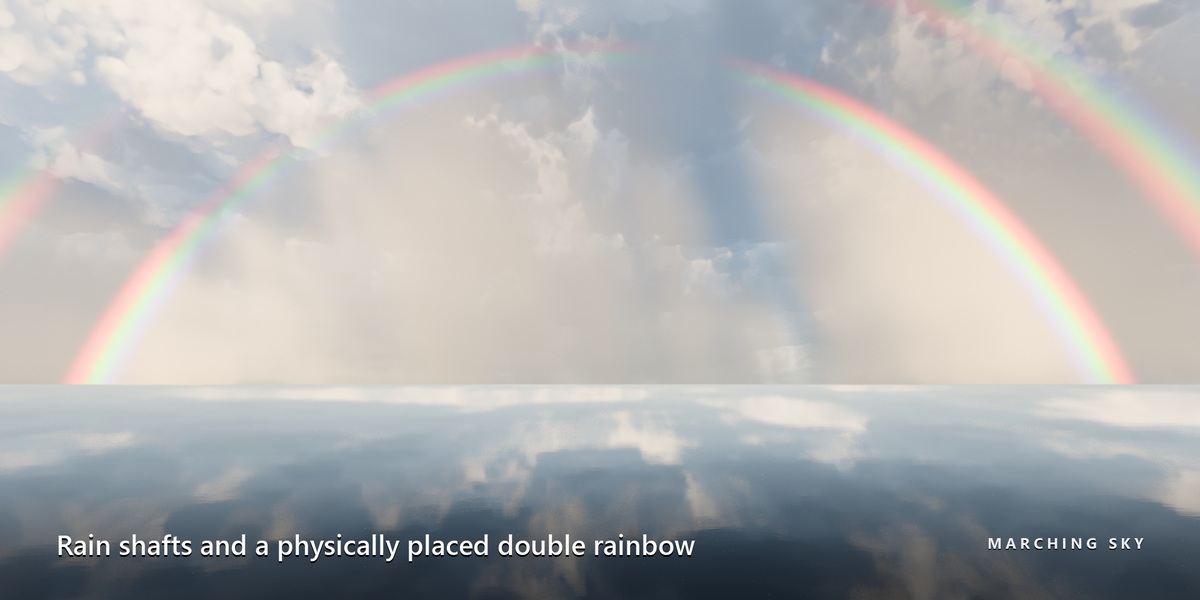
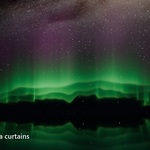
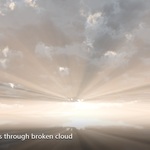
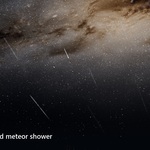
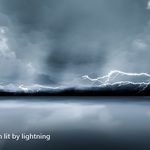
Check the hint inside its box. Aurora, meteors and the nebula need night; god rays need daylight and clouds; lightning and rain need low clouds. Also check where the camera faces.
It needs a perspective scene camera and Compositing on, and the Sun in view. It appears in final renders, or in the viewport with In viewport set to Camera or Always.
By design: the clouds use the sky's sunlight, moonlight and ambient light only.
Install Marching Sky there too. The cloud noise data ships with the extension, not inside the .blend.
Have questions about this product?
Login to message
| Blender Extension Compatible | Yes |
| Dev Fund Contributor | |
| Published | about 3 hours ago |
| Blender Version | 4.5 - 5.2 |
| Extension Type | Add-on |
| Render Engine Used | Cycles |
| License | GPL |
Discover more products like this
procedural atmosphere animated cumulus animated-sky volumetric atmospheric cloud clouds skybox Raymarch sky 360 Degree HDRI